Why this matters
What the iFLYTEK AINOTE 2 is in 2026
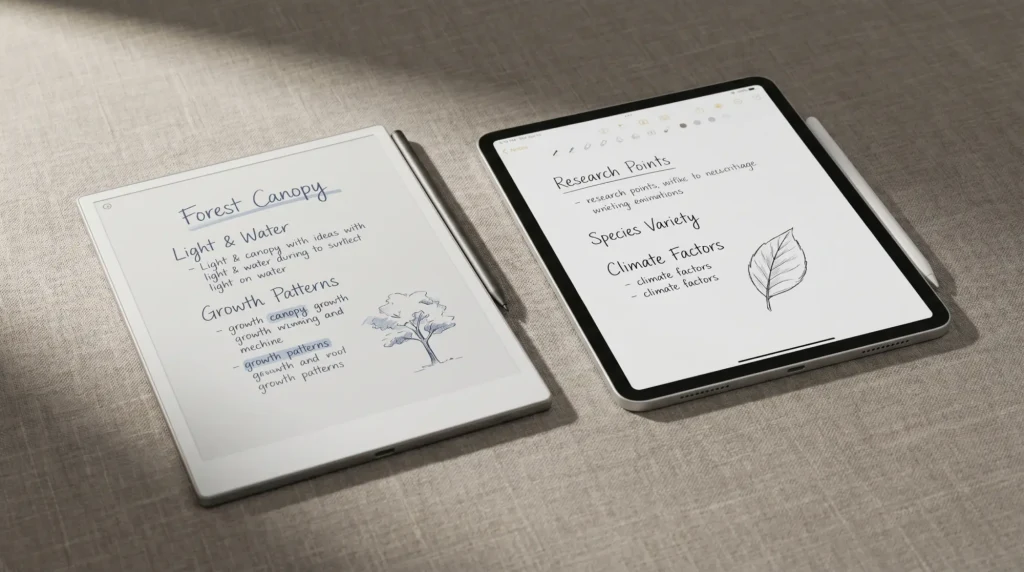
The iFLYTEK AINOTE 2 vs reMarkable Paper Pro question only exists because a new device walked into a category reMarkable has owned for years. iFLYTEK introduced the AINOTE 2 at MWC26 in Barcelona in March 2026 and had it certified by Guinness World Records as the world’s thinnest e-ink tablet, at 4.2 mm and 295 grams. It is a 10.65-inch monochrome e-ink slab running Android 14 with full Google Play, built around AI: one-tap recording with offline transcription in 16 languages, real-time translation in 11, and handwriting conversion across 133. It lists at $649 with a Wacom electromagnetic pen in the box.
The reMarkable Paper Pro is the opposite design brief. It shipped in late 2024 at $629 with the Marker, runs reMarkable’s locked Codex operating system with no app store and nothing to install, and adds an 11.8-inch Canvas Color (E Ink Gallery 3) screen. It does one thing, writing and marking up documents, and removes everything that would pull you away from it. So this is not a spec race between two similar tablets. It is a question about whether you want a capable AI computer that happens to use e-ink, or a single-purpose tool that protects your attention. We have set the two against the axes that move a real buying decision and added a scorecard and verdict at the end.
If you would rather see the Paper Pro against the wider field first, our reMarkable alternatives roundup places it next to Boox and Supernote, and our best e-ink tablet guide ranks the 2026 lineup as a whole.
Side by side
Hardware, head to head
Two numbers stand out before any feature talk. The AINOTE 2 is physically smaller and far thinner: 10.65 inches against 11.8, and 295 grams against roughly 525, which is the difference between a device you forget is in your bag and one you feel. But the Paper Pro is in color, and the AINOTE 2 is not. Everything else in this comparison flows from that split. One device chases capability and portability; the other chases a larger, calmer, color writing surface.
The AI question
The AI gap that defines this comparison
This is the axis where the AINOTE 2 is not just ahead, it is in a different category. It carries four built-in microphones and turns a meeting, lecture, or interview into searchable text with one tap, processing the audio on the device itself so sensitive conversations never leave it. iFLYTEK quotes recording and transcription in 16 languages, real-time translation in 11, and handwriting converted to searchable text across 133. A paid tier adds large-model support, including Gemini 3, for summaries and questions over your own notes. For anyone whose work is meetings, fieldwork, study, or multilingual conversation, this is the whole reason the device exists.
The Paper Pro does almost none of this, on purpose. Its AI is narrow and quiet: handwriting recognition and cross-note search live inside the optional reMarkable Connect subscription, and there is no audio recording, no transcription, and no translation anywhere in the device. reMarkable’s bet is that the moment a writing tool starts listening, summarising, and answering, it has become the kind of busy computer people bought an e-ink tablet to escape. Both positions are defensible. They are simply aimed at different people.
One device turns a meeting into searchable text; the other refuses to listen at all. That refusal is a feature, for the right buyer.From this comparison
Two philosophies
Open Android versus distraction-free Codex
The operating systems are the second fork in the road. The AINOTE 2 runs Android 14 with full Google Play, so it installs whatever you want: Kindle, Kobo, Libby, a browser, Notion, email, a translation app. That breadth is real, and it is also the catch. An open Android tablet is a small computer, and small computers fill up with notifications and tabs. The Paper Pro runs Codex, reMarkable’s own locked system, which cannot install apps at all. There is no store, no browser, no inbox. You write, you read what you loaded, and nothing pings you.
| Axis | iFLYTEK AINOTE 2 | reMarkable Paper Pro |
|---|---|---|
| Price | $649 (pen included) | $629 (Marker included) |
| Screen | 10.65″ mono, 300 ppi | 11.8″ color (Canvas Color) |
| Thickness / weight | 4.2 mm / 295 g | about 5.1 mm / 525 g |
| Operating system | Android 14 + Google Play | reMarkable Codex (locked) |
| Audio transcription | Yes, offline, 16 languages | No |
| Third-party apps | Yes, any Android app | No |
| Battery | Days | About 2 weeks |
| Templates | Built-in set, sideload via apps | Native plus sideload, mature |
Read the table twice. If the AINOTE 2 column keeps winning rows you care about, you want capability. If the Paper Pro column keeps winning, you want focus. There is very little middle ground, which makes the iFLYTEK AINOTE 2 vs reMarkable Paper Pro choice cleaner than most e-ink comparisons.
The smaller sibling
iFLYTEK AINOTE Air 2 vs reMarkable Paper Pro and reMarkable 2
A good share of readers reach this page asking about the AINOTE Air 2 rather than the AINOTE 2. It is a different device: iFLYTEK’s smaller model, listed at $499 on iFLYTEK’s US store, and selling below that when we checked on 13 September 2026. iFLYTEK’s spec page gives it an 8.2-inch 1440 x 1920 screen at 293 ppi, 230 g, 5 to 6.5 mm thick, 4 GB of RAM with 32 GB of storage and a 2,600 mAh battery. The AI layer is the same idea at a smaller scope: transcription in 14 languages and translation in 7, against 16 and 11 on the AINOTE 2.
| Axis | iFLYTEK AINOTE Air 2 | reMarkable Paper Pro | reMarkable Paper Pure |
|---|---|---|---|
| List price | $499 | $629 (Marker included) | $399 (Marker included) |
| Screen | 8.2″ mono, 293 ppi | 11.8″ Canvas Color, 229 ppi | 10.3″ mono, 226 ppi |
| Weight | 230 g | 525 g | 360 g |
| Storage | 32 GB | 64 GB | 32 GB |
| Audio transcription | Yes, 14 languages | No | No |
Against the Paper Pro, the Air 2 changes the argument more than the AINOTE 2 does. It is $130 cheaper at list and less than half the weight, so the choice is no longer AI against focus at the same price. It is a small, light notebook that listens against a large color writing surface. If most of your notes happen in meetings and on the move, the Air 2 is the better value of the two iFLYTEK models. If you mark up PDFs, sketch, or want color, an 8.2-inch mono page is the wrong tool and the Paper Pro still wins.
The AINOTE Air 2 vs reMarkable 2 search is a slightly dated question. reMarkable now leads its monochrome line with the Paper Pure, which took the reMarkable 2’s place in the store at $399 with the Marker included. So the fair pairing today is the Air 2 against the Pure: $100 apart, both mono, the Pure with a bigger 10.3-inch page and nothing that listens, the Air 2 smaller and lighter with transcription built in. A second-hand reMarkable 2 buys the same trade as the Pure. Whichever iFLYTEK model you pick, our iFLYTEK template set fits both the AINOTE 2 and the AINOTE Air 2 in one file, and our AINOTE 2 templates guide explains how pages and planners get onto either tablet.
Writing and reading
Writing, reading, and the template ecosystem
Both write on Wacom electromagnetic pens with no charging and no pairing, and both put the included pen in the box (the Paper Pro’s eraser-tipped Marker Plus is a $50 upgrade; the AINOTE 2 bundles an eraser pen at the list price). Independent hands-on coverage of the AINOTE 2 has praised its low latency, with one reviewer reporting that strokes “appear almost instantly.” The AINOTE 2 also has the sharper monochrome panel at 300 ppi against the Paper Pro’s 229, so dense handwriting looks a touch crisper. The Paper Pro answers with nearly an inch more diagonal and a color layer that the AINOTE 2 cannot match, which matters for highlighting, mind-maps, and marked-up diagrams.
Physical profile (lower is thinner and lighter)
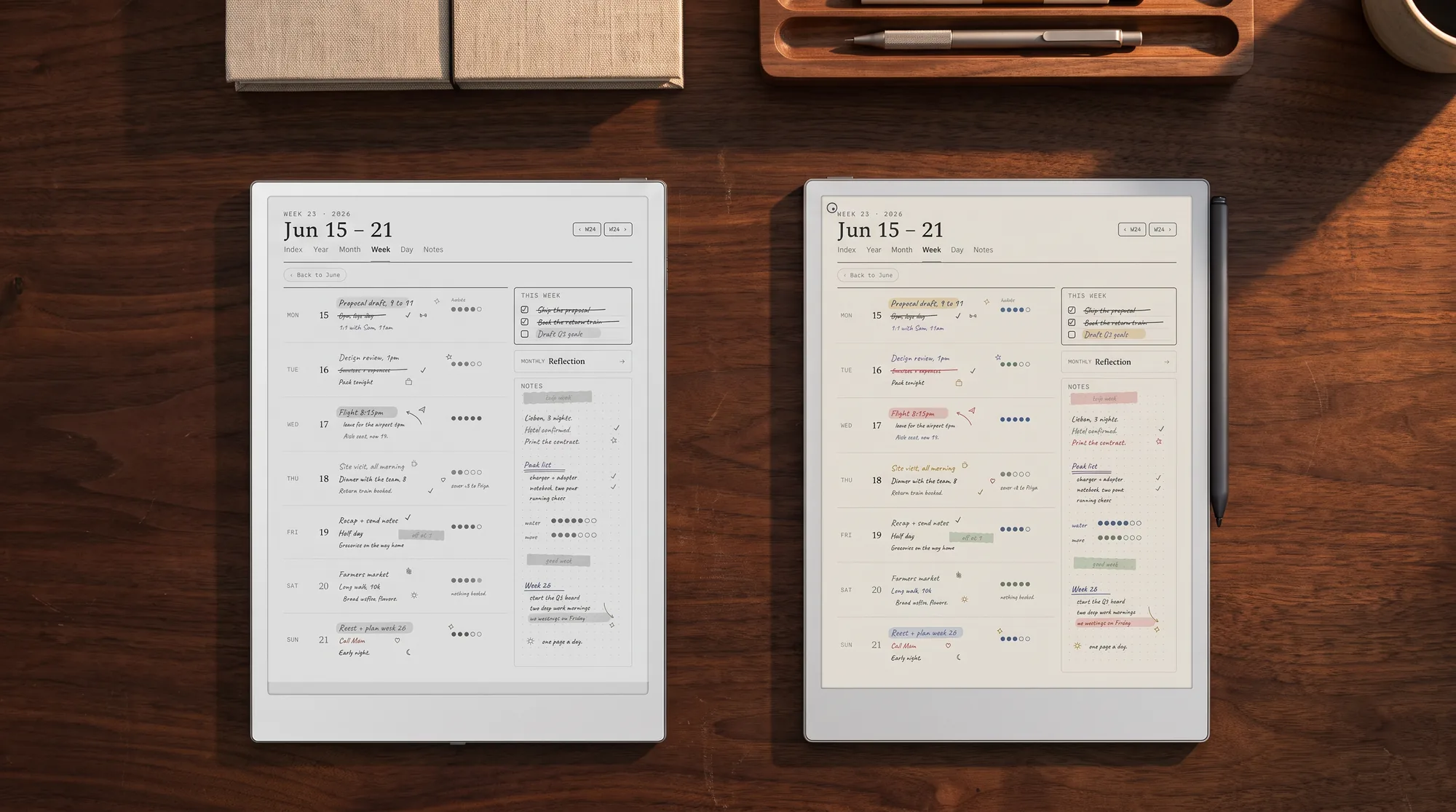
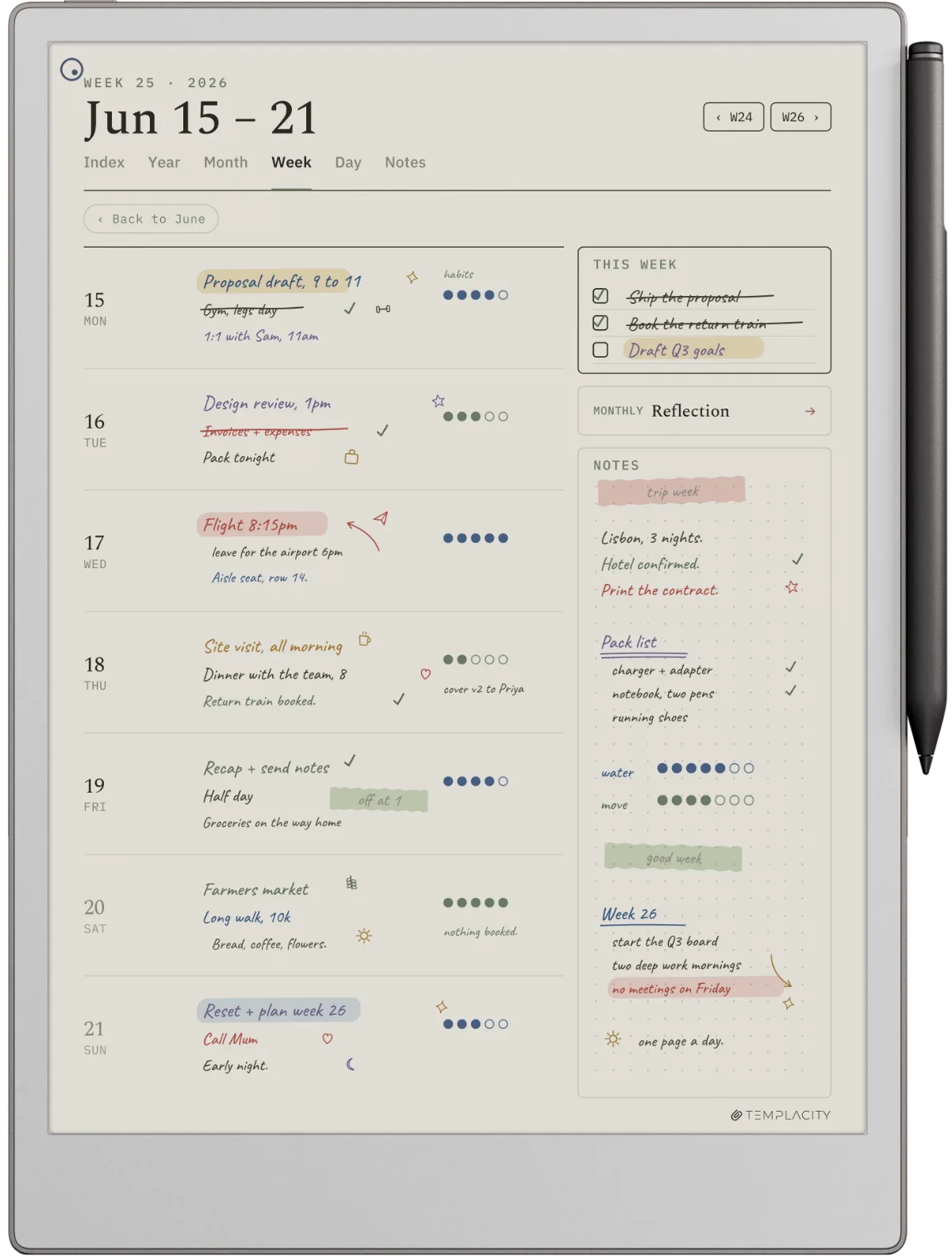
Where the Paper Pro pulls clearly ahead is the settled ecosystem around it. After three product generations, reMarkable’s templates, folders, tagging, and cloud handwriting search are mature and predictable, and the third-party template scene is deep. The AINOTE 2 is new: its built-in templates are fine, and Google Play lets you bolt on note apps, but the polish and the community library are not there yet because the device is months old. For planner-led workflows, that gap is the quiet deciding factor, and it is where our own work sits.
If you are still weighing the Paper Pro against a more conventional tablet rather than the AINOTE 2, our reMarkable vs iPad comparison covers that fork.
Scorecard
Templacity scorecard, both devices
iFLYTEK AINOTE 2, scored out of 10
reMarkable Paper Pro, scored out of 10
The AINOTE 2 owns one axis outright and is competitive on writing and value. The Paper Pro takes focus, color, ecosystem, and value, and ties high on writing. Read that pattern honestly: the AINOTE 2 wins the single axis that matters most to meeting-heavy and multilingual users, and the Paper Pro wins the cluster of axes that matter most to writers, planners, and readers who want their attention back.
For the wider field, our free e-ink tablet buying guide covers iFlytek and Kobo on a short list next to the reMarkable, Kindle Scribe, BOOX and Supernote chapters.
Verdict
The call on iFLYTEK AINOTE 2 vs reMarkable Paper Pro
FAQ
Common questions, answered briefly
Is the iFLYTEK AINOTE 2 better than the reMarkable Paper Pro?
How much does the iFLYTEK AINOTE 2 cost compared to the Paper Pro?
Does the reMarkable Paper Pro have meeting transcription like the AINOTE 2?
Is the iFLYTEK AINOTE 2 in color?
Can the AINOTE 2 run reading apps like Kindle and Kobo?
Is the iFLYTEK AINOTE Air 2 better than the reMarkable Paper Pro?
How does the AINOTE Air 2 compare to the reMarkable 2?
If yours isn’t above, drop the question in the comments and we’ll add it.
People also ask
Other questions, briefly answered
If you’ve handled the AINOTE 2 or you write on a Paper Pro every day, the comments are open. This is a brand-new device against a known one, so a real account of either from your own week is worth more than any spec sheet, and we update the post as the picture fills in.