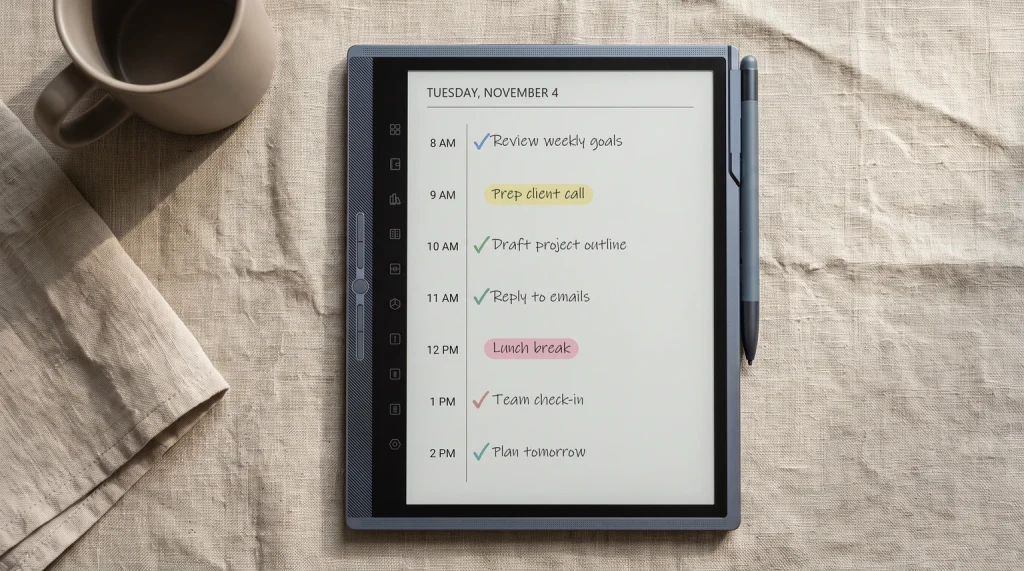
For the broader buyer’s guide on running a remarkable planner across the lineup (which device fits, native templates vs PDF imports vs paid apps, free vs paid tradeoffs, and the Kindle Scribe comparison), see the pillar.
Frame
What separates good free remarkable templates from the rest
The reMarkable template ecosystem in 2026 is bigger than ever, mostly good news for free-template hunters. The catch is signal-to-noise: most free reMarkable templates published in the last two years were originally designed for iPad Goodnotes and uploaded as “reMarkable-compatible” without device-specific tuning. They load and run, but the design assumptions (paper sizes, color palettes, header proportions) come from a different platform.
Three checks before downloading any free reMarkable template. First, native sizing for your specific device: reMarkable 2 is 1404 x 1872 pixels, Paper Pro is 1620 x 2160, Paper Pro Move is 954 x 1696, all portrait. Second, real workflow purpose; a template you cannot describe in one sentence will not get used. Third, writing room: header strips and decorative borders that look impressive in screenshots crowd handwriting in actual daily use. If you are unsure what your own device wants, our e-ink PDF size database lists the exact page size for every reMarkable model.
Device fit
Free reMarkable 2 templates, and what changes on Paper Pro
Most free packs are drawn for one panel and left to reflow on the others, which is why a page that looks right on Paper Pro can sit inside a band of dead margin on a reMarkable 2. The two devices are not the same canvas: the rM2 is the smaller monochrome panel, Paper Pro is larger and colour, and Paper Pro Move is smaller again. Before you download anything, check what the file was drawn for, and if the source does not say, treat it as untested. Our reMarkable 2 template size breakdown has the exact figures to measure a PDF against.
There is a second catch on reMarkable 2 that decides how you use every free file on this page, and it is worth knowing before you go looking for an installer. reMarkable’s own support documentation states that custom templates are not supported, and that an imported PDF “will not appear in the Templates menu/be applicable as a background for a notebook”, arriving as a separate document instead (checked September 2026). So “installing free reMarkable 2 templates” is really importing a PDF and writing on its pages. That works well, and it is how most of the community packs below are meant to be used, but it means a free template will not show up next to the native grid and dot layouts in the notebook picker.
The free cloud tier has one rule worth planning around too. reMarkable states that without a subscription, “only files used and synced online in the last 50 days will continue to be stored in the cloud” (checked September 2026). That is a per-file recency window rather than a storage cap or a document limit, so a template you imported in spring and have not opened since can quietly drop out of the cloud while everything you actually use stays put. The fix is to open what you want to keep, not to keep fewer files.
One last piece of context for anyone still on the rM2: it has been phased out of reMarkable’s own lineup, so new free packs increasingly get drawn and labelled for Paper Pro and Paper Pure sizes first. That does not make them unusable, it makes the label matter more. A pack that names reMarkable 2 explicitly is worth more than a bigger pack that says it works everywhere.
Pick #1
Native templates built into the device
Before downloading anything, every reMarkable ships with a curated set of free templates: lined, dotted, planner, project, journal. Access them through Notebooks, then New, then the template picker before you start writing. The native templates render perfectly because the device controls the rendering; there is nothing to verify or test. For the first week of use, this set covers most needs and confirms your workflow before you commit to anything paid.
The native templates are intentionally basic and do not include hyperlinked planners or rich layouts. The picks below cover that gap.
Pick #2
Connect Templates app free tier
The reMarkable Connect Templates app, accessible from the device menu, includes a free tier alongside paid template packs. The free options expand on the native built-in set and update periodically as reMarkable releases new free templates. Install through the Connect Templates app: tap a free template, choose Add to device, and it appears in the notebook template picker the next time you create a notebook.
The Connect Templates path is the most reliable because reMarkable vets templates before listing. The catch: the free tier is small relative to paid bundles, and the templates are intentionally generic. For niche needs (habit tracking, fitness, language learning), the Connect free tier rarely covers the gap.
Pick #3
Community PDFs from Reddit and GitHub
The most active source of free reMarkable templates is community sharing. Reddit’s r/RemarkableTablet and r/eink communities post template PDFs regularly with confirmed-working comments. GitHub repositories host community-maintained template packs (search “remarkable templates”). Quality varies, but the verified-working ones are typically labeled with the tested device (reMarkable 2, Paper Pro, Paper Pro Move) in thread titles or repo READMEs.
What to filter for: posts dated 2025 or later for newer device coverage, threads with multiple confirmed-working comments, and explicit panel-size labeling. Skip anything labeled “works on all e-ink devices” without specific reMarkable testing notes; generic compatibility usually means generic Goodnotes design.
Pick #4
Free sample pages from paid creators
Many paid reMarkable template sellers (Etsy, Gumroad) release free sample pages as marketing for their full bundles. These are usually higher quality than free-only releases because the seller is showcasing the design they want you to buy. Filter for sellers who explicitly mention reMarkable in product descriptions and post screenshots taken on a reMarkable device specifically (not on iPad Goodnotes).
What to look for: samples labeled “reMarkable” rather than “Goodnotes,” useful sample sizes (a full week or month, not a single page), and sellers who maintain the products through firmware updates.
Pick #5
Templacity bundle preview pages
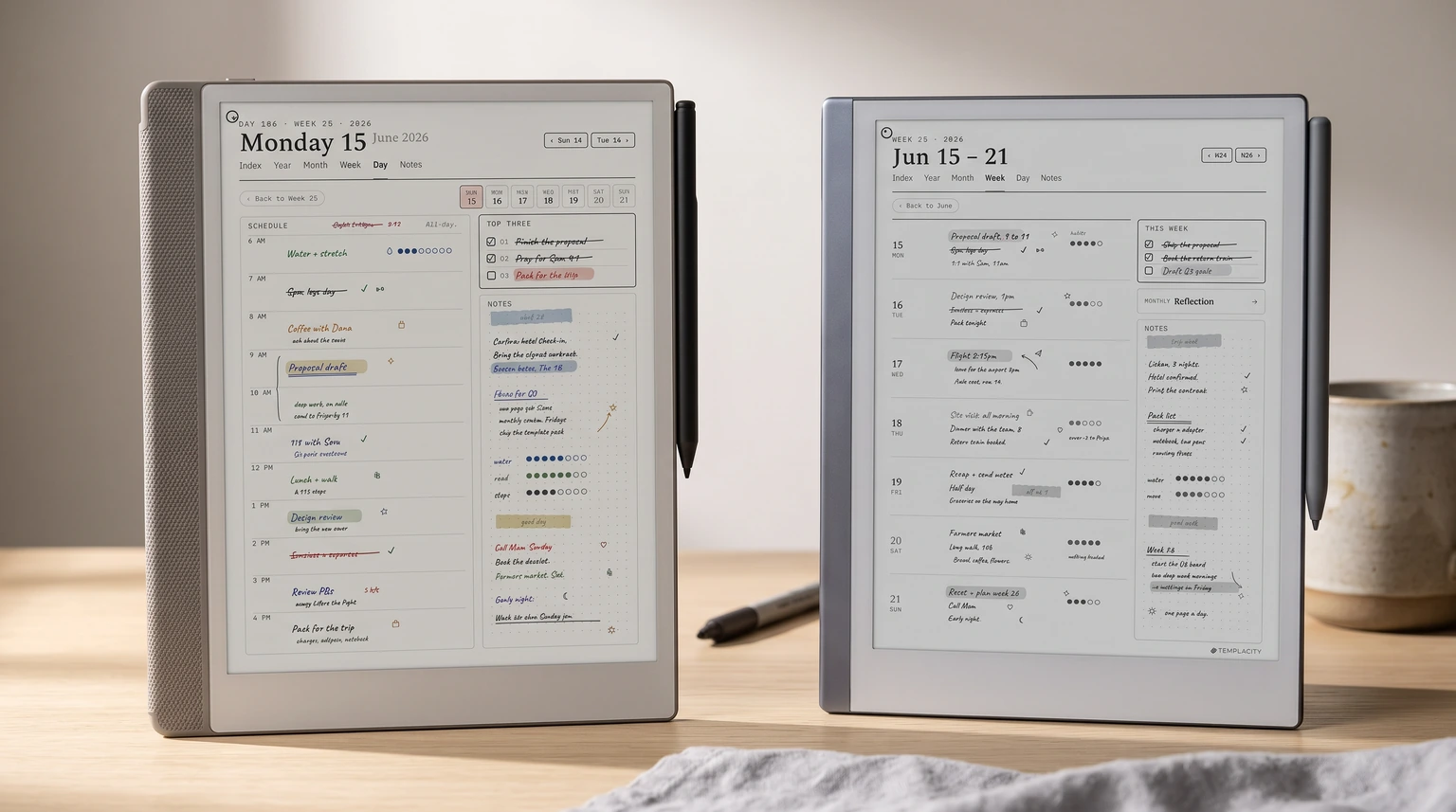
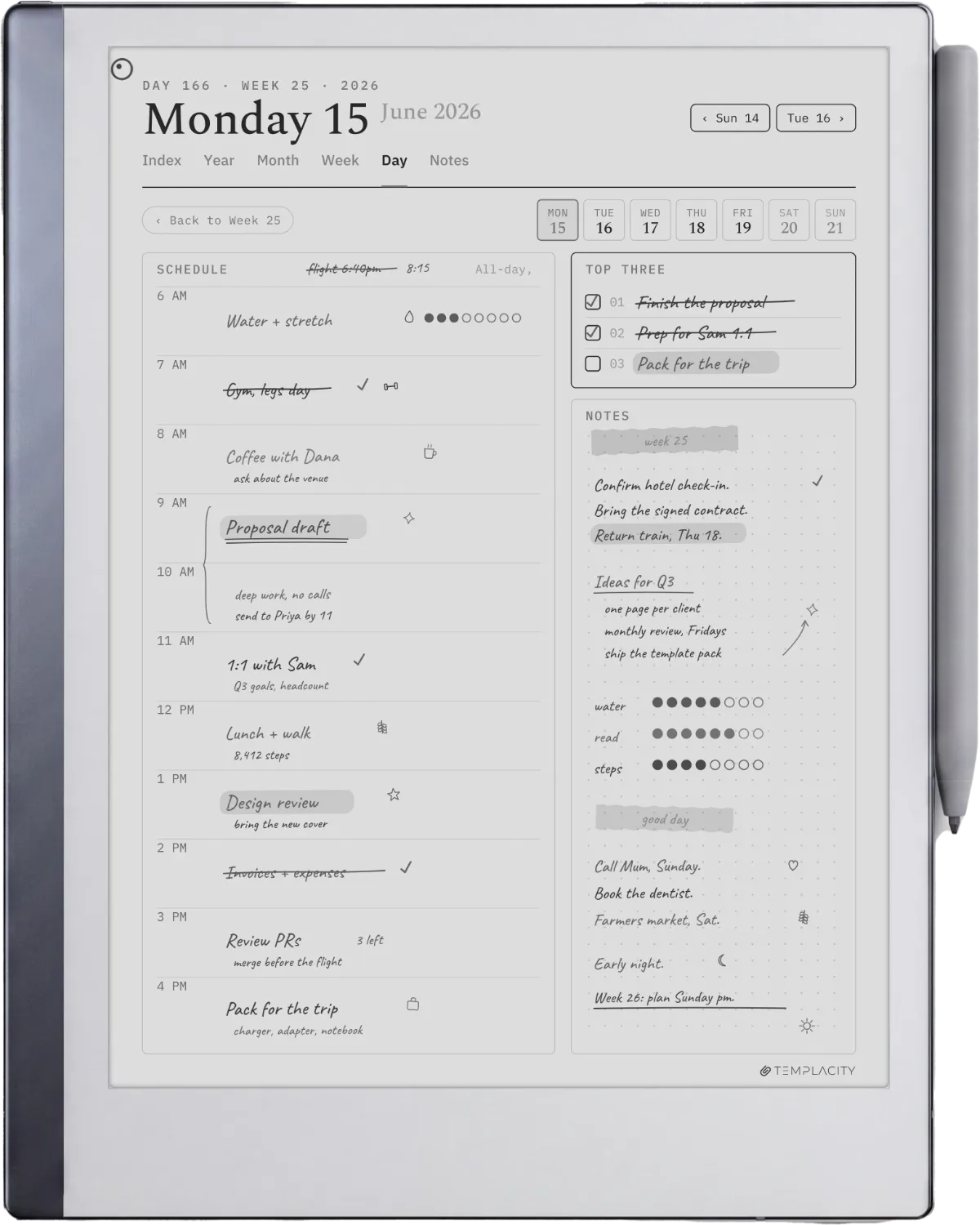
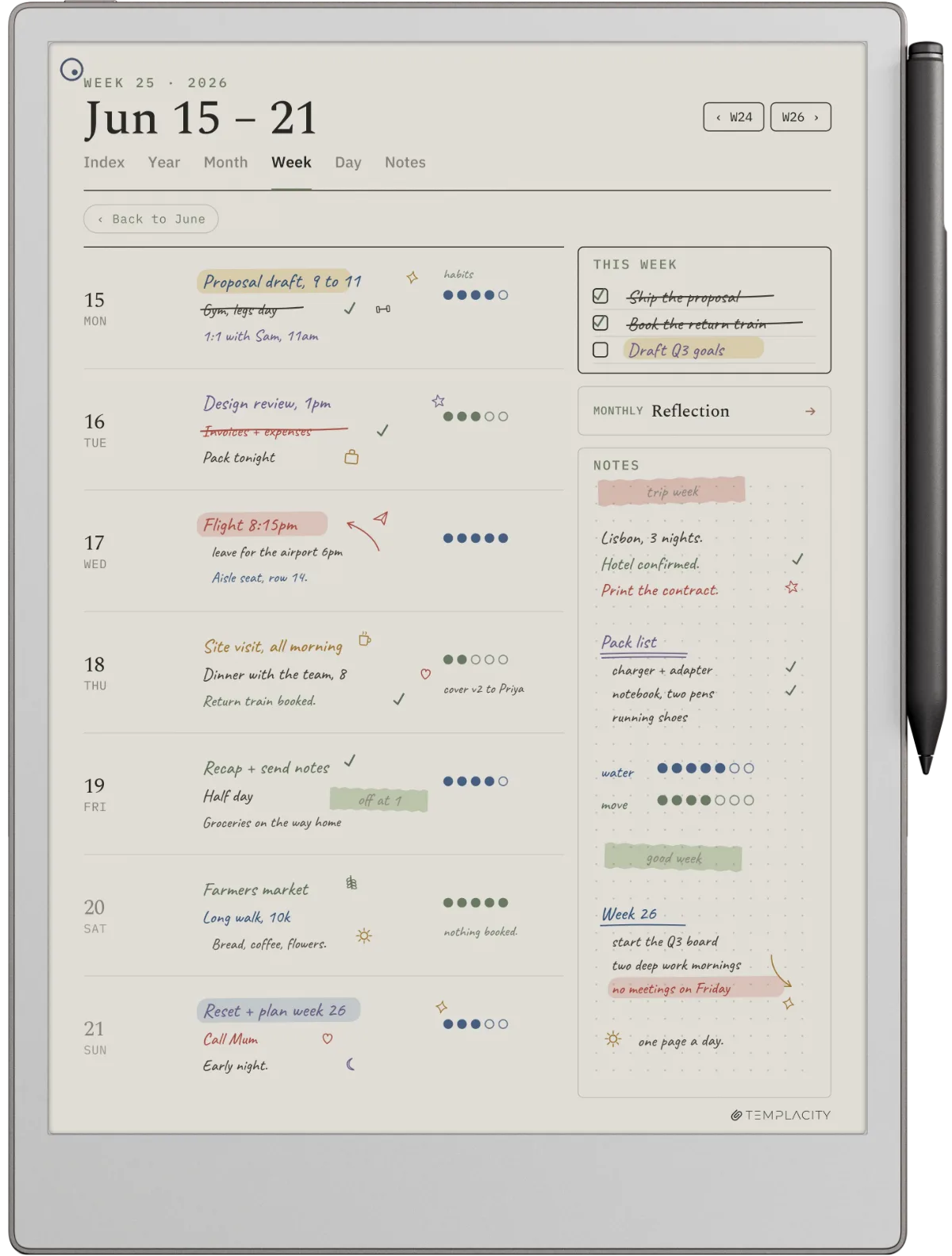
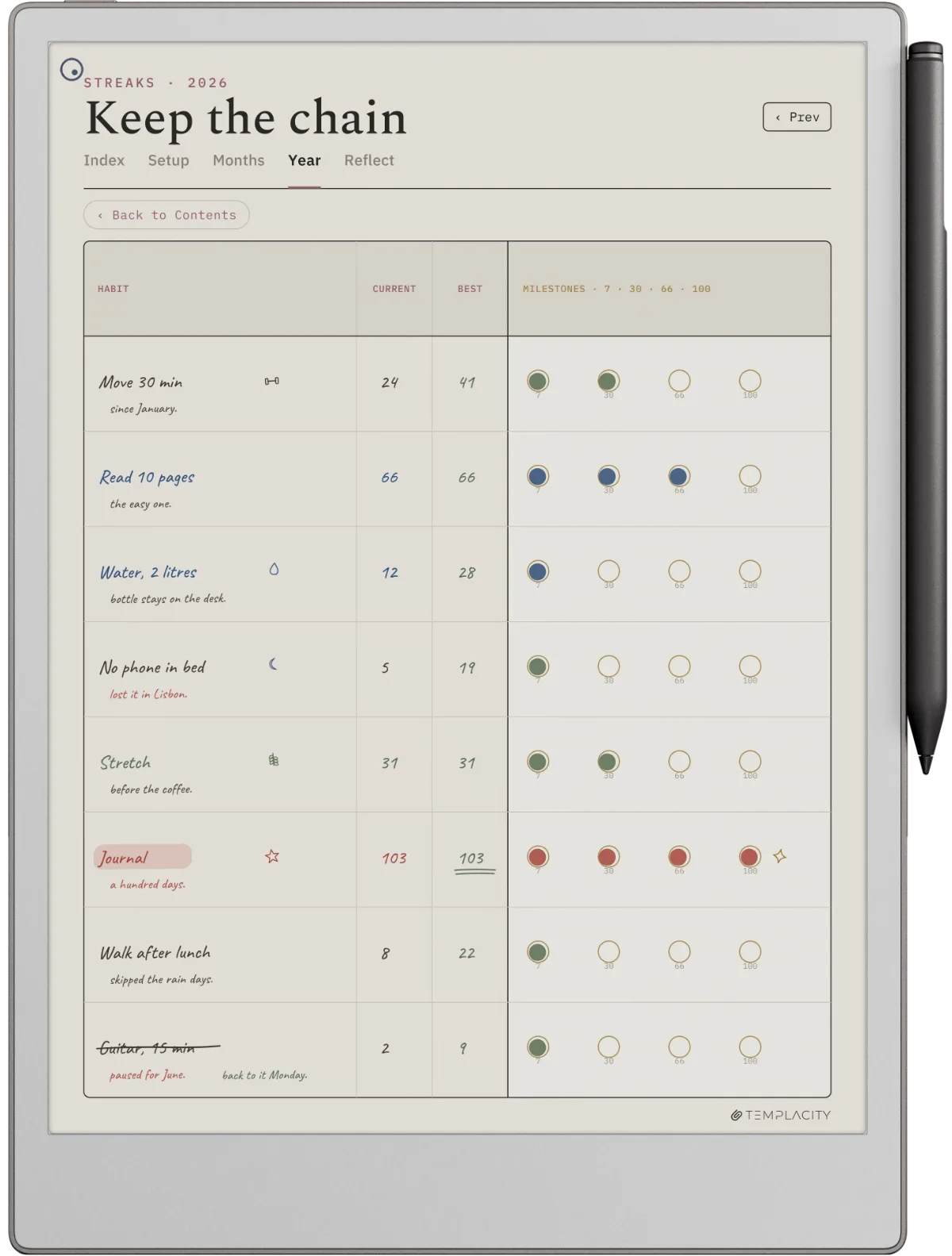
Templacity ships free preview pages from the reMarkable bundle, including a planner page and a meeting template sized natively for both the reMarkable 2 and Paper Pro panels. The preview pages use the same visual system as the full bundle, so they pair cleanly with paid content if you decide to upgrade later. Limited to a few sample pages but useful as a reMarkable-tuned reference for what coordinated templates look like. The one standalone free file is the Cornell notes template, a print-ready PDF and an editable .docx at both paper sizes.
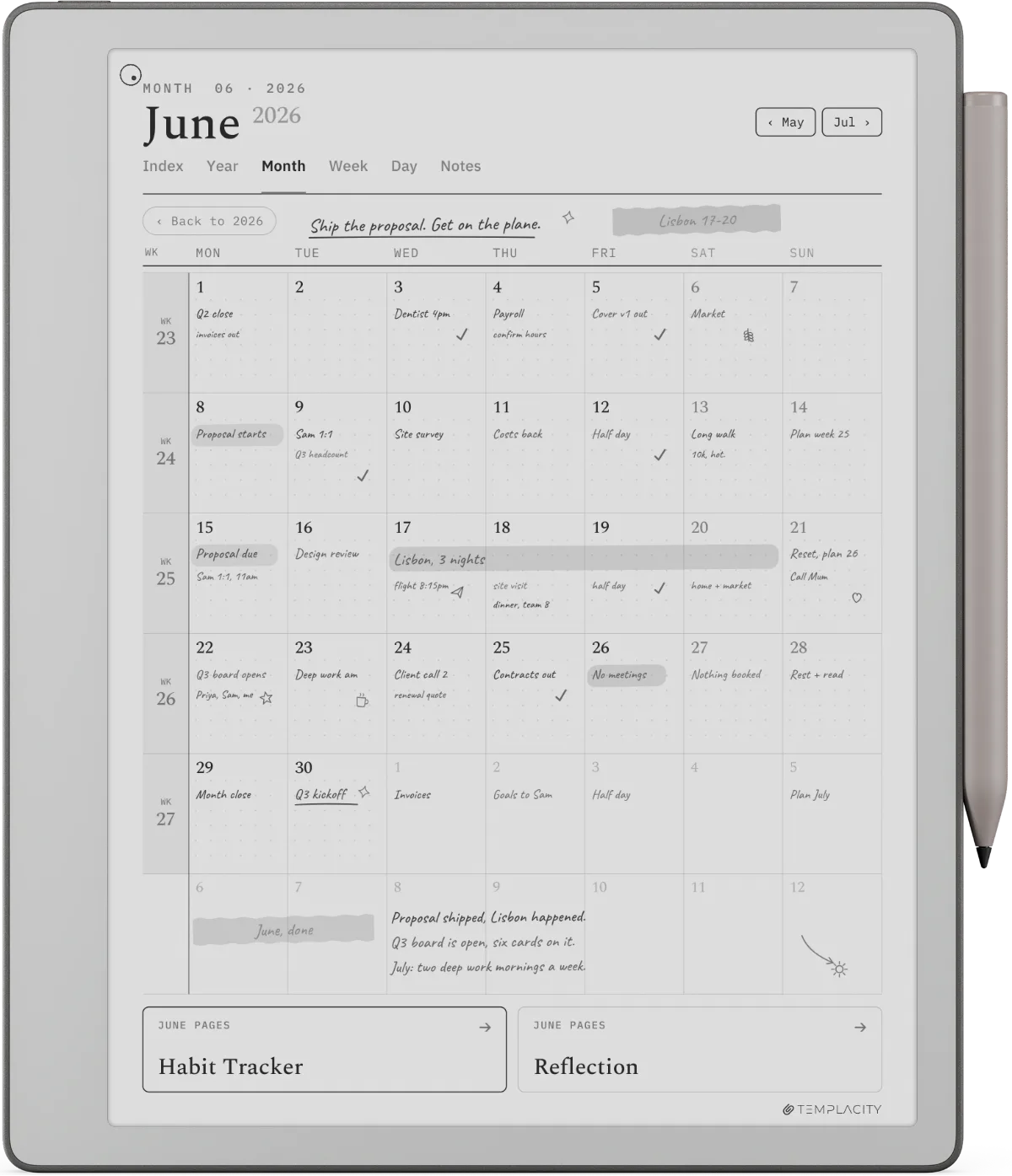
For users who want the full system rather than a sample, the paid Templacity reMarkable bundle covers planner, meeting, project, and journal templates with shared visual language.
Decision matrix
Where to start by workflow
| You want | Where to start |
|---|---|
| Instant start, no download, no risk | Native built-in templates (Notebooks, New) |
| Vetted free templates that survive updates | Connect Templates app free tier |
| Latest community designs, varying quality | Reddit r/RemarkableTablet verified-working PDFs |
| One sample of a paid bundle before buying | Etsy or Gumroad reMarkable-labeled samples |
| A glimpse of a coordinated design system | Templacity bundle preview pages |
The honest order: start with native templates to confirm the workflow, then check the Connect Templates free tier, and only then explore community PDFs or paid samples. For paid options, our reMarkable template overview covers the broader ecosystem, and best reMarkable planner covers planners specifically.
Bundle
FAQ
Common questions, answered briefly
Where do you find free reMarkable templates in 2026?
Are free reMarkable templates as good as paid ones?
What size should free reMarkable templates be?
Do Goodnotes templates work on reMarkable?
Is the Connect Templates app free?
Can you make your own free reMarkable templates?
If you have found a free reMarkable template that has held up over weeks of daily use, drop the source in the comments. Free templates are best surfaced by community recommendation, and the comments stay current in a way Reddit threads rarely do once they fall off the front page.
People also ask