The reMarkable Device Guide
Everything your reMarkable 2 does and does not do, worked out once so you do not have to spend an afternoon on it.
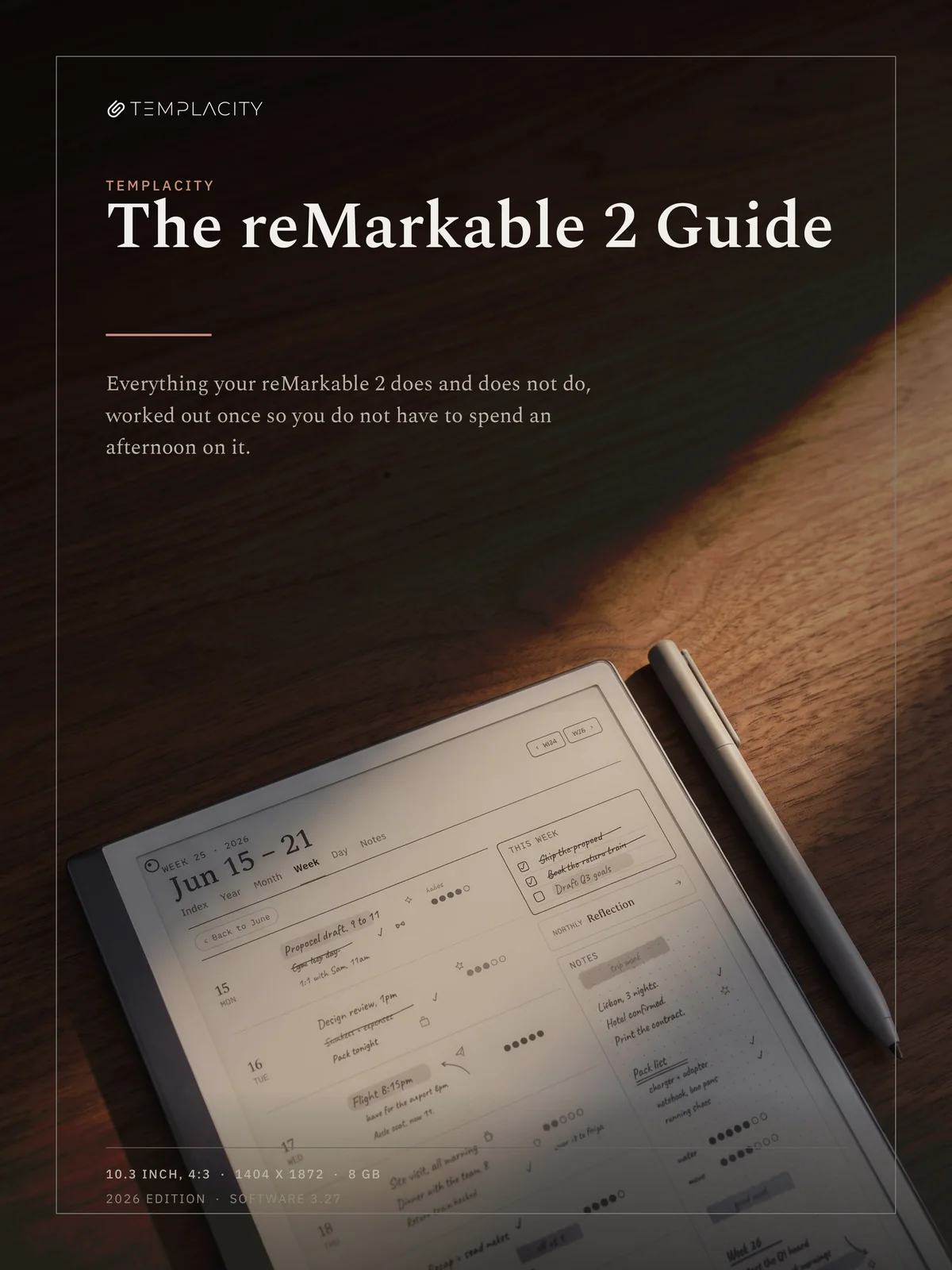
Four books, not four columns in one. Each edition prints your device’s own numbers and drops the sections that are not about it, so nothing in the one you buy is hedged. You get the edition for the device you pick, as a single PDF.
Instant download. Permanent link in your account.
Add the rest of the set.
-
 The reMarkable 2 Guide
This item · $19.00
The reMarkable 2 Guide
This item · $19.00
A shared book has to be vague exactly where it matters.
These are the sentences that broke the single edition. Every one of them is a buying decision or a setting somebody gets wrong once and then blames the device for.
Marker tilt
50 degrees on the reMarkable 2 generation, 60 on the Paper Pro generation. One book cannot print one number, and a range teaches nobody anything.
Which Marker fits
The Paper Pure takes Paper Pro generation Markers and will not take reMarkable 2 Markers. The Pro generation Marker Plus is 19 g with an 80 mAh battery in it; the older one is 15 g and passive.
Colour
Half the colour chapter is noise on a monochrome panel, and the monochrome workaround that matters most is a footnote on a colour one. Your edition keeps the half that is yours.
The canvas
Set to 1620 x 2160 for the 10.3 inch, 4:3 panel, so the book fills your screen rather than letterboxing inside it. You read it on the device it is about.
Seventeen chapters, 57 pages, one subject.
The device, not the files you put on it. Sixteen of the seventeen never mention anything we sell.
-
01
Start here
What the device is deliberately bad at, so that nothing later reads as a fault.
-
02
The first thirty minutes
Update, the settings worth changing before you build habits on them, and two that are hard to undo.
-
03
Getting your stuff on
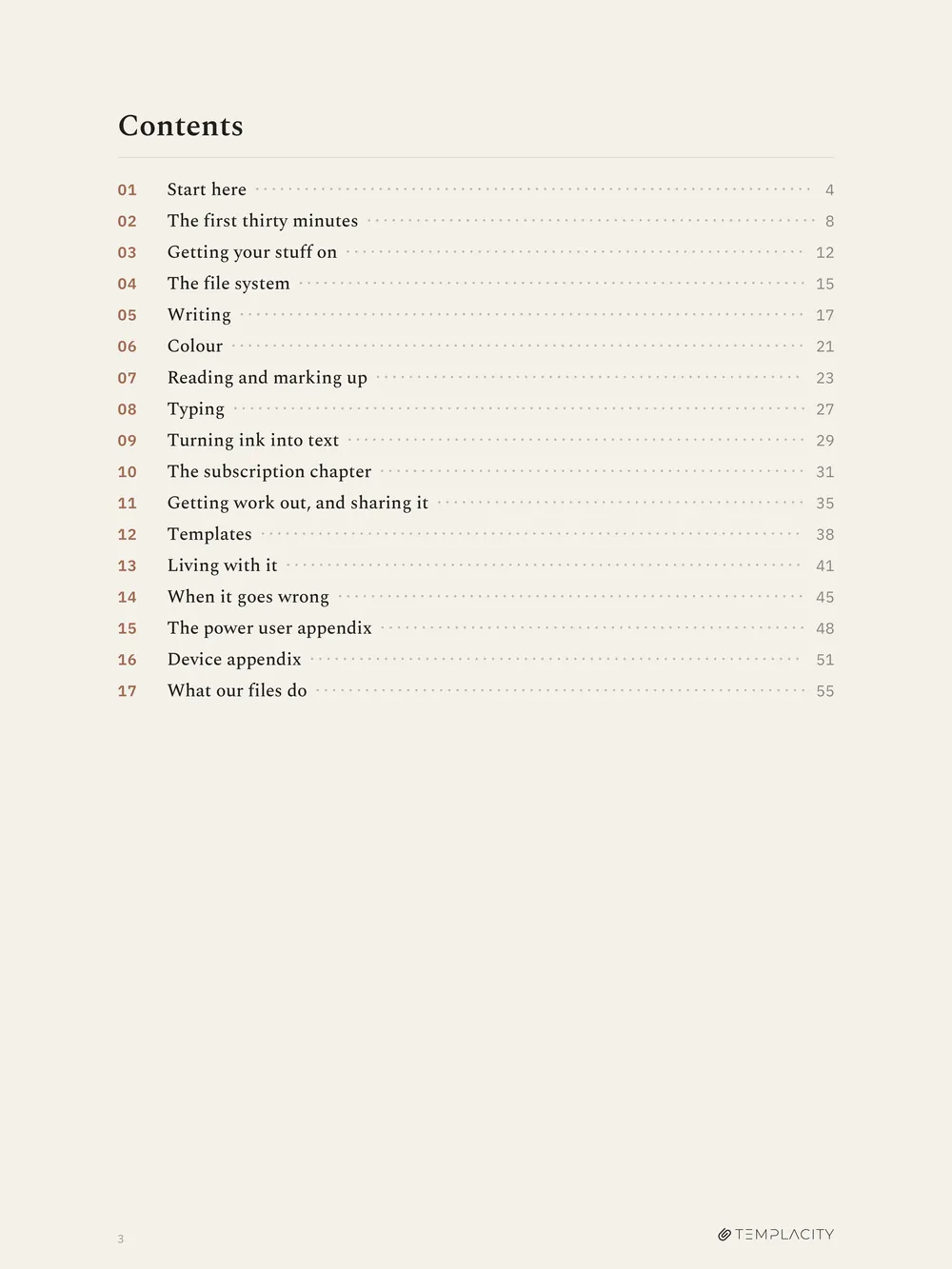
Six import routes, the ceiling that fails ugly, and the one expectation that sends devices back in the box.
-
04
The file system
Folders, favorites, and the page level tag that turns a long notebook into something you can query.
-
05
Writing
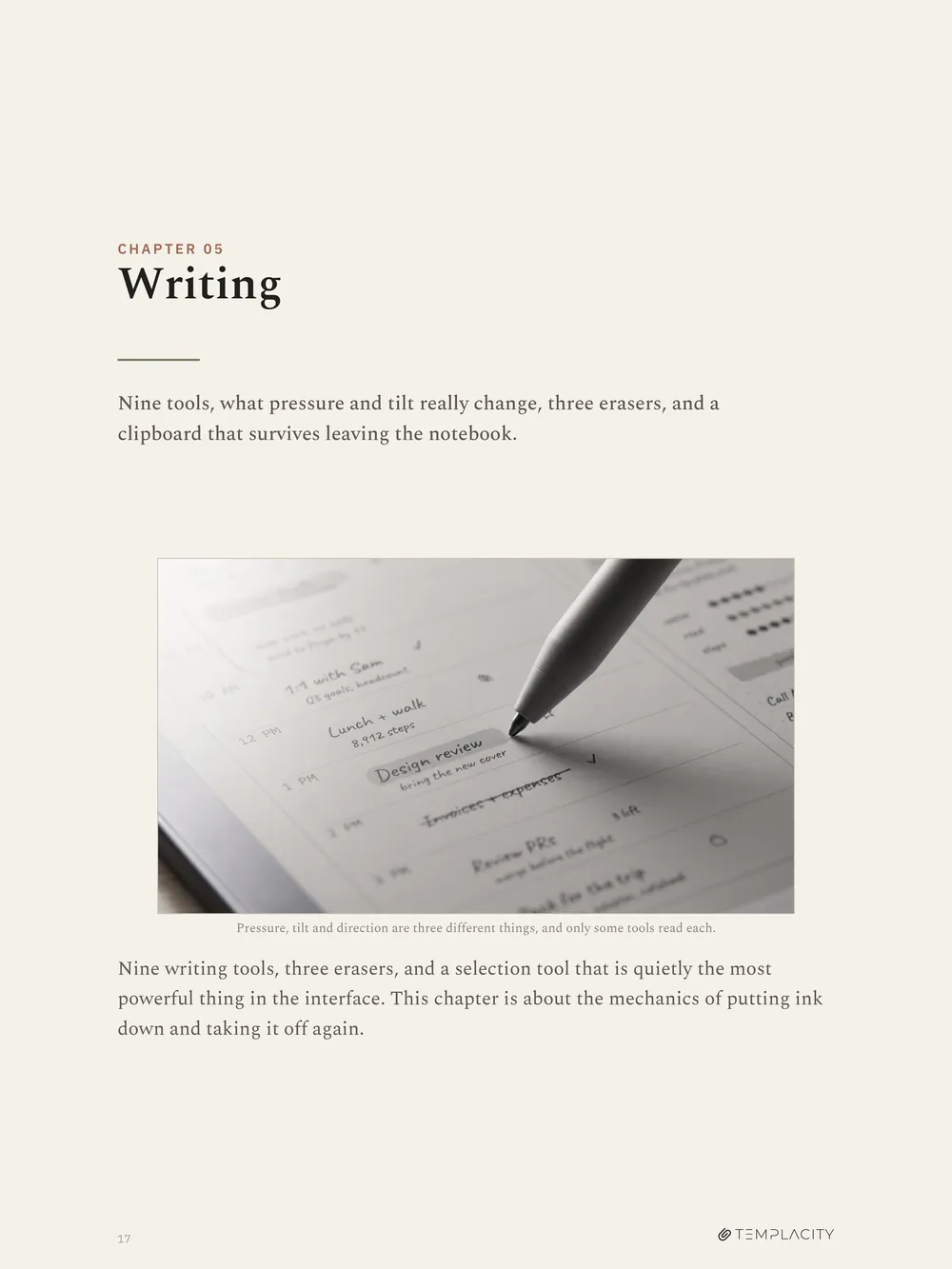
Nine tools, what pressure and tilt really change, three erasers, and a clipboard that survives leaving the notebook.
-
06
Colour
What your device shows, the resolution claim that is wrong, and the export trick that gives a monochrome device colour.
-
07
Reading and marking up
Adjust view, layers, what you may not change in an imported document, and why it opened in the middle.
-
08
Typing
Why there is no text tool, the route that works instead, and what happens when handwriting and typing share a page.
-
09
Turning ink into text
Conversion and search are two products. One is free, one is paid, and the paid one does not cover your PDFs.
-
10
The subscription chapter
What the 50 days really means, what is free, what is not, what happens to your cloud files if you stop paying, and a rule for deciding on day 45.
-
11
Getting work out, and sharing it
Export routes, what happens to your highlights once they leave, Screen Share, and the shared link that expires.
-
12
Templates
Two different things share the name. Telling them apart is most of the battle.
-
13
Living with it
Tips, battery, warranty, and the April 2026 date that changed what a subscription is worth.
-
14
When it goes wrong
Sync, resets, lockouts and second hand devices, in the order worth trying them.
-
15
The power user appendix
The community layer, what it gives you, and the warranty it costs.
-
16
Device appendix
Every model, every gesture, every version floor and the template sizes, in one place.
-
17
What our files do
The two questions people ask us before buying anything, answered against measured numbers.
Five spreads from the reMarkable 2 edition.
Every photograph and every device figure in the book is generated for this device. Nothing in it shows a screen you do not own.
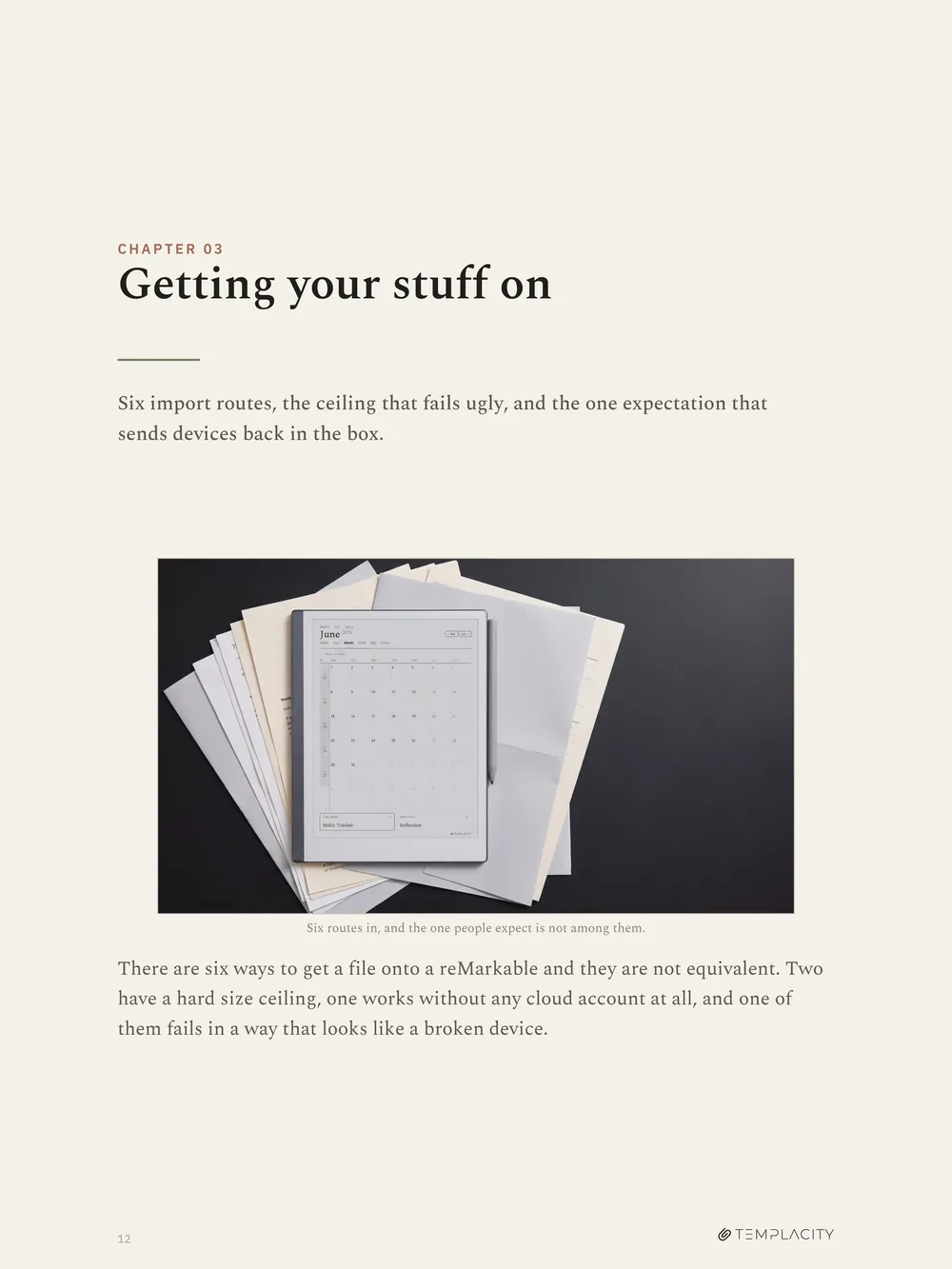
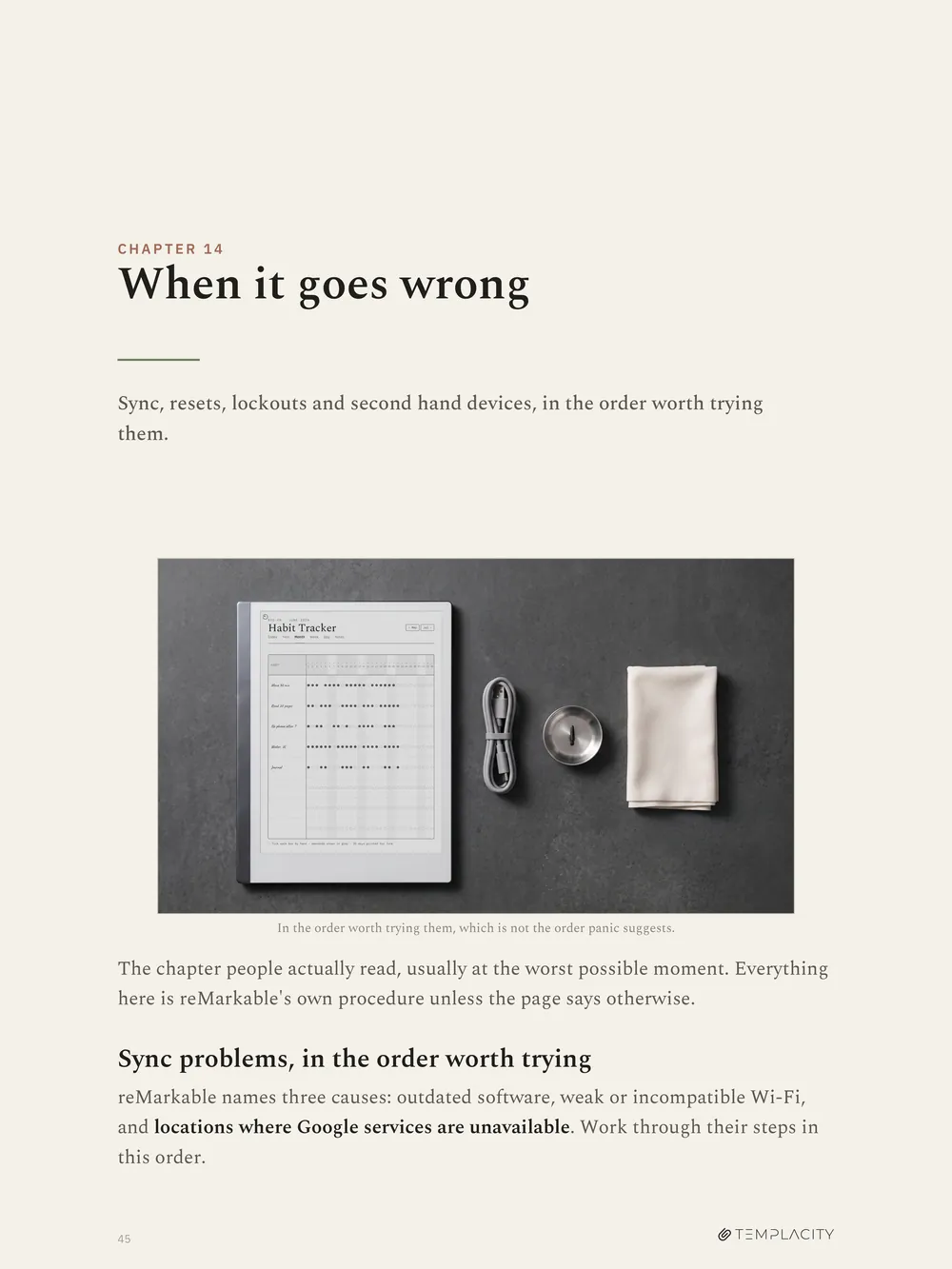
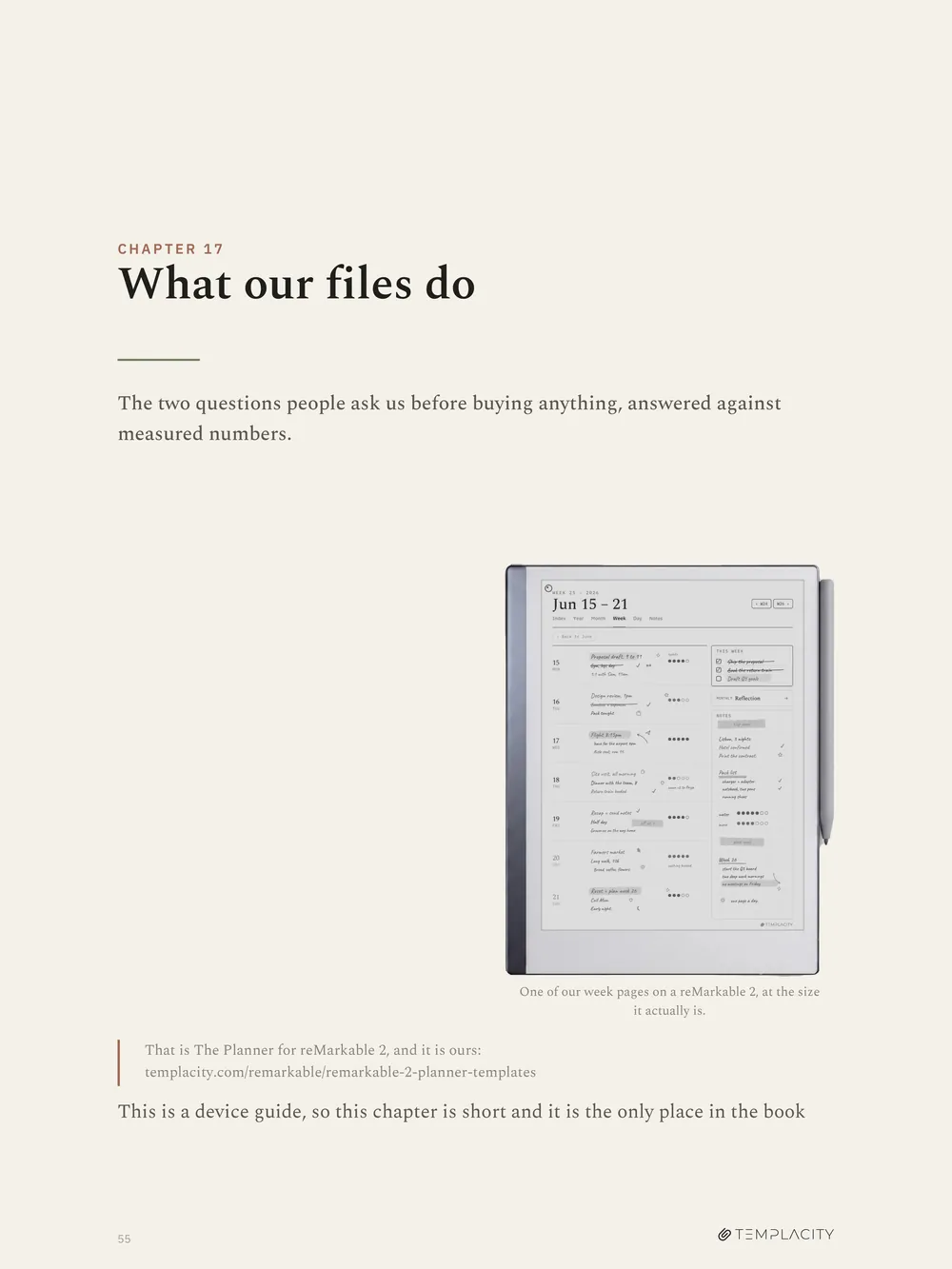
The contents page, which every page in the book can reach again
Chapter 3, the six import routes and the ceiling that fails ugly
What arrives.
- Format
- PDF, hyperlinked. A clickable contents page, and every page reaches the contents again from its running head.
- Pages
- 57, set to 1620 x 2160
- Written against
- Software 3.27, with the 2026 edition line on the cover. Half of this material expires, so it is dated on its face rather than pretending not to be.
- Device
- reMarkable 2, 10.3 inch, 4:3, 1404 x 1872, monochrome
- Delivery
- Instant download after checkout, and it stays in your account.
- Not affiliated
- Not affiliated with reMarkable AS. Their product names are used for identification only, and nothing in the file is copied from theirs: every icon and diagram is drawn in our own ink.
- Also in the bundle
- Every device guide, this one included, comes with The Complete System. If you own that tier it is already in your account and there is nothing to buy here.
Two tablets in the house? The Kindle Scribe Device Guide is the companion book to the Kindle Scribe line, written the same way.
Before you buy.
Which file do I get?
One PDF: the edition for the device you pick above. Pick reMarkable 2 and you get a 57 page book written for the reMarkable 2, with no Paper Pro numbers hedged into it.
Why not one book covering all four?
Because it would have to be vague exactly where it matters. Marker tilt, which Marker fits which device, and half the colour chapter all have different correct answers per device, and a range teaches nobody anything.
I bought the edition for the wrong device.
Write in and we will swap it for the right one. There is no second purchase.
Is this about your planners, or about the device?
The device. Sixteen of the seventeen chapters never mention our files. The last one answers the two questions people ask before buying anything from us, against measured numbers.
Do I need a Connect subscription?
No, and one chapter is devoted to working out whether you want one. It covers what the 50 day trial really means, what stays free forever, what happens to your cloud files if you stop paying, and a rule for deciding on day 45.
Is this official reMarkable material?
No. It is not affiliated with reMarkable AS, their product names are used for identification only, and nothing in the file is copied from theirs. Every icon and diagram is drawn in our own ink.
How do I get it?
Instant download after checkout, and it stays in your account. Put it on the device by any route in chapter 3: the desktop app, the mobile share sheet, or the USB web interface if you would rather no cloud service saw the file.
I own The Complete System. Do I need this?
No. Every device guide edition comes with that tier, this one included, so it is already on your order and in your account.
The device is the part nobody teaches you.
It is also the part that decides whether the whole thing gets used or goes back in a drawer. 57 pages on the reMarkable 2, once, so you can stop reading forum threads.
Instant download. Permanent link in your account.
Be the first to say something.
Nobody has written about this one yet. If it is on your device, yours is the first thing the next person reads.
Instant download.
Your file is in your account the moment you check out, yours to re-download any time. A receipt lands in your inbox, too.
One-time purchase.
No subscription, no annual renewal, no upgrade nags. Pay once and the file is yours.
Quiet, secure checkout.
Stripe. Apple Pay. No spam, no “partners,” no reselling your details. Receipt, file, done.


