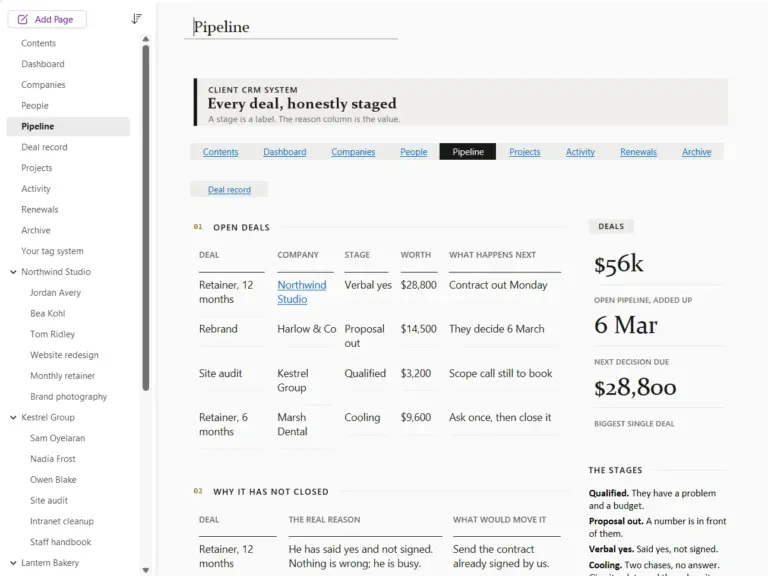
OneNote CRM Template for Freelancers & Small Business
$29.00
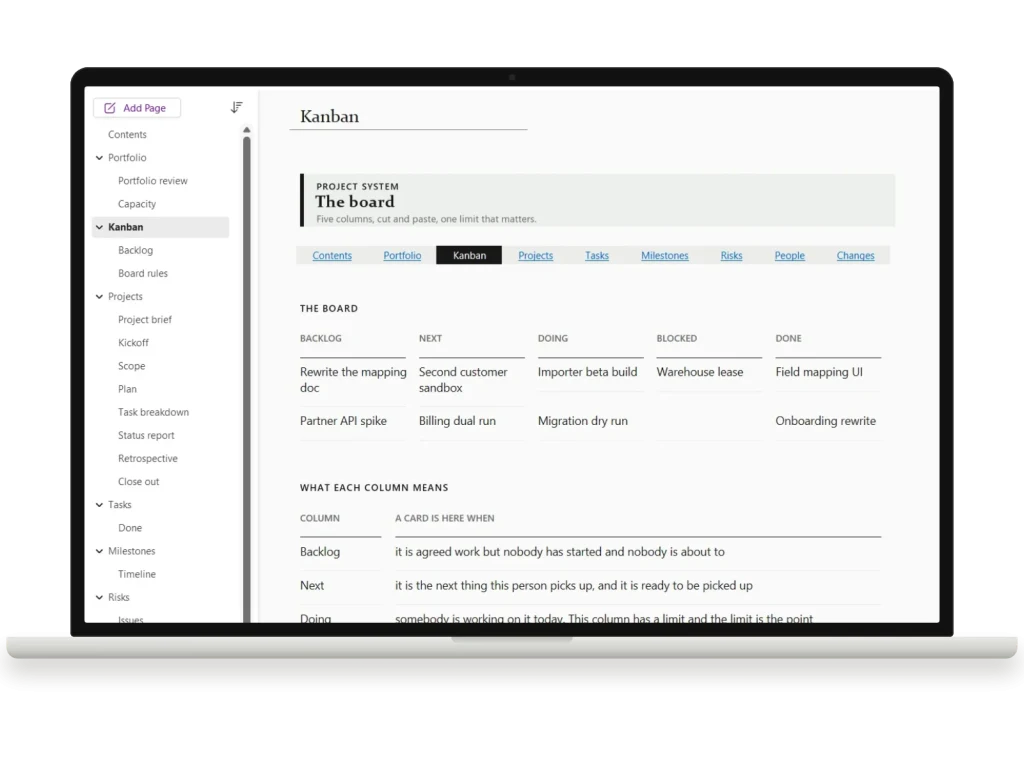
A linked OneNote template for running projects, notes and reviews in one notebook. Dashboards, task boards and meeting pages, wired together so nothing lives in a tab you forgot to open.
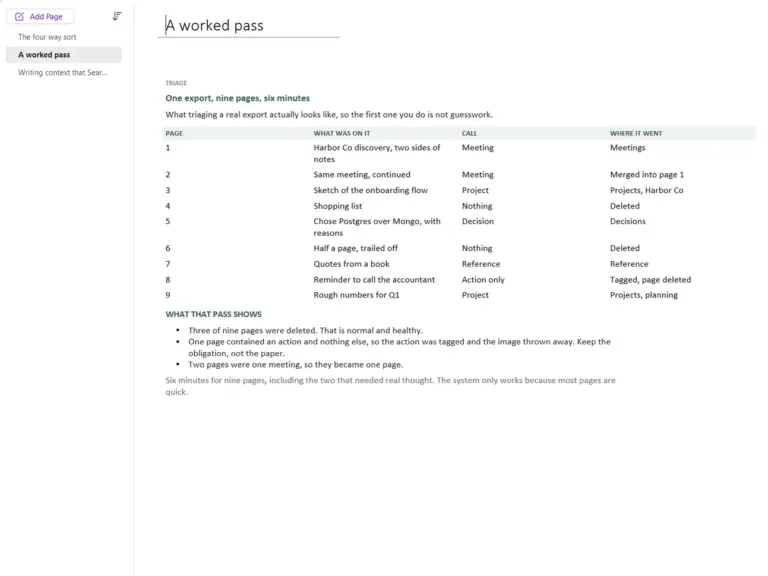
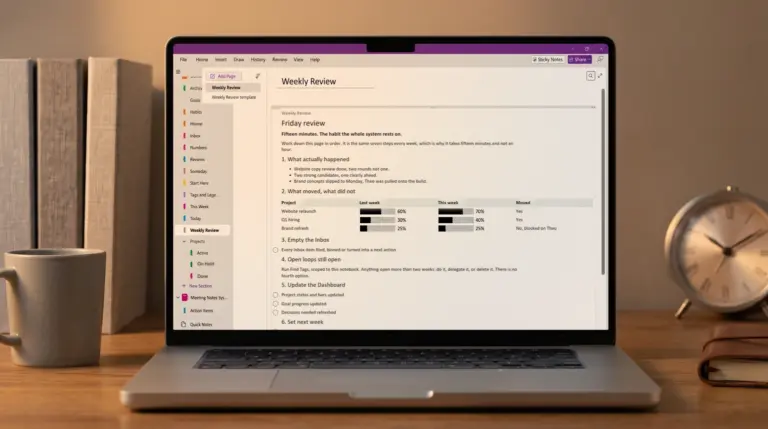
OneNote templates turn a blank notebook into a working system: dashboards that show where projects stand, CRM pipelines that survive a busy week, meeting agendas that come out of the meeting useful, and project boards that live where your notes already do. The guides below cover how to build each one by hand. The sets we sell are those same structures, already built and ready to import.
One thing worth knowing before you start, because most roundups skip it: saving a custom page template is a Windows desktop job. Microsoft’s own guidance is that creating and customising new page templates is not possible in OneNote for the web, which sends you to a Windows PC to finish and save one, and that OneNote for Mac does not currently support creating pages using templates at all. Every version can open and edit a page that was made from one, so a single Windows machine is enough to author for a whole team. If nobody has one, importing a ready-made notebook is the workable substitute.
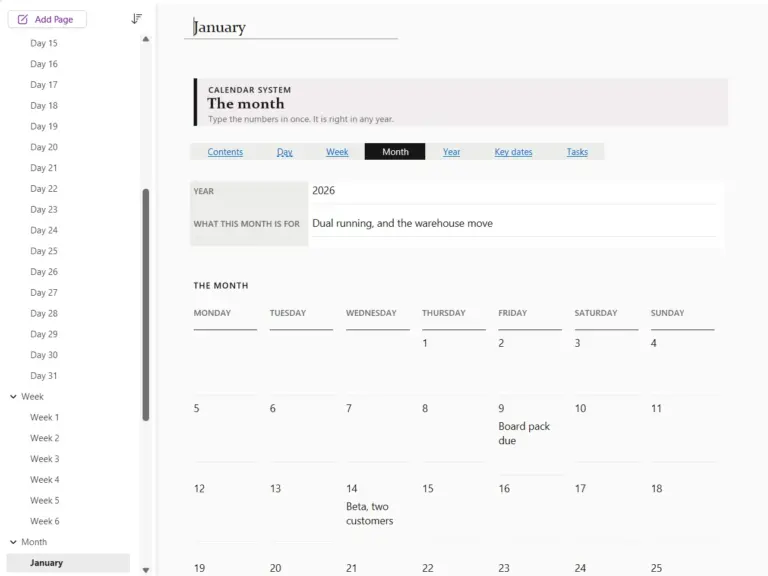
If you run your work in OneNote daily, start with the dashboard or project management guides. The two that tend to earn their keep first are the CRM and meeting systems, because client work is where a lost detail actually costs something. For time rather than projects, the calendar guide builds an undated month grid you never have to replace.
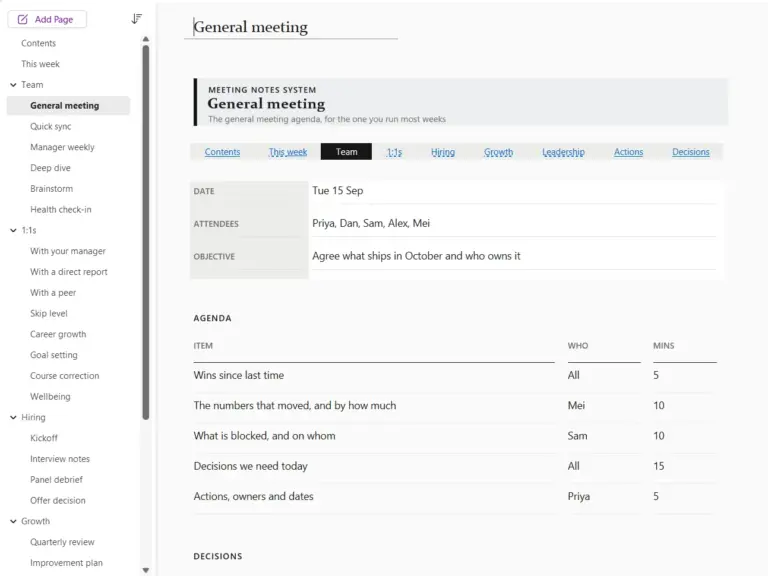
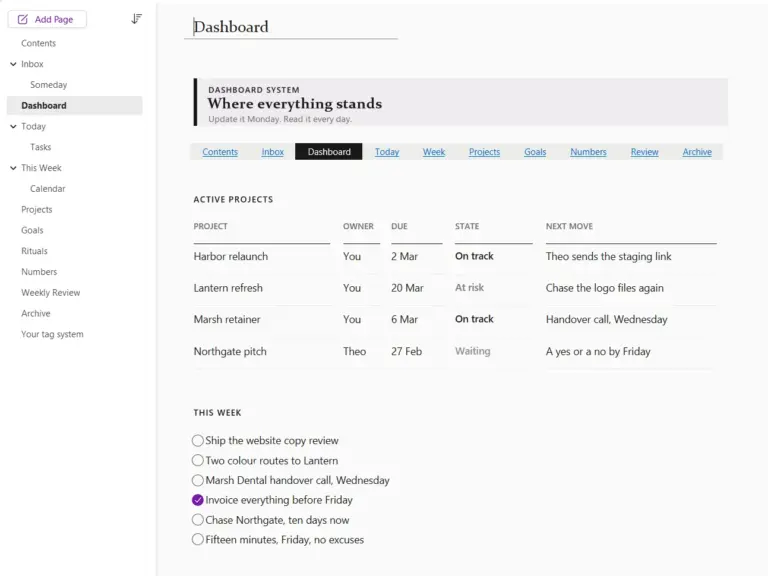
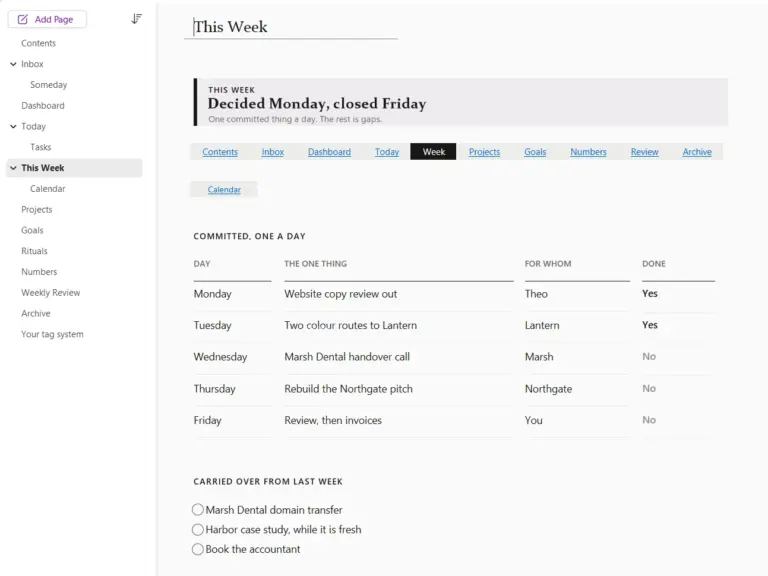
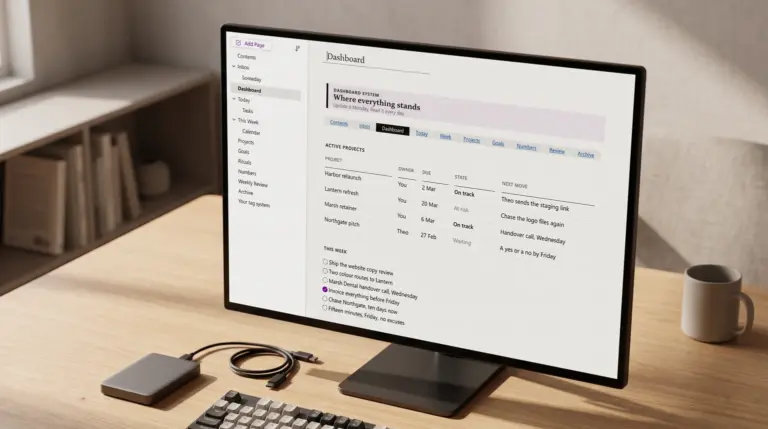
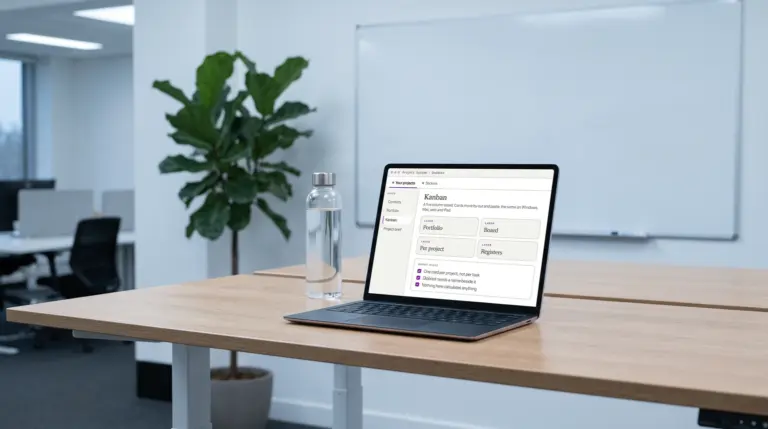
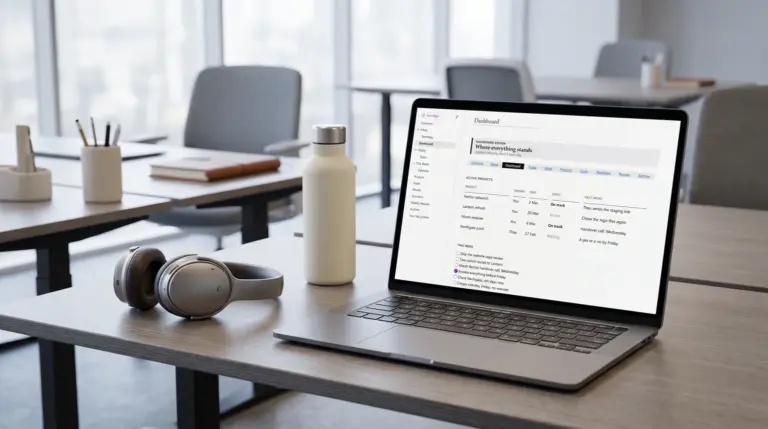
Seven sets are live, each built for one job: the project management template for projects, the kanban board and the registers behind them ($29), the CRM template for clients, deals and renewals ($29), the meeting notes template for agendas, decisions and actions ($29), the dashboard template for a one-page view of where everything stands ($29), the calendar template for undated day, week, month and year pages ($29) and the Kindle Scribe template for notes exported from a Kindle Scribe ($29). The five work notebooks come together as OneNote Templates for Work ($89, against $145 bought separately). Each one arrives as a notebook you import, with an install guide and a full PDF copy.
№ · The Promise
OneNote gives you a blank notebook and walks away. That freedom is the problem. Pages pile up, nothing links, and the project you were running lives in six places by Thursday. This hub is about putting a spine back in it.
So the template comes pre-wired. A dashboard that links to everything, boards that link back. You add the work, not the structure, and the notebook still makes sense three months in.
№ · Shop the singles
Prefer one template instead of the bundle? Each layout is sold on its own. Pay only for what you’ll use.
№ · From the Journal

№ · Questions
Drops into your notebook on desktop, iPad or web. No new app to learn, no subscription bolted on.
Your file is in your account the moment you check out, yours to re-download any time. A receipt lands in your inbox, too.
Fewer layouts, each one sized and linked for the device it ships for. Nothing is there to make the page count bigger.
No subscription, no annual renewal, no upgrade nags. Pay once and the file is yours.


