Missing a template? Request it →
The Planner · Zettelkasten
№ · The Planner · Zettelkasten

Your whole Zettelkasten, one idea per page.

Your device
Cover colour
Language

Instant download. Permanent link in your account.

A paper Zettelkasten in one hyperlinked PDF: a capture inbox, 76 atomic note pages, 40 source cards, maps of content, project sheets and a review cycle, every page one tap from the next. Undated, so it starts the day you do.

  • i. Hyperlinked PDF: tap straight to any module
  • ii. 183 pages per file: undated, plus dated 2026 and 2027
  • iii. Six languages: English, Spanish, French, German, Chinese, Dutch
  • iv. Permanent link in your account, no subscription
№ 01 · Why this exists

A Zettelkasten is not a notebook. It is a network.

One idea per page, written in your own words, linked to the ideas it touches. The network is the part that thinks, and it only works if making a link is easier than filing a note. This is that system drawn for a tablet you write on with a pen: an ID and a claim at the top of every note, the argument underneath, and links out to the notes it belongs with.

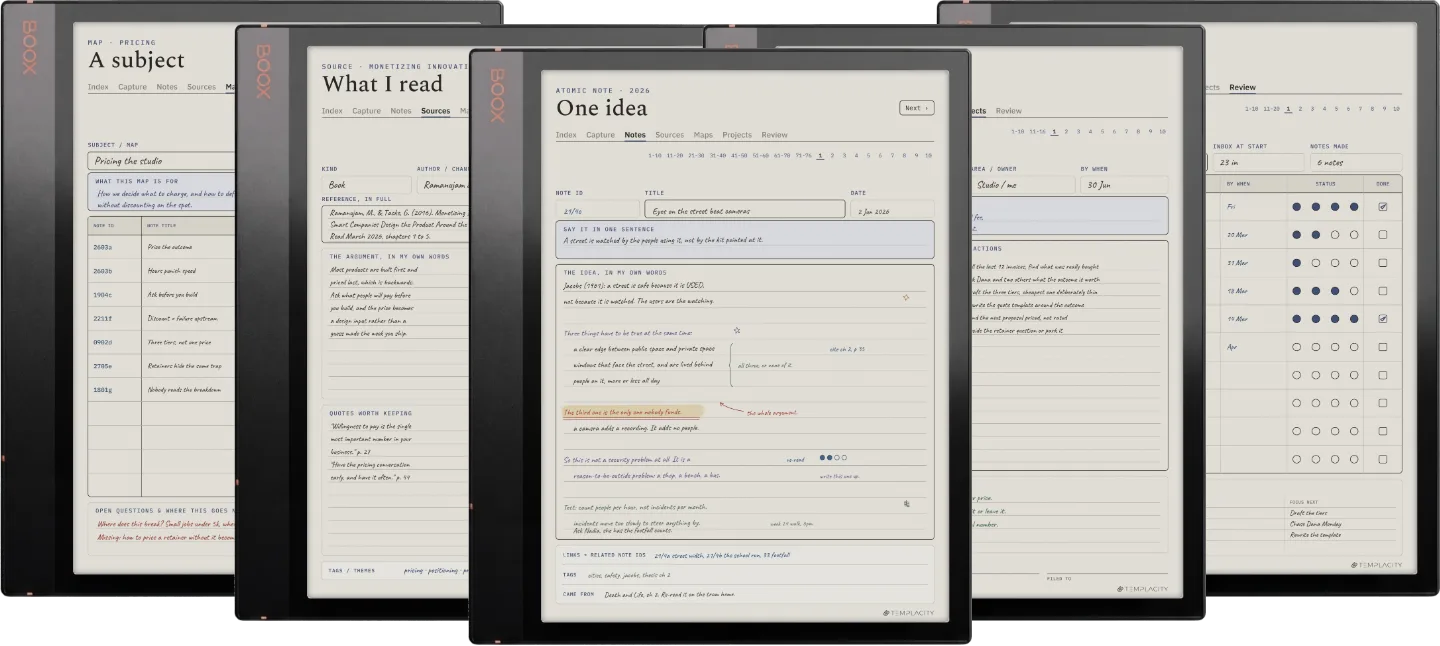
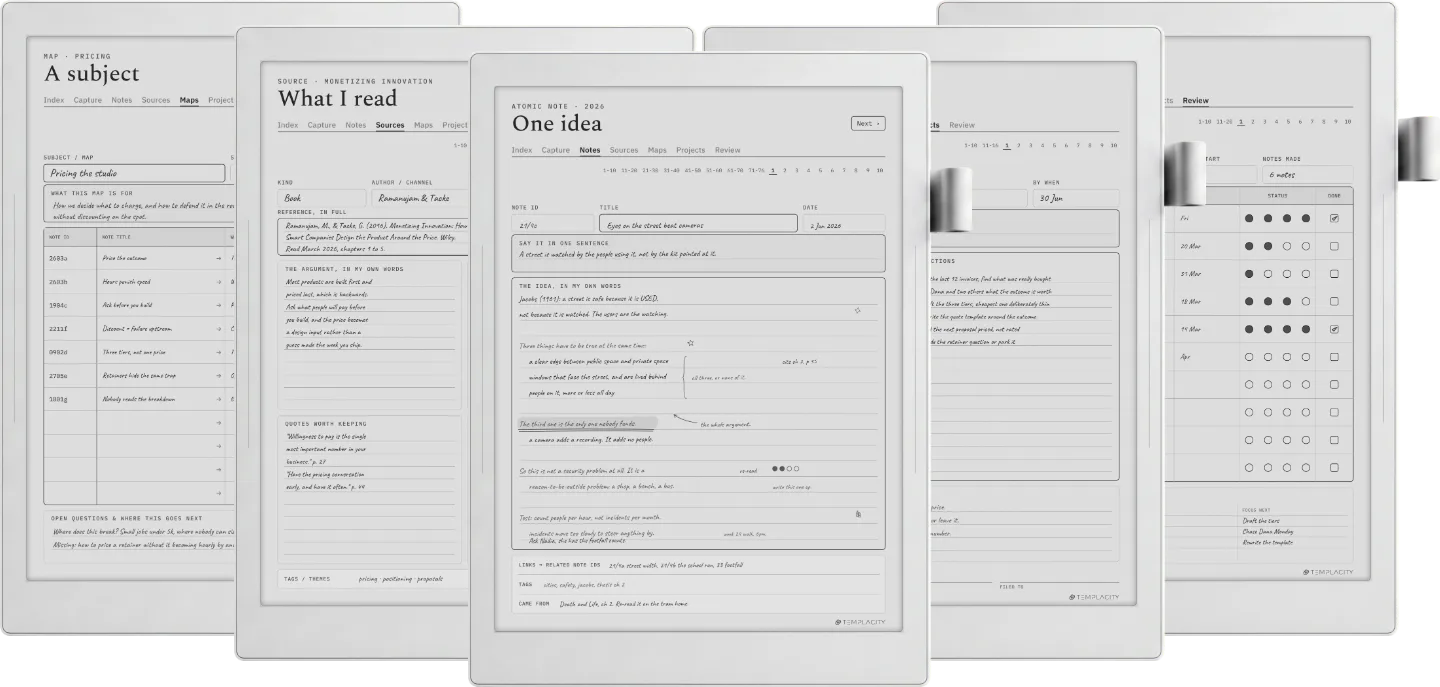
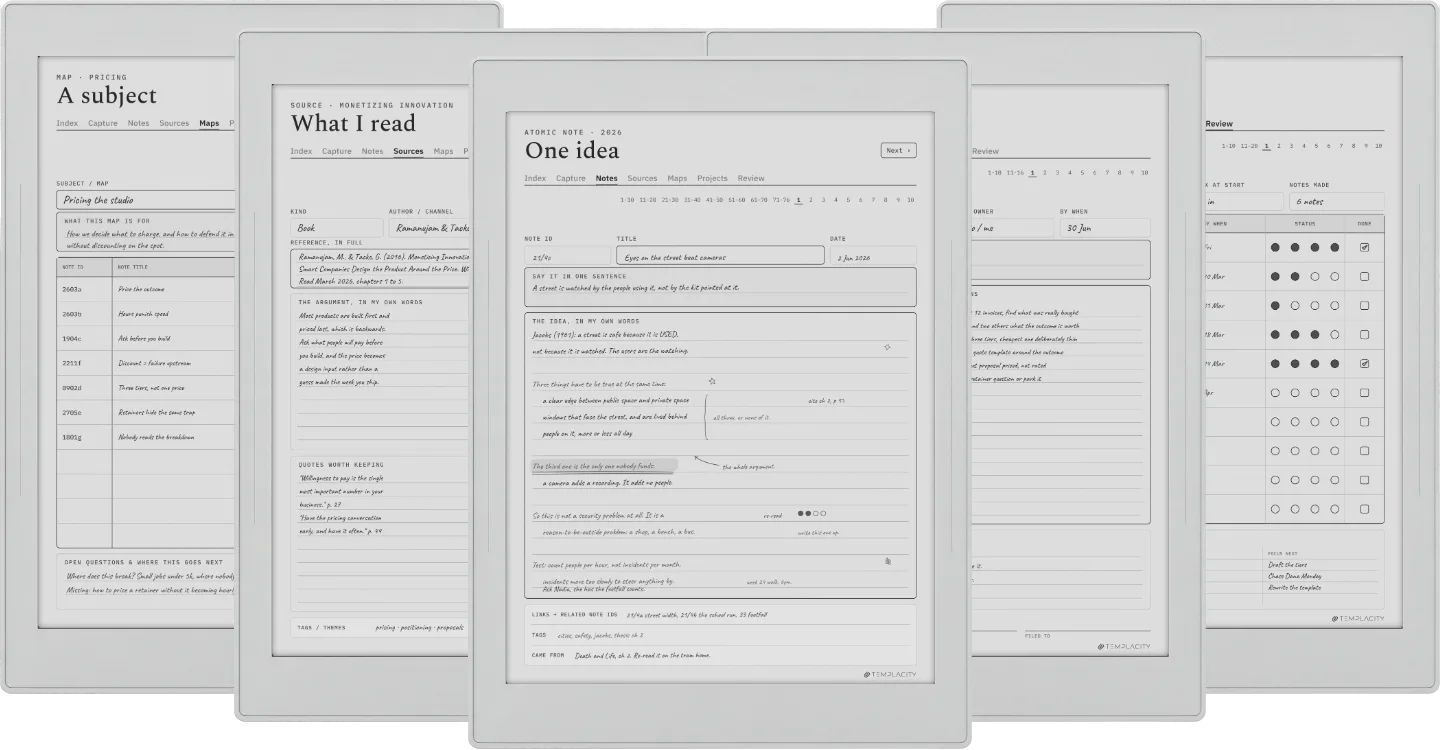
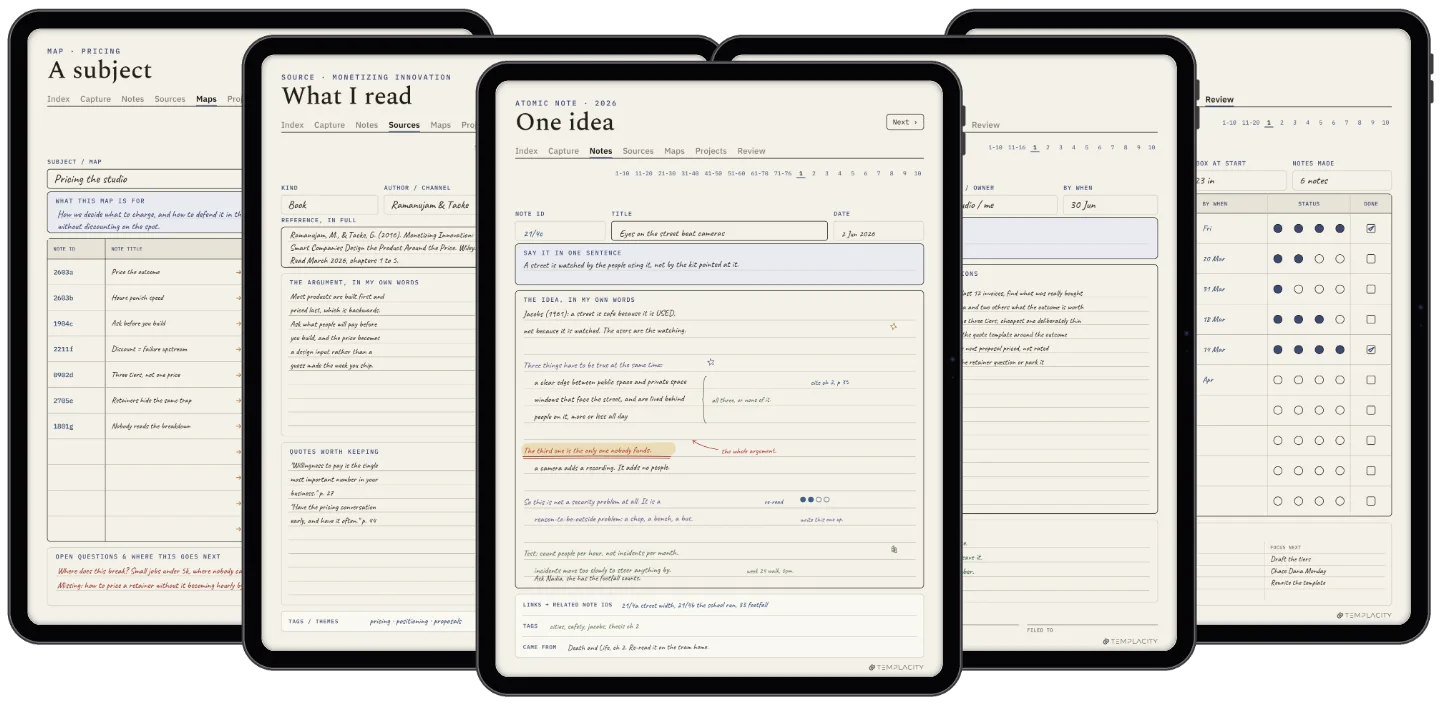
Six worked spreads sit at the front, one per module, each showing a real page filled in with the reasoning annotated around it. You do not need to have read a book about the method before you start, and the guide is inside the file rather than in an email you will lose.

№ 02 · Inside the planner

Six modules, one tap apart.

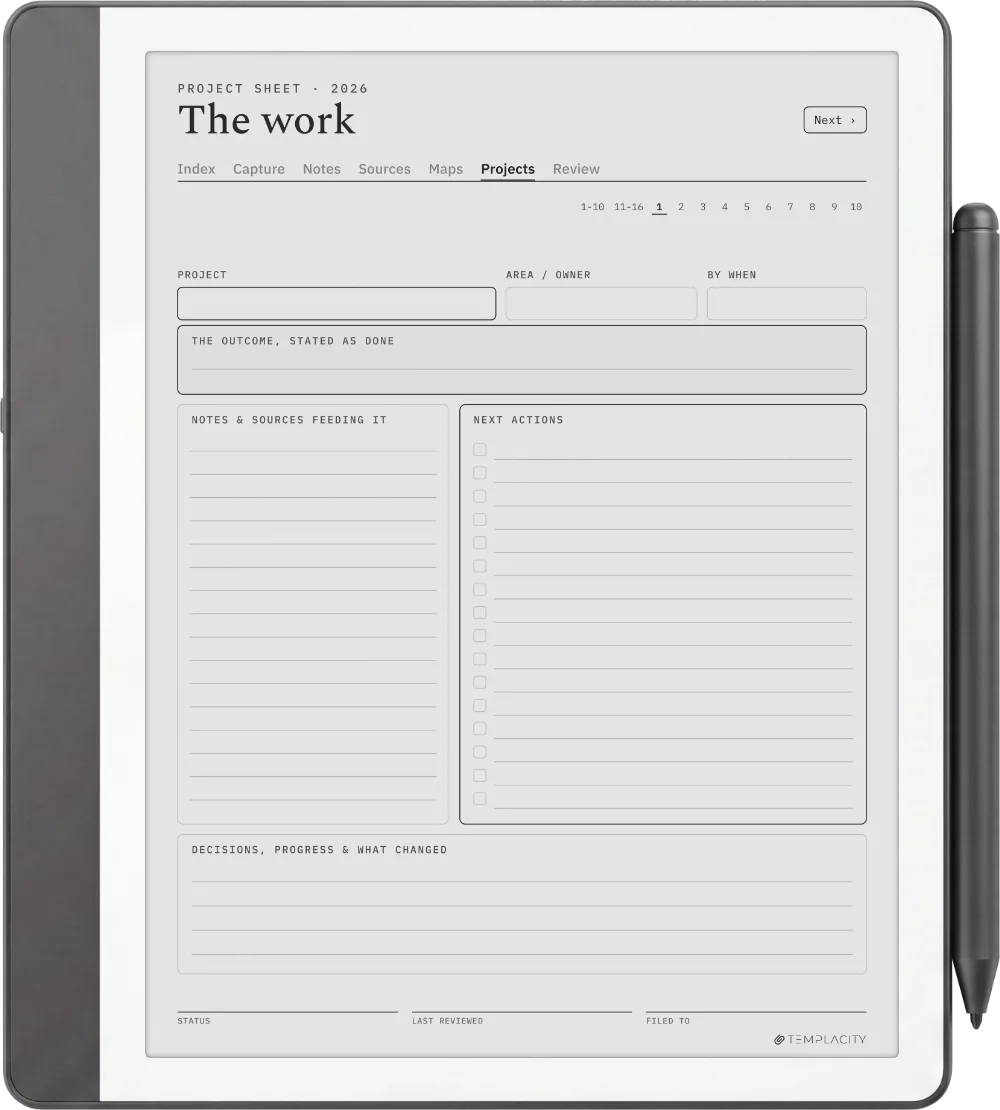
The Planner · Zettelkasten reMarkable Paper Pro page 1
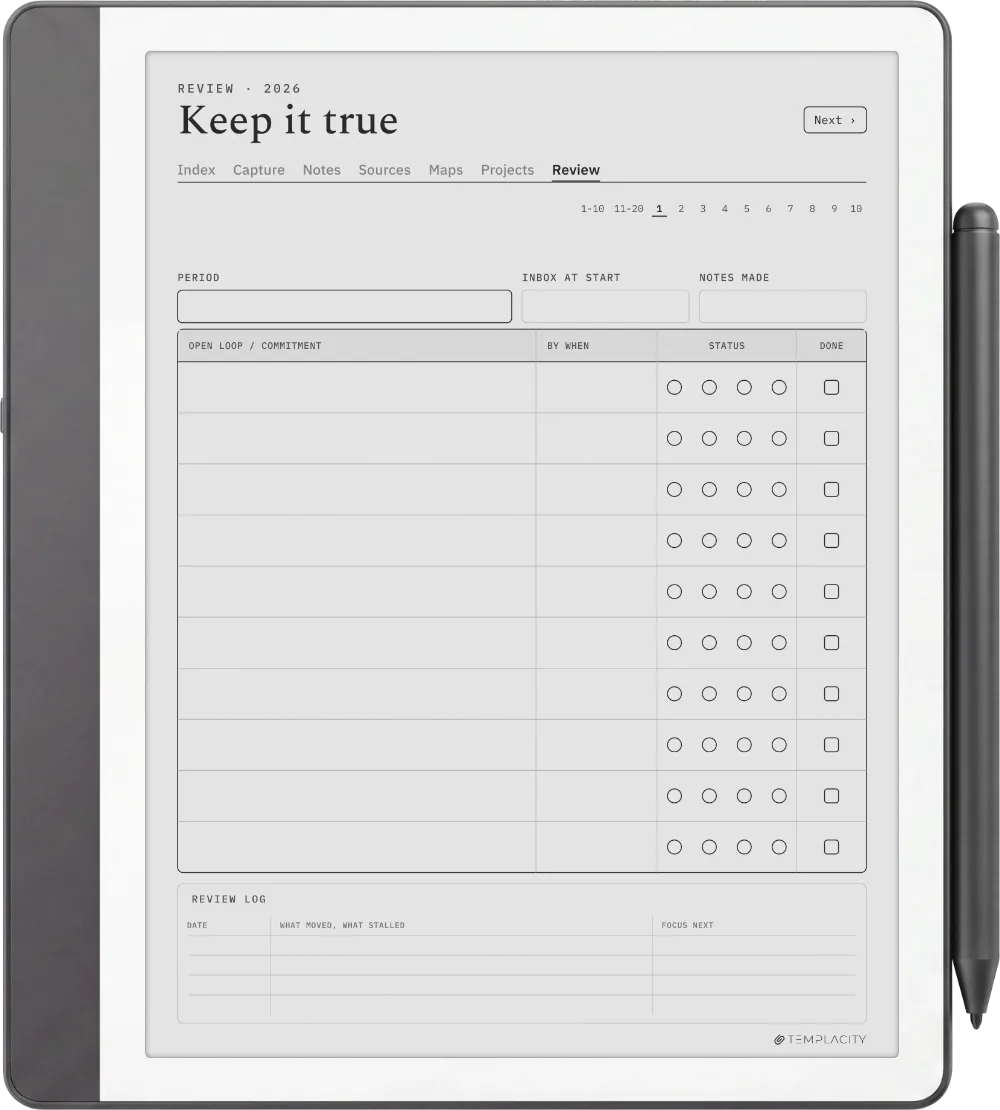
The Planner · Zettelkasten reMarkable Paper Pro page 2
The Planner · Zettelkasten reMarkable Paper Pro page 3
The Planner · Zettelkasten reMarkable Paper Pro page 4
The Planner · Zettelkasten reMarkable Paper Pro page 5
The Planner · Zettelkasten reMarkable 2 page 1
The Planner · Zettelkasten reMarkable 2 page 2
The Planner · Zettelkasten reMarkable 2 page 3
The Planner · Zettelkasten reMarkable 2 page 4
The Planner · Zettelkasten reMarkable 2 page 5
The Planner · Zettelkasten reMarkable Paper Pure page 1
The Planner · Zettelkasten reMarkable Paper Pure page 2
The Planner · Zettelkasten reMarkable Paper Pure page 3
The Planner · Zettelkasten reMarkable Paper Pure page 4
The Planner · Zettelkasten reMarkable Paper Pure page 5
The Planner · Zettelkasten reMarkable Paper Pro Move page 1
The Planner · Zettelkasten reMarkable Paper Pro Move page 2
The Planner · Zettelkasten reMarkable Paper Pro Move page 3
The Planner · Zettelkasten reMarkable Paper Pro Move page 4
The Planner · Zettelkasten reMarkable Paper Pro Move page 5
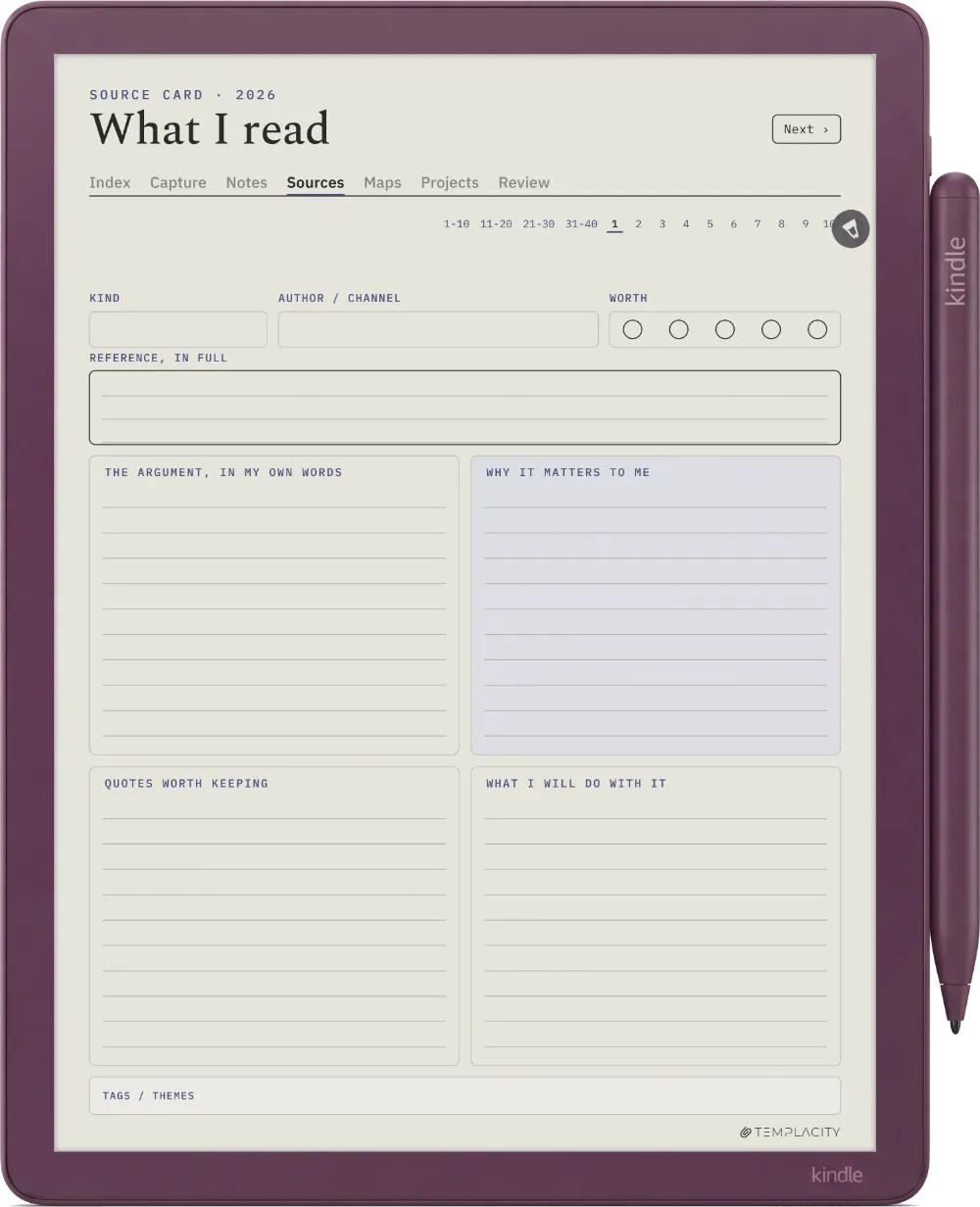
The Planner · Zettelkasten Kindle Scribe page 1
The Planner · Zettelkasten Kindle Scribe page 2
The Planner · Zettelkasten Kindle Scribe page 3
The Planner · Zettelkasten Kindle Scribe page 4
The Planner · Zettelkasten Kindle Scribe page 5
The Planner · Zettelkasten Kindle Scribe Colorsoft page 1
The Planner · Zettelkasten Kindle Scribe Colorsoft page 2
The Planner · Zettelkasten Kindle Scribe Colorsoft page 3
The Planner · Zettelkasten Kindle Scribe Colorsoft page 4
The Planner · Zettelkasten Kindle Scribe Colorsoft page 5
The Planner · Zettelkasten Boox Note Air4 C page 1
The Planner · Zettelkasten Boox Note Air4 C page 2
The Planner · Zettelkasten Boox Note Air4 C page 3
The Planner · Zettelkasten Boox Note Air4 C page 4
The Planner · Zettelkasten Boox Note Air4 C page 5
The Planner · Zettelkasten Boox Note Air5 C page 1
The Planner · Zettelkasten Boox Note Air5 C page 2
The Planner · Zettelkasten Boox Note Air5 C page 3
The Planner · Zettelkasten Boox Note Air5 C page 4
The Planner · Zettelkasten Boox Note Air5 C page 5
The Planner · Zettelkasten Boox Note Air3 C page 1
The Planner · Zettelkasten Boox Note Air3 C page 2
The Planner · Zettelkasten Boox Note Air3 C page 3
The Planner · Zettelkasten Boox Note Air3 C page 4
The Planner · Zettelkasten Boox Note Air3 C page 5
The Planner · Zettelkasten Boox Note Air 3 page 1
The Planner · Zettelkasten Boox Note Air 3 page 2
The Planner · Zettelkasten Boox Note Air 3 page 3
The Planner · Zettelkasten Boox Note Air 3 page 4
The Planner · Zettelkasten Boox Note Air 3 page 5
The Planner · Zettelkasten Boox Note Air2 page 1
The Planner · Zettelkasten Boox Note Air2 page 2
The Planner · Zettelkasten Boox Note Air2 page 3
The Planner · Zettelkasten Boox Note Air2 page 4
The Planner · Zettelkasten Boox Note Air2 page 5
The Planner · Zettelkasten Boox Go 10.3 page 1
The Planner · Zettelkasten Boox Go 10.3 page 2
The Planner · Zettelkasten Boox Go 10.3 page 3
The Planner · Zettelkasten Boox Go 10.3 page 4
The Planner · Zettelkasten Boox Go 10.3 page 5
The Planner · Zettelkasten Boox Go Color 7 (Gen II) page 1
The Planner · Zettelkasten Boox Go Color 7 (Gen II) page 2
The Planner · Zettelkasten Boox Go Color 7 (Gen II) page 3
The Planner · Zettelkasten Boox Go Color 7 (Gen II) page 4
The Planner · Zettelkasten Boox Go Color 7 (Gen II) page 5
The Planner · Zettelkasten Boox Note5 page 1
The Planner · Zettelkasten Boox Note5 page 2
The Planner · Zettelkasten Boox Note5 page 3
The Planner · Zettelkasten Boox Note5 page 4
The Planner · Zettelkasten Boox Note5 page 5
The Planner · Zettelkasten Boox Note Max page 1
The Planner · Zettelkasten Boox Note Max page 2
The Planner · Zettelkasten Boox Note Max page 3
The Planner · Zettelkasten Boox Note Max page 4
The Planner · Zettelkasten Boox Note Max page 5
The Planner · Zettelkasten Boox Tab Ultra C Pro page 1
The Planner · Zettelkasten Boox Tab Ultra C Pro page 2
The Planner · Zettelkasten Boox Tab Ultra C Pro page 3
The Planner · Zettelkasten Boox Tab Ultra C Pro page 4
The Planner · Zettelkasten Boox Tab Ultra C Pro page 5
The Planner · Zettelkasten Supernote Manta page 1
The Planner · Zettelkasten Supernote Manta page 2
The Planner · Zettelkasten Supernote Manta page 3
The Planner · Zettelkasten Supernote Manta page 4
The Planner · Zettelkasten Supernote Manta page 5
The Planner · Zettelkasten Supernote Nomad page 1
The Planner · Zettelkasten Supernote Nomad page 2
The Planner · Zettelkasten Supernote Nomad page 3
The Planner · Zettelkasten Supernote Nomad page 4
The Planner · Zettelkasten Supernote Nomad page 5
The Planner · Zettelkasten iPad page 1
The Planner · Zettelkasten iPad page 2
The Planner · Zettelkasten iPad page 3
The Planner · Zettelkasten iPad page 4
The Planner · Zettelkasten iPad page 5
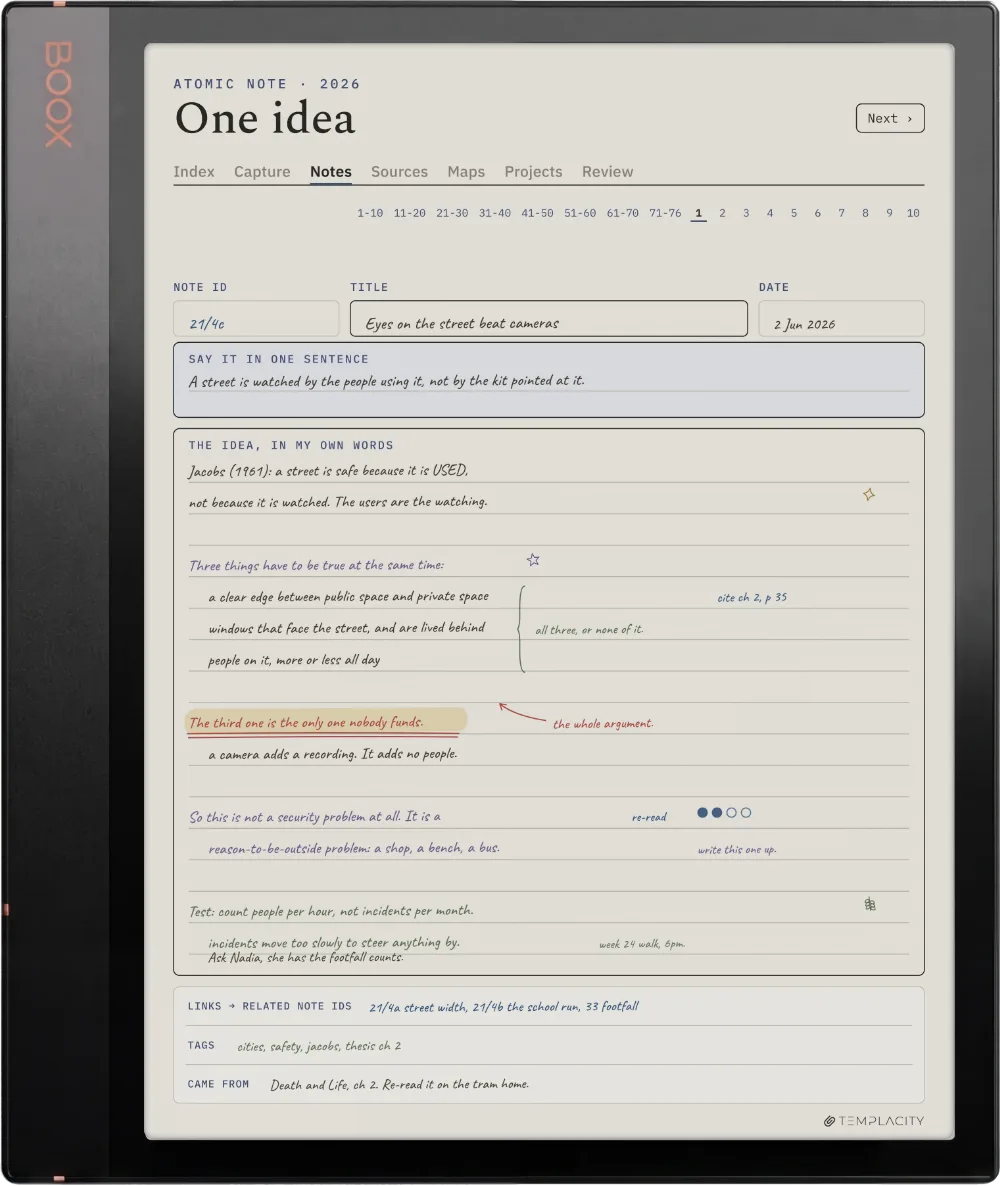
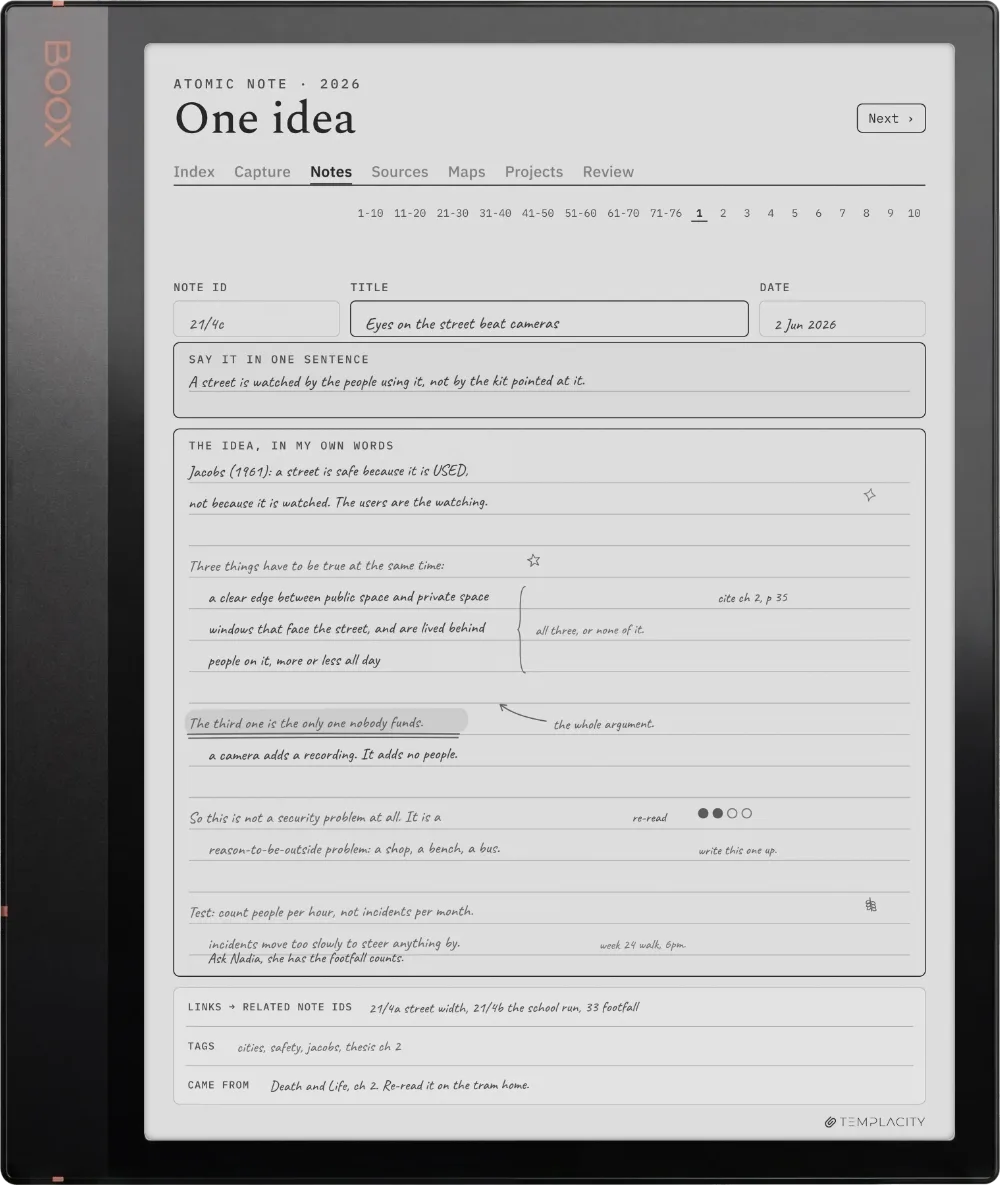
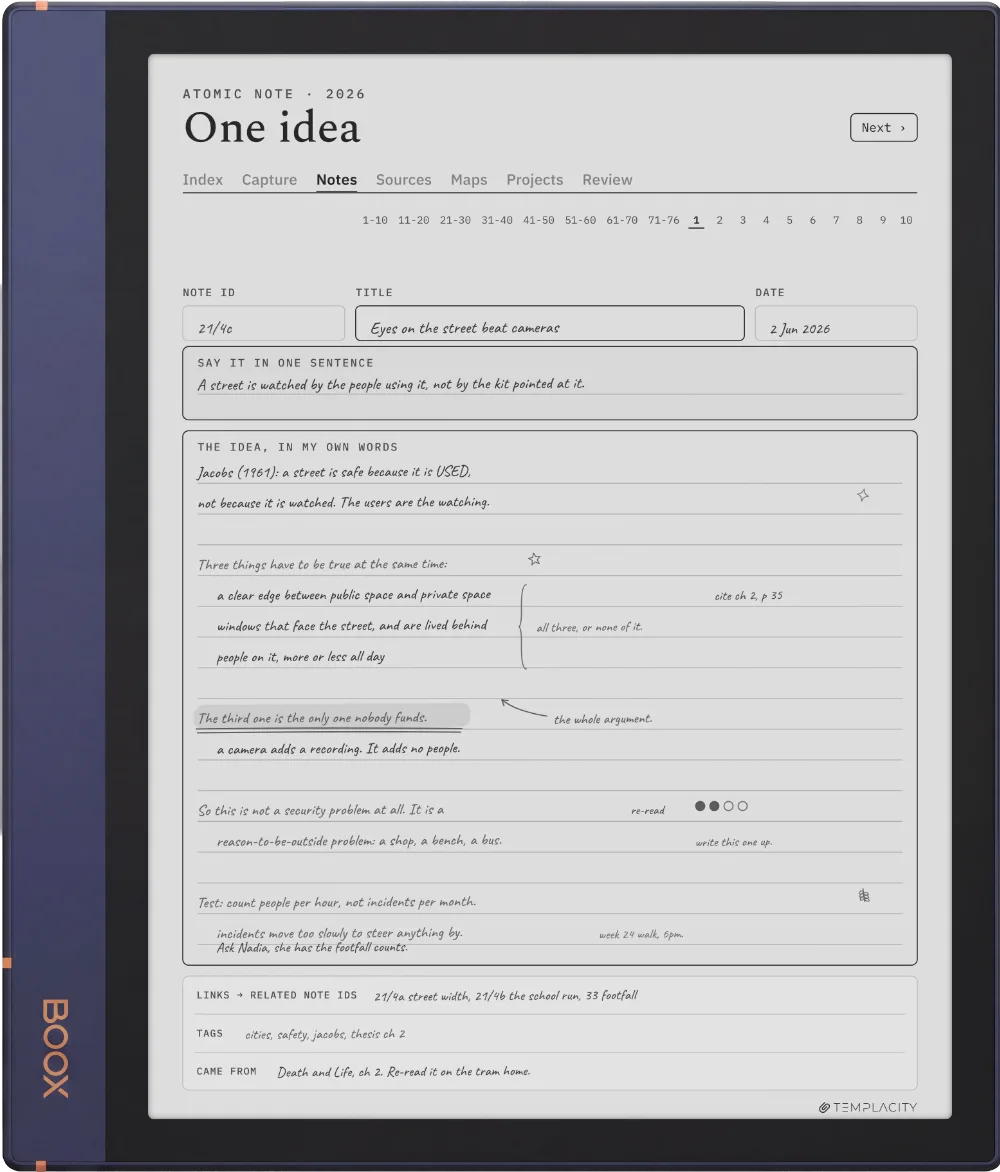
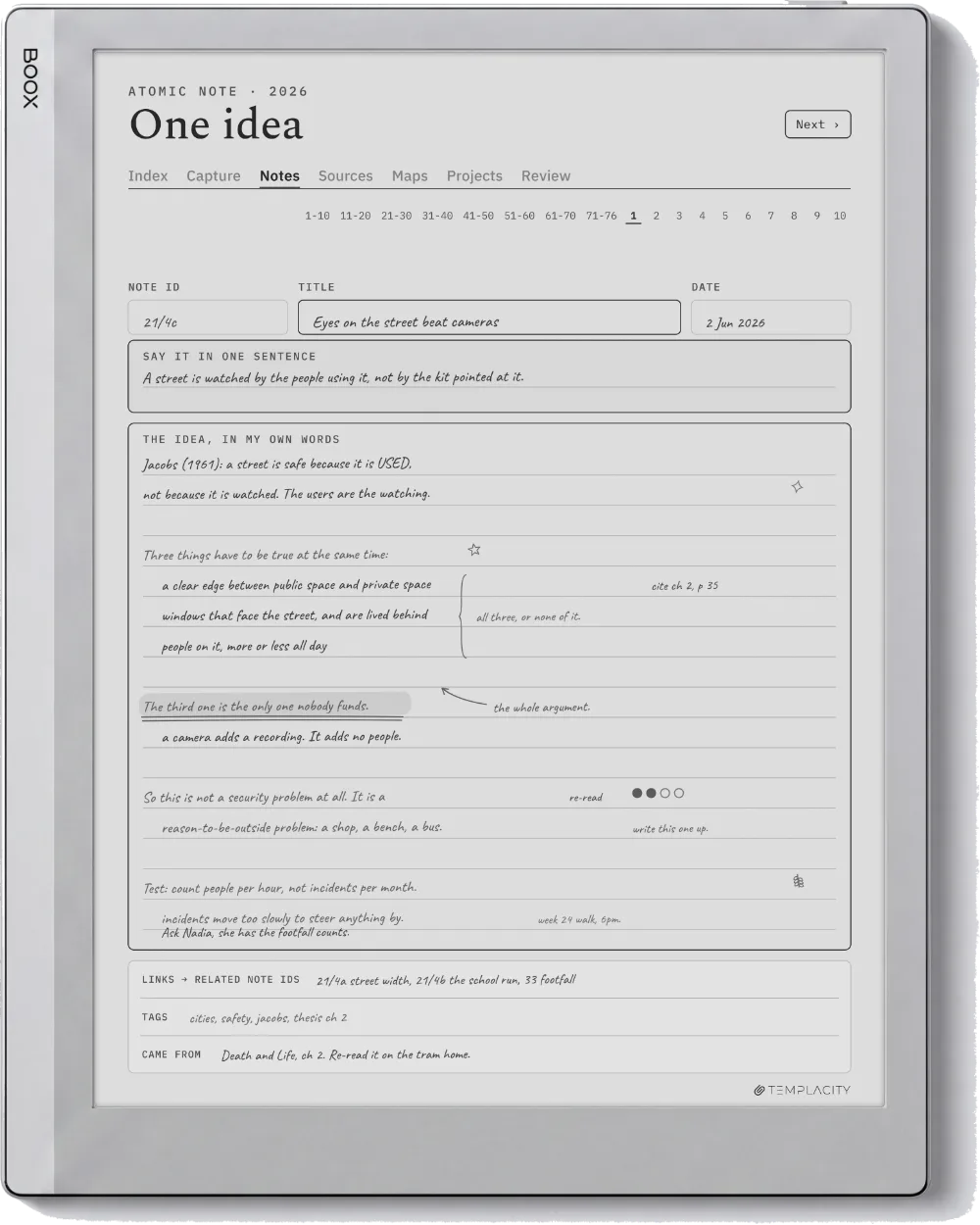
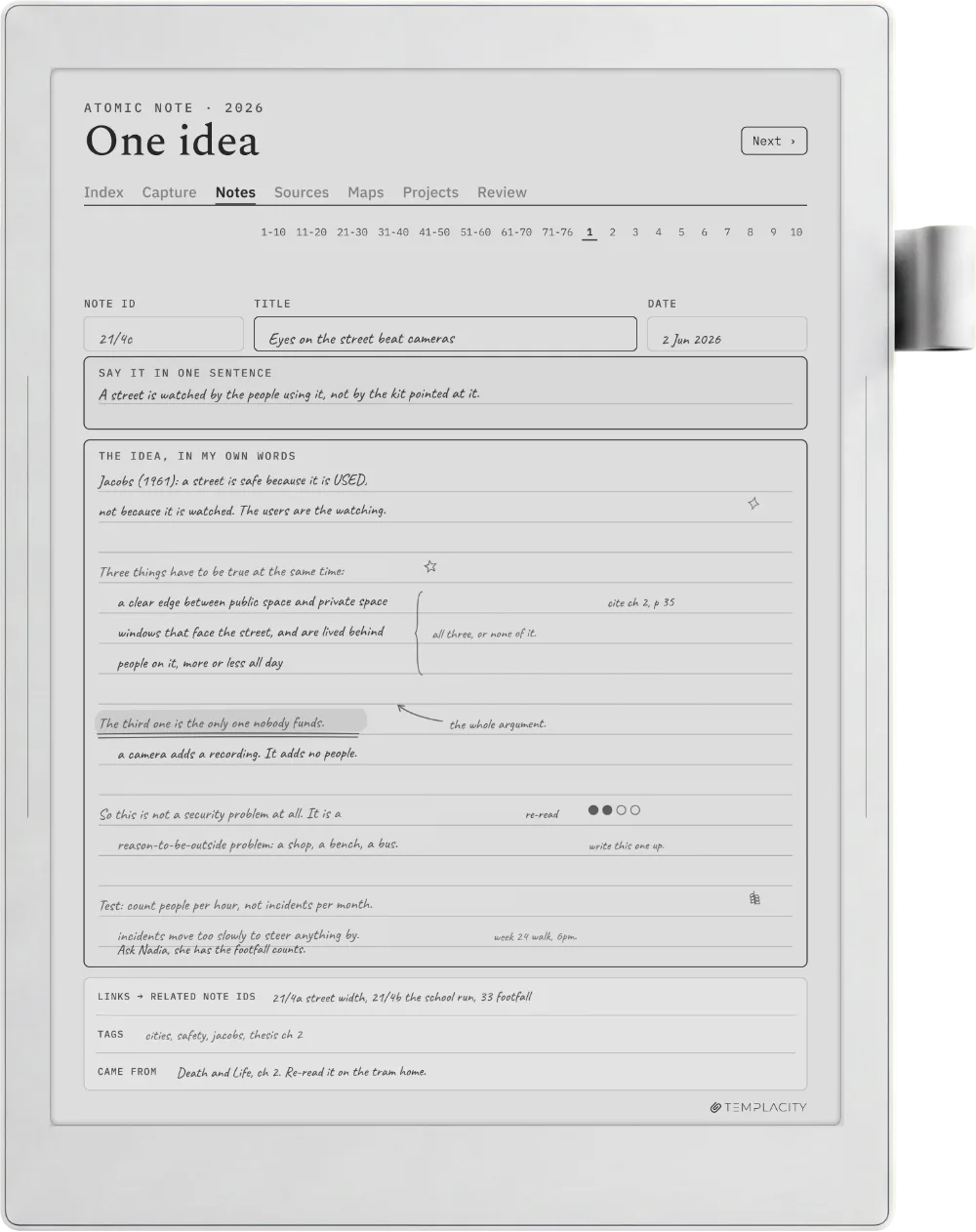
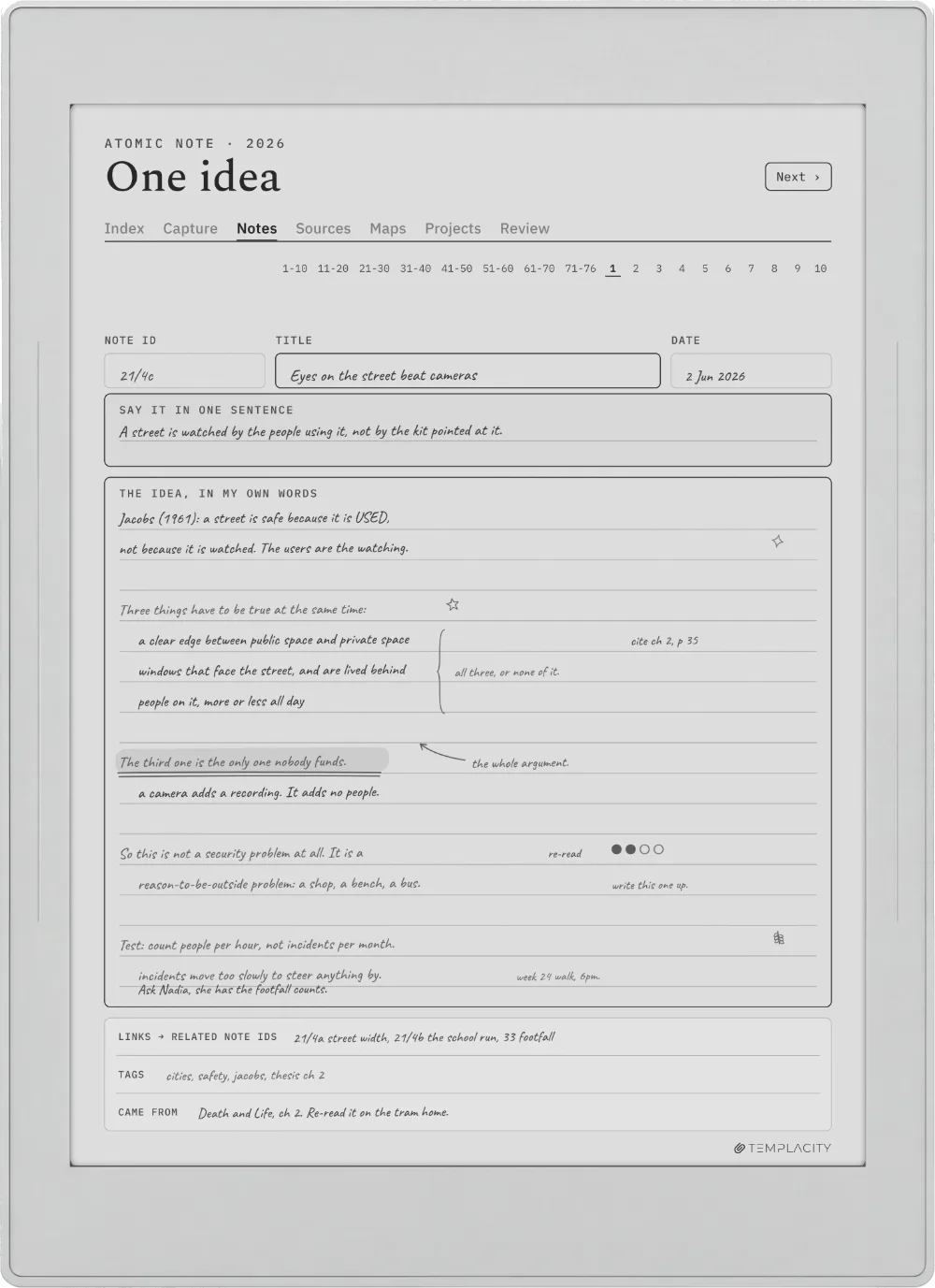
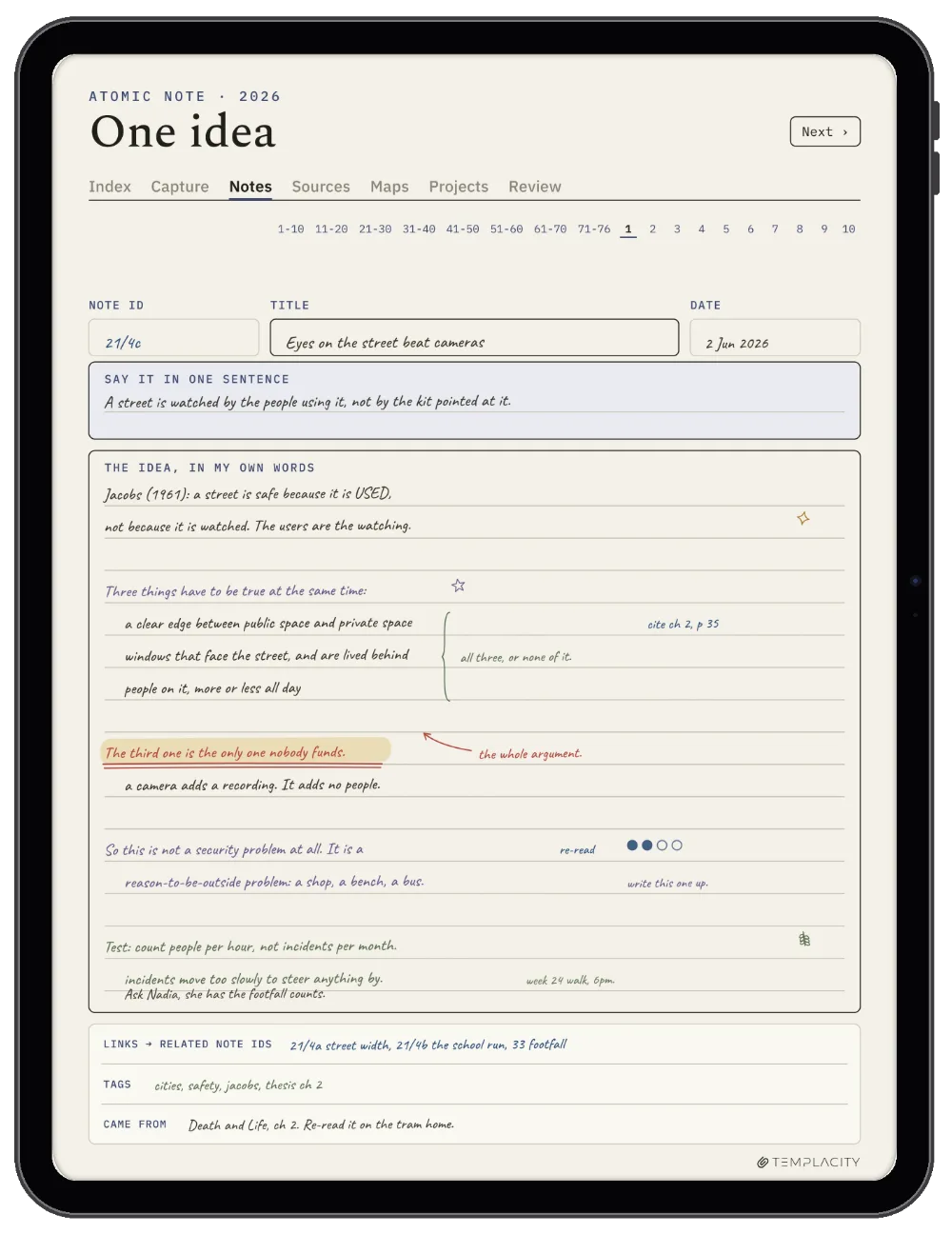
The Atomic Note

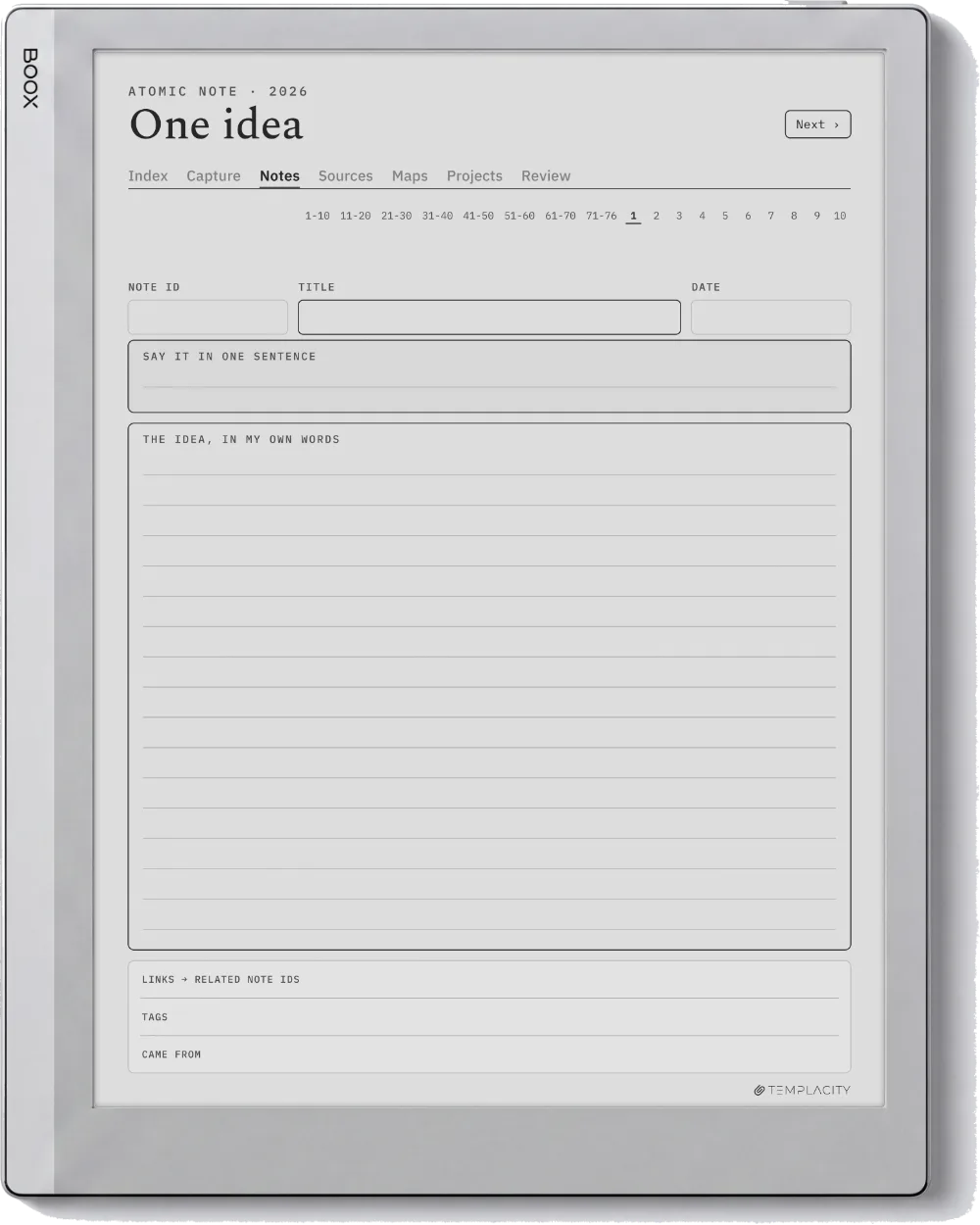
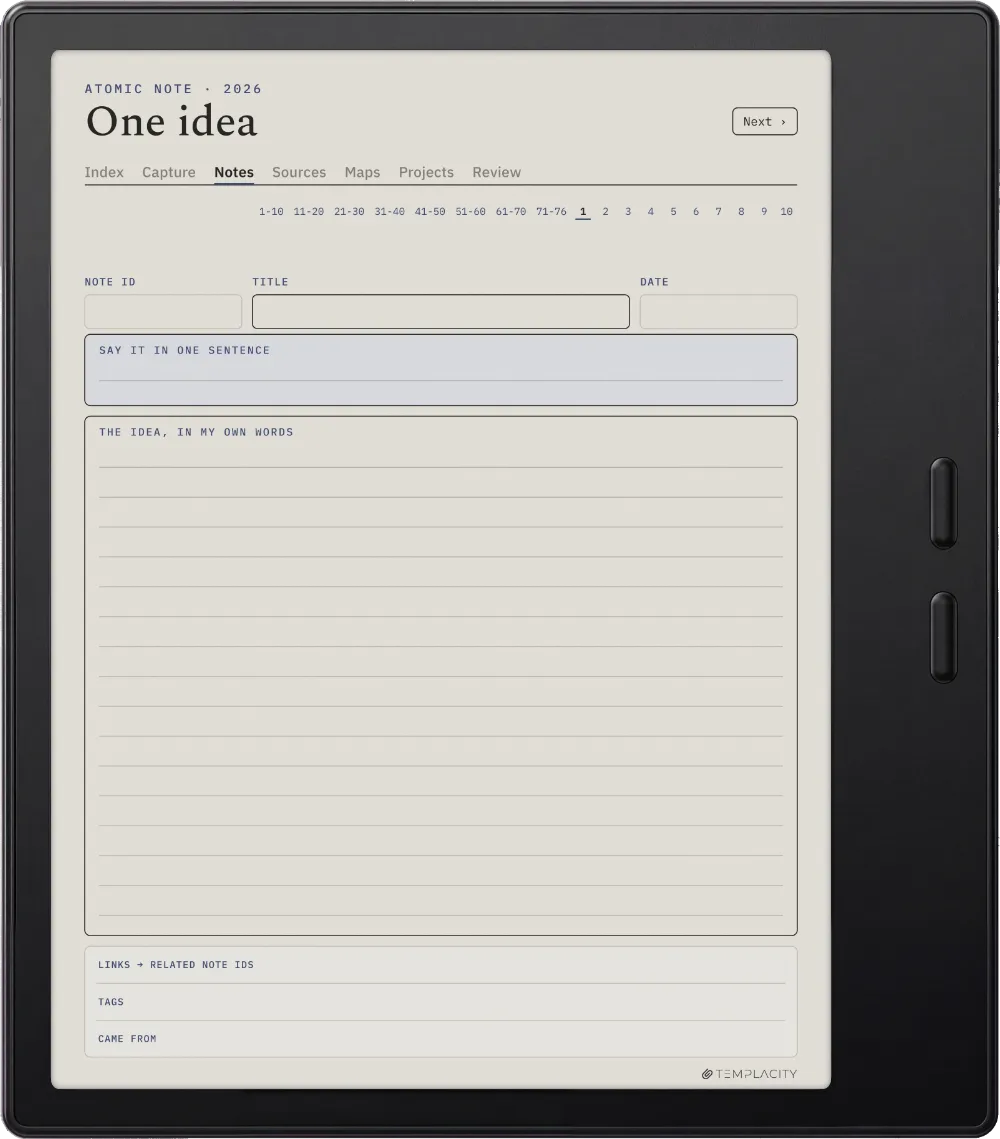
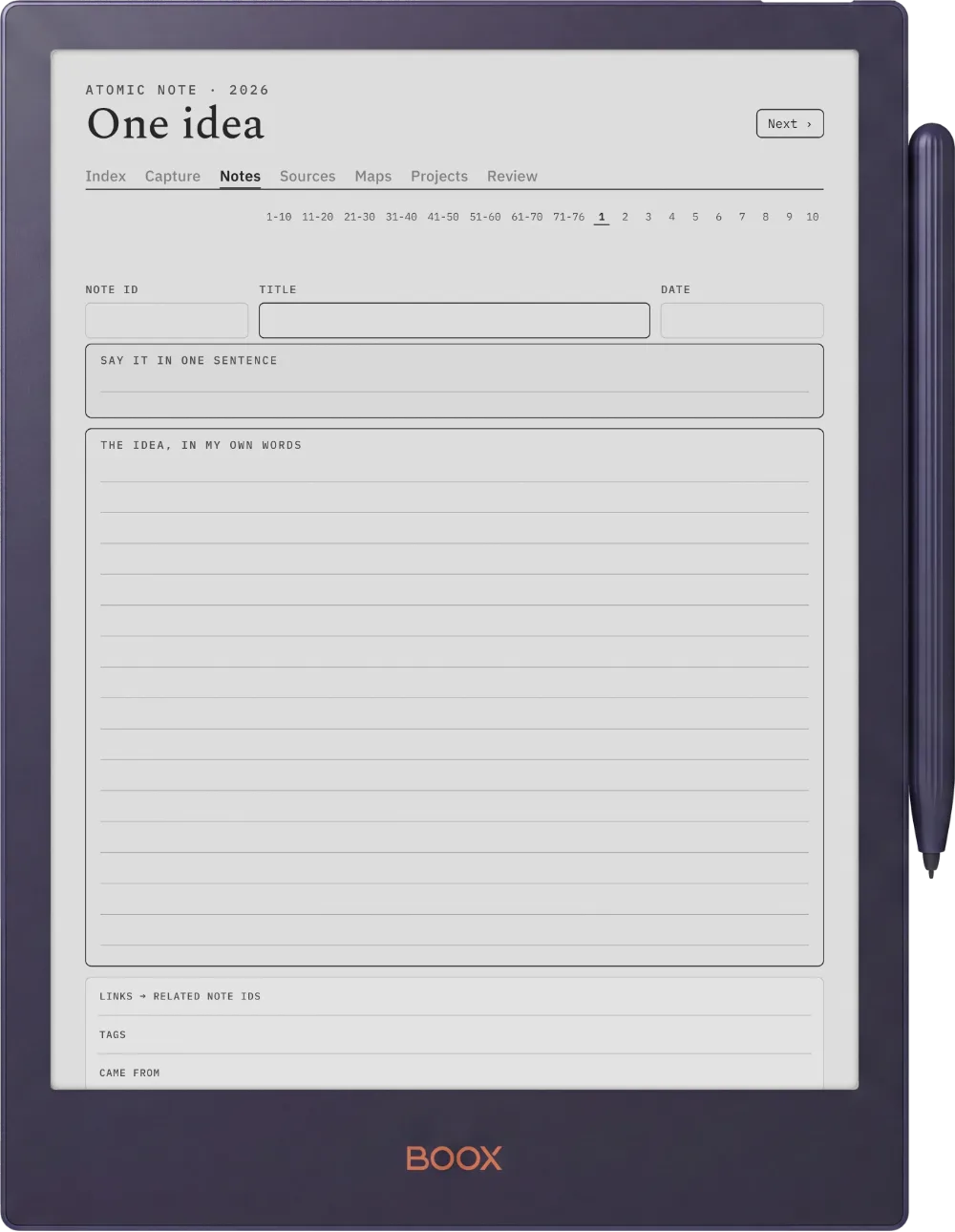
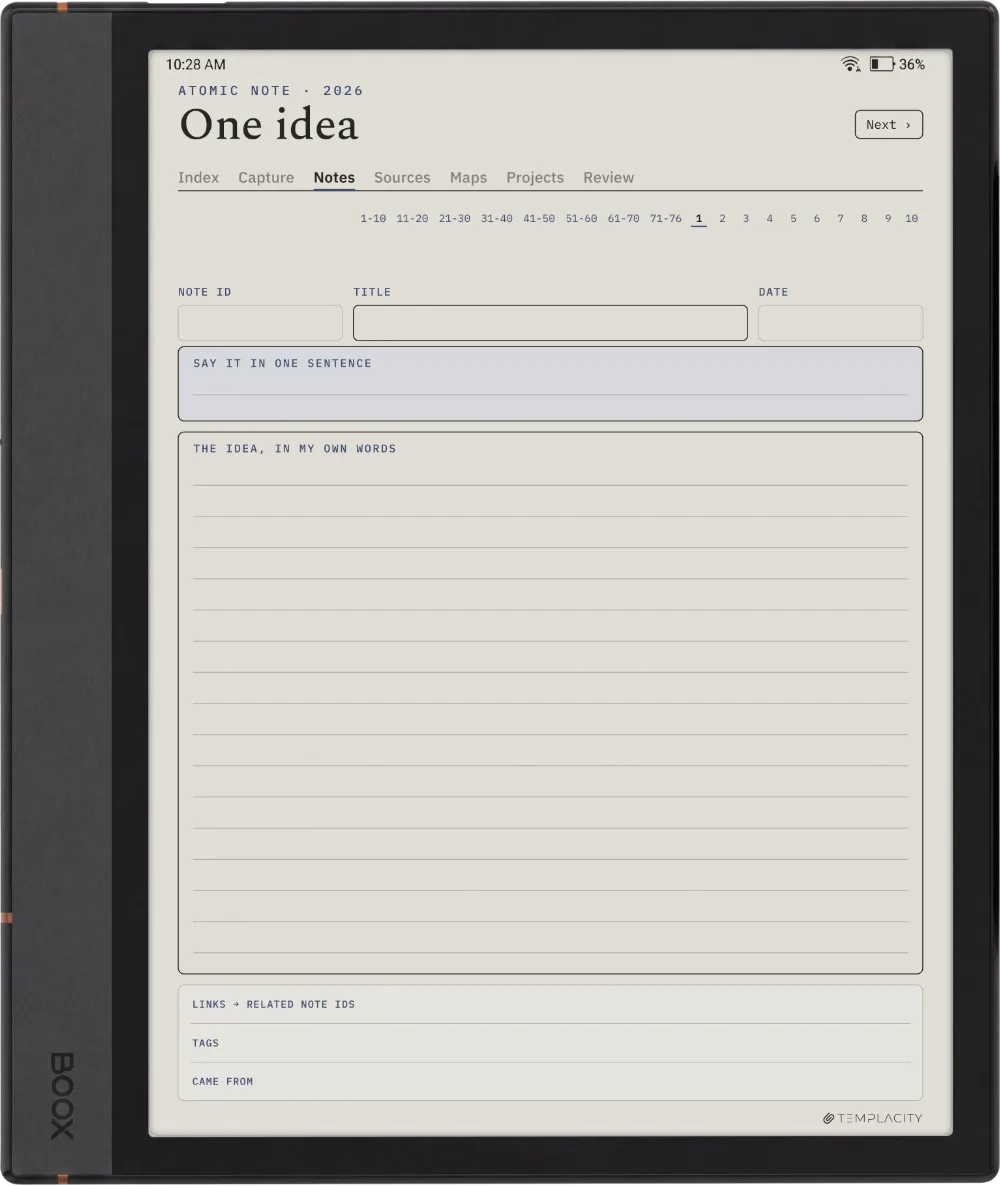
One idea, in your own words.

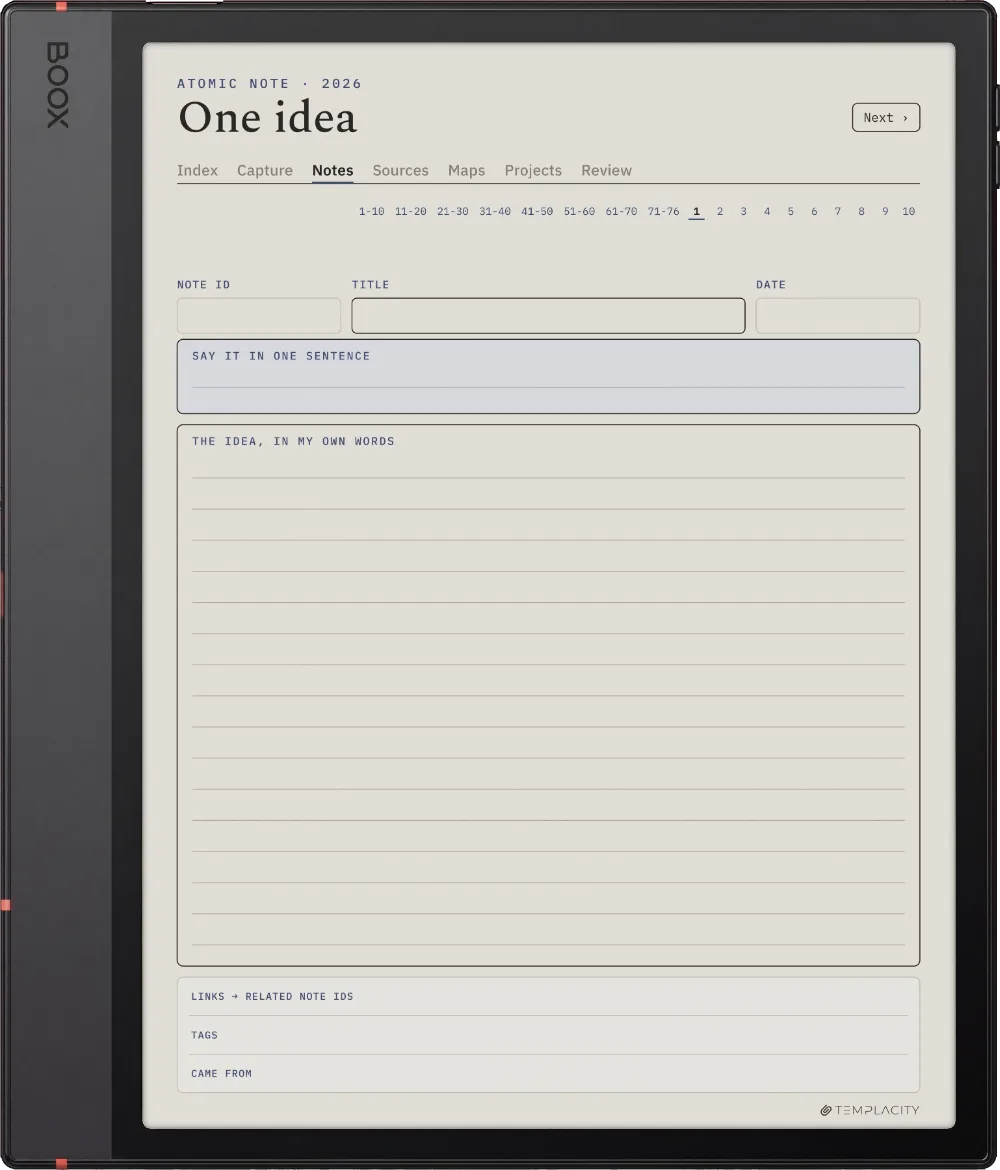
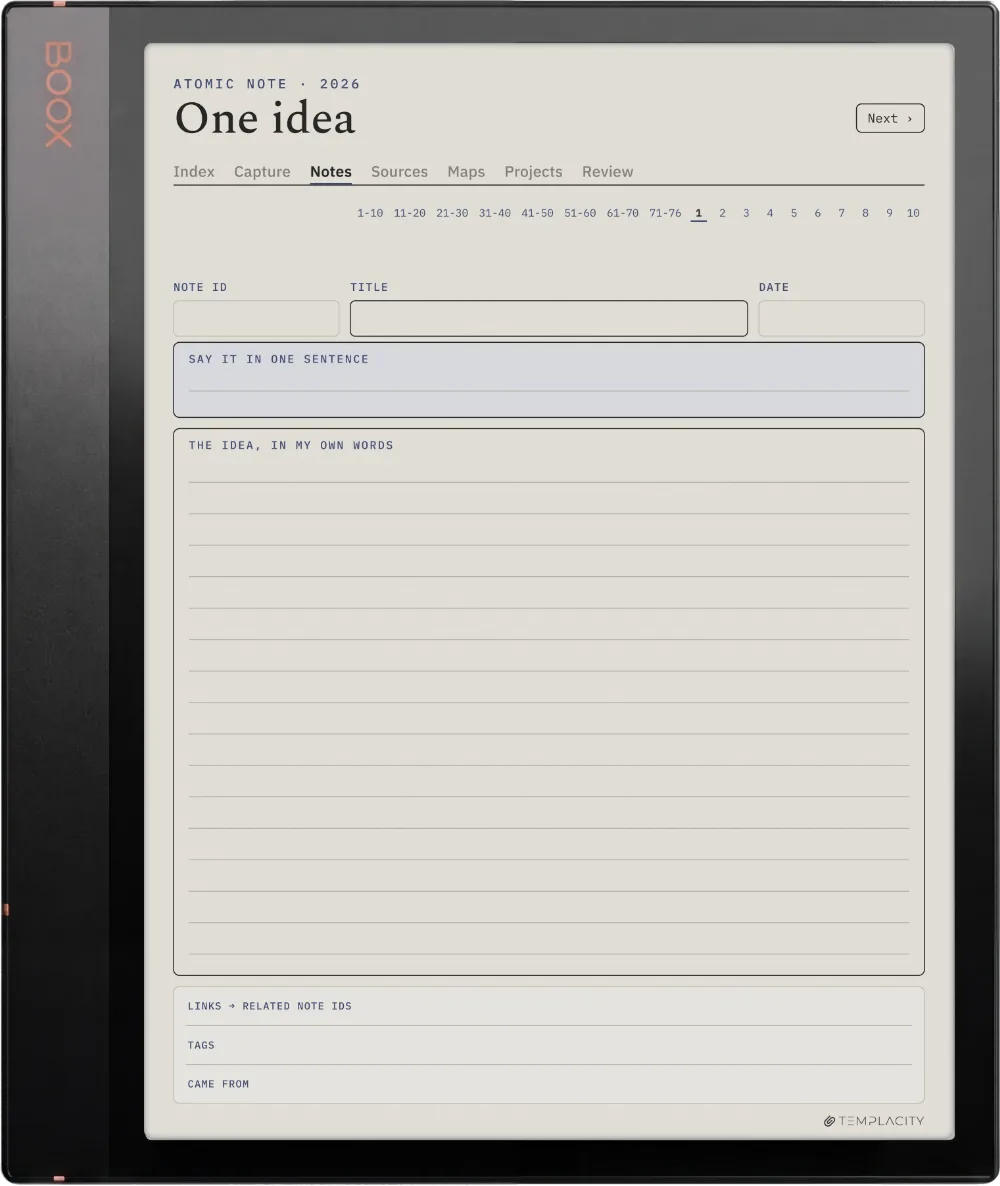
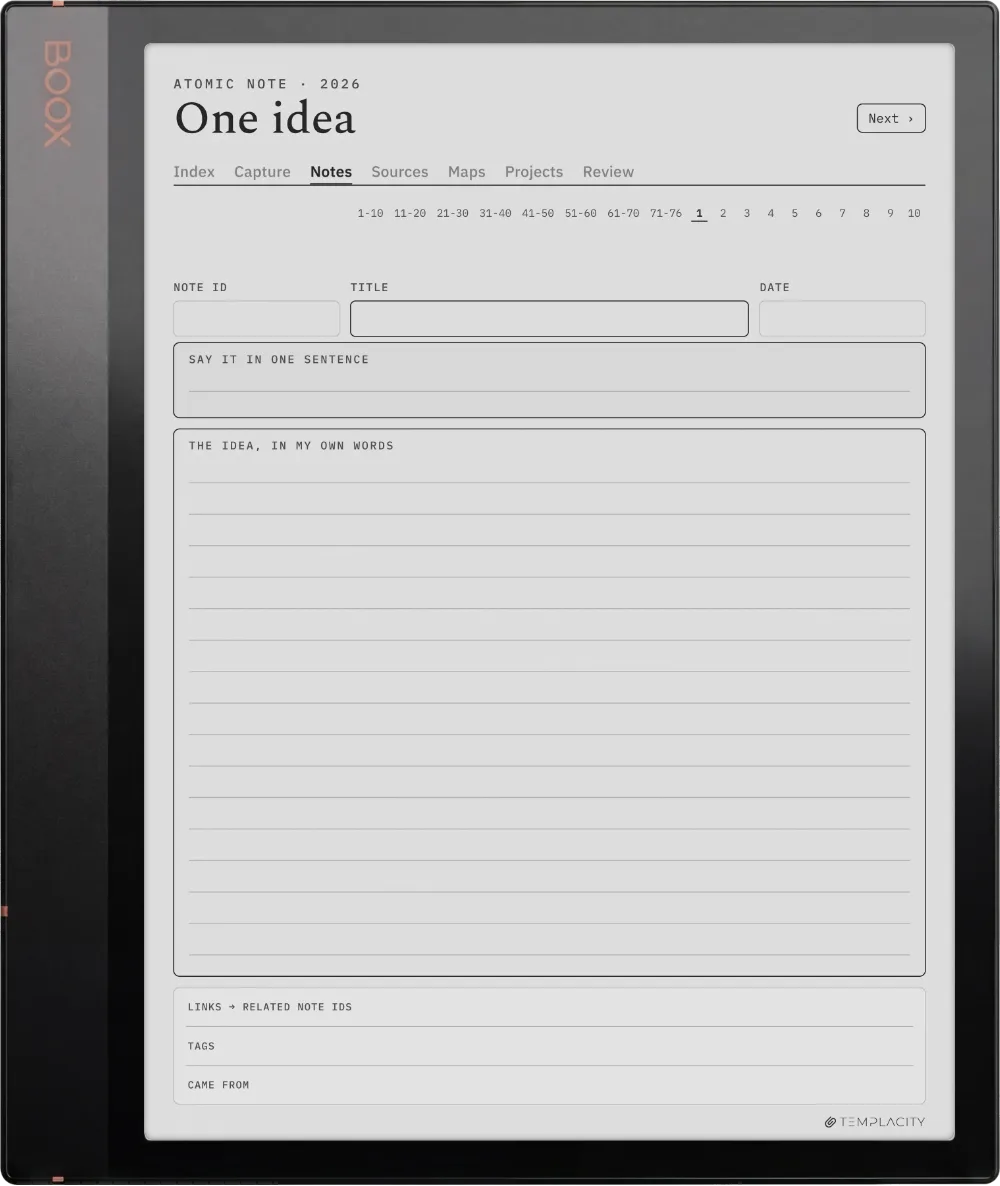
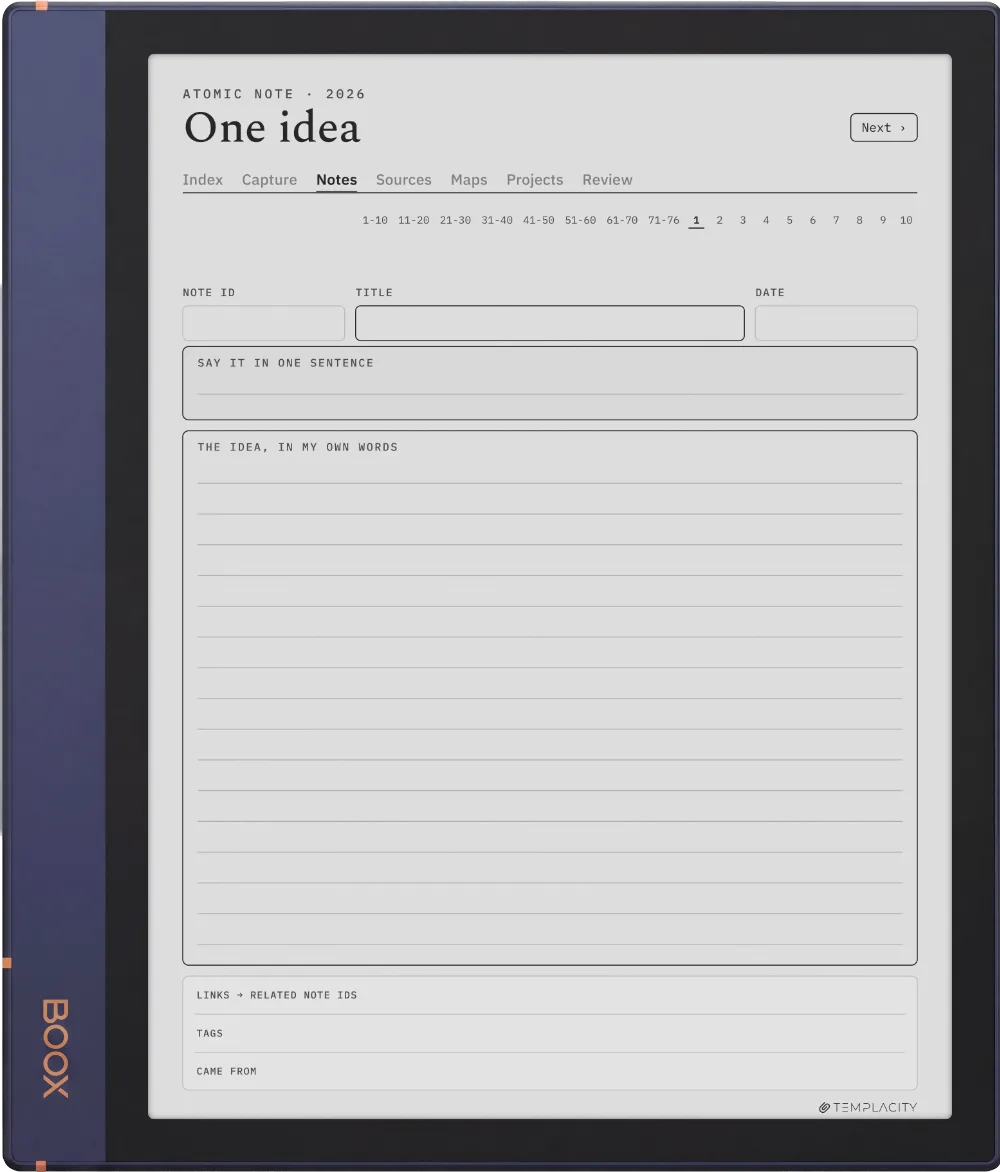
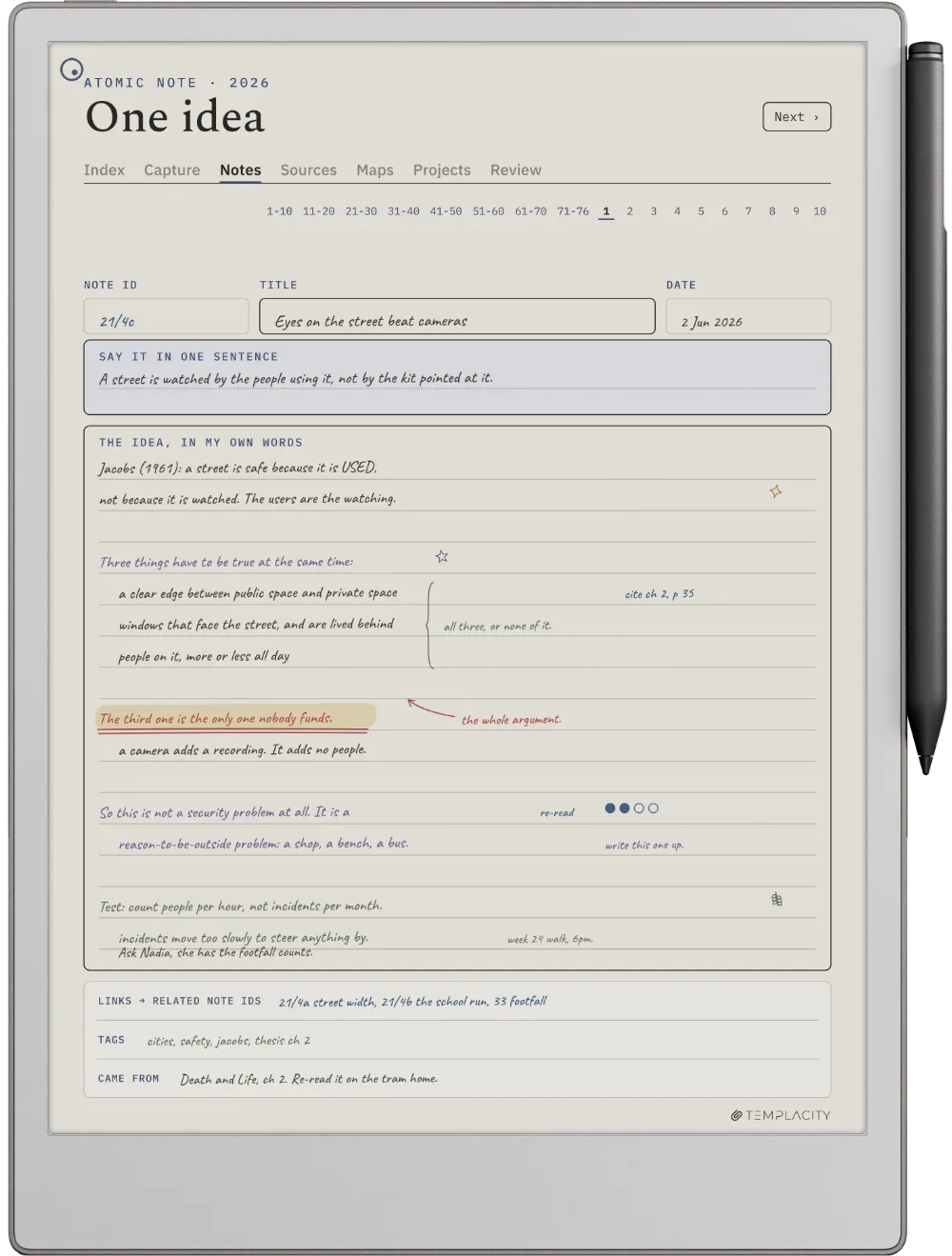
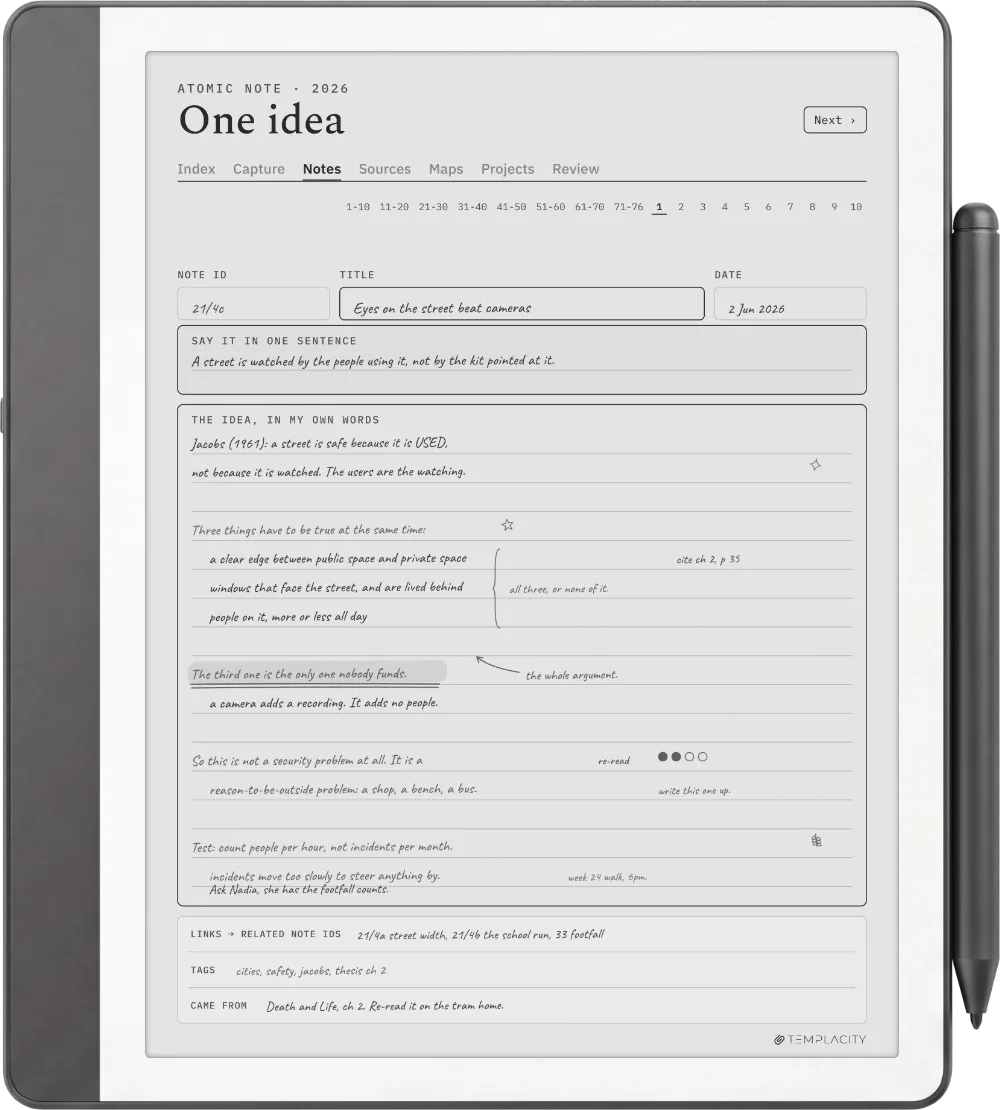
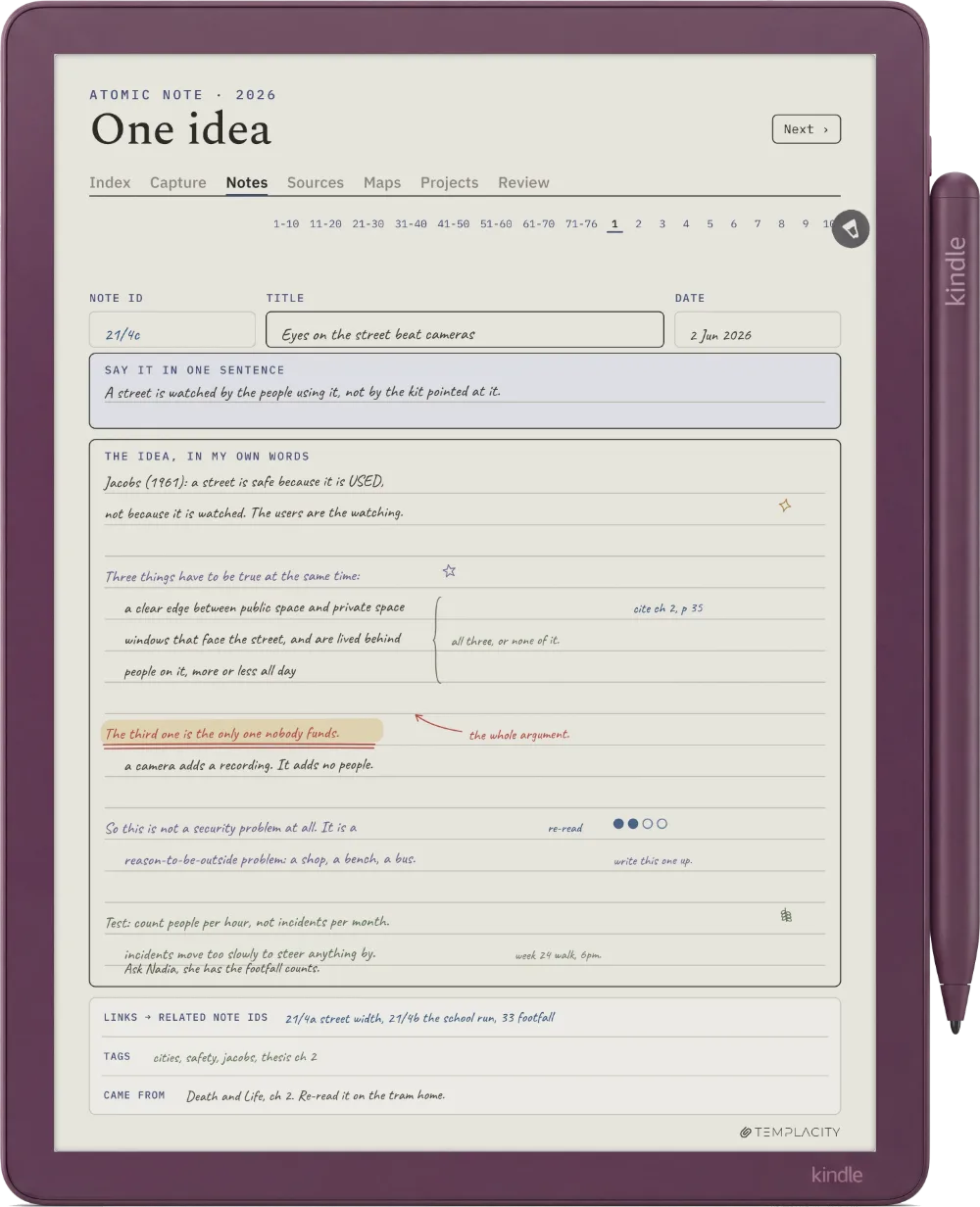
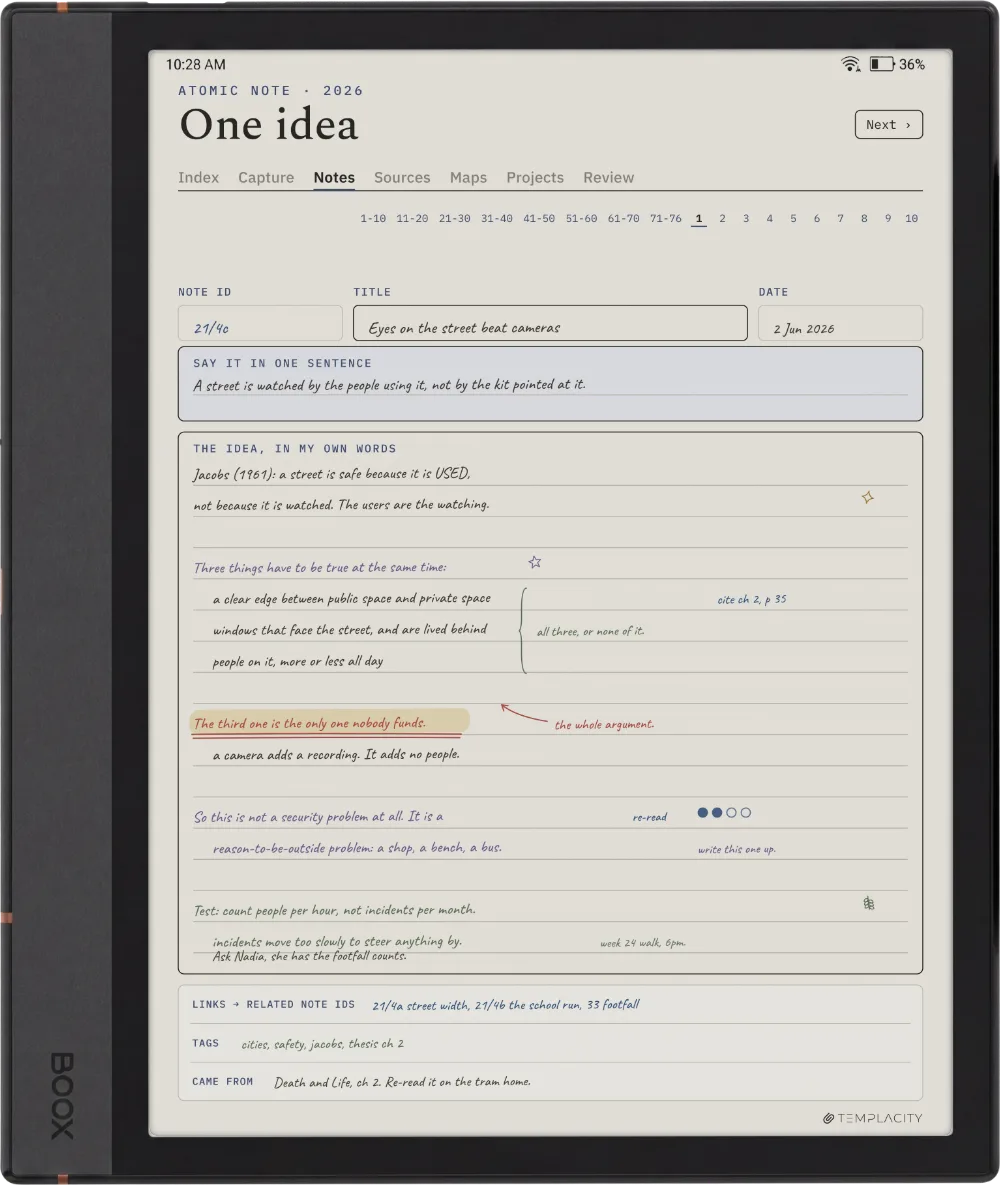
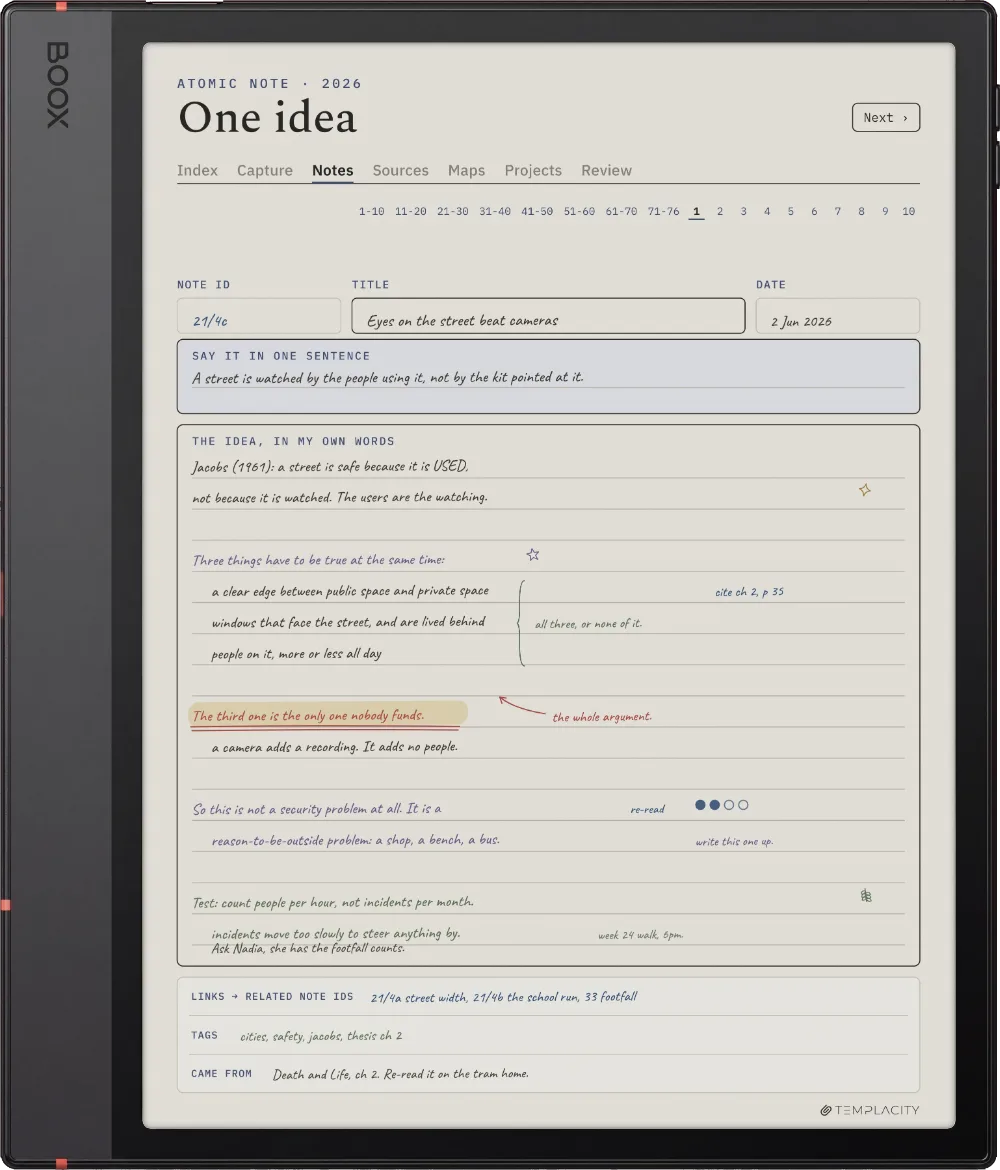
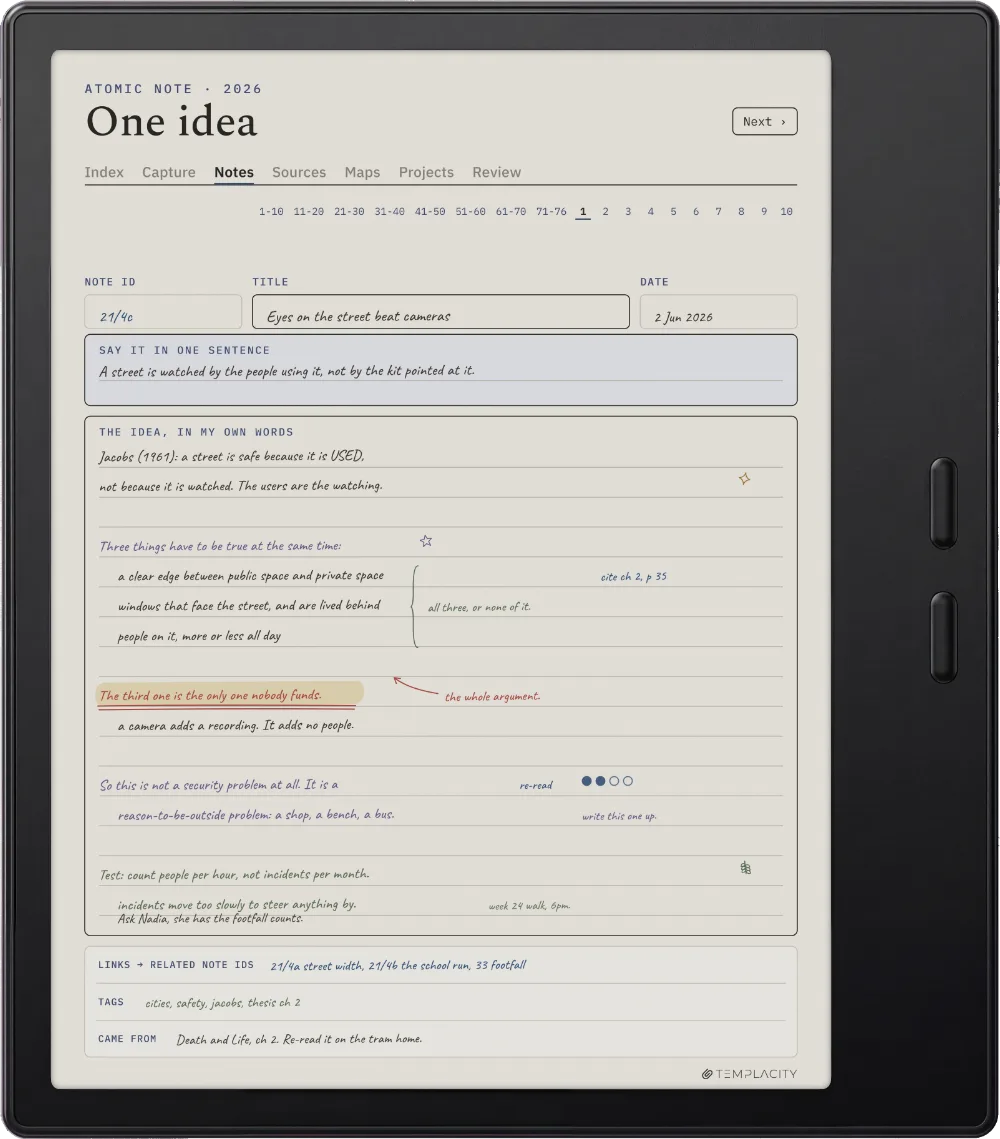
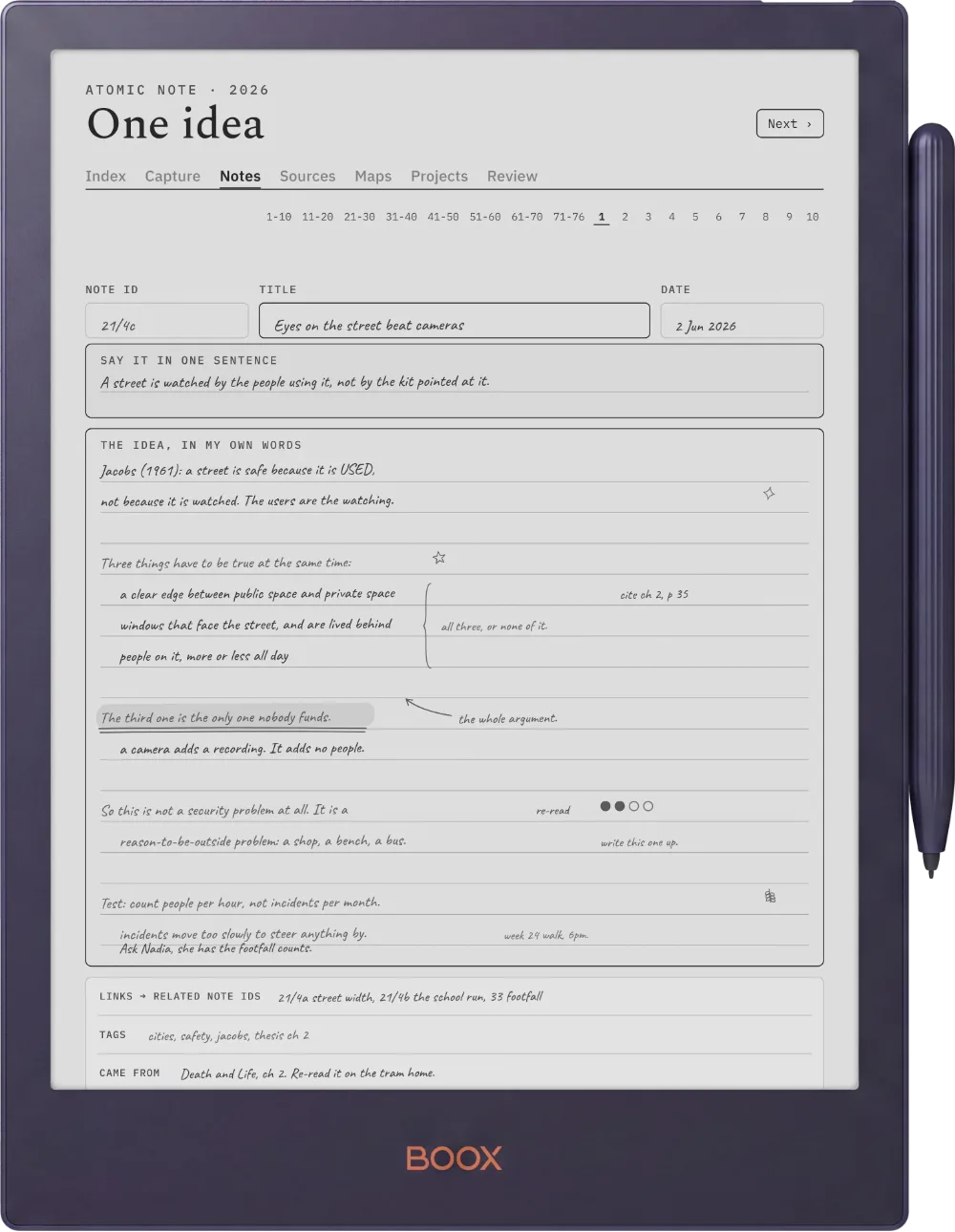
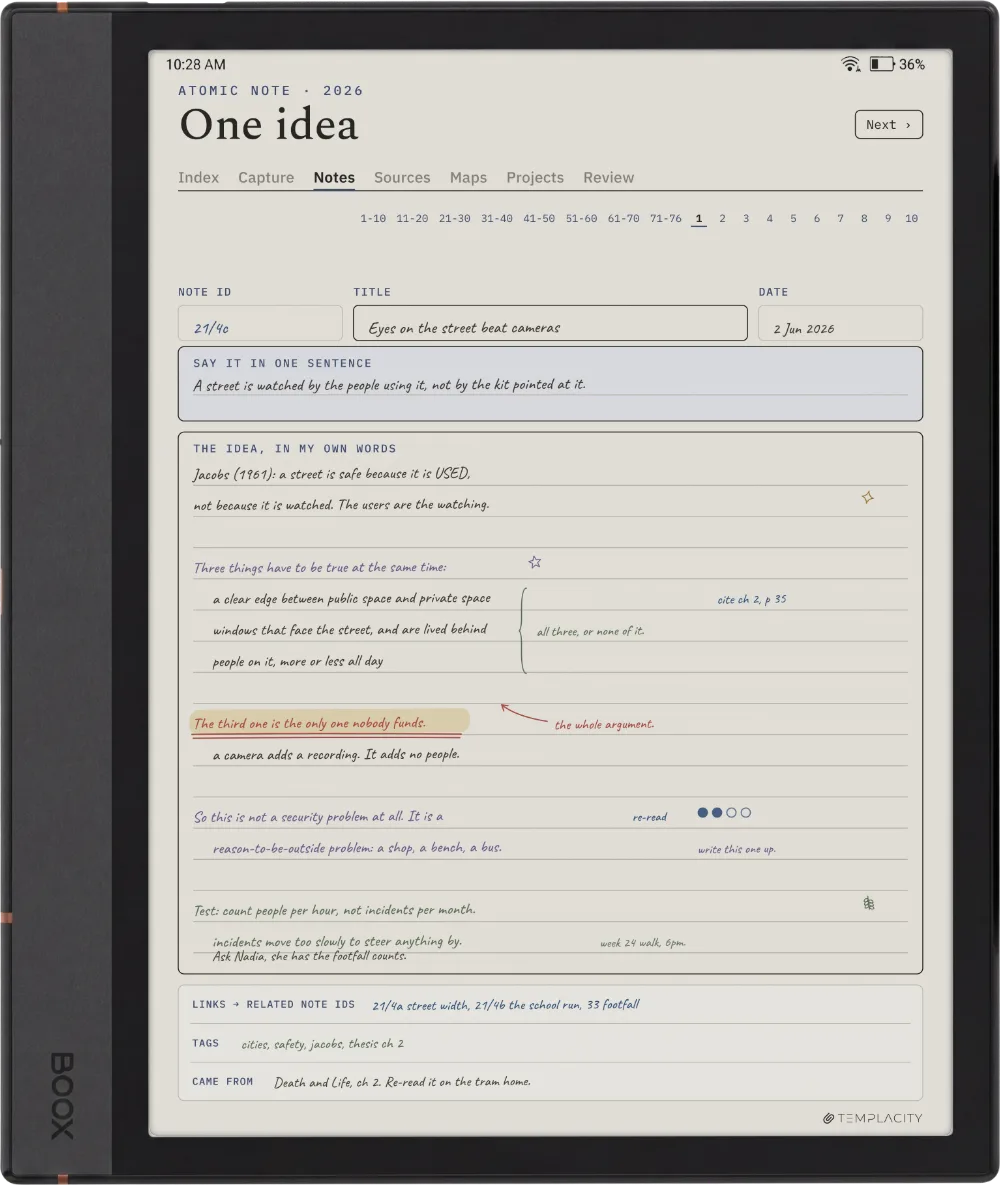
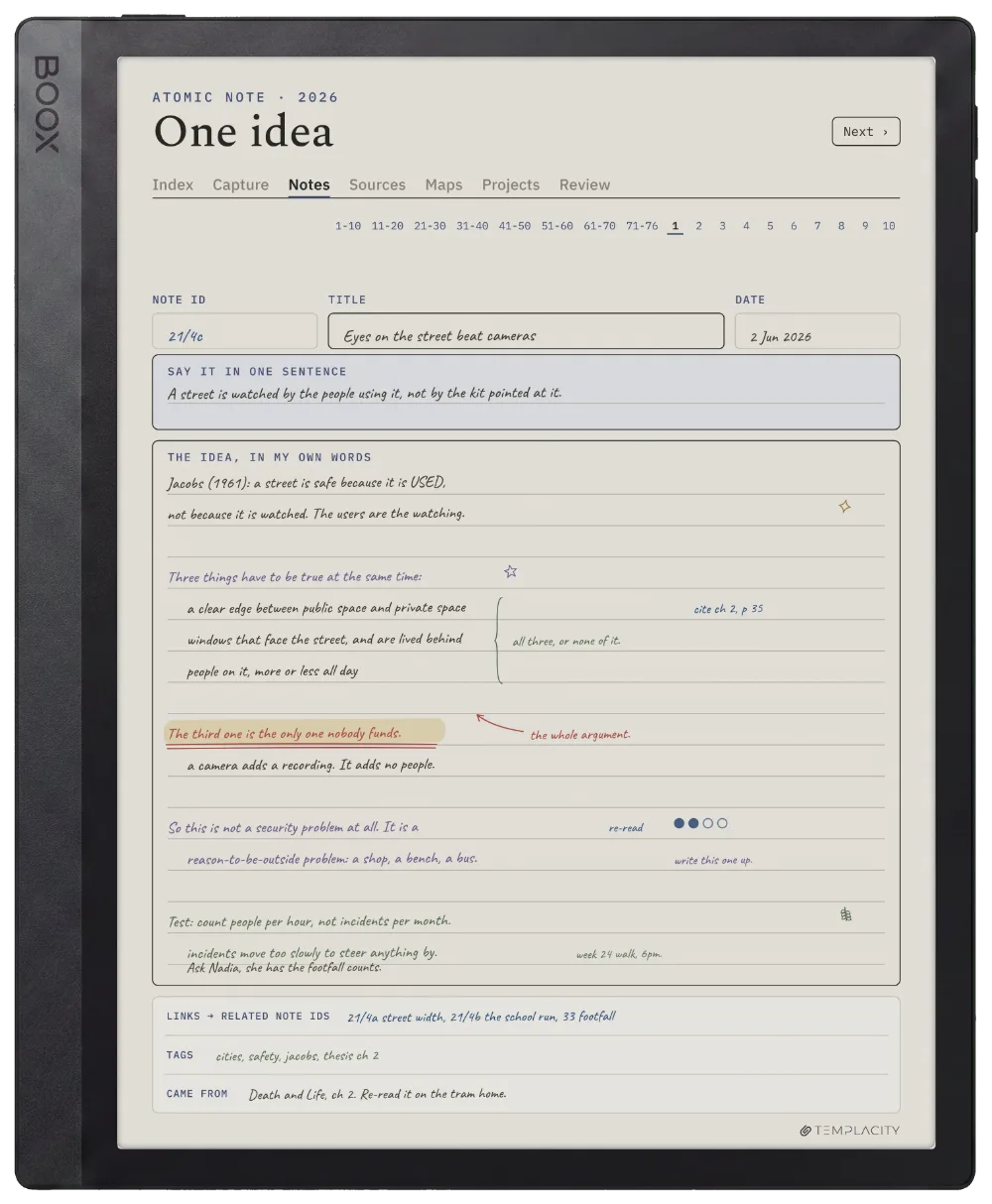
An ID, a claim you would defend in a single sentence, the argument underneath, and links out to the notes it touches. This is the page the whole system exists to produce, and there are 76 of them.

The Planner The Atomic Note
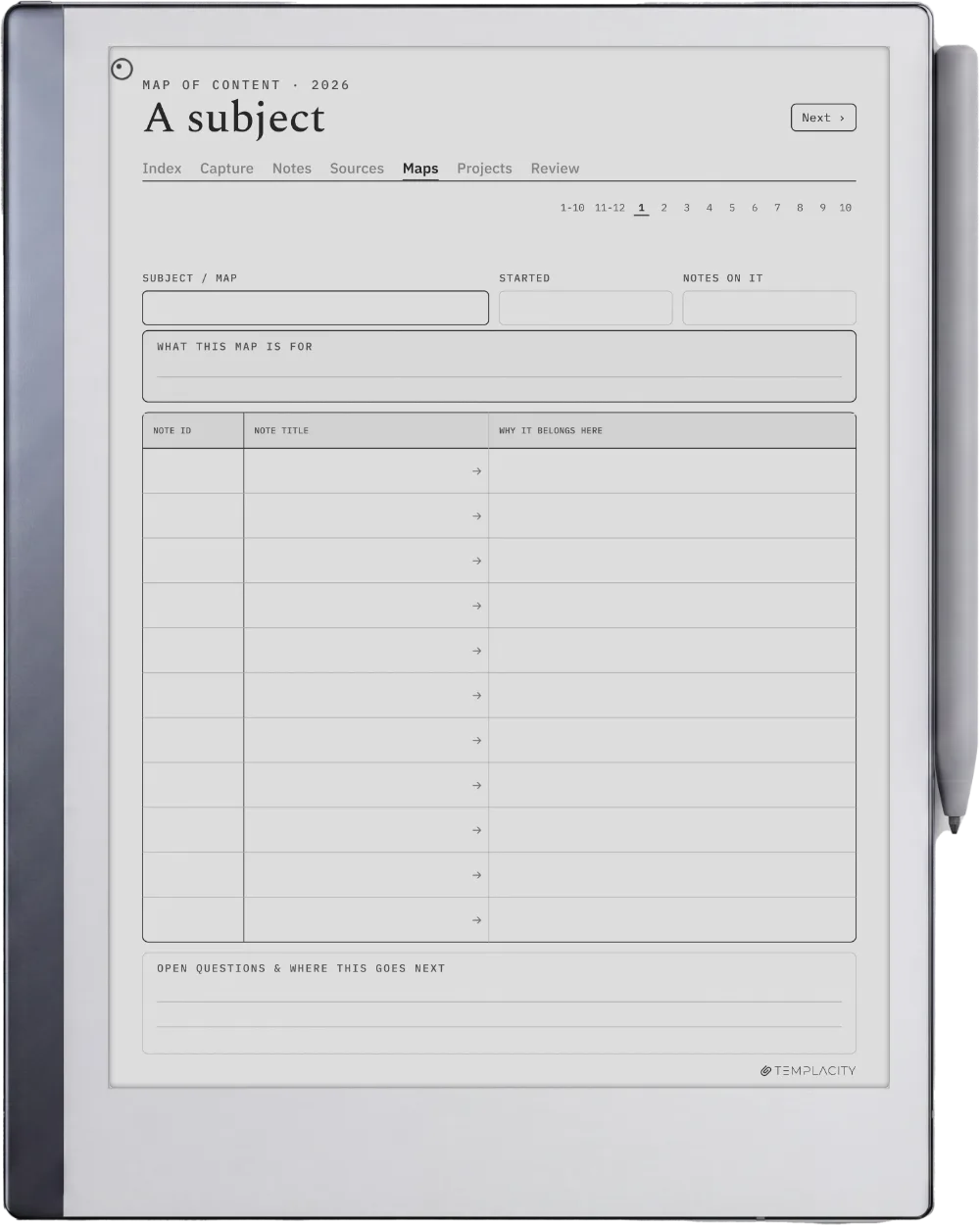
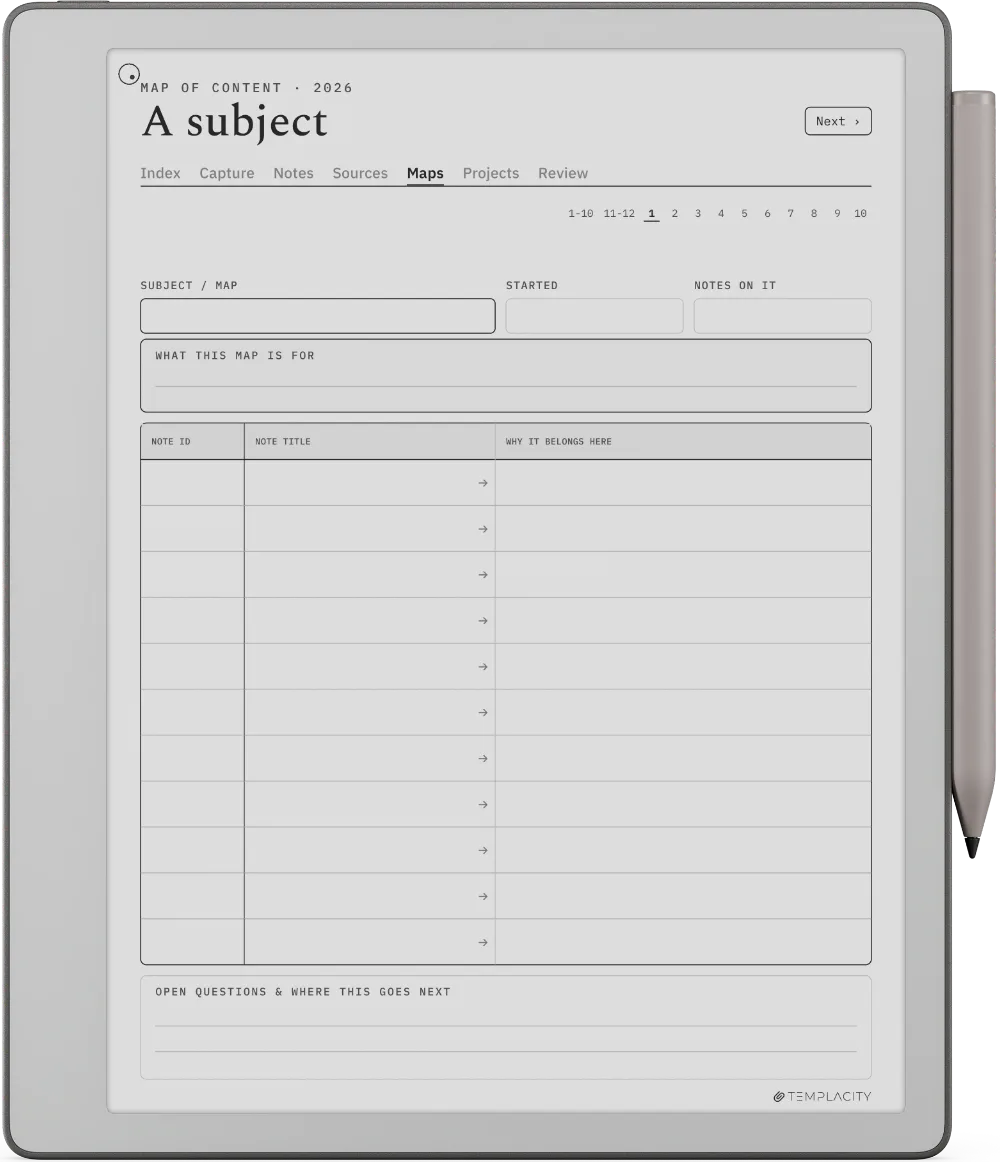
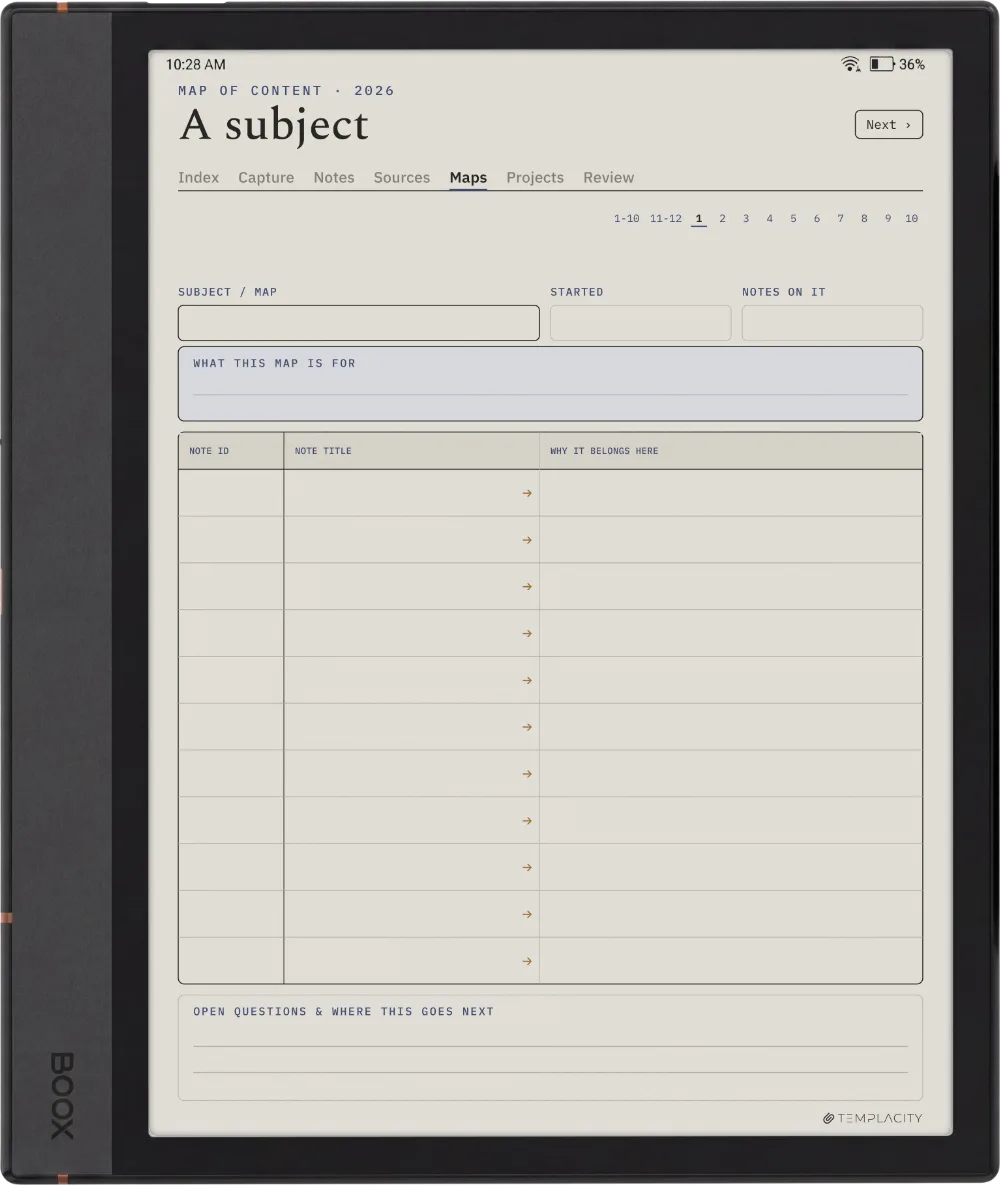
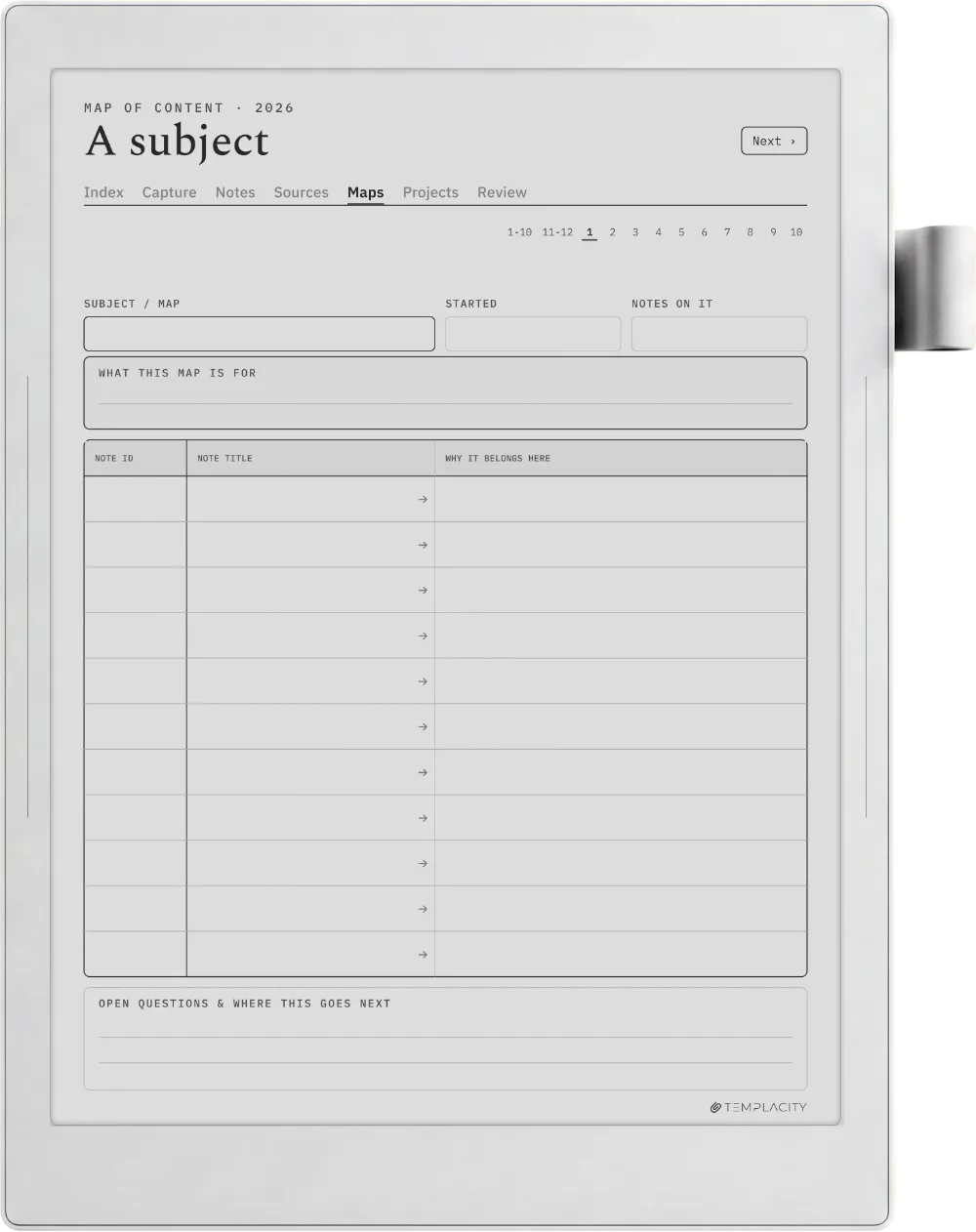
The Map of Content

A pile you can still navigate.

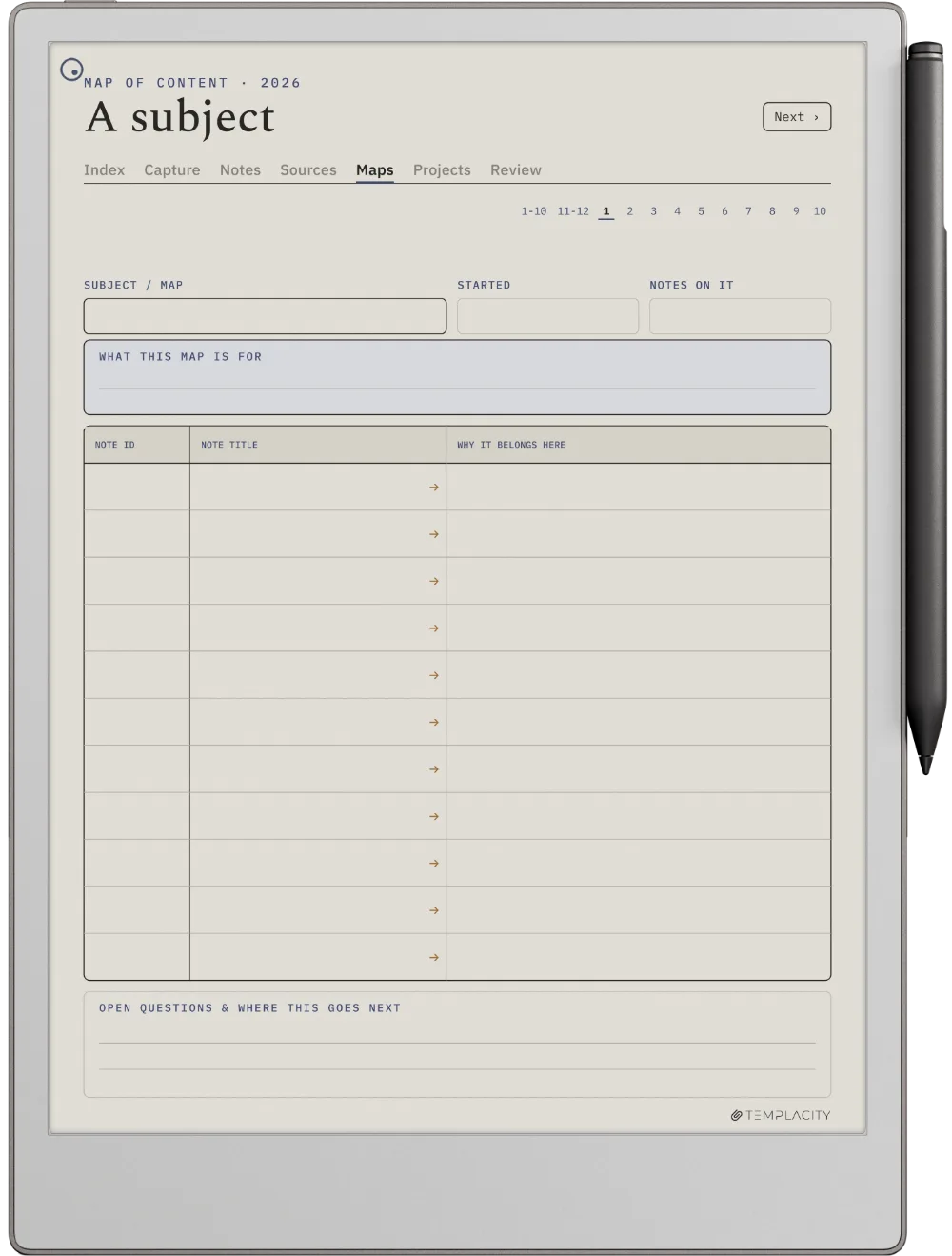
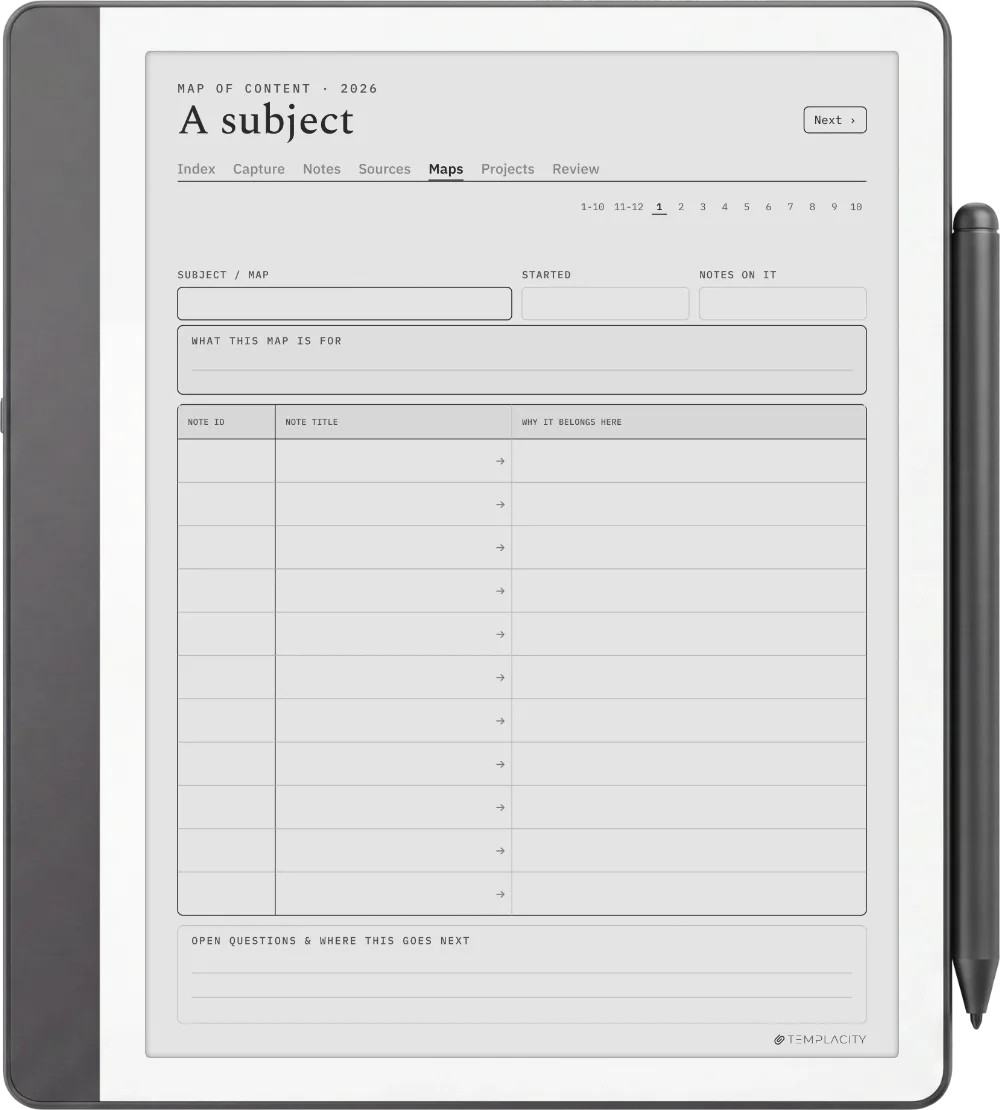
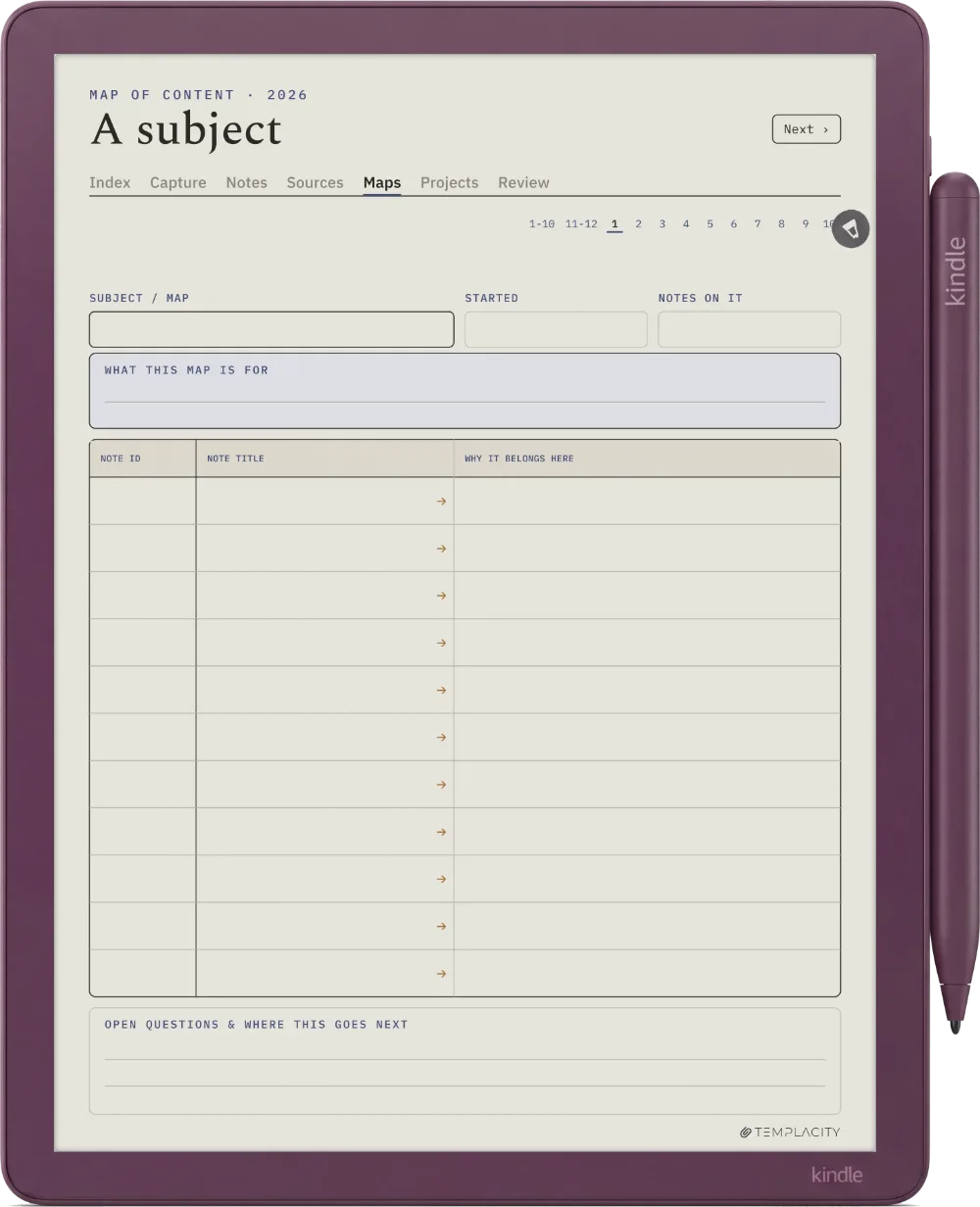
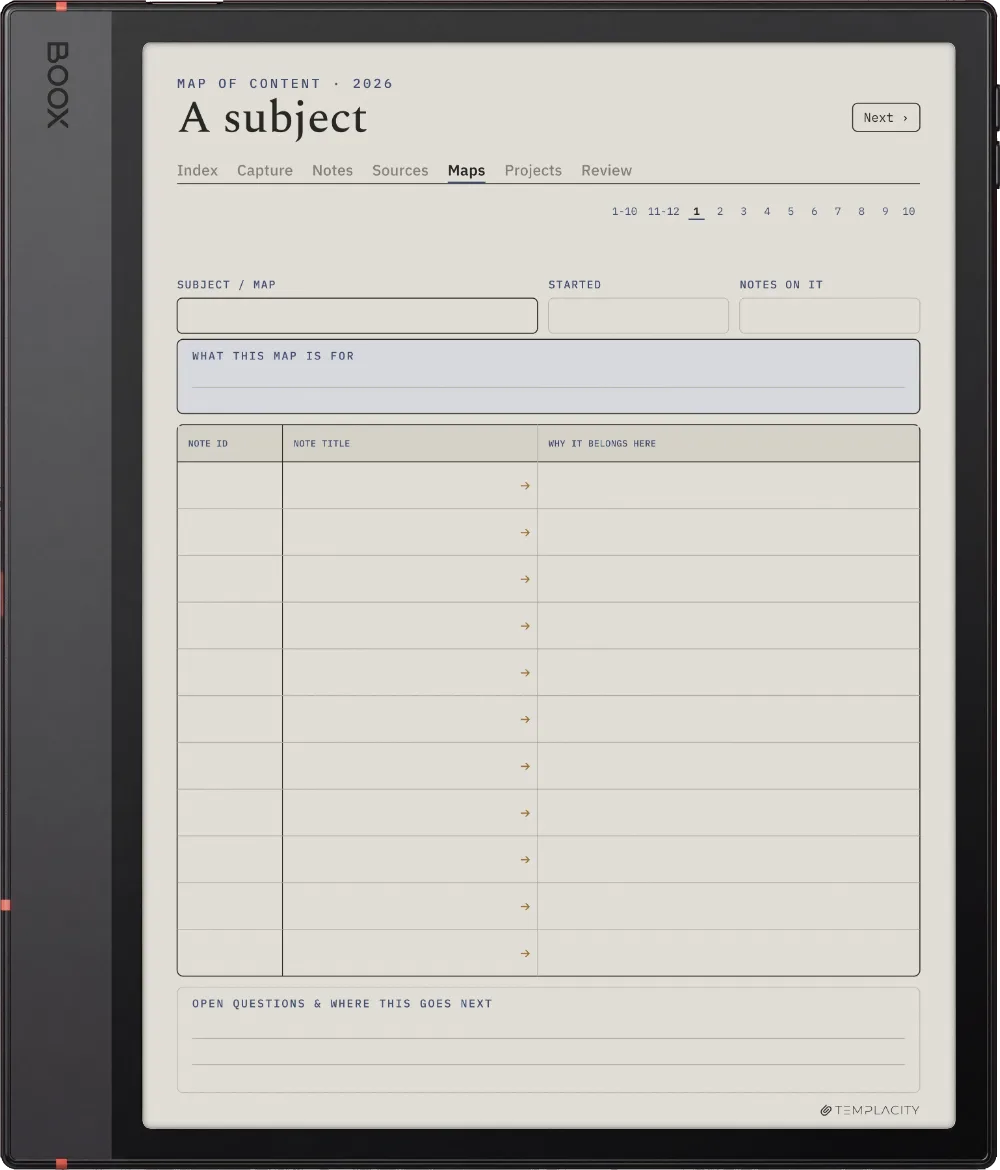
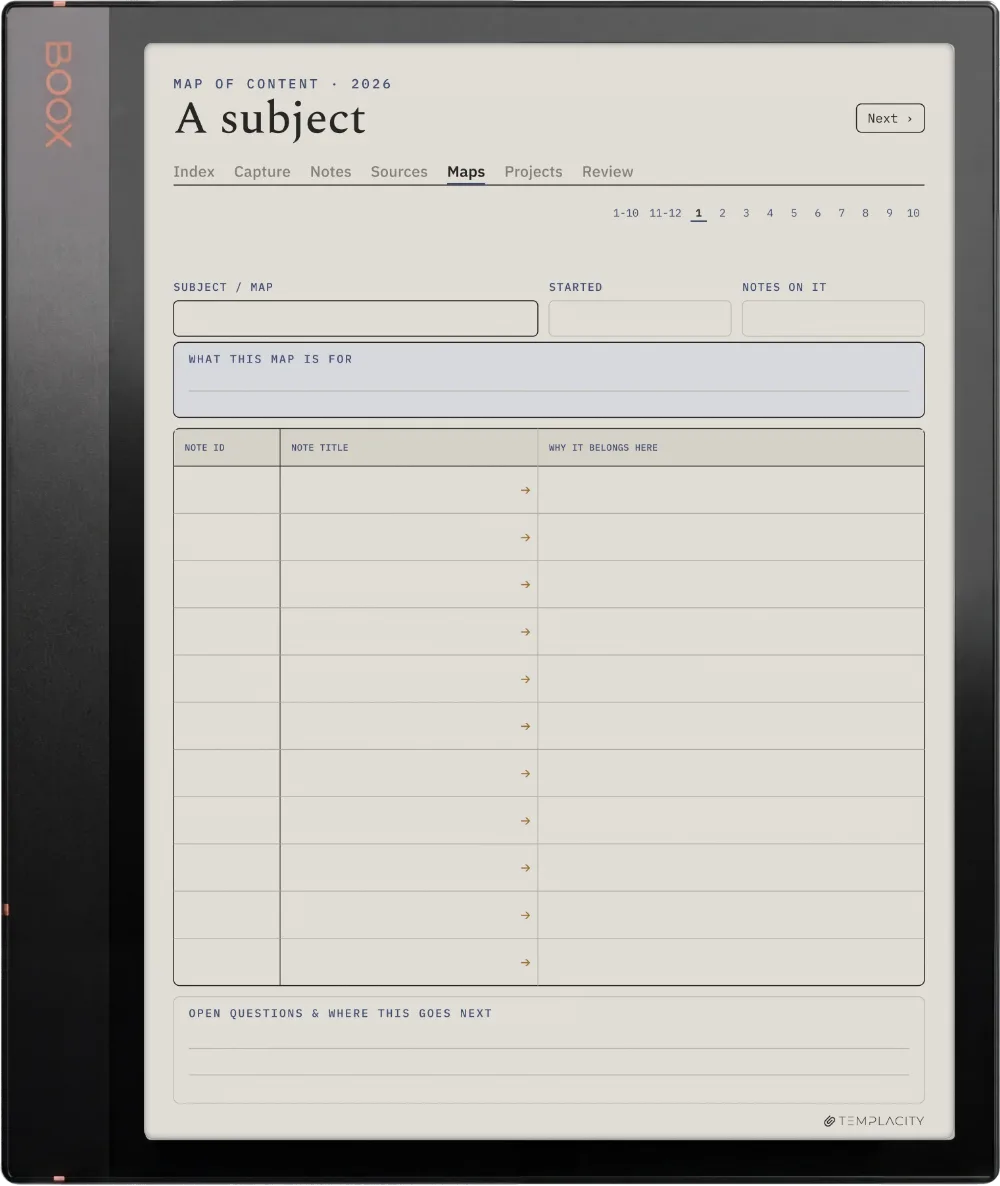
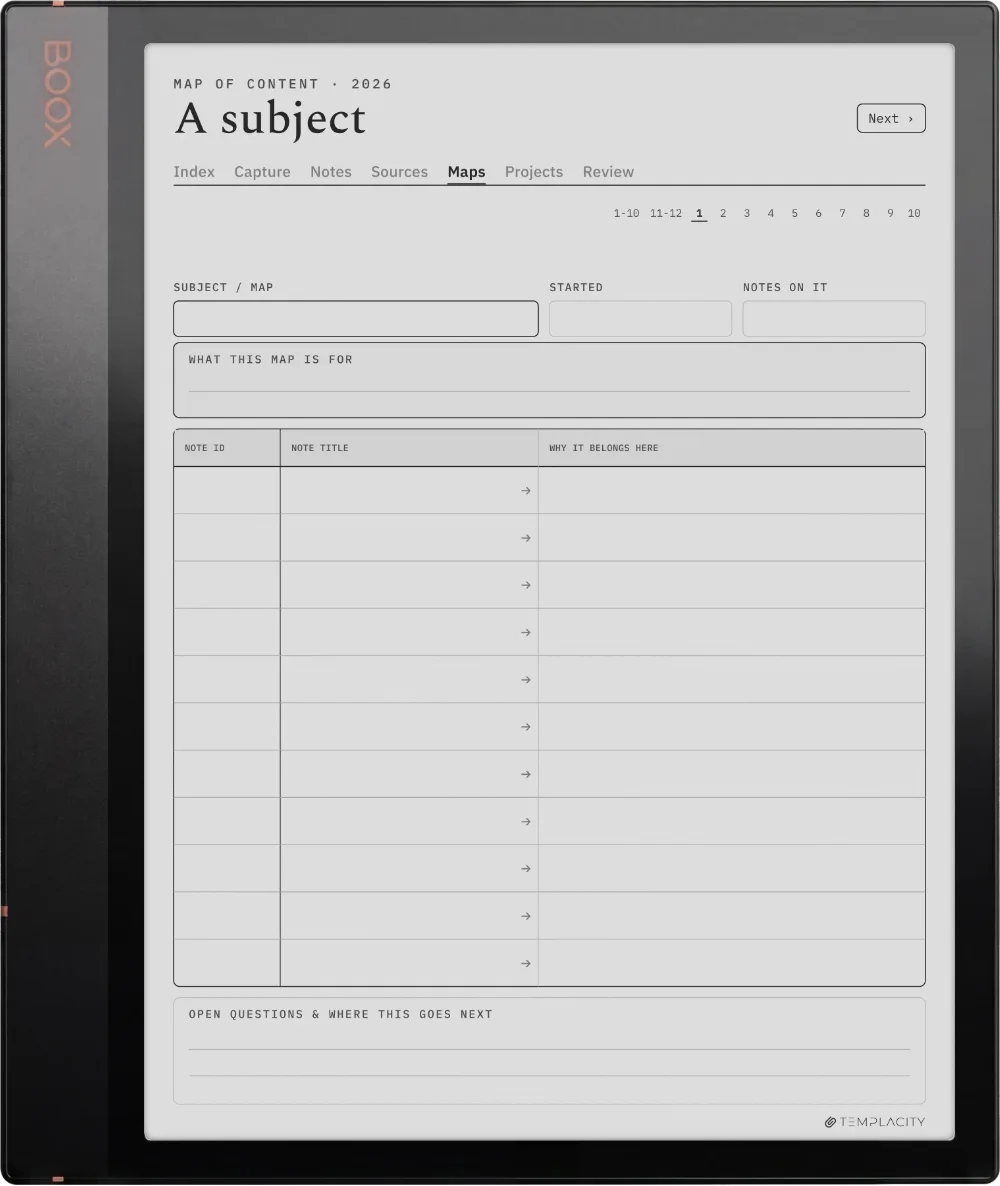
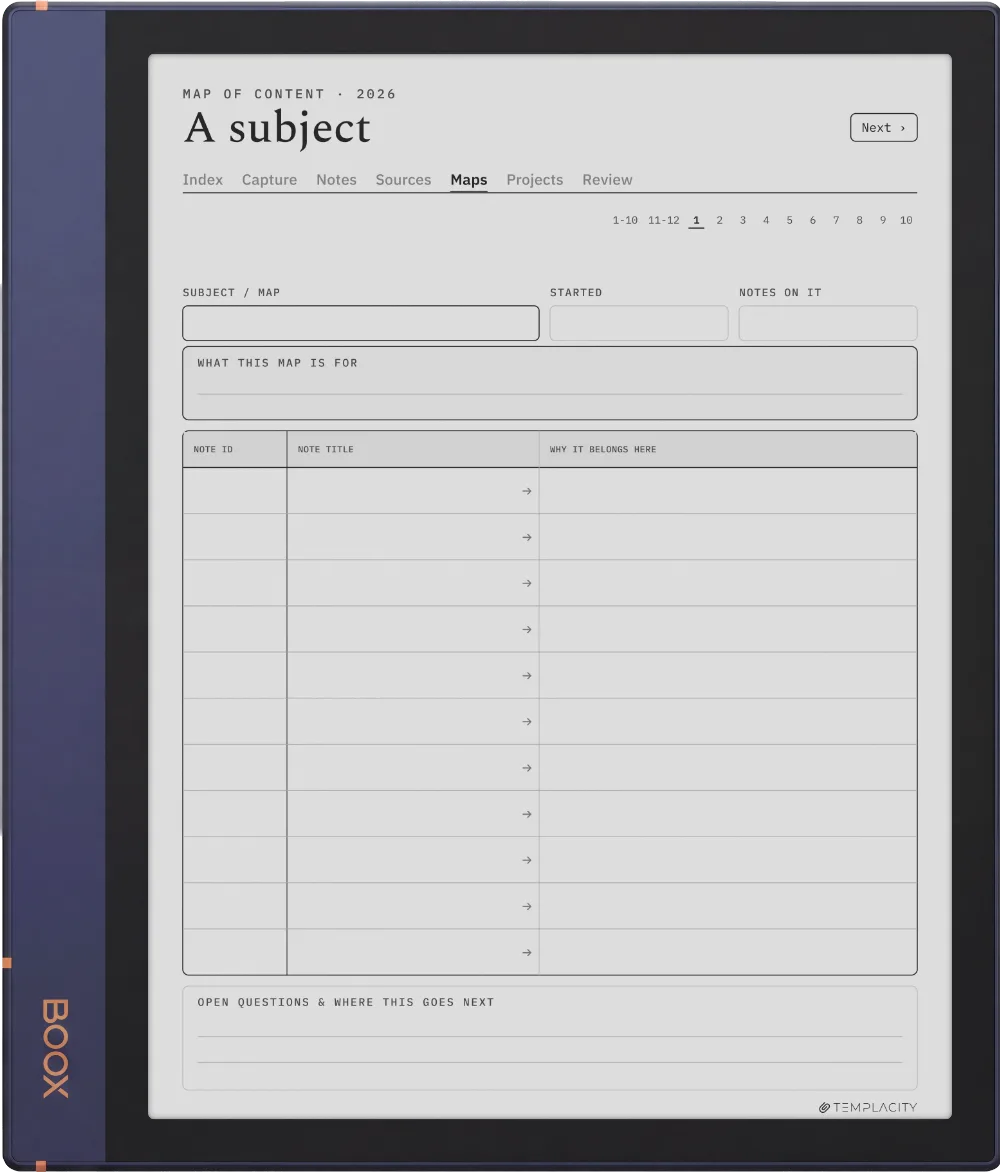
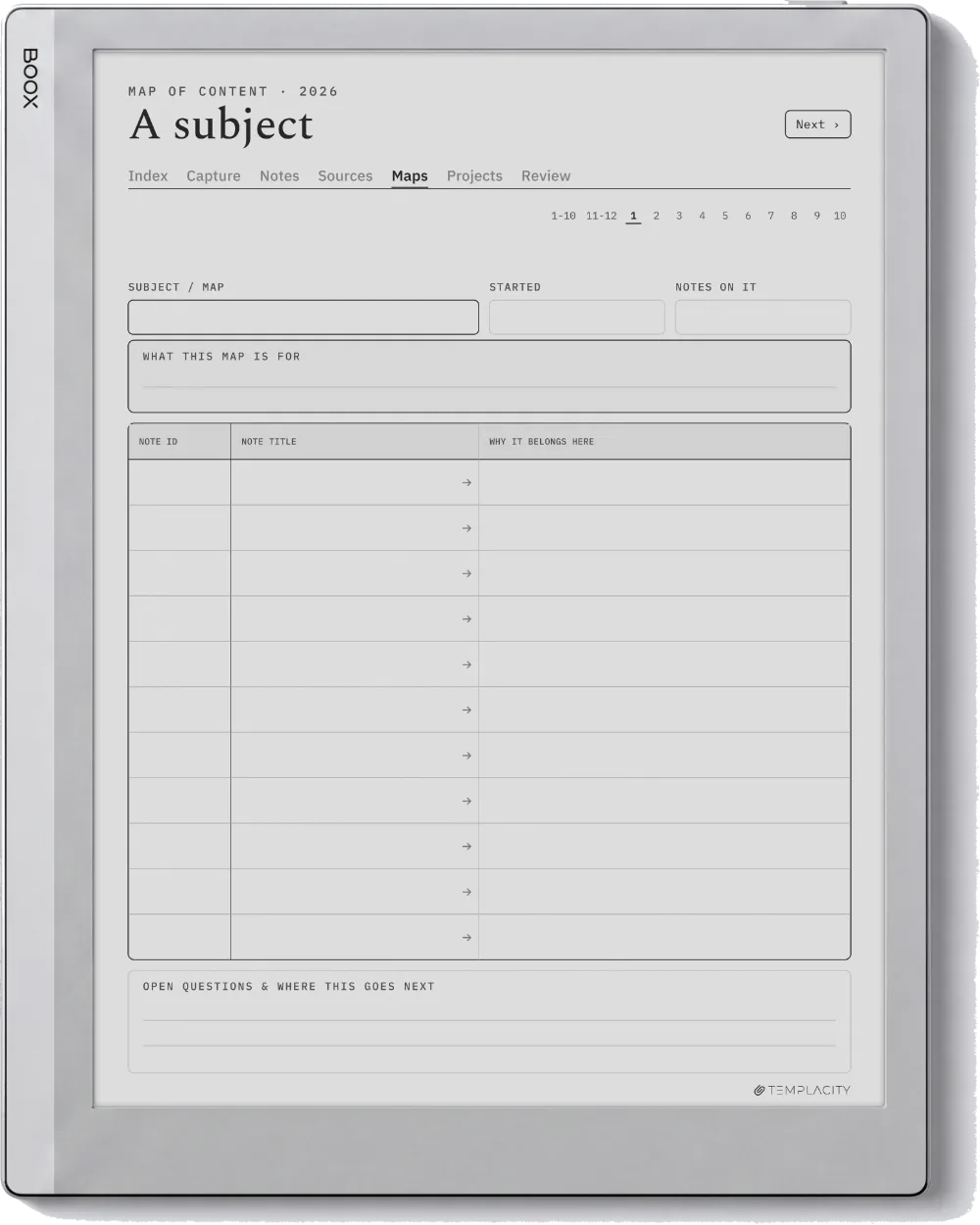
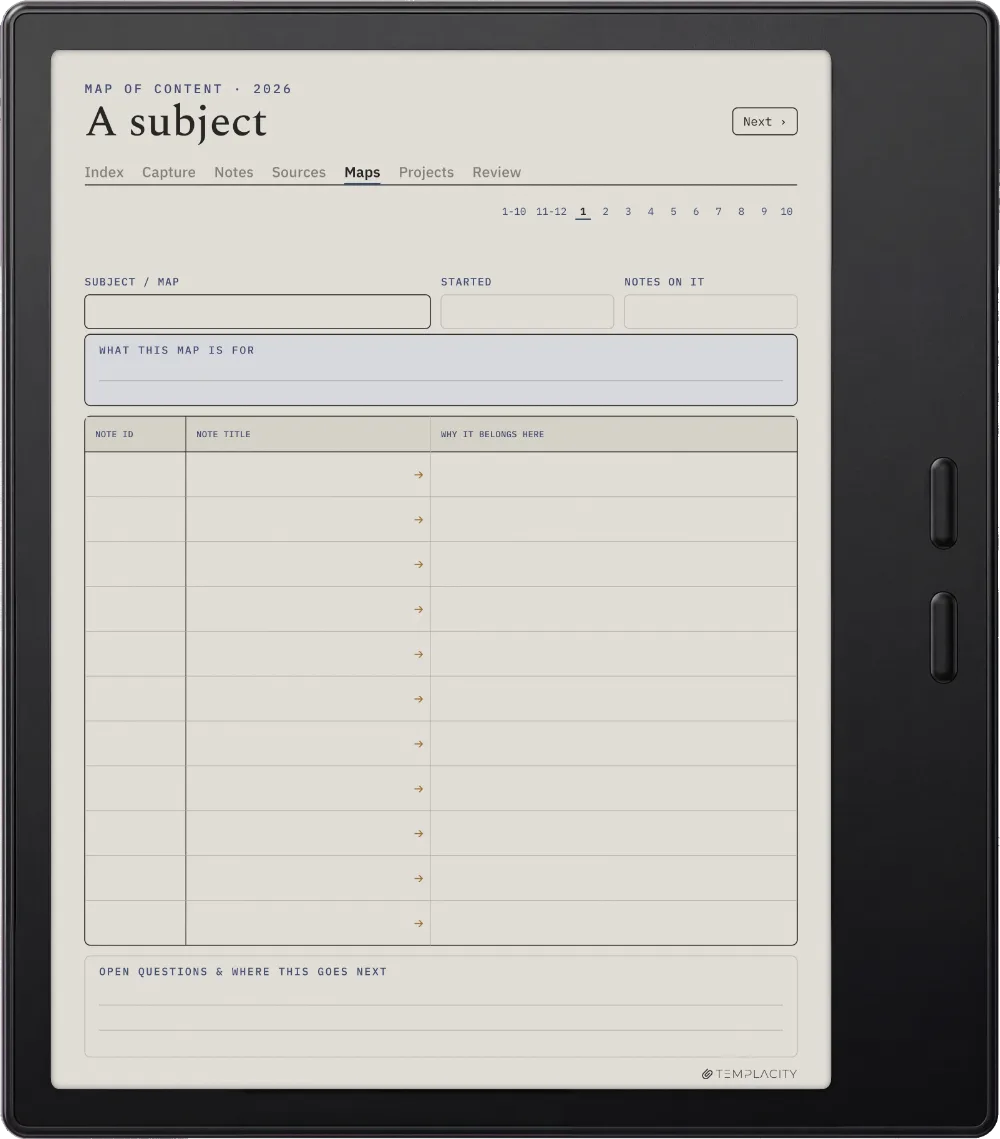
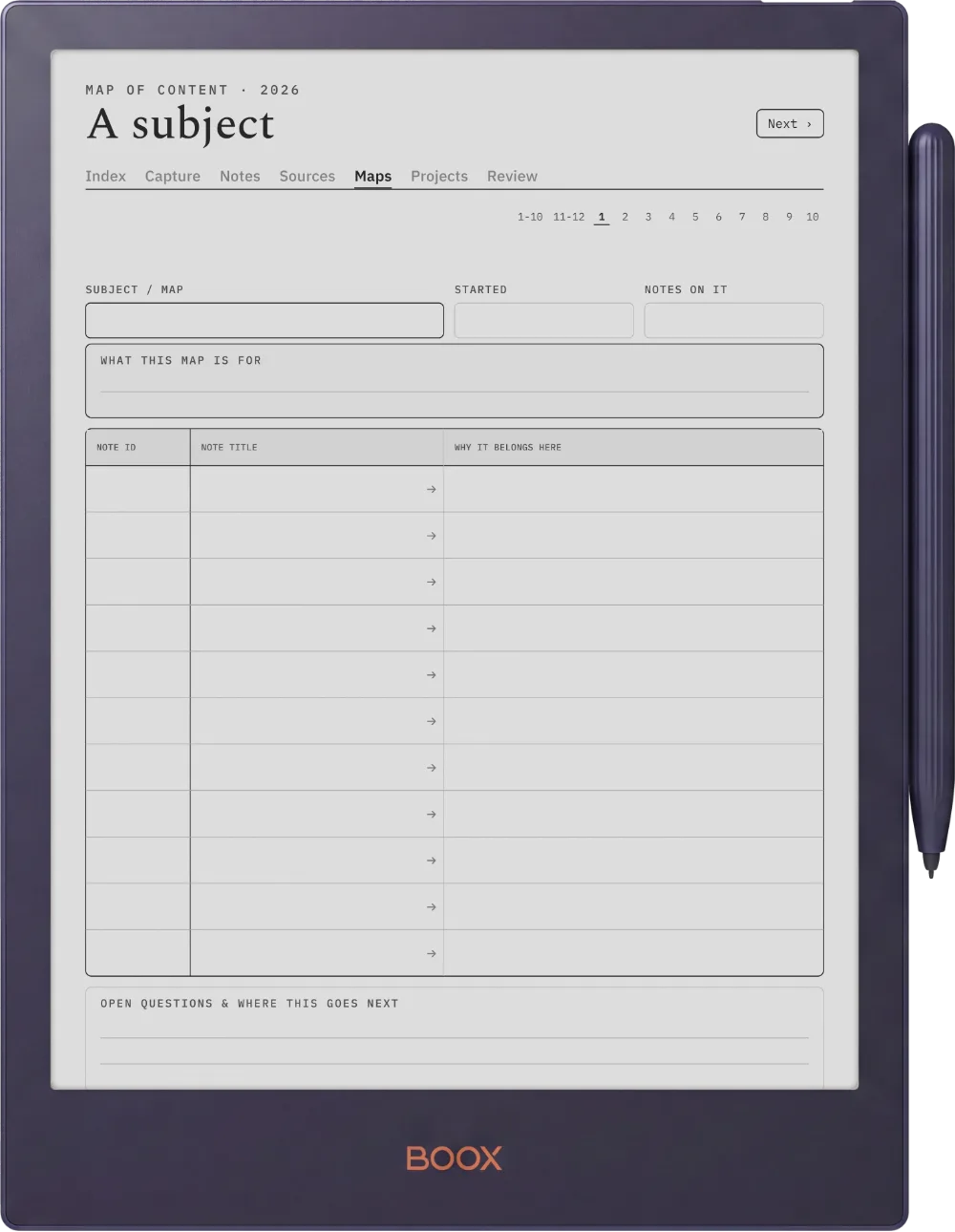
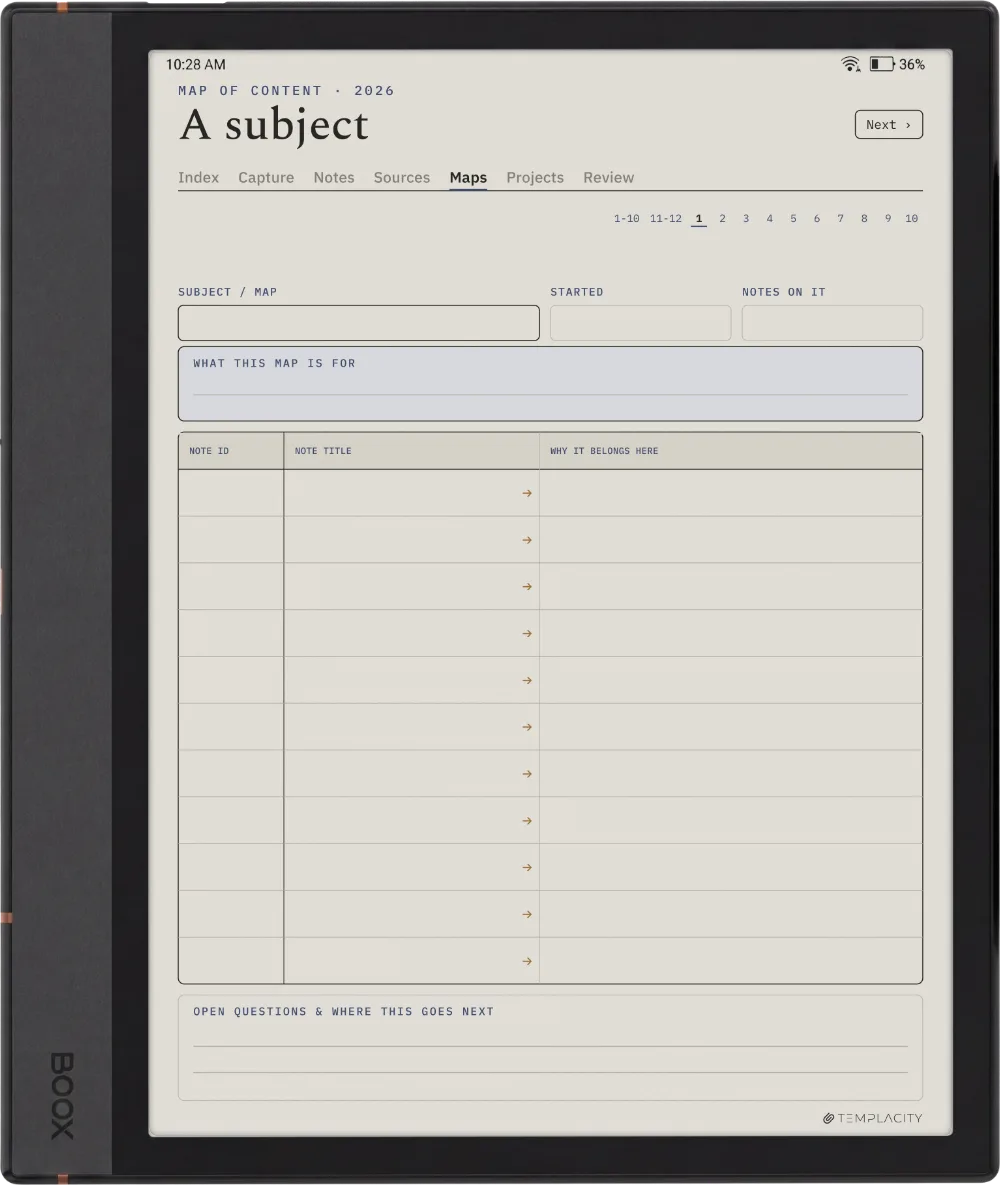
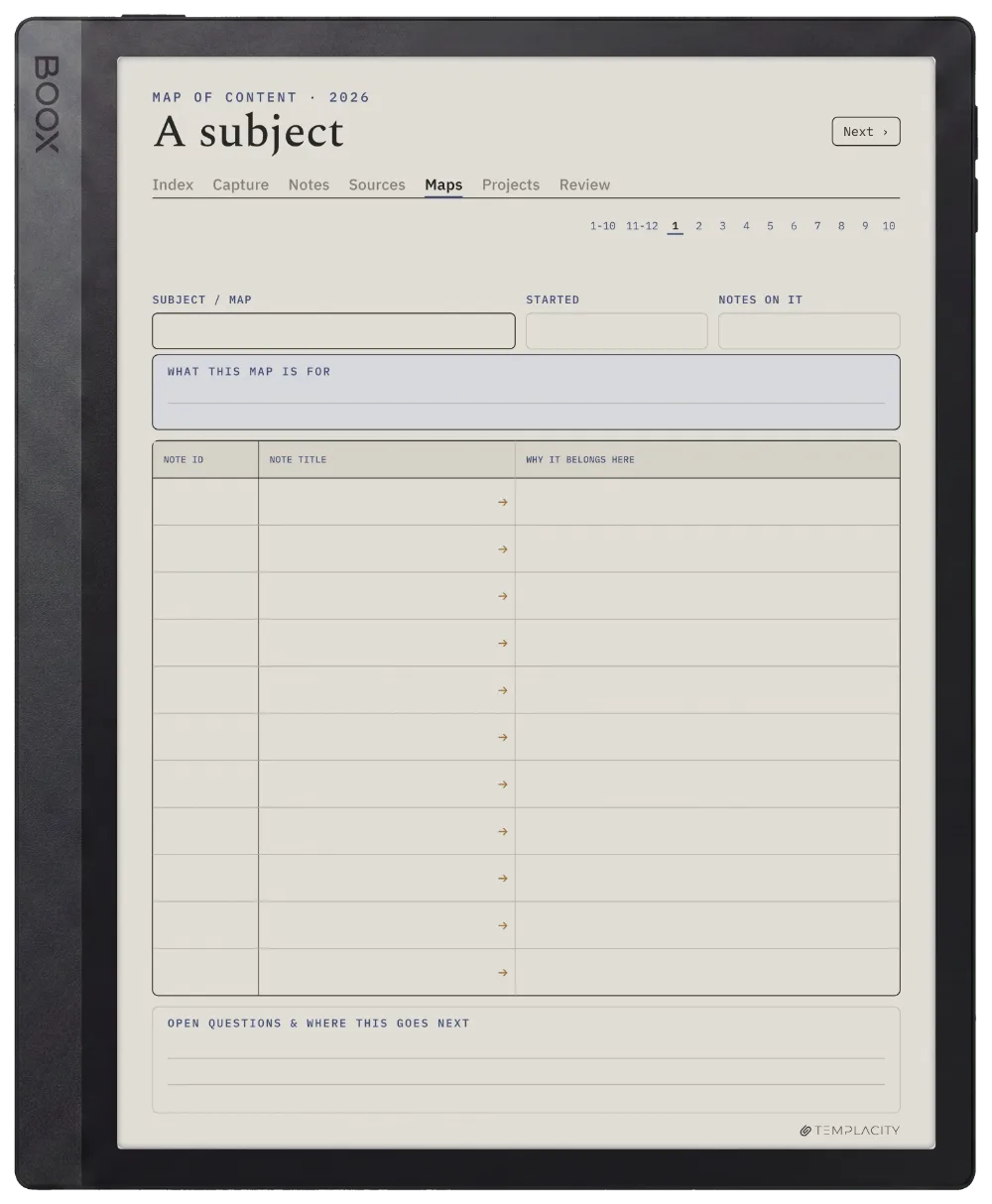
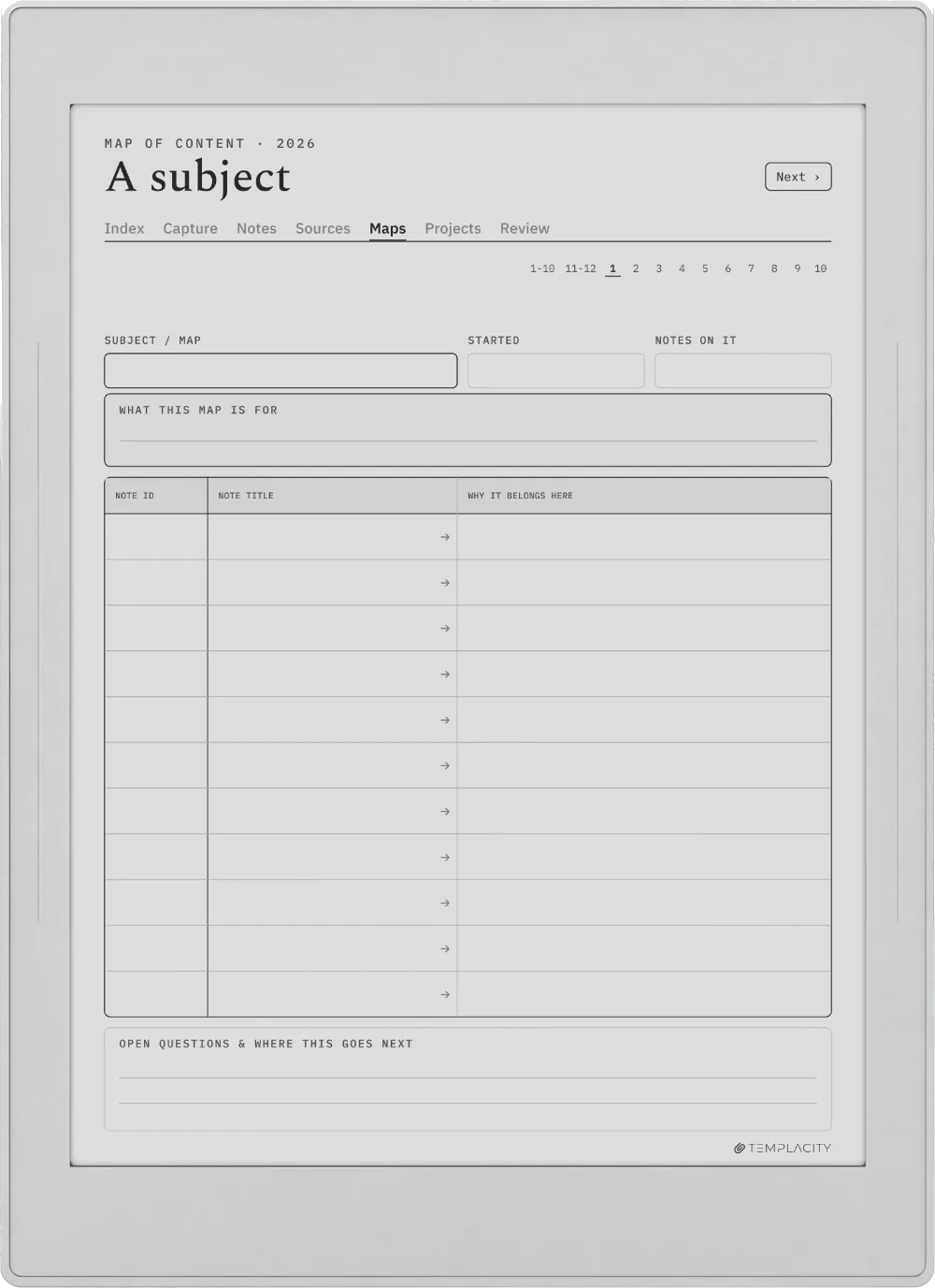
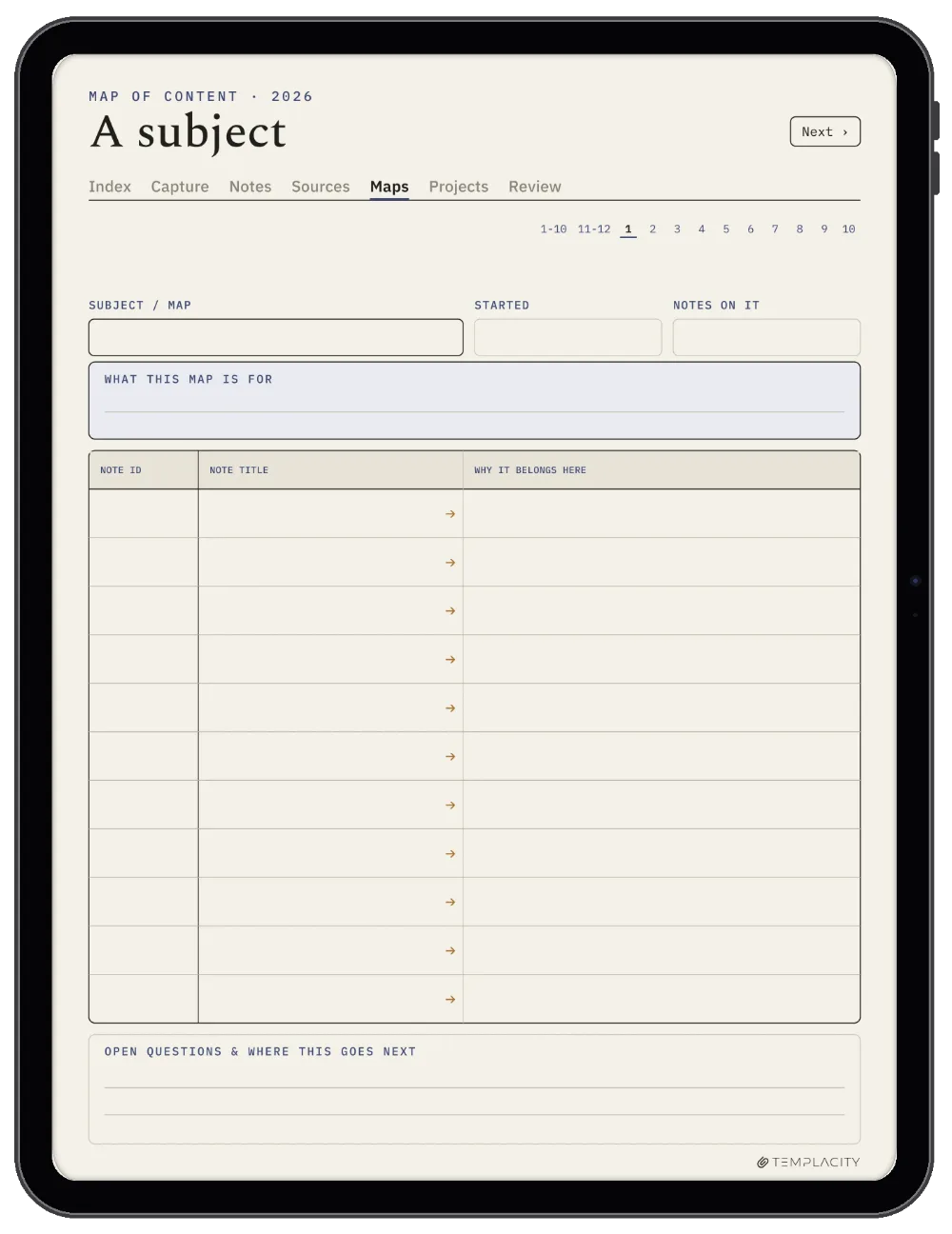
One subject at a time, showing which notes belong to it and how they sit together. It is what stops a growing collection turning into a drawer you never open.

The Planner The Map of Content
On Device

Drawn for your tablet.

Warm paper tone, hairline rules and real room for the pen, exported for the e-ink screen you are actually writing on.

The Planner On Device
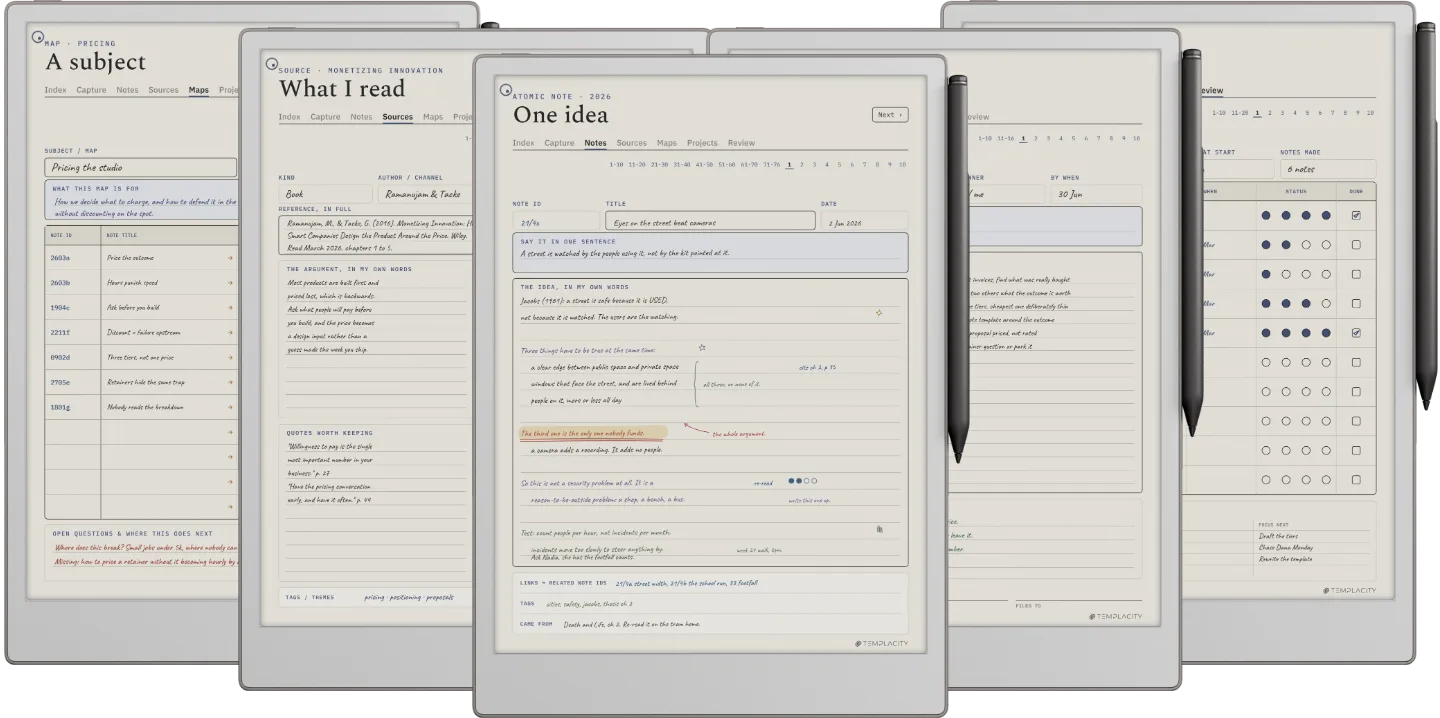
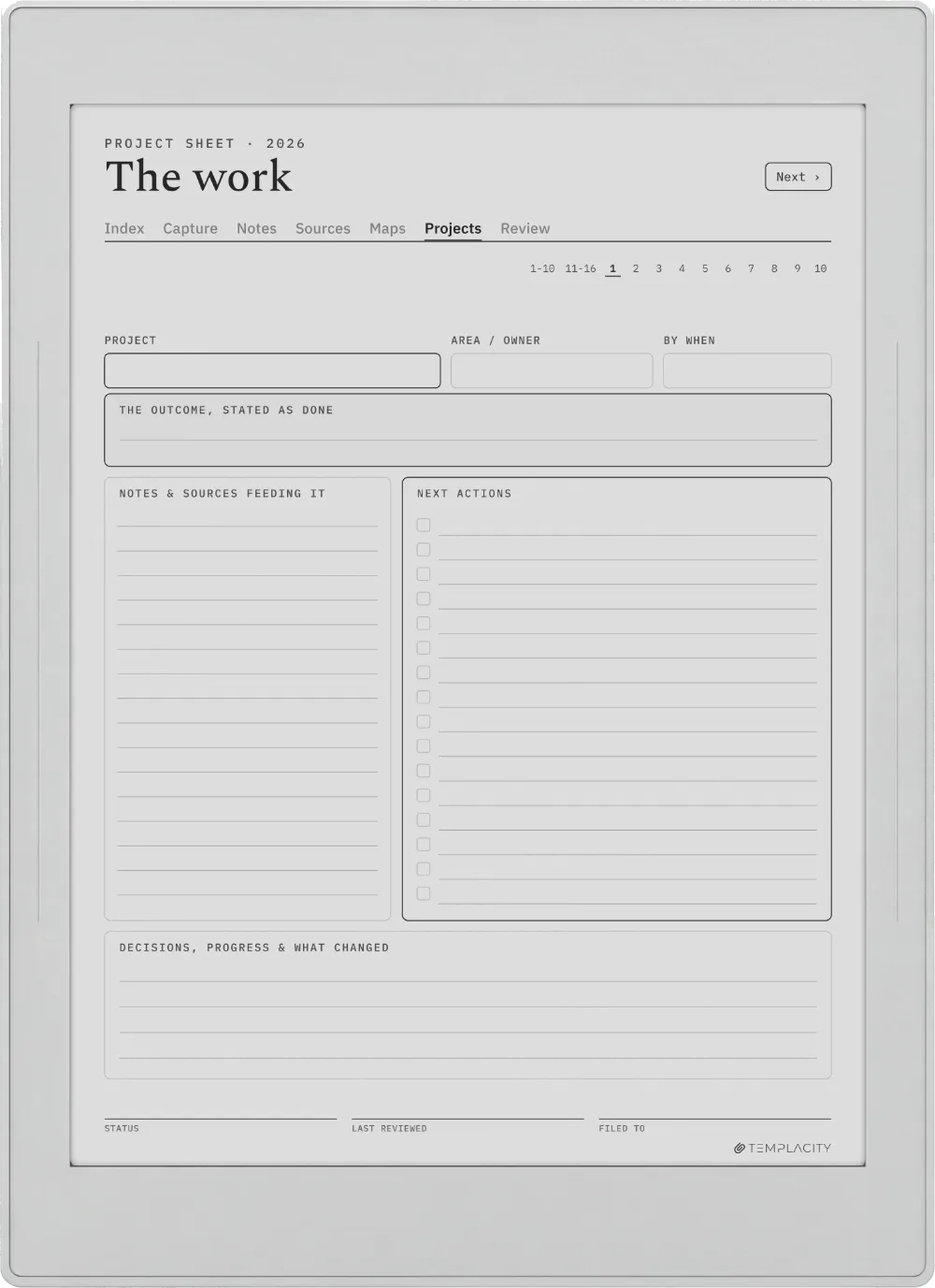
The Planner on the reMarkable Paper Pro
№ 04 · Tuned for the Paper Pro

Drawn for the reMarkable Paper Pro.

11.8″ colour e-ink · pressure-sensitive Marker

Sized to the reMarkable Paper Pro writing surface and exported for e-ink: warm paper tone, hairline grids and pen-weighted rule lines, with real room for your pen.

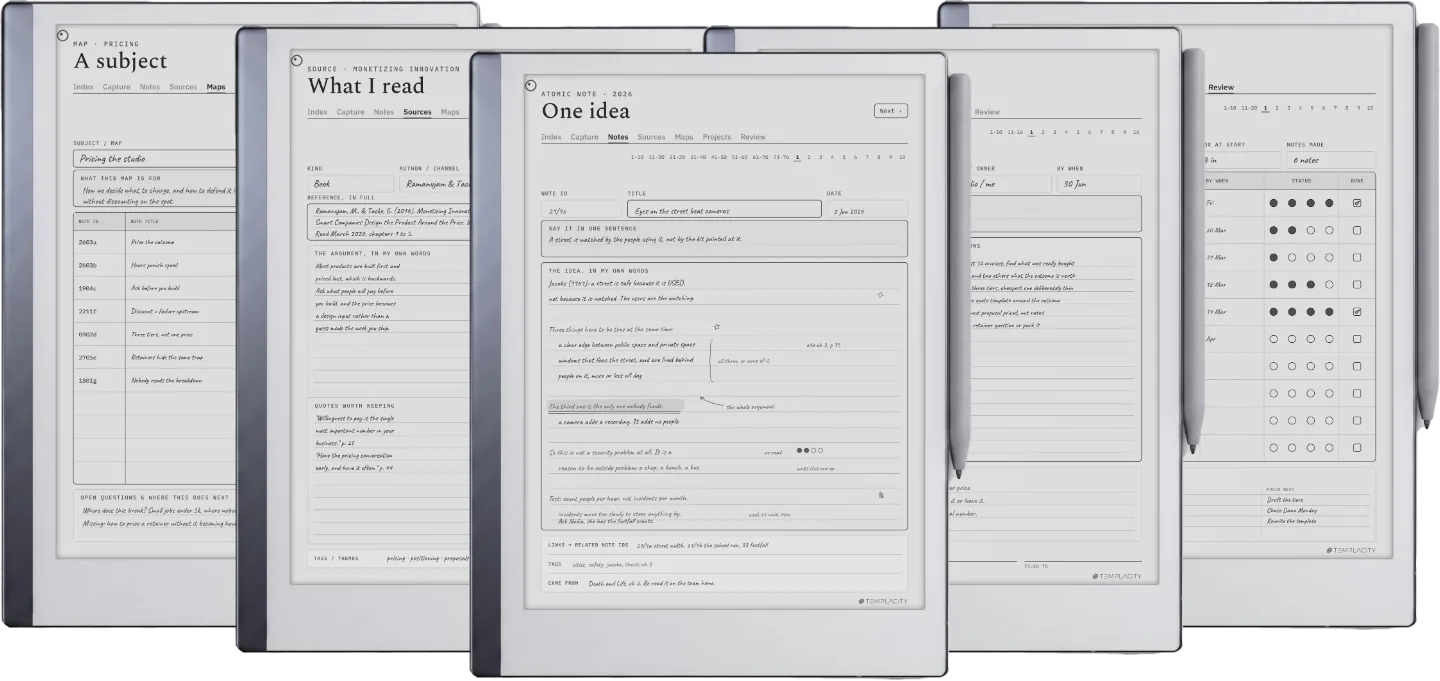
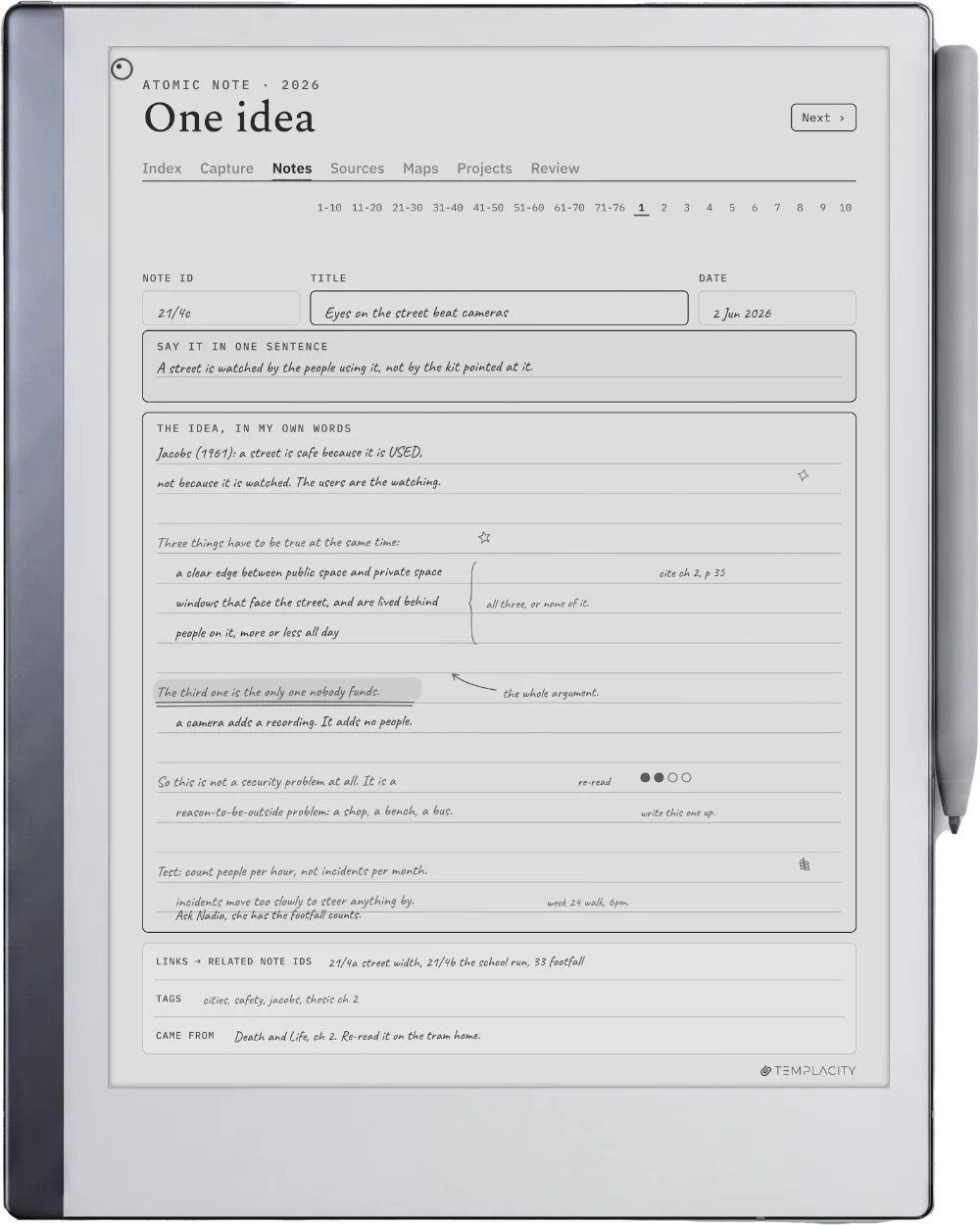
The Planner on the reMarkable 2
№ 04 · Tuned for the reMarkable 2

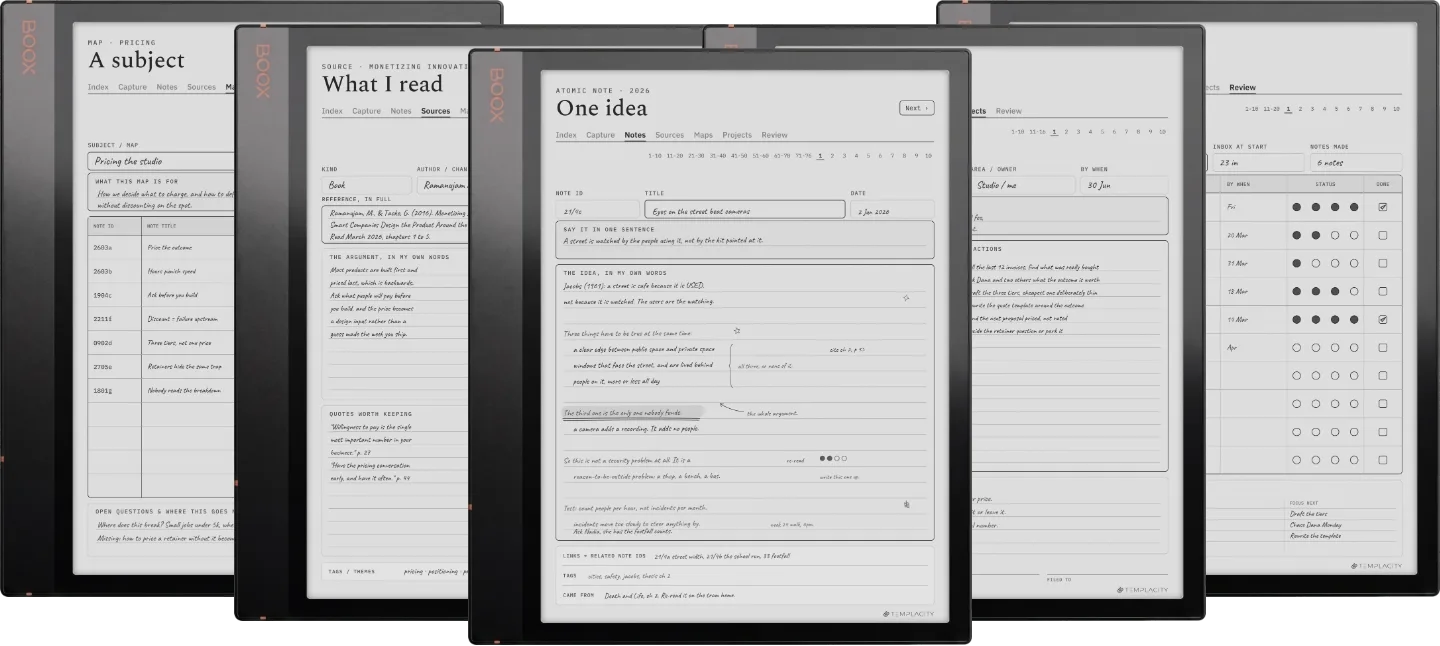
Drawn for the reMarkable 2.

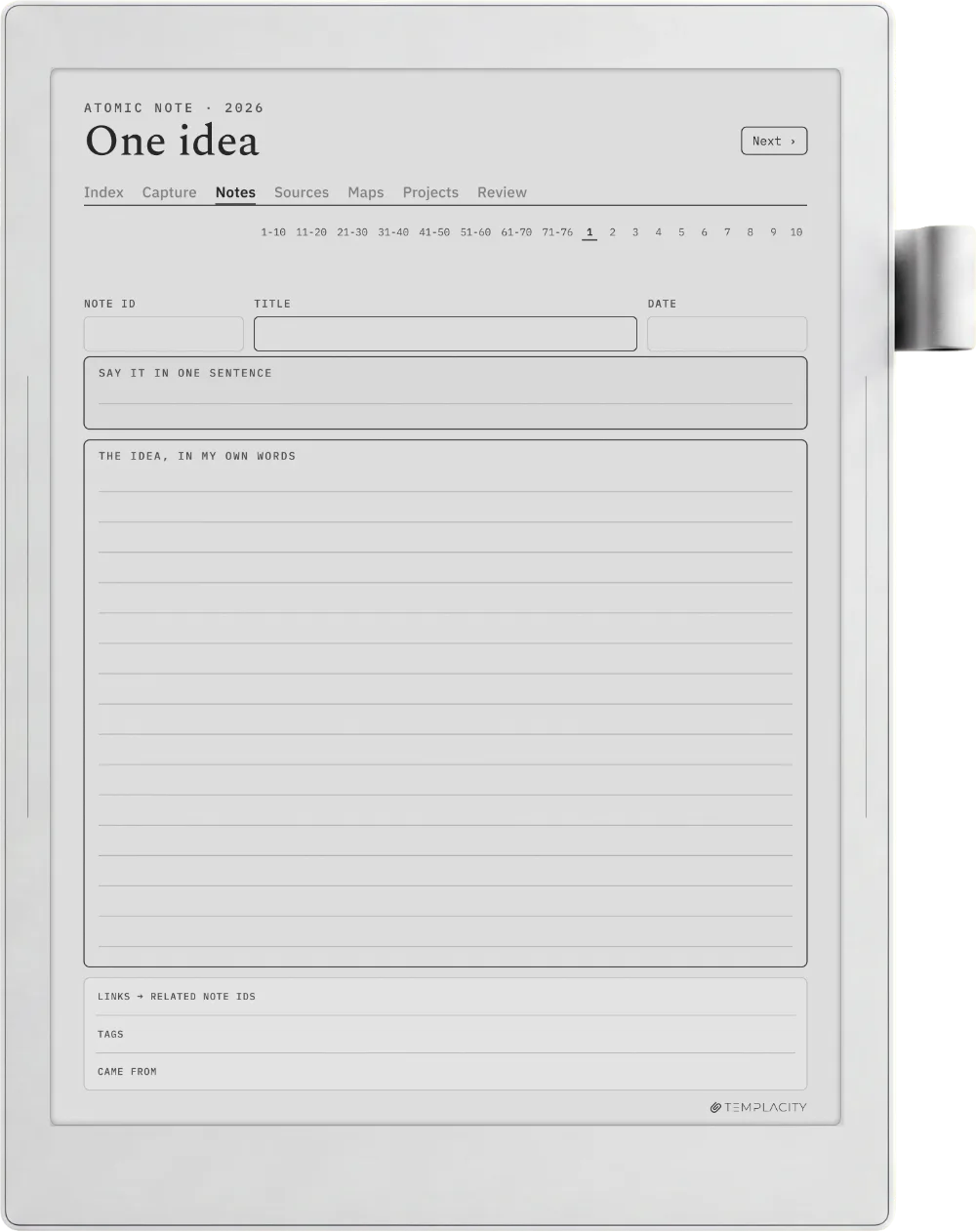
10.3″ monochrome e-ink · paperfeel Pen

Sized to the reMarkable 2 writing surface and exported for e-ink: warm paper tone, hairline grids and pen-weighted rule lines, with real room for your pen.

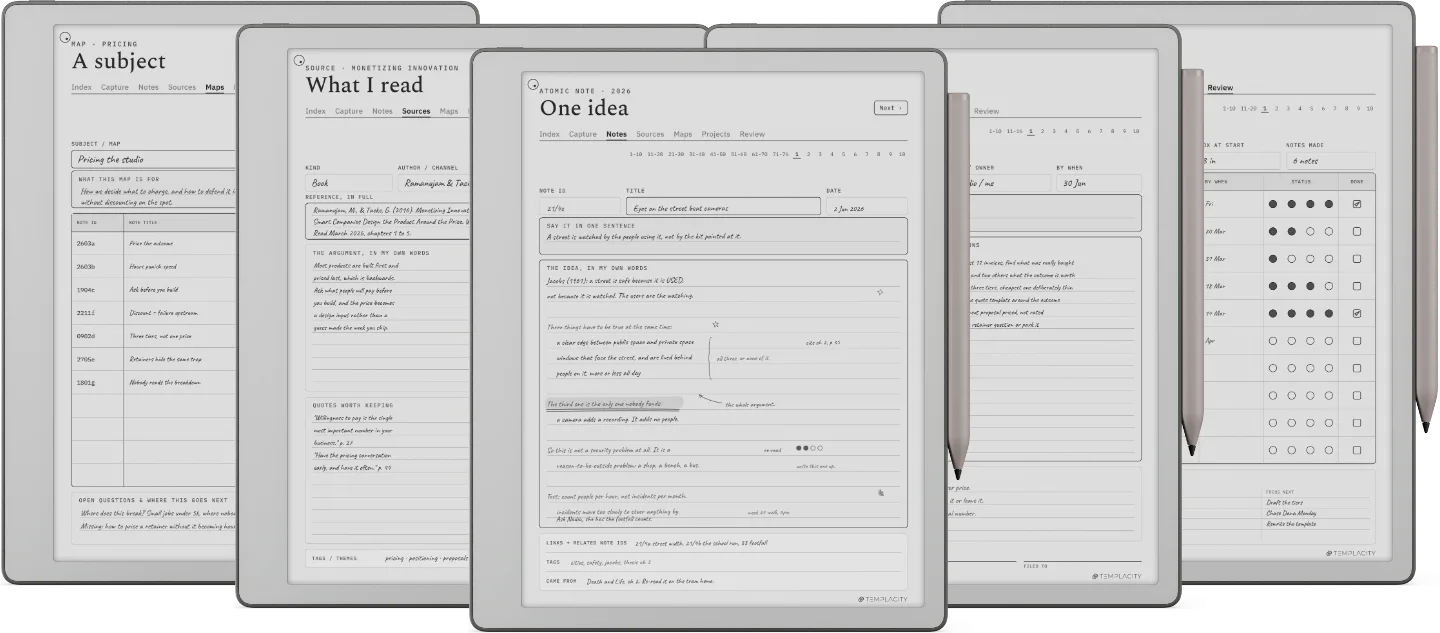
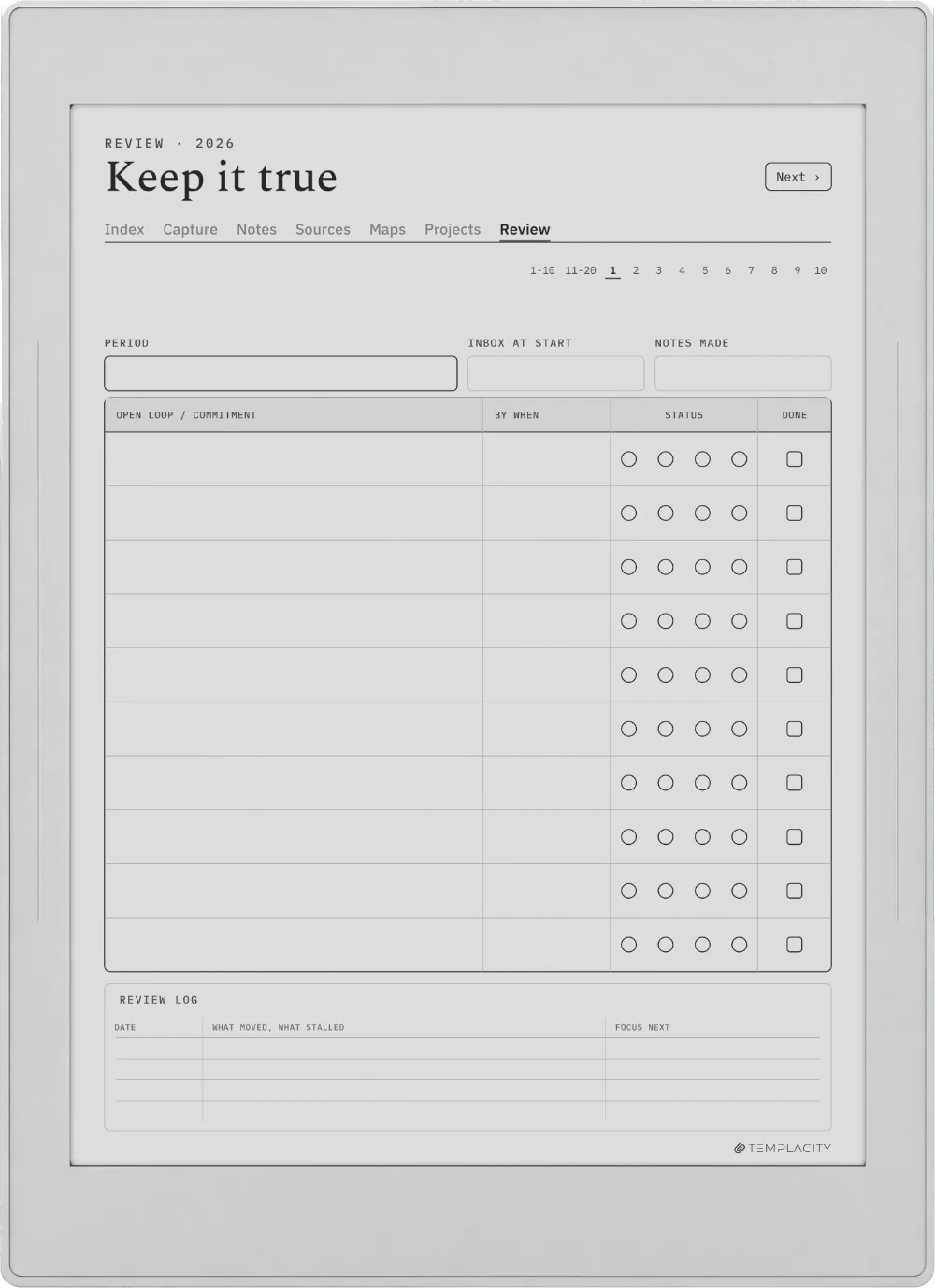
The Planner on the reMarkable Paper Pure
№ 04 · Tuned for the Paper Pure

Drawn for the reMarkable Paper Pure.

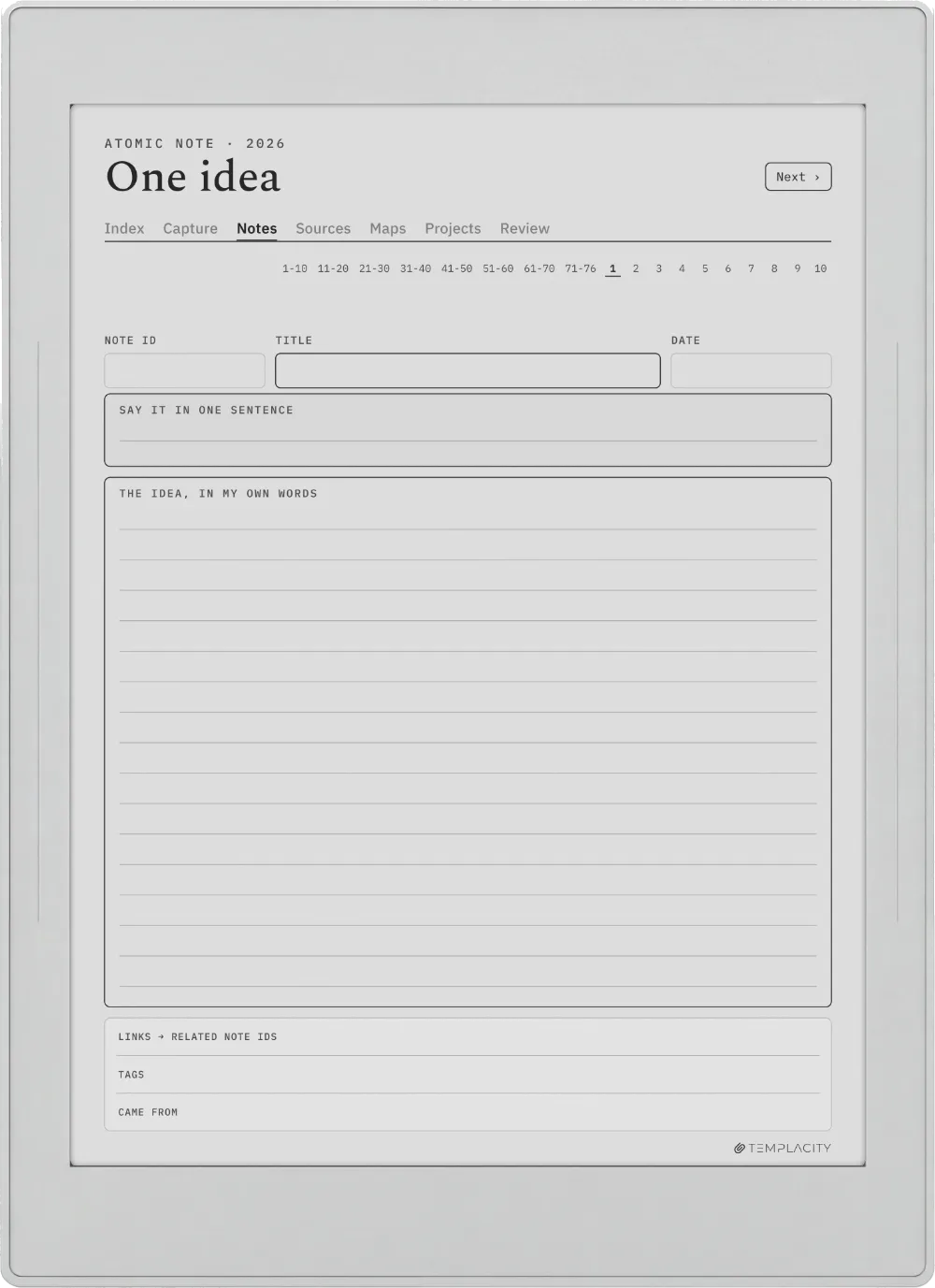
10.3″ monochrome e-ink · paperfeel Pen

Sized to the reMarkable Paper Pure writing surface and exported for e-ink: warm paper tone, hairline grids and pen-weighted rule lines, with real room for your pen.

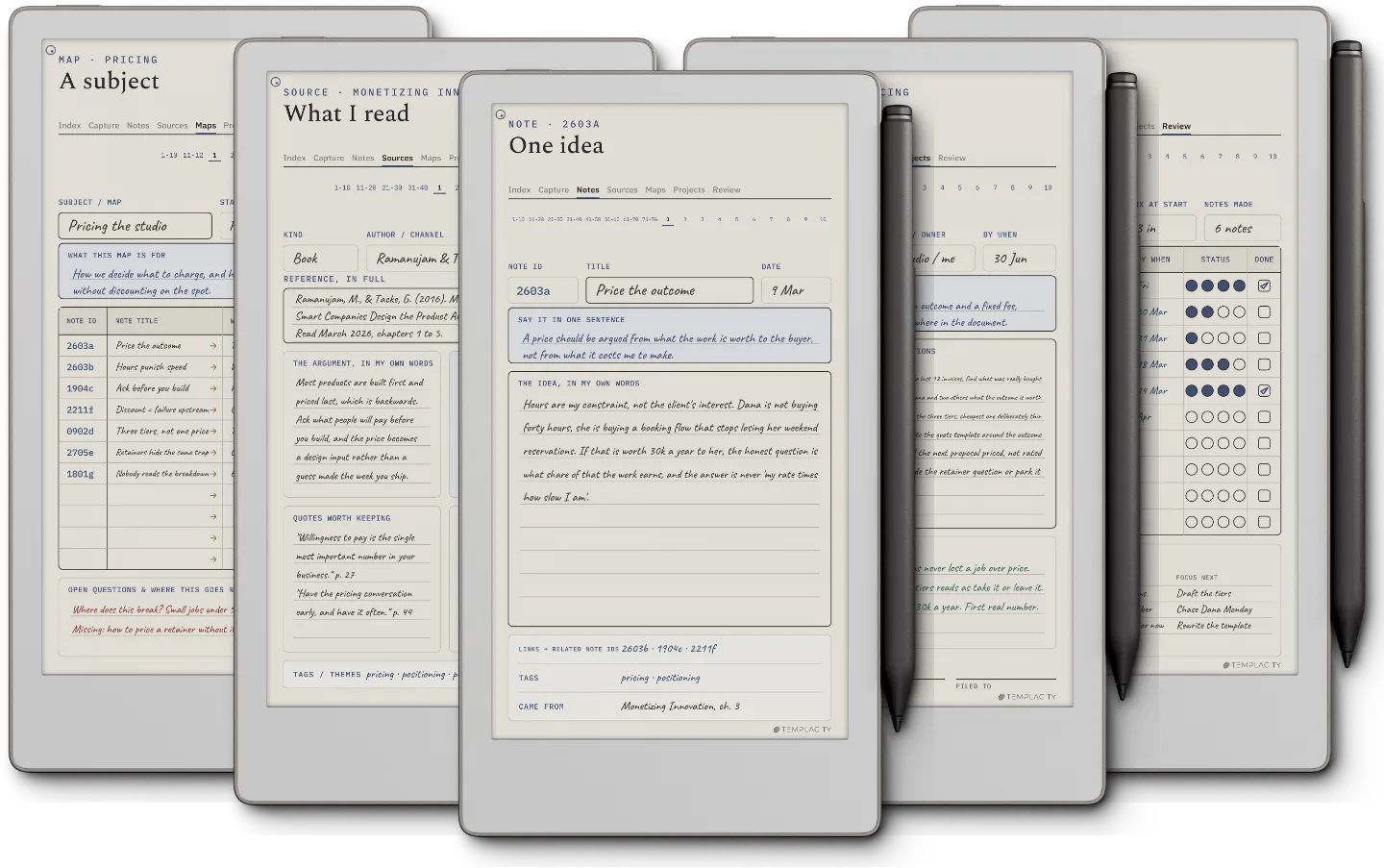
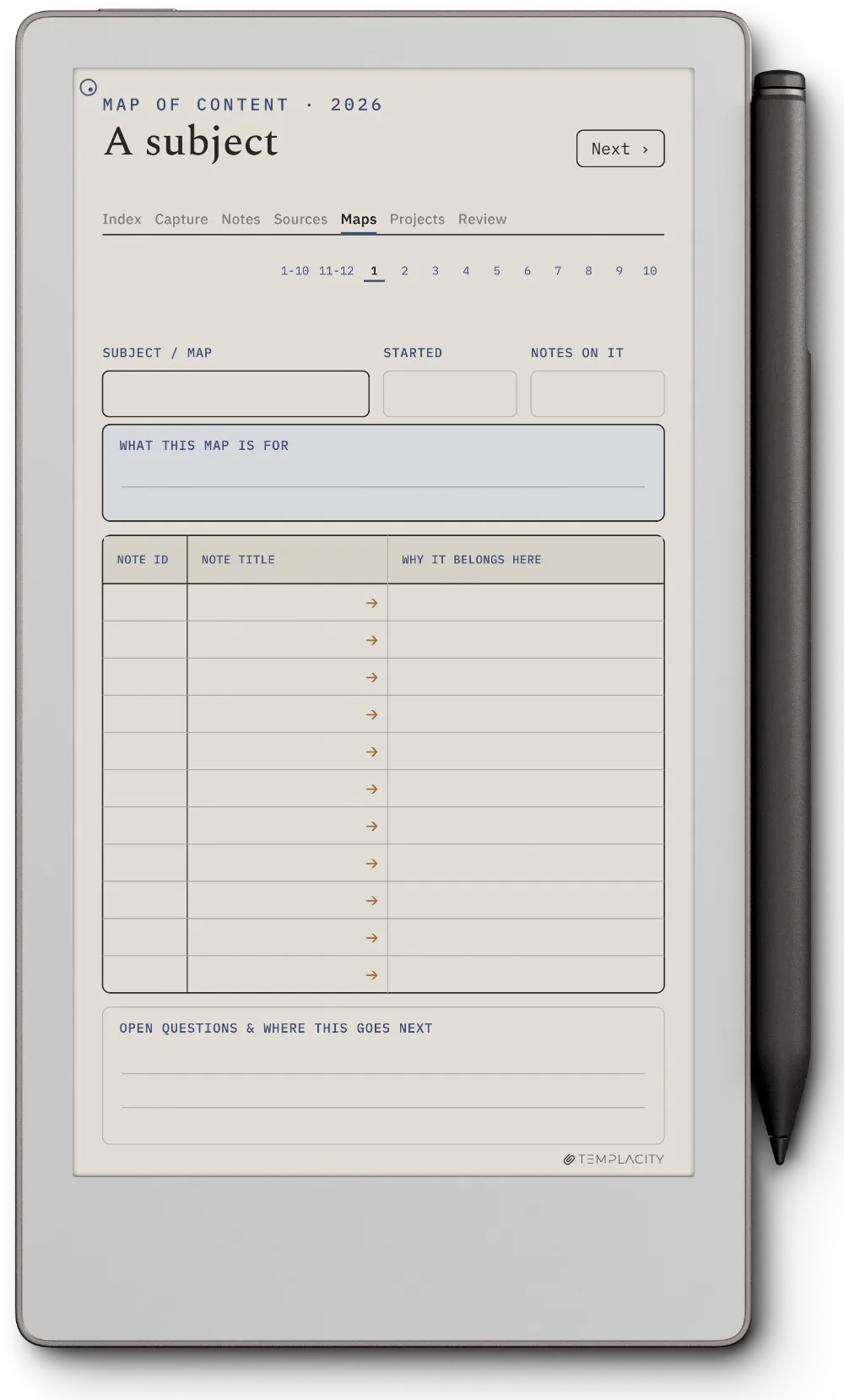
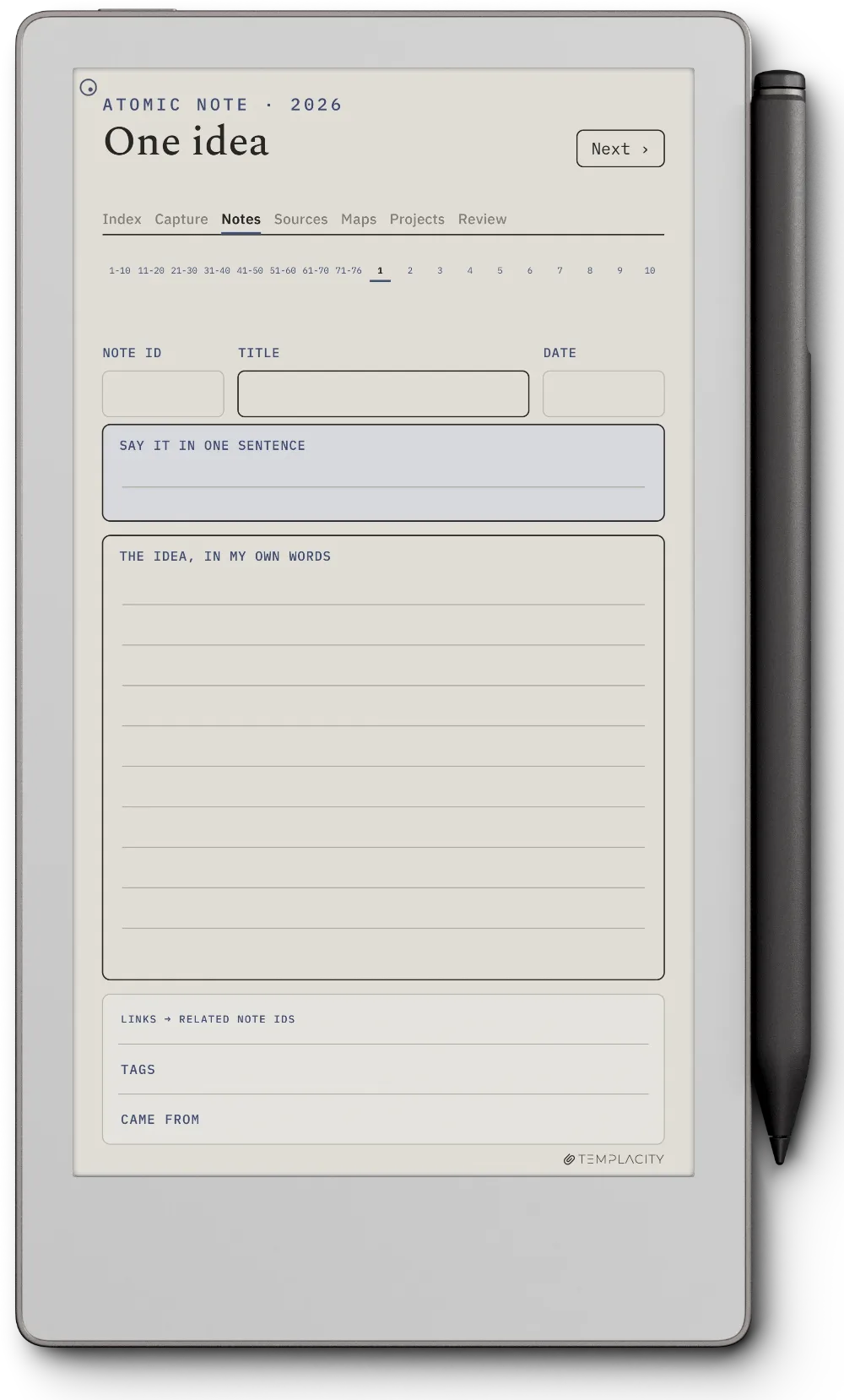
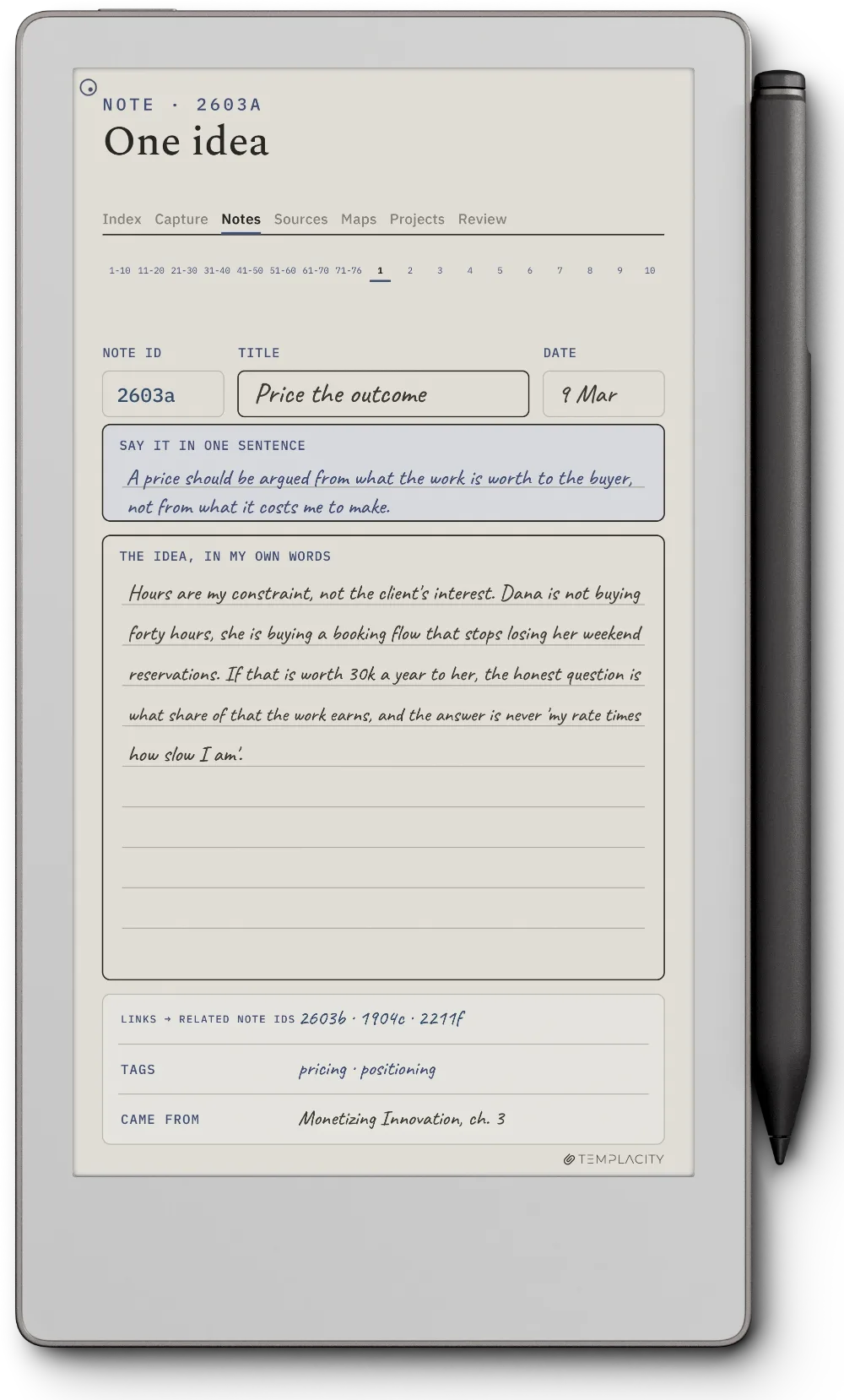
The Planner on the reMarkable Paper Pro Move
№ 04 · Tuned for the Paper Pro Move

Drawn for the reMarkable Paper Pro Move.

7.3″ colour e-ink · pressure-sensitive Marker

Sized to the reMarkable Paper Pro Move writing surface and exported for e-ink: warm paper tone, hairline grids and pen-weighted rule lines, with real room for your pen.

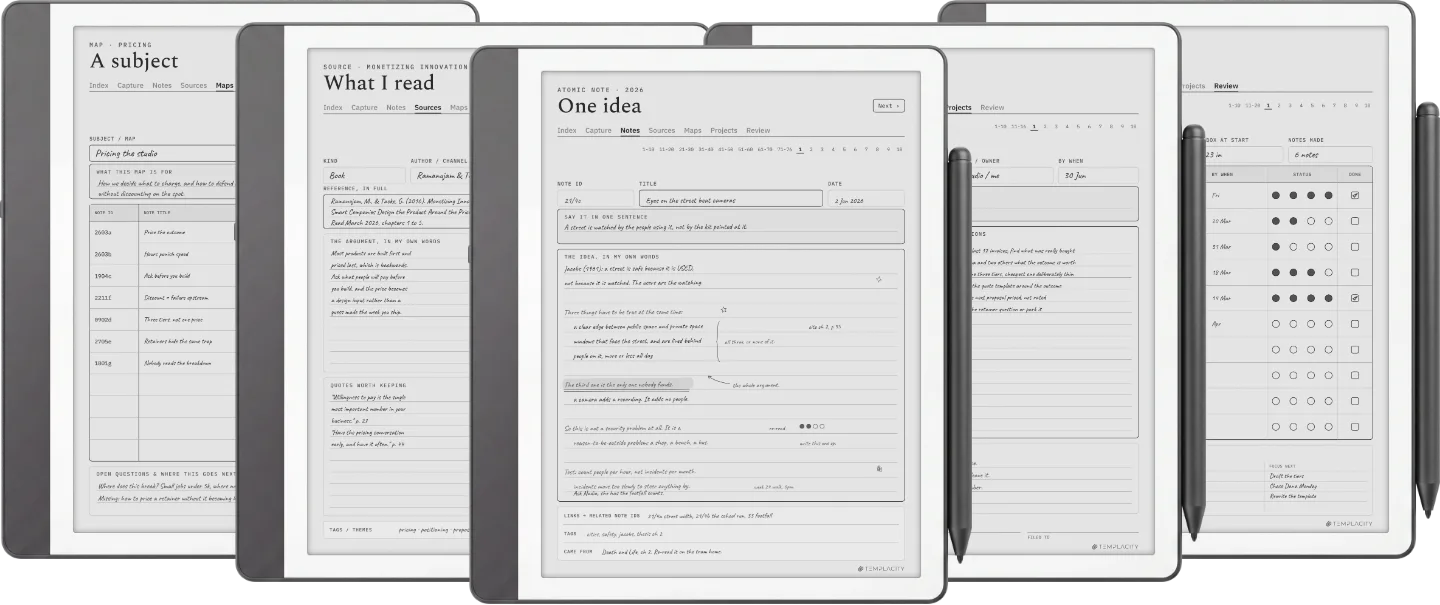
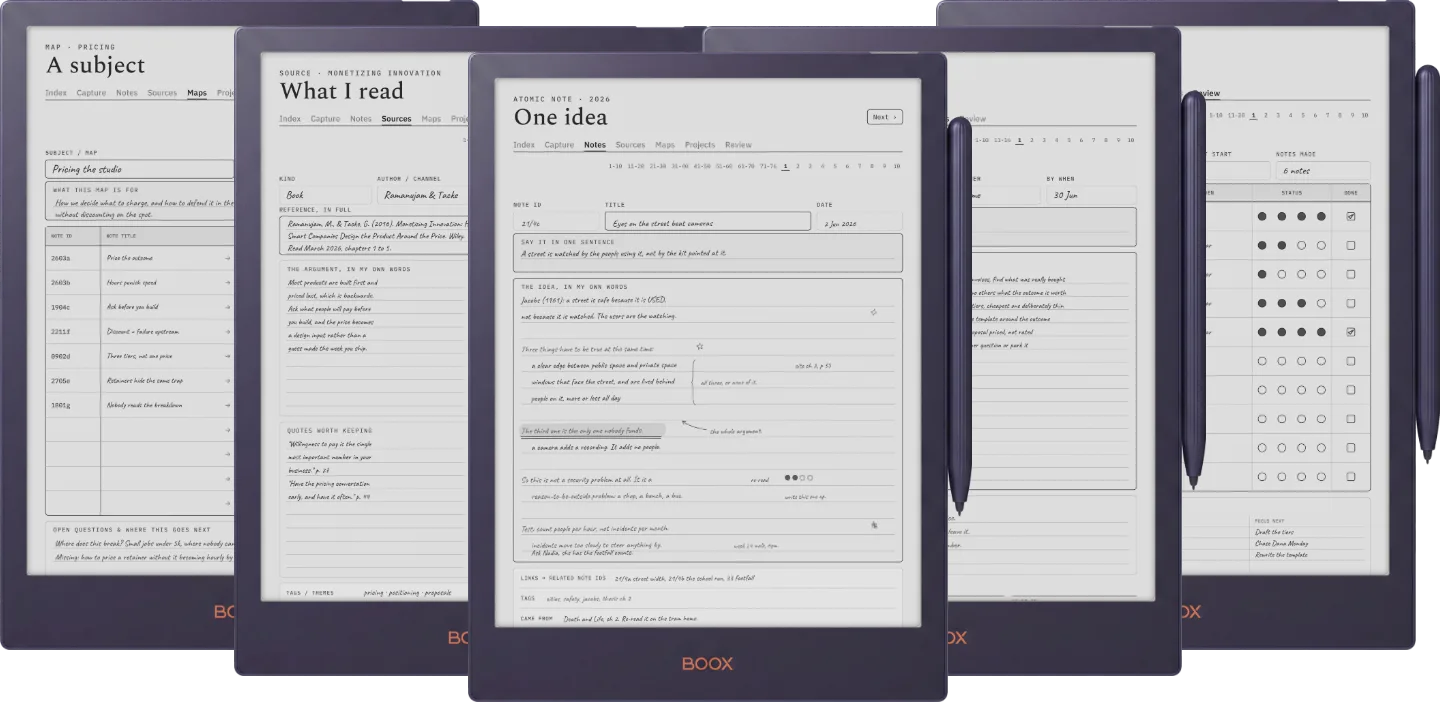
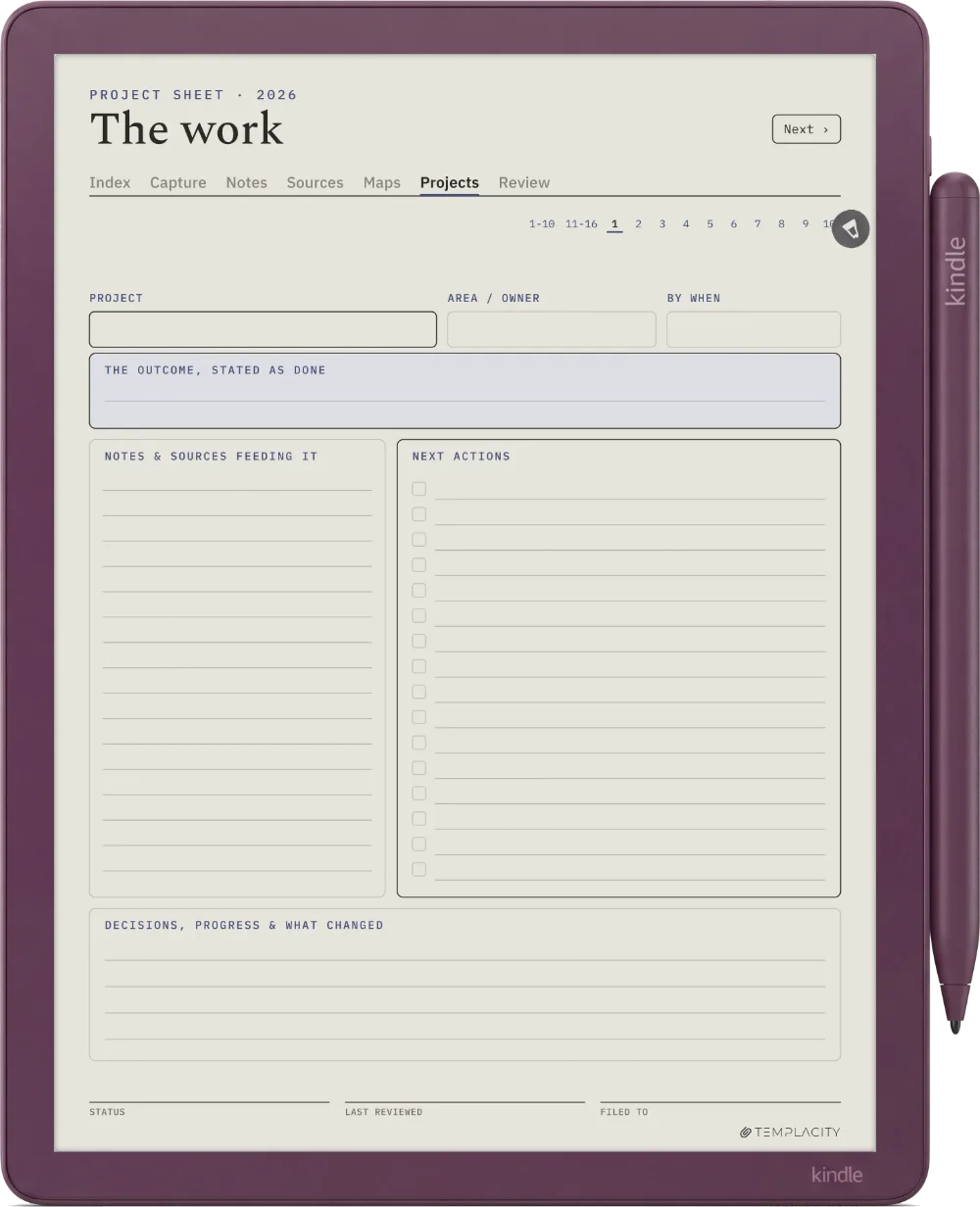
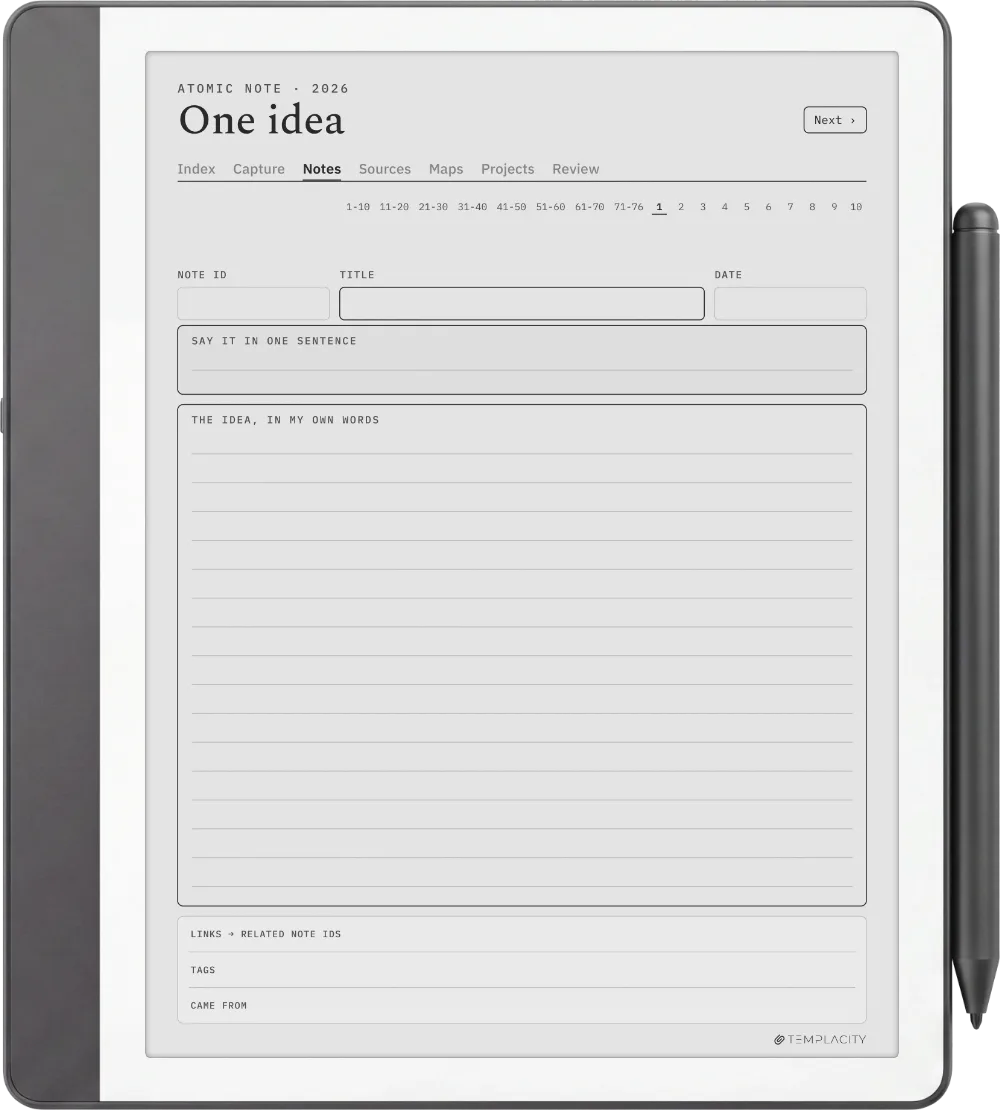
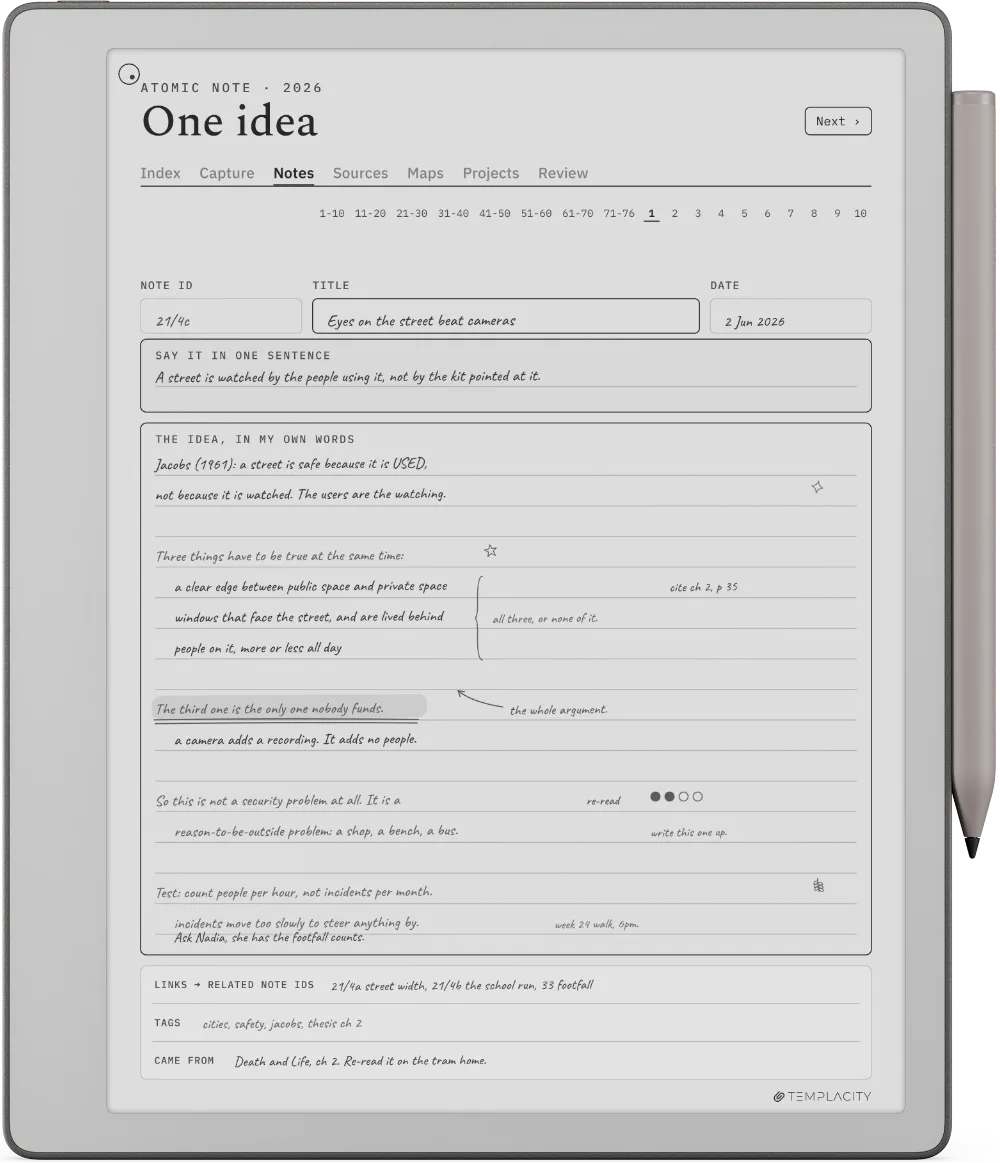
The Planner on the Kindle Scribe
№ 04 · Tuned for the Scribe

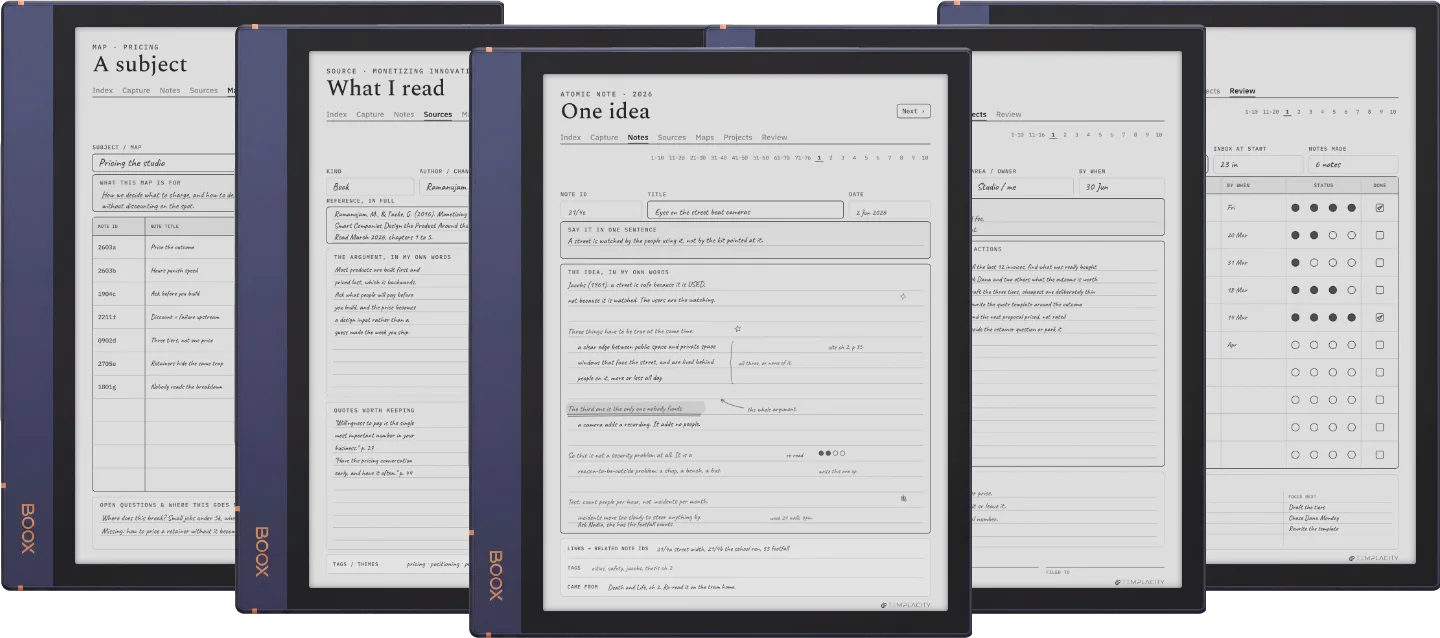
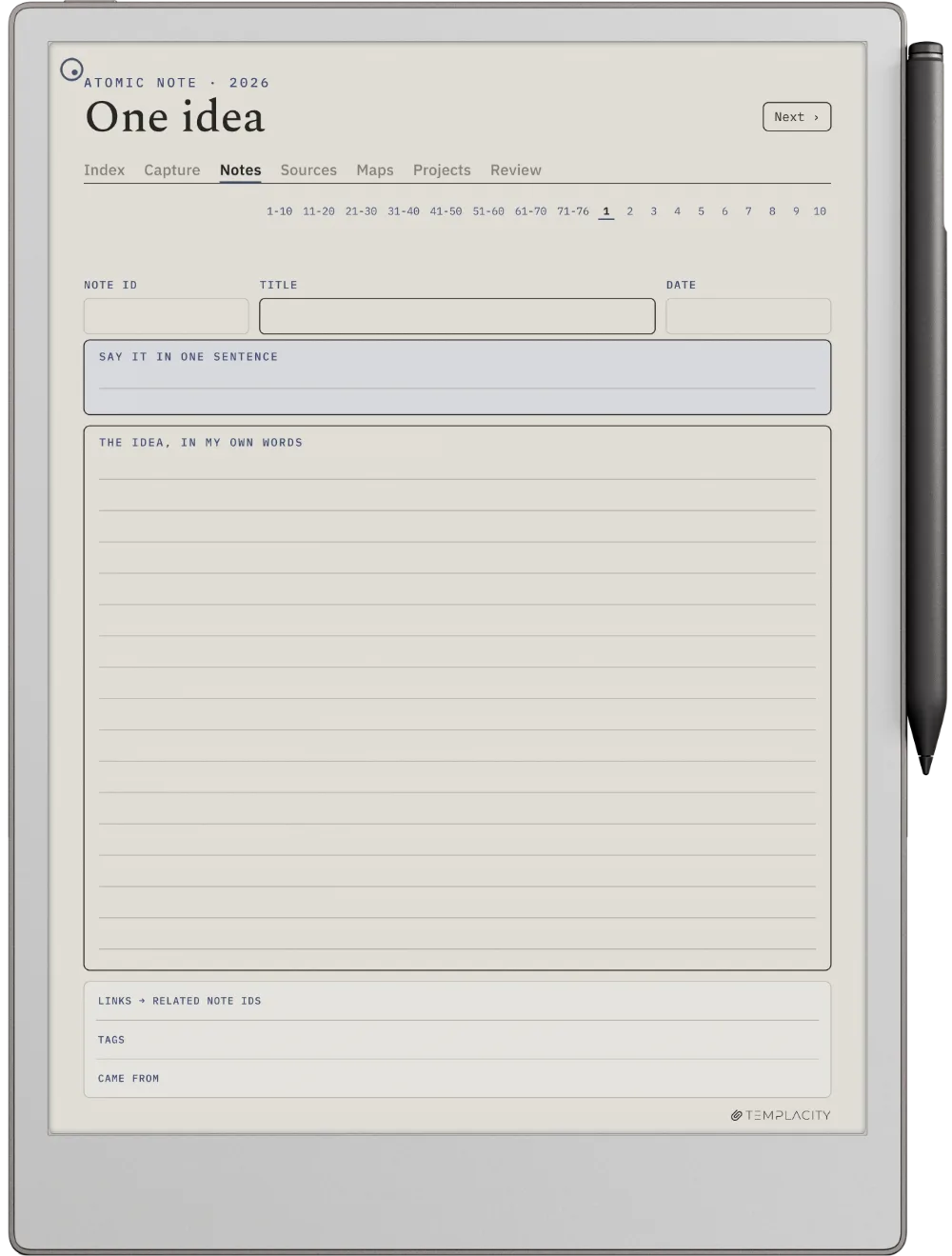
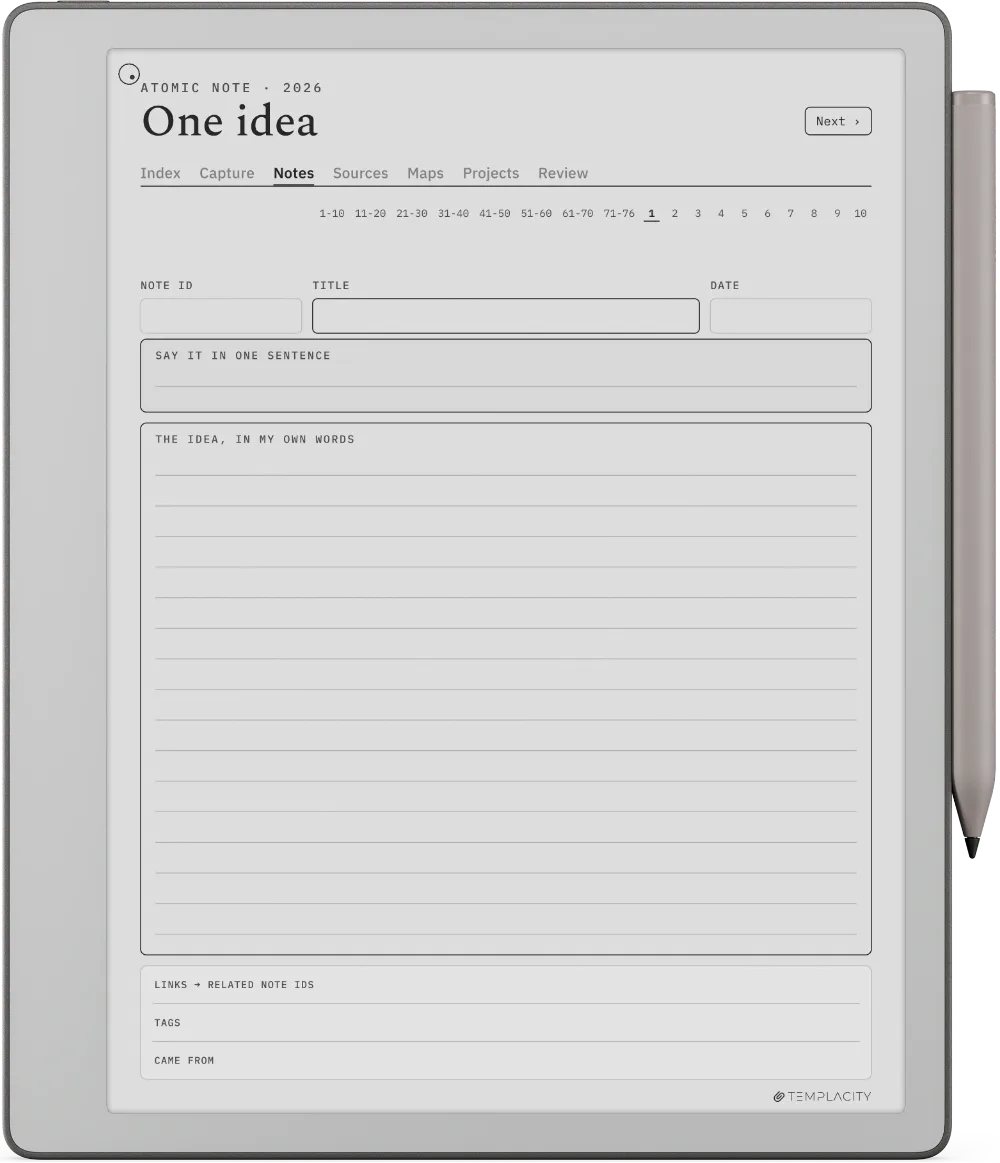
Drawn for the Kindle Scribe.

10.2″ or 11″ monochrome e-ink · Premium Pen

Sized to the Kindle Scribe writing surface and exported for e-ink: warm paper tone, hairline grids and pen-weighted rule lines, with real room for your pen.

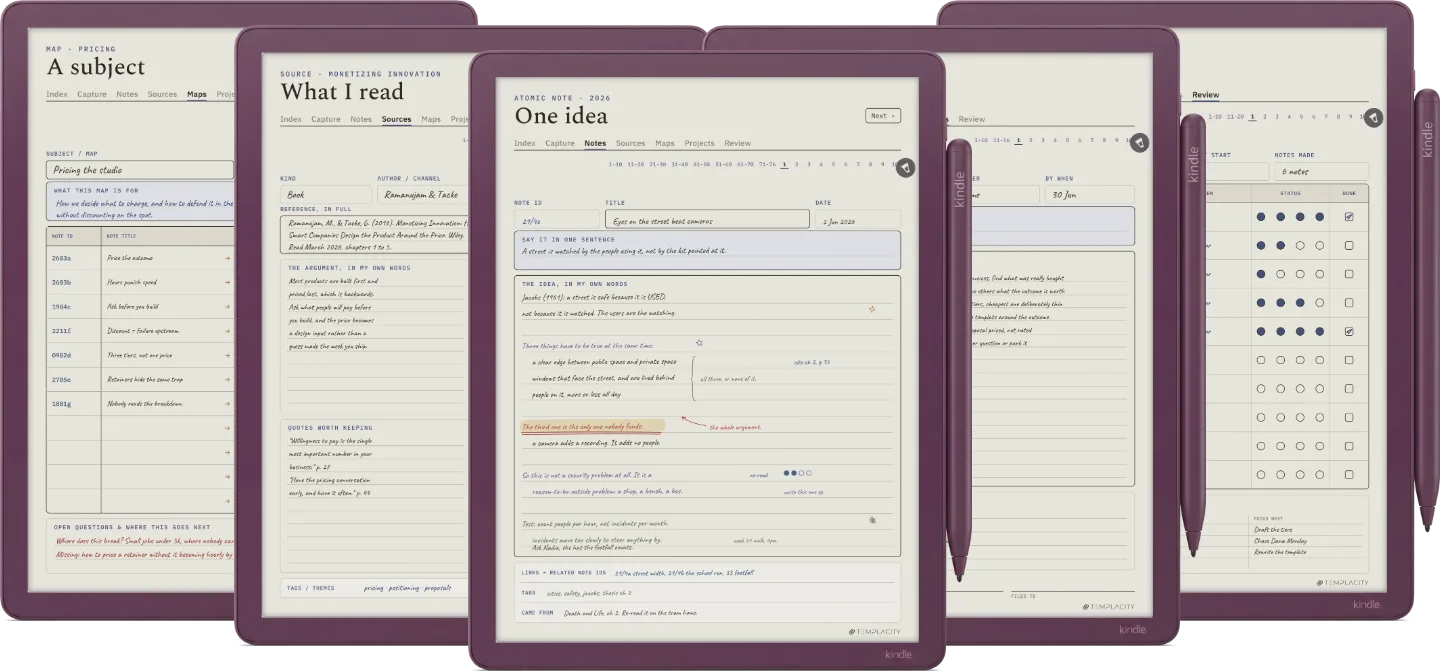
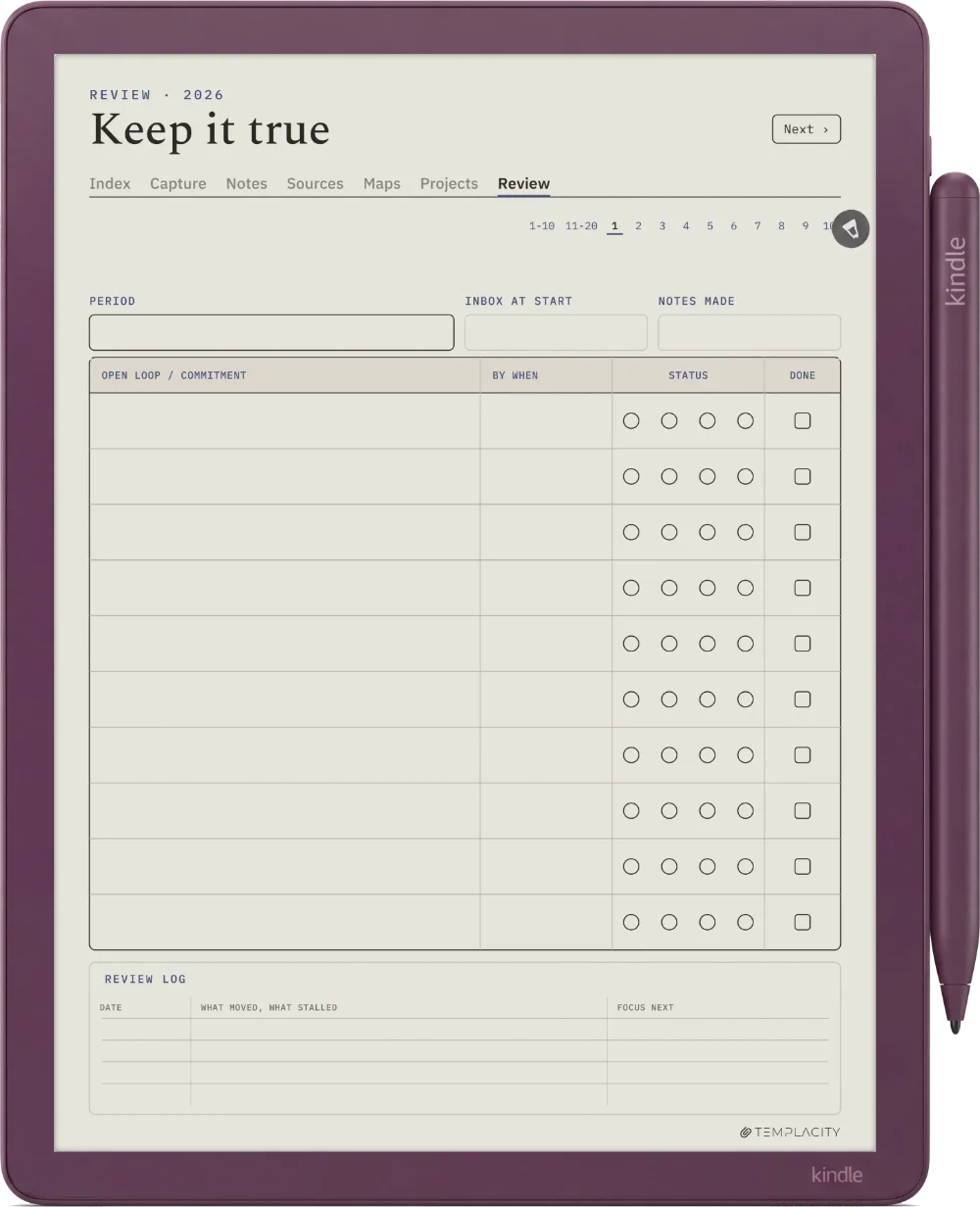
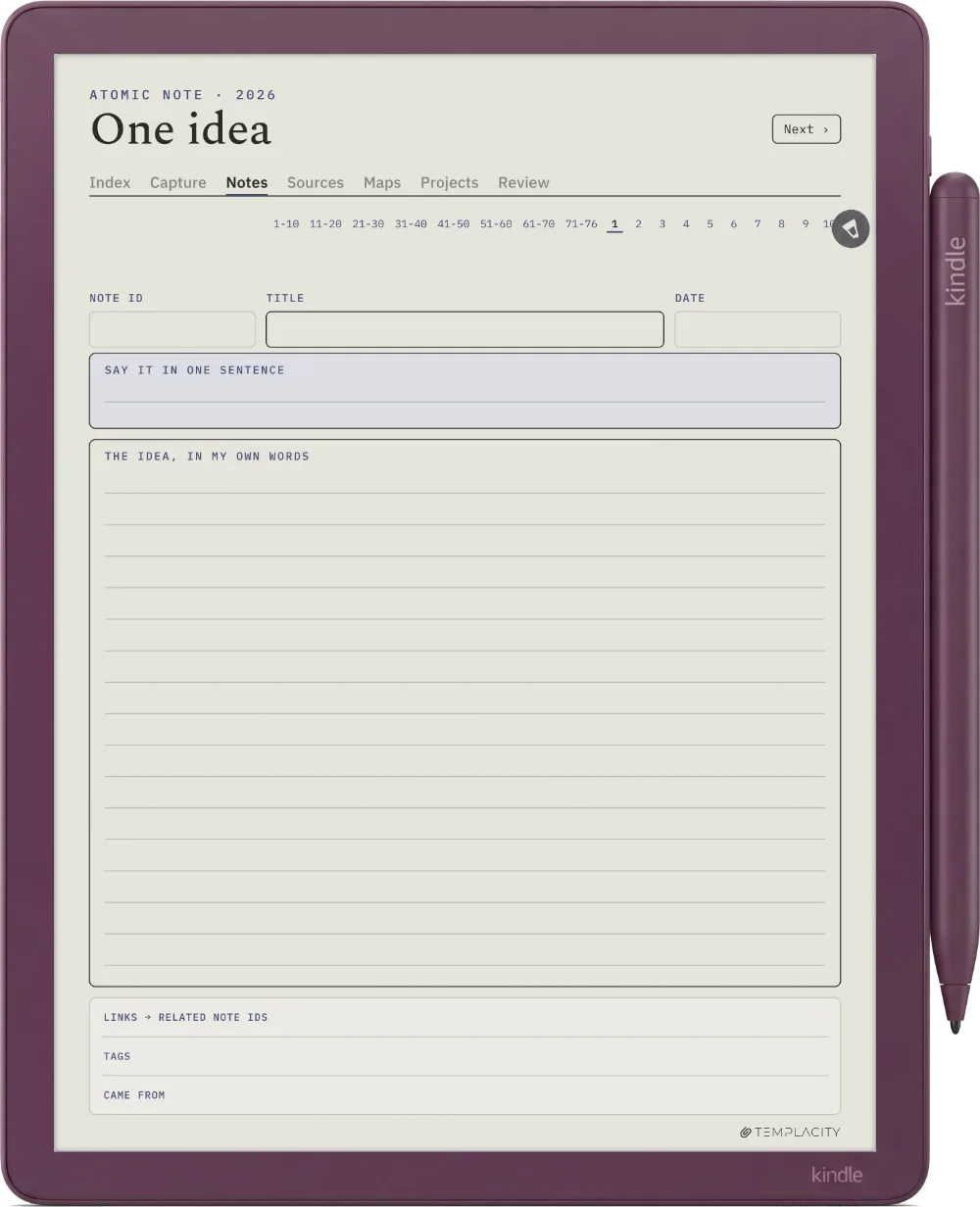
The Planner on the Kindle Scribe Colorsoft
№ 04 · Tuned for the Colorsoft

Drawn for the Kindle Scribe Colorsoft.

11″ colour e-ink · Premium Pen

Sized to the Kindle Scribe Colorsoft writing surface and exported for e-ink: warm paper tone, hairline grids and pen-weighted rule lines, with real room for your pen.

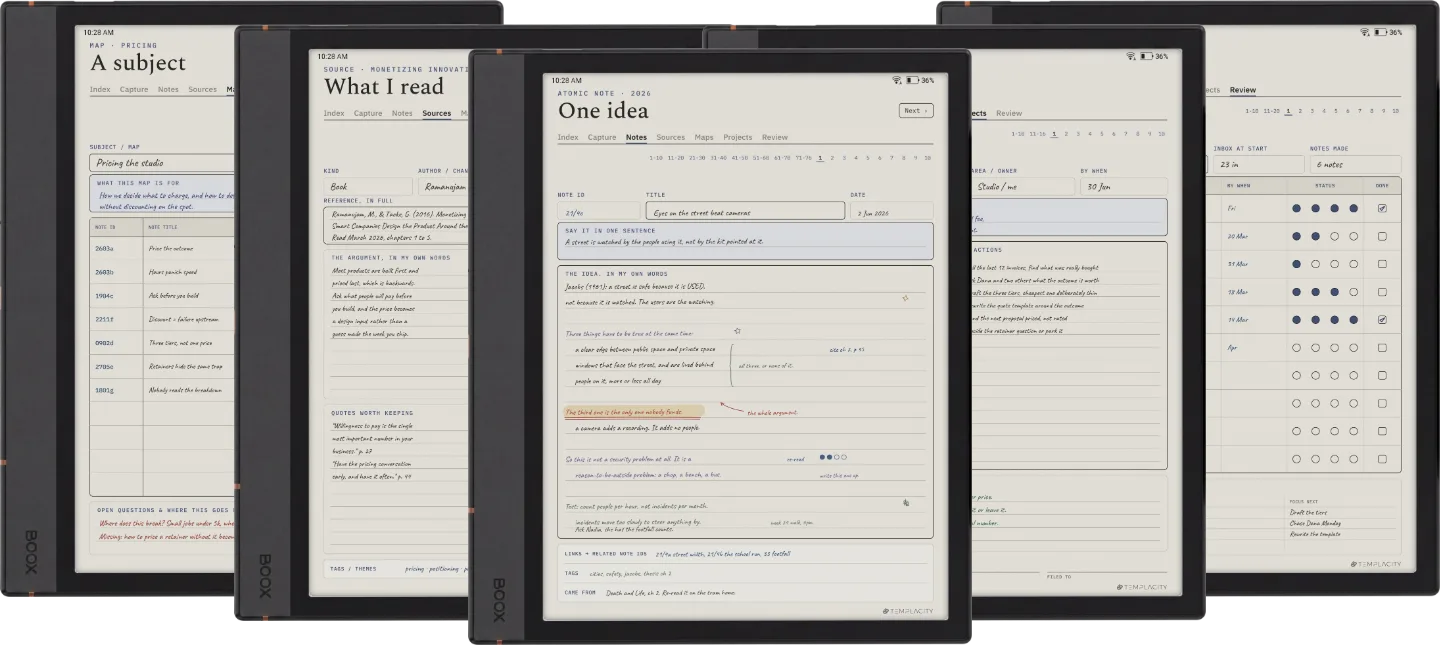
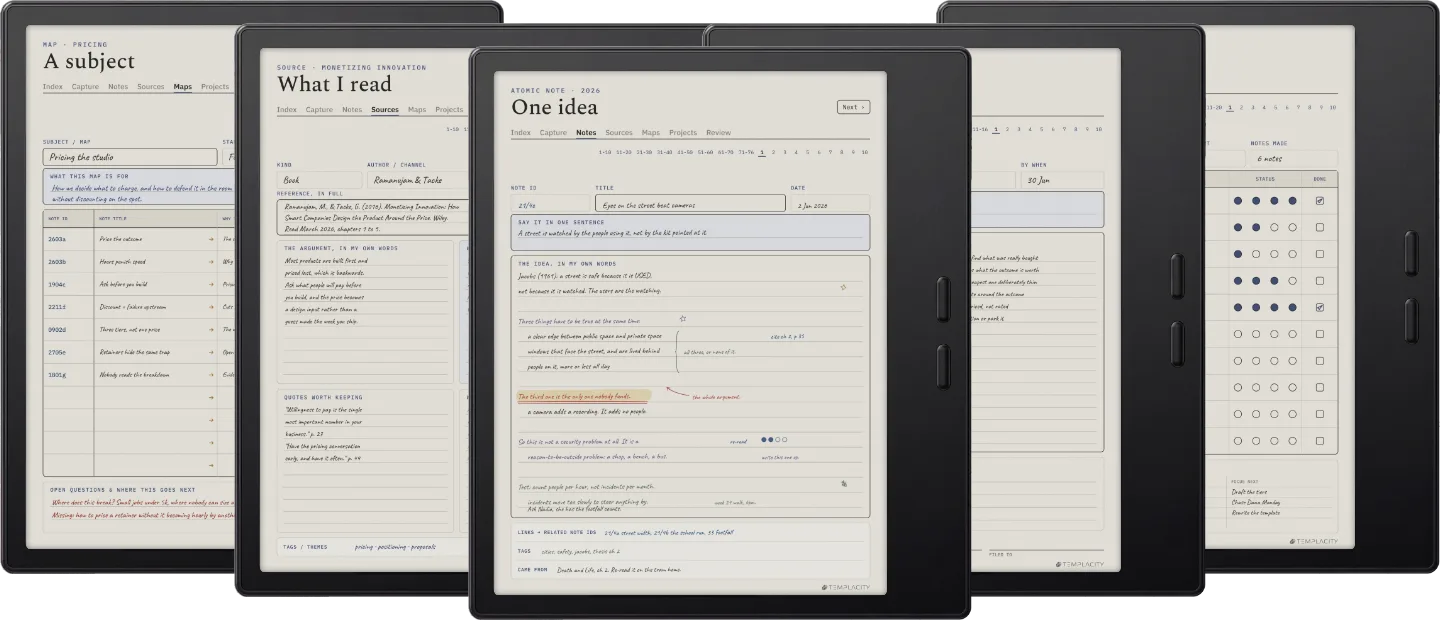
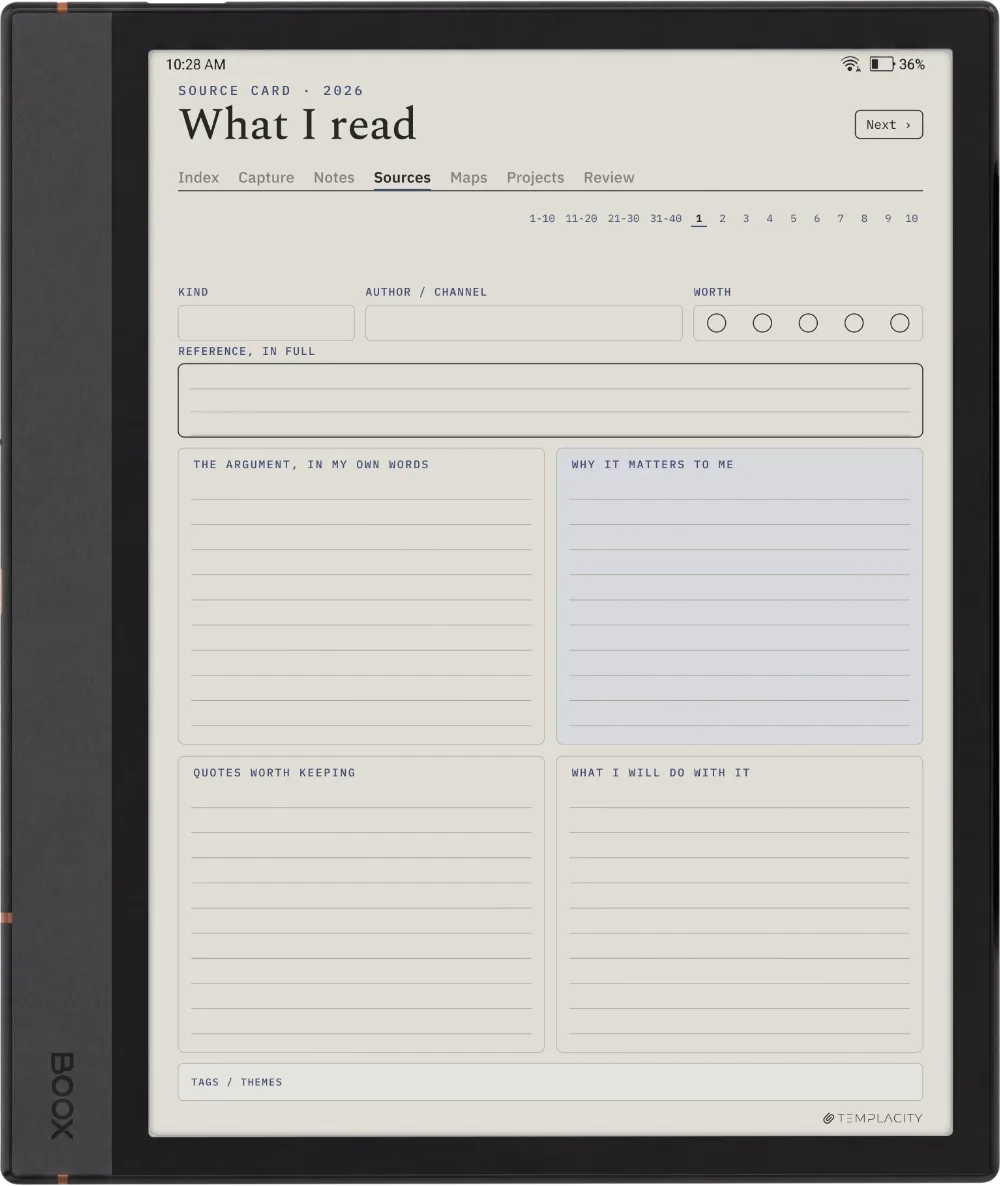
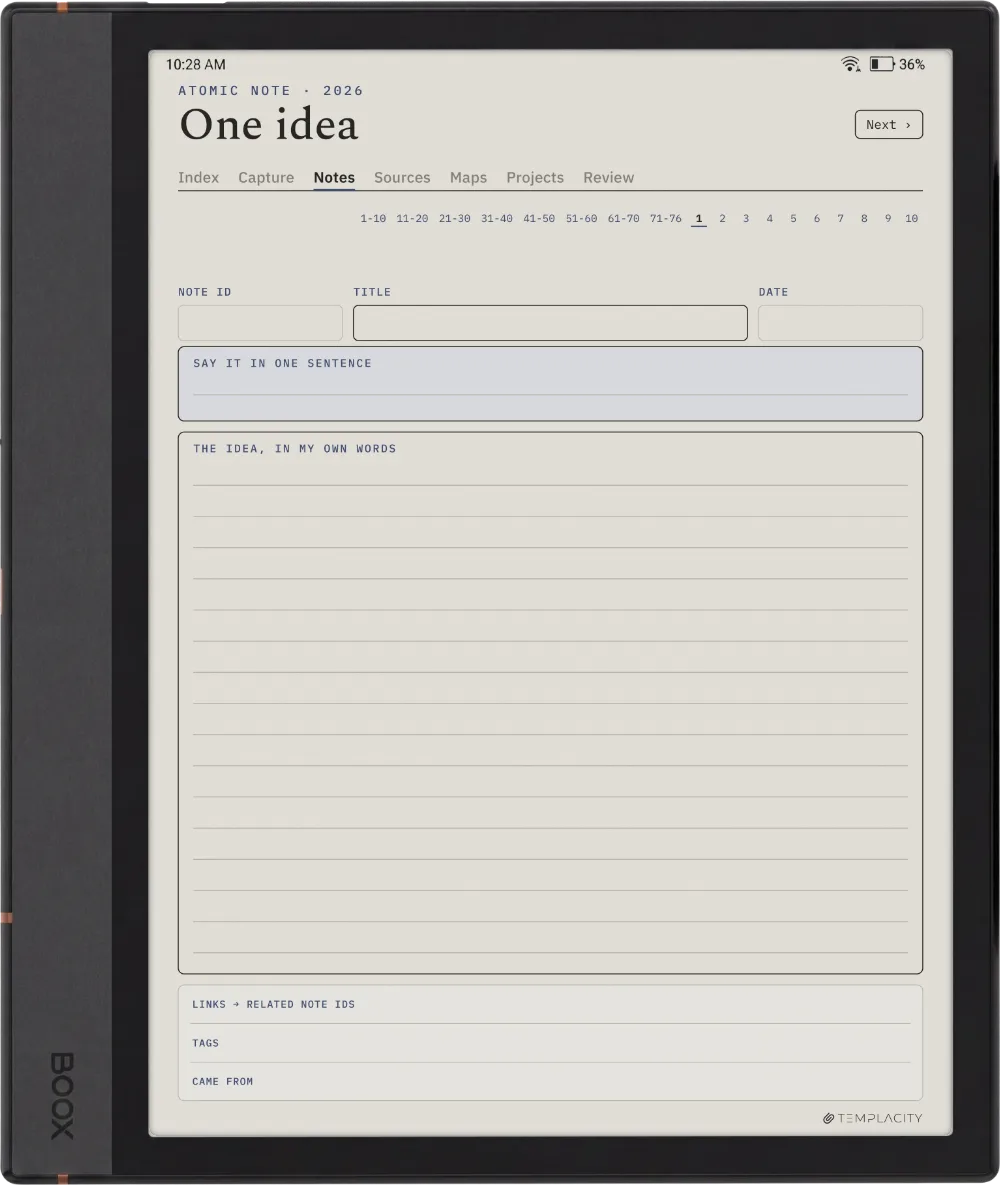
The Planner on the Boox Note Air4 C
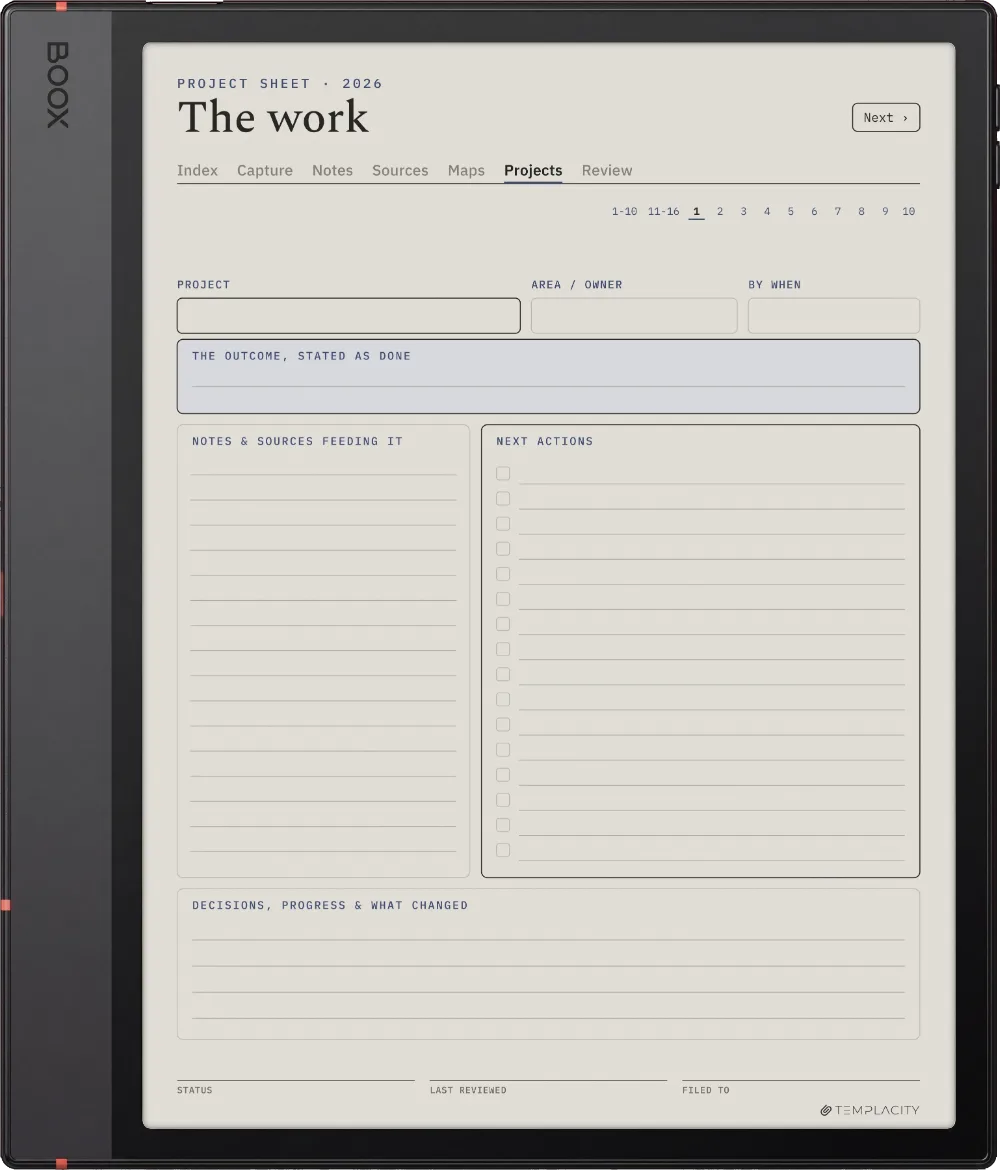
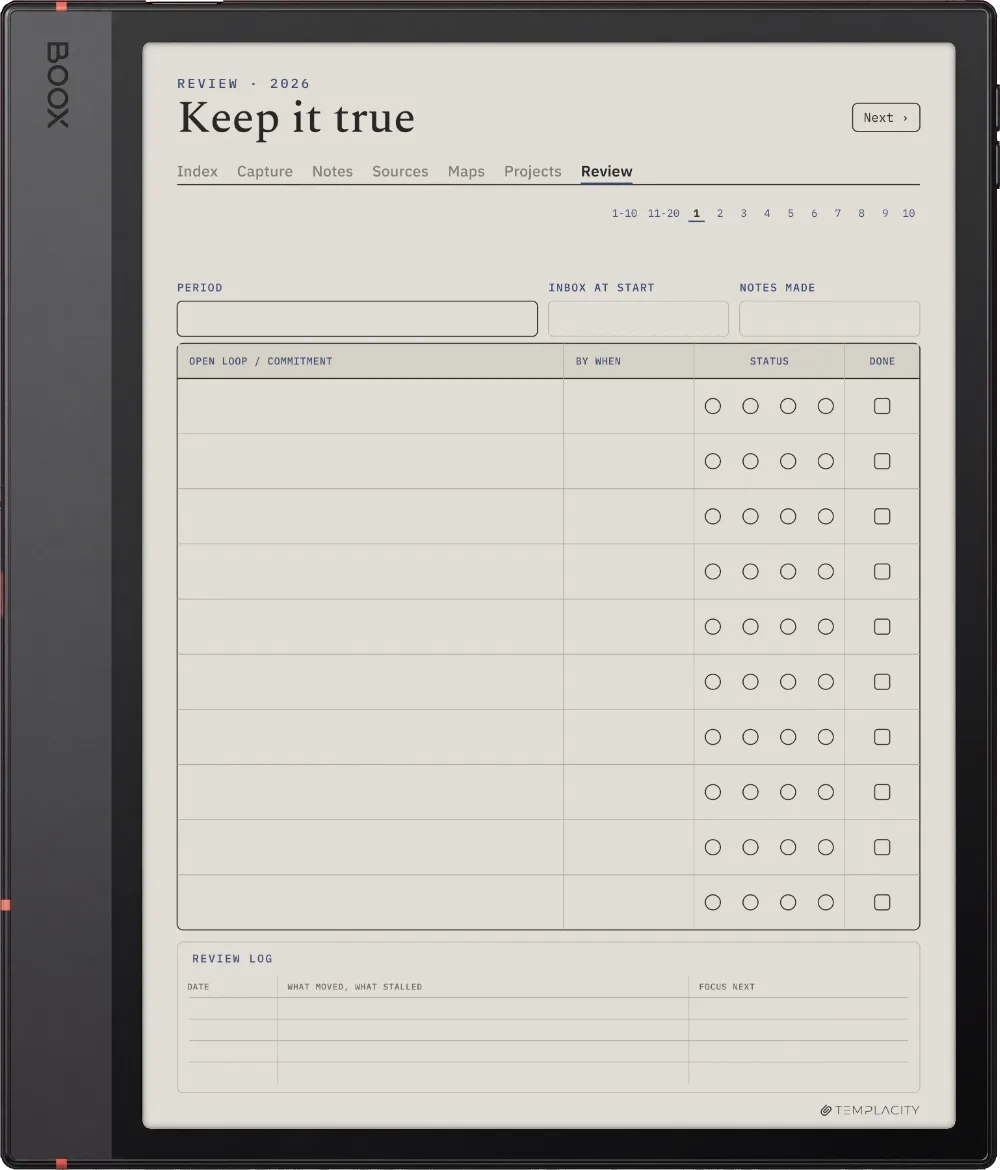
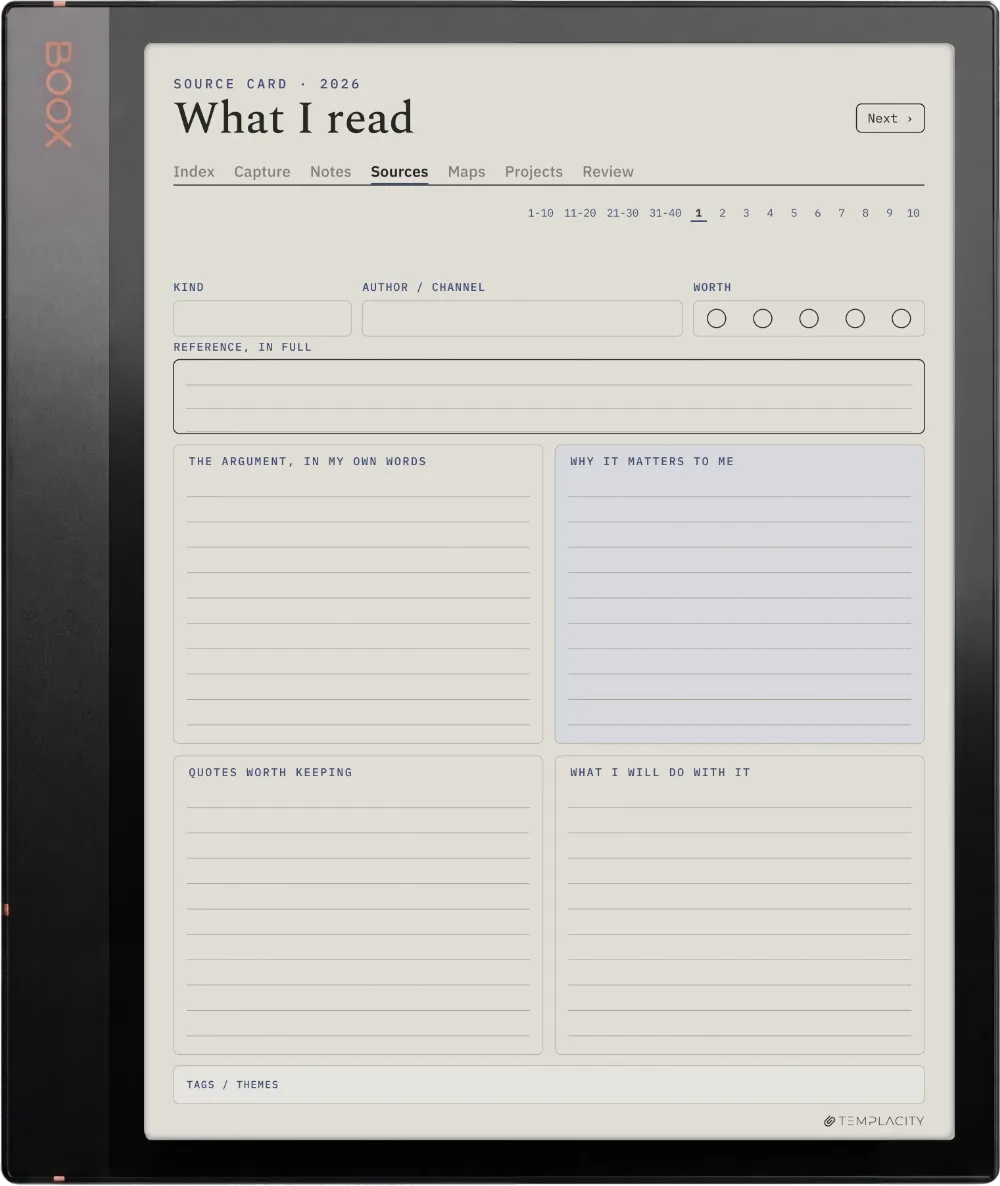
№ 04 · Tuned for the Note Air4 C

Drawn for the Boox Note Air4 C.

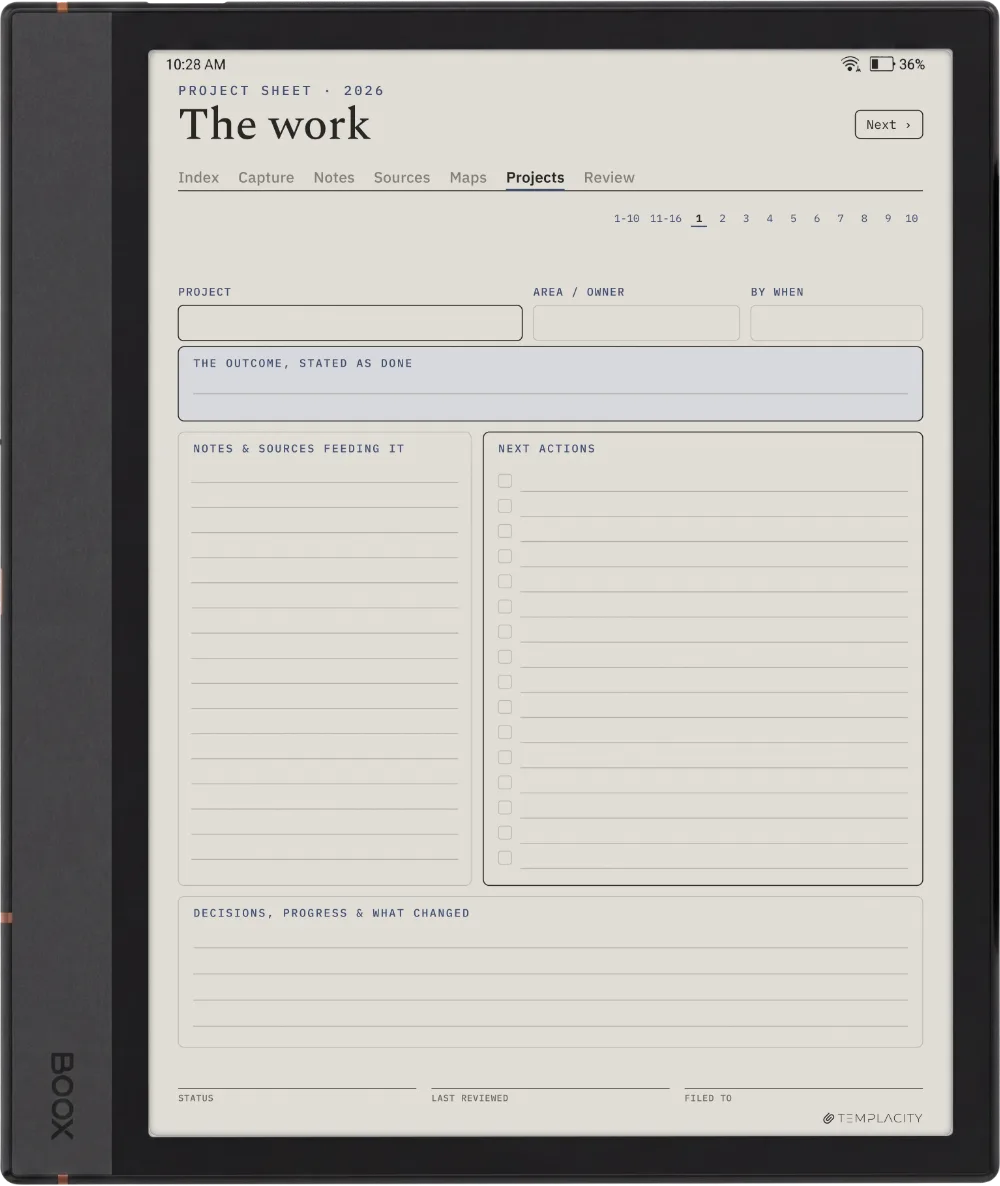
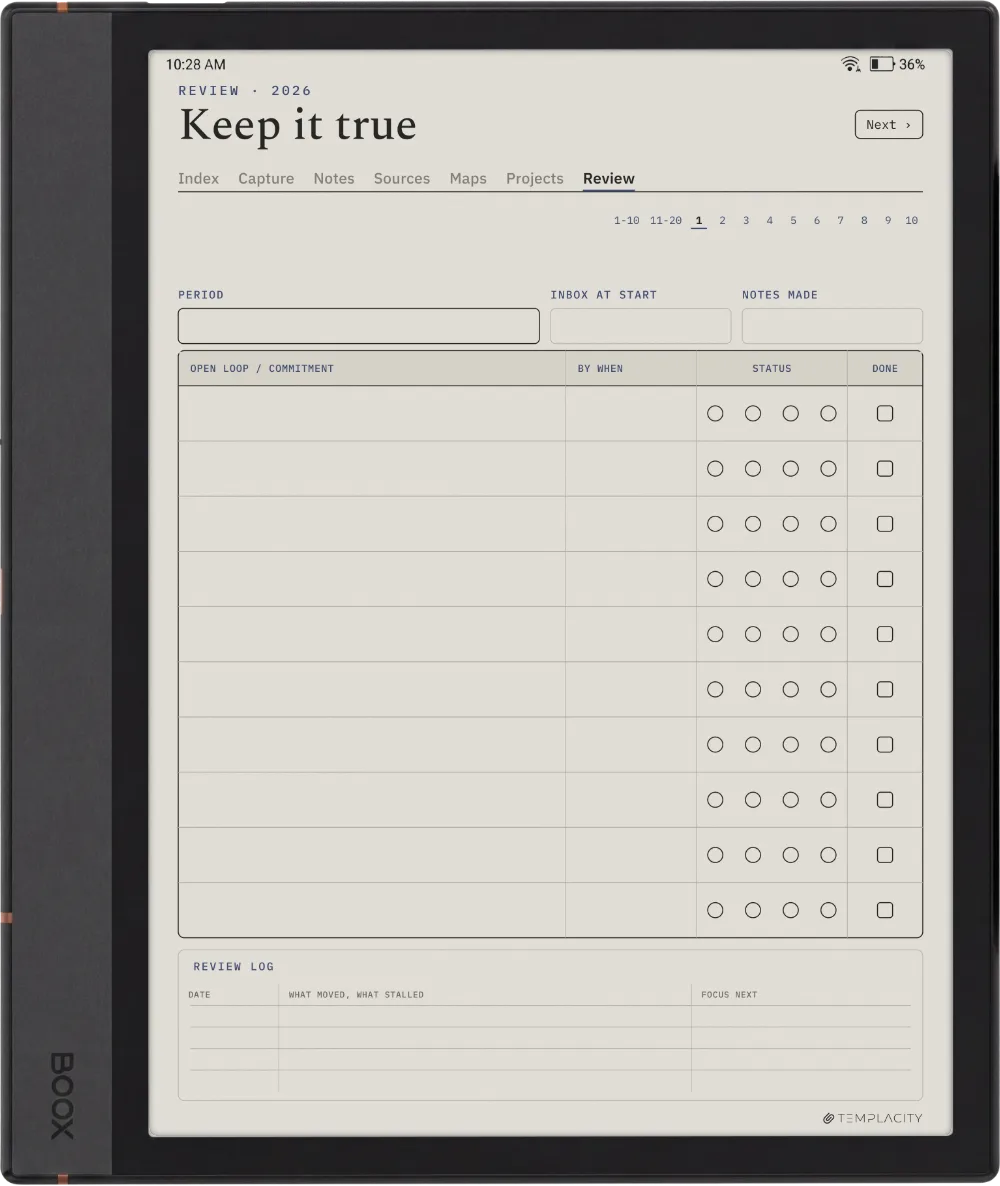
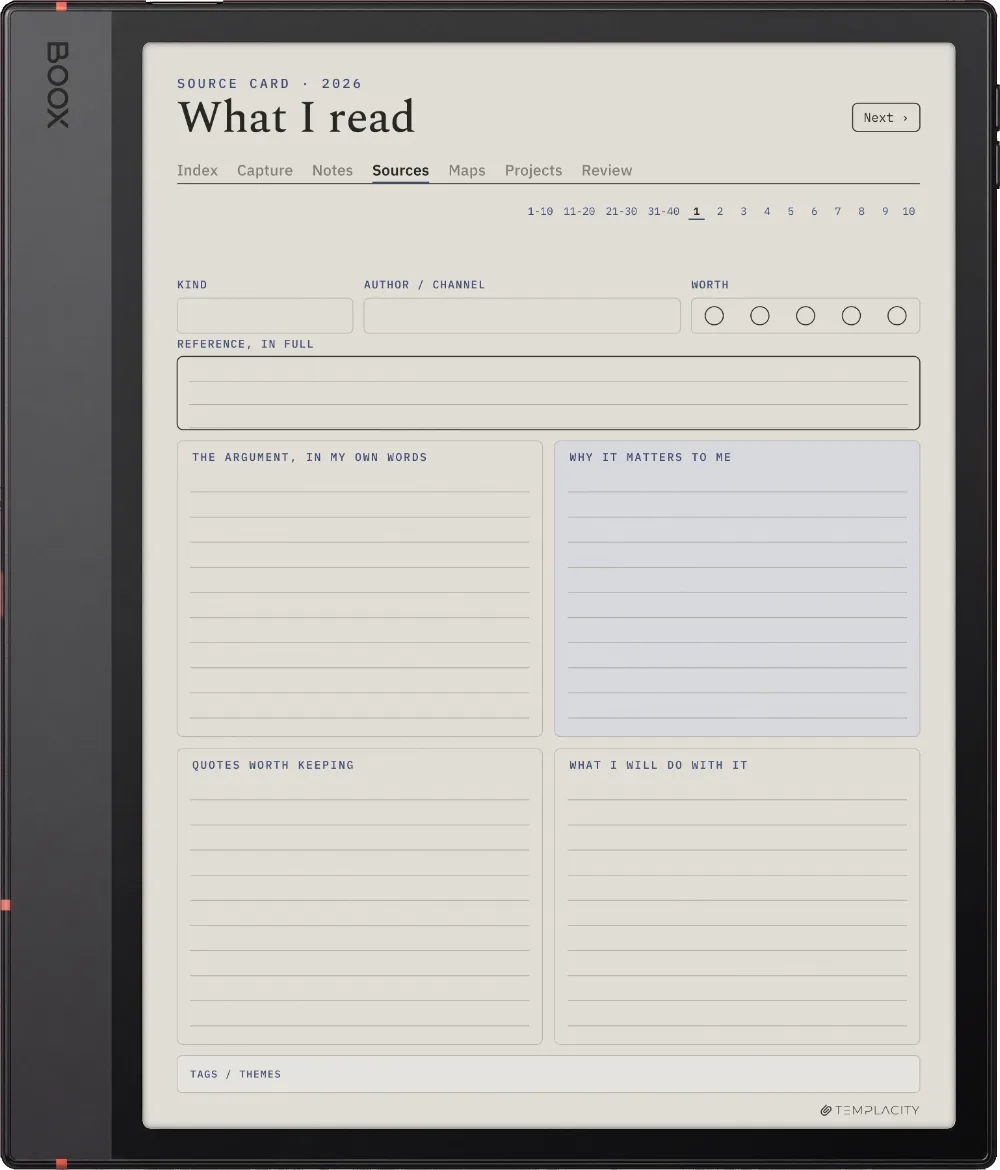
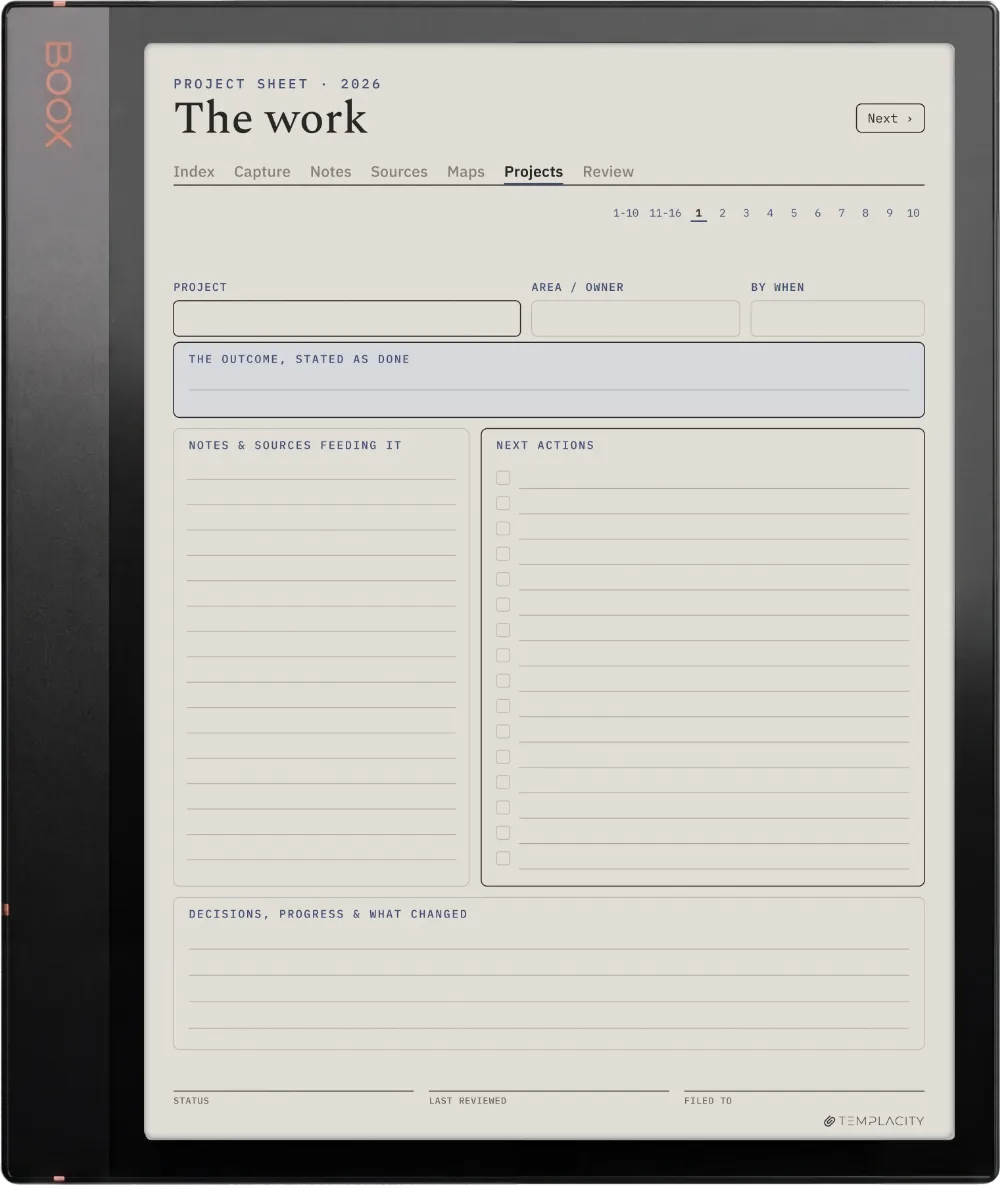
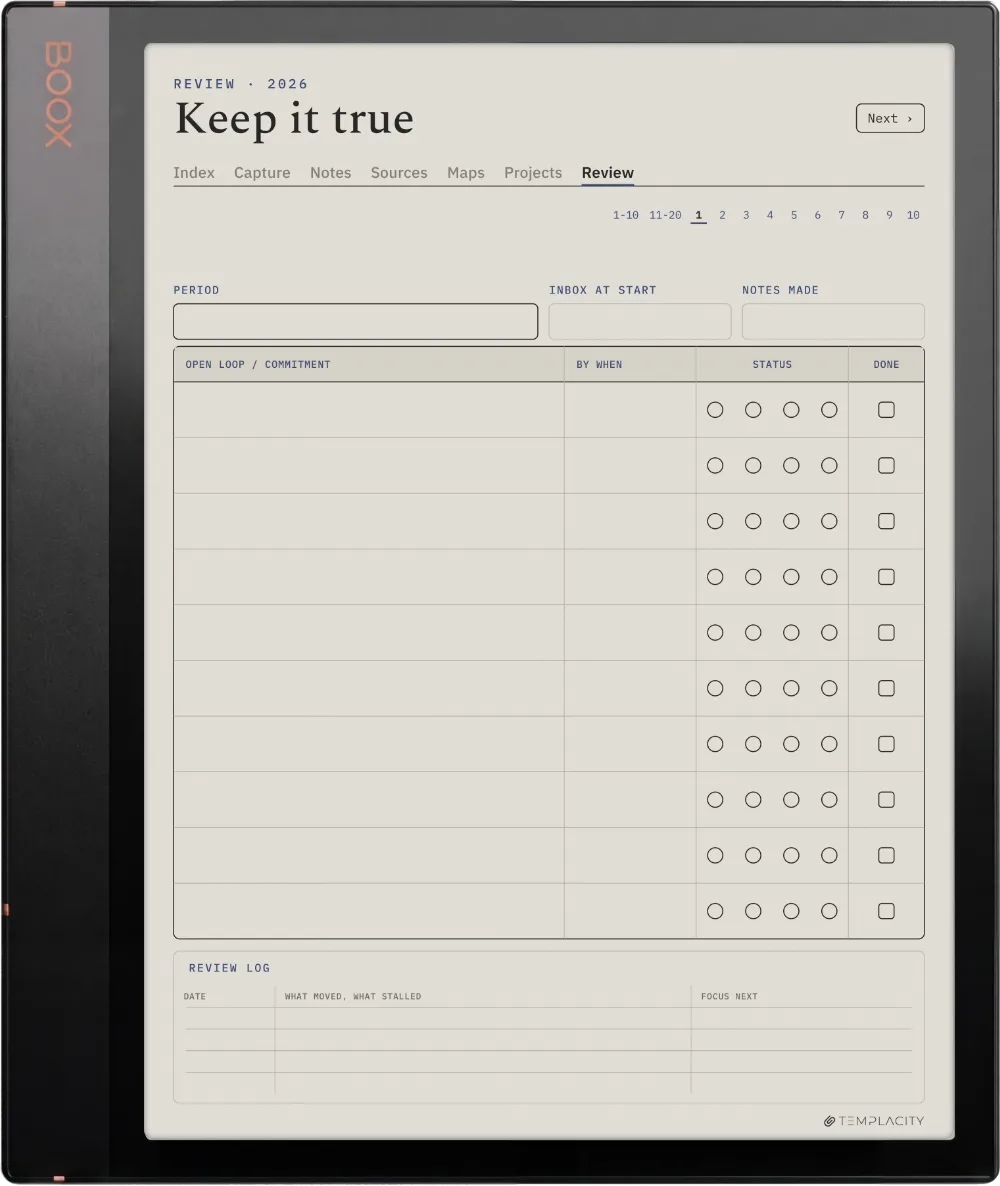
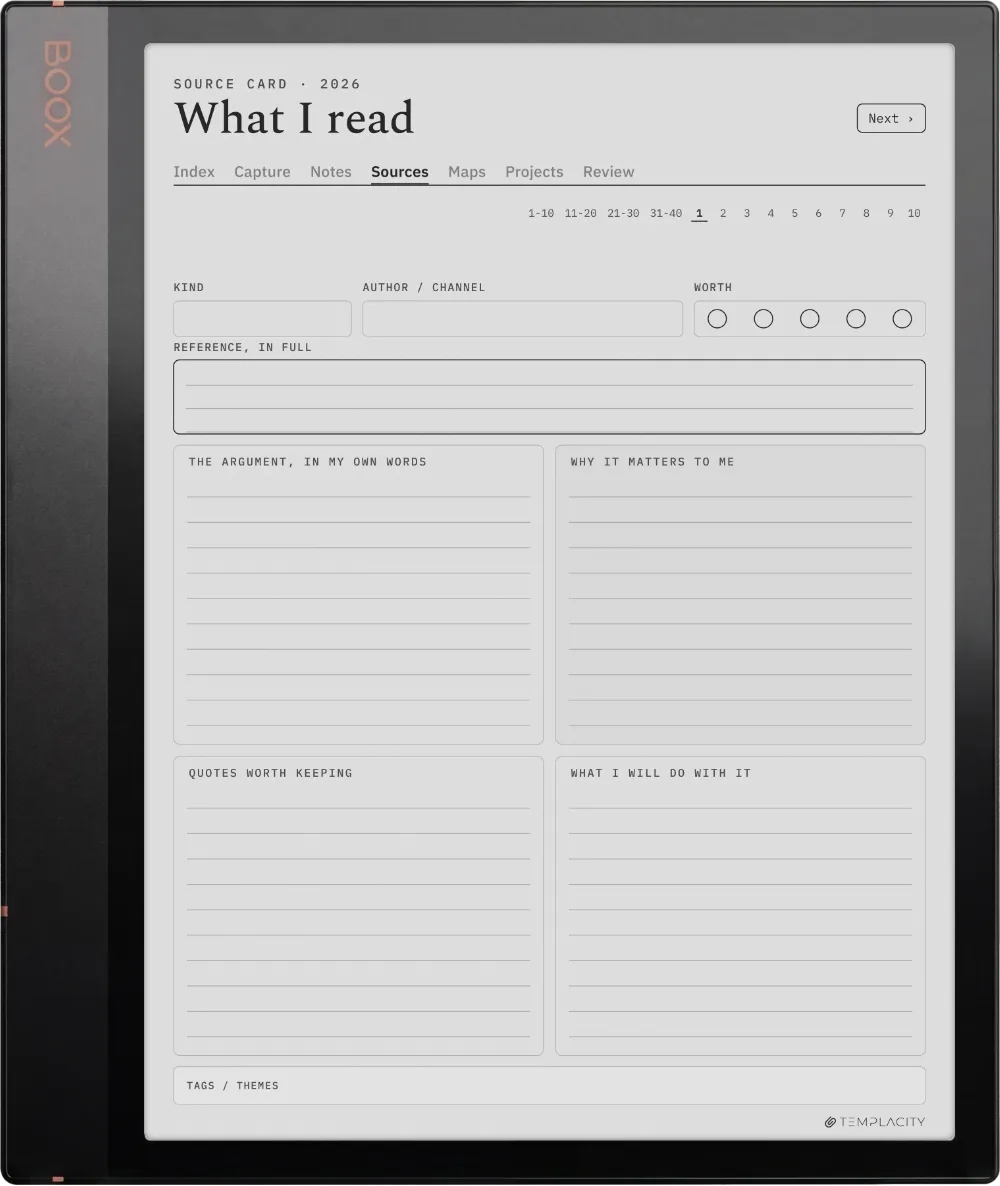
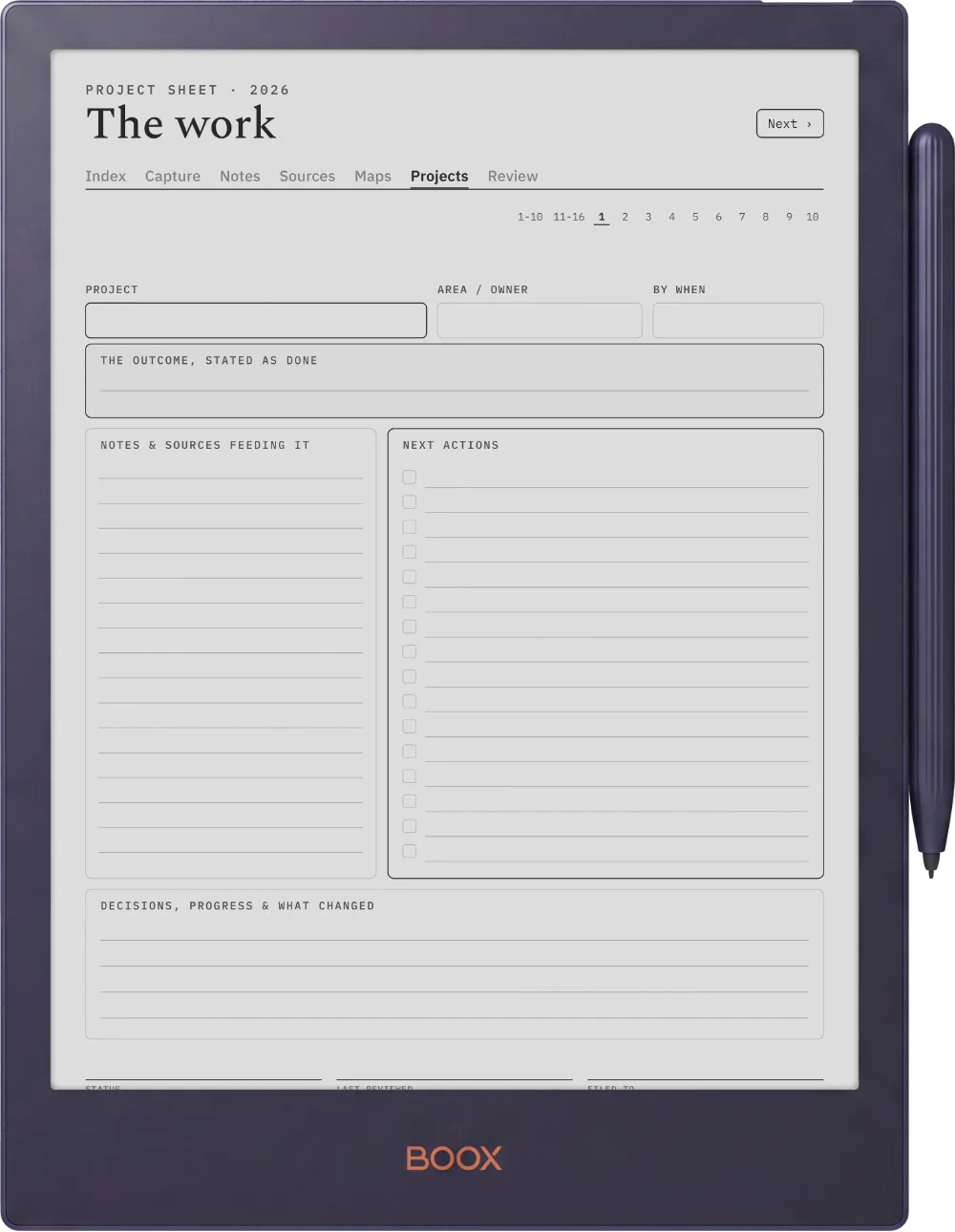
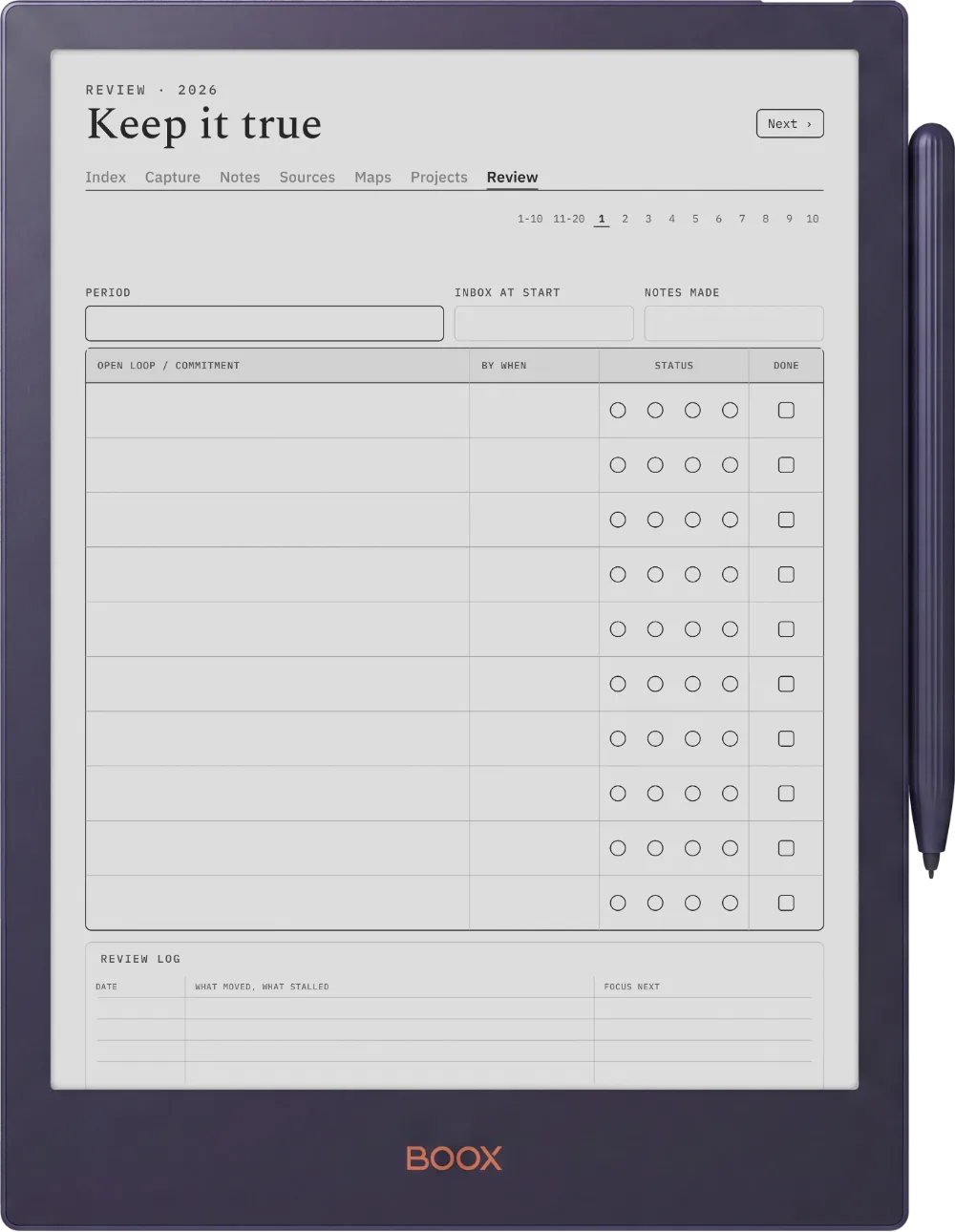
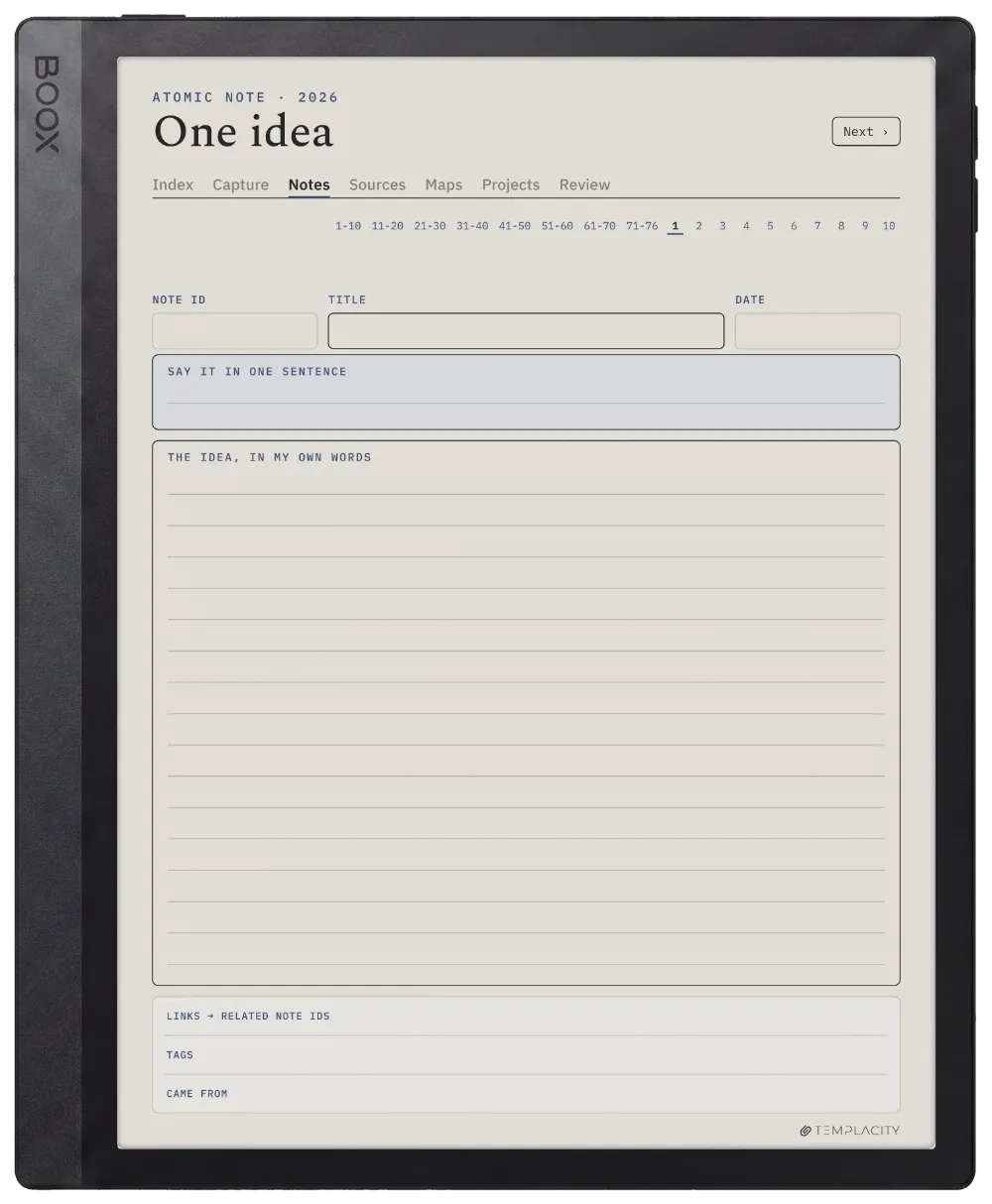
10.3″ colour e-ink · Android · BOOX Pen

Sized to the Boox Note Air4 C writing surface and exported for e-ink: warm paper tone, hairline grids and pen-weighted rule lines, with real room for your pen.

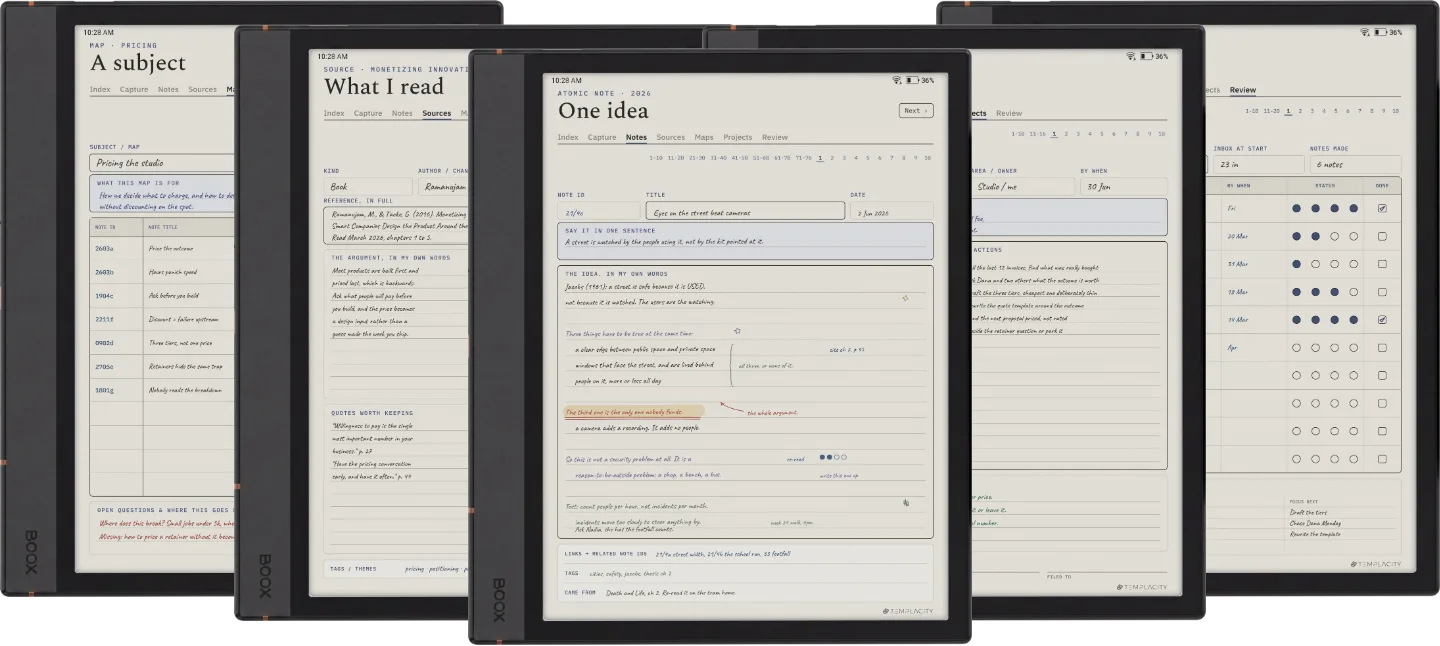
The Planner on the Boox Note Air5 C
№ 04 · Tuned for the Note Air5 C

Drawn for the Boox Note Air5 C.

10.3″ colour e-ink · Android · BOOX Pen

Sized to the Boox Note Air5 C writing surface and exported for e-ink: warm paper tone, hairline grids and pen-weighted rule lines, with real room for your pen.

The Planner on the Boox Note Air3 C
№ 04 · Tuned for the Note Air3 C

Drawn for the Boox Note Air3 C.

10.3″ colour e-ink · Android · BOOX Pen

Sized to the Boox Note Air3 C writing surface and exported for e-ink: warm paper tone, hairline grids and pen-weighted rule lines, with real room for your pen.

The Planner on the Boox Note Air 3
№ 04 · Tuned for the Note Air 3

Drawn for the Boox Note Air 3.

10.3″ monochrome e-ink · Android

Sized to the Boox Note Air 3 writing surface and exported for e-ink: warm paper tone, hairline grids and pen-weighted rule lines, with real room for your pen.

The Planner on the Boox Note Air2
№ 04 · Tuned for the Note Air2

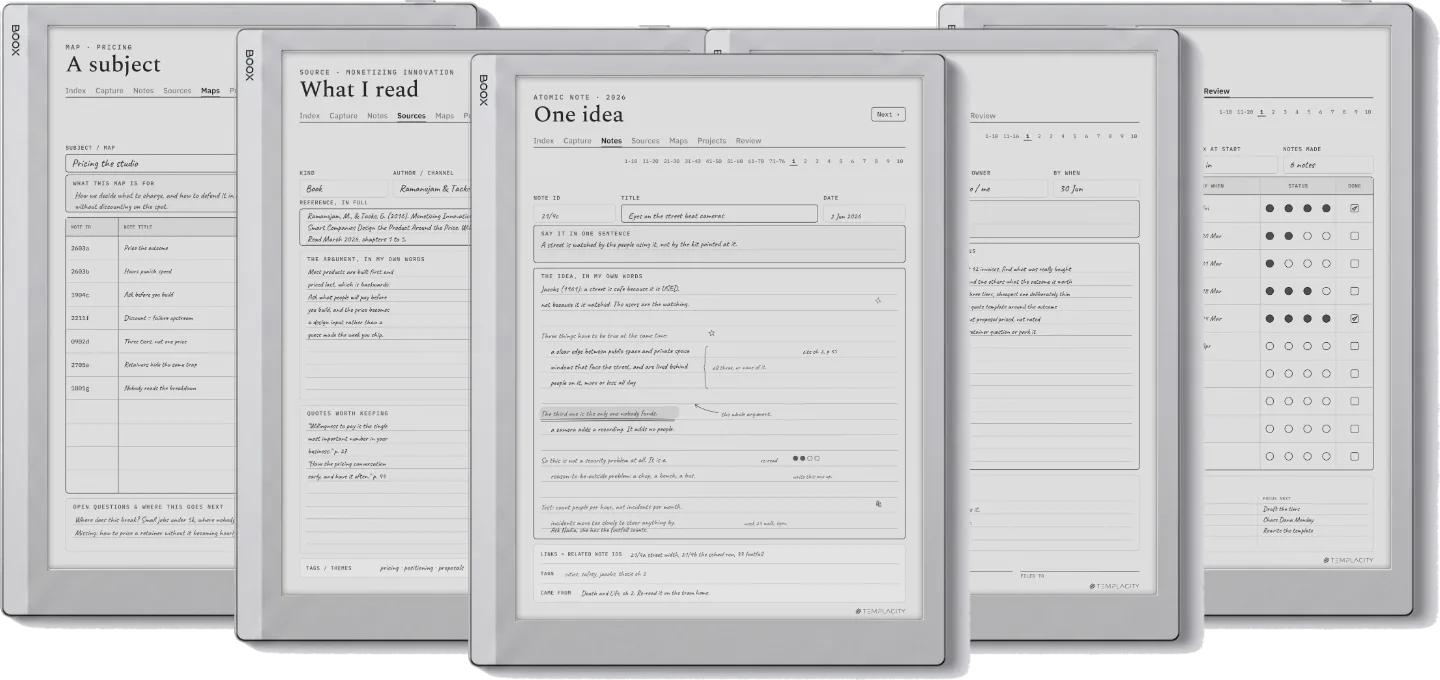
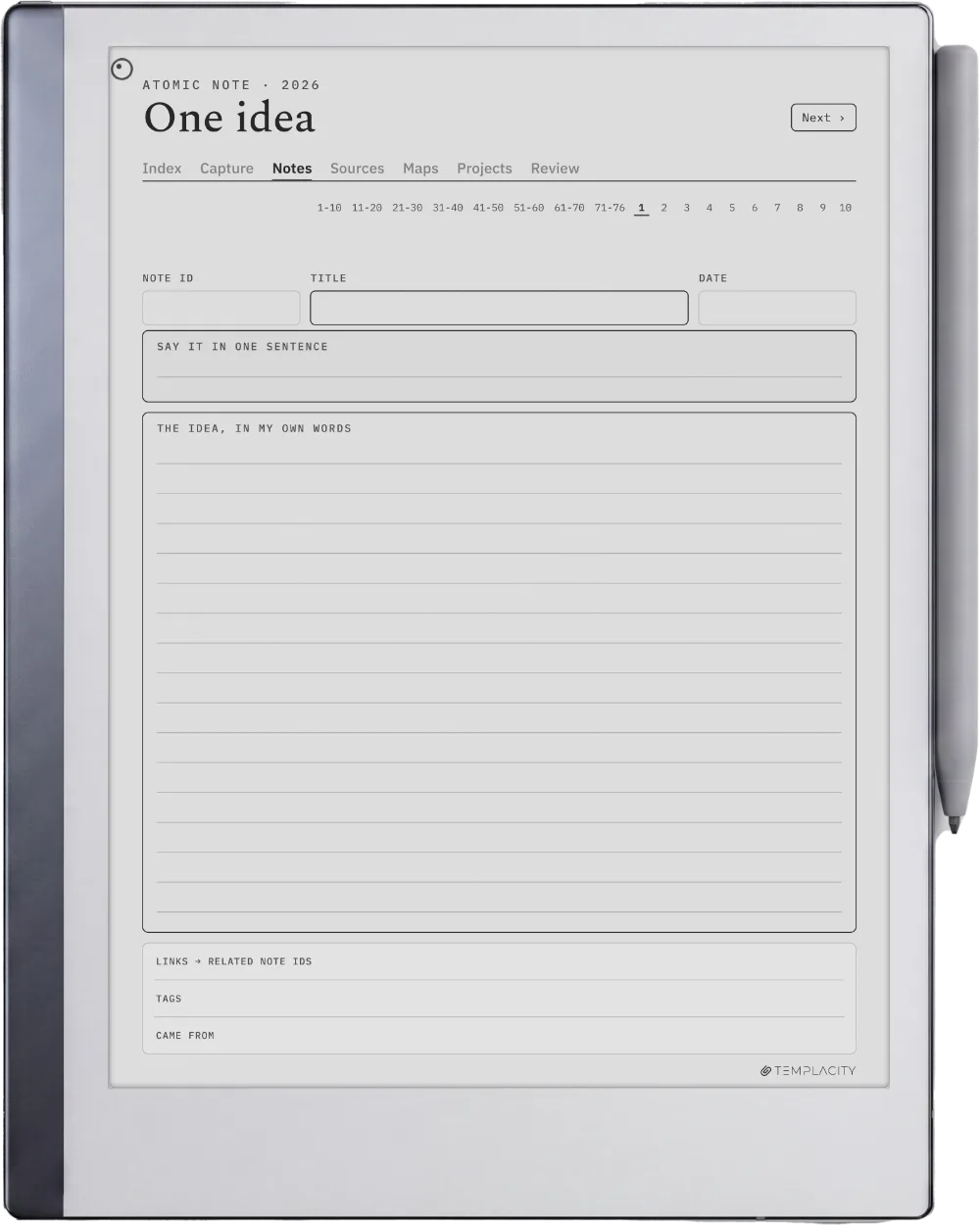
Drawn for the Boox Note Air2.

10.3″ monochrome e-ink · Android

Sized to the Boox Note Air2 writing surface and exported for e-ink: warm paper tone, hairline grids and pen-weighted rule lines, with real room for your pen.

The Planner on the Boox Go 10.3
№ 04 · Tuned for the Go 10.3

Drawn for the Boox Go 10.3.

10.3″ monochrome e-ink · Android

Sized to the Boox Go 10.3 writing surface and exported for e-ink: warm paper tone, hairline grids and pen-weighted rule lines, with real room for your pen.

The Planner on the Boox Go Color 7 (Gen II)
№ 04 · Tuned for the Go Color 7

Drawn for the Boox Go Color 7 (Gen II).

7″ colour e-ink · Android

Sized to the Boox Go Color 7 (Gen II) writing surface and exported for e-ink: warm paper tone, hairline grids and pen-weighted rule lines, with real room for your pen.

The Planner on the Boox Note5
№ 04 · Tuned for the Note5

Drawn for the Boox Note5.

10.3″ monochrome e-ink · Android

Sized to the Boox Note5 writing surface and exported for e-ink: warm paper tone, hairline grids and pen-weighted rule lines, with real room for your pen.

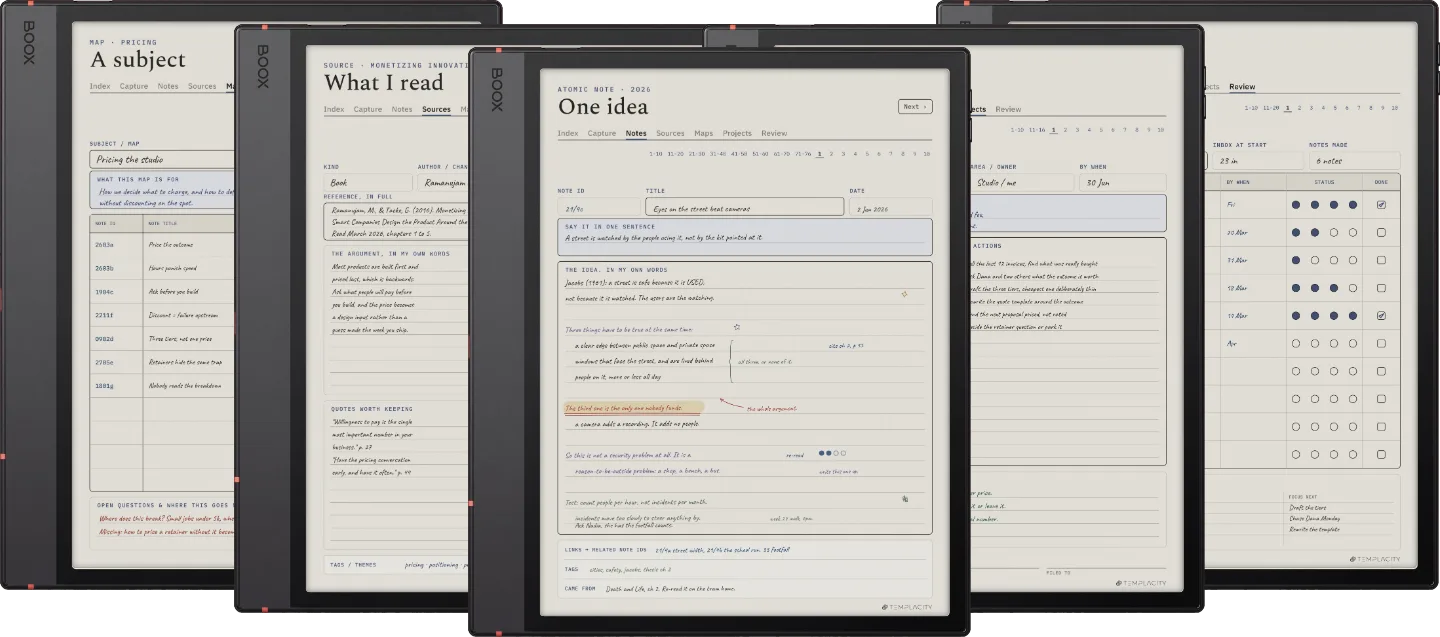
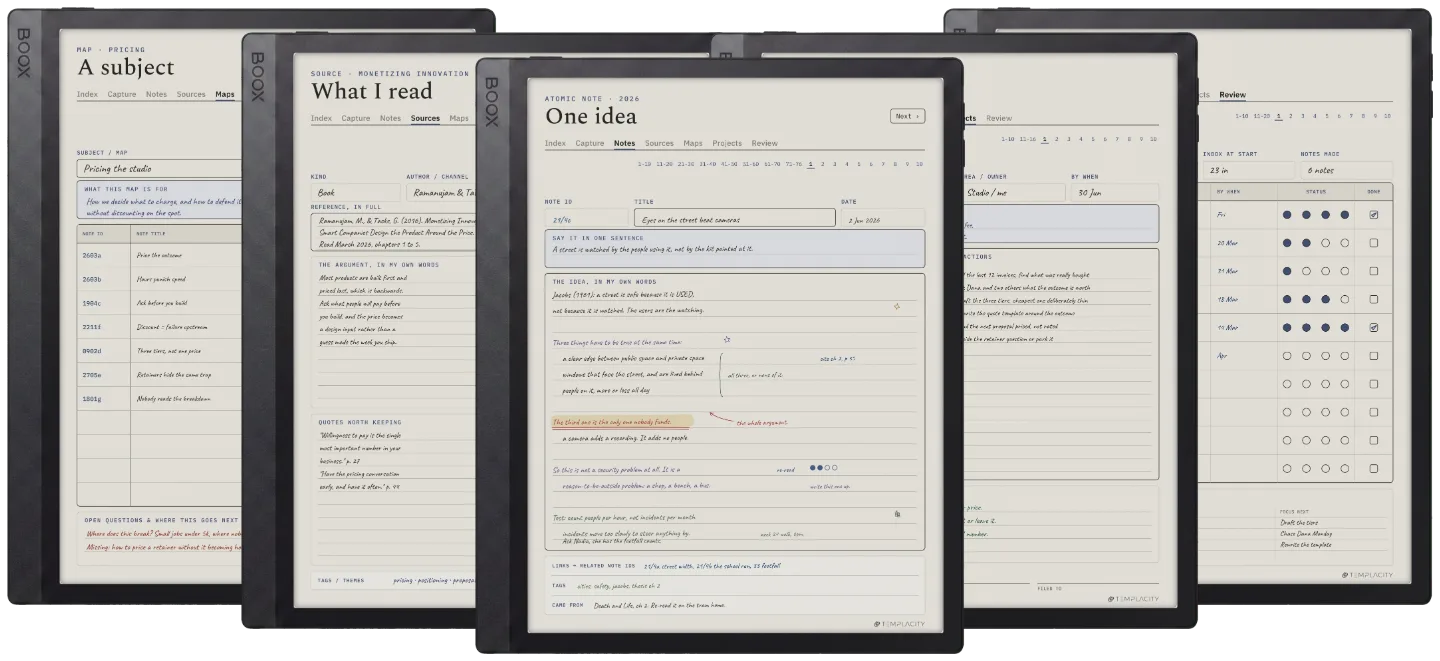
The Planner on the Boox Note Max
№ 04 · Tuned for the Note Max

Drawn for the Boox Note Max.

13.3″ colour e-ink · Android

Sized to the Boox Note Max writing surface and exported for e-ink: warm paper tone, hairline grids and pen-weighted rule lines, with real room for your pen.

The Planner on the Boox Tab Ultra C Pro
№ 04 · Tuned for the Tab Ultra C Pro

Drawn for the Boox Tab Ultra C Pro.

10.3″ colour e-ink · Android · BOOX Pen

Sized to the Boox Tab Ultra C Pro writing surface and exported for e-ink: warm paper tone, hairline grids and pen-weighted rule lines, with real room for your pen.

The Planner on the Supernote Manta
№ 04 · Tuned for the Manta

Drawn for the Supernote Manta.

10.7″ monochrome e-ink · Ratta ceramic nib

Sized to the Supernote Manta writing surface and exported for e-ink: warm paper tone, hairline grids and pen-weighted rule lines, with real room for your pen.

The Planner on the Supernote Nomad
№ 04 · Tuned for the Nomad

Drawn for the Supernote Nomad.

7.8″ monochrome e-ink · Ratta ceramic nib

Sized to the Supernote Nomad writing surface and exported for e-ink: warm paper tone, hairline grids and pen-weighted rule lines, with real room for your pen.

The Planner on the iPad
№ 04 · Tuned for the iPad

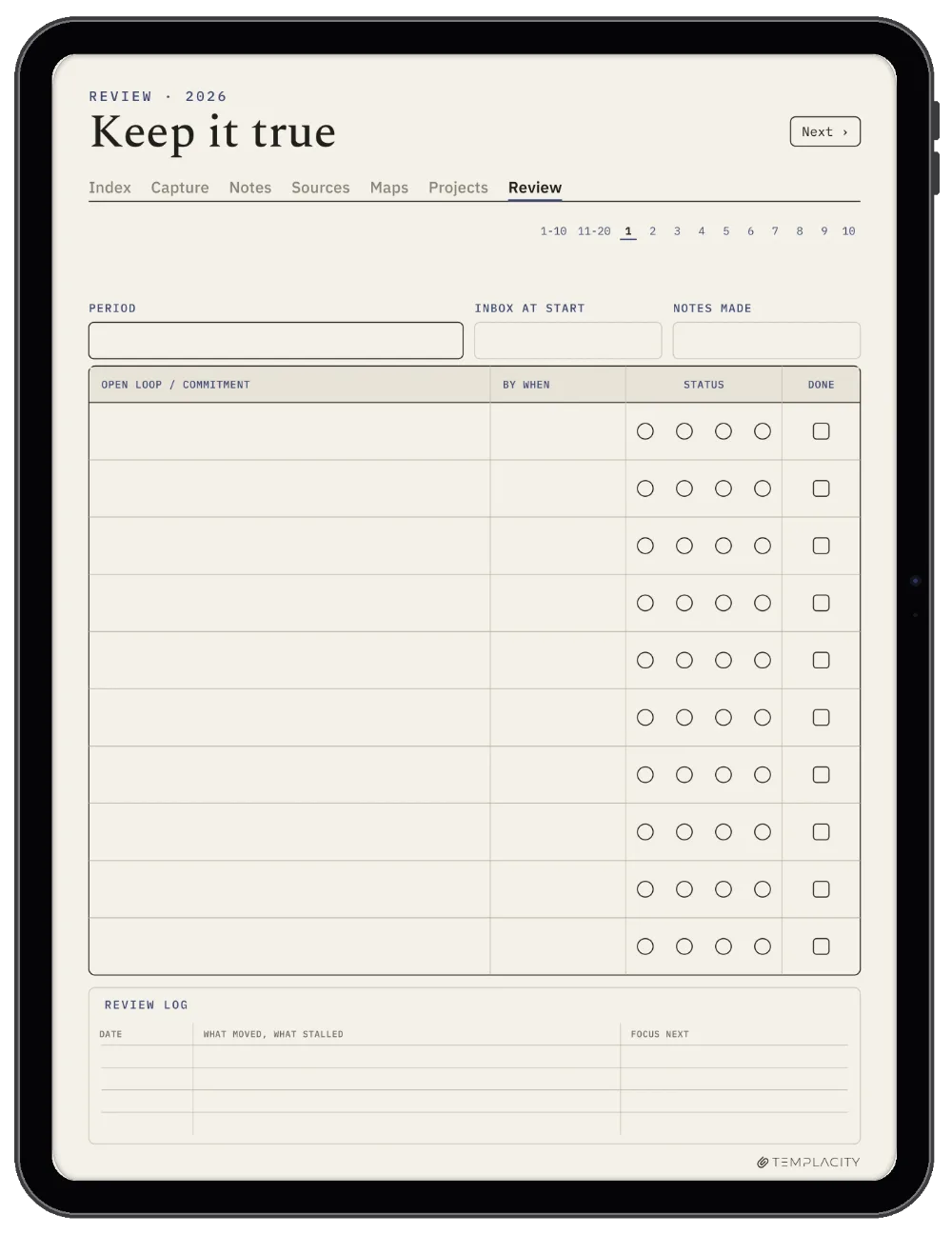
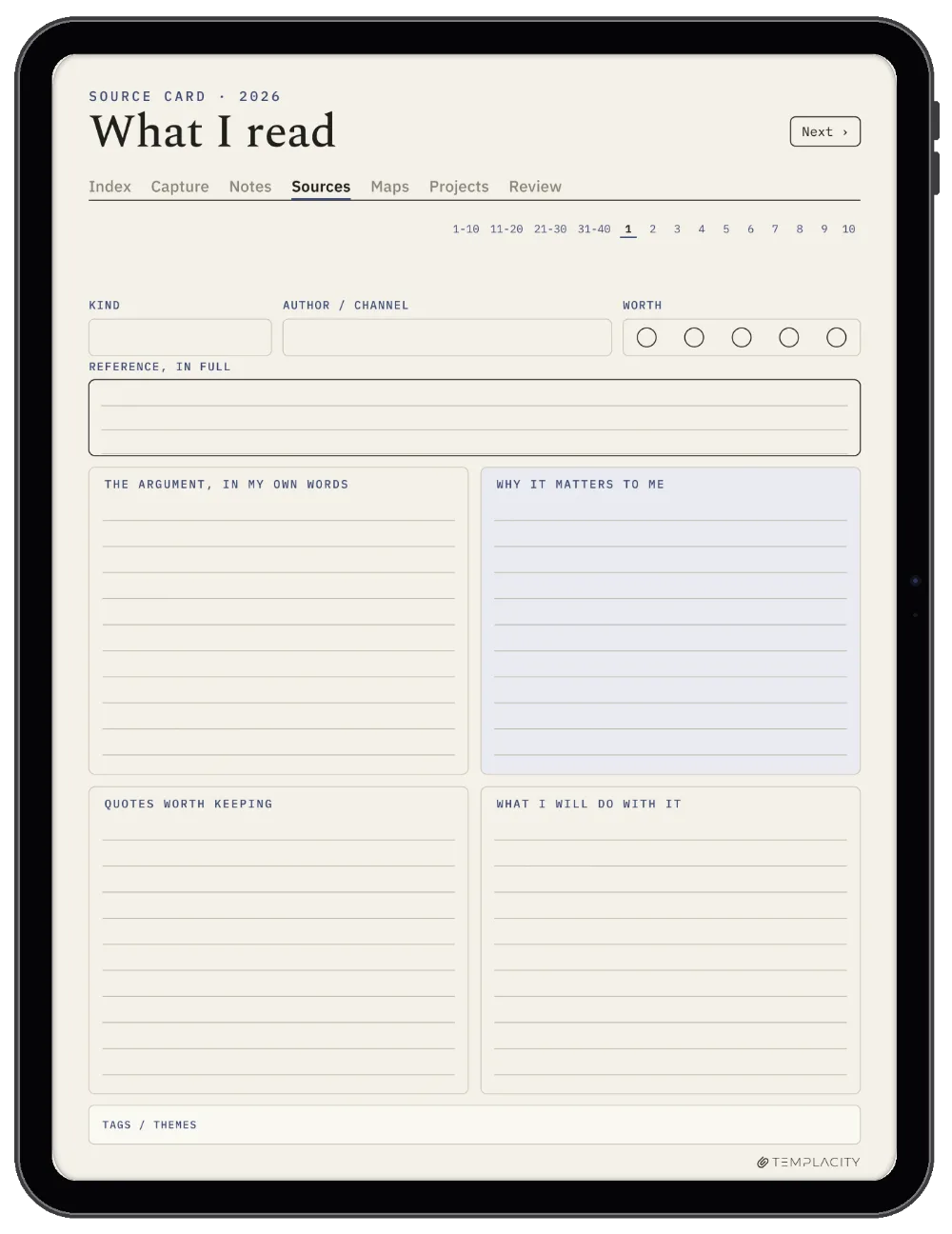
Drawn for the iPad.

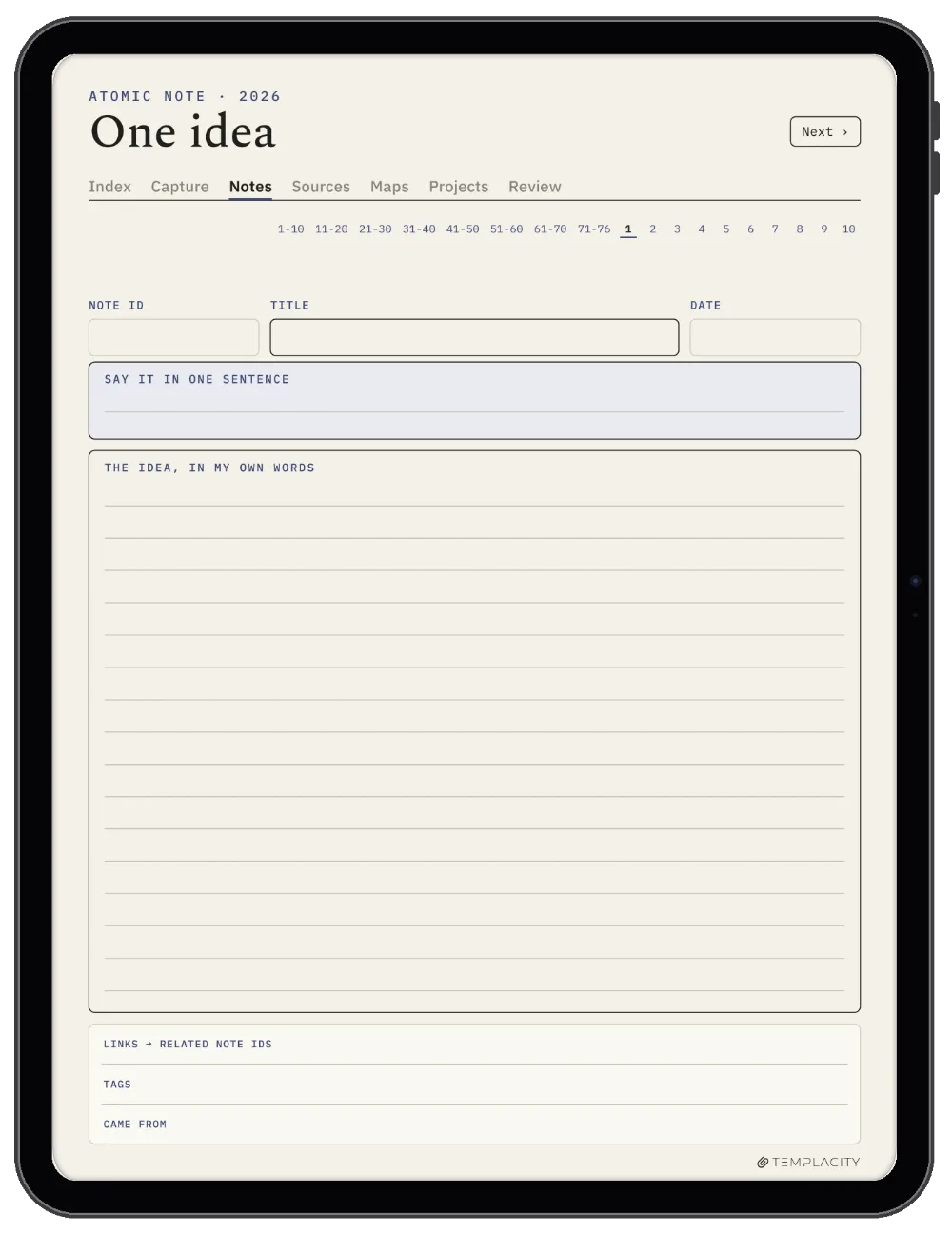
Goodnotes on iPad · Apple Pencil · full colour

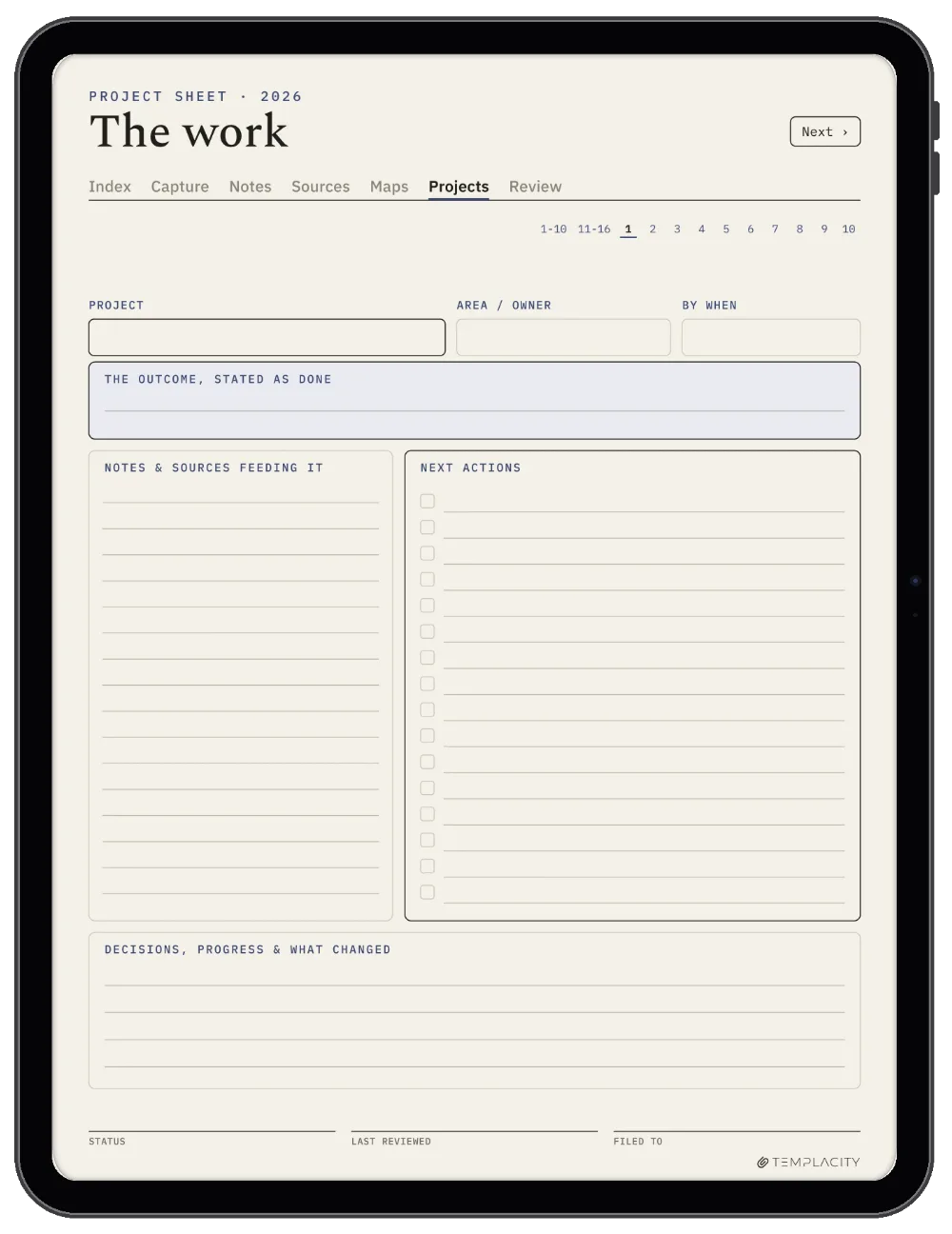
Imports straight into Goodnotes on the iPad and keeps its 3:4 page shape, so it opens full-bleed: links turn pages in read mode, the Apple Pencil writes in edit mode.

№ 05 · How it lands on your device

Three steps, less than a minute.

i.

Download.

Instant download after purchase. Also in your account, forever.

ii.

Send to device.

Email it, drop it in the desktop app, or sync via the cloud.

iii.

Open and write.

Opens at the Index. Tap to the day, week or month you need.

№ 06 · What you actually get

One file, drawn for your device.

Format
Hyperlinked PDF
Modules
Capture · Notes · Sources · Maps · Projects · Review
Capacity
10 capture · 76 atomic notes · 40 source cards · 12 maps · 16 project sheets · 20 review
Pages
183 per file
Editions
Undated, 2026 and 2027, all included
Also included
A reMarkable Paper Pro Move cut of every edition
Languages
English, Spanish, French, German, Chinese, Dutch
Delivery
Instant download · permanent link in your account
№ 07 · Last word

Start the pile that thinks.

183 hyperlinked pages: 10 capture, 76 atomic notes, 40 source cards, 12 maps of content, 16 project sheets and 20 review pages. Undated, plus dated 2026 and 2027 in the same download. Pick your device and it is on it in under a minute.

We built it to grow for years: one idea to a page, each one tap from the next, so nothing you read ends up in a loose stack.

From the studio, on why we made it
№ 99 · Questions

Things you’ll want to know.

Do I need to know the method already?
No. Six worked spreads sit at the front of the file, one per module, each showing a real page filled in with the reasoning written around it. The guide travels inside the book, so it is there the day you start and still there a year later.
Will this work on my device?
Yes. It is a hyperlinked PDF sized to the writing surface, and it works across reMarkable, Kindle Scribe, Boox, Supernote and Goodnotes on iPad, 19 models in all. Pick your device above to see it on yours.
Is it dated?
The book is undated, which is the point: a Zettelkasten grows for years and does not restart in January. Dated 2026 and 2027 editions are in the same download for anyone who prefers a stamped year, and the page set is identical.
How is this different from the research system?
The Research System is built around one project: a literature matrix, a proposal outline, a thesis timeline, a lab notebook. This is built around ideas that outlive any single project, so the atomic note is the centre and everything else exists to keep the notes findable. Plenty of people own both.
What languages are available?
Six: English, Deutsch (German), Español (Spanish), Français (French), Nederlands (Dutch) and 中文 (Chinese). Choose yours with the language selector above and the PDF you receive is written in it. Same file, same price, in every language.
Is this a one-time purchase?
Yes. You pay once and keep the file, with no subscription and no renewals. The download appears in your Templacity account as soon as payment clears, and we email a backup link.
How do I follow the links on my tablet?
On a reMarkable, tap with a fingertip: the Marker draws rather than navigates, so a tab touched with the pen leaves a mark instead of turning the page. In Goodnotes on iPad, tap the link, and if it draws a stroke instead, switch to Read Only Mode or press and hold the link and choose Open Link. On a Kindle Scribe, Boox or Supernote the file opens as a PDF document with its links working.
Will it show up in my tablet's Templates menu?
No, and no bought file can on these tablets: reMarkable does not support custom templates, the Kindle Scribe's Templates list is closed to files you add, and Supernote's MyStyle templates are single PNG backgrounds. It opens as a hyperlinked PDF document instead, which is what keeps the links working. On a Kindle Scribe, send it with Send to Kindle: Amazon says the Scribe cannot write on PDF pages loaded over USB-C.


A Zettelkasten is not a notebook. It is a network: one idea per page, written in your own words, linked to the ideas it touches. The network is the part that thinks. This is that system, drawn for a tablet you write on with a pen.
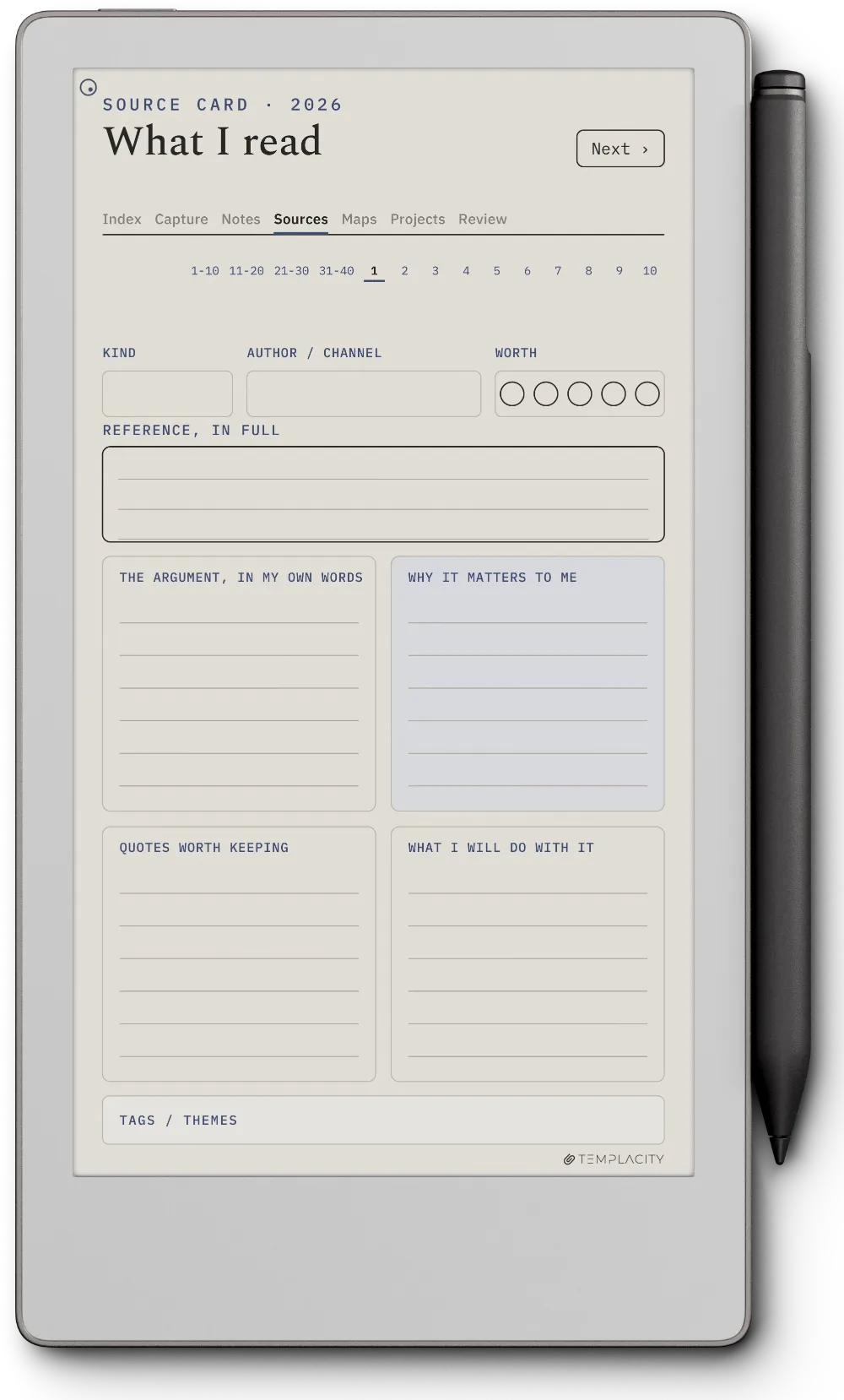
Six modules, one tap apart

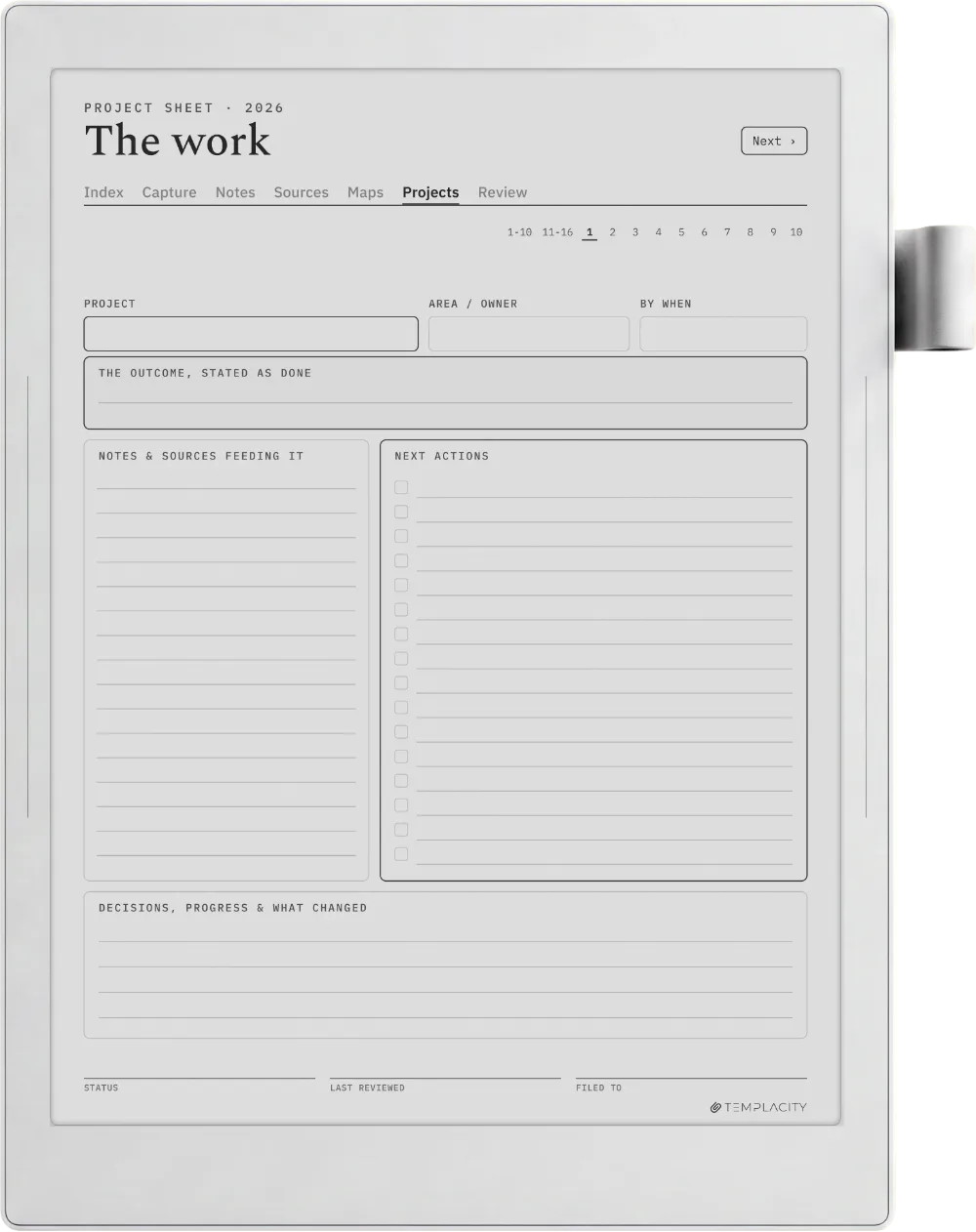
  • Capture inbox, 10 pages. Catch the thought now, process it later. Nothing is lost between having an idea and having time for it.
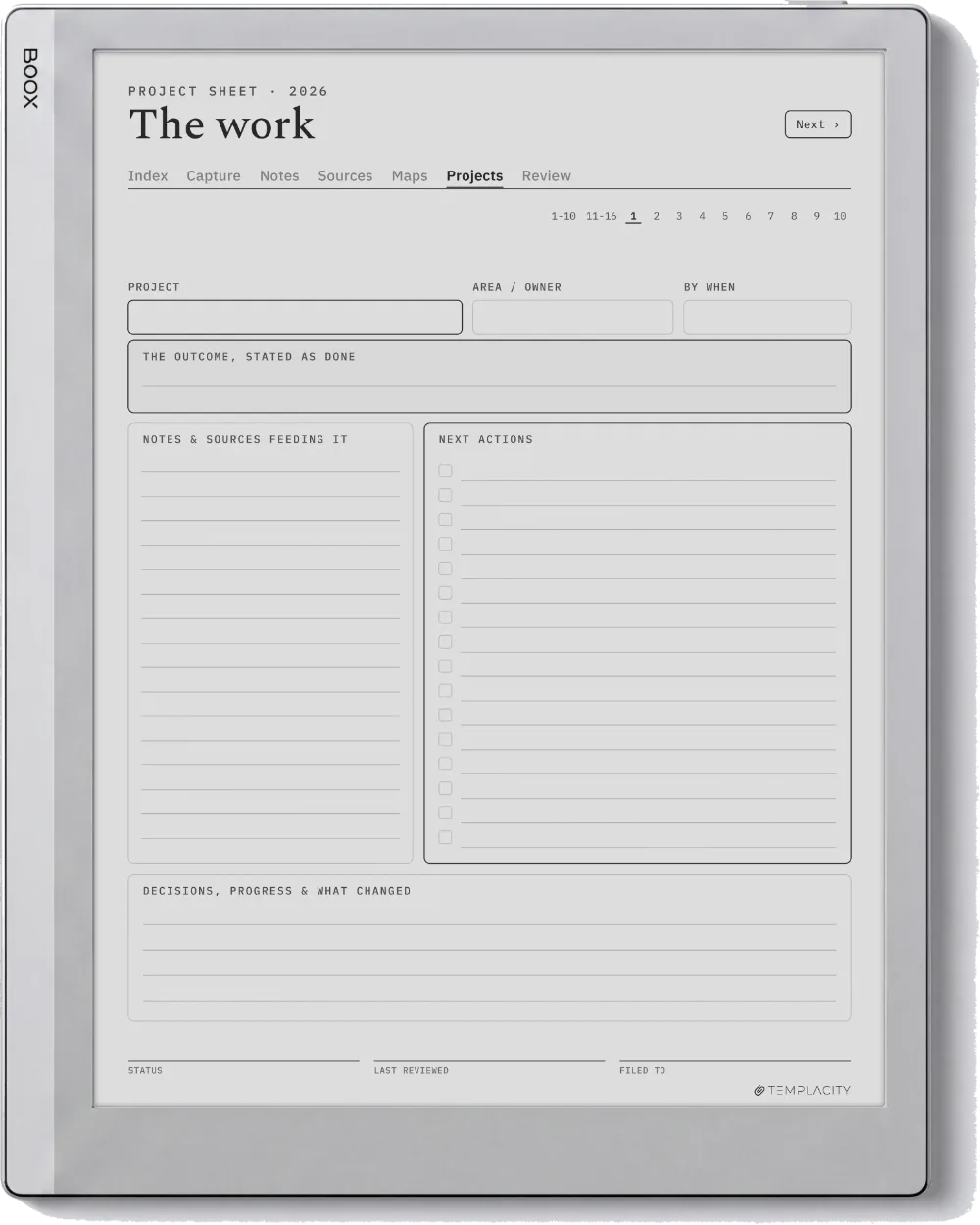
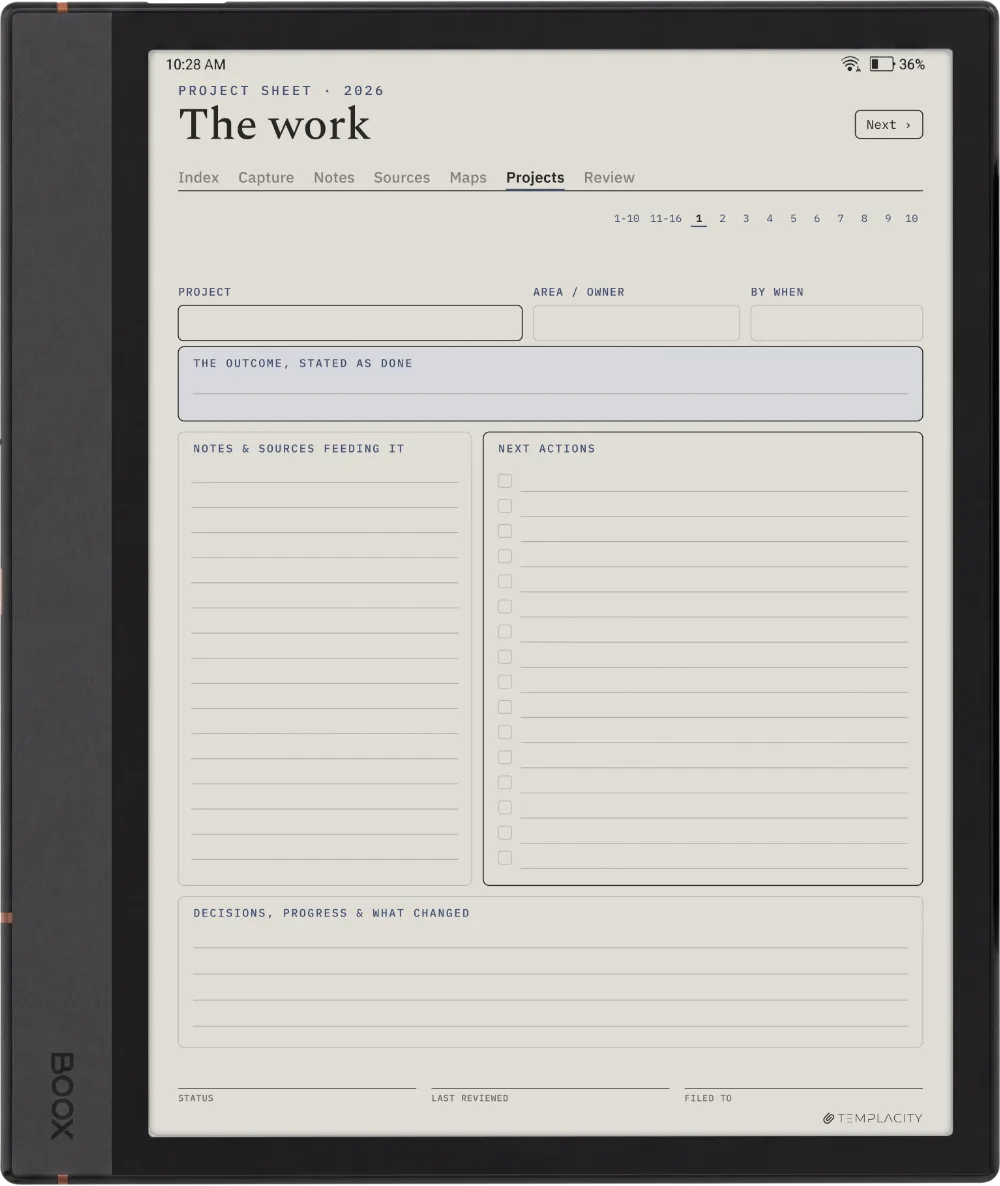
  • Atomic notes, 76 pages. One idea per page with an ID, a claim you would defend in a single sentence, the argument underneath, and links out to related IDs. This is the page the whole system exists to produce.
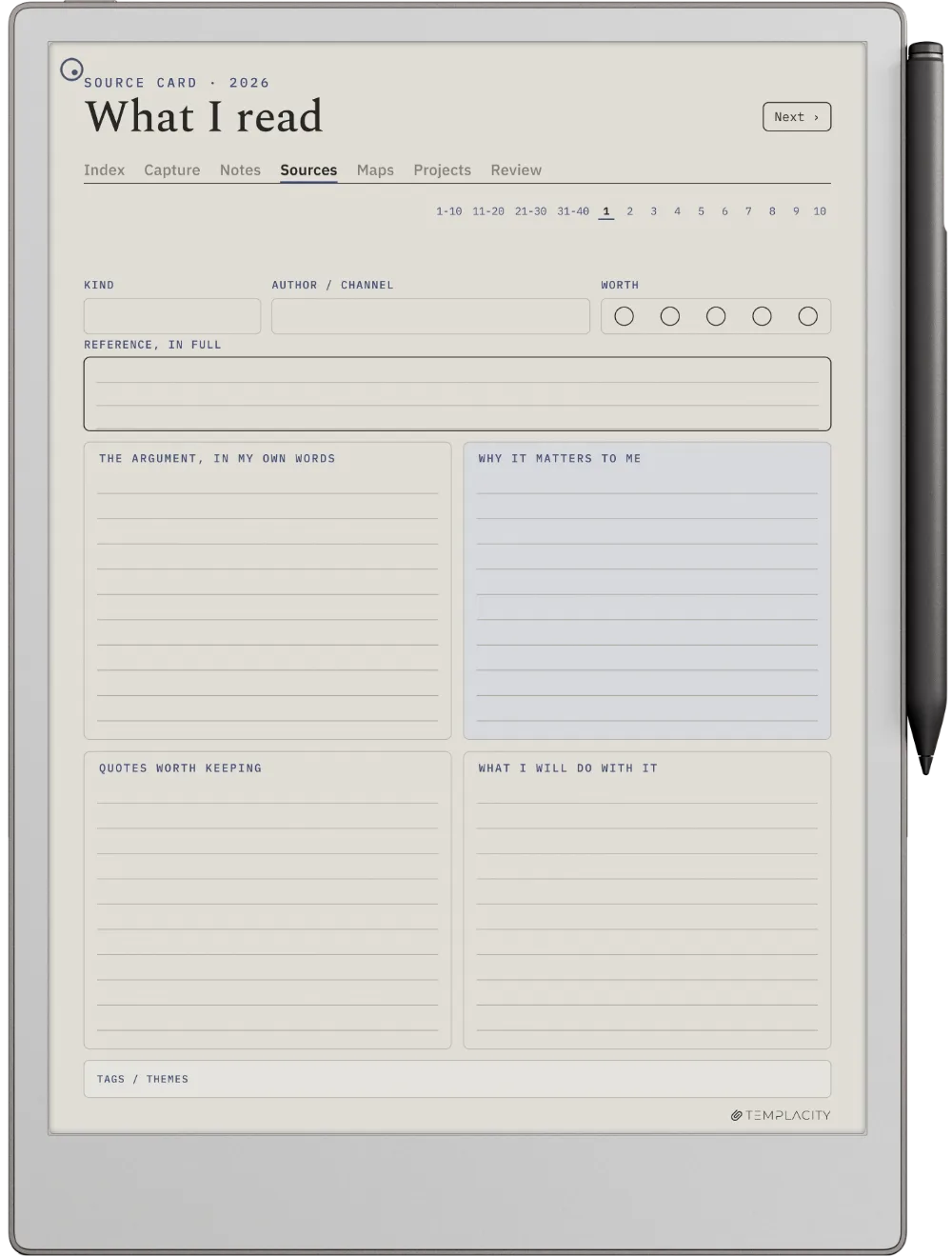
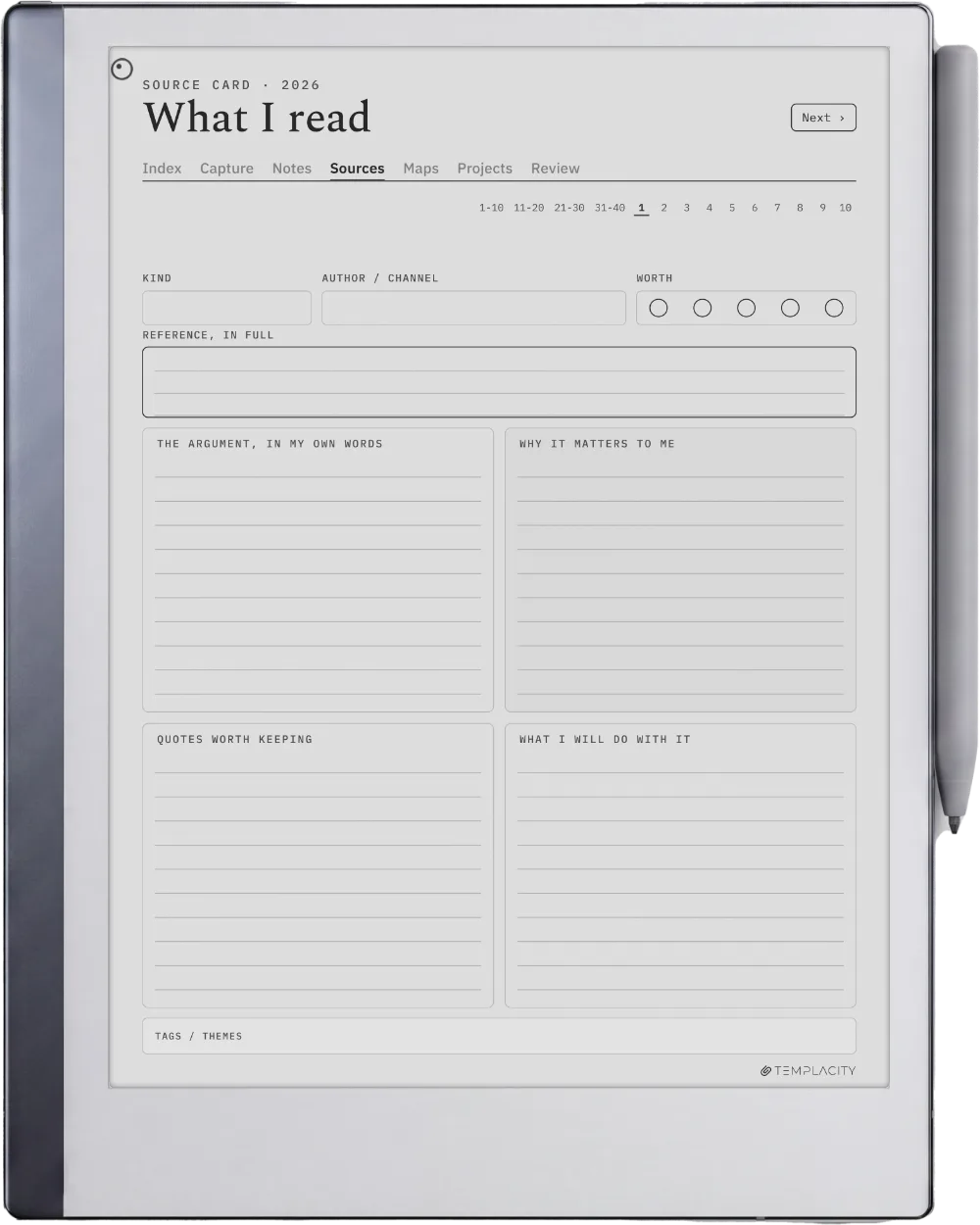
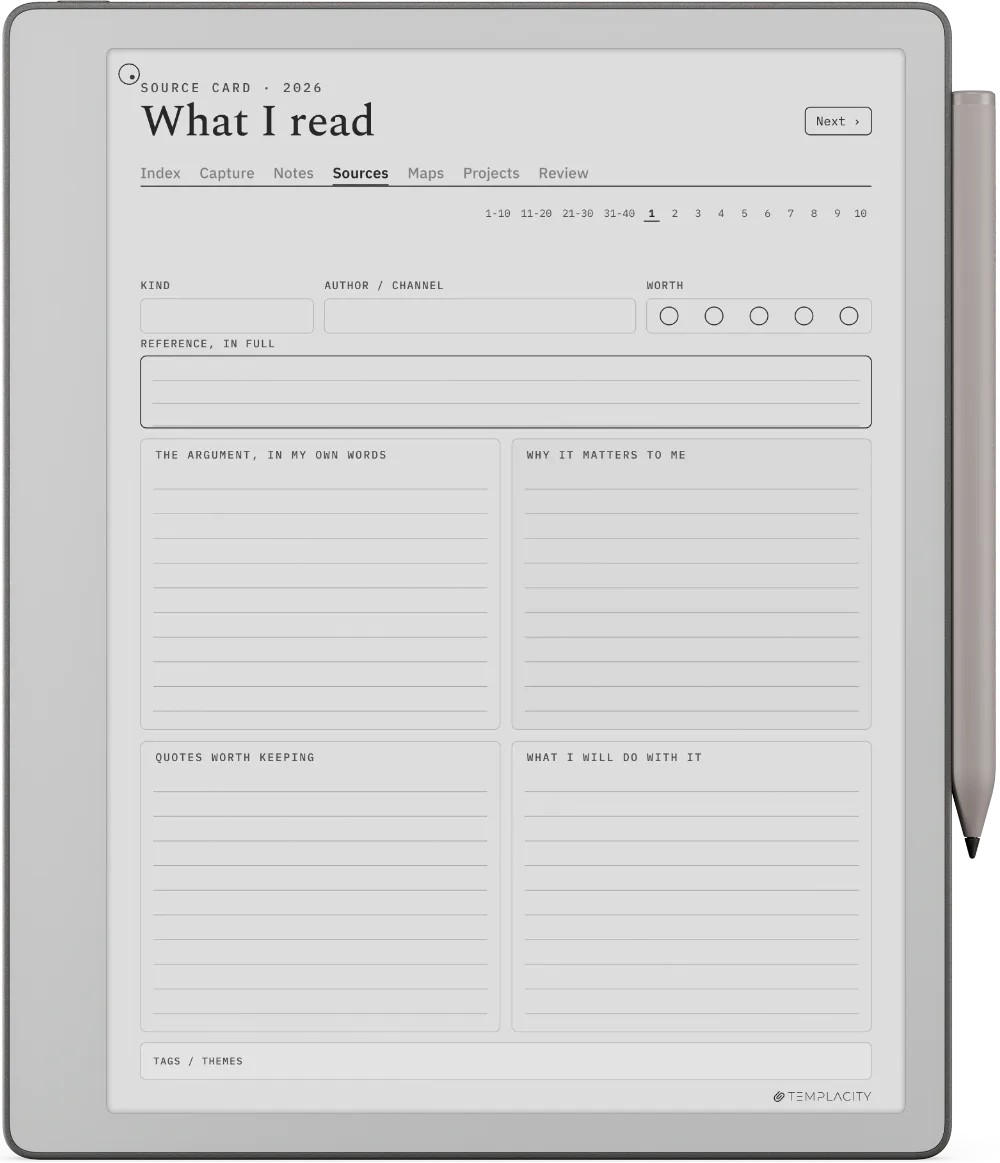
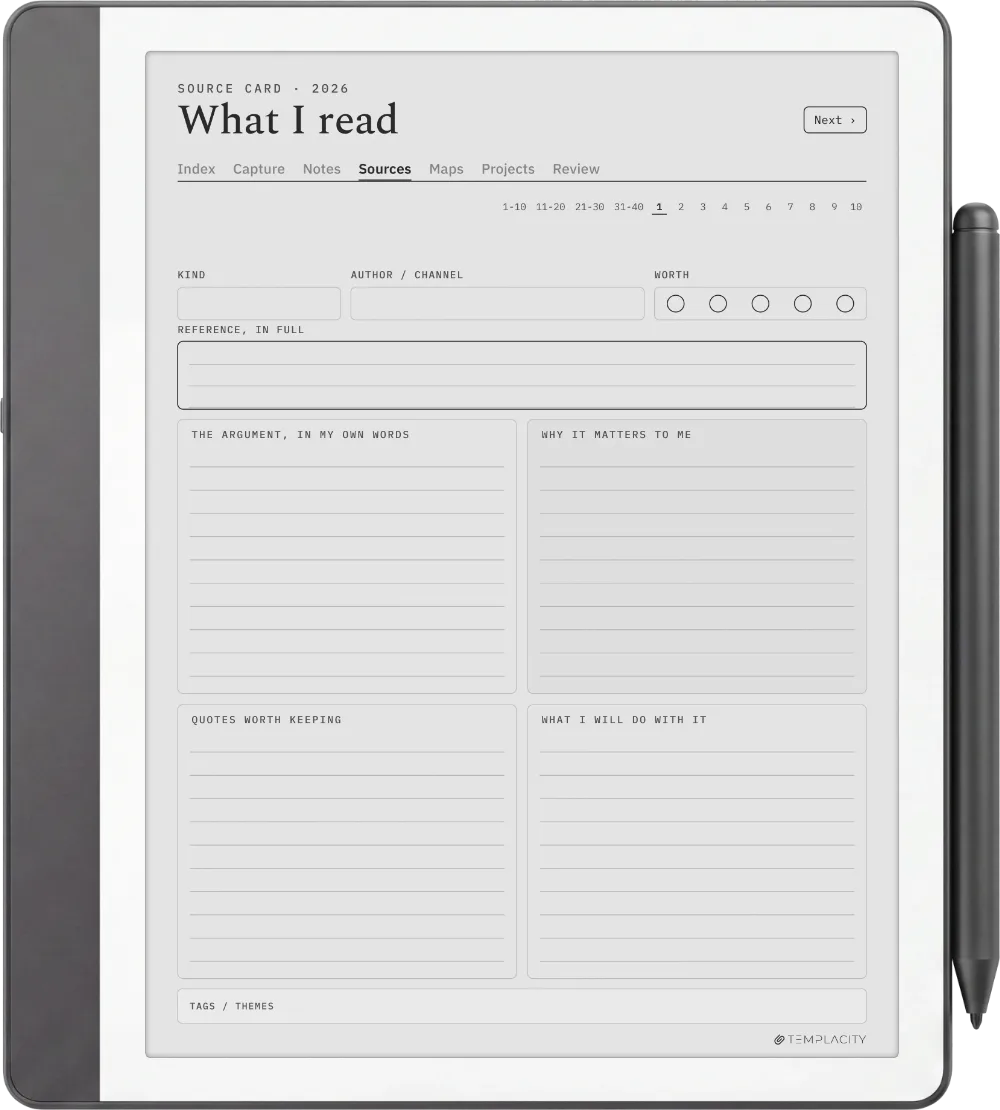
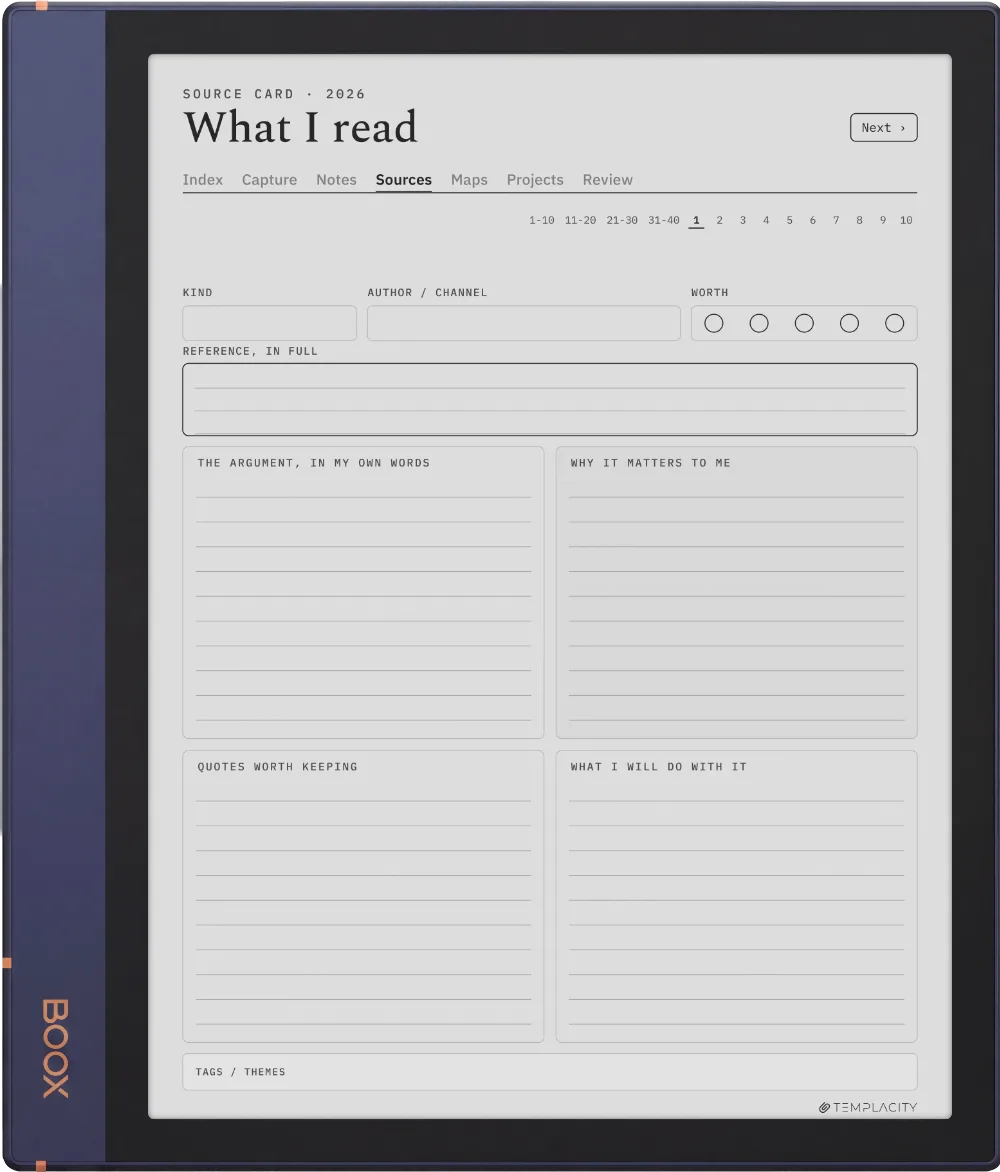
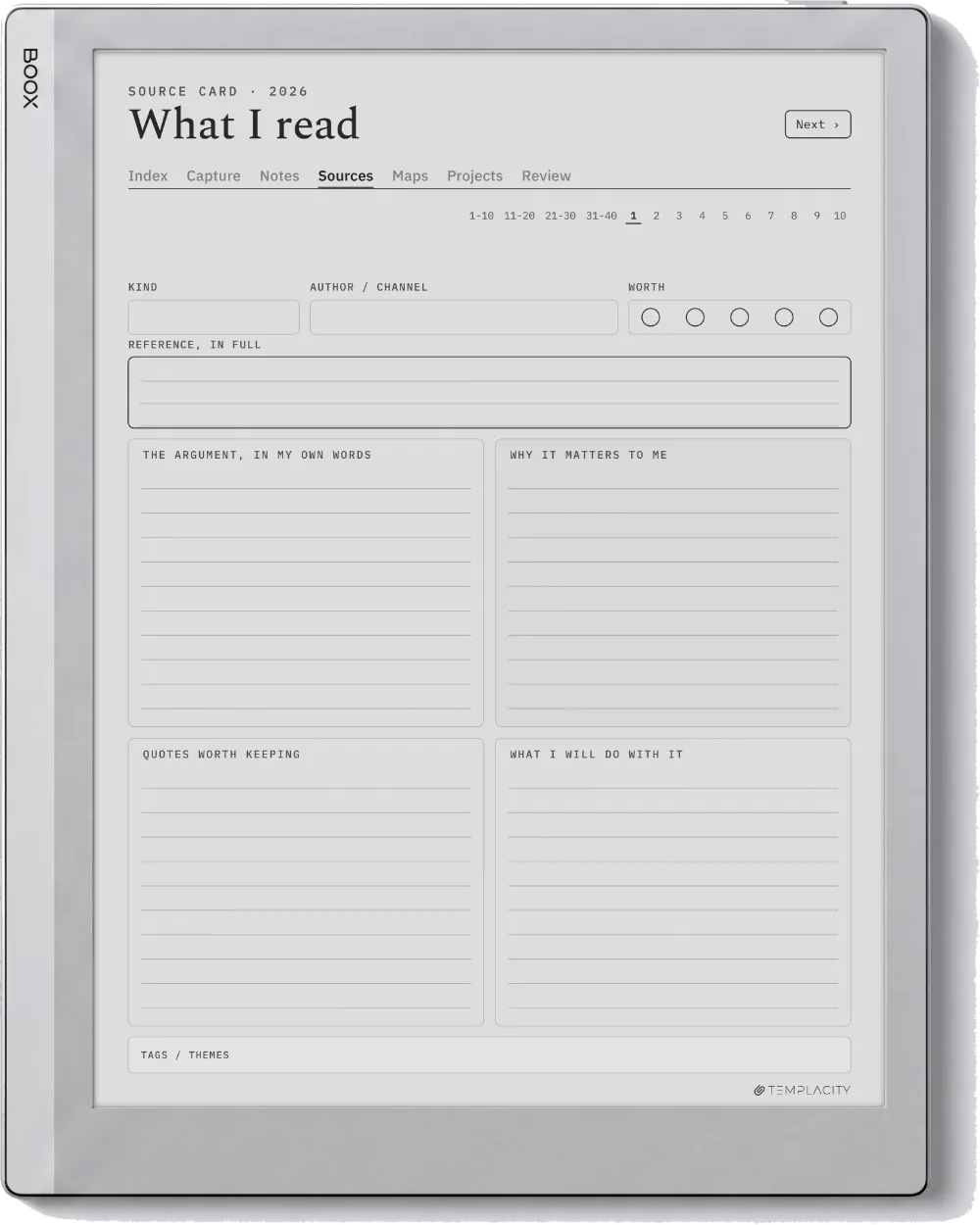
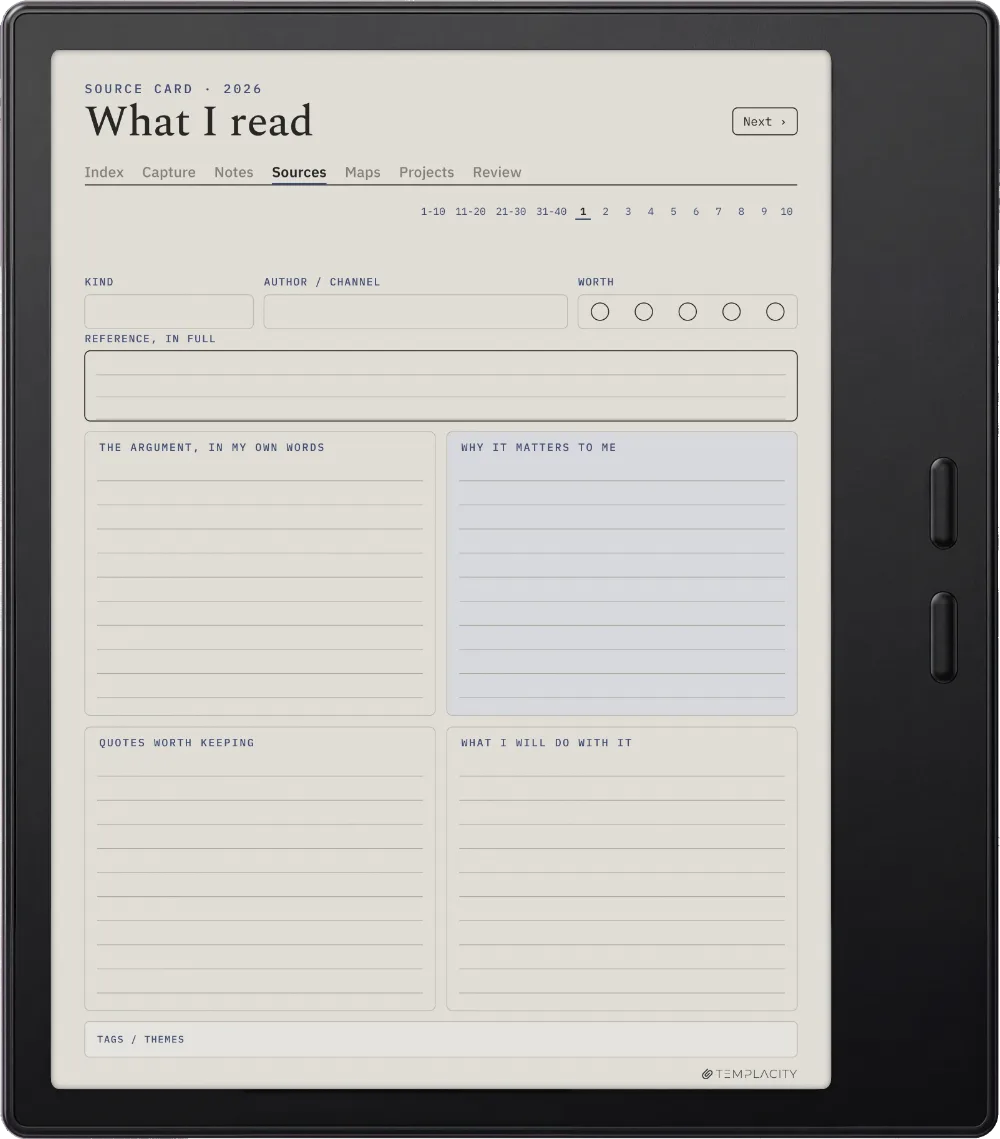
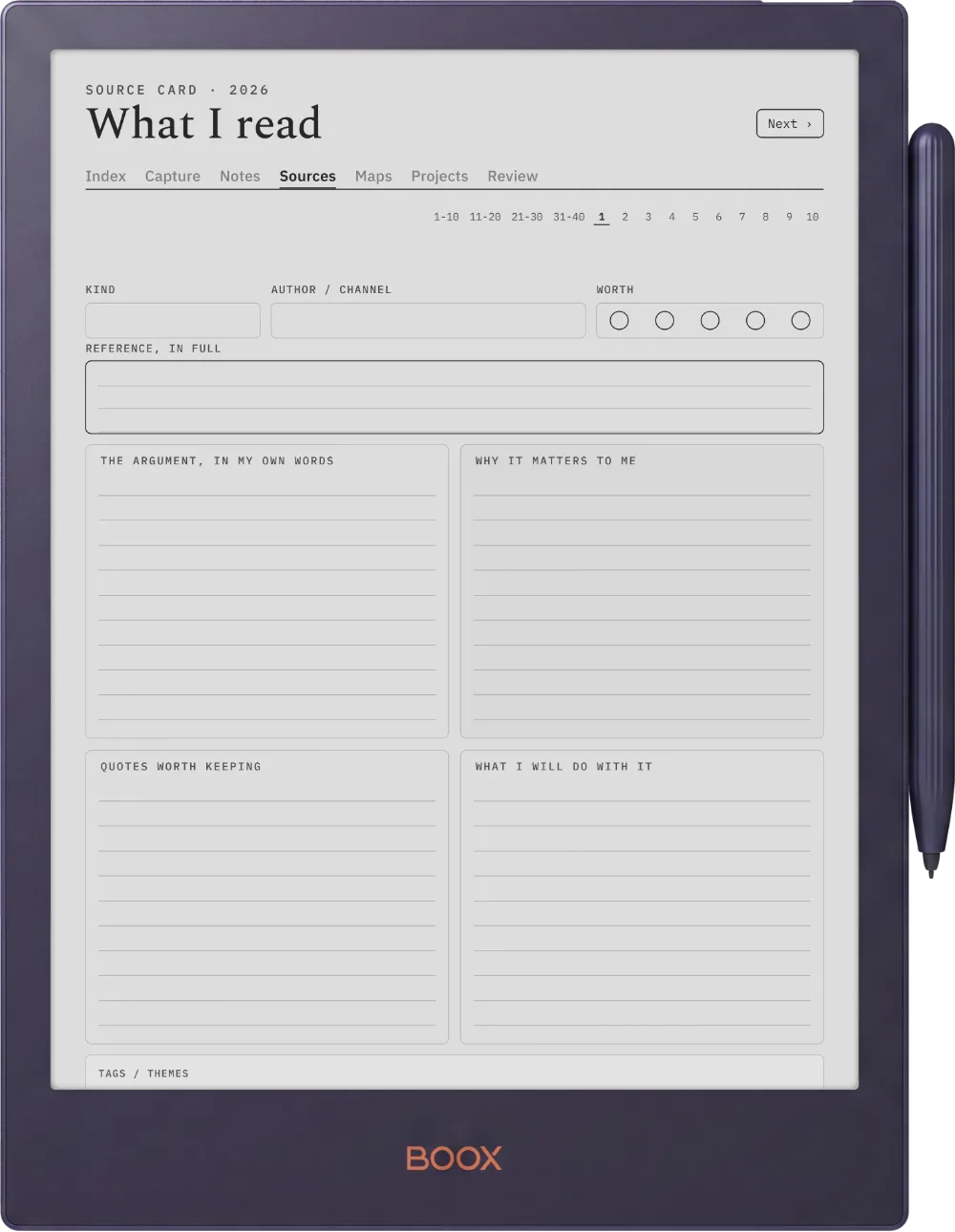
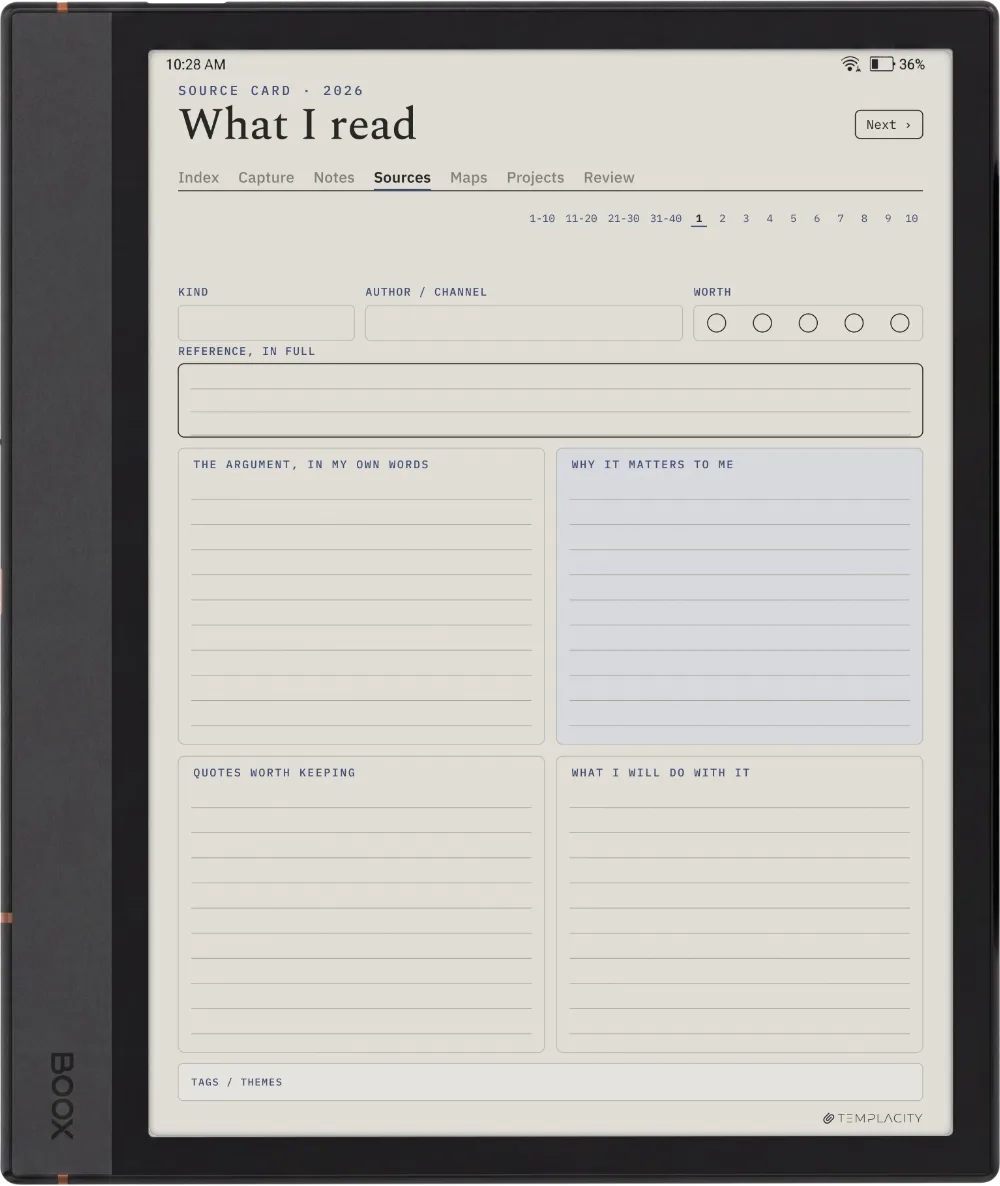
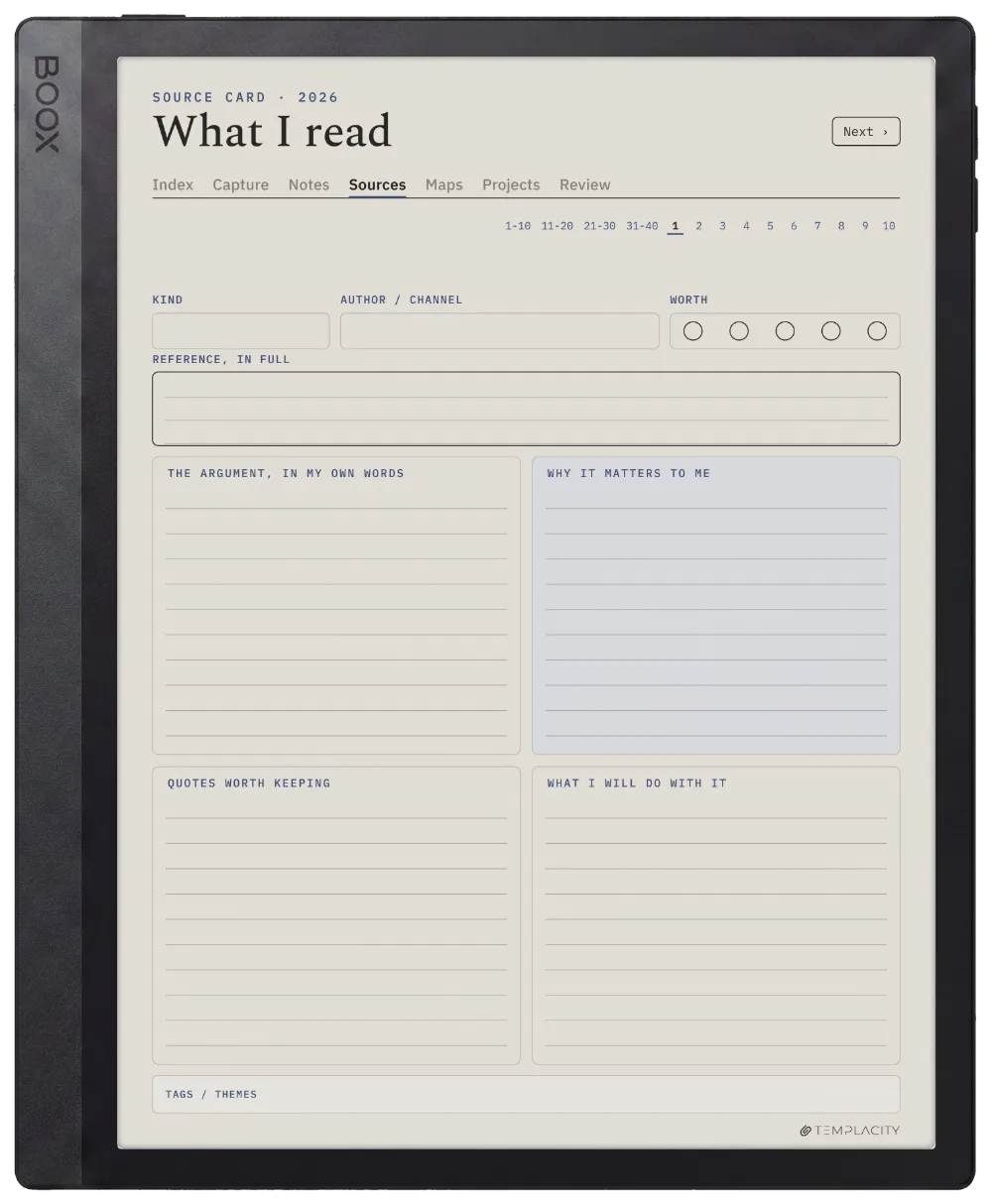
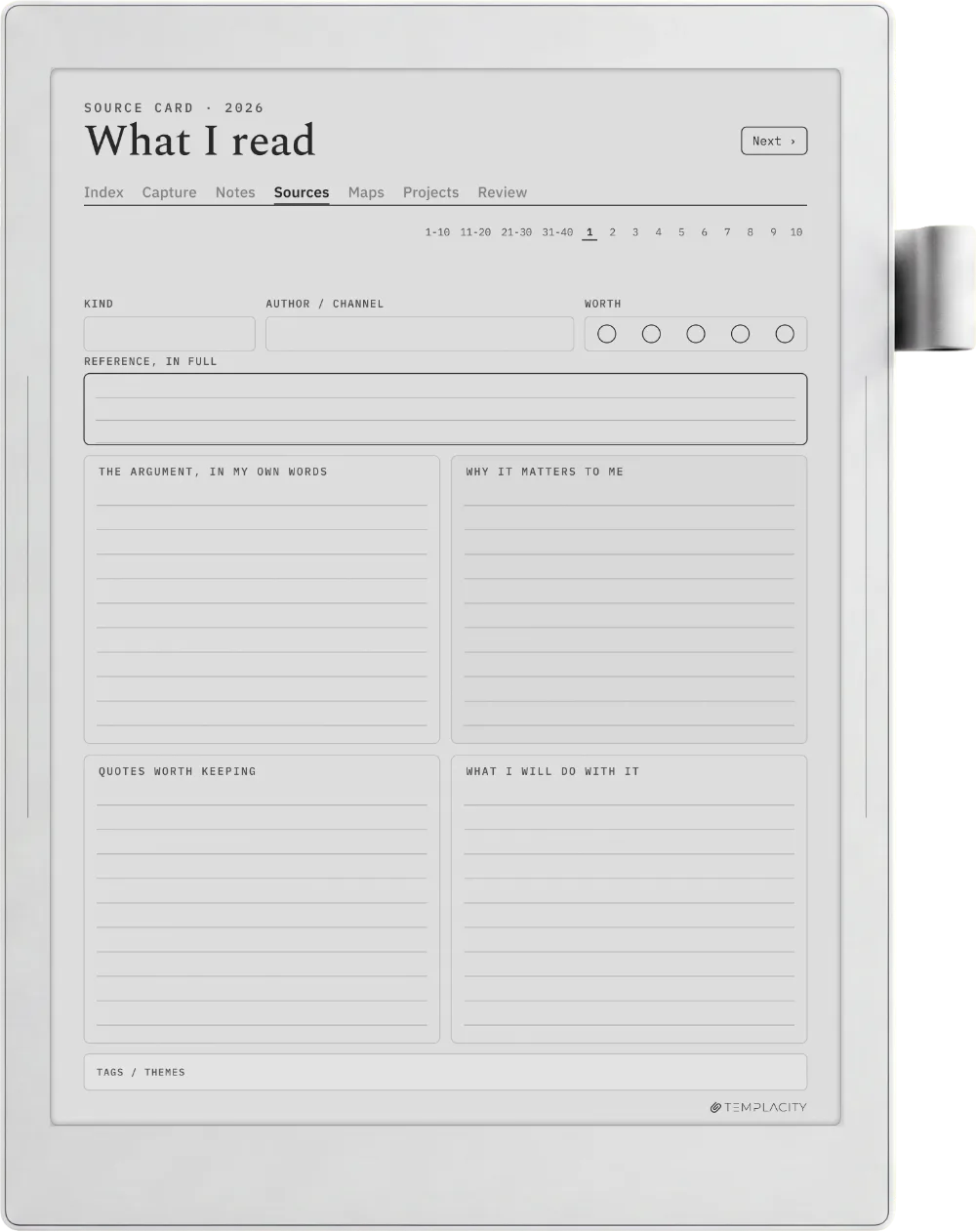
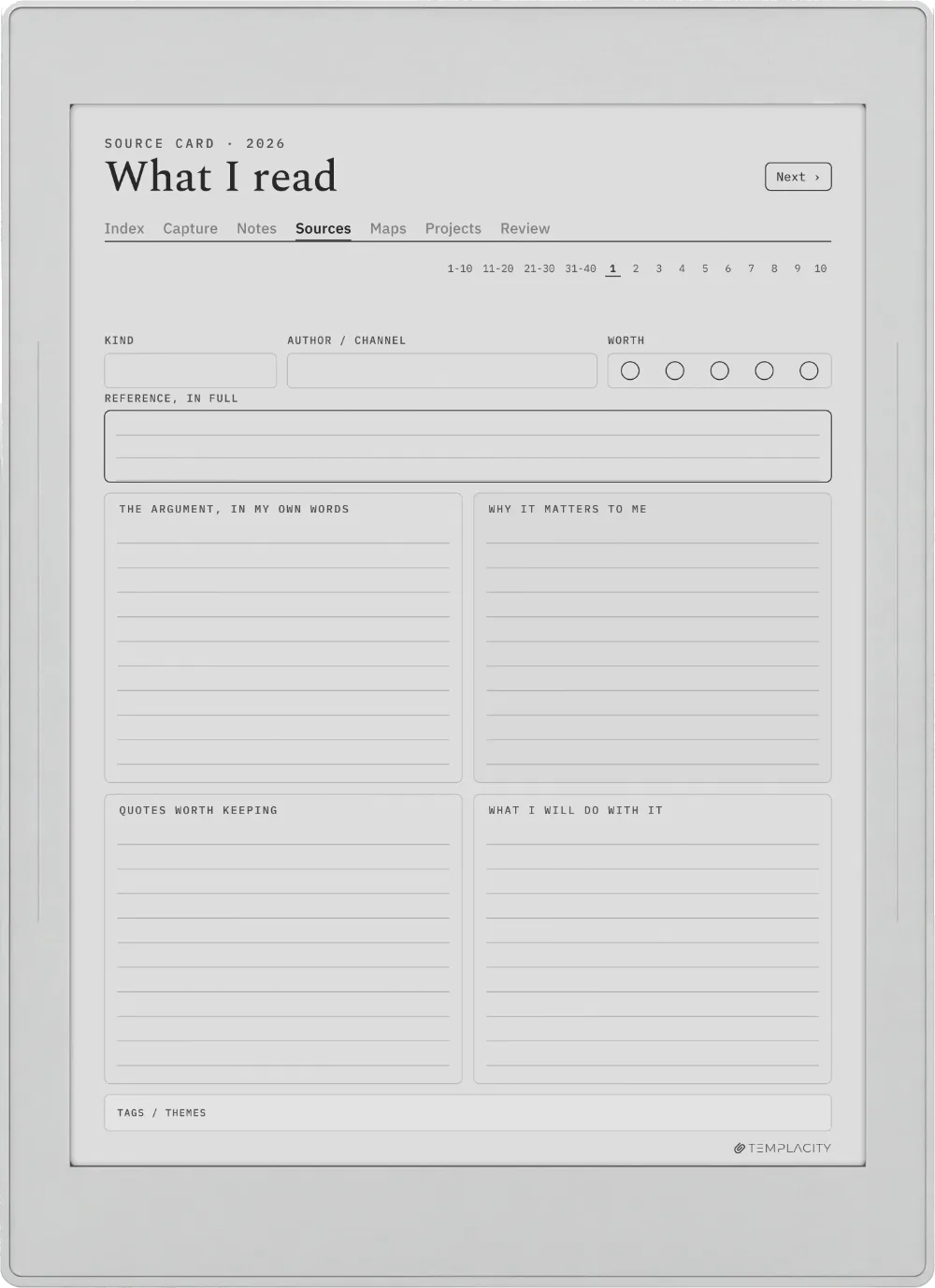
  • Source cards, 40 pages. One card per book or paper: the citation, a summary in your own words, the quotes worth keeping, and what you actually think of it.
  • Maps of content, 12 pages. A subject at a time, showing which notes belong to it and how they sit together, so a growing pile stays navigable.
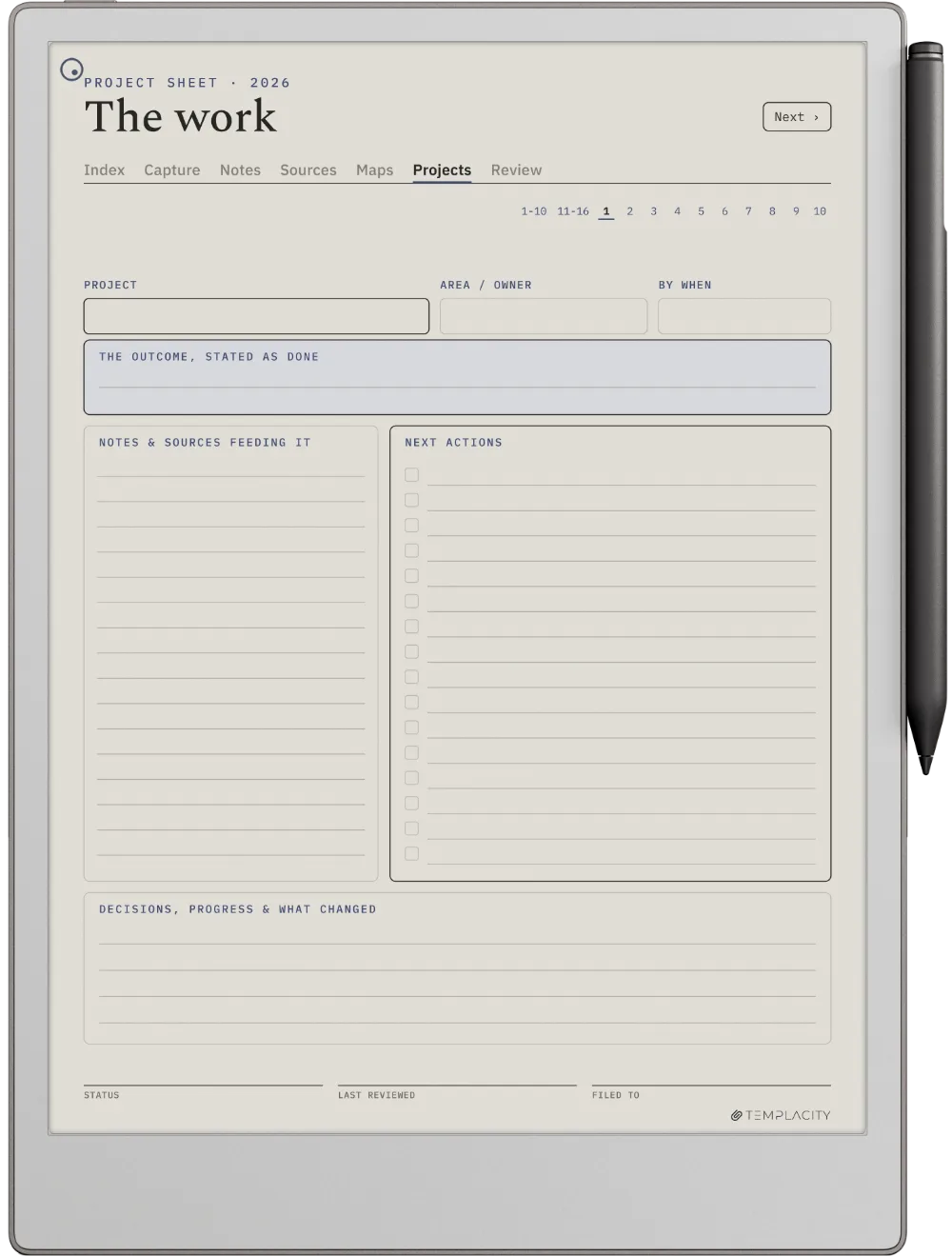
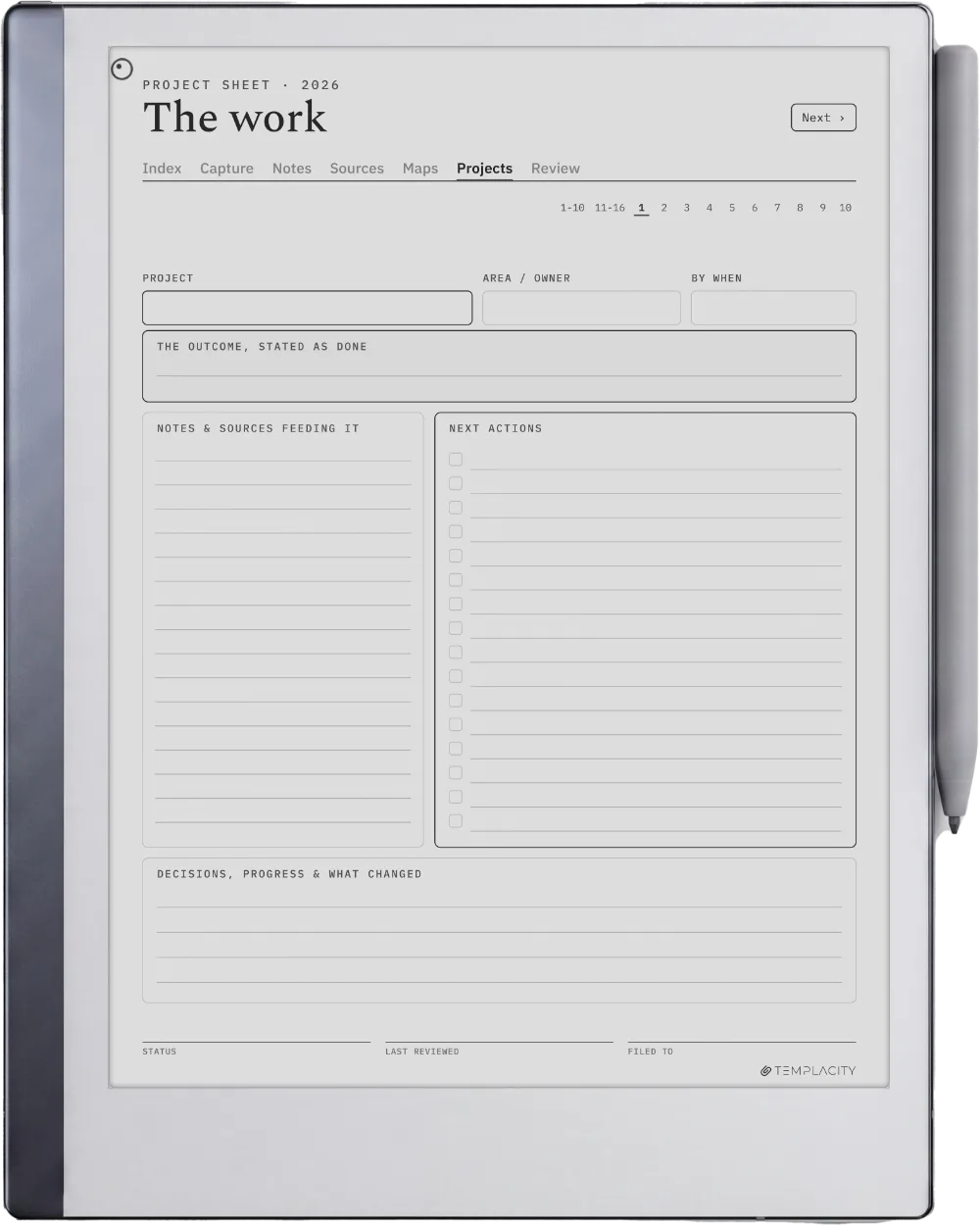
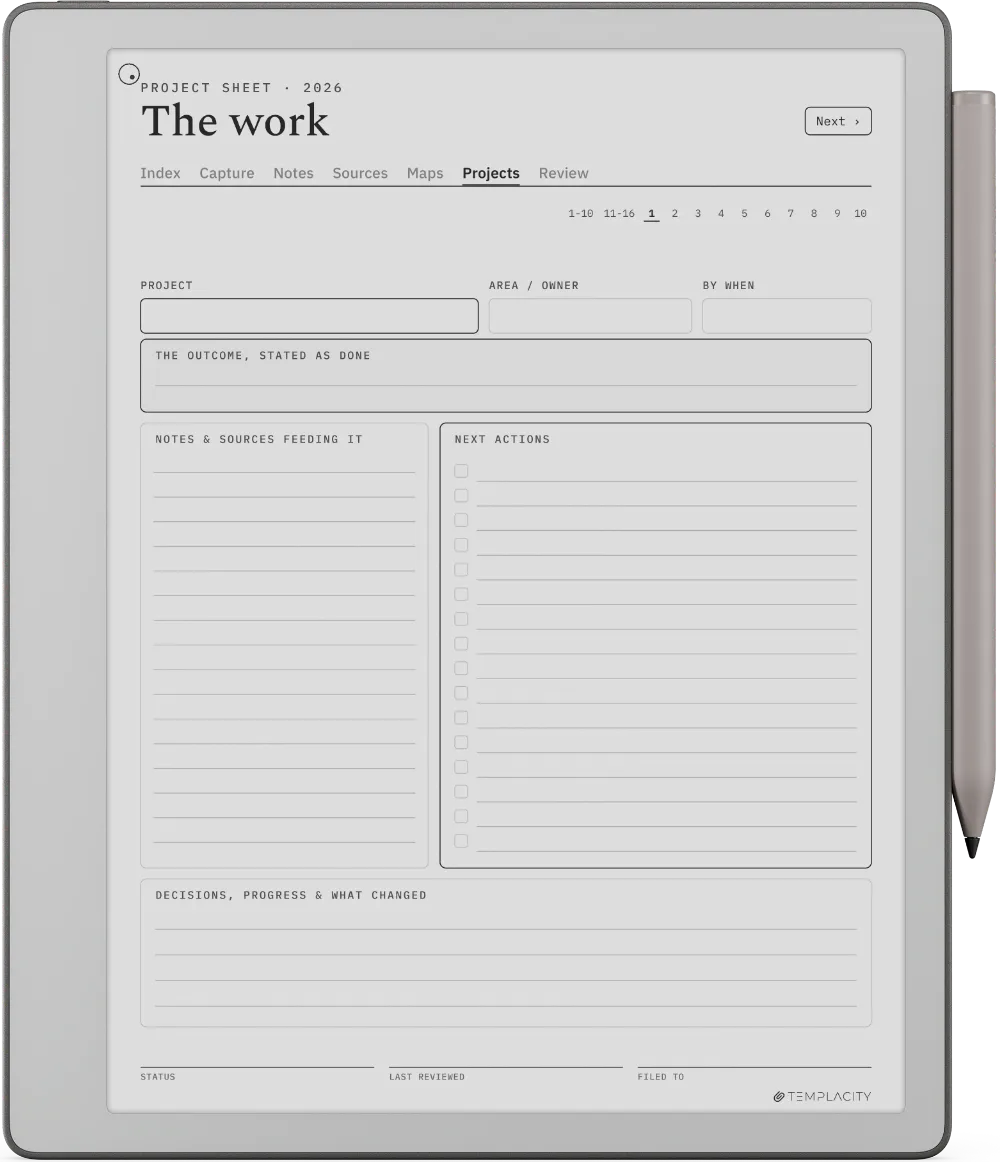
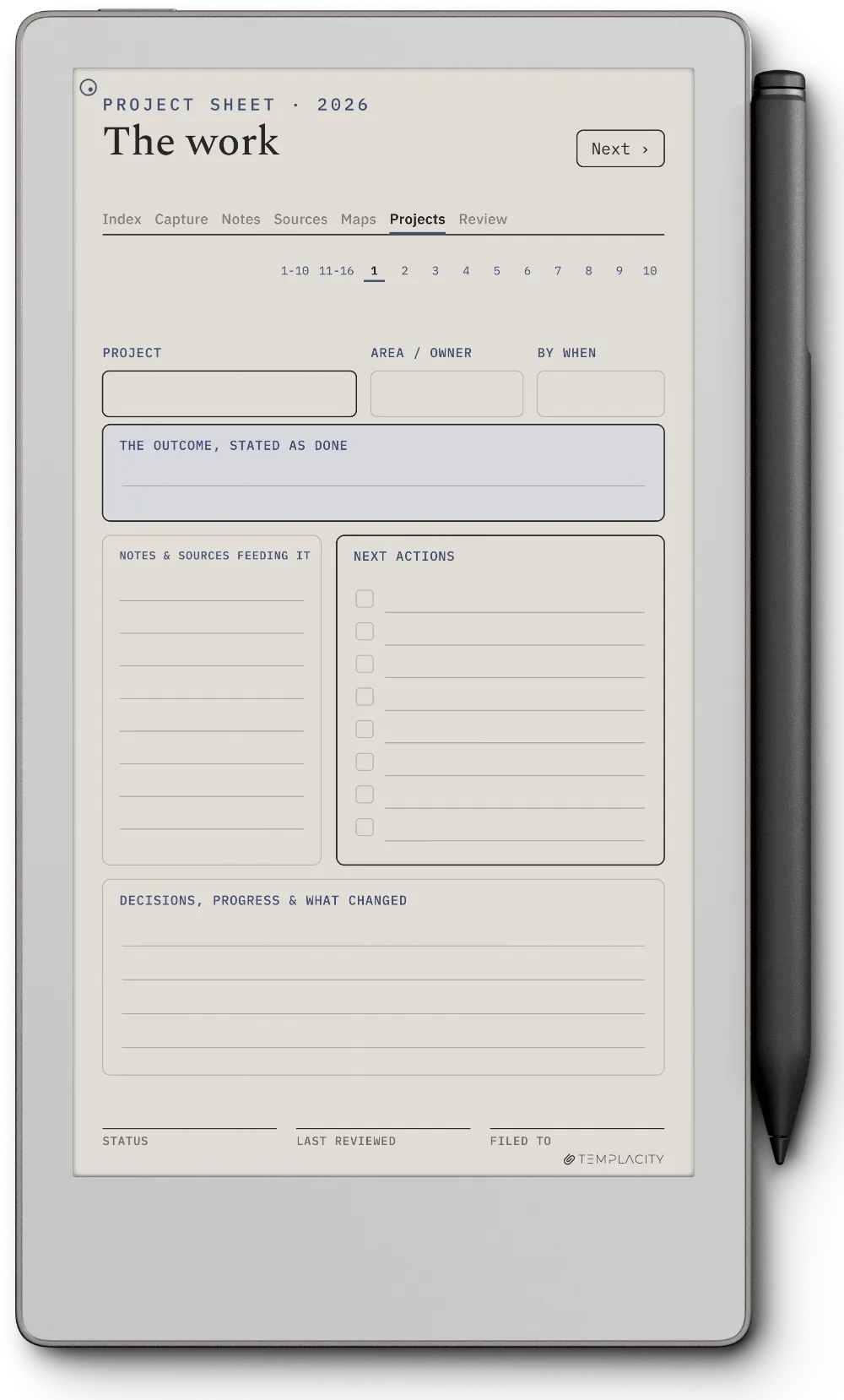
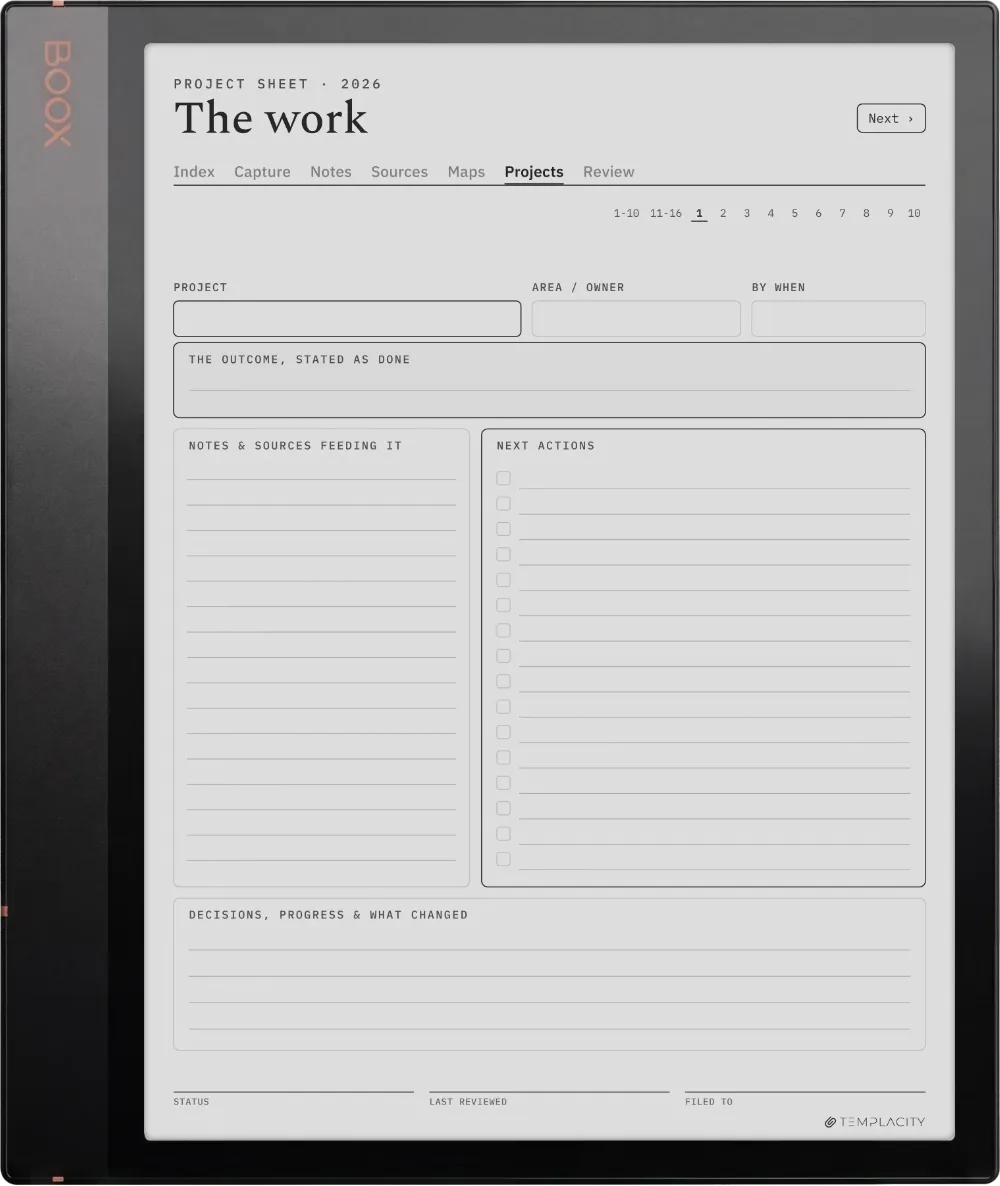
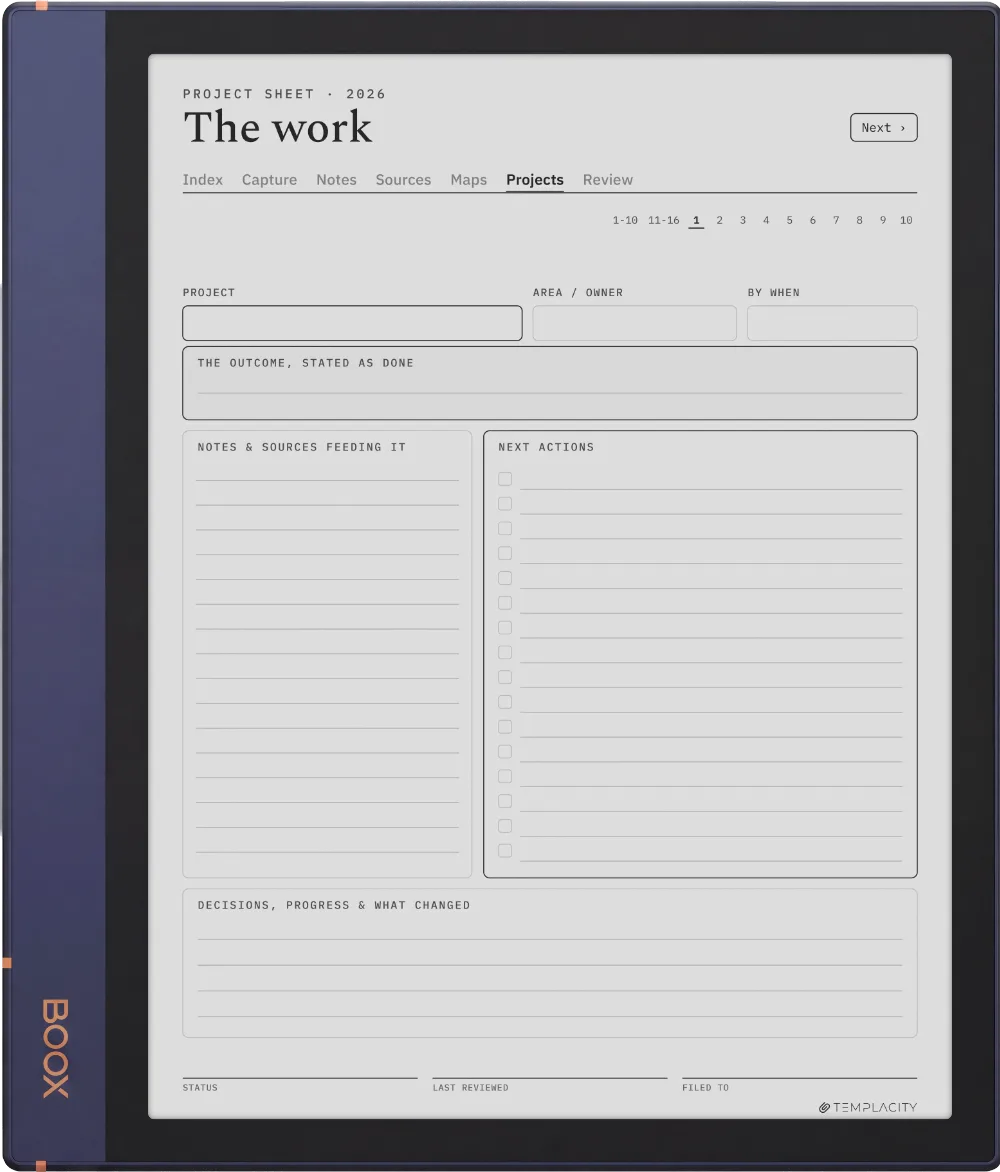
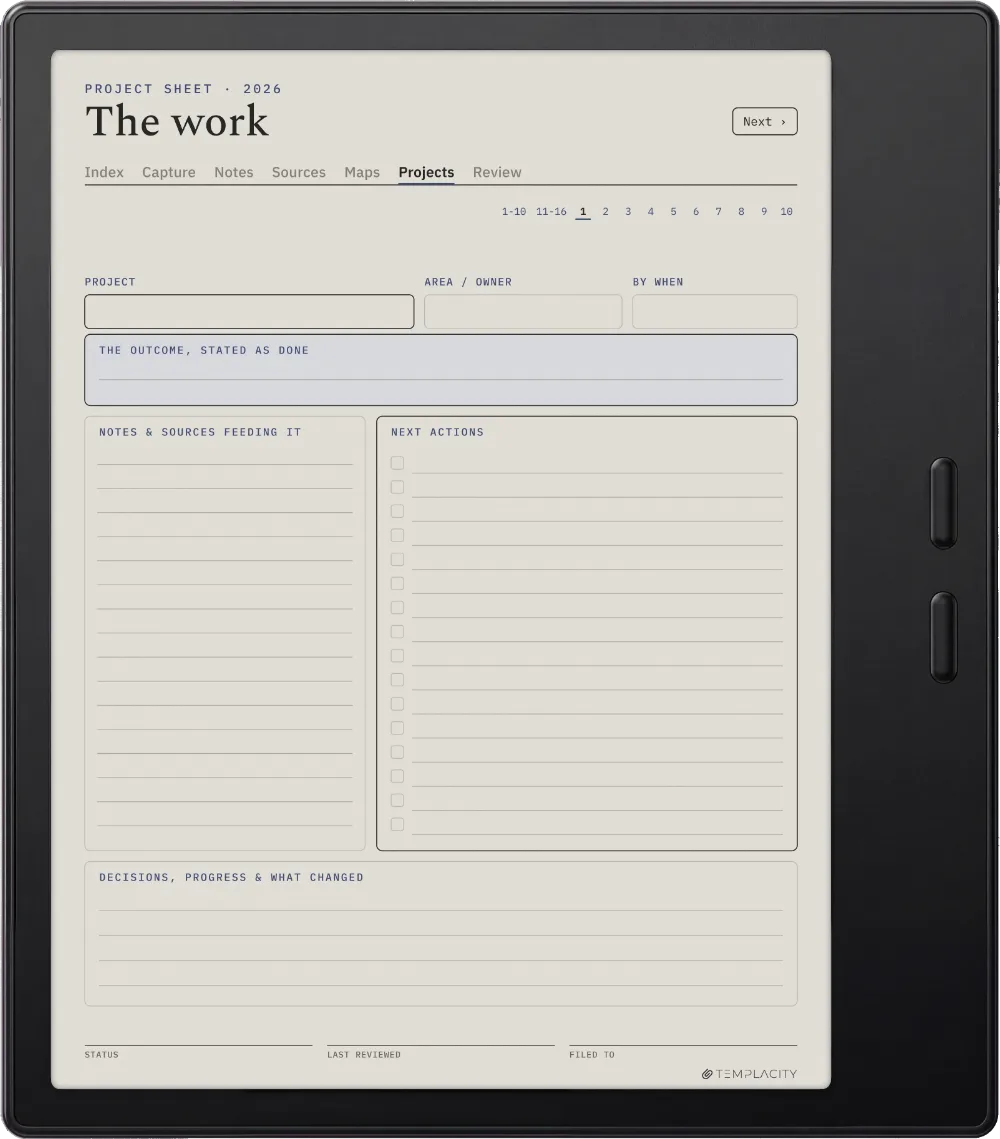
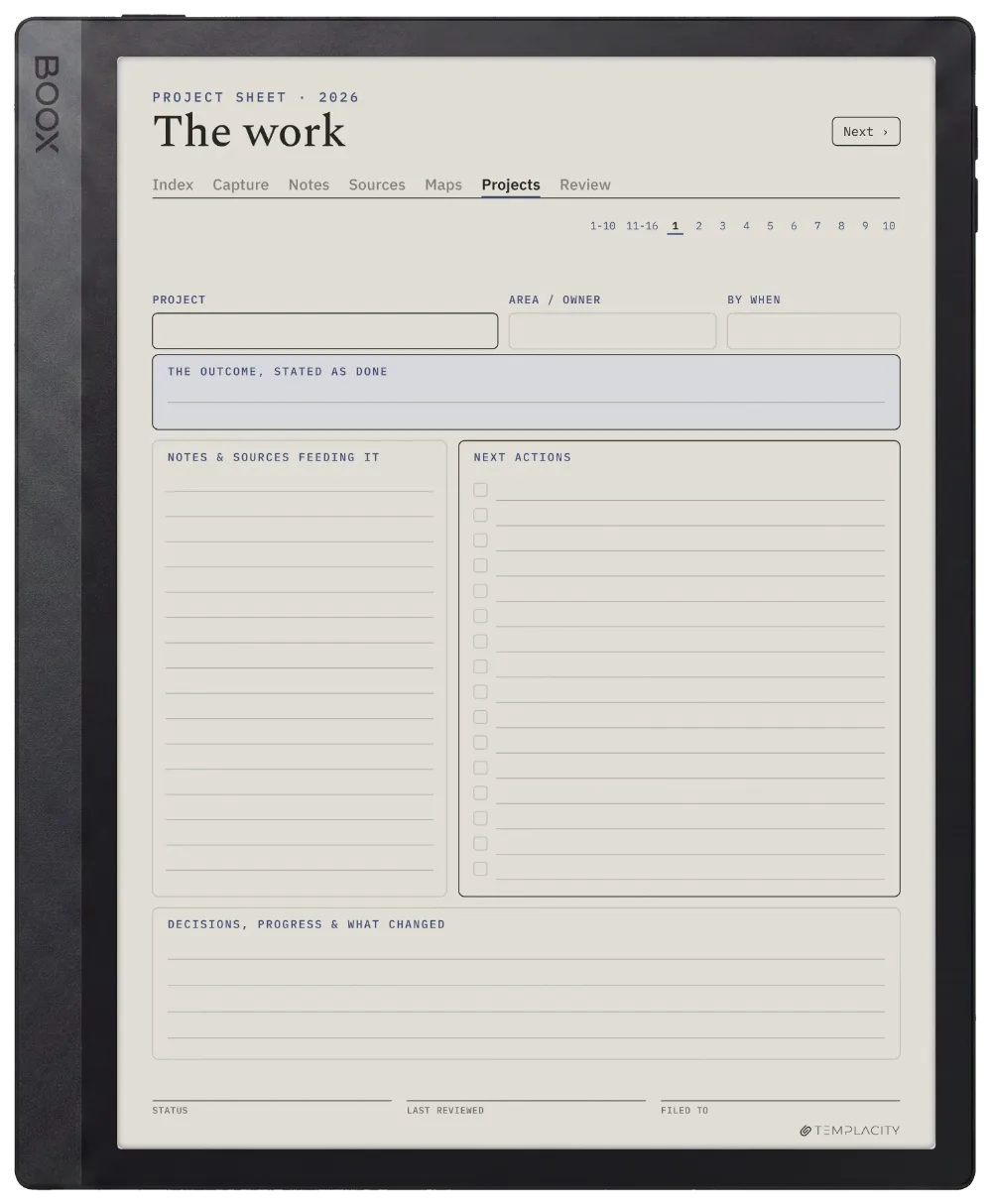
  • Project sheets, 16 pages. The work itself: what you are making, which notes feed it, and what is still open.
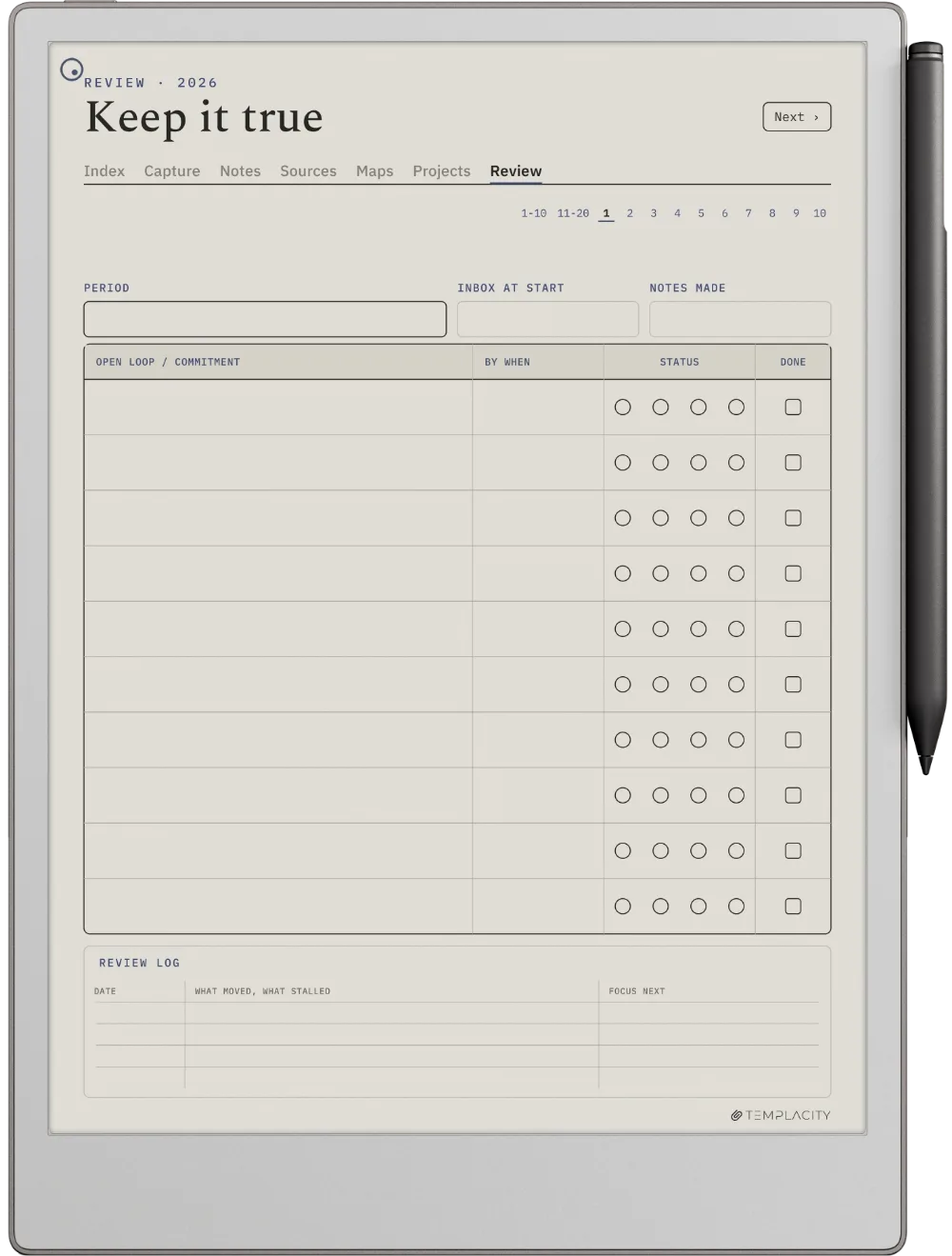
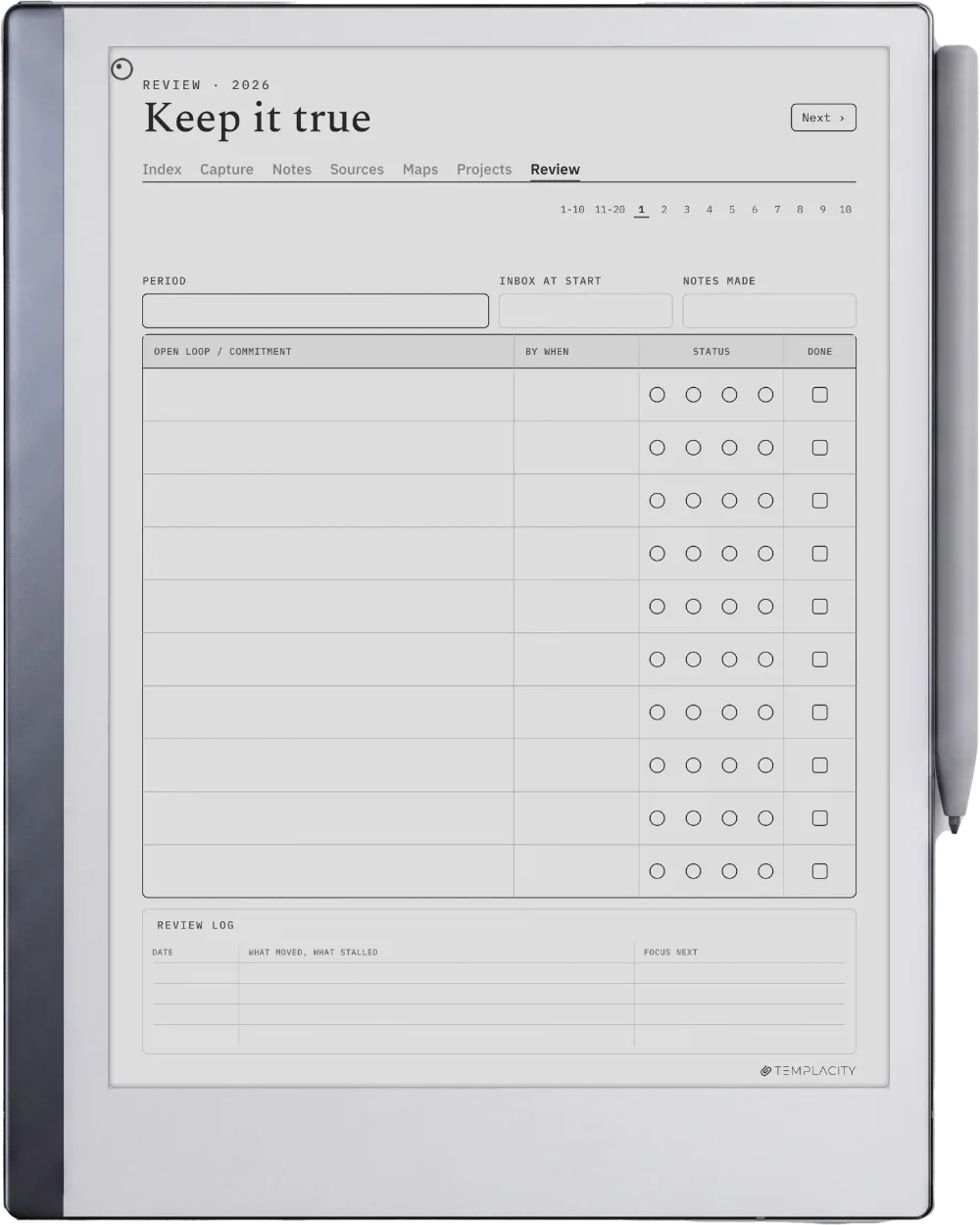
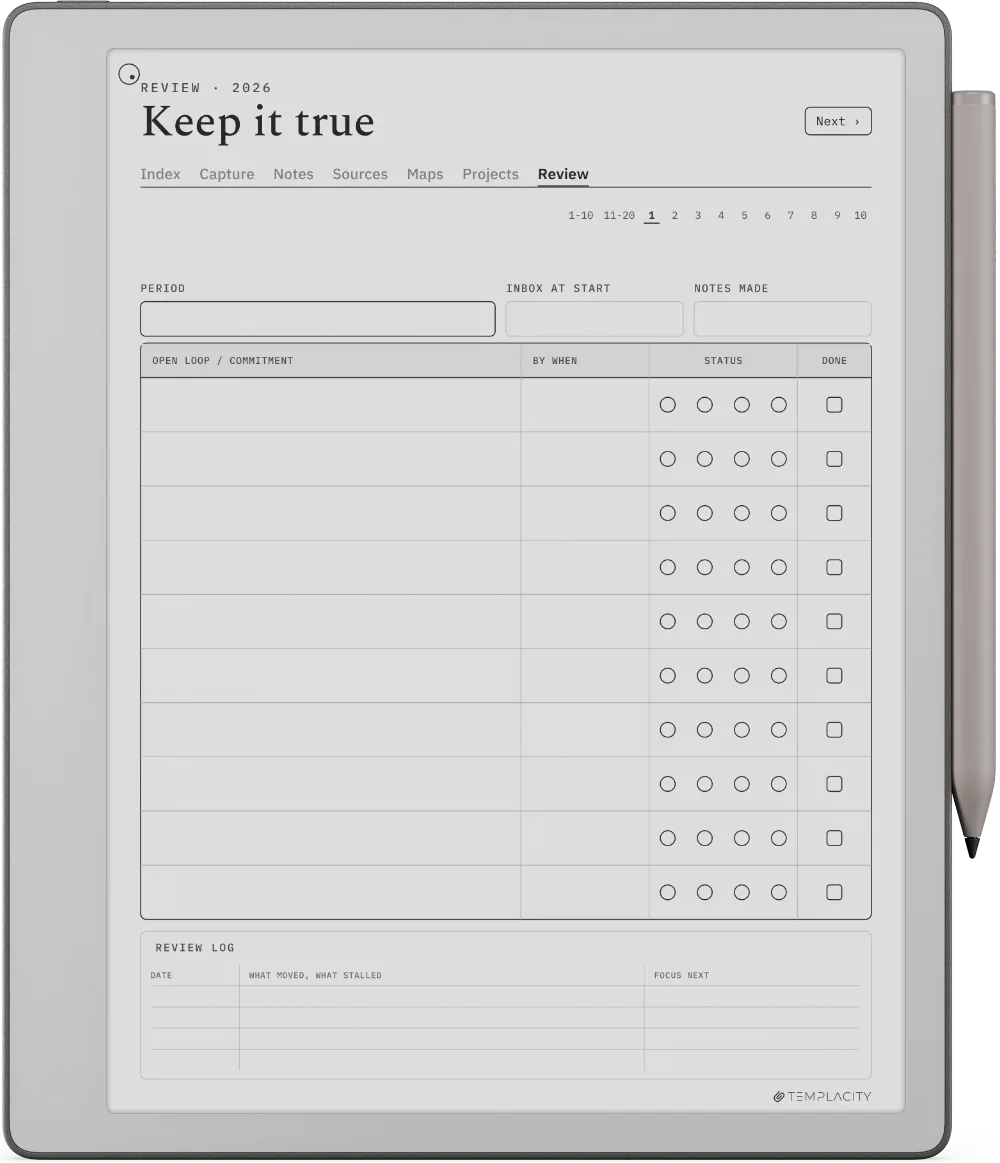
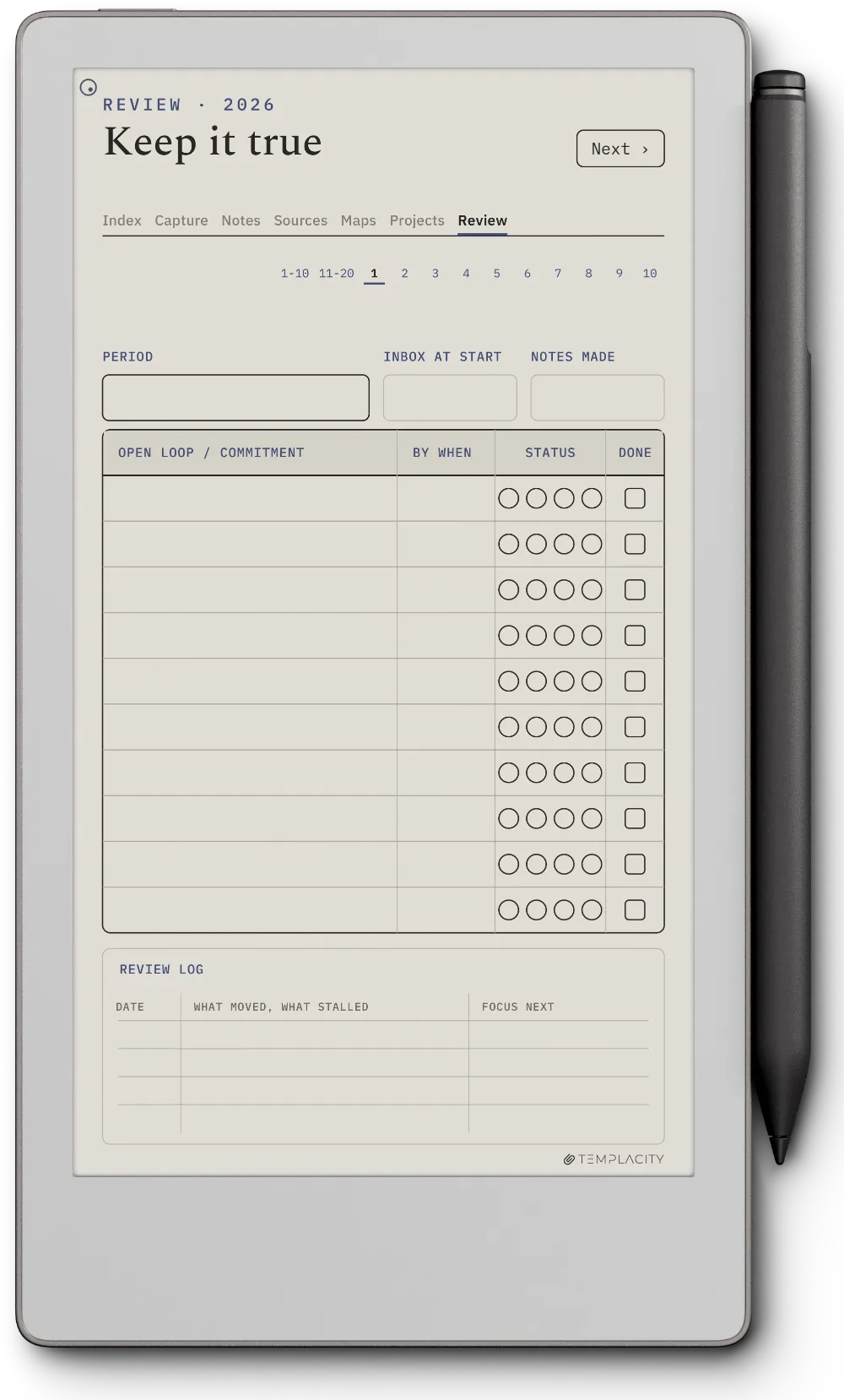
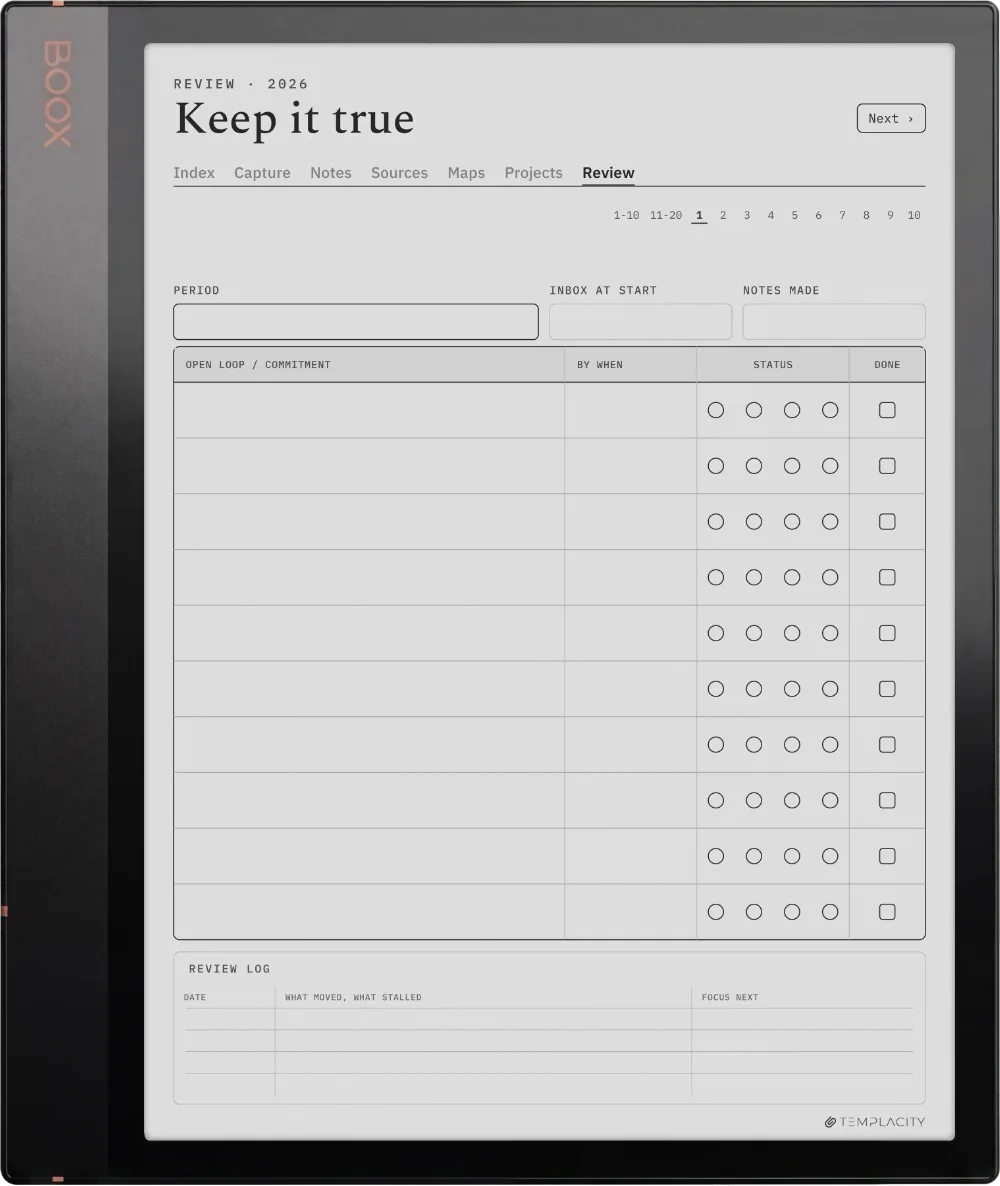
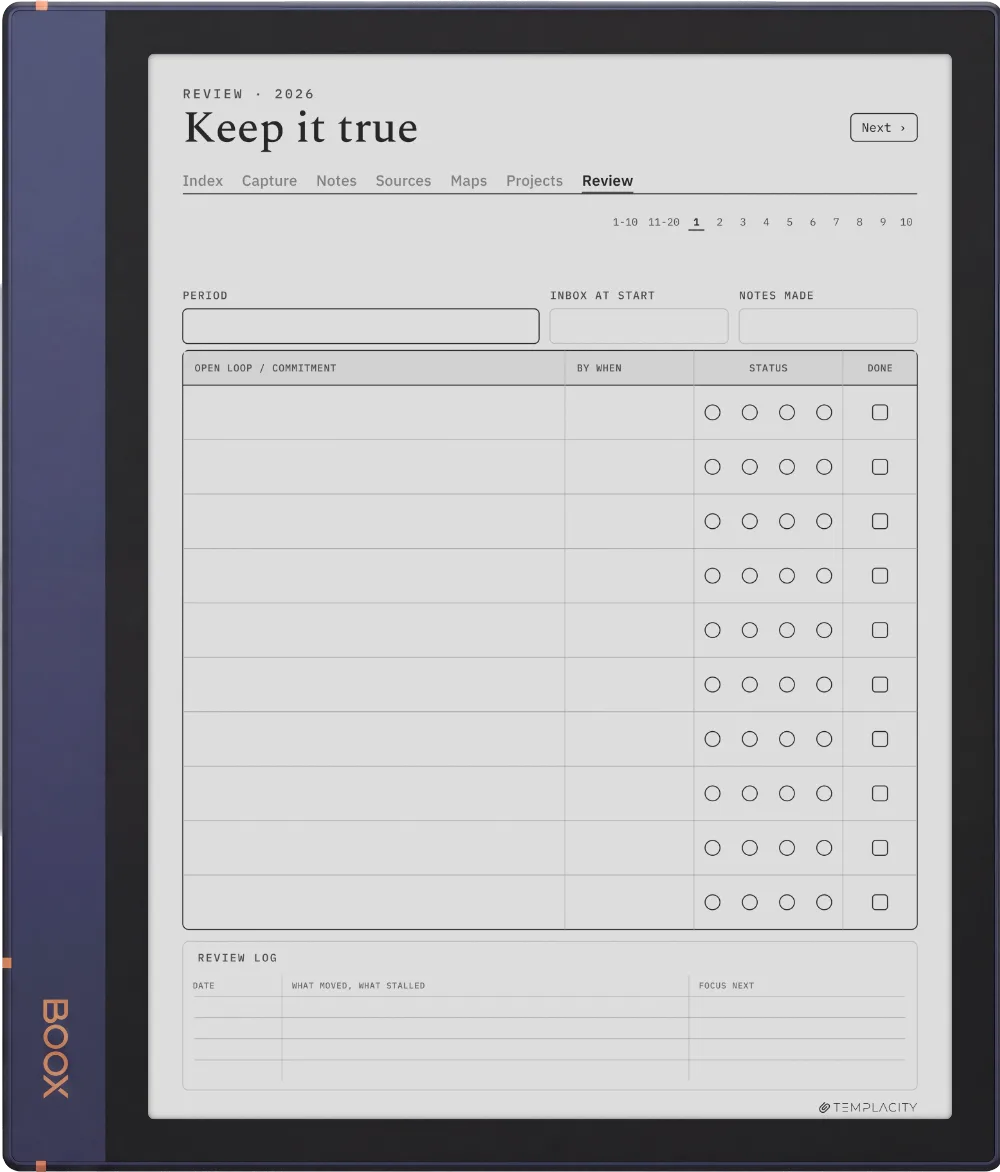
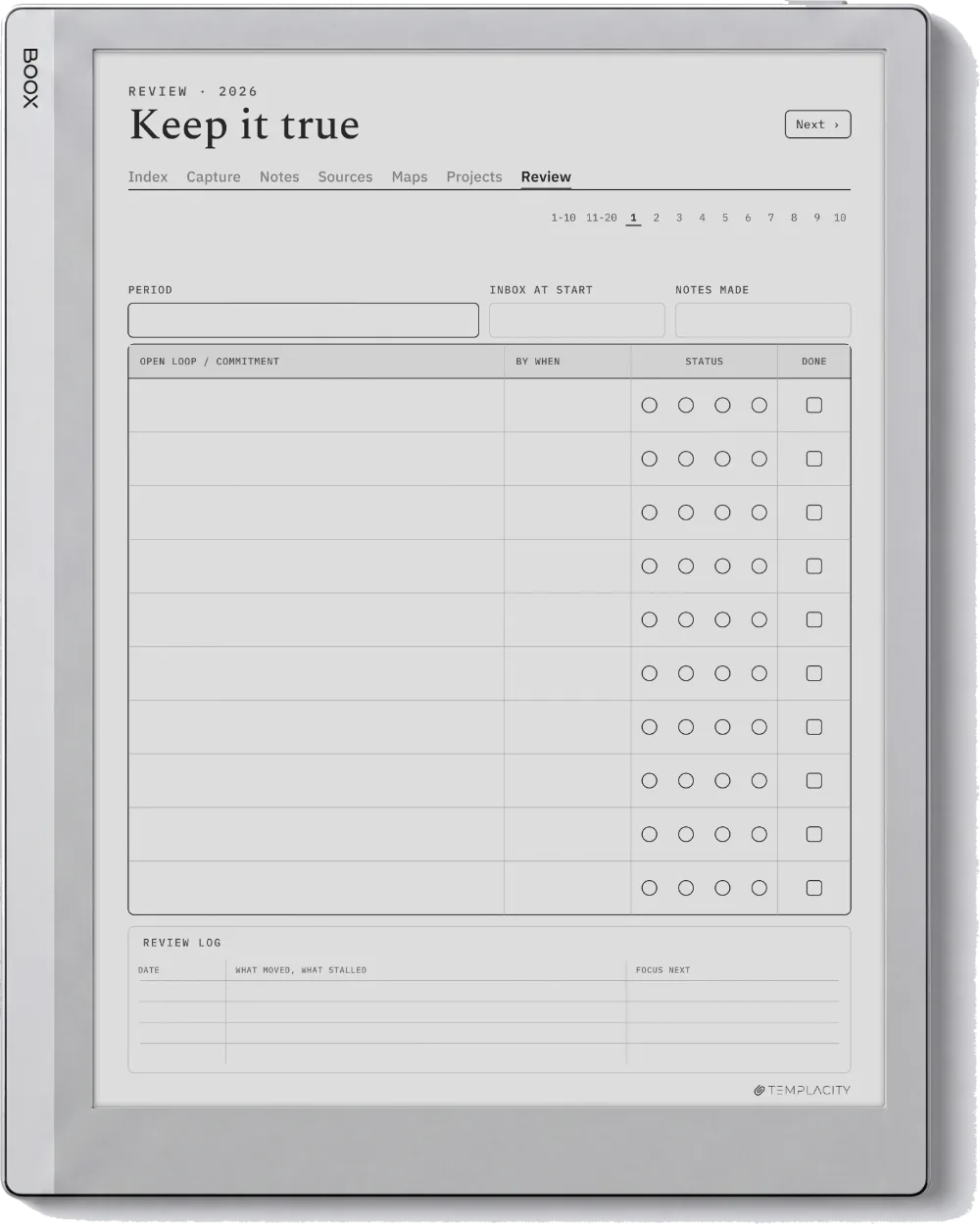
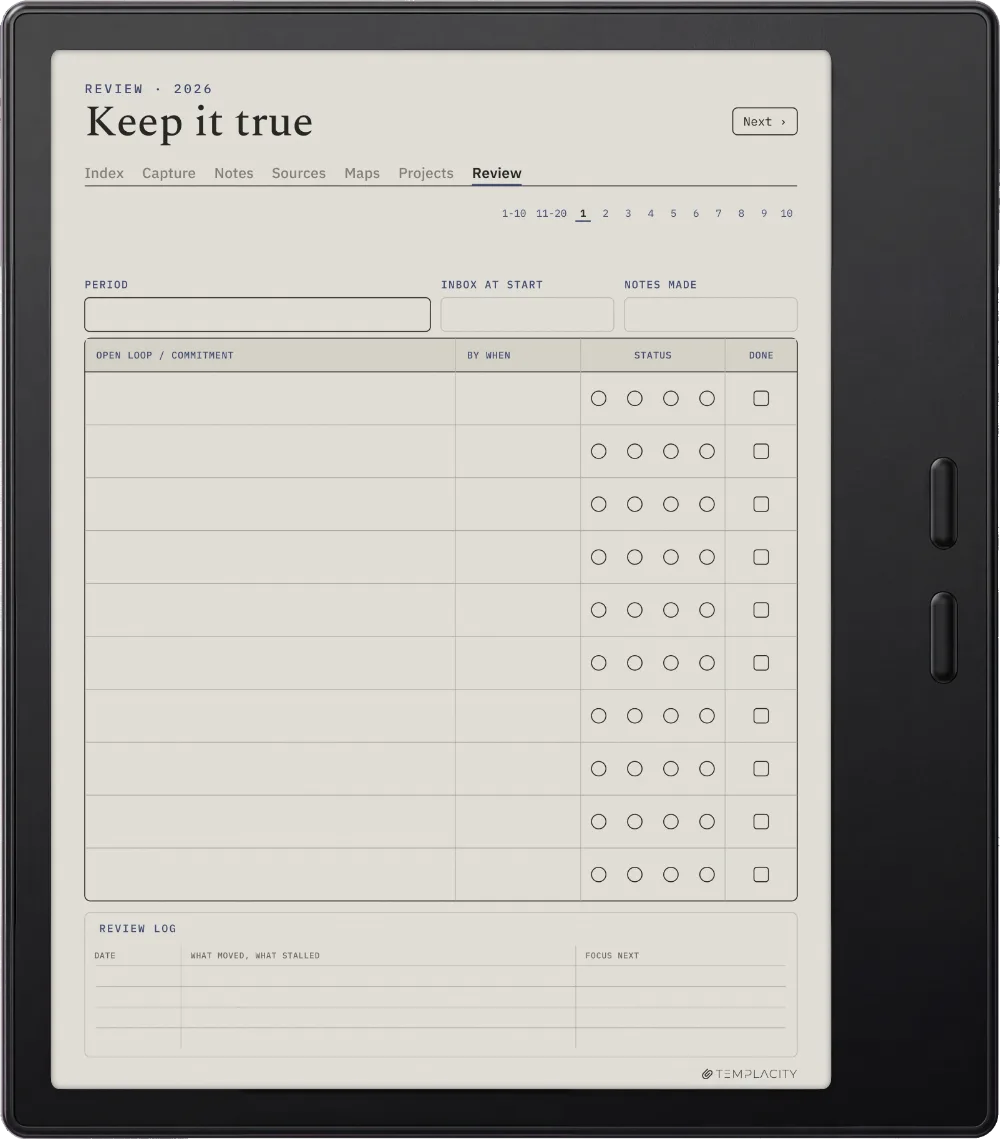
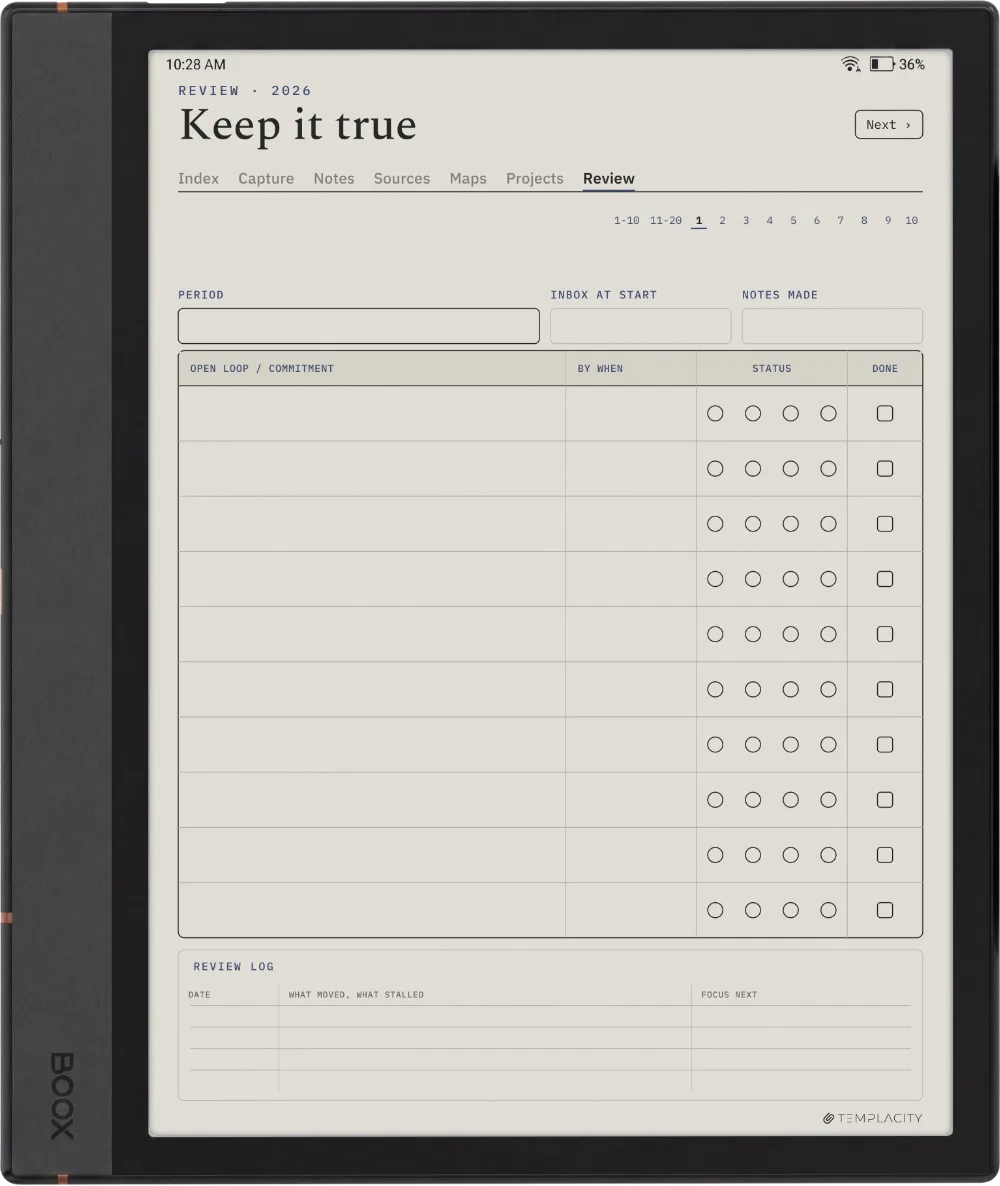
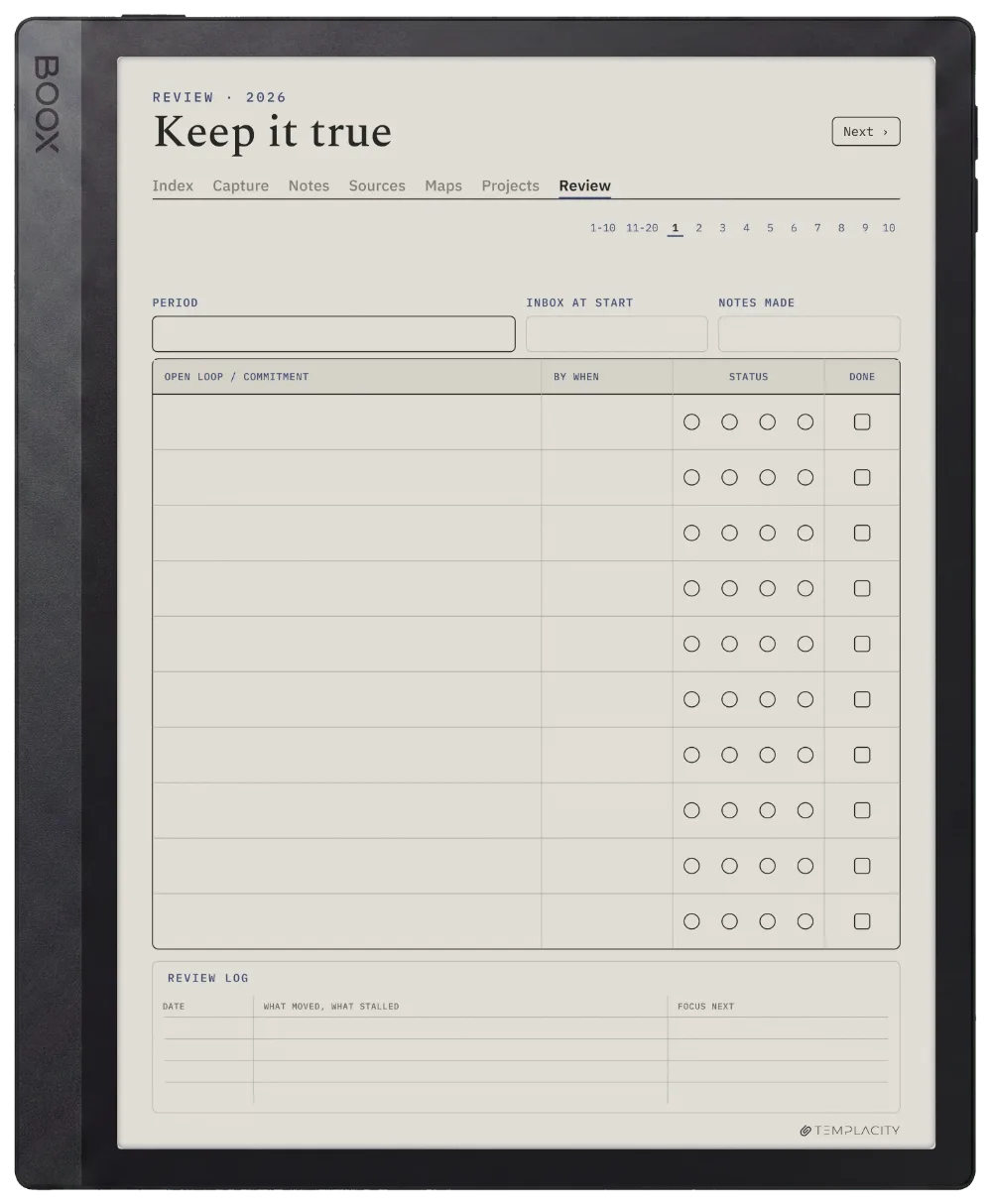
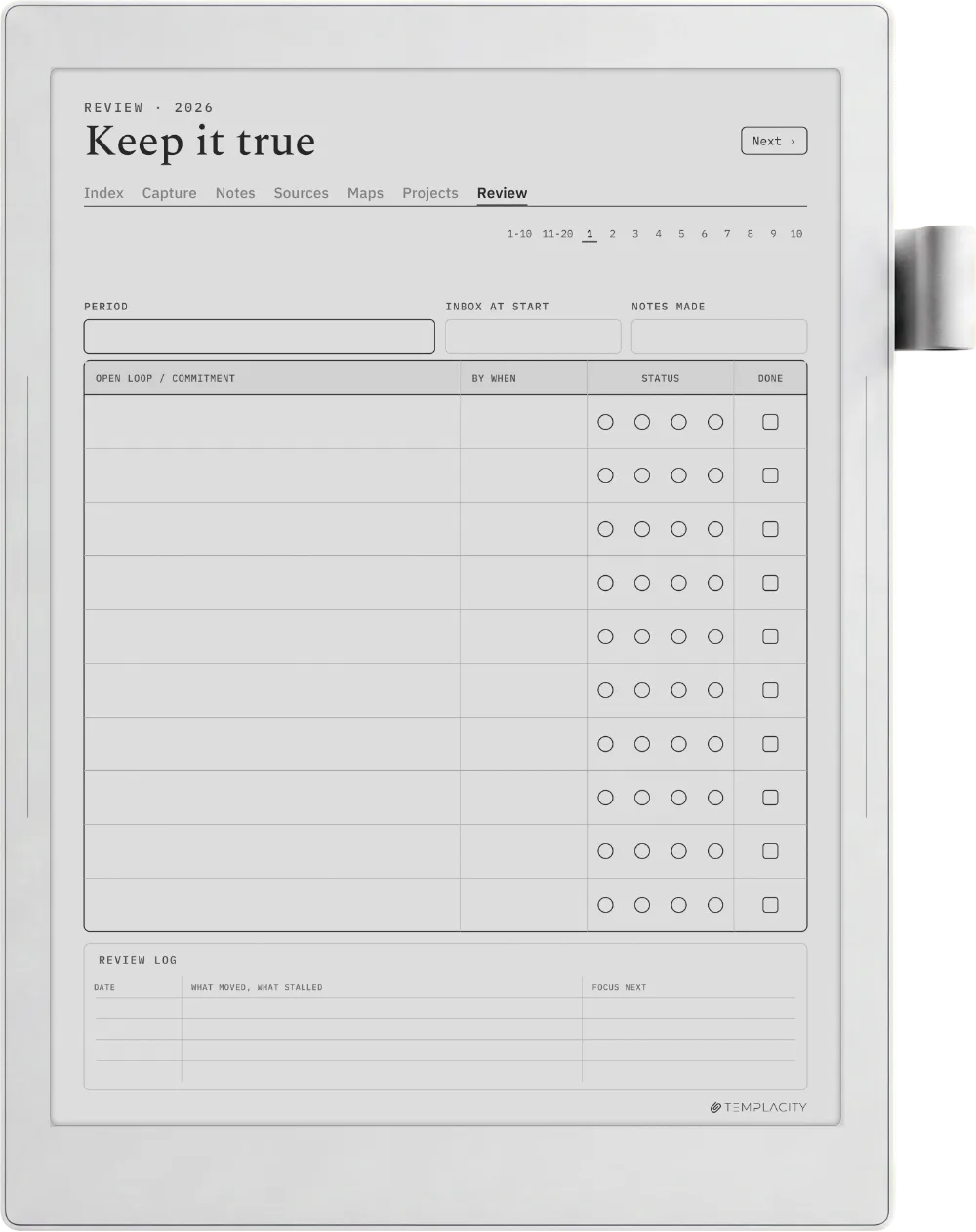
  • Review, 20 pages. The cycle that keeps it true. Notes you have not touched, links you never made, claims that no longer hold.

It teaches itself

Six worked spreads sit at the front, one per module, each showing a real page filled in with the reasoning annotated around it. You do not need to have read a book about the method before you start, and the guide is inside the file rather than in an email you will lose.

What you get

183 pages per file, hyperlinked so every module is one tap from every other. Undated, so it starts the day you do and never expires. Dated 2026 and 2027 editions are included in the same download for anyone who prefers a stamped year; the page set is identical.

Every purchase includes the reMarkable Paper Pro Move edition, redrawn for its narrower screen rather than scaled down.

Tap navigation only. No fillable fields, no scripts, no app, nothing to install. It is a PDF, and it will still open in ten years.

№ · Reviews

Be the first to say something.

Nobody has written about this one yet. If it is on your device, yours is the first thing the next person reads.

Read by a person before it goes up, usually within a day. Your email stays with us and never appears on the page.

Instant download.

Your file is in your account the moment you check out, yours to re-download any time. A receipt lands in your inbox, too.

One-time purchase.

No subscription, no annual renewal, no upgrade nags. Pay once and the file is yours.

Quiet, secure checkout.

Stripe. Apple Pay. No spam, no “partners,” no reselling your details. Receipt, file, done.