What it is
What e ink ghosting is, and why it happens
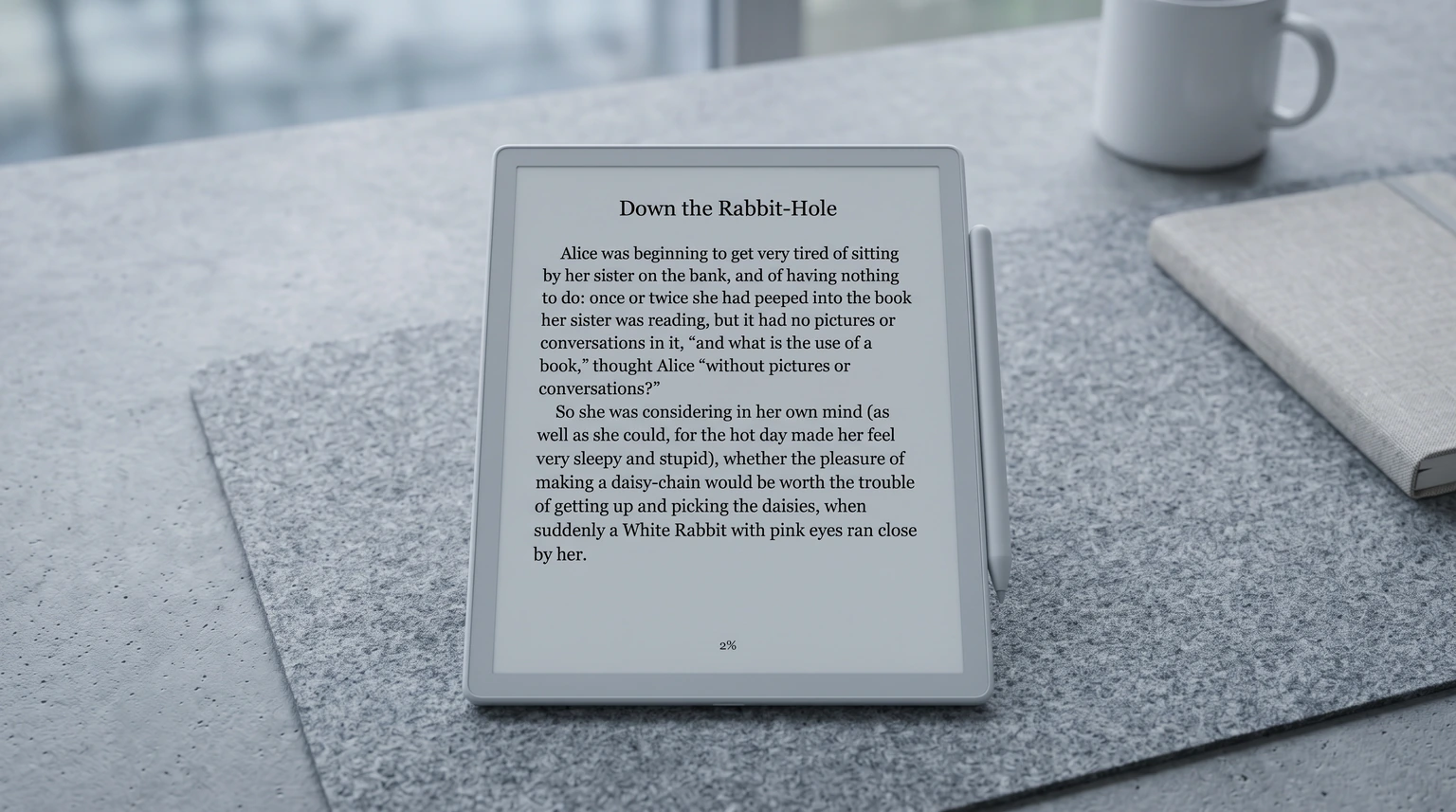
You turn the page and the last one is still faintly there, a grey shadow of the old lines under the new ones. It looks like a fault the first time you see it. It is not. E ink ghosting is the price of a screen that works like paper instead of like a phone.
An e-ink screen is not made of lights. reMarkable’s explainer on its display describes a thin layer of clear liquid holding millions of microscopic charged particles, which the display rearranges with electrical signals every time you write or turn a page. It calls the leftover image “image retention”, also known as ghosting, and gives the cause plainly: the particles are physical, and sometimes they don’t land perfectly on the first pass.
Boox’s write-up of its refresh technology makes the same point from the other side: ghosting and lag both come from the time particles take to move, and the more detail a screen has to draw, the more particles have to move. That is why fast scrolling, busy PDFs and quick page flicks leave more of a shadow than a slow page of plain text.
The fix
How to clear e ink ghosting on each device
The cure is the same everywhere: a full refresh, where the screen flashes to reset every particle. What differs is whether you can trigger it yourself, and how often the device does it for you.
| What the maker says | What you can do | |
|---|---|---|
| reMarkable | Screen blinks or flashes to reset particles | Let it; the refresh is automatic |
| Boox | Four refresh modes; HD has the least ghosting | Use HD mode for reading |
| Supernote | Afterimages are normal | Slide up on the sidebar; Auto Refresh setting |
| Kobo | Refreshes only when needed | Let it; turn the page again |
reMarkable
reMarkable handles ghosting for you. Its display page says that occasionally your screen will blink or flash, and that this is a pulse sent to nudge the particles back into place, a refresh. If you see a shadow while writing or erasing, keep going; the next refresh clears it. Our reMarkable Paper Pro guide covers the colour model, where the same rules apply.
Boox
Boox gives you the most control, and so the most ways to cause ghosting yourself. Its refresh system has four modes: HD, Balanced, Fast and Ultrafast. Boox describes HD as the mode for deep reading, with the least ghosting, and says subtle ghosting may occur in Fast mode in exchange for responsiveness. So if a Boox ghosts while you read, check which mode the app is in and switch it to HD. Fast and Ultrafast are for scrolling the web, not for books. Menu names move between firmware versions, so we leave the exact path to Boox’s help center. Our guide to Android e-ink tablets covers where Boox sits against the others.
Supernote
Supernote is the most direct. Its support FAQ calls afterimages a normal result of current E Ink technology, and says to clear them you slide up on the right sidebar, or the left sidebar on the A6 X2 Nomad. The Manta and Nomad changelog also lists an Auto Refresh feature under Settings, then Display & Input, and a later release that switched its default from enabled to disabled. If your Manta ghosts more after an update, that setting is the first place to look. Our Supernote Manta review covers the rest of the device.
Kobo and Kindle
Kobo’s accessibility page says its e-ink screens are designed to minimise flashing and that a screen refresh happens only when needed. In practice that means a faint shadow now and then, cleared by the next full refresh. Amazon’s help pages that we read do not document a refresh setting for Kindle e-readers, so we do not give a menu path for one; on a Kindle, as on a Kobo, a page turn or two is usually enough.
When to worry
When ghosting is normal and when it is not
Normal ghosting is faint, fades at the next full refresh, and gets worse with fast, detailed changes on screen. That is the screen working as designed. What is not normal is a shadow that survives several full refreshes, the same mark in the same place for days, or a patch that will not change at all. Those point to a fault in the panel rather than particles that have not settled, and they are worth a message to the maker’s support, especially inside the warranty.
Ghosting is the price of a screen that works like paper instead of like a phone.E ink ghosting
Before you contact anyone, do the three cheap checks: force a full refresh where the device lets you, restart it, and update the firmware, since makers tune refresh behaviour between releases (Supernote’s changelog shows two such changes on one model line).
Living with it
How to see less ghosting day to day
- Read in the device’s sharpest mode. On a Boox that is HD; the fast modes trade clarity for speed.
- Turn pages rather than scroll. Scrolling redraws the screen in small steps, each a chance for particles to land short.
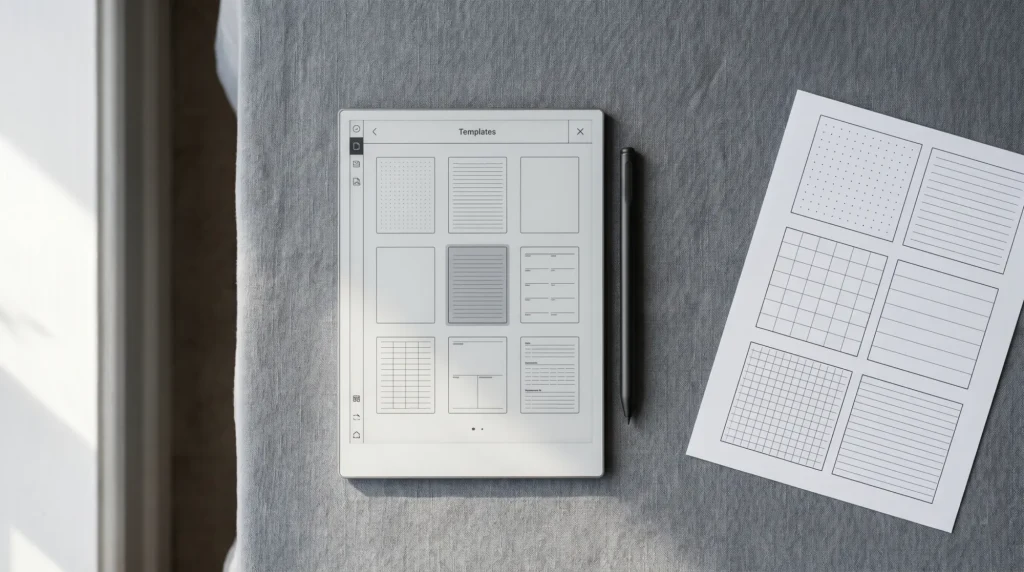
- Use planners and templates built for e-ink. Light grey lines and plain backgrounds redraw cleanly; heavy fills and dense shading leave the most behind.
- Keep the firmware current. Refresh behaviour is tuned in software, release by release.
On the planner side, the reMarkable Paper Pro, Supernote Manta, Boox Note Max and Kindle Scribe Daybook planners are each laid out for that one screen. If you want more than one layout for a reMarkable, the reMarkable template bundle collects them. And if you are still choosing a device, our best e-ink tablet guide and best e-reader guide compare the screens side by side.
FAQ
Common questions, answered briefly
What causes e ink ghosting?
How do I get rid of ghosting on my e-reader?
Is ghosting on an e-ink screen permanent damage?
Why does my screen flash black?
Seeing ghosting that none of this clears, or found a setting we missed on your device? Tell us in the comments which model and firmware, and we will add what owners report to this page.
People also ask