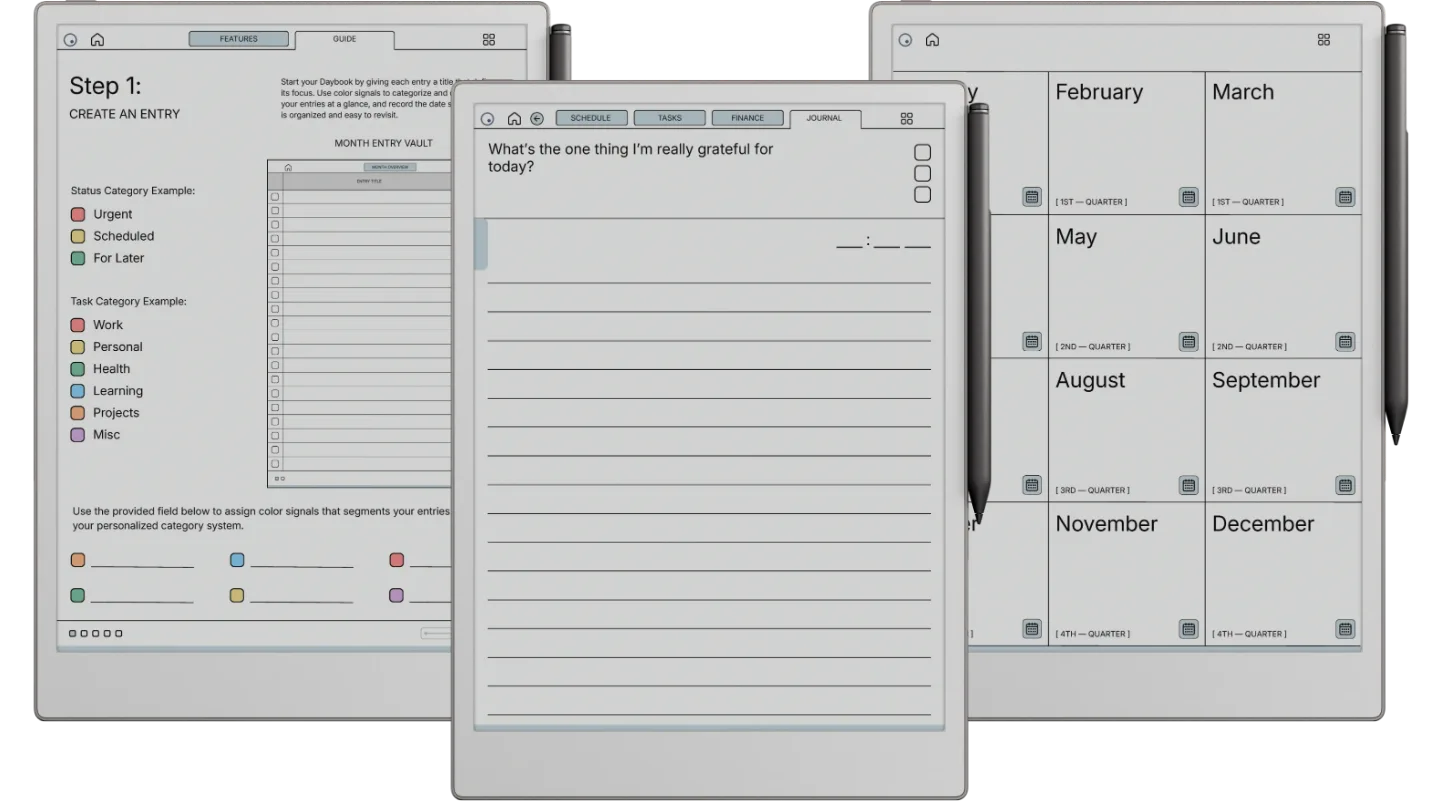
The Paper Pro Daybook is for people who plan on a reMarkable Paper Pro and want its colour screen to do some work: the Blue or Blush accent shows in colour, so the four tabs of each entry are easy to tell apart at a glance. Every entry is a schedule, a task list, a spending log and a journal question, 40 a month and 480 a year, in a 2026 and a 2027 book with a Monday or Sunday start.
The four pages of an entry
- Schedule: every hour from 5am to 10pm.
- Tasks: one core task, three key tasks and five minor ones.
- Finance: a planned budget, each purchase with its category and amount, then the total spent and what you saved or went over.
- Journal: the one thing you are grateful for today, with the time you wrote it.
Dated where it helps, open where it does not
The year page, annual calendar and twelve month calendars are dated. Entries are titled and dated by you, and each month opens with a two-page overview that lists them by title. The entry guide also suggests colour signals for sorting entries, which is where the Pro’s nine writing colours earn their place.
On the Paper Pro
The page is 3:4, the shape of the Pro’s 11.8-inch screen, so it fills the display with room to write, and the reading light makes a late journal page easy. Import it with the reMarkable desktop app and tap the tabs with a fingertip. The same file fits the reMarkable 2 and Paper Pure, in grey; the Paper Pro Move has its own.