Why this category
What an android e-ink tablet actually is, and why it earns the trade-off
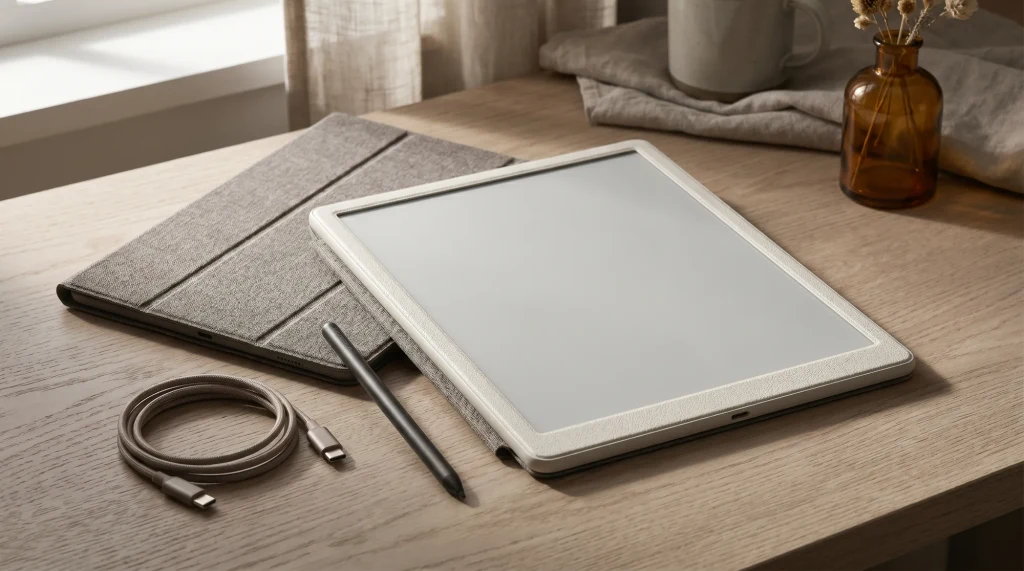
An android e-ink tablet is an e-ink-display device that runs Android (usually Android 13 in the current generation), with Google Play services installed, plus a stylus for note-taking on most models. The shortlist of brands that make them is small: Onyx Boox dominates the category and ships the widest model lineup, Bigme is the credible second name, and a handful of niche brands round out the rest. The category exists because the writing-Kindle and reMarkable lines are locked operating systems with no app flexibility. An android e-ink tablet trades calm OS focus for a real computer that happens to run on e-ink.
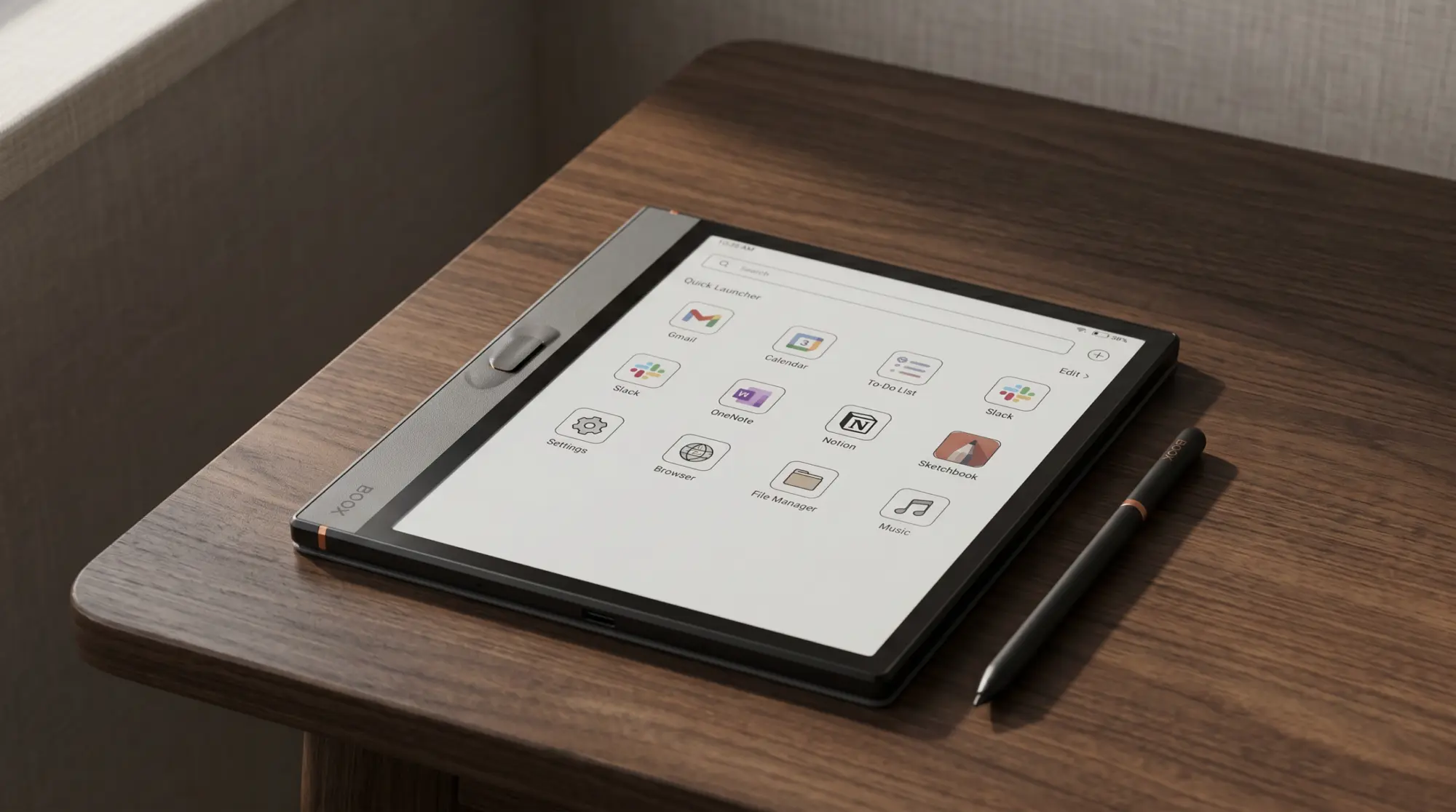
What you can do on one of these devices that you cannot do on a Kindle Scribe or reMarkable: install the Kindle app, install the Kobo app, install Libby for library borrowing, install Notion for project notes, install Obsidian for plain-text knowledge bases, install OneNote and Word, run a browser, install email, install Slack (yes, on e-ink). The trade-off is real: Android is busier than the locked alternatives, the OS has notifications and settings depth that can pull you out of a writing session, and pen feel is generally one grade below reMarkable’s Marker on quick strokes.
At a glance
The five Android e-ink tablet picks at a glance
Cheapest first
Android e-ink tablets worth buying, September 2026
Every price read off the maker’s own product page, at Boox on 17 September 2026 and at Bigme on 31 July 2026
One caution before the spec table: two of those names cover more than one device. Boox sold a first-generation Go Color 7 at $219.99 alongside the Gen II above, and has now sold out of it; only the Gen II takes a stylus, which is the whole reason it is on this list. Read the listing, not the name.
| Boox Note Air6 C | Boox Palma 2 Pro | Boox Go Color 7 Gen II | Boox Note Max | Bigme B10 | |
|---|---|---|---|---|---|
| Screen | 10.3″ Kaleido 3 | 6.13″ Kaleido 3 | 7″ Kaleido 3 | 13.3″ mono | 10.3″ color |
| Color | Yes | Yes | Yes | No | Yes |
| Stylus included | Yes | Sold separately | $322.99 bundle | Yes | Yes |
| OS | Android 16 | Android 15 | Android 13 | Android 13 | Android 14 |
| Best for | Mid-size + color | Pocket + color | Cheapest stylus | Largest writing surface | Boox alternative |
For brand-level context, our Boox hub covers the full Onyx lineup including the mono devices we excluded above for category reasons, and our best e-ink tablet roundup places these against the locked alternatives (Scribe, reMarkable).
The picks
The five picks, in detail
1. Boox Note Air6 C, the mid-size color flagship
The Boox Note Air6 C is the default pick for most buyers, and it replaces the Note Air4 C, now sold out at Boox’s own store. 10.3-inch Kaleido 3 color panel at 300 ppi mono and 150 ppi color, Pen3 stylus included, Android 16, 440 grams, $579.99 (checked September 2026). Same form factor as the locked Kindle Scribe Colorsoft and reMarkable Paper Pro, but it opens Android apps: Kindle, Kobo, Libby, OneNote, Obsidian, Notion, a browser and email. The Note Air5 C, on the same panel with Android 15, is still sold at $529.99 if you would rather save $50. Best fit for one device that reads from any library, runs any app, and writes well.
2. Boox Palma 2 Pro, the pocket color pick
The Boox Palma 2 Pro takes a Kaleido 3 color panel down to a 6.13-inch phone-sized body at $399.99, now that the 7.8-inch Tab Mini C is sold out at Boox’s own store. 300 ppi in mono and 150 ppi in color, Android 15, 8 GB of RAM, 128 GB of storage and a data-only 5G SIM slot, and it takes the InkSense Plus stylus, sold separately (checked September 2026). Good fit if you want an android e-ink device that fits a pocket and you read more than you write; the small screen suits marking a page, not full-page PDF markup. If you want a compact color tablet with a pen in the box instead, Boox lists the 8.52-inch Note Mini C at $579.99 as available soon.
3. Boox Go Color 7, the cheapest entry point
The Boox Go Color 7 is the cheapest color device in the category that takes a stylus. 7-inch Kaleido 3 colour, $289.99 for the Gen II, or $322.99 with the InkSense Plus stylus in the box (checked September 2026). Check the generation: a first-generation Go Color 7, now sold out at Boox but still in resellers’ listings, takes no stylus at all. It is the lowest entry into the category and a sensible first device. The feature set is trimmed against the Note Air6 C, and the stylus costs extra. None of that matters if your real question is whether you actually want an android e-ink tablet at all; the Go Color 7 lets you answer that question for half the price of the 10.3-inch flagship.
4. Boox Note Max, the largest writing surface in the category
The Boox Note Max is a 13.3-inch mono e-ink tablet at $629.99. Mono only (no Kaleido 3 color), but the writing surface is enormous: think A4 page at native size with margin to spare. Android 13, a Pen Plus stylus included, 615 grams (checked September 2026). Best fit for architects, designers, researchers, or anyone who marks up large PDFs or sketches at full-page scale. It is not even the dearest thing Boox sells at that size: the colour Tab X C is $819.99, and nothing outside Boox competes at 13.3 inches at all. The reMarkable Paper Pro caps at 11.8 inches and the Kindle Scribe Colorsoft at 11 inches; the Note Max is in its own size class.
(A dedicated Boox bundle is on the roadmap. Until then, the PDF version of the reMarkable bundle is the closest Templacity stack for the Boox lineup.)
5. Bigme B10, the credible Boox alternative
If you specifically do not want a Boox, the Bigme B10 is the most credible non-Boox option we can currently buy. A 10.3-inch colour e-paper tablet on Android 14 with 4G, listed at $699.00 and discounted to $594.15 on the day we checked. Build quality is a step behind Boox’s mid-range, the OS skin is more idiosyncratic, and the app compatibility is similar. Best fit for buyers who want category competition outside the Boox monoculture; for everyone else, the Boox lineup covers the use cases at better refinement and tighter pricing.
The category is a real computer that happens to run on e-ink. The OS is the feature; calm OS is the cost.From this roundup
Trade-offs
What you give up versus locked e-ink devices
The honest case against the category: OS calm. Kindle Scribe and reMarkable Paper Pro do nothing except read and write. There are no notifications, no settings tray, no background apps eating battery, no Play Store offering you “just one more thing” to install. Some buyers want that constraint precisely because they cannot trust themselves to leave Slack closed when writing. Android e-ink does not enforce focus; you have to enforce it. If you have a track record of getting distracted by your phone, a locked device will work better than an open one even if the open one is more capable on paper.
The second trade-off is pen feel. reMarkable has tuned the Marker for three product generations now and the writing surface is the best in the category. Boox’s pen feel is good but a grade below reMarkable; Bigme’s is good but a half-grade below Boox. If pen feel is the entire reason you want e-ink, the Kindle Scribe Colorsoft or the reMarkable lineup is the better category. For the rest of the buying population, the trade-off resolves the other way.
By use case
Picking by what your week actually does
Reading from any library (Kindle + Kobo + Libby + Project Gutenberg). Note Air6 C or Palma 2 Pro. Both run every reading app from the Play Store; locked devices read only one library.
Cheapest way to try e-ink with a stylus. Boox Go Color 7. The category entry point at $289.99, and make sure the listing says Gen II.
Large PDFs, technical drawings, architecture markup. Boox Note Max. 13.3 inches is the only writing surface in the category that handles A4 at native size.
Notes alongside Slack, Notion, OneNote. Note Air6 C or Palma 2 Pro. The whole point is that the OS opens those apps.
Reading-first, you want e-ink + Kindle app in your pocket. Boox Palma 3 at $339.99 (phone-sized, mono e-ink, listed as available soon while the Palma 2 is sold out) deserves a mention even though it falls outside the strict tablet form factor. We cover it in our Kindle Scribe alternatives roundup.
Scored on what the category is actually for, the Note Air6 C’s shape explains the verdict. It tops out on app flexibility and reading freedom, holds color and value, and gives ground on exactly one axis: OS calm. That single low row is the trade-off the whole category makes, drawn as a picture.
Boox Note Air6 C, scored out of 10
FAQ
Common questions, answered briefly
What is the best android e-ink tablet in 2026?
Can I install the Kindle app on a Boox or Bigme?
Does pen feel suffer on Boox versus reMarkable?
Are these devices good for reading?
What is the cheapest Android-based e-ink device with a stylus?
If yours isn’t above, drop it in the comments.
People also ask
Other questions, briefly answered
If you’ve owned a Boox or a Bigme, the comments are open. The list above is the 2026 starting point; real-world dispatches help us keep it honest as the lineup evolves.