The overview
What the reMarkable Paper Pro is
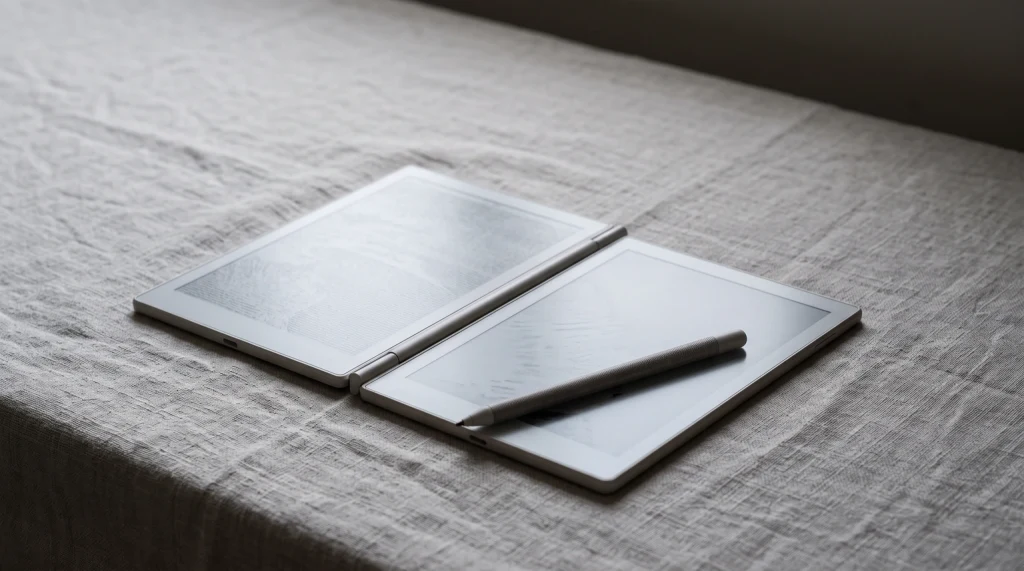
The reMarkable Paper Pro is the flagship of reMarkable’s e-ink writing tablets: an 11.8-inch color device built for handwriting, reading, and marking up documents, and nothing else. It is the first reMarkable with a frontlight, so unlike the older models you can use it in a dim room, and it is the only one with a color screen. If you have followed the brand, think of it as the larger, color, lit version of the writing tablet reMarkable has made its name on.
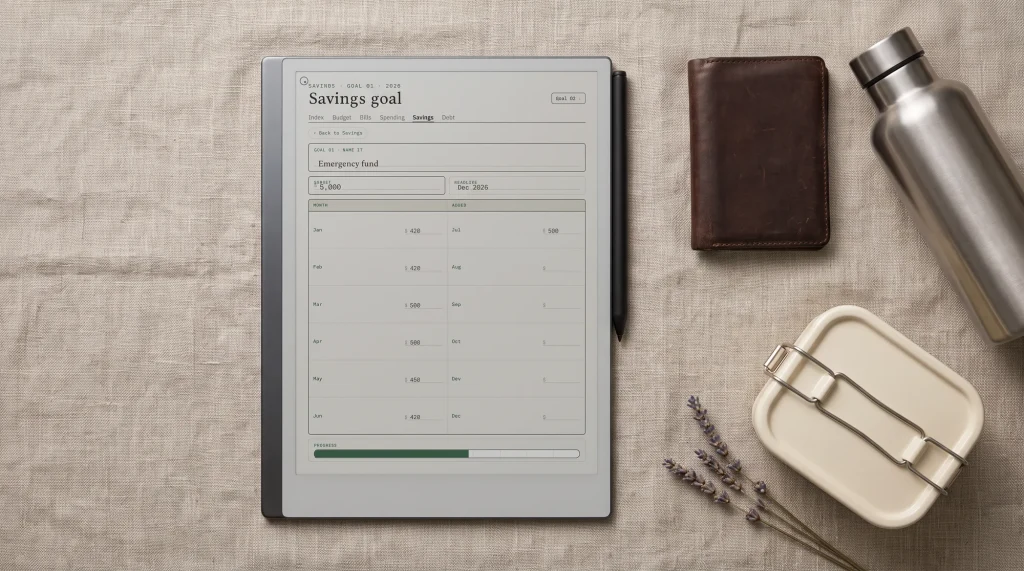
What sets the reMarkable Paper Pro apart from a normal tablet is what it refuses to do. There is no app store, no web browser, no email, and no notifications. The whole device is a single calm surface for notes, sketches, planners, and PDFs, with handwriting that feels close to pen on paper. That focus is the entire pitch, and whether the Paper Pro is right for you comes down to whether you want a writing tool or a do-everything screen.
The specs
reMarkable Paper Pro specs at a glance
The headline numbers tell you most of what you need before the detail. The reMarkable Paper Pro pairs a large color e-ink panel with the company’s low-latency writing and a battery measured in weeks rather than hours.
| Spec | reMarkable Paper Pro |
|---|---|
| Display | 11.8-inch Canvas Color e-ink |
| Frontlight | Yes, adjustable reading light |
| Sharpness | 229 PPI. Canvas Color is E Ink Gallery 3, which carries colour in the ink rather than behind a filter, so colour renders at the same resolution as mono |
| Pen | Marker included; Marker Plus eraser upgrade is $50 |
| Storage | 64 GB |
| Battery | Roughly two weeks of mixed use |
| Charging | USB-C |
| Software | Closed reMarkable system, no apps |
| Price | $629 with the Marker |
Two figures deserve a note. The color is real but gentle: e-ink color is muted next to a glossy tablet, so the Paper Pro renders highlights, colored pen, and simple diagrams well, not vivid photos. And the price is for the device with the standard Marker; the Marker Plus, which adds an eraser on its back end, is an extra $79. Our full reMarkable Paper Pro review digs into how those specs hold up in daily use.
The experience
What writing and reading feel like
Writing is the reason this device exists, and it is the part almost everyone agrees on. The Marker meets the textured screen with very little lag, so strokes appear as you make them and the surface has a soft drag that feels like a pencil on paper rather than a stylus on glass. For notes, margin annotations, and sketching, it is one of the closest digital approximations of real paper you can buy, and the large 11.8-inch panel means full-page PDFs and two-column planners fit without constant zooming.
Reading and color are where the reMarkable Paper Pro adds to the older formula. The frontlight is the quiet star: it lets you read and write in low light without a harsh backlit glow, which no earlier reMarkable could do. The color layer is honest rather than showy, useful for color-coding a planner, marking up a document in red, or following a diagram, but not a substitute for an LCD tablet if vivid images matter. Taken together, the screen is calm, glare-free, and easy on the eyes for long sessions.
The right buyer
Who the reMarkable Paper Pro is for
The reMarkable Paper Pro suits the person who writes a lot and wants that writing to live on one focused device. Students, note-heavy professionals, planners, and anyone who marks up documents all day get the most from it, especially if a larger screen and color coding genuinely change their workflow. If you already loved an older reMarkable and wished it had a bigger screen, color, and a light, this is the device that answers all three.
| Worth it if you | Skip it if you |
|---|---|
| Write or annotate daily and want paper-like feel | Want apps, a browser, or media on the device |
| Need a large screen for full-page PDFs and planners | Want something small and pocketable |
| Value color coding and a frontlight for low light | Expect vivid, photo-grade color |
| Want a single calm tool with no notifications | Want one device to replace a laptop or iPad |
If most of your row sits on the left, the reMarkable Paper Pro earns its price. If it sits on the right, a cheaper writing tablet or a general tablet will serve you better. For a smaller and cheaper take on the same idea, reMarkable also makes the Paper Pro Move, and for people open to other brands, our guide to the best reMarkable tablet alternatives lays out the field.
Day to day
Living with the reMarkable Paper Pro
Beyond the writing, a few daily-use details decide whether the reMarkable Paper Pro fits your life. Battery is a quiet strength: mixed writing and reading runs for roughly two weeks between charges, and it tops up over USB-C, so it behaves more like an e-reader than a tablet you plug in every night. There is no worry about it dying mid-meeting, which is part of why people who switch tend to stay switched.
Getting documents on and off is simple but worth understanding before you buy. You load PDFs and EPUBs through reMarkable’s app or web service, mark them up, and send notes out by email or into the cloud. The Paper Pro can also turn your handwriting into typed text, which is genuinely handy for converting a page of scrawl into something you can paste into an email or a doc. It is a managed reMarkable workflow rather than an open file system, so it rewards people who want a tidy, single pipeline and frustrates those who expect to drag files around like a computer.
One running cost is worth naming up front. Cloud sync is free for a generous window and then moves to an optional subscription for unlimited syncing across phone, laptop, and tablet. You can use the device happily without it, but if you want everything mirrored everywhere all the time, budget a small monthly fee on top of the hardware. Factored in honestly, the Paper Pro is a device you buy once and spend a little to keep, mostly on the odd pack of Marker tips and, if you choose, that sync tier.
The comparisons
How the reMarkable Paper Pro compares
The reMarkable Paper Pro does not sit alone, and the right rival depends on what you are trading off. Against the older reMarkable 2, the Paper Pro adds color, the frontlight, and the larger screen, while the reMarkable 2 stays cheaper and lighter for plain monochrome writing. The jump is mostly about color, size, and light, not pen feel, which is close on both.
Against other brands the trade sharpens. The Supernote Manta drops color and the frontlight but answers with a ceramic nib that never wears, a repairable build, and more open software for less money. Boox tablets run full Android, so they win on app flexibility and lose on focus. The Kindle Scribe Colorsoft is the closest Amazon equivalent if you live in the Kindle ecosystem. In short, the Paper Pro wins on writing feel, screen size, and a calm closed system, and asks you to pay for it.
The smaller sibling
The reMarkable Paper Pro Move
If the 11.8-inch screen feels like more than you need, reMarkable makes a smaller and cheaper version called the Paper Pro Move. It keeps the color screen and the frontlight in a more portable body that slips into a bag or a large pocket, and it ships ready to write out of the box. The trade is screen space: the smaller panel is better for quick notes and reading on the move than for full-page PDFs and wide planner spreads, which is exactly where the larger Paper Pro pulls ahead. If portability matters more to you than screen size, the Move is the one to weigh; if you want the room to spread out, stay with the full-size Paper Pro. Either way you get the same paper-feel writing that defines the line.
reMarkable Paper Pro accessories
A few accessories matter, and most do not. A folio is close to essential, since the Paper Pro is a large, thin slab that travels better protected, and reMarkable’s covers double as a stand; our guide to reMarkable Paper Pro cases compares the official and third-party options. The other genuine purchase is replacement Marker tips, because the soft nib wears down with use and a fresh tip restores the writing feel for a few dollars.
Beyond those, the Marker Plus adds a back-end eraser for $50 on top of the base bundle, and the Type Folio turns the Paper Pro into a light typing device with a real keyboard built into the cover, which suits anyone who drafts long text; our reMarkable Paper Pro keyboard guide covers whether it is worth it. For the wider picture of what to buy and what to skip, the full reMarkable Paper Pro accessories roundup pulls it all together.
The setup
Setting up the reMarkable Paper Pro with templates
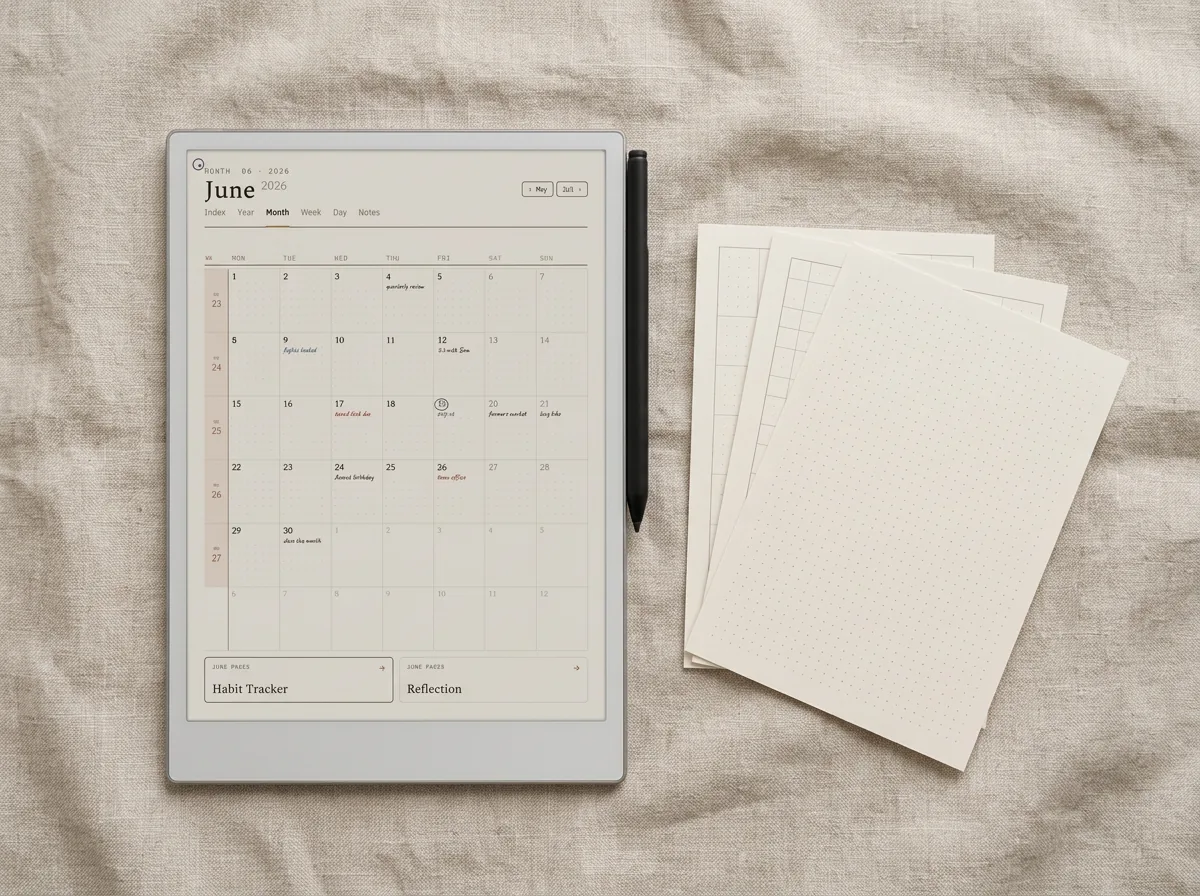
The upgrade most new owners miss costs the least. Out of the box the reMarkable Paper Pro gives you blank pages and a few basic templates, which sells the writing side short. Loading proper planners, habit trackers, and structured notebooks turns it from a digital legal pad into a real planning device, and because the templates are sized for the Paper Pro’s screen, handwriting sits cleanly on top of the form lines rather than fighting them.
The verdict
Is the reMarkable Paper Pro worth it?
For the right person, the reMarkable Paper Pro is worth it, and the right person is easy to spot. If you want a large color e-ink device that does paper-feel writing and reading better than almost anything else, and you genuinely want fewer distractions rather than more features, it is one of the few gadgets that earns its keep for years. The frontlight and color close the gaps that held older reMarkables back.
Judge it as a writing tool, not a tablet, and it rarely disappoints.What we found
Where it disappoints is only when expectations are wrong. Buy it expecting an iPad and the closed system and muted color will frustrate you; buy it as the best large writing tablet reMarkable has made and it delivers. Match it to how you actually work, set it up with real templates, and the price stops being the headline. For the long-form take, our full reMarkable Paper Pro review walks through weeks of daily use.
FAQ
Common questions, answered briefly
How much does the reMarkable Paper Pro cost?
Does the reMarkable Paper Pro have a frontlight?
Is the reMarkable Paper Pro screen really color?
Can the reMarkable Paper Pro run apps like a tablet?
reMarkable Paper Pro or reMarkable 2: which should I buy?
Is the reMarkable Paper Pro worth it?
If your question is not above, drop it in the comments and we will answer it.
People also ask
Other questions, briefly answered
Sources: reMarkable Paper Pro official store, The Verge e-reader coverage.