The idea
What a no-spend challenge is, and what the tracker does
A no-spend challenge is a set period during which you buy only what is genuinely essential, and put the money you would otherwise have spent toward a goal. You still pay rent, bills, and groceries; what you cut is the discretionary drip, the coffees, takeaways, impulse buys, and browsing-cart purchases. A no-spend challenge tracker is the grid where you mark each day you got through without a discretionary spend, so a stretch of willpower turns into a visible run of ticks. The point of a no-spend challenge is not punishment; it is a short reset that shows you, in a way a budget never quite does, how much of your spending was simply habit.
The mechanism is a calendar and a rule. You decide what counts as essential, pick a length, and mark each day on the grid, green for a no-spend day, a small note for the days you had to break it. At the end you add up what you did not spend and move it somewhere useful. What makes a no-spend challenge work is the daily mark: it turns a vague intention to spend less into a concrete streak you can see, and a streak is a great deal harder to break than a good intention.
Why e-ink
Why an e-ink tablet suits a no-spend challenge
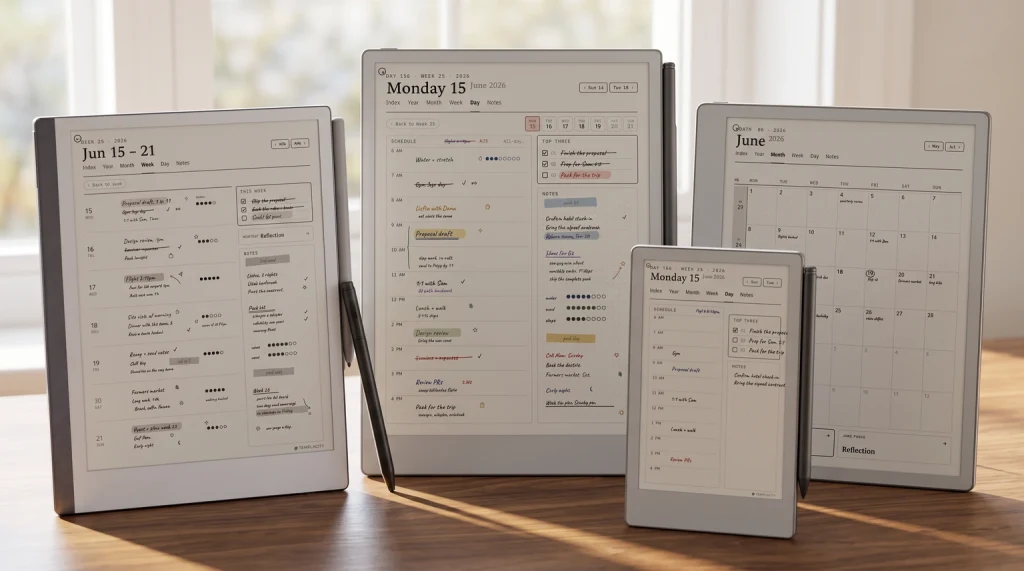
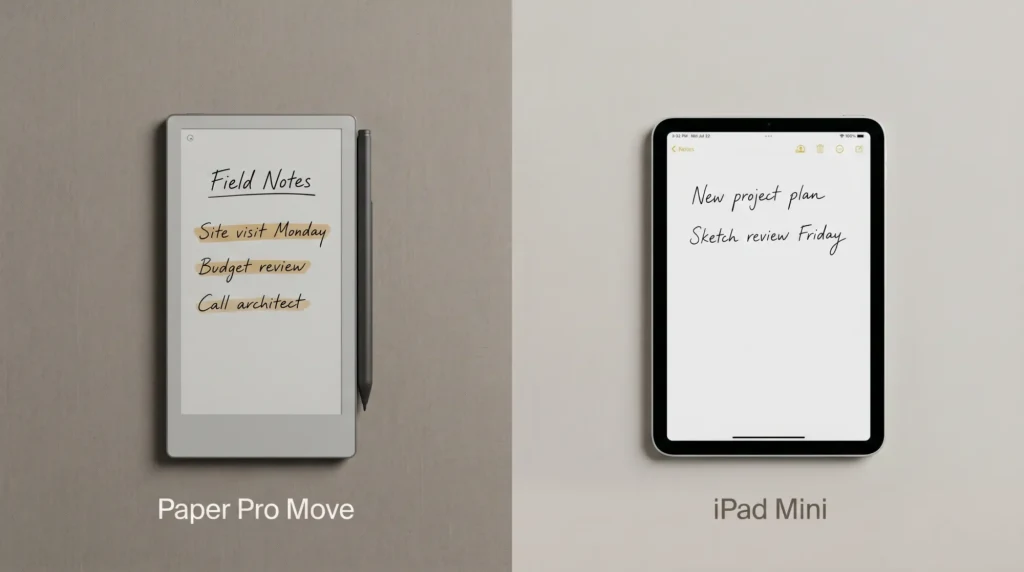
A no-spend challenge is really a challenge against your phone, where most impulse spending starts, so tracking it somewhere calm is the whole idea. An e-ink tablet does not glow, does not notify, and does not carry the shopping apps and one-tap checkouts that trip you up. You open it, mark the day, and close it, and the ritual costs nothing and tempts you with nothing. A reMarkable, a Kindle Scribe, or a writing-capable Boox all handle it equally well, because the job is small: hold a month grid, take a daily mark, keep it. Tracking a spending reset on the same device you use to shop would be a little absurd; tracking it on a page that does nothing but hold the grid is the point.
There is a fair trade to name. An app could log your spending automatically and tell you whether a day was truly no-spend; a hand-marked grid trusts you to be honest. What you get for that is a daily moment of reckoning with your own rule, which is exactly the habit a no-spend challenge is trying to build. The mark is a small, deliberate act of keeping your word to yourself, and doing it by hand on a calm page is what makes it land.
The method
How to run a no-spend challenge
A no-spend challenge fails when the rules are vague or the length is unrealistic, so you break it on day three and quietly drop it. The setup below is honest about both, and it takes about ten minutes to plan before you start.
Pick a realistic length.
A weekend, a week, or a full no-spend month. If you have never done one, start with a week; a month is a real commitment, and finishing a short one beats abandoning a long one.
Define your essentials in writing.
Rent, bills, groceries, fuel, medicine: the things you genuinely cannot skip. Everything else is discretionary and off-limits for the challenge. Writing the line down beforehand stops you arguing with yourself in the moment.
Allow one sane exception.
A pre-planned birthday gift, a fixed social event. One named exception keeps the challenge realistic; a dozen vague ones make it meaningless. Decide it up front and write it on the grid.
Mark every day, and sweep the savings.
Tick each no-spend day on the grid, note the slips, and at the end move the money you did not spend into a goal. A challenge with nowhere for the savings to go rarely feels worth repeating.
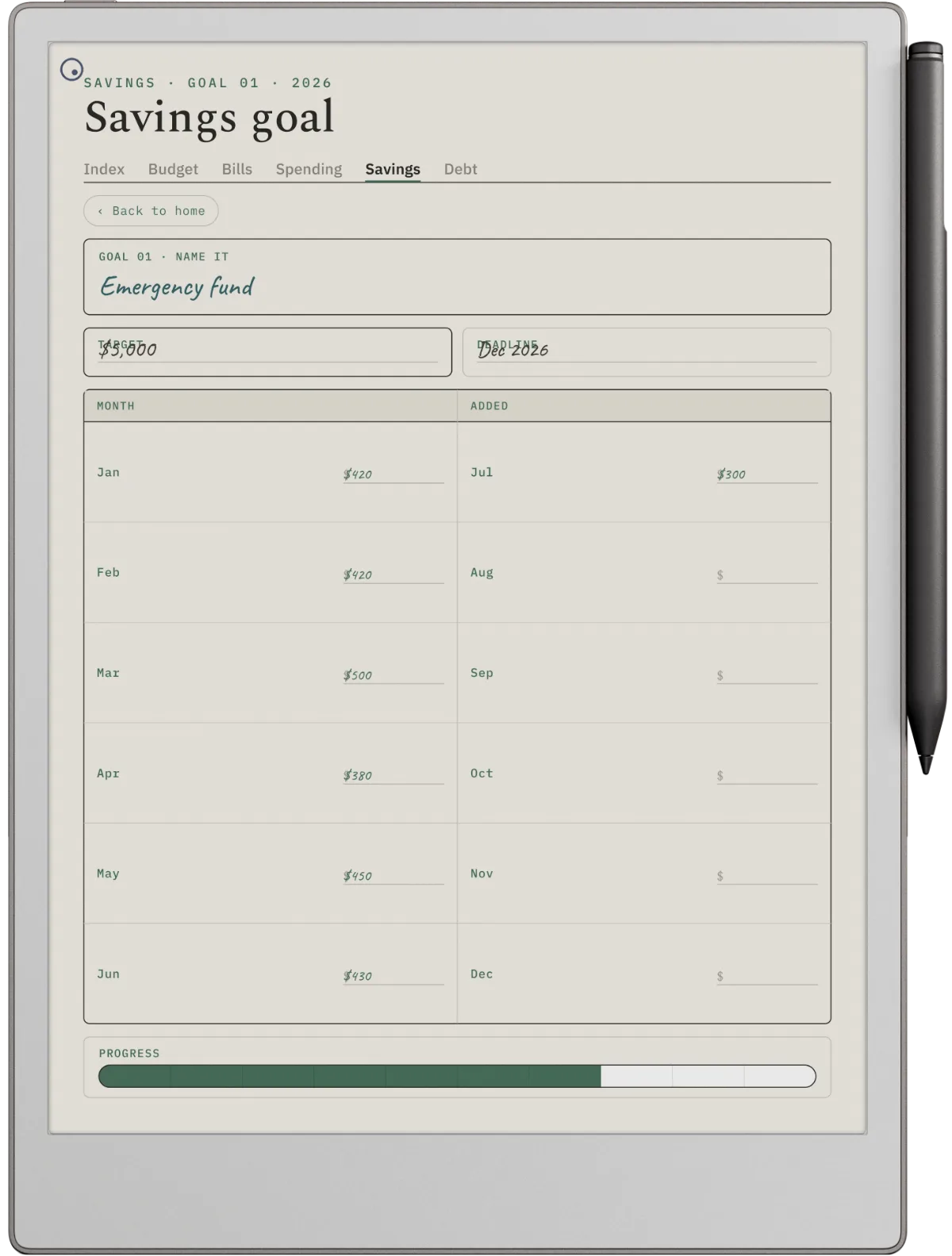
Keep the grid dated rather than blank. A no-spend challenge tracker dated for 2026 and 2027 lets you run one whenever you need a reset, in January after the holidays or any month the spending crept up, and compare how you did across them. An undated grid makes you redraw the calendar each time, the small friction that stops you starting. The habit that actually helps is running a short challenge now and then, and a dated file makes that easy to pick up again.
The rules
Rules that make a no-spend challenge stick
The challenges that work share a few honest rules. They name the essentials in advance, so there is no arguing in the shop. They pick a length the person can actually finish, because one completed week builds more momentum than three abandoned months. They give the saved money a destination, a debt or a goal, so the effort has a visible payoff. And they forgive a slip without ending the whole thing, marking the day and carrying on rather than declaring the challenge blown. A no-spend challenge is a training exercise, not a test you pass or fail, and treating it that way is what gets people to the end.
A no-spend challenge is a training exercise, not a test you pass or fail; forgive a slip, mark the day, and carry on.On making it stick
Running a short reset now and then is a habit like any other, and if you keep other habits by hand, our digital habit tracker guide covers the same calm, dated approach applied to daily routines rather than spending.
The bigger picture
Where a no-spend challenge fits with the rest
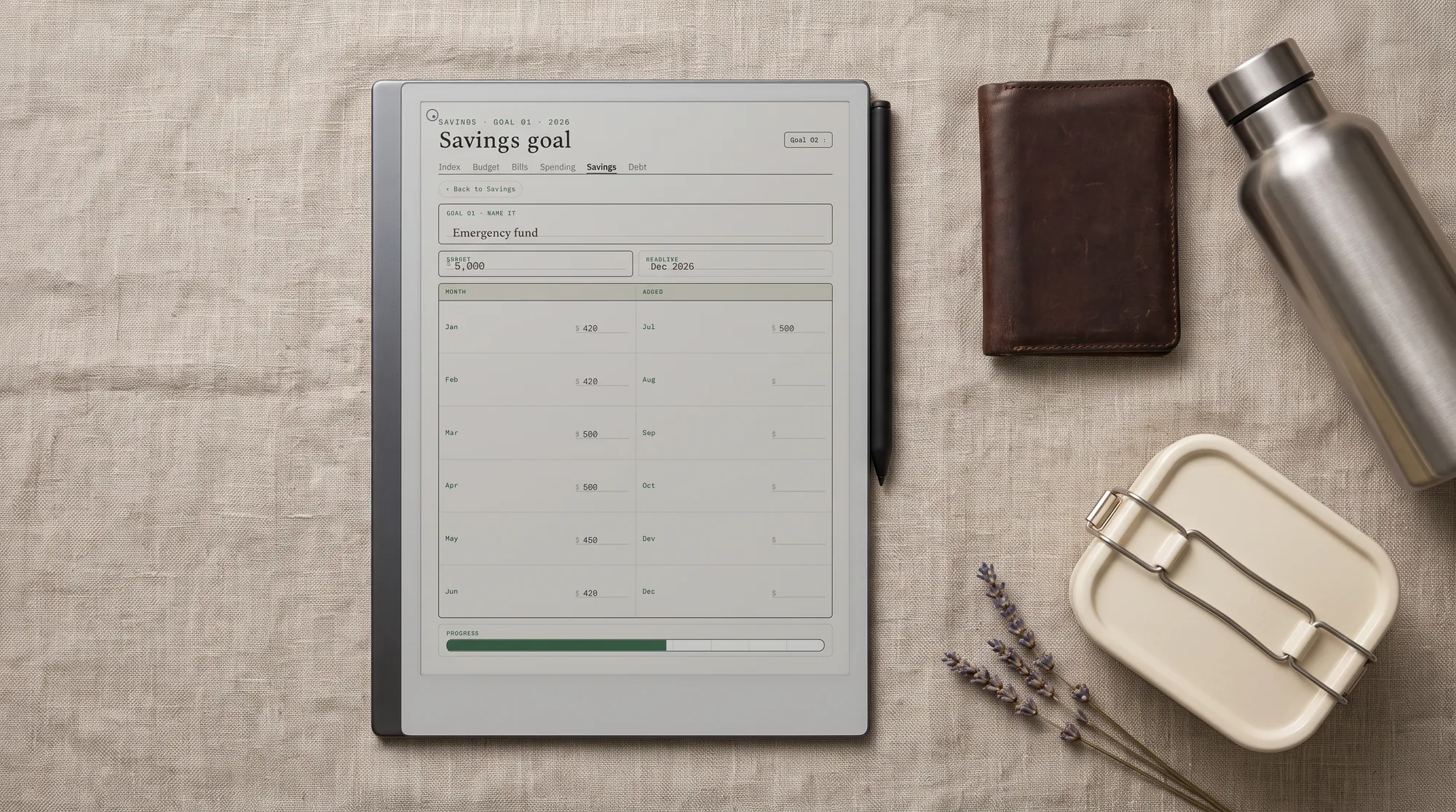
A no-spend challenge is a burst, not a system, and it works best pointed at something. The money you free up is worth the most when it feeds a plan you already keep: dropped into a savings tracker toward a goal, or thrown at the top balance on a debt payoff tracker. A challenge with a destination is one you will run again; a challenge whose savings just melt back into everyday spending is one you do once and forget. The reset shakes the habit loose; the trackers are where the freed-up money actually goes to work.
If you want the wider view, our digital budget planner guide covers picking one for reMarkable, Kindle Scribe, and Boox, with a no-spend grid as one page of it. Keep it on the same tablet as your reMarkable planner or Kindle Scribe planner so the challenge sits beside the week you are living.
No-spend challenges are personal, and the essentials one person swears by look like luxuries to another, so if you have run a no-spend challenge, tell us in the comments how long you went, what you counted as essential, and where the saved money ended up. The honest account of what actually held is worth more to the next reader than any set of rules, and it helps us build the grid around the way people really reset.
FAQ
Common questions, answered briefly
What is a no-spend challenge?
What can you buy during a no-spend challenge?
How long should a no-spend challenge last?
What do I do with the money I save?
Can I track a no-spend challenge on a Kindle Scribe or Boox?
If yours isn’t above, drop the question in the comments and we’ll add it.
People also ask