The idea
What a digital savings tracker actually does
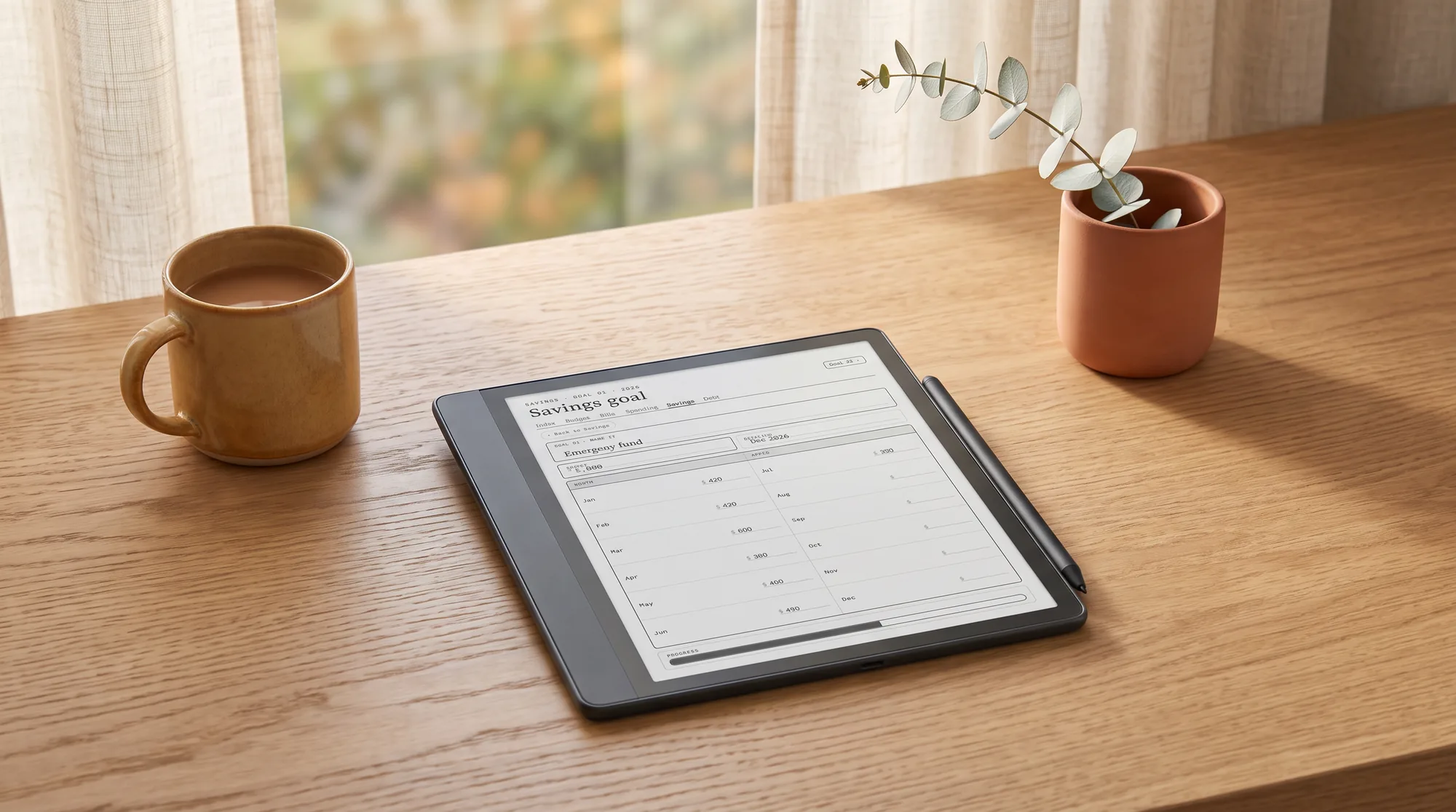
A digital savings tracker is a simple visual you keep on an e-ink tablet: one bar, thermometer, or grid of squares per goal, shaded a little more each time you put money aside. Saving is hard partly because the goal is far away and abstract, a number that barely moves week to week, and a savings tracker fixes that by making progress you can see. Each shaded segment is proof the balance is climbing, and watching it climb is what turns saving from a chore into something faintly satisfying. The math is nothing; the visible progress is the whole point.
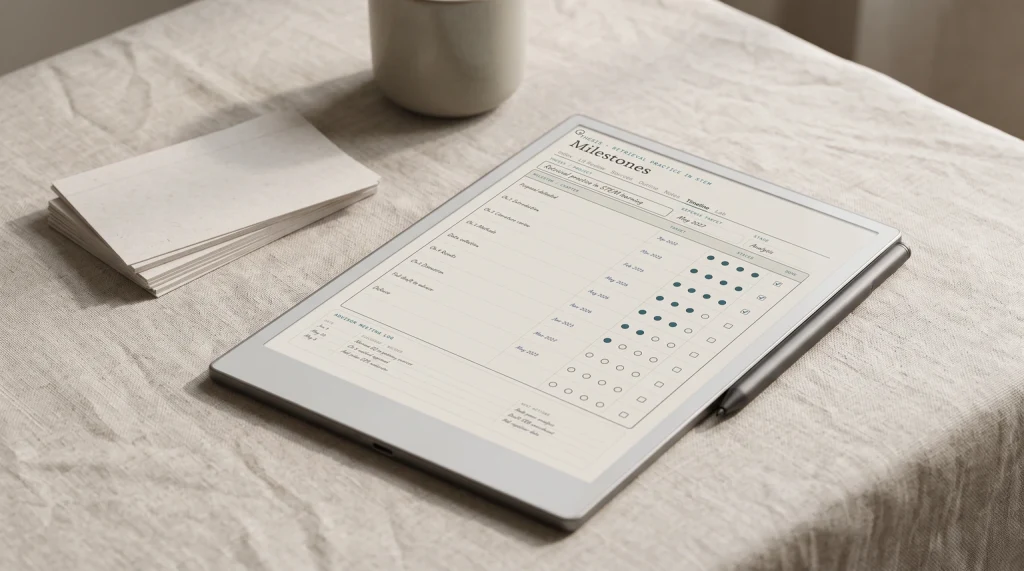
The setup stays plain. You name the goal, write the target amount and the date you want it by, give it a visual you can shade by hand, and add to it on a fixed day. A small figure for the balance so far against the target shows how close you are, and one line per goal lets you save toward a few things at once without them blurring into a single pot. That is the entire mechanism, and its power is emotional rather than clever: a goal you can see fill up beats a savings account you never quite look at.
Why e-ink
Why an e-ink tablet suits saving toward a goal
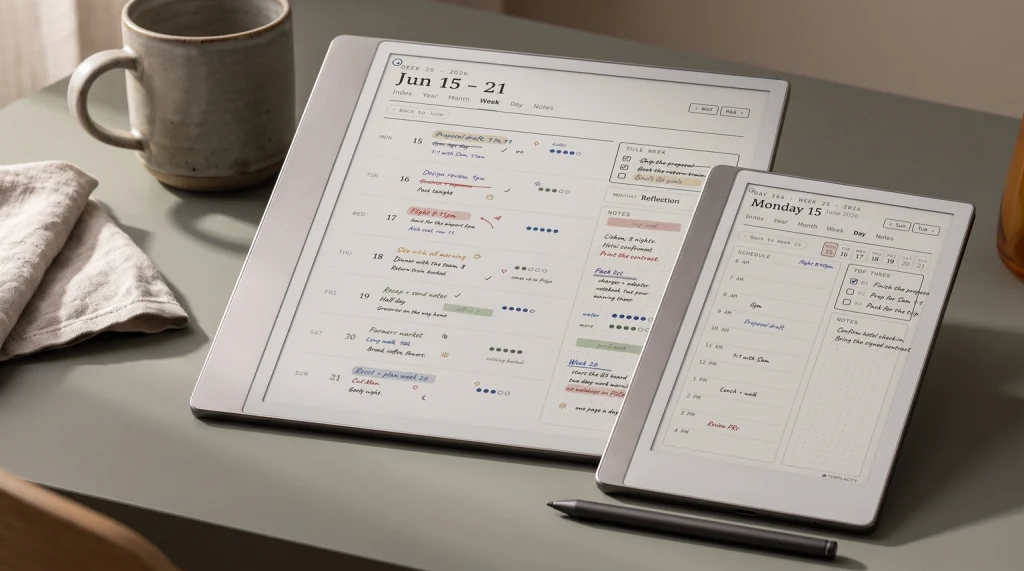
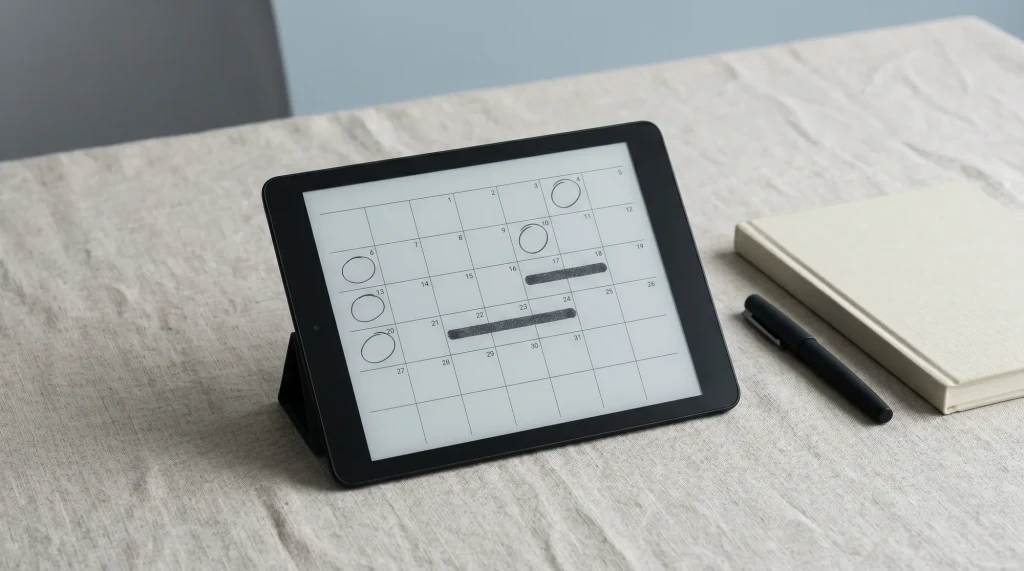
Saving is a slow, quiet job, and the tools that help are the calm ones. An e-ink tablet does not glow, does not notify, and does not live inside the same phone that serves you one-tap checkouts all day. You open it, shade the bar for what you set aside, and close it, and the ritual takes a minute with nothing on the other side of the screen tempting you to spend the money you just saved. A reMarkable, a Kindle Scribe, or a writing-capable Boox all handle it equally well, because the job is small: hold a chart, take a pen mark, keep it. If your planner already lives on the tablet, the savings goal sits beside the week where you will actually see it climbing.
There is a fair trade to name. A banking app can round up your spending and move the change automatically; a hand-shaded tracker asks you to write the amount in. What you get for that minute is contact with the number, which is exactly what makes a goal feel closer. People rarely stop saving for lack of automation; they stop because the progress feels invisible against a target that never seems nearer. Shading the bar by hand makes it visible, and a goal you can watch fill is one you keep feeding.
The method
How to set up a savings tracker
A savings tracker fails when the goal is vague or the visual is too dull to want to fill. The setup below is quick to keep and satisfying to mark, and it takes about fifteen minutes once, before the first deposit.
Name one goal and give it a number.
“Emergency fund, three months of costs,” or “holiday, two thousand.” A goal with a figure and a name is one you can shade toward; “save more” is not, and it never gets filled in.
Set a target date, then work backward.
Divide the goal by the months until the date to get the amount you need to set aside each payday. Seeing that a big goal is a manageable monthly slice is often what makes it feel possible.
Give the goal a visual you enjoy filling.
A thermometer, a bar, or a grid of squares that each stand for a fixed amount. The visual is the motivation engine, so make it one you look forward to shading in.
Fund it on payday, before you spend.
Move the money and shade the bar the day it lands, not with whatever is left at month end. A tracker tied to payday grows; one fed by leftovers stays empty.
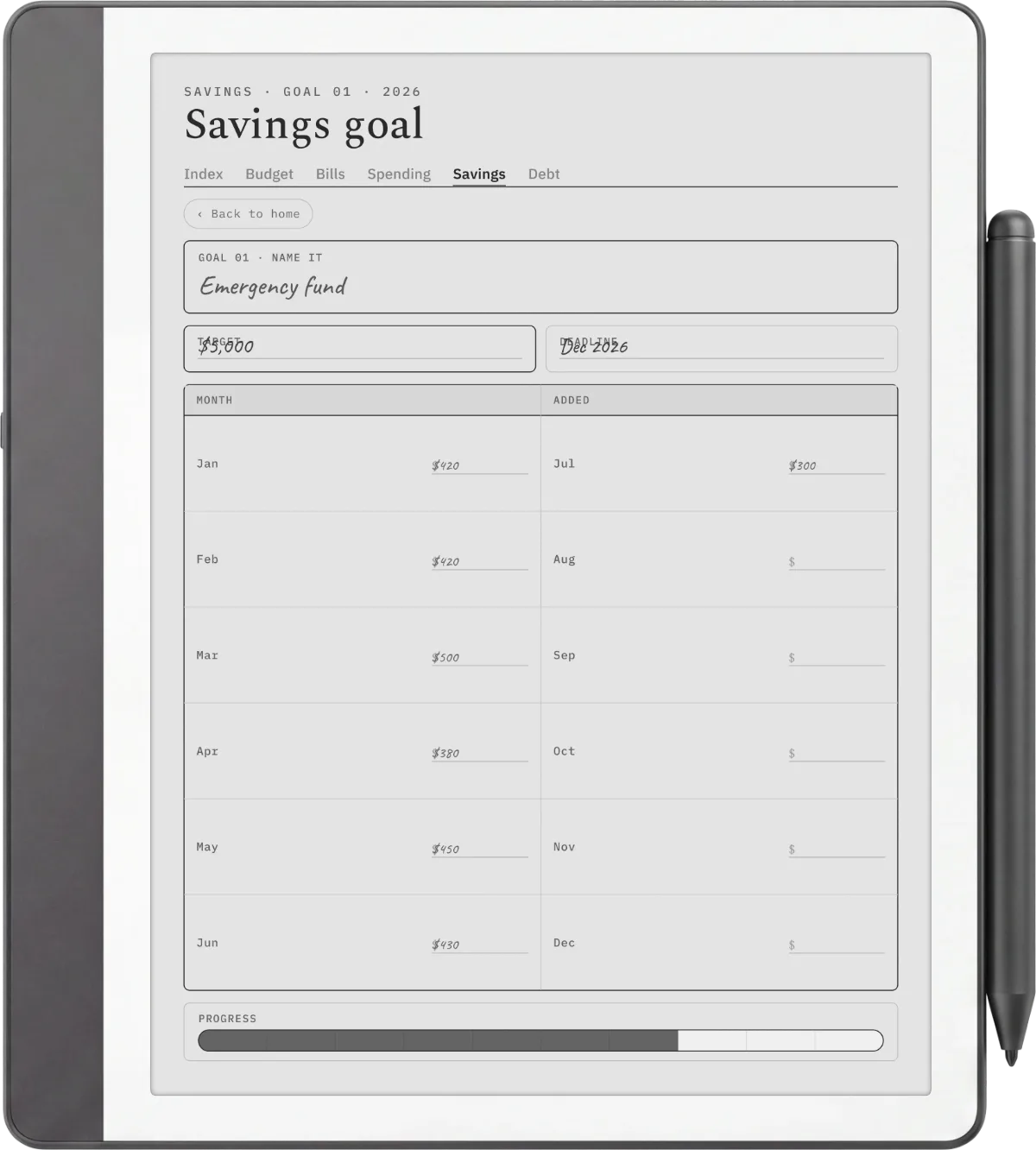
Keep the file dated rather than blank. A savings tracker dated for 2026 and 2027 gives you the months to pace a goal against, so you can see whether you are on track for the date or need to raise the monthly slice. An undated sheet makes you redraw the timeline yourself, the small friction that ends most trackers by spring. A goal worth saving for is usually months out, and a dated file is the one that stays with you the whole way.
Challenges
Savings challenges worth trying
Challenges are useful because they turn saving into a game with a clear board to fill, which is exactly what a tracker is good at. The 52-week challenge saves a rising amount each week, one dollar in week one up to fifty-two in the last, and the grid of weeks is oddly compelling to shade off. A no-spend month picks a category, or the whole discretionary budget, and skips it for a set stretch, with the saved money swept into a goal. A round-up habit sets aside the change on every purchase. None of these is magic, and the point is not the exact rule but the momentum, so pick the one whose board you will actually want to fill in.
The point is not the exact rule but the momentum, so pick the challenge whose board you will actually want to fill in.On savings challenges
Whichever challenge you run, the tracker is where it lives, and a challenge with no board to mark rarely lasts a month. Saving steadily is a habit like any other, and if you keep other ones by hand, our digital habit tracker guide covers the same calm, dated approach applied to routines rather than money.
The bigger picture
Where saving fits with bills, debt, and a budget
A savings tracker shows the goals filling, but it does not decide how much you can spare, and it is worth being honest about the order. Most guidance says clear the priciest debt and cover the essentials first, then save with what is genuinely left. A digital bill tracker shows the fixed costs, a debt payoff tracker shows the balances falling, and the savings tracker shows the goals rising; together they are the whole money picture, which a net worth tracker rolls into a single number you can watch climb. One special case sits between saving and bills: money set aside each month for known future costs like insurance or a holiday, which has its own name, sinking funds, and its own sinking funds tracker.
If you want the wider view, our digital budget planner guide covers picking one for reMarkable, Kindle Scribe, and Boox, with the savings tracker as one page of it. Keep it on the same tablet as your reMarkable planner or Kindle Scribe planner so the money pages sit beside the week they belong to.
How people save is personal, and the goal that motivates one person leaves another cold, so if you keep a savings tracker, tell us in the comments what you are saving toward and which challenge, if any, kept you going. The honest account of what actually filled the bar is worth more to the next reader than any chart, and it helps us build pages around the goals people really chase.
FAQ
Common questions, answered briefly
What is a savings tracker?
How do I set a realistic savings goal?
Does the 52-week savings challenge work?
Should a savings tracker be dated or undated?
Can I use a savings tracker on a Kindle Scribe or Boox?
If yours isn’t above, drop the question in the comments and we’ll add it.
People also ask