The idea
What a digital habit tracker actually does
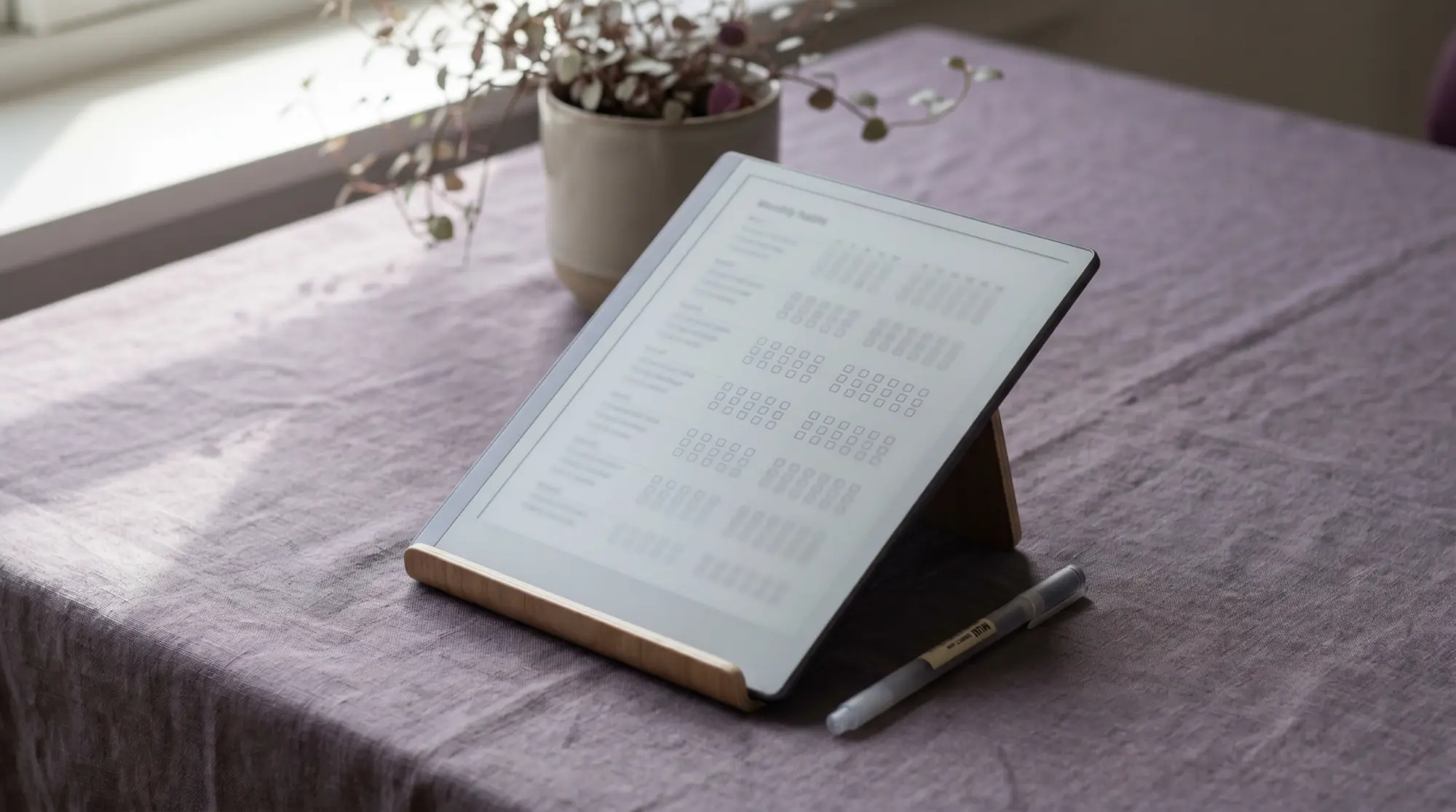
A digital habit tracker is a simple grid you load onto an e-ink tablet and mark by hand: a row for each habit, a column for each day, and a box you tick when you do the thing. The point is not the data; it is the streak. A run of filled boxes is a quiet, visible promise to yourself, and breaking it costs something in a way that a missed app reminder does not. That is the whole mechanism, and it is why a tracker you can see beats a tracker that only buzzes. The rest of this guide is how to set a digital habit tracker up so it actually changes a behaviour rather than becoming one more thing you stop opening.
Most people meet habit tracking through a phone app, and apps are fine until the notification becomes noise and the streak lives behind a lock screen you are trying to use less. Tracking by hand flips that. The tablet sits open on the desk, the grid is always the same page, and marking the box is a five-second ritual with no feed waiting on the other side. For a habit you are trying to build precisely because the phone gets in the way, writing it down on e-ink is the point, not a compromise.
Why e-ink
Why an e-ink tablet suits habit tracking
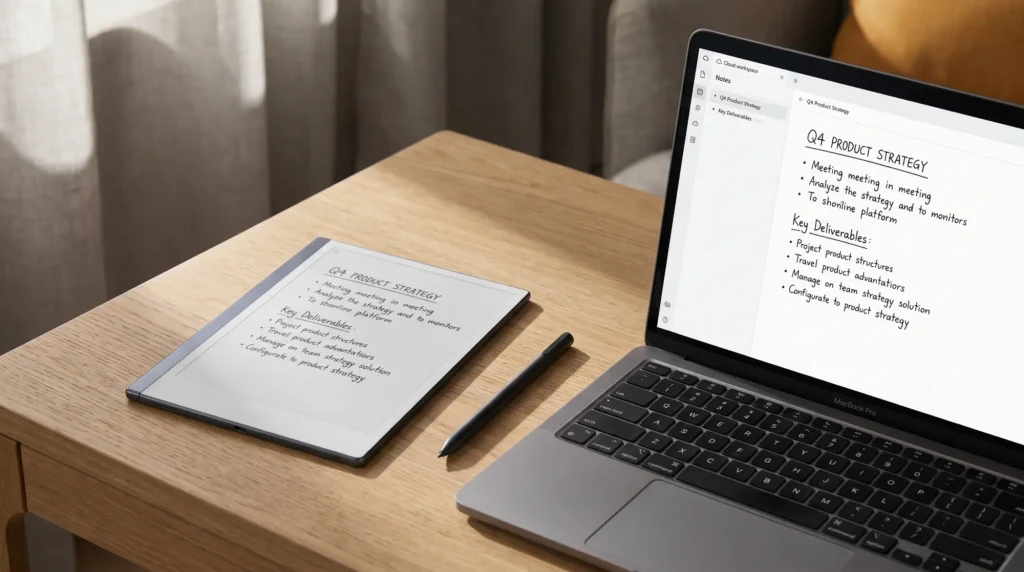
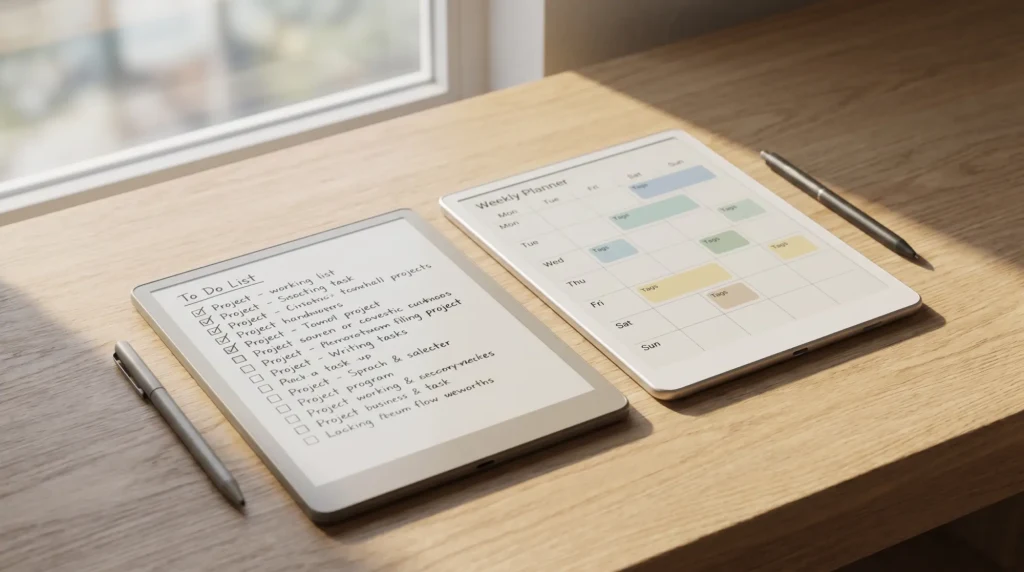
The honest case for an e-ink habit tracker is calm and friction, in the good sense. The screen does not glow, does not notify, and does nothing but hold your page, so opening it to mark a box never turns into twenty minutes lost to something else. A reMarkable, a Kindle Scribe, or a writing-capable Boox all do this equally well, because the job is small: show a grid, take a pen mark, hold it. If you already keep a planner on one of these, the tracker lives one tap from the rest of your week, which is the quiet advantage of putting it on the tablet you already write on rather than a separate app.
There is one fair trade to name. An app can nag you and tally your streak automatically; a hand-marked grid will not. You have to remember to open it, at least until the habit of checking the tracker is itself a habit. For most people that small effort is a feature, because the act of marking the box by hand is part of what makes the habit stick. If you want automatic reminders above all, an app on a Boox can sit beside the planner; if you want a calm page that does not pull at you, the hand-marked grid is the better fit.
If you would rather keep the grid on paper, on the fridge or inside a binder, our habit tracker printable guide compares the four printed layouts and the one rule for missed days.
The method
How to set up a habit tracker that sticks
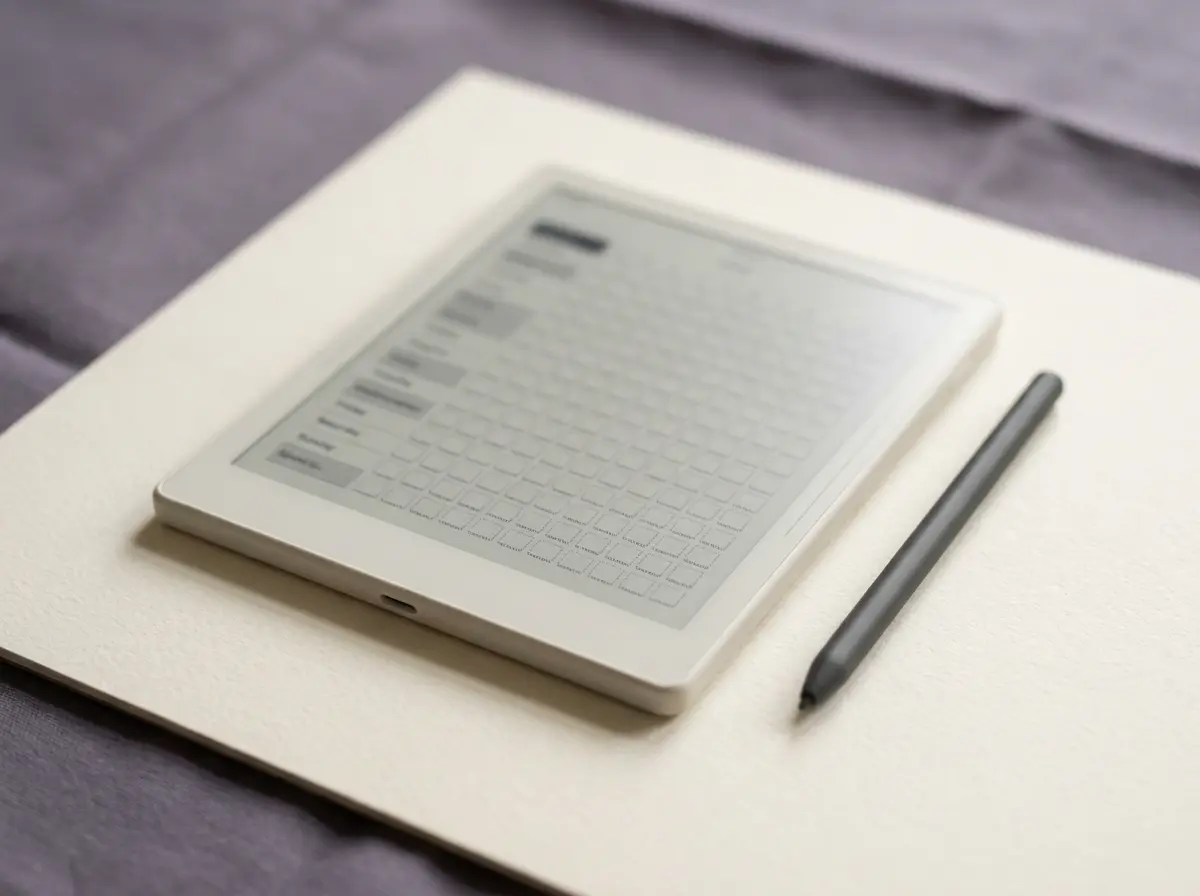
A habit tracker fails for predictable reasons: too many habits, no fixed time to check it, and a vague goal that cannot be ticked. The method below avoids all three, and it takes about ten minutes to set up before the first day.
Pick three to five habits, no more.
Choose the few that would actually move your week. A short list you keep beats a long one you drop, and you can always add a row once the first habits are automatic.
Make each one a yes-or-no, not a maybe.
Write habits you can tick without arguing with yourself: “ten minutes of reading,” not “read more.” A box you can clearly fill or not is the whole reason the grid works.
Anchor the check to something you already do.
Mark the grid at a fixed moment, with your morning coffee or before you close the tablet at night. A tracker tied to an existing routine gets opened; one left to willpower does not.
Review weekly and forgive the gaps.
Glance at the week, notice the pattern, and start the next row without guilt over a missed day. The aim is a trend you can read, not a flawless wall of ticks you give up on after one slip.
Give a new habit time before you judge it. The popular “21 days” is a myth; a 2010 University College London study found it took participants a median of about 66 days for a new behaviour to feel automatic, and that some habits took far longer. A dated tracker that spans months, rather than a single page you redraw, is what carries you across that real timeline. You can read the UCL habit-formation study if you want the detail behind the number.
Dated or not
Why a dated habit tracker beats an undated grid
Habits are built over months, so the file has to span months without you rebuilding it. A habit tracker dated 2026 and 2027 lays the days and weeks out for you and opens to today, so the only thing you do is mark the box. An undated grid asks you to draw and date each new page yourself, which is exactly the small friction that ends a tracker in week three. The dated file removes that friction permanently, and it carries your streak from one year into the next, so the progress you built in autumn is still there in the new year rather than reset to a blank page.
An undated grid asks you to draw and date each new page yourself, which is exactly the small friction that ends a tracker in week three.Why dated wins
Habit tracking also pairs naturally with whatever the habit is in service of. If you are building a training routine, the tracker sits well beside a proper log; our digital workout planner guide covers the training side, and the tracker is what tells you whether the gym days are actually adding up. The planner sets the intention; the tracker keeps you honest about it.
In practice
Putting a digital habit tracker on your tablet
Getting a tracker onto an e-ink tablet is straightforward: a habit tracker is a single PDF you load like any other document, and a hyperlinked one lets you tap from a month to a week without scrolling. Keep it on the same tablet as your planner so the habit you are building sits next to the week it belongs to (in the bullet journal method that is simply a habit collection beside the monthly log), back the file up to cloud storage so a lost tablet never means a lost streak, and resist the urge to add rows every time you think of a new goal. The trackers that last are the small, dated, boring ones you actually open, and the streak does the rest.
Habit tracking is personal, and the rows that work for one person look like noise to another, so if you keep a digital habit tracker, tell us in the comments which habits earned a row and which you quietly dropped. The honest list of what people actually keep tracking is worth more to the next reader than any template full of rows, and it helps us build the grid around habits people really hold.
FAQ
Common questions, answered briefly
What is a digital habit tracker?
Is an e-ink habit tracker better than a habit app?
How many habits should I track at once?
Should a habit tracker be dated or undated?
Can I use a digital habit tracker on a Kindle Scribe?
If yours isn’t above, drop the question in the comments and we’ll add it.
People also ask