This is part of our Supernote hub. For the Manta on its own, see our Supernote Manta review; for the wider field, the best Supernote alternatives.
The matchup
What the Supernote vs reMarkable question really is
Unlike most e-ink comparisons, Supernote vs reMarkable is not open versus locked. Both are deliberately closed, focused writing devices with no app store and nothing to distract you. That shared philosophy is why people cross-shop them, and it moves the decision onto the things they do differently: color, price, subscriptions, and how long the device is built to last.
The reMarkable Paper Pro is the polished, pricier option: an 11.8-inch color screen, a frontlight, and years of refined software and templates behind it, at $629 with the Marker. The Supernote A5 X2 Manta is the writer’s option: a 10.7-inch monochrome panel, no frontlight, a famous pen feel, and a repairable body, $505 with the pen sold separately. Same broad idea, two different answers.
Side by side
Hardware, head to head
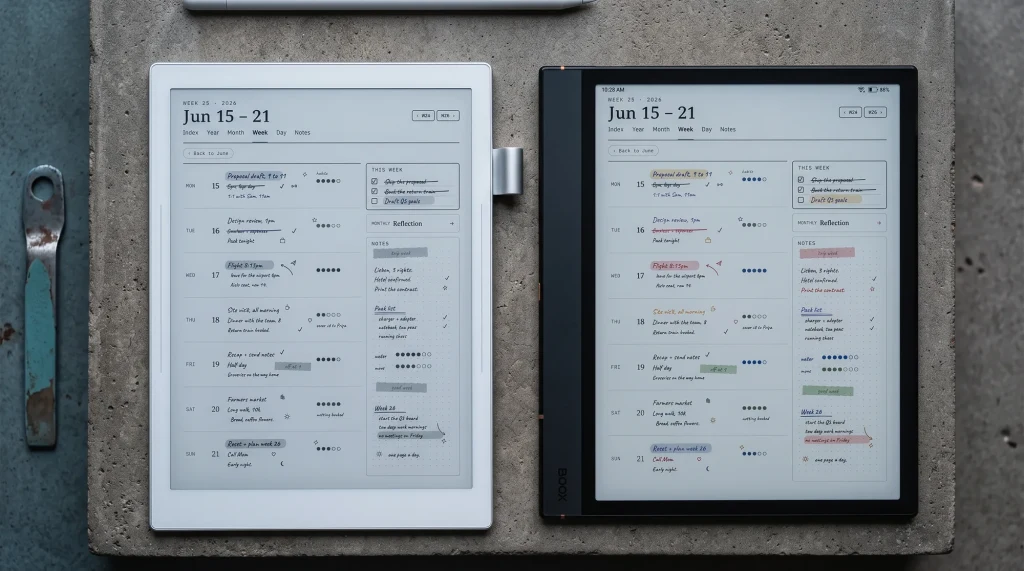
The Paper Pro is the bigger, brighter, more modern-feeling device: nearly an inch more screen, in color, with a frontlight the Manta lacks entirely. The Manta counters with a sharper monochrome panel, a repairable body, and a lower price. Neither is trying to be the other; the Paper Pro is a refined color writer, the Manta a focused mono one built to last. If the 10.7-inch Manta sounds large, note that Supernote also makes the compact 7.8-inch Nomad, though the Paper Pro’s natural rival is the full-size Manta.
Here is the full spec sheet, side by side, so you can see exactly where each device spends its budget.
| Spec | Supernote Manta | reMarkable Paper Pro |
|---|---|---|
| Price | $505 (pen from ~$65) | $629 (Marker included) |
| Screen | 10.7″ mono E Ink, no light | 11.8″ Canvas Color, lit |
| Resolution | 1920×2560, 300 ppi | Color Canvas Color (softer than mono) |
| Operating system | Chauvet, closed, no app store | Codex, closed, no app store |
| Subscription | None | Connect, $3.99/mo (search + full sync) |
| Pen | Ceramic nib, sold separately (~$65) | Marker included; Marker Plus +$50 |
| Battery | 3600 mAh, weeks | About 2 weeks |
| Weight | ~375 g | ~525 g |
| Repairability | Modular, replaceable battery | Sealed |
Color and light
Color, frontlight, and the screen
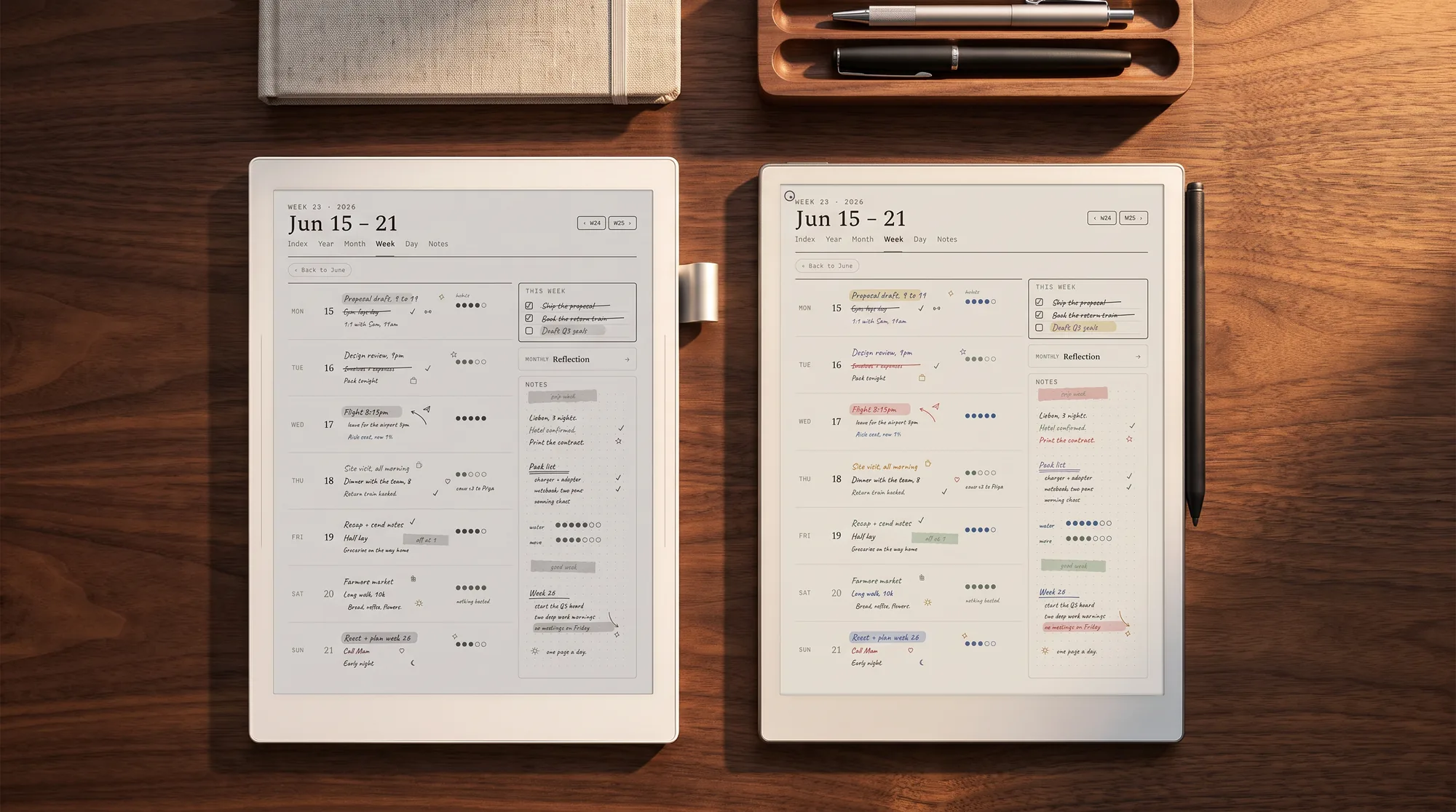
This is the clearest advantage the Paper Pro holds. Its 11.8-inch Canvas Color screen shows color for highlighting, mind-maps, and marked-up diagrams, and its frontlight means you can write and read in a dim room or in bed. The Manta has neither: it is monochrome, and it has no light at all, on purpose, to keep the surface as paper-like as possible.
The flip side is sharpness and calm. On the Paper Pro’s Canvas Color panel, color renders softer than pure mono, while the Manta’s monochrome screen is crisp edge to edge. For a pure black-ink writer working in daylight, the Manta’s screen is arguably the nicer writing surface; for anyone who wants color or light, it simply is not an option.
Cost over time
Price, pens, subscriptions, and repairability
Up front, the Manta is cheaper: $505 against the Paper Pro’s $629, though the Manta’s pen is a separate purchase from about $65 while the Paper Pro includes the basic Marker (the eraser-tipped Marker Plus is a $50 upgrade). Over time the gap widens in the Manta’s favor for two reasons. First, subscriptions: reMarkable’s handwriting search and full sync live behind Connect at $3.99 a month, while Supernote charges no subscription for its core features. Second, repairability.
The Manta’s battery and motherboard are replaceable, so it is designed to be repaired and kept for years. The Paper Pro is a sealed device; when its battery ages, your options are limited. For a buyer who keeps tools for the long haul, that difference, plus the absent subscription, can make the cheaper-up-front Manta meaningfully cheaper over five years, even though the Paper Pro is the more capable device on day one.
The pens split the same way. The reMarkable Marker writes through a soft tip that wears against the textured screen, which is part of why it feels so close to pencil on paper; reMarkable ships nine spare tips with every Marker, and after those you buy packs. Supernote’s nibs are ceramic, sold as NeverReplace, so in normal use there is nothing to swap and nothing to reorder. Storage follows the pattern too: the Paper Pro is a sealed 64 GB device, while the Manta takes a microSD card up to 2 TB. None of this changes the day-one experience, but all of it lands on the Manta’s side of a five-year bill.
Ecosystem
Templates and ecosystem
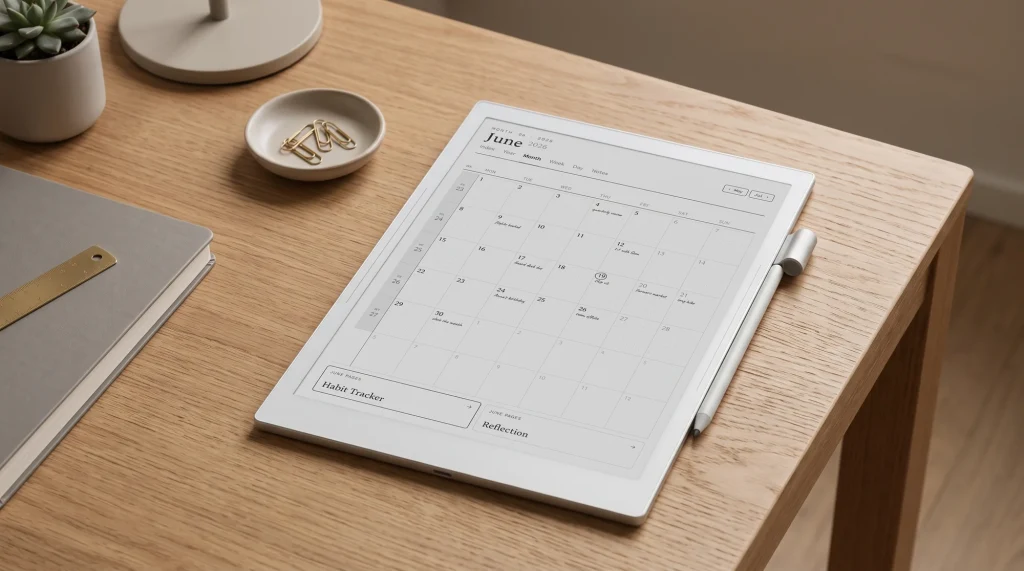
reMarkable has the deeper, more settled ecosystem after three device generations: mature templates, folders, tags, cloud handwriting search, and a large third-party template scene. Supernote’s is narrower but genuinely good: a solid built-in template set, PNG and PDF import for your own pages, and InkHub, its community platform for sharing templates and resources. Both let you build a real planner workflow; reMarkable’s is more turnkey, Supernote’s more hands-on, and our Supernote templates guide covers exactly how to set the Manta’s up.
Every pairing
Supernote vs reMarkable, model by model
Most searches for Supernote vs reMarkable name the Manta and the Paper Pro, because they are the two flagships. They are not the only honest match. reMarkable sells three current tablets and still refurbishes the reMarkable 2; Supernote sells two. Here is how each real pairing splits, priced from both stores in September 2026.
| Pairing | What decides it | Lean |
|---|---|---|
| Manta ($505 + $65 pen) vs Paper Pro (from $629) | Color and a reading light against writing feel, repairability and no subscription | Covered above: color, Paper Pro; longevity, Manta |
| Manta vs Paper Pure ($399, Marker included) | Both mono, both unlit, 10.7″ at 300 ppi against 10.3″ at 226 ppi. The Pure is lighter at 360 g and has a replaceable battery of its own | Pure on price; Manta on sharpness, screen size and expandable storage |
| Manta vs refurbished reMarkable 2 (from $349) | The rM2 is discontinued and sold refurbished only, as bundles with a Marker and a folio | rM2 if cost is the whole question; Manta for a new, repairable device |
| Nomad ($359 + pen) vs Paper Pro Move (from $449) | The pocket pair: 7.8″ mono and unlit against 7.3″ color with a light | Its own comparison, linked below |
| Nomad vs Paper Pure | Not really rivals: a 7.8″ notebook against a 10.3″ letter-size page | Decide the size first, then the brand |
The Manta against the Paper Pure is the closest fight on the list, because it removes the Paper Pro’s two trump cards, color and light, and leaves two mono writing slabs about $170 apart once the Manta’s pen is counted. For the pocket sizes, our Paper Pro Move vs Supernote Nomad comparison goes through that pair on its own, and our Nomad review covers the small Supernote in full.
Scorecard
How they score, axis by axis
Neither device sweeps the board, which is exactly why the choice comes down to what you value. Here is where each one wins, axis by axis.
| Axis | Winner | Why |
|---|---|---|
| Writing feel | Manta | Ceramic nib on textured film, rated among the best in e-ink |
| Screen size | Paper Pro | 11.8 inches against the Manta’s 10.7 |
| Color | Paper Pro | Canvas Color; the Manta is mono only |
| Frontlight | Paper Pro | Has a light; the Manta has none by design |
| Price up front | Manta | $505 against $629 |
| Cost over time | Manta | No subscription, replaceable battery |
| Repairability | Manta | Modular body vs a sealed one |
| Ecosystem | Paper Pro | More mature after three device generations |
| Distraction-free focus | Tie | Both are closed, app-store-free writing tools |
Four axes each, plus a tie on the thing they were both built for: getting out of your way while you write. That even split is the honest answer to Supernote vs reMarkable, so the tiebreaker is your own priorities.
Considering a third option? Our free e-ink tablet buying guide gives Supernote and reMarkable a chapter each and adds Kindle Scribe, BOOX, iFlytek and Kobo, with one table per buyer question.
Verdict
The call on Supernote vs reMarkable
FAQ
Common questions, answered briefly
Is the Supernote Manta or reMarkable Paper Pro better?
Is Supernote cheaper than reMarkable?
Does the Supernote Manta have color like the reMarkable Paper Pro?
Does reMarkable need a subscription and Supernote does not?
Which has better templates for planning?
Is the Supernote Manta or the reMarkable Paper Pure the better mono tablet?
People also ask
Other questions, briefly answered
Own a Manta and a reMarkable, or switched from one to the other? Tell us in the comments what tipped it, especially whether color or repairability turned out to matter more in daily use. We keep this comparison current as both lines update.