Start here
The cheaper one has the bigger page
Almost every write-up of reMarkable Paper Pro Move vs Supernote Nomad opens on the price and stops there: $449 against $329, so the Supernote is the budget pick and the reMarkable is the one you pay up for. Both halves of that sentence are wrong in a way that changes the answer. The Nomad has no pen in the box, so a usable one is $394 rather than $329. And at almost the same screen diagonal, the cheaper device gives you meaningfully more room to write.
These are the two small e-ink notebooks that people actually cross-shop. The Move is reMarkable’s 7.3 inch colour device, the only one in their lineup you can put in a coat pocket. The Nomad is Supernote’s 7.8 inch mono entry model, built around being taken apart and repaired. They cost close to the same money once you have a pen for each, they are within 36 grams of each other, and they are almost nothing alike.
The honest framing is not cheap against expensive. It is a paper-shaped mono page with no light, against a narrow colour page with a light. Which of those you want is a question about where and when you write, not about how much you want to spend.
Side by side
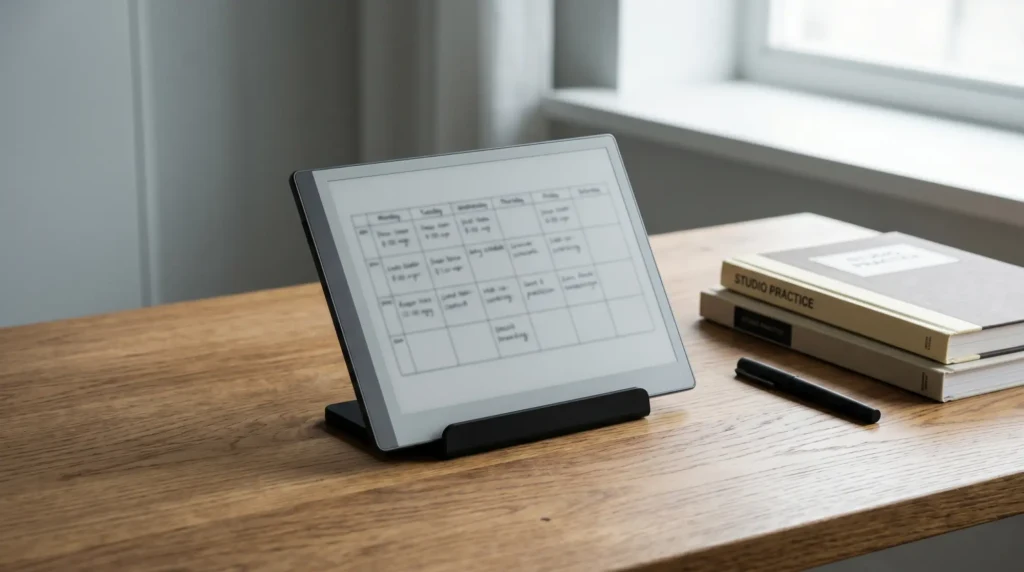
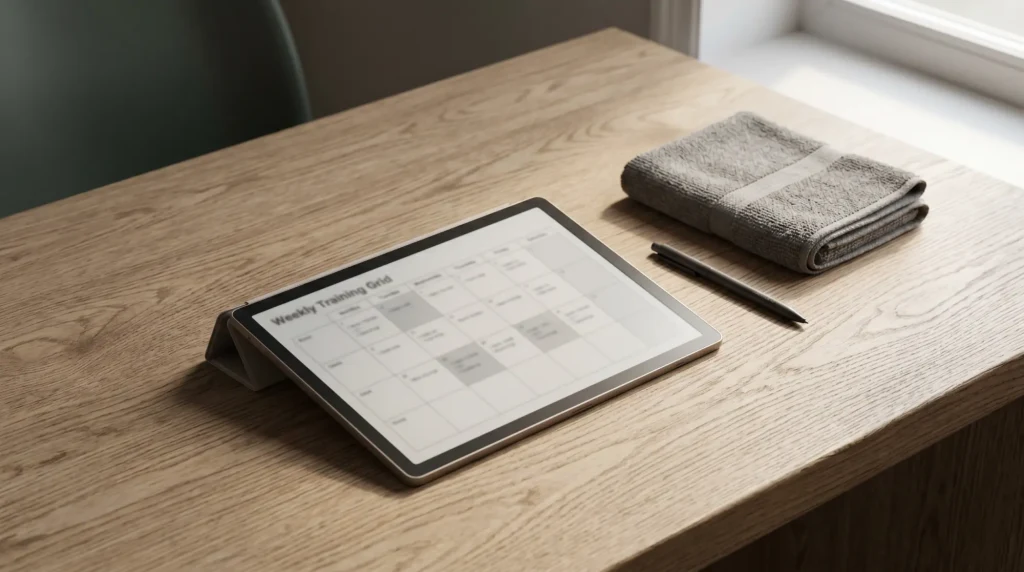
reMarkable Paper Pro Move vs Supernote Nomad, side by side
Two numbers in that pair of panels do more work than the rest put together, and both of them run against the price. The cheaper device has the larger, sharper page. The more expensive one has the light, the colour, and the pen already in the box.
| Paper Pro Move$449 | Supernote Nomad$329 | |
|---|---|---|
| Screen size | 7.3″ | 7.8″ |
| Panel | Canvas Color (E Ink Gallery 3) | Glass E Ink, mono |
| Resolution (portrait) | 954 x 1696 | 1404 x 1872 |
| Pixel density | 264 ppi | 300 ppi |
| Page shape | 9:16, narrow | 3:4, paper |
| Writing area | ~ 23.2 sq in | ~ 29.2 sq in |
| Weight | 230 g | 266 g |
| Reading light | Adjustable | None |
| Storage | 64 GB fixed | 32 GB plus microSD |
| Battery | 2,334 mAh | 2,700 mAh, replaceable |
| Pen | Marker in the box | Sold separately, from $65 |
| Cost with a pen | $449 | $394 |
Every figure there comes from reMarkable’s and Supernote’s own product pages, read on 11 September 2026 and linked at the foot of this post. The writing areas are the one exception: they are arithmetic, done below, on each vendor’s stated resolution and pixel density.
The page
Half an inch of diagonal, an inch of width
7.8 inches against 7.3 sounds like a rounding error. It is not, because a diagonal describes a line and you write on an area, and these two panels are not the same shape. Take each vendor’s own numbers. The Nomad is 1404 by 1872 pixels at 300 ppi, which is 4.68 by 6.24 inches, or 29.2 square inches. The Move is 954 by 1696 at 264 ppi, which is 3.61 by 6.42 inches, or 23.2 square inches. The cheaper device gives you about a quarter more page.
Writing surface, derived from each vendor’s own resolution and density figures (square inches)
The square inches understate it, though, because the useful difference is all in one direction. The Nomad’s page is 4.68 inches wide; the Move’s is 3.61. That is 1.07 inches, and it is the difference between a 3:4 sheet, which is roughly the proportion of a paperback or a small notebook, and a 9:16 strip, which is roughly the proportion of a phone. The two devices are nearly the same height. They are not the same page.
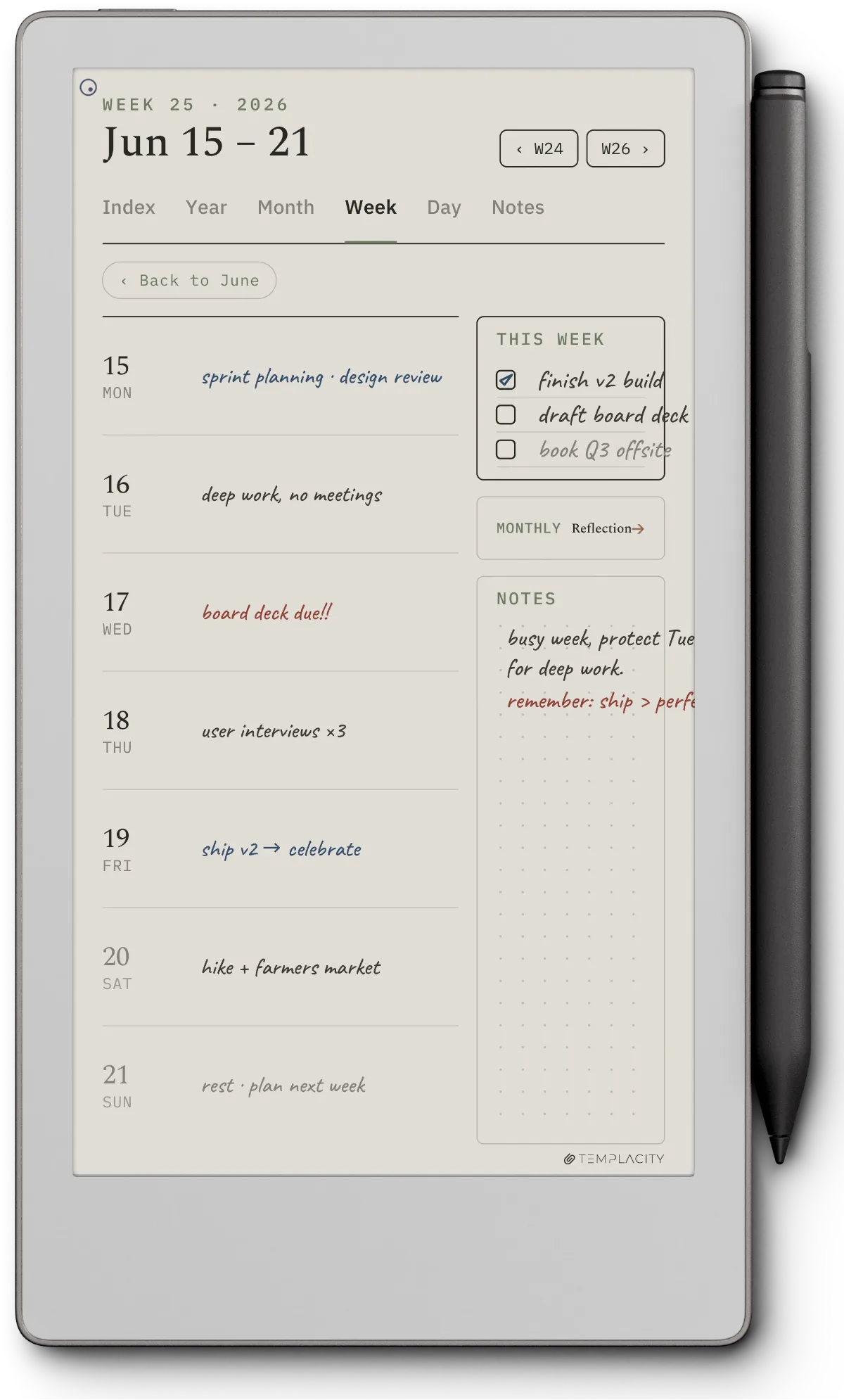
Width is what layouts spend. A weekly spread, a habit grid, a project board, a two-column meeting note: all of them are designed across the page rather than down it, and 3.61 inches of across runs out fast. This is why our Move template pages are drawn for the narrow shape rather than scaled down from the larger reMarkable files. On the Nomad, an A6-proportioned page behaves like the paper notebook it is imitating, and a planner layout designed for a bigger device usually survives the trip.
The Nomad is also the sharper of the two at 300 ppi against 264. In practice that shows up in small handwriting and in dense PDF text rather than in anything dramatic, but it is another line where the cheaper device wins outright.
The gaps
The two things only the Move does
The Move has an adjustable reading light. The Nomad has none. Supernote prints it plainly on the Nomad’s own spec list as “Frontlight free”, and they mean it as a feature: no light layer between your eye and the ink, which is part of why the panel reads the way it does. It is still the single most consequential difference in this comparison. Writing on a Nomad after dark means a lamp, every time, with no exceptions and no setting to change. If a meaningful share of your writing happens in bed, on a plane, on a winter commute or in a badly lit meeting room, this decides the whole thing and nothing below matters.
The Move writes in colour. The Nomad is mono. The Move’s panel is Canvas Color, which reMarkable builds on E Ink Gallery 3. Gallery 3 carries colour in the ink itself as a four-particle system rather than laying a colour filter over a mono panel the way Kaleido screens do, so colour renders at the panel’s full 264 ppi instead of at roughly half resolution. The trade is refresh speed on full-colour pages. Set expectations correctly: colour on a device like this is closer to a set of highlighters than to a paint box, and it is for separating work rather than for illustration. But if you mark up documents in three colours today, the Nomad cannot do it at any price.
Those two are requirements or they are nothing. Everything else in this comparison is a preference you can talk yourself out of; a light and colour are either on the device or they are not.
The money
The pen nobody prices in
The Nomad is listed at $329 for the White edition and $359 for the Crystal. Neither one includes a pen. Supernote sells pens separately and the cheapest is the Push-Up Standard Pen at $65, with the Heart of Metal Pen 2 at $83 and the LAMY collaborations at $99. So the floor for a Nomad you can actually write on is $394, and that is the number to compare.
The Move is $449 with a Marker in the box. Against $394, the real gap is $55. Pick the Crystal Nomad and it is $25. A $120 saving is a reason to change your mind about a device; a $55 one is not, and the comparison should be decided on the page and the light rather than on the money.
Folios are extra on both sides, so that part cancels out. The one genuine running cost to weigh is that Supernote’s pens use ceramic nibs the company describes as not needing replacement, while the Move uses conventional Marker tips that wear and get replaced; the Move ships with spares in the box. Over a year it is a small number either way, and it is not a reason to choose.
The long run
What the Nomad does that the Move cannot
Supernote builds the Nomad to be opened. Their own product page says both the White and Crystal editions are designed with user repairability in mind, and names the battery, the motherboard and the microSD card as things you can replace yourself. The 2,700 mAh cell is one of them. The Move carries 2,334 mAh and is not built that way.
Over two years none of this matters. Over five it is the whole argument, because an e-ink notebook is not a device you replace on a cycle, and the thing that usually ends one is the battery rather than the screen or the processor.
Over two years none of this matters. Over five it is the whole argument, because the thing that usually ends an e-ink notebook is the battery.The long run
Storage runs the same way. The Move has 64 GB and that is what it will always have. The Nomad has 32 GB, of which the system takes a share, plus a microSD slot you can top up. If you carry a large PDF library rather than a handful of notebooks, the expandable 32 GB is the better shape of storage even though the fixed 64 GB is the bigger number today.
The Nomad also runs Chauvet, which Supernote describes as a specialised Android 11 based system, on an RK3566 quad-core at 1.8 GHz with 4 GB of RAM. It is a closed, deliberately quiet environment rather than a tablet, but it is Android underneath, and that matters to a certain kind of buyer who wants one extra app on the device. reMarkable’s software is its own, and it is not that. If the openness question is what brought you here, our Move alternatives roundup covers the other small devices on the same axis, and the Nomad against the larger Manta is the comparison to read if you have already settled on Supernote and are only choosing a size.
The call
Which one to buy
For most people weighing reMarkable Paper Pro Move vs Supernote Nomad, the Nomad is the better notebook: a wider, sharper, larger page, for $55 less once both have a pen, in a body you can keep running by changing the battery. If what you want is a digital sheet of paper and you write in rooms with the lights on, that is the buy, and the money saved is close to incidental to the reason.
The Move is the better device, and for a narrower reader it is not close. It has the light, it has colour, it is 36 g lighter, it is narrow enough to go in a coat pocket rather than a bag, and the pen is already in the box. Two of those, the light and the colour, are things the Nomad cannot be talked into at any price. If either is a requirement, stop reading and buy the Move.
The case that gets decided wrongly most often is the planner one. If you came here wanting weekly spreads, dashboards and anything laid out in columns, the extra inch of width on the Nomad is worth more than colour is, and buyers routinely discover that in week two rather than in the shop.
If the shortlist is wider than these two, the neighbouring comparisons are written up separately: the full Paper Pro against the Supernote line runs the same argument at the large size, our Supernote Nomad review goes deeper on living with the mono page, and the reMarkable hub sits above all of it.
FAQ
Common questions, answered briefly
Is the Supernote Nomad bigger than the reMarkable Paper Pro Move?
Does the Supernote Nomad have a reading light?
Does the Supernote Nomad come with a pen?
Which one is better for planners and weekly spreads?
Can you replace the battery in either device?
If yours isn’t above, drop the question in the comments and we’ll add it.
People also ask
Other questions, briefly answered
If you have lived with either of these for a few months, we would rather hear that than another spec sheet: tell us in the comments which one you bought, and whether the width of the page or the reading light turned out to be the thing that mattered.