The brief
What the best digital workout planner has to do
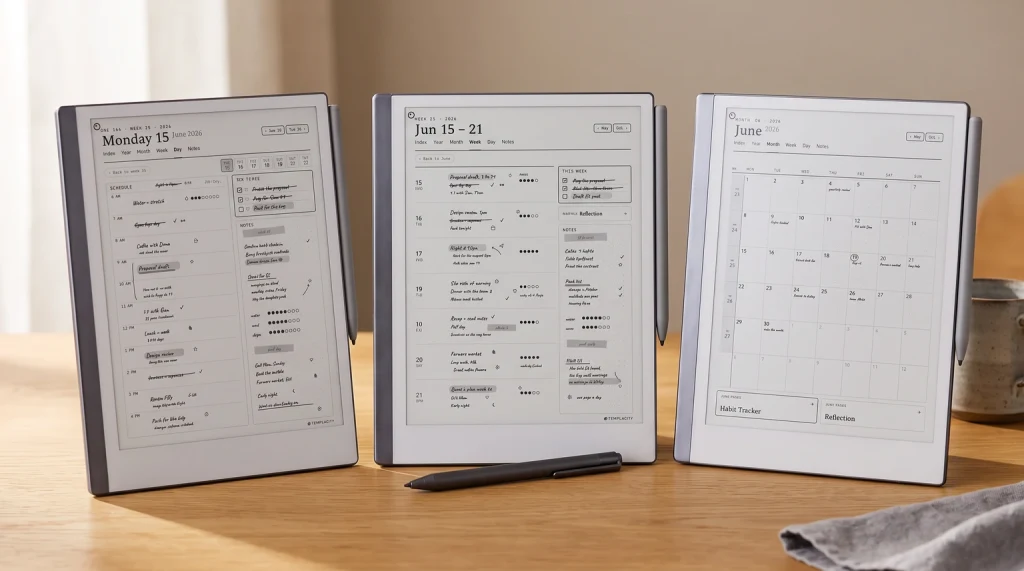
A digital workout planner is a planner PDF, built with tappable links, that you load onto an e-ink tablet and fill in by hand between sets. The job it does is simple to state and easy to get wrong: it has to lay out your training week, take you from the week to a single session in one tap, and give you somewhere to log the working sets, the weight, and the reps you actually hit, all in one file you bring to every session. A notes app can hold some of that, but it lights up with messages mid-workout and never feels like a training log; a wall of paper sheets gets lost. The best digital workout planner sits in between, a calm page you write on at the rack, and the rest of this guide is how to choose one that fits your tablet and your training rather than one that looks impressive in a screenshot and goes blank by week three.
Three things separate a workout planner you keep from one you abandon. It has to be hyperlinked, so jumping from the week to today’s session is a tap and not a scroll. It has to be dated to a real year, so the training weeks are built and progress lines up over time. And it has to carry the pages a lifter or runner actually uses, which is a shorter list than most fitness templates admit. Get those three right and the tablet becomes the only thing you carry to the gym.
- Hyperlinked: tap from the training week to a session, and jump to your progress log or exercise library
- Dated: the year mapped for you, ideally two years so a training block carries forward
- Pen-ready: set-and-rep columns sized for quick handwriting between sets, not fiddly typing
- Focused: a weekly split, a session log, a progress tracker, a meal-planning page, and little filler beyond that
Tablet first
Match the workout planner to your tablet
The most common mistake is choosing a planner before checking it suits the tablet you train with. A file built for a 10-inch writing surface can feel cramped on a 6-inch reader, and set-and-rep columns made for one pen can ignore the pressure and palm rejection of another. So start from the hardware. If you already own a reMarkable, a Kindle Scribe, or a writing-capable Boox, the workout planner has to be made or sized for it, because the link spacing, column widths, and margins are all tuned to a screen. A planner sold per device exists for that reason, and a generic one that claims to fit everything usually fits none of them well at arm’s length on a bench.
This matters more in the gym than at a desk, because you are writing fast, standing up, often with one hand. A workout planner sized for your screen puts the log line where your pen lands without zooming, which is the difference between recording the set and skipping it. The short version is that all three brands write well on e-ink; the difference is software and ecosystem, not whether the planner will run. Decide the device, then buy the planner built for it.
| Device | Best for | Logging between sets | App flexibility |
|---|---|---|---|
| reMarkable | A calm, distraction-free training log | Excellent, fast pen, no lag | Closed, focused |
| Kindle Scribe | Training plus reading in one device | Strong on the writable PDF | Limited, reading-led |
| Boox | A log plus a coaching or video app alongside | Good, with adjustable tools | Open Android |
The pages
The pages a workout planner actually needs
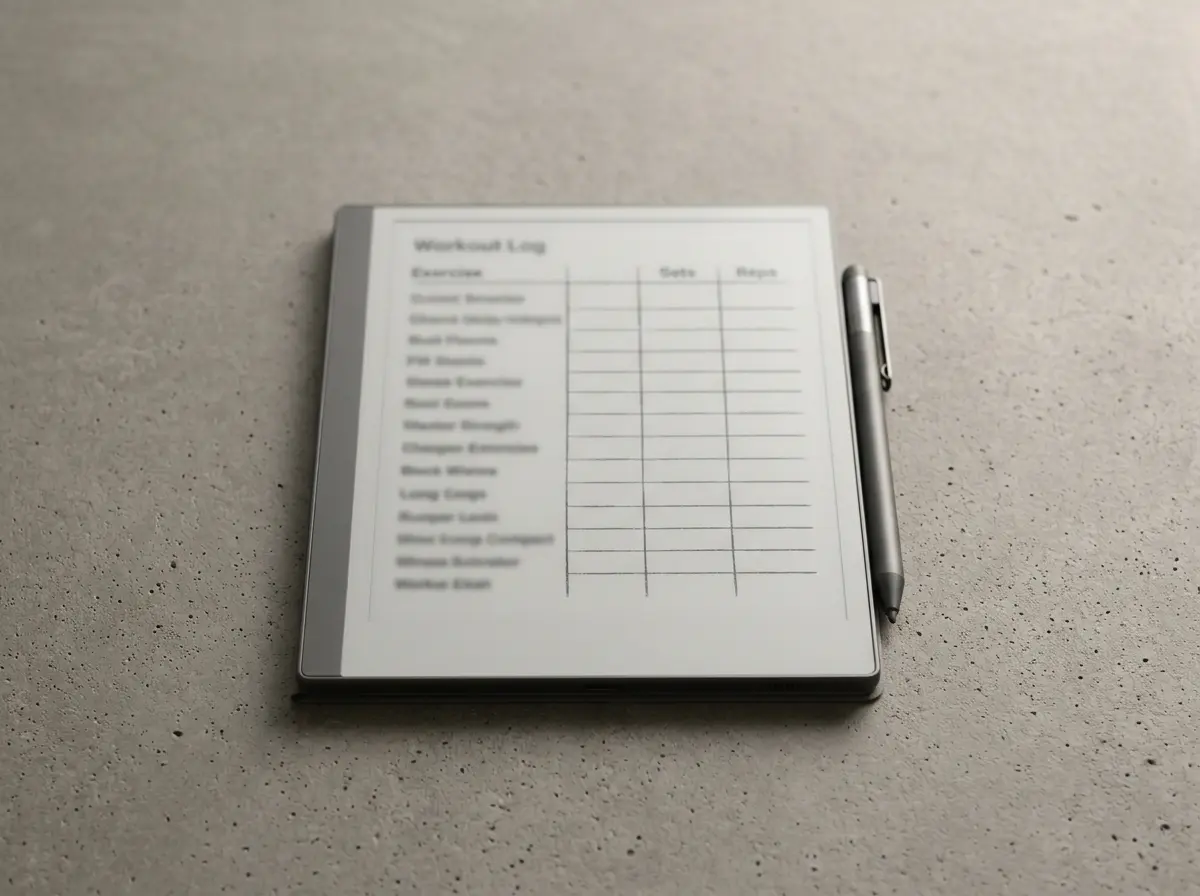
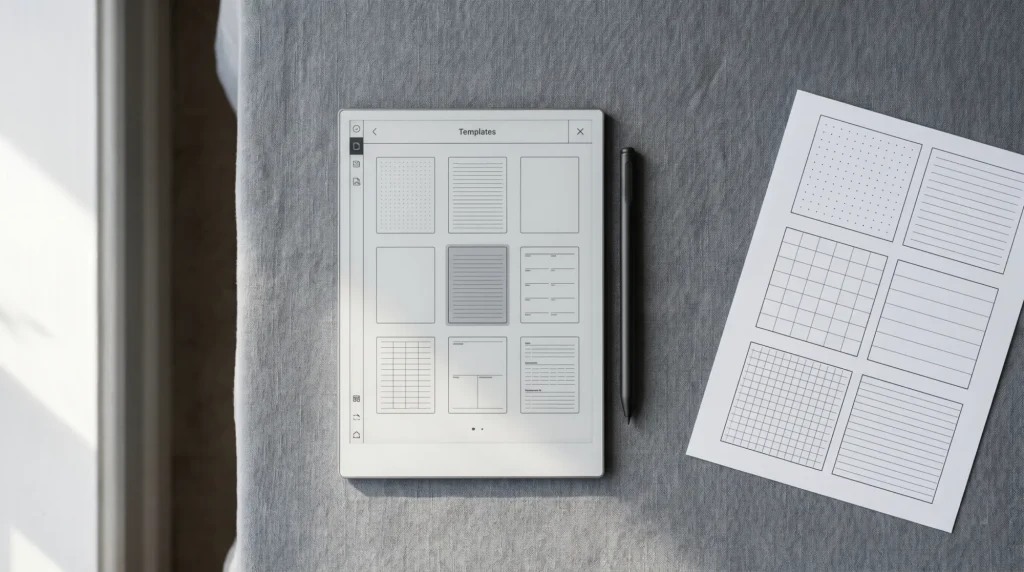
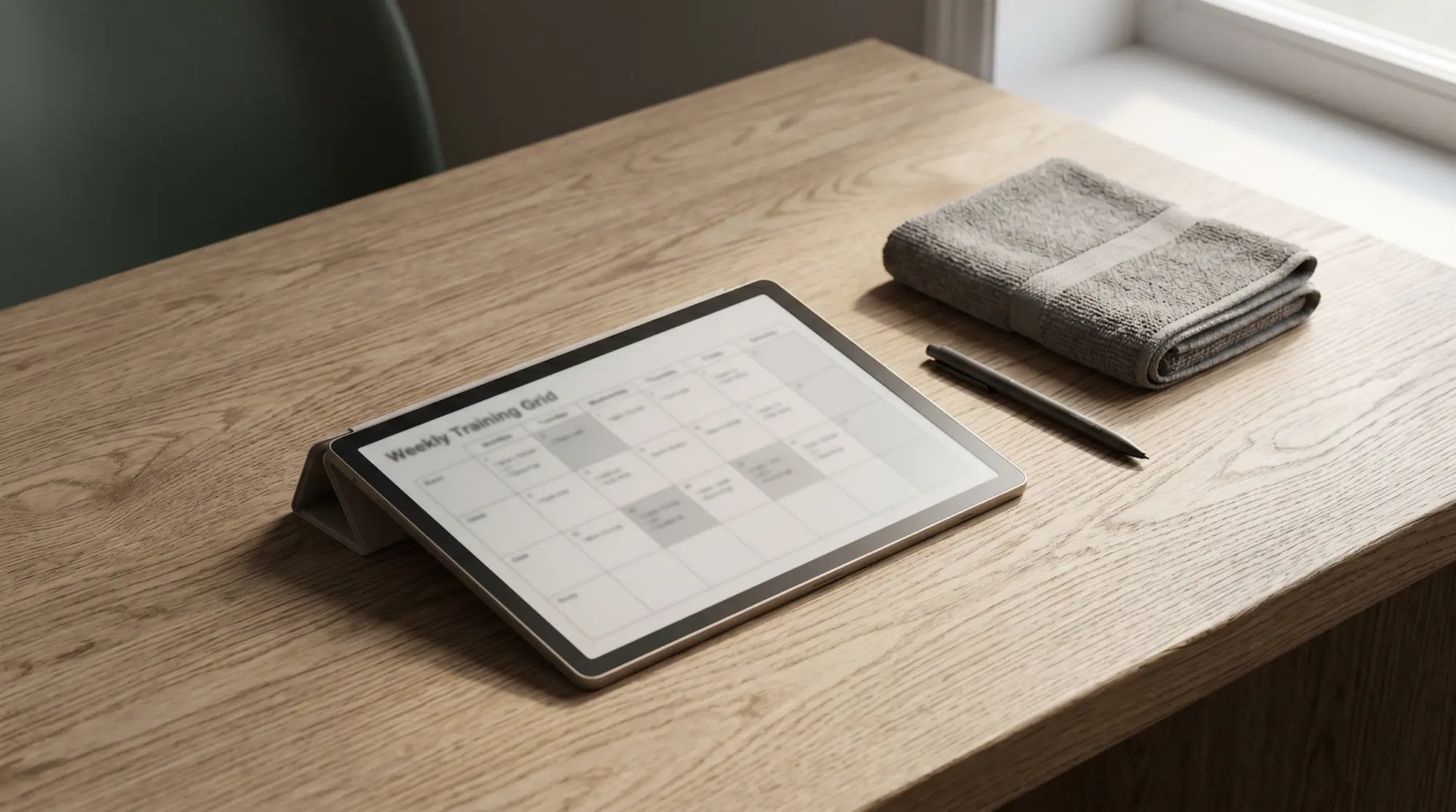
A workout planner does not need thirty page types; it needs the few that carry a training week. The backbone is a weekly split, so you can see push, pull, legs, and rest at a glance and know what today is before you arrive. Under that sits the session log, the page that earns its keep: exercise, sets, reps, and weight in clean columns you fill fast. A progress tracker, even a simple one for your main lifts or your weekly distance, is what turns scattered sessions into a trend you can read. A single meal-planning page rounds it out, since eating drives most results, though it is a page in the planner and not the reason you bought one.
The honest test of a workout planner is whether you would still log on a tired evening, and that is a habit you build, not a feature you buy. The method below is the short version of setting one up so the logging actually sticks past the first enthusiastic fortnight.
Build the week before you build the workout.
Lay your training days into the weekly split first, rest days included. A session you can see on the calendar is a session you keep; one you decide on the morning of is the one you skip.
Log the working sets, not every detail.
Record the sets that count, with weight and reps, and leave the warm-ups off. A log you can fill in ten seconds between sets is one you keep filling; a form that asks for everything gets abandoned by Thursday.
Track one progress metric, not ten.
Pick a single number that means progress for you, a top set on a main lift, or weekly distance, and keep it on its own page. One honest trend line beats a dashboard you stop updating.
Review weekly and adjust the next block.
Spend five minutes at the end of the week reading the log back and setting the next week’s targets. The planning is what makes the planner worth more than a blank notes page.
When you weigh a digital workout planner, count the pages you would open every session and ignore the rest of the page count. For how much training a week is worth aiming at, the CDC physical activity basics set a plain, free baseline you can build a split around.
Device fit
reMarkable, Kindle Scribe, or Boox for training
All three write well on e-ink, so the choice comes down to how each fits your training. If you want a quiet log and nothing pulling your attention between sets, reMarkable is the calm pick, and a planner pairs with it the way our reMarkable planner guide lays out. If you read as much as you lift and want one device for the plan and the book, Kindle Scribe writes on the same screen you read on, which our Kindle planner guide covers. If you follow a coaching app or watch form videos at the rack, a writing-capable Boox gives you open Android beside the planner. None is wrong; they suit different training styles.
Training and habit are close cousins, so a workout planner works best next to a simple streak page. If consistency is the thing you most need to fix, pair the planner with a habit tracker; our digital habit tracker guide shows how a single streak page keeps the gym days adding up. The planner tells you what to do; the tracker tells you whether you did it.
Dated or not
Why a dated workout planner beats an undated one
Training is measured in blocks and seasons, and a dated file is what makes the progress visible. A workout planner dated 2026 and 2027 lays the weeks out for you, numbers them, and opens to today, so you start the session rather than ruling up a grid first. An undated planner asks you to date every page yourself before your first set, which is busywork you will drop by February, the exact month most plans quietly die. The dated file does the opposite: it carries a training block from one year into the next, so a lift you could not do in January is right there to compare against next January.
That two-year span is where strength training pays off, because the gains are slow and the proof is the trend. Seeing twelve months of sessions, or a number that finally moved after a long plateau, is the reward, and it only exists if the planner spans the years rather than expiring on the 31st. A planner that covers 2026 and 2027 is a training log you grow into, not a book you have to set up first.
An undated planner asks you to date every page yourself before your first set, which is busywork you will drop by February, the exact month most plans quietly die.Why dated wins
In practice
Getting the most out of a digital workout planner
Once the planner is loaded, a few habits decide whether it lasts past the new-year rush. Build the week’s split in one sitting so the plan is set before motivation dips. Keep the planner at the rack and log the working sets as you go, because a set recorded after you leave the gym is usually a set guessed. Read the progress page at the end of each week and set the next week’s targets from it, so the planner plans and does not just record. Back the file up to cloud storage, because a workout planner is a single PDF and a lost tablet should never mean a lost training block. And resist collecting page types you will not open; a digital workout planner works because it is one focused file, and every extra tab is one more thing between you and the log line you came to fill.
A workout planner only proves itself across a real training block, so if you have logged a few months on one, tell us in the comments which pages you fill every session and which you never touched. The honest list of what lifters and runners actually use is worth more to the next reader than any feature count, and it helps us shape the Fitness pages around how training really runs.
FAQ
Common questions, answered briefly
What is a digital workout planner?
Which tablet is best for a digital workout planner?
Should a workout planner be dated or undated?
Is an e-ink workout planner better than a fitness app?
Can I use a digital workout planner on a Kindle Scribe?
If yours isn’t above, drop the question in the comments and we’ll add it.
People also ask