How to Import Templates to reMarkable Paper Pro Move 2026
How to import templates to reMarkable Paper Pro Move in 2026: the 7.3-inch sizing, the PDF path, and what changes when your reMarkable lives in a pocket.
Updated October 3, 20267 min read1,437 words
Path
How to import templates to reMarkable Paper Pro Move: the PDF path
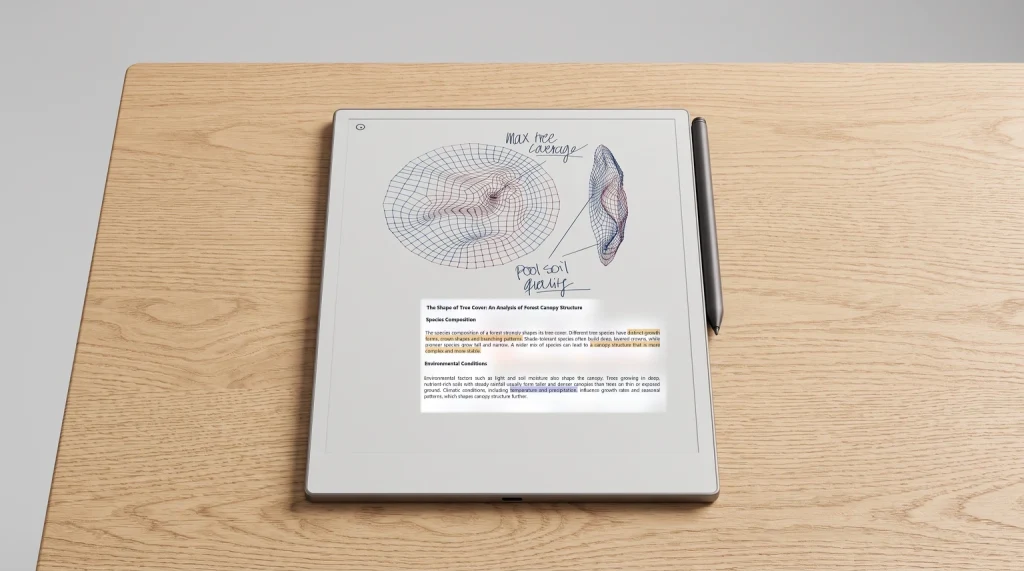
The fastest way to import templates to reMarkable Paper Pro Move is the PDF path. Open the reMarkable mobile app on iOS or Android (or the reMarkable desktop app on Windows or Mac), drag the template PDF in, and let the device sync. Within a few seconds the template appears on the Paper Pro Move under My Files, ready to open and write on. The template stays as a static PDF page; you write directly on top with the Marker, and your handwriting saves with the notebook.
The Move uses the same closed reMarkable OS as the rM2 and full Paper Pro, so the install paths are identical. No Move-specific app, no Move-specific sync setting. Templates that work on the full Paper Pro work on the Move; the only difference is how they render at the smaller 7.3-inch panel size, which is where the design choices below matter. For the full how-to-add-templates flow (PNG path included), our Paper Pro templates install guide covers the broader picture and applies identically to the Move.
Sizing
What size to import templates to reMarkable Paper Pro Move at
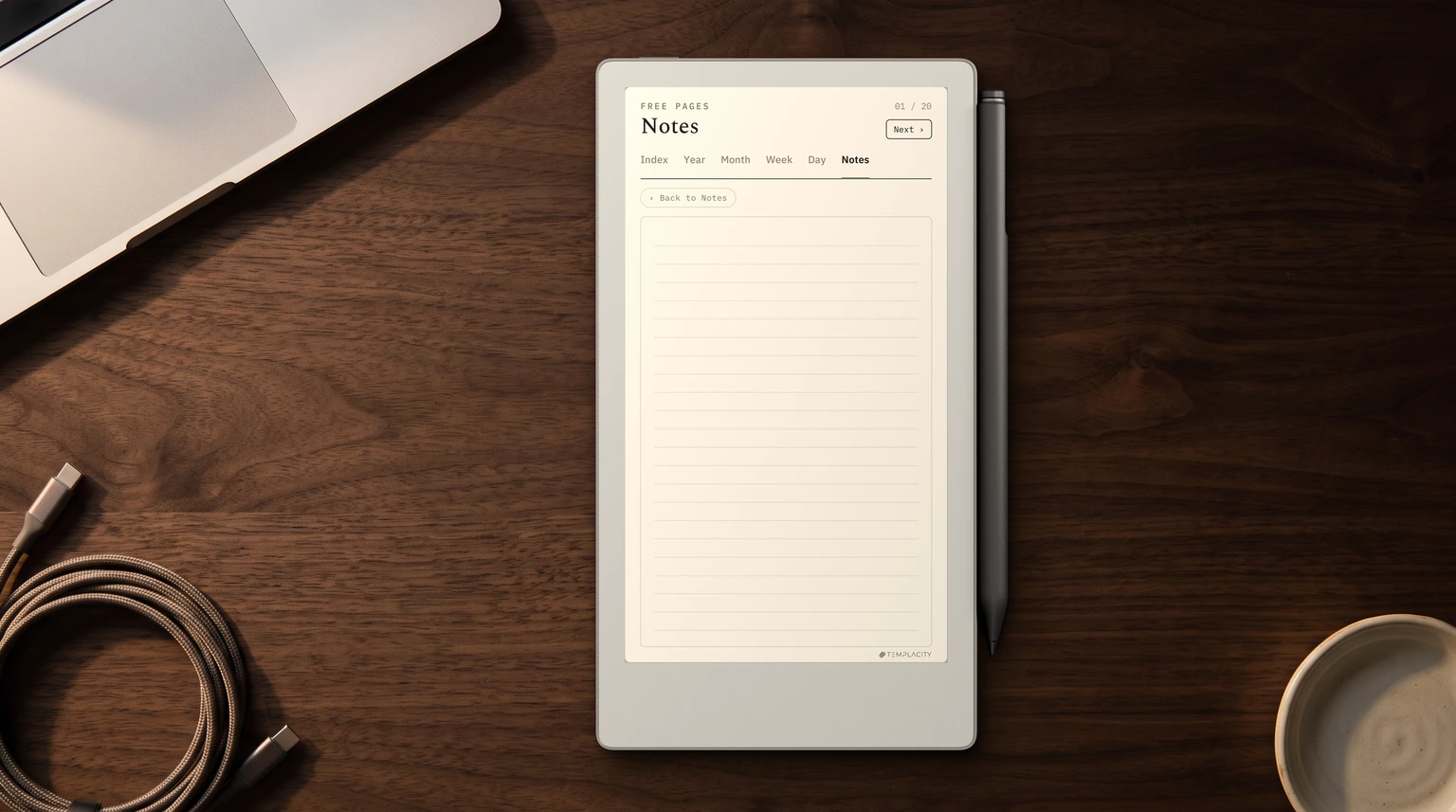
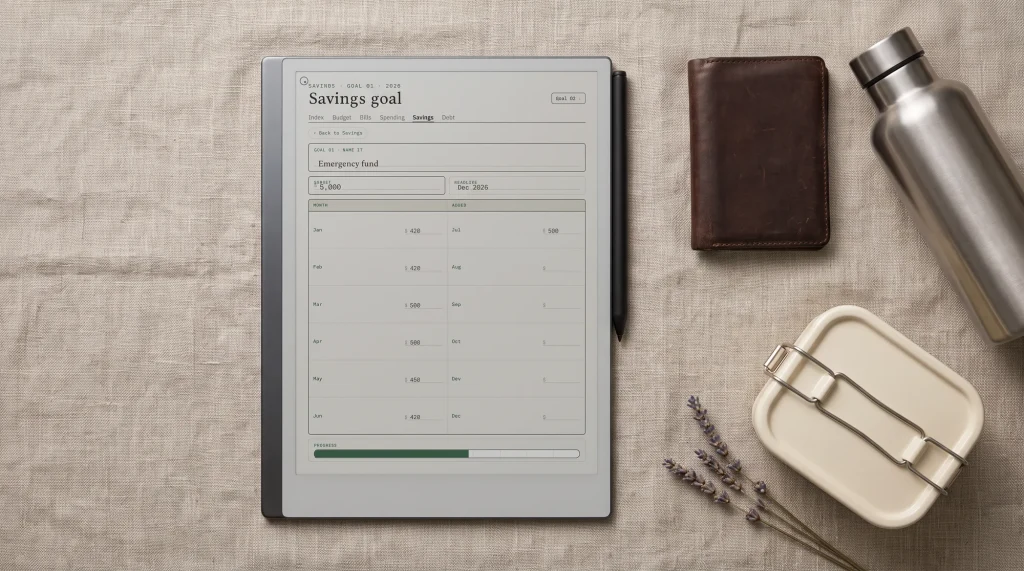
The Paper Pro Move’s 7.3-inch Canvas Color panel is smaller than every other reMarkable in the lineup, so templates designed for the full Paper Pro (11.8″) or rM2 (10.3″) render with extra margin. A4-proportional PDFs work but feel cramped, especially for layouts with seven daily columns or dense dashboards. Templates redesigned at the Move’s proportional dimensions use every pixel and feel native. The trade-off is design work: redesigning a 30-page planner suite from full Paper Pro proportions to Move proportions takes hours per template.
The practical compromise most Move owners settle on: use Move-proportional templates for layouts you look at every day (daily planner, weekly view) and accept the margin on layouts you reach for occasionally (monthly view, project page, reference). The bundle we sell ships Move-sized variants of the daily, weekly, and habit roles; the monthly and project pages stay at full-size proportions because the larger views don’t gain much from a Move-specific redesign and the carry-friendly daily layouts cover what the Move is actually for.
Fits
What templates actually fit the Move’s canvas
Template style
Fits Move?
Why
Single-column daily
Yes
One column scales cleanly; notes area dominates the smaller page
Horizontal 7-row weekly
Yes
Each row uses the panel width fully without cramping
Panels become unreadable at 7.3-inch; pick a single-column daily instead
Vertical columnar weekly
No
Seven narrow columns at 7.3-inch width are too cramped
Read the table as a filter. The Move’s 7.3-inch canvas favours layouts where one structural element dominates: a notes area, a single column, a horizontal row pattern. Layouts that try to pack multiple panels onto one page suffer because each panel gets too little space. This is the design constraint that shapes which templates work on the Move and which don’t.
The Paper Pro Move’s 7.3-inch canvas favours layouts where one structural element dominates. Dashboards die at 7.3 inches; single-column dailies and horizontal weeklies thrive.Fits section
If you’ve worked out a template-import workflow specifically for the Move (sized layouts, install patterns, sync timings), drop the pattern in the comments. The Move is the newest reMarkable device and the templates community is still figuring out what scales down cleanly and what doesn’t. Owner patterns help calibrate the recommendations above.
FAQ
Common questions, answered briefly
How do I import templates to the reMarkable Paper Pro Move?
Drop a PDF into the reMarkable mobile or desktop app, sync to the Move, and the template appears under Notebooks ready to write on. That PDF route is the only officially supported one: reMarkable states that custom templates are not supported, and an imported PDF is imported as its own document rather than appearing in the Templates menu. PNG page backgrounds have no sanctioned install path on any reMarkable, so they run through the third-party RCU or manual SSH. The PDF path is identical across rM2, Paper Pro, and Paper Pro Move; only the template sizing changes.
What size should Paper Pro Move templates be?
Move-proportional dimensions match the 7.3-inch Canvas Color panel and use every pixel cleanly. A4-proportional PDFs (or templates designed for the full Paper Pro at 11.8 inches) work but render with a margin and can feel cramped on dense layouts. For daily and weekly layouts you use often, Move-proportional sizing is worth the design effort; for monthly and project pages, the larger sizes work fine.
Will my full Paper Pro templates work on the Move?
Yes, technically. Templates designed for the 11.8-inch Paper Pro install on the Move and render correctly, just smaller with extra margin. The Move accepts every PDF format the full Paper Pro does. The practical question is whether the layout reads well at 7.3 inches; single-column and horizontal-row layouts scale cleanly, dense dashboards do not.
Can I install PNG templates on the Move?
Not officially. reMarkable does not support custom templates and ships no installer for them on any firmware, so the PNG route means the third-party RCU ($12) or a manual SSH upload, which firmware updates wipe. Where it works, a PNG becomes the background on every new page of a notebook, the same way it does on the full Paper Pro. Most Move owners stay with the PDF path because the carry workflow favours fresh planner pages over permanent backgrounds.
What templates work best on the Paper Pro Move?
Single-column dailies (notes area dominant), horizontal seven-row weeklies (each row uses the panel width fully), meeting-note layouts, and short project pages. Skip dashboard dailies with eight micro-panels, vertical columnar weeklies, and dense monthly grids; they don’t read well at 7.3 inches. Match the template scale to what the carry workflow actually needs.
If yours isn’t above, drop the question in the comments and we’ll fold it in next refresh.