What it is
What the Penstar eNote Pro is
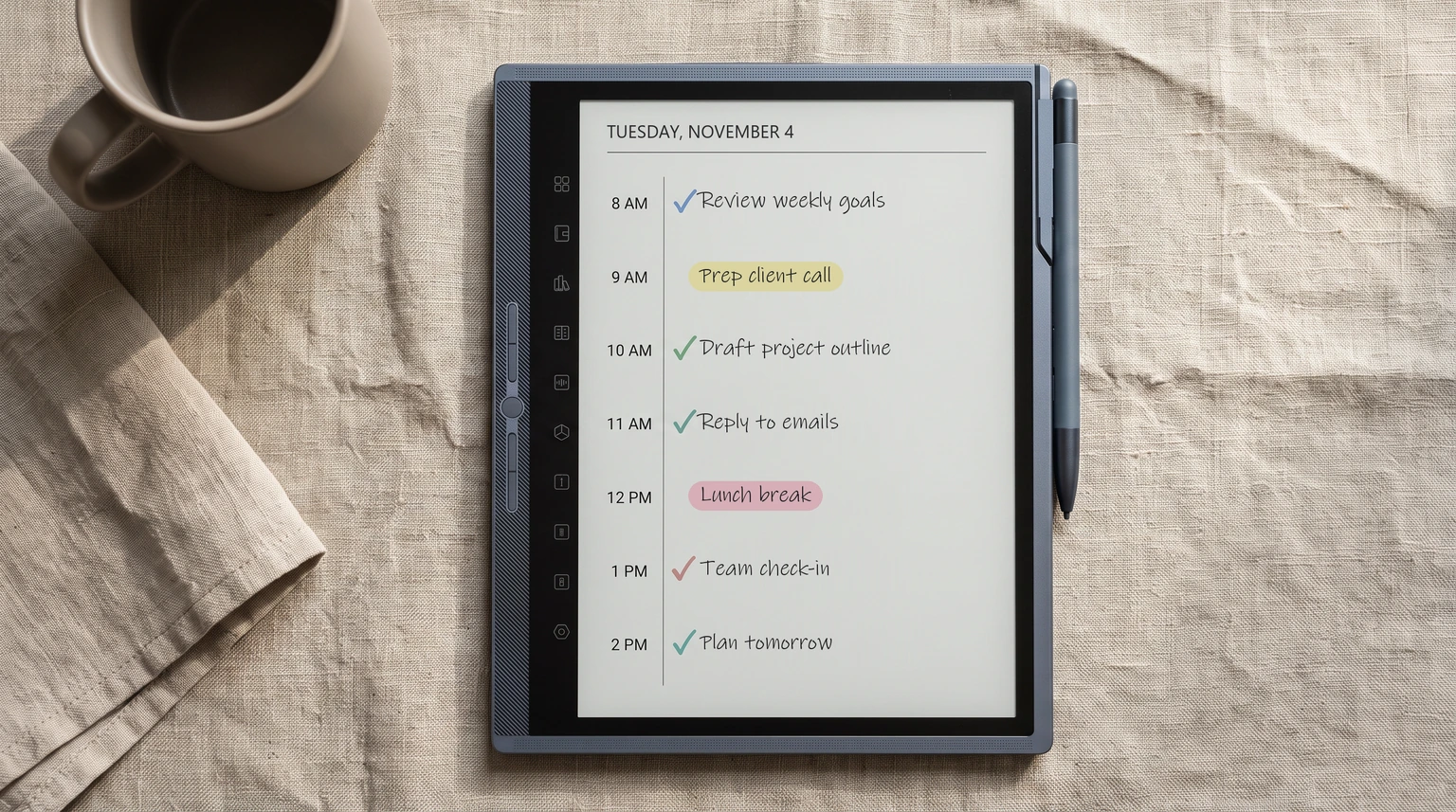
The Penstar eNote Pro is the colour flagship of Penstar’s 10.3-inch range, the only eNote with a colour screen and the only one Penstar lists with a front light. The eNote Pro product page sells one configuration in October 2026: the tablet in Iceberg Gray with the B6 pen, a magnetic case and a ten-nib kit, for $559. It is an Android device built around handwriting, so it belongs beside a Boox Note Air or a Viwoods AiPaper rather than beside a closed system like reMarkable. Settle that first. If you want a tablet that can only ever be a notebook, the eNote Pro is the wrong shape. If you want a notebook that can also run a reading app or two, read on.
These are the figures Penstar prints on its own pages, checked on 23 October 2026. We quote nothing the company does not publish, and one section further down covers where its pages disagree with themselves.
- Screen: 10.3-inch Kaleido 3 colour E Ink, 2480 x 1860, 300 ppi in black and white and 150 ppi in colour, adjustable front light with warm and cool tones, touch
- Software: Penstar OS on Android 14, with Penstar Cloud, Dropbox, Google Drive and OneDrive sync
- Inside: RK3576 octa-core at 2.2 GHz, 4 GB memory, 128 GB storage with no card slot, 6,500 mAh battery, Wi-Fi 2.4 and 5 GHz, Bluetooth 5.0
- Extras: eight-microphone array, speaker, 8 MP camera for scanning pages
- Body: 232.5 x 197.35 x 5.8 mm, about 430 g
- Pen: B6 EMR pen in the box, 8,192 pressure levels, no charging; it sells alone for $99
- Price: $559 with pen, case and nibs, in stock on penstar.ai on 23 October 2026
The lineup
The three Penstar eNotes, side by side
Penstar sells three 10.3-inch eNotes, and the names make it easy to buy the wrong one. All three share the same chip, memory, storage and 6,500 mAh battery. What changes is the screen and how you touch it. The figures below are from Penstar’s compare page.
| Model | Screen | Input | Light | penstar.ai, Oct 2026 |
|---|---|---|---|---|
| eNote Pro | Kaleido 3 colour | Pen and touch | Warm and cool | $559 |
| eNote Pro B&W | Carta 1200, 300 ppi | Pen and touch | Listed as none | $529 |
| eNote 2 | Carta 1200 PureView, 300 ppi | Pen only | None | $439 |
The eNote 2 is the odd one out, and on purpose. Penstar strips the touch layer and the light guide from its PureView screen to make the page clearer and thinner, so the eNote 2 is 5.5 mm and about 409 g, and it comes with two B5 pens instead of one. The cost is that every tap is a pen tap, which Android apps built for fingers do not always enjoy. The eNote Pro B&W is the Pro body with a mono screen, $30 less than the colour model. All three were in stock and shipping within one business day when we checked.
Who it is for
Who the Penstar eNote Pro is for
The eNote Pro is for the person shopping for a reMarkable alternative because of one specific wall. Maybe it is apps: a Kindle shelf, a cloud folder from work, a reading app you already pay for. Maybe it is the price of a Paper Pro. The eNote Pro answers both with colour, a lit screen and Android underneath, and the case is already in the box, which matters when you compare totals, because reMarkable sells its folios separately.
It is a weaker fit for three people. The first wants the biggest page they can get; the Paper Pro’s 11.8-inch screen is a real step up from 10.3 inches. The second wants a closed, quiet notebook that never asks them to install anything. The third wants a long firmware history behind the device. Penstar is a young brand, the warranty is one year for manufacturing defects only, and a return inside the 30-day window costs you the shipping unless the device is faulty.
Writing, files and apps
Writing, PDFs and apps on the eNote Pro
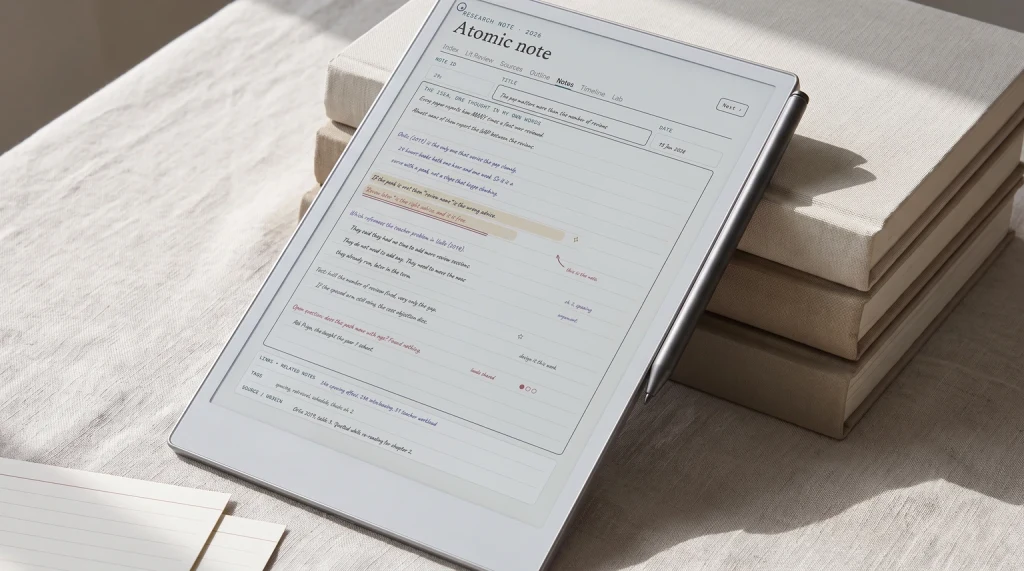
Penstar builds the eNote Pro around the pen. The B6 is an EMR pen powered by the screen, so it never needs charging, and the left bezel carries five physical keys plus pen-only shortcuts that Penstar calls a pen-focused sidebar. The note app converts handwriting to editable text, and the eight microphones feed voice recording and AI voice-to-text for meetings. Split screen lets you read a PDF on one side and write notes on the other, which is the feature most people buying a 10.3-inch tablet for study actually use.
For files, Penstar lists more than 35 formats, including PDF, EPUB, MOBI, AZW3, DOCX and PPTX, so a hyperlinked planner PDF opens as a document you can mark up. That is how most third-party planners work on an Android e-ink tablet. The 2480 x 1860 screen is a 4:3 page, close enough to a reMarkable 2’s shape that a 10.3-inch reMarkable planner fills it with only slim margins.
Apps need a caveat. The Google Play row on the compare page does not say yes; it says “compatible with some Android apps & APK file”, and the product page FAQ explains that Kindle, Microsoft Office and OneDrive are installed by downloading APK files and transferring them to the device. So read “Android 14” as “you can usually get the app you need on it”, not as “it behaves like a phone”. If one specific app decides the purchase, test it inside the return window.
Read “Android 14” as “you can usually get the app you need on it”, not as “it behaves like a phone”.Writing, PDFs and apps
Versus reMarkable
Penstar vs reMarkable: eNote Pro, Paper Pro, Pure and Move
reMarkable’s current Paper range is three tablets: the Paper Pro, the Paper Pure and the Paper Pro Move. The Penstar eNote Pro lands below the Paper Pro on price and above the other two. Prices are reMarkable’s US starting prices, read on remarkable.com on 23 October 2026.
| Tablet | Screen | Colour | Apps | From (USD) |
|---|---|---|---|---|
| Penstar eNote Pro | 10.3-inch | Yes | Android 14 | $559 with case |
| Penstar eNote 2 | 10.3-inch, 300 ppi | No | Android 14, pen only | $439 with case |
| reMarkable Paper Pro | 11.8-inch | Yes | Closed | $629 |
| reMarkable Paper Pure | 10.3-inch, 226 ppi | No | Closed | $399 |
| reMarkable Paper Pro Move | 7.3-inch | Yes | Closed | $449 |
Against the Paper Pro, the eNote Pro saves you $70, adds a case and Android, and gives up 1.5 inches of screen and reMarkable’s software, which is the real product there. Against the Pro Move, the question is page size rather than money: 7.3 inches is a pocket notebook and 10.3 inches is a desk notebook, and the eNote Pro costs $110 more for the bigger page. The neatest pairing is the eNote 2 against the Paper Pure: $40 more buys a sharper 300 ppi page against 226, two pens and a case, at the price of a closed system you never have to manage. The Paper Pure versus Paper Pro comparison covers what the step up inside reMarkable’s own range buys.
Read the small print
Where Penstar’s own pages disagree
Most eNote Pro coverage repeats the spec card. We read the whole page, and three things on penstar.ai do not line up. The first is battery life: the spec rows say up to about three weeks, while the FAQ on the same product page says up to two weeks of regular use, with 120 days of standby. Plan around two weeks; colour, the front light and Wi-Fi all pull the number down.
The second is the light on the eNote Pro B&W. The compare table lists its front light as “Not supported”, and two rows later says warm and cool colour temperature adjustment is supported, which only makes sense with a light. The product card does not list a light at all. If you are choosing the B&W model to read at night, ask Penstar before you order. The third is the Play Store, covered above: Android 14 is real, Google’s app store is not promised. None of this is unusual for a young brand, and Penstar’s pages publish more than some rivals’ do, but a spec that appears two ways is a spec to confirm with the device in your hands. The Android e-ink tablet guide walks through the same trade-off for Boox, Bigme and Viwoods.
Verdict
Verdict on the Penstar eNote Pro
Penstar is new enough to colour that owners know things no spec sheet does: how many days the battery really lasts with the light on, whether a particular Android app runs, how the colour layer looks on a planner page. If you own an eNote Pro, or you looked at one and bought something else, tell us what decided it in the comments. We will fold the answers back into this review.
FAQ
Common questions, answered briefly
Is the Penstar eNote Pro worth it?
How much does the Penstar eNote Pro cost?
What is the difference between the Penstar eNote Pro and the eNote 2?
Does the Penstar eNote Pro have the Google Play Store?
Penstar eNote Pro or reMarkable Paper Pro?
How long does the Penstar eNote Pro battery last?
If yours isn’t above, drop the question in the comments and we’ll add it.
People also ask