The basics
Is OneNote for Mac free?
Yes. OneNote for Mac is free to download and free to use, and Microsoft says so directly in its own comparison of the OneNote versions: the Mac app is available as a standalone free download, and it also ships as part of Office 2021, Office 2024 and Microsoft 365 for Mac. You do not need an Office licence to run it. You need a Microsoft account, which is also free, and that is the whole cost of entry.
The one thing that confuses people is the App Store listing, which shows the app as free but flags in-app purchases underneath. Those purchases are Microsoft 365 subscriptions, not a paywall on OneNote. Nothing in the note-taking app is locked behind them. If you never buy anything, you still get the full notebook: typed notes, ink, images, audio, tags, search and sync across every device you own. The practical ceiling is OneDrive storage rather than features, because a free Microsoft account comes with 5GB, and notes are small enough that most people never approach it.
Requirements
What you need to run OneNote for Mac
Here Microsoft contradicts itself, and it is worth knowing before you spend an evening trying to install something that will not run. The support page comparing the OneNote versions still lists the Mac app as needing macOS 10.13 or later. The live Mac App Store listing says “Requires macOS 14.0 or later.” Both are Microsoft’s own surfaces. The App Store is the one that actually decides whether the download button works, so treat 14.0 as the number that matters and the support page as documentation nobody has updated.
That gap has teeth. A Mac stuck on Monterey or Ventura will not install the current version from the App Store, which catches out anyone with an older MacBook Air or a Mac that Apple no longer pushes major updates to. If you are on an older machine and cannot upgrade macOS, OneNote for the web is the fallback, and it runs in any modern browser with no install at all. It is a smaller app than the desktop one, but your notebooks are the same notebooks.
Setup
Setting up OneNote for Mac
Installation is a download from the App Store and a sign-in, and takes about five minutes. Once you are in, the structure is the part worth learning, because it is what separates OneNote from a flat notes app. A notebook holds sections, which behave like the tabbed dividers in a ring binder, and each section holds pages. Build one notebook for work and one for everything else, add three or four sections inside each, and you have something that stays legible after a year of use rather than becoming a scroll of undated fragments.
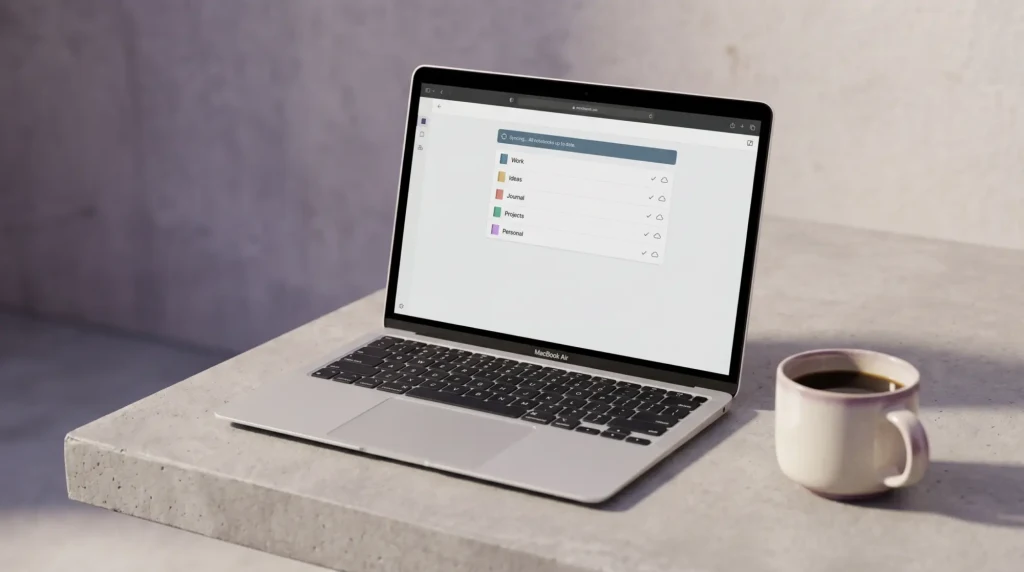
Sync needs no configuration, because it is not optional. Microsoft’s own Mac FAQ says the app “continually syncs all of your notes with OneDrive” and “requires access to OneDrive using a Microsoft account.” You can still work on a plane: the app keeps a cached local copy of your notes and reconciles it when the connection returns. But the cache is a mirror of the cloud copy, not an independent file you own, and that distinction turns out to be the most important thing about running OneNote on a Mac. If sync ever stops behaving, our guide to OneNote synchronisation issues covers the usual causes.
The catch
The one real limit: no local notebooks on a Mac
This is the answer nobody gives you plainly, so here it is. In Microsoft’s comparison of the OneNote versions, the Windows desktop app carries a line that no other version does: it is the only version of OneNote that supports local notebook storage on your PC’s hard drive, in addition to cloud storage. Read that from the other direction and it tells you what OneNote for Mac cannot do. There is no setting, no workaround and no hidden preference that lets you keep a Mac notebook off OneDrive. Cloud storage is not the default on a Mac. It is the only option.
For most people that is fine, and arguably better, since it is what makes the same notebook open on a phone, a browser and a work PC without exporting anything. It matters in two situations. The first is switching from Windows, where you may have years of notebooks sitting in a folder on a drive; those have to be synced up to OneDrive from a Windows machine first, because the Mac app cannot open them from disk. The second is any setting where policy forbids putting notes in consumer cloud storage, which rules OneNote out on a Mac entirely rather than partly. Knowing that before you commit a year of notes is worth more than any feature tour.
Cloud storage is not the default on a Mac. It is the only option.On local notebooks
Mac vs Windows
OneNote for Mac vs OneNote on Windows
The honest comparison is not Mac against some cut-down mobile app. It is the Mac app against the Windows desktop one, because that is the version people are usually coming from.
| Feature | OneNote for Mac | OneNote on Windows |
|---|---|---|
| Price | Free | Free |
| Local notebooks on your own drive | No | Yes |
| OneDrive sync | Yes, required | Yes, optional |
| Office ribbon interface | Yes | Yes |
| Ink and drawing tools | Yes | Yes |
| Stated OS requirement | macOS 14.0 or later | Windows 10 or 11 |
Day to day the two feel closer than that table suggests. The Mac app carries the full Office ribbon rather than a simplified toolbar, so the commands are where a Windows user expects them, and notebooks made on either machine open on the other without conversion. The gap is structural rather than cosmetic: one version can work entirely offline on files you control, and the other cannot. Everything else is a matter of which keyboard shortcuts your hands already know.
Ink
Handwriting and ink in OneNote for Mac
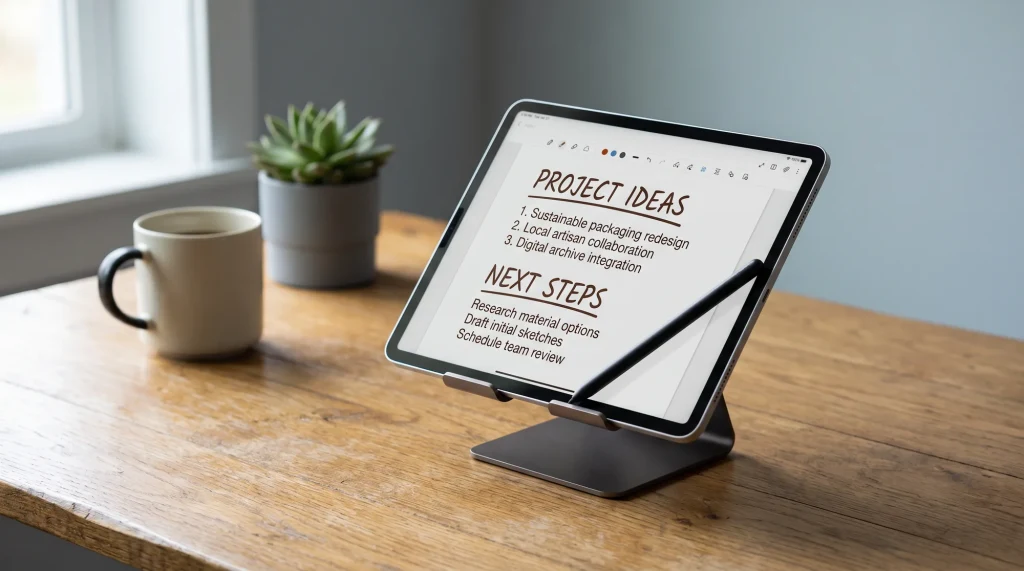
Ink is present on the Mac, and Microsoft lists drawing and annotating with ink among the app’s features. The obstacle is hardware rather than software: no Mac has a touchscreen, so handwriting means a trackpad or a graphics tablet, and neither is a satisfying substitute for writing on glass. The drawing tools are genuinely useful for annotating a diagram or circling something in a screenshot. They are not a route to handwritten lecture notes.
The sensible arrangement, if handwriting matters to you, is to let each device do what it is shaped for. Write by hand on a tablet, then type, organise and search on the Mac, with the same notebook open on both. Our guide to OneNote for iPad covers the handwriting side properly, including converting ink to typed text and searching handwritten pages, and OneNote for Android does the same if your tablet runs Android. Pairing a Mac with either is a better answer than fighting a trackpad.
Templates
Using templates in OneNote for Mac
A blank page is a slow start, and it is the reason most OneNote systems quietly die in month two. Templates fix that by giving every new page a shape before you write in it: a meeting page with attendees, decisions and actions already laid out, a weekly planner with the days blocked, a project page with the same headings every time. Because notebooks sync, a template you set up once on the Mac is available on every other device signed into the same account. Our OneNote templates are built to drop straight into the app.
The arrangement that survives contact with a real workload is one notebook, a section for each area you actually work on, and a template applied to every new page so nothing starts empty. Tie it together with a OneNote dashboard as the page you open first each morning, and the notebook becomes a place you work from rather than a place notes go to be forgotten.
Who it suits
Who OneNote for Mac is for
OneNote for Mac is the right pick if your working life crosses operating systems, because very few free note apps open the same notebook on a Mac, a Windows desktop, an Android phone and a browser. It suits people who organise heavily, since notebooks and sections beat a flat list once you pass a few hundred notes, and people already inside Microsoft 365 who want notes next to the rest of their work. It is the wrong pick if you need notes stored on your own drive rather than in the cloud, or if your Mac cannot reach macOS 14.0, and it is a weak pick if handwriting is your main input method. If you are still choosing at all, our comparison of the best note-taking app sets it against the field, and the OneNote hub collects the setup and template guides worth reading next.
If you run OneNote on a Mac, tell us in the comments how you handled the move from local notebooks, and which templates earned their place. Those workarounds are the part no support page documents, and they help the next person who hits the same wall.
FAQ
Common questions, answered briefly
Is OneNote free on Mac?
What macOS version does OneNote for Mac need?
Can OneNote for Mac store notebooks on my hard drive?
How do I move Windows OneNote notebooks to a Mac?
Can you handwrite in OneNote for Mac?
If yours isn’t above, drop the question in the comments and we’ll add it.
People also ask