What it is
What a Goodnotes journal template is
A Goodnotes journal template is a reusable set of pages, a reading log, a diary, a gratitude or bullet layout, that you import into the app and write on with a stylus. Unlike a planner, a journal is less about dates and more about the habit it supports: noticing what you read, how a day went, or what you are grateful for. Underneath it is still a PDF, so the same rules apply, the linking and the page size matter more than the cover. A journal you can flip through and add to easily becomes a habit; one that fights you gets abandoned by the second week. The trick is matching the page to the habit you actually want, rather than the prettiest layout you saw.
Most people keep their journal alongside a planner, not instead of it: the planner runs the schedule, the journal holds the reflection. Because a journal is a file, you can keep several styles and use whichever fits the day, a quick gratitude line on a busy evening, a longer diary entry on a slow one. The sections below cover the three kinds people ask for most, including the reading log, which is where Goodnotes journaling meets our wider work on tracking books. If you would rather keep every style in one file, The Journal is ours: a page for every day, a mood month, one line a day, memories, letters and lists, 464 hyperlinked pages that import into Goodnotes like any other PDF.
Reading journals
Reading journals, and where to go deeper
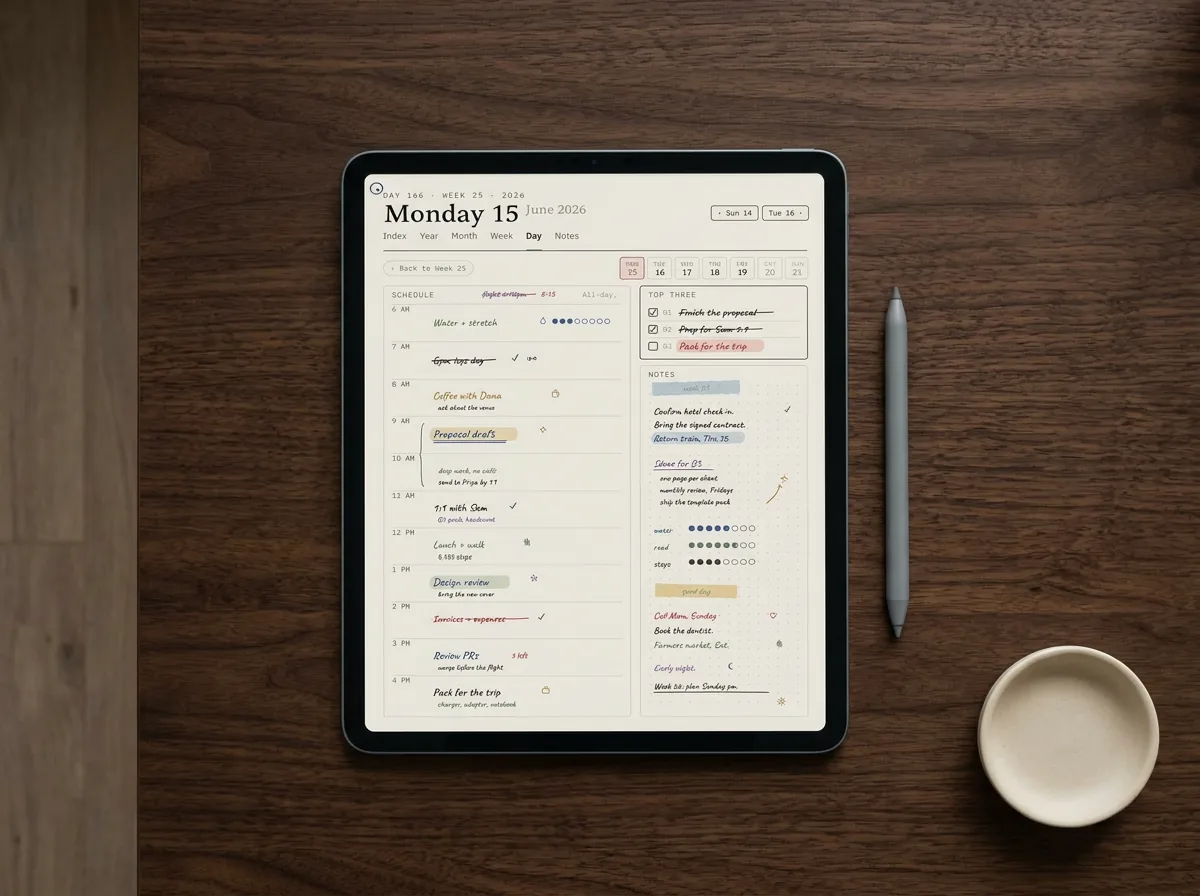
A reading journal is the most asked-for journal type, and for good reason: it turns a year of reading into something you can see, with pages for what you finished, what you abandoned, a rating, and a line on what stayed with you. In Goodnotes, a reading-journal template usually pairs a yearly log (the list of books) with a per-book page (the notes), linked so the list jumps to each book. If logging your reading is the main thing you want, you are really after a book tracker, and we have built a full set of those, so rather than thin it down here, our best reading tracker templates guide covers the layouts, the spreadsheet versions, and what separates a log you keep from one you drop. Use a Goodnotes reading-journal page for the handwriting and the notes; use the deeper guide to choose the structure.
Diary and bullet
Daily diary, gratitude, and bullet-journal pages
Beyond reading, two journal styles cover most of what people keep in Goodnotes. The daily diary or gratitude page is the simplest: a dated or undated page with room to write the day, sometimes with a prompt or a few gratitude lines. Its strength is low friction, one page, one habit, easy to keep on a busy night. The bullet-journal page is the flexible one: a dotted or lightly structured layout you shape yourself into trackers, lists, and logs, in the bullet-journal tradition. Our digital bullet journal guide covers the linked index and month-end migration on a screen. It suits people who like building their own system and dislike being boxed in by a fixed template. The honest trade is that a bullet layout gives you freedom at the cost of setup, while a diary page gives you a ready habit at the cost of flexibility. For deeper questions to write on, our shadow work prompts go gently.
| Journal type | Setup | Best for |
|---|---|---|
| Reading journal | Low | Logging and noting books |
| Daily diary / gratitude | Lowest | A quick daily habit |
| Bullet journal | Higher | Building your own system |
A journal you can flip through and add to easily becomes a habit; one that fights you gets abandoned by the second week.What it is
Free or paid
Free vs paid Goodnotes journal templates
A free Goodnotes journal template is the right starting point for most people. A single diary, gratitude, or dotted page is easy to find free and perfectly good, and journaling is a habit you want to test cheaply before investing. The limits of free are the familiar ones: usually one page style, sometimes no linking, so a reading log will not jump from the list to each book’s page. For a simple daily entry that does not matter; for a linked reading journal it does. Try free first, learn whether the habit sticks, and only pay once you know which style you actually keep.
Paid journal sets earn their fee on variety and linking: several page styles in one file, a linked reading log, and a tidy structure you do not have to build. The marketplace risk is the usual uneven quality, so apply the same test as for any Goodnotes template, only buy one with a free sample or a visible link demo, and tap through it first. For a journal specifically, check that the pages are easy to duplicate, since a journal lives on adding new entries, and a template that makes copying a page awkward will quietly put you off keeping it.
Ours
Our Goodnotes journal pages
Full disclosure: we make and sell these, so read on as a maker describing their own work. Our Goodnotes journal template pages come with the planner rather than as a separate file, on the view that reflection sits naturally beside planning: a notes and journal section you can duplicate for diary or gratitude entries, plus a reading-log page that links its list to per-book notes. We keep them clean and easy to copy, because a journal lives on low friction. If you want an elaborate, art-led journal with heavy themes and stickers, an independent creator will suit you better, and if your aim is mainly to track books, our book-tracker guides are the better starting point than any single journal page.
Journals outlive apps more often than planners do, which makes the file format the part that matters. These pages are PDFs, so a journal started in Goodnotes can be continued in Notability without rebuilding it, and a repeating page can be saved there as a custom template so tomorrow’s entry starts on the same layout.
Journaling is personal, and the best page is the one you actually keep coming back to. If a reading log, a diary, or a bullet setup has made journaling on Goodnotes stick for you, tell us in the comments. The real-world habits from people who journal every day help the next reader more than any template gallery can.
FAQ
Common questions, answered briefly
Is there a free Goodnotes journal template?
How do I keep a reading journal in Goodnotes?
Can I bullet journal in Goodnotes?
What is the difference between a diary and a journal template?
Can I reuse the journal pages?
Does a Goodnotes journal template work on iPhone?
If yours isn’t above, drop the question in the comments and we’ll add it.
People also ask