What they are
What a Goodnotes template actually is
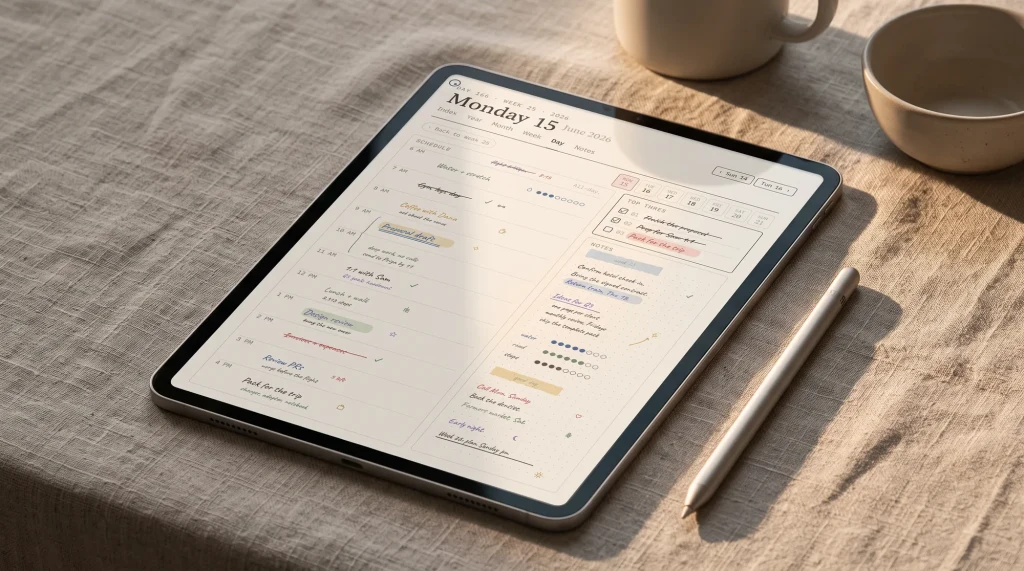
Goodnotes templates are PDF or image pages you import into the app and use as the background you write on. That is the whole idea. A template can be a single sheet of dotted paper, or a fully linked planner of hundreds of pages, but underneath it is the same thing: a page set you bring into Goodnotes and mark up with a stylus. Knowing that keeps the choice simple, because it means the question is never “which app” but “which pages.” The best Goodnotes templates are the ones whose layout matches a job you do often enough to want a ready-made page for it, rather than a blank one you redraw each time.
Because a template is a file, it is yours once you have it, and you can reuse it as often as you like. Most people end up with a small library: a planner for the week, a calendar for the month, a few sheets of note paper, and a tracker or two. You do not need fifty of them. A tidy handful you actually open beats a folder of pretty pages you downloaded once and forgot. The rest of this guide is about picking that handful, where to get it, and how to fill any gap by making the page yourself.
The types
The Goodnotes templates worth having
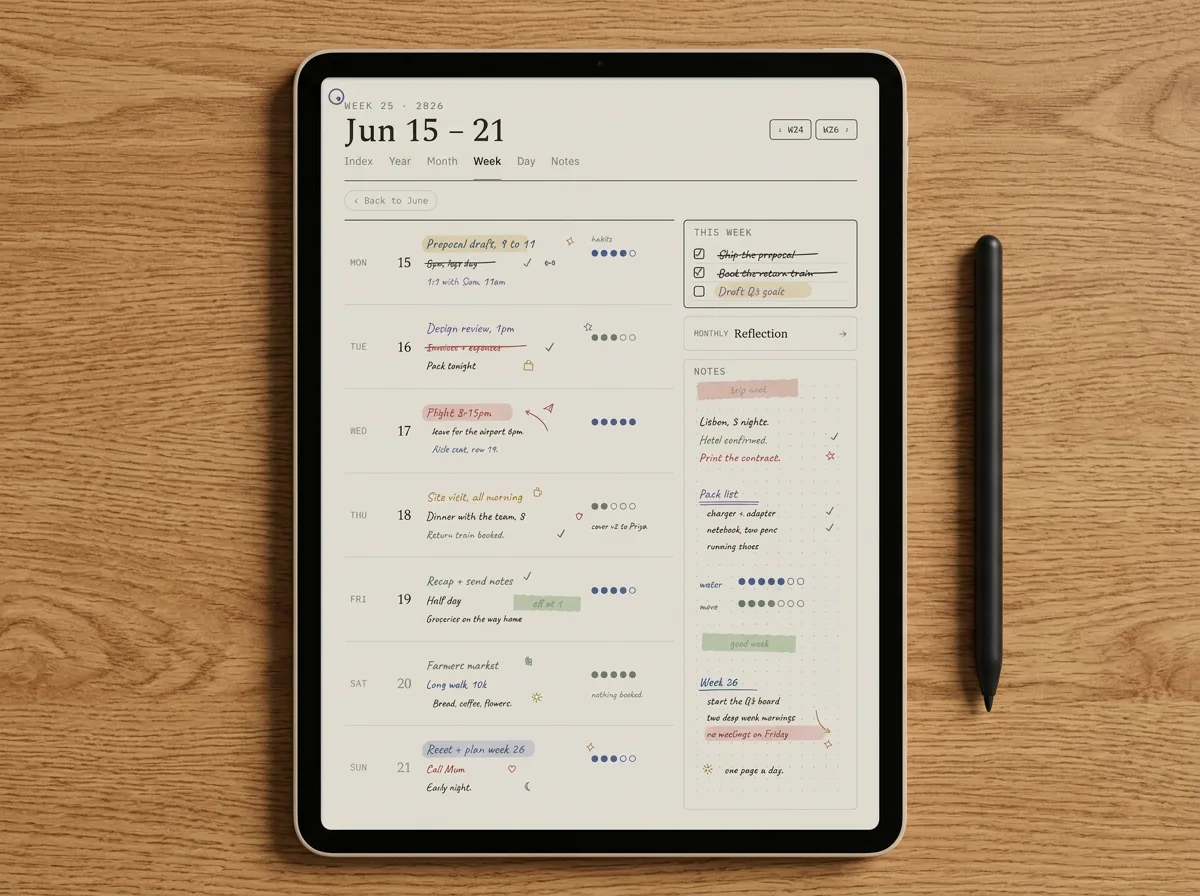
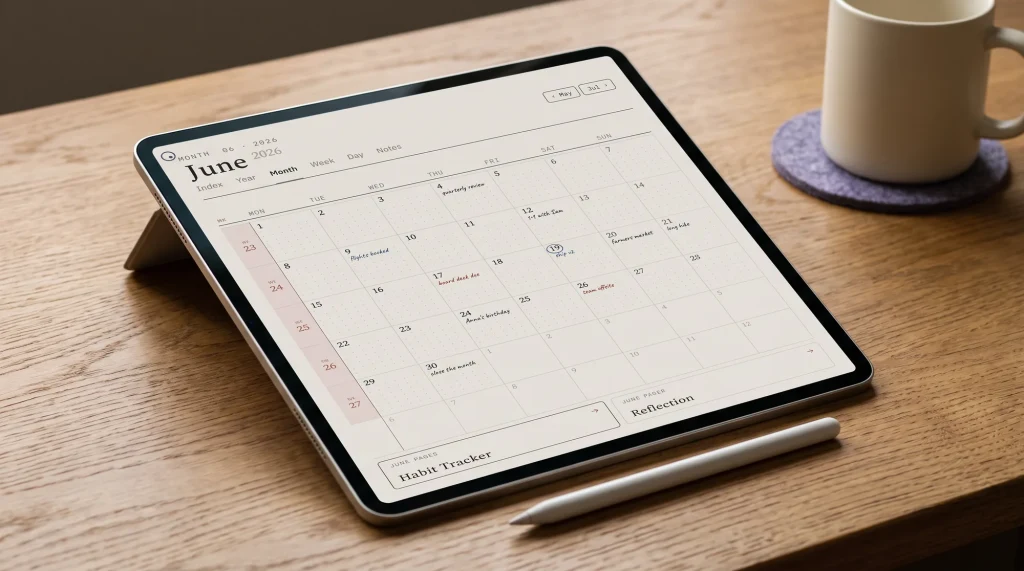
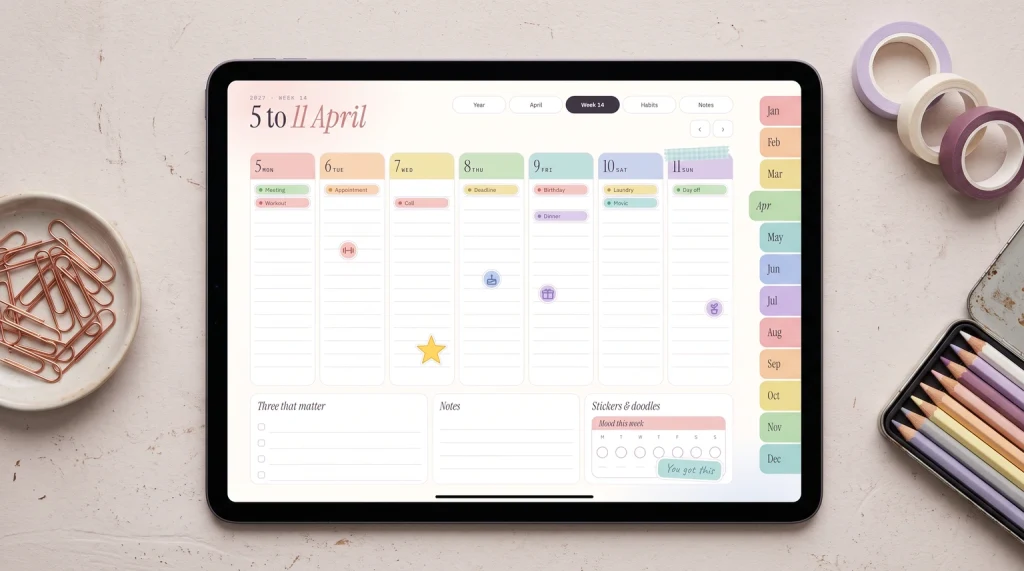
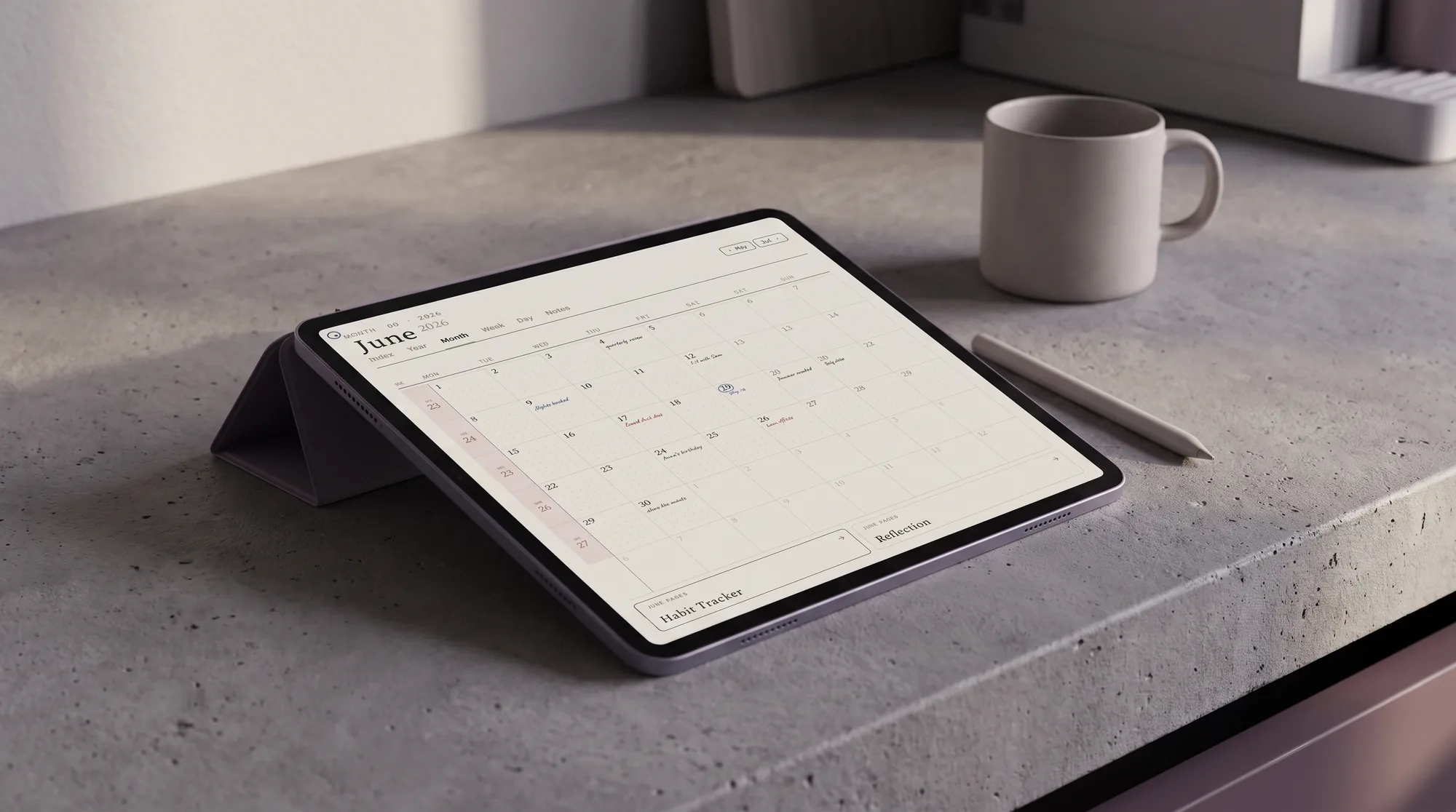
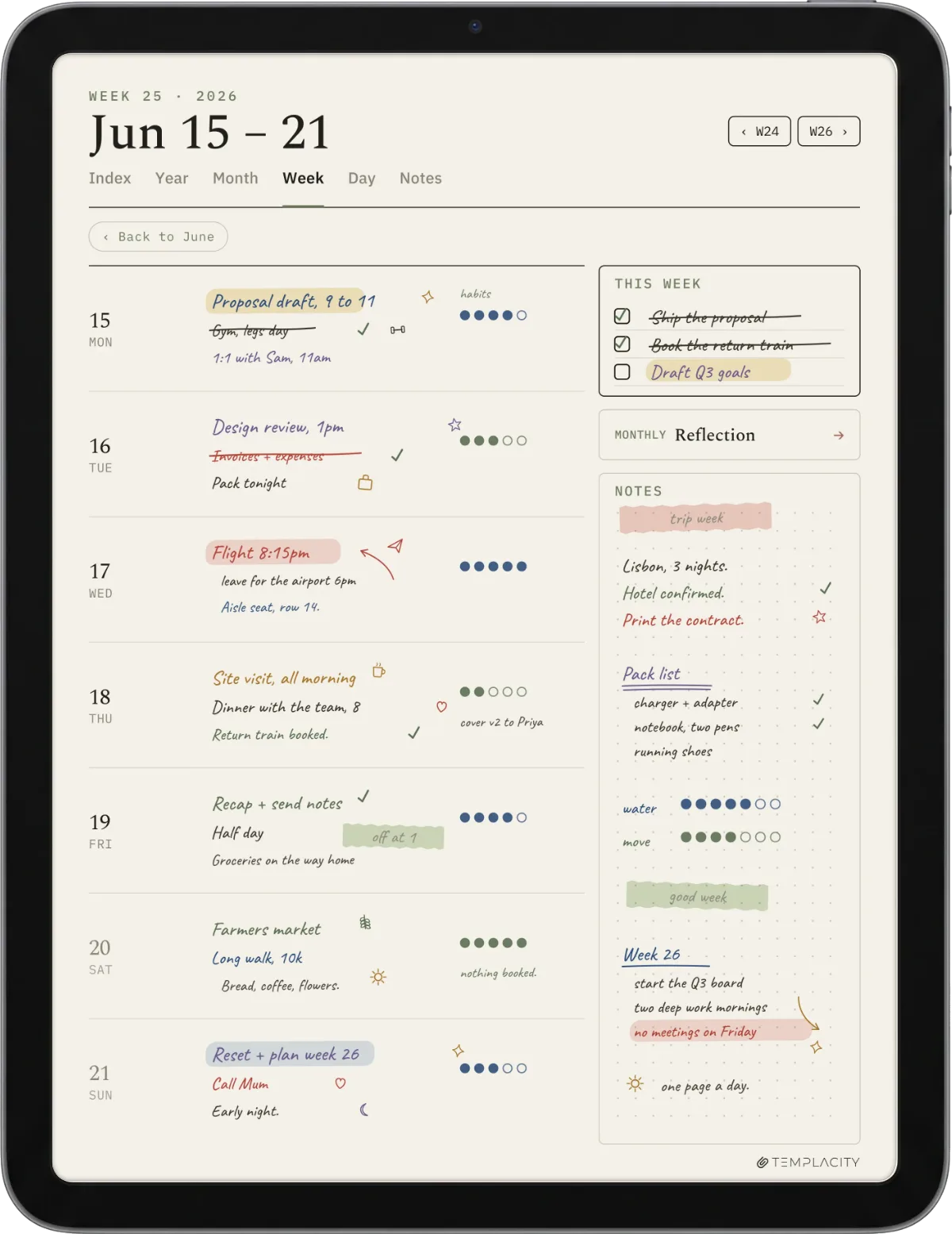
Six types cover almost everything people use Goodnotes templates for. A planner is the linked weekly, daily, or monthly layout most people start with; our Goodnotes planner template guide goes deep on which spread suits whom. A calendar is the dated or undated month view, covered in the Goodnotes calendar template guide. A journal is a reading log, diary, or bullet page, covered in the Goodnotes journal template guide. The other three are simpler: note paper (lined, dotted, grid, Cornell), trackers (habits, budget, to-do), and study pages (flashcards, engineering or graph paper). The table sorts them by how often people pay versus grab them free.
| Template type | Usually | Best for |
|---|---|---|
| Planner (weekly, daily, monthly) | Paid | The everyday page you live in |
| Calendar (dated or undated) | Either | Month overview and dates |
| Journal (reading, diary, bullet) | Either | Logging and reflection |
| Note paper (lined, dotted, Cornell) | Free | Plain writing and lectures |
| Trackers (habit, budget, to-do) | Either | Repeating logs |
| Study (flashcards, graph paper) | Free | Students and revision |
The pattern is worth noting before you spend anything. The simple, single-page types (note paper, study sheets) are almost always free and not worth paying for, because one good dotted page is as good as another. The value sits in the linked, multi-page sets (planners, full calendars), where the work is in the navigation, not the look. So the honest rule is: grab the paper and study sheets free, and pay only when you want a linked set that saves you real building time.
Free or paid
Free vs paid Goodnotes templates
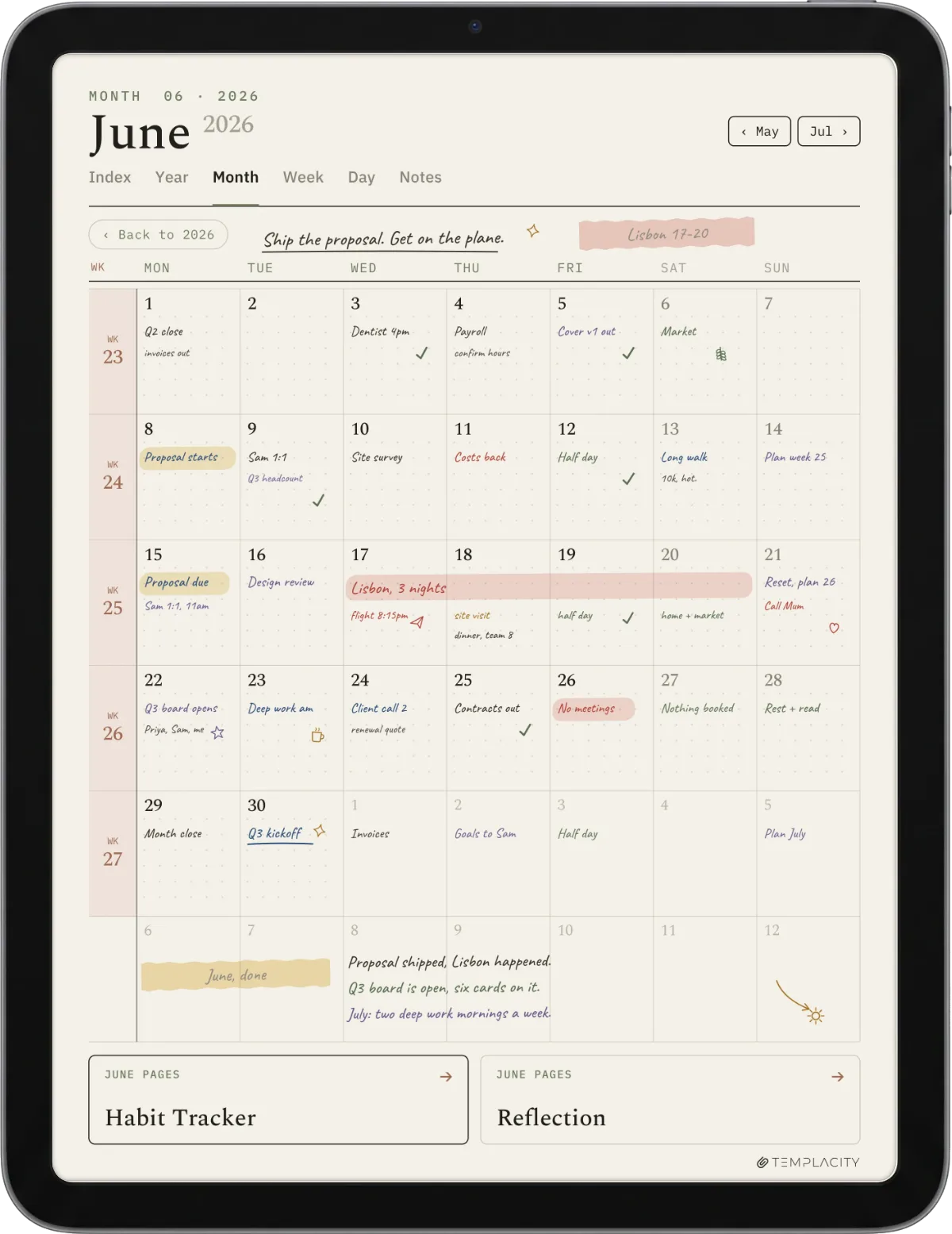
A free Goodnotes template is the right call far more often than the sellers would like. For note paper, study sheets, and a basic monthly calendar, free pages are everywhere and perfectly good, and a free planner is a sensible way to learn how you plan before paying. The catch with free is breadth and linking: free files tend to cover one layout, and their hyperlinks are sometimes partial, so the index links but the inner pages do not. For a single page that does not matter; for a planner you navigate daily, it is the whole experience.
Paid templates earn their fee by removing building time and guaranteeing the links work. A good paid set gives you several layouts, full page-to-page navigation, and a tidy structure, so you import once and start. The risk with paid is uneven quality, especially on open marketplaces, where some files link only the cover or ship at the wrong page size. The fix is simple: only buy a template that offers a free sample or shows its links in a demo, so you can test the navigation before you pay. That single check, more than any preview image, tells you whether a template is worth its price.
Grab the paper and study sheets free, and pay only when you want a linked set that saves you real building time.The types
Importing
How to import a template into Goodnotes
Importing a Goodnotes template takes about a minute. Download the PDF to your tablet, open Goodnotes, and either open the file as a new document or import it as a custom template under the app’s notebook settings, depending on whether you want to write on it as a one-off or reuse it as a paper style. For a planner, you usually open it as its own document so the hyperlinks work. For note paper you want behind every new page, you add it as a custom template instead. If a planner’s links do nothing after import, the file itself is the problem, not your settings, which is exactly why the free-sample test above matters.
Make your own
How to make a Goodnotes template yourself
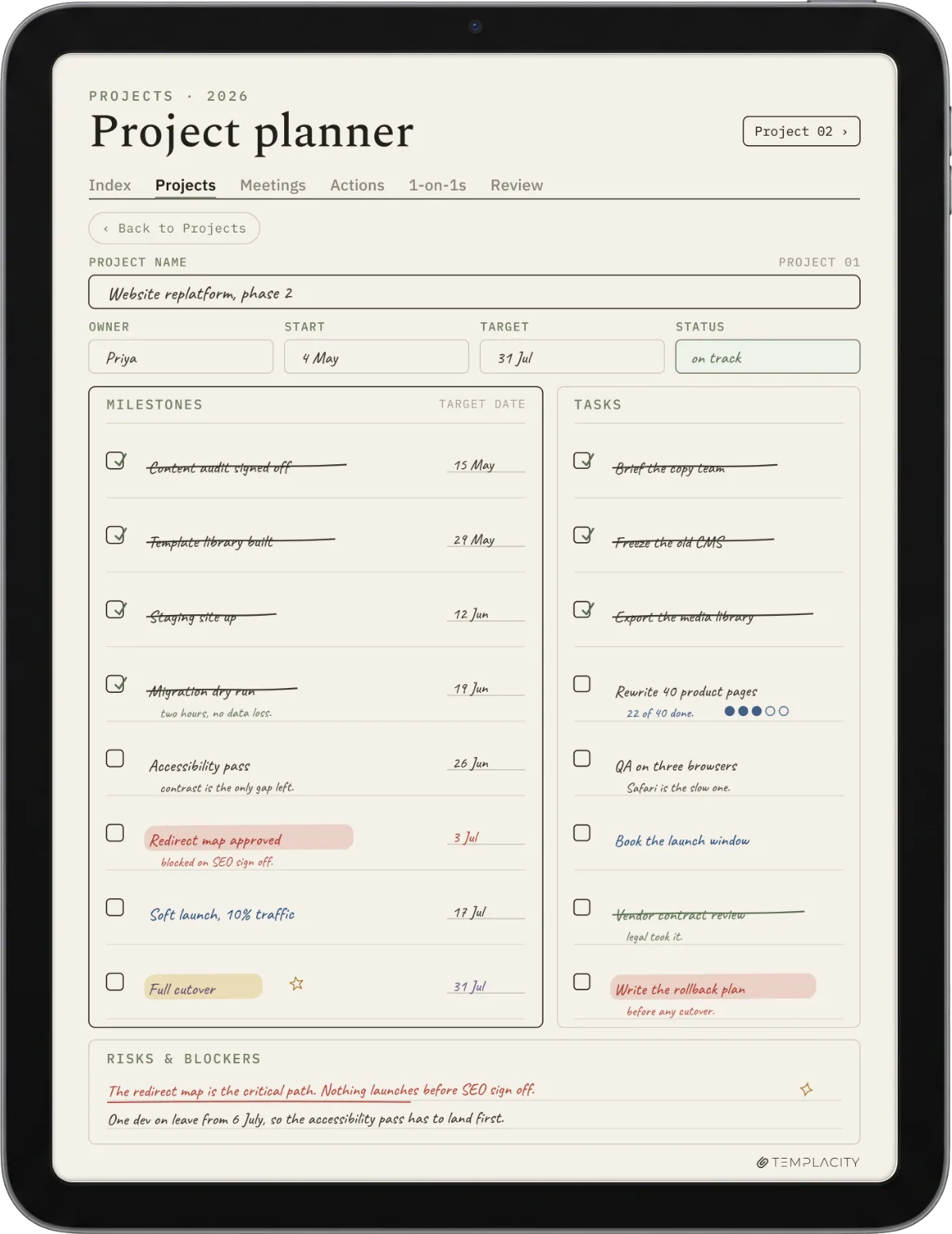
Making your own Goodnotes template is the cheapest way to get exactly the page you want, and for simple pages it is quick. Design the page at the tablet’s screen proportions so it fills the display without pinching, which is the one detail beginners miss; a page built at the wrong ratio leaves grey bars or crops awkwardly. You can build a single page in any tool that exports a clean PDF, a slide editor works well, then export it and import it as a custom template. For a basic tracker, planner page, or themed note paper, a do-it-yourself template is often better than anything you would buy, because it matches your exact layout. Linked, multi-page planners are where the building time grows, and where a paid set starts to look worth it.
Ours
Our Goodnotes templates
Full disclosure: we make and sell Goodnotes templates, so treat this as a maker describing their own work. Our range centres on the type most worth paying for, the fully linked planner (The Planner for Goodnotes, $49), sized for the tablet and built around the layouts most people actually use, with the note, calendar, and journal pages around it. We deliberately keep it clean rather than sticker-heavy, on the view that navigation is what you use daily and decoration is what you use once. If you want a loud, themed, sticker-first set, an independent creator will suit you better, and we would rather say so than oversell. Whichever you pick, add stickers as PNG files in Elements rather than a PDF sheet; our Goodnotes stickers guide shows the import steps.
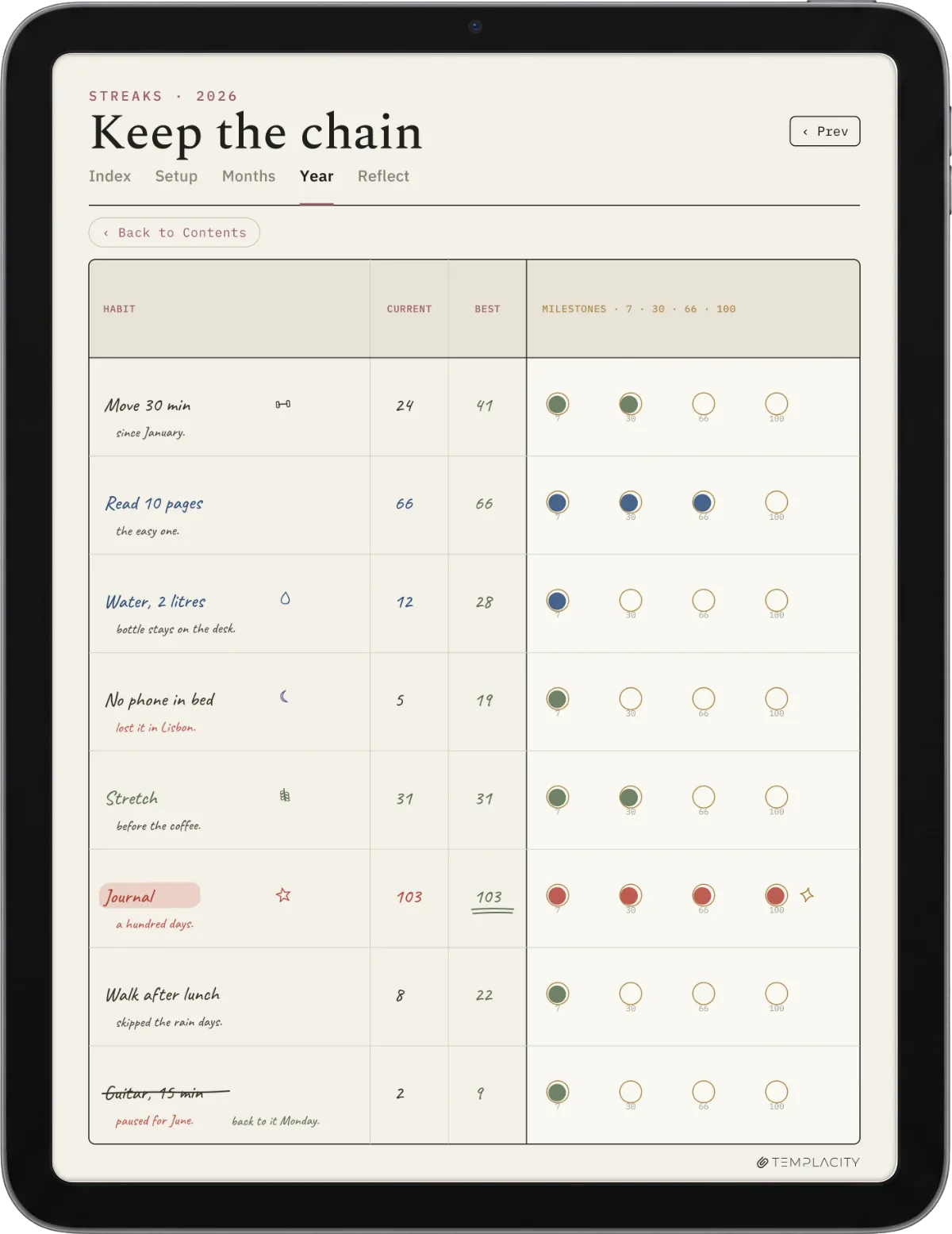
Templates are personal, and the best library is the small one you actually open. If a particular Goodnotes template or a page you built yourself has genuinely stuck, tell us in the comments. The real-world setups from people who use Goodnotes every day help the next reader more than any roundup can.
FAQ
Common questions, answered briefly
Are there free Goodnotes templates?
How do I import a template into Goodnotes?
What size should a Goodnotes template be?
How do I make my own Goodnotes template?
Do Goodnotes templates work on iPhone?
Dated or undated templates?
If yours isn’t above, drop the question in the comments and we’ll add it.
People also ask