The landscape
Where a Google Sheets budget template actually comes from
Search for a Google Sheets budget template and the results collapse into three routes, which is worth knowing because they fail in different ways. The cost question is settled before you start: Google states that anyone with a Google Account can create in Sheets, and that files can be viewed, created and edited without an internet connection. Nothing below asks you to pay Google.
| Route | What you get | The catch |
|---|---|---|
| Google’s Template Gallery | A first-party budget sheet, opened as your own copy. Reached from the Sheets home screen or File, New, From template gallery. | Deliberately plain, and Google does not tailor it to how you actually spend. Fine as a spine, thin as a system. |
| A budgeting service’s free set | Well-made, good-looking sheets. Tiller, which ranks near the top for this query, publishes a free collection. | It is the front door to a paid product. Tiller costs $99 a year after a 30-day trial, with no card charged until the trial ends. |
| A shared sheet from a forum or template site | Enormous variety, and often the closest fit to an unusual situation. | Unmaintained and unexplained. When it breaks you are debugging a stranger’s formulas with no documentation. |
None of those is a trap, and the paid one is not a scam; a service that pulls your transactions in automatically is solving a real chore. The point is only that “free budget template” pages are rarely neutral, so read them as recommendations from an interested party and judge the file on its own wiring.
If that service is YNAB and the renewal is what brought you here, our YNAB alternative guide sets out what a spreadsheet keeps and what it gives up.
The sixty-second test
Four checks that predict whether it survives
Before you commit a month of entries to any budget sheet, run these. They take about a minute and they catch nearly everything that goes wrong later.
- Click any summed cell and read what it points at. If it says
=SUM(C2:C47), everything you add below row 47 is silently ignored. A whole-column range like=SUM(C:C), or a named range, keeps counting. This one check is the single best predictor of a sheet that lasts. - Look at the dates. Typed dates mean the template is a photograph of one particular month. Generated dates mean you change one cell and the whole thing rolls forward.
- See whether it asks for permissions on first open. A budget grid needs no scripts and no add-ons. If a copy demands authorisation, you cannot fully inspect what it does with your numbers.
- Find the categories. They should live in one list you can edit, with every other tab reading from it. If categories are typed into forty places, renaming “Groceries” is an afternoon.
Build the spine
Building your own in about twenty minutes
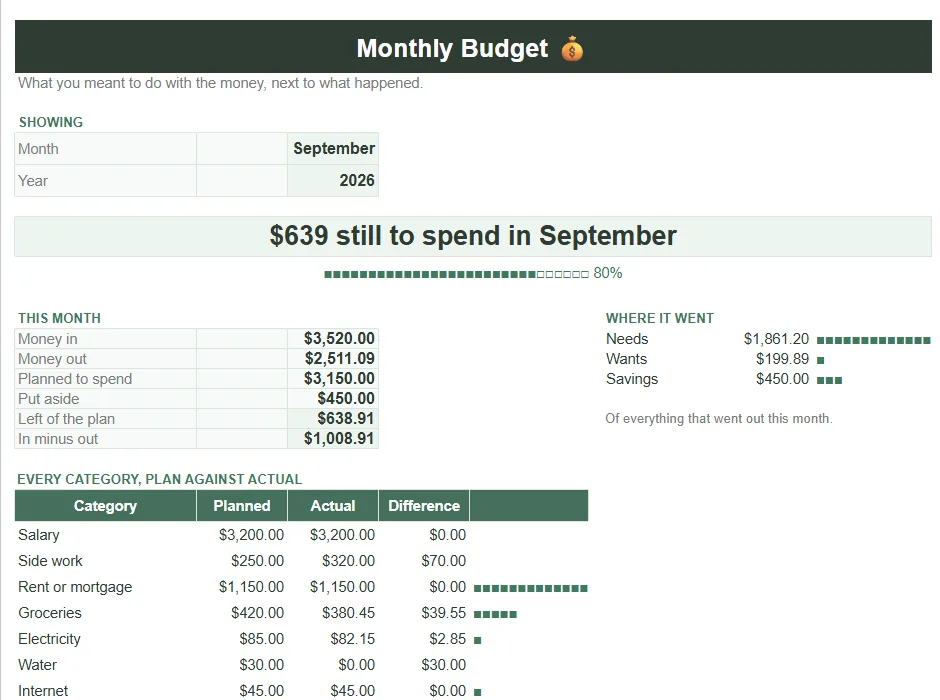
A budget does not need to be clever. It needs three tabs and one rule, and building it yourself means you can repair it later without archaeology.
- Tab one, Setup. Your category list in a single column, plus the monthly amount you intend for each. Nothing else in the workbook types a category name; everything points here.
- Tab two, Transactions. Date, description, amount, category. Make the category cell a dropdown with Data validation pointed at the Setup list, so a typo cannot create a phantom category.
- Tab three, Summary. One row per category, with
=SUMIF(Transactions!D:D, A2, Transactions!C:C)pulling the actual spend against the plan. Whole columns, so new rows always count. - Add the month filter last.
=SUMIFS(Transactions!C:C, Transactions!D:D, A2, Transactions!A:A, ">="&$B$1, Transactions!A:A, "<"&EDATE($B$1,1))restricts the same figure to whatever month you put inB1.
=SUMIF(Transactions!D:D, A2, Transactions!C:C)
Actual spend for the category named in A2, read from the Transactions tab. Whole columns, so new rows are always counted.
That is a working budget. Everything past it, charts, conditional colours, a net-worth tab, is decoration you can add once the arithmetic is trustworthy. If you want the same discipline applied to a week rather than a month, our Google Sheets weekly schedule template guide uses the same build-don’t-type principle.
Categories
The category list is where most budgets die
Almost every abandoned budget sheet was abandoned for the same reason, and it is not maths. It is that categorising forty-one transactions on a Sunday evening is joyless, and a template with thirty-two categories makes it worse by asking you to decide, forty-one times, whether a corner-shop sandwich is Groceries or Eating Out.
A template with thirty-two categories asks you to decide, forty-one times, whether a corner-shop sandwich is Groceries or Eating Out.
Cut the list until every transaction has an obvious home. Eight to twelve categories is usually enough to change behaviour, and the ones worth splitting are the ones you actually intend to act on. Nobody has ever spent less because their spreadsheet distinguished Household from Home Maintenance. If you find yourself hesitating over which column something belongs in, that hesitation is the tax that will end the habit, and the fix is fewer columns rather than more willpower.
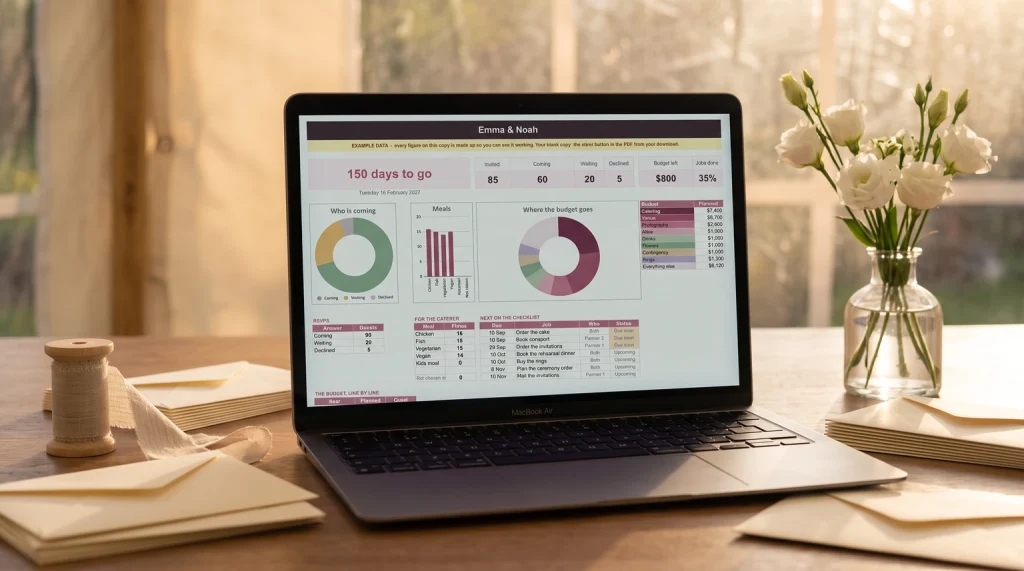
A wedding budget is the one case where the biggest line is a headcount rather than a category. Our wedding guest list template for Google Sheets counts guests, replies and meals, so the per-head cost has a real number to multiply. For the whole wedding, budget and guest list together, there is our Wedding Planner & Guest List Spreadsheet.
Parties, fundraisers and conferences share that shape. Our event budget template guide shows how to mark each cost fixed or per head, so the sheet tells you the break-even headcount rather than one guess.
Staying with it
Why free budget templates get abandoned in March
The honest failure mode is not that the file breaks. It is that a spreadsheet only exists when you go looking for it. A budget lives in a browser tab behind everything else competing for the same twenty minutes, and the day you skip it nothing happens, which is exactly the problem. Two weeks later the sheet is out of date, and updating it now means a backlog rather than a habit.
Two things help more than a better template. Shorten the entry: fewer categories, a dropdown instead of typing, and a single tab you open. And attach it to something that already happens, like the evening you pay the rent, rather than to an intention. If you want the fuller treatment of the tracking side, our digital budget planner guide covers the layouts, with debt payoff and savings tracking as their own pages.
Bills are the part of a budget that arrives on fixed dates, which is why some households keep them on paper where they can see them. Our bills tracker printable is a free set for that: a monthly checklist, a yearly grid and a bill calendar.
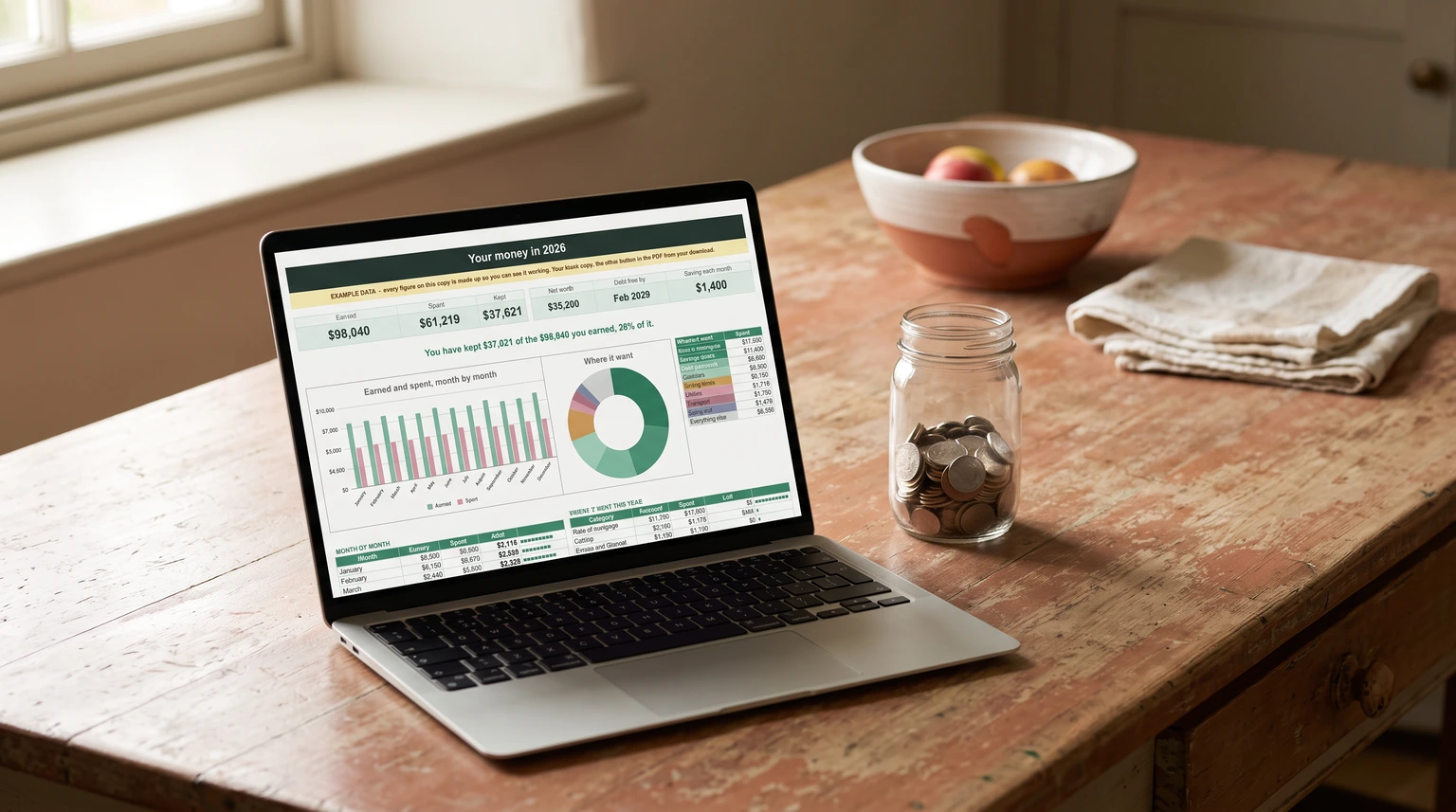
If you would rather start from a finished file than build one, our Budget & Money Planner ($39, Google Sheets and Excel) is wired the way this page recommends: one category list that every tab reads, sums over whole columns, and a year page that says how much of what you earned you kept. It adds bills, debt payoff, sinking funds, savings goals and net worth.
New to working from a template? Our guide to using spreadsheet templates covers making your own copy, renaming it, and setting the currency and dropdowns before your first entry.
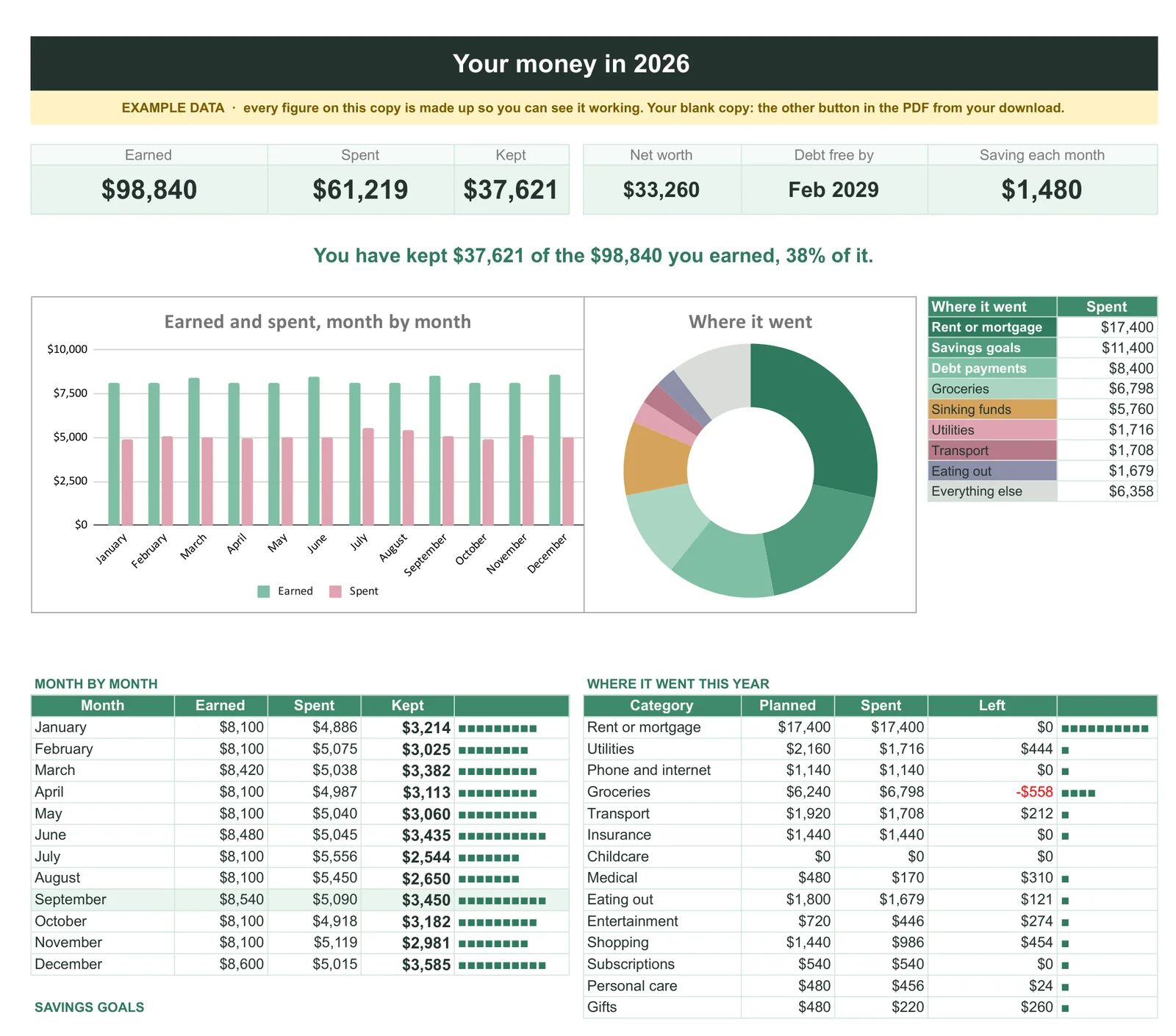
Whichever route you take, judge the file by its wiring rather than its colours, and cut the category list before you cut anything else. Those two calls decide whether a Google Sheets budget template becomes a habit or another abandoned tab. Tell us in the comments how many categories you ended up with, because we suspect the number that survives is much smaller than the number people start with.
FAQ
Common questions, answered briefly
Does Google Sheets have a free budget template?
Is Tiller’s Google Sheets budget template free?
Why does my budget spreadsheet stop adding up?
=SUM(C2:C47) ignores every row you add below 47, and it fails silently. Switching to a whole-column range such as =SUM(C:C), or to a named range, fixes it for good.How many budget categories should I use?
People also ask