What it is
What the Viwoods AiPaper Mini is
Buying a tablet from a young brand means trusting its spec sheet, and the Viwoods AiPaper Mini’s product page still gives you only part of one: an 8.2-inch E Ink Carta 1000 screen at 1920 x 1440 and 292 ppi, an adjustable front light, an octa-core 2.0 GHz chip, 4 GB of memory, 128 GB of storage and an “Android-based” system. The rest sits one tab over, on Viwoods’ own Specification and Compare page: 230 g, 5.2 mm thin, a 2,450 mAh battery, Android 13 with the Google Play Store, a glass screen, and a pen-to-ink distance under 1,400 microns. Those are the numbers this review works from, all read on viwoods.com on 17 November 2026. Where Viwoods still publishes nothing, we say so rather than borrow a figure from a forum.
Viwoods sells one configuration on its US store: the tablet with the W2 Stylus Pro (the third generation of Viwoods’ pen), a grey protective case and five replacement tips, at a regular price of $429. When we checked on 17 November 2026, a Black Friday sale had it at $299, and the full-size AiPaper at $399 instead of $549, with no end date on the page. A sale is a sale, so every comparison in this post uses $429. Viwoods takes returns within 60 days of delivery and covers local return shipping up to $6 to $8, and the warranty runs 14 months from purchase.
- Screen
- 8.2″ Carta 1000, 292 ppi
- Light
- Adjustable front light
- Software
- Android 13
- Body
- 230 g, 5.2 mm
- Storage
- 4 GB + 128 GB
- Price
- $429 with pen and case
Screen and pen
The Mini’s screen, front light and pen
The page is the reason to look at the Mini. At 1440 x 1920 in portrait it is exactly 3:4, a little squarer than a sheet of A5, and 292 pixels per inch keeps handwriting and small print sharp. The front light adjusts on a 0 to 20 scale, and it is what sets the Mini apart inside its own range: the full-size AiPaper has no front light at all, and the AiPaper Reader and Reader C have lights but take no stylus. That makes the Mini the only Viwoods tablet with both a pen and a light.
Two details matter if you are buying it mainly to write. The panel is a Carta 1000, where the AiPaper and the Boox Go 7 use the Carta 1300 that Boox describes as E Ink’s latest generation, and Viwoods lists the Mini’s screen as glass where the AiPaper’s is a Mobius panel. Viwoods’ own figure for the gap between pen tip and ink is under 1,400 microns on the Mini, against under 750 on the AiPaper; reMarkable quotes 0.92 mm for the Paper Pro Move. A bigger gap is what makes a stroke look as if it lands a hair away from the nib. Viwoods publishes no writing latency and no pressure-level count, so the feel of the pen is the first thing to judge inside the return window.
The W2 Stylus Pro in the box has a side button you can set as an eraser, a lasso eraser, a lasso or a highlighter, and a spare costs $79 at Viwoods’ regular price. There is no separate pen to budget for, which is not true of every small tablet in this class.
Software
Android 13, Google Play and the Viwoods apps
The Mini runs Android 13, the same version as the AiPaper, with Viwoods’ own apps on top: Paper for notebooks, Learning for books and PDFs, Meeting, Memo, Daily for to-dos, and a Knowledge Base. The Google Play Store is there, but it starts switched off. Viwoods’ FAQ says Google services are not enabled by default, and turning them on takes a few steps: open Settings, then Play Store, switch on Google Service, tap Go to Authorize and follow the prompts, then restart the tablet. Until you do, apps come from the Viwoods App Market or from a developer’s own website.
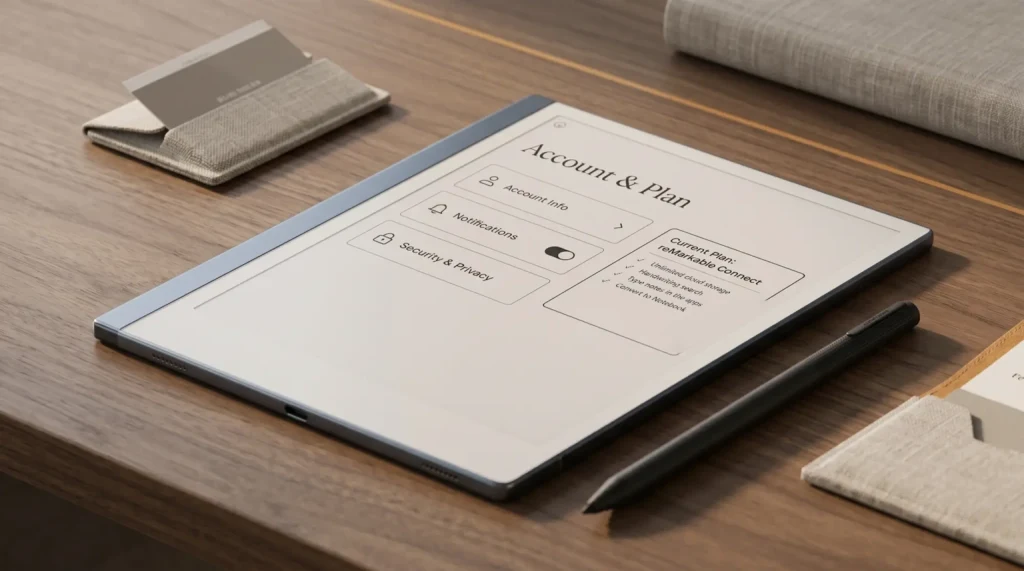
Storage and sync are generous for the price. You get 128 GB on the device, 10 GB of Viwoods Cloud free with no subscription (it stays off until you enable it), and Google Drive, OneDrive and Dropbox as third-party options. The AI tools Viwoods leads its marketing with, summaries, translation and a choice of AI models, need an internet connection; handwriting, reading local files and basic note-taking work without one.
Two hardware limits are worth knowing before you order. The AiPaper series has no built-in G-sensor, so the screen does not rotate when you turn the tablet: Learning has its own landscape mode, and anything system-wide needs a third-party orientation app. And there are no speakers, so audiobooks and other audio go to Bluetooth headphones or a speaker. Our Android e-ink tablet guide weighs the same open-system trade-offs across Boox and Bigme.
Planners and PDFs
Planners, templates and PDFs on the Viwoods AiPaper Mini
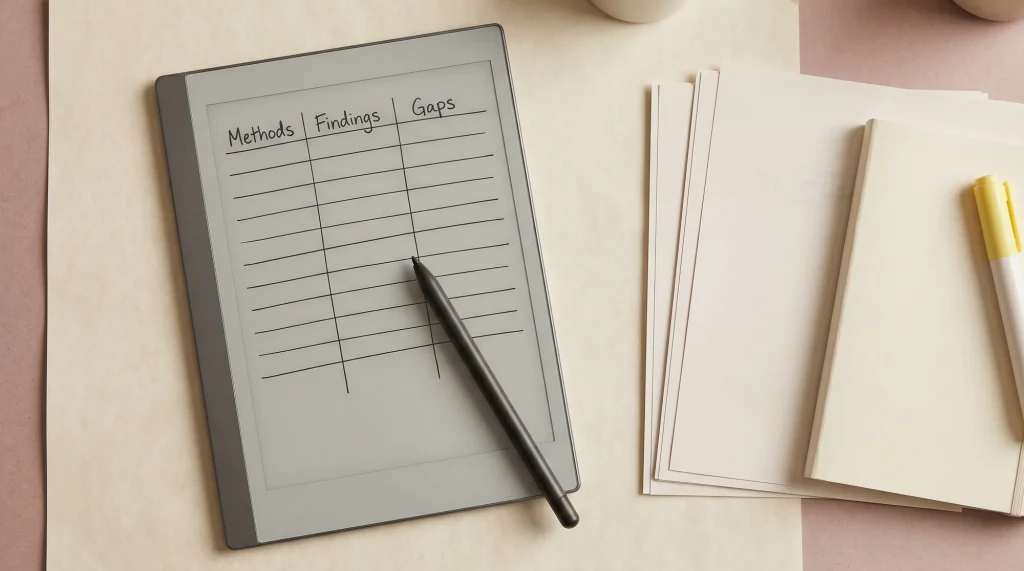
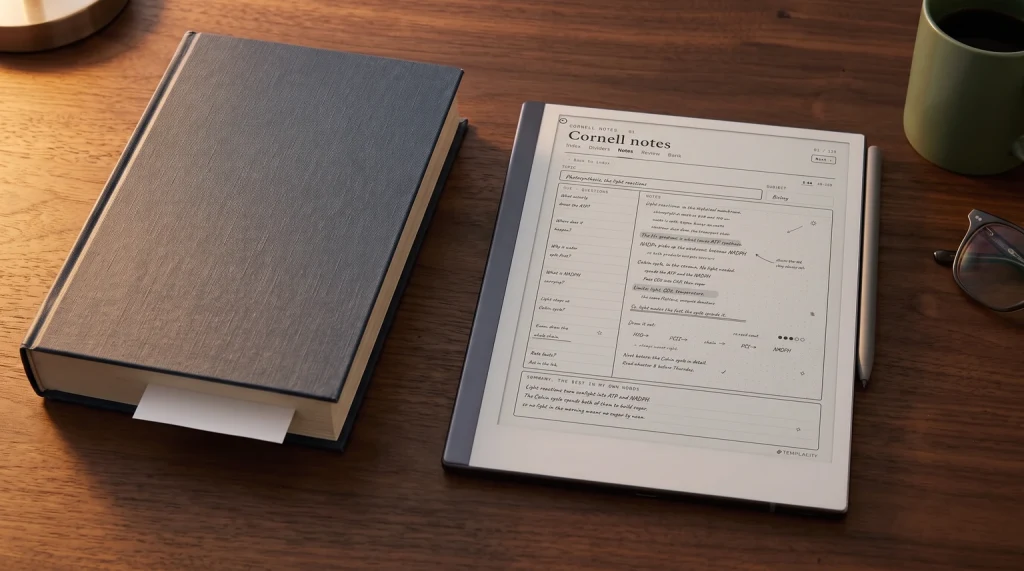
A PDF planner has two ways onto the Mini. The Mini’s user manual, revised 25 November 2025, lists PDF, EPUB, MOBI, AZW, PNG and JPG as formats the Learning app imports, and Viwoods’ V3.15 update notes for the AiPaper and the Mini describe the other route: send a PDF straight to Paper, the notes app, or import it into any Paper folder. Learning is built for reading, highlights and annotations; Paper keeps the file with your notebooks. Notes export as PDF, PNG or SVG, so what you write does not stay locked on the tablet.
The page shape is good news for planner files. Because the screen is exactly 3:4 in portrait, a planner laid out at 3:4 matches it, just at a smaller physical size than on a 10-inch tablet. A planner cut for a narrow 9:16 screen such as the Paper Pro Move’s would leave wide bands at the sides.
What Viwoods does not publish is how templates work. The product page lists templates among the Mini’s note-taking features and the FAQ says Meeting can import your own, but neither gives a page size or a file format, and none of the Viwoods pages we read says whether links inside a PDF are tappable in Paper or Learning. A hyperlinked planner depends on those links for every tab and month. Test the links in your planner inside the 60-day return window, not after it.
Test the links in your planner inside the 60-day return window, not after it.Planners, templates and PDFs
The rivals
How the Mini compares with the Paper Pro Move and Boox Go 7
The Mini’s real competition is the other small writing tablets, and two matter most: reMarkable’s 7.3-inch Paper Pro Move and Boox’s 7-inch Go 7. Prices below are each maker’s own US store price on 17 November 2026, Boox’s from its US warehouse listing.
| Spec | AiPaper Mini | Paper Pro Move | Boox Go 7 |
|---|---|---|---|
| Screen | 8.2-inch Carta 1000, 292 ppi | 7.3-inch Canvas Color, 264 ppi | 7-inch Carta 1300, 300 ppi |
| Light | Front light | Reading light | Front light, warm tone |
| Pen | W2 Stylus Pro included | Marker included | Optional InkSense Plus |
| Software | Android 13, Play once enabled | reMarkable’s own | Android 13, Play built in |
| Body | 230 g, 5.2 mm | 230 g, 6.5 mm | 195 g, 6.4 mm |
| Storage | 128 GB | 64 GB | 64 GB + microSD |
| US price | $429 with case | $449, folio extra | $269.99, pen extra |
Against the Move, the two tablets weigh the same 230 g, and the choice is about the page and the system. The Move’s 9:16 screen is a tall strip with colour, a 12 ms pen and reMarkable’s software, which syncs, converts handwriting to text and searches it, and runs nothing you install. The Mini’s 3:4 page is wider and suits a full planner page, it runs Android apps, and its box already holds a case; matching that on the Move takes reMarkable’s $549 Book Folio bundle, which also upgrades the pen to the Marker Plus, or the $69 Book Folio on its own. Our Viwoods vs reMarkable comparison takes this pair, and the full-size one, in more detail.
- Viwoods AiPaper, 10.65" screen: 6.4 x 8.5 in (16.2 x 21.6 cm)
- Viwoods AiPaper Mini, 8.2" screen: 4.9 x 6.6 in (12.5 x 16.7 cm)
- Boox Go 7, 7" screen: 4.2 x 5.6 in (10.7 x 14.2 cm)
- reMarkable Paper Pro Move, 7.3" screen: 3.6 x 6.4 in (9.1 x 16.2 cm)
Screen area only, drawn to scale from each maker’s stated diagonal and pixel count (or aspect ratio where no pixel count is published). Bodies and bezels are larger. Dashed outlines: A5 5.8 x 8.3 in (14.8 x 21 cm), US Letter 8.5 x 11 in (21.6 x 27.9 cm).
Against the Go 7, the question is whether you read more or write more. The Go 7 is an e-reader first: a sharper 300 ppi Carta 1300 screen, a front light with a warm setting, a microSD slot, the Google Play Store built in, and 35 g less to carry, for $269.99. It takes Boox’s InkSense Plus pen, but only as an add-on; with the pen in the box it is $302.99, still well under the Mini. What you give up is page, 7 inches against 8.2, and a pen that is an accessory rather than the point. If most of your day is books with the odd note, the Boox Go 7 is the better buy; if most of it is writing, the Mini is.
If neither fits, our list of Paper Pro Move alternatives covers the other small writing tablets, and the e-ink tablet comparison chart lines up every current model’s screen, light and price from the makers’ own pages.
What is missing
What Viwoods still does not publish about the Mini
The compare page closed most of the gaps, not all of them. Viwoods publishes no writing latency, no pressure-level count for the W2 Stylus Pro, and no battery life for the Mini on its own; the only figure is the FAQ’s general one for “the Viwoods device”, up to a week of daily use at two hours a day, or four weeks on standby. It does not say whether the front light has a warm setting, and it gives no template size. reMarkable, by comparison, prints a 12 ms latency and up to two weeks of battery on the Move’s own compare page. When a brand leaves a number out, treat it as something to check with the tablet in your hands, not as a promise either way.
The other unknown is the company. The warranty is a 14-month limited one from the date of purchase and does not cover styluses, cases or tips, and a cracked screen is a paid service rather than a warranty repair. Viwoods does publish notes for each software update, and V3.15 brought Viwoods Cloud and new ways to send PDFs into Paper to the AiPaper and the Mini. That is a good sign from a young brand, and still a shorter record than the older names in e-ink have.
What the spec sheet gets right
- The only Viwoods tablet with a pen and a front light, on a 3:4 page that suits a portrait planner.
- Pen, protective case and five spare tips in the box at $429.
- Android 13 with Google Play available, 128 GB, and 10 GB of free Viwoods Cloud.
- At 5.2 mm, thinner than both the Paper Pro Move and the Boox Go 7.
What gives us pause
- A Carta 1000 panel under glass, with a pen-to-ink gap Viwoods puts under 1.4 mm.
- No published latency, pressure levels or Mini battery life.
- Google Play is off until you authorize it, and the screen never rotates on its own.
- A young brand, with a warranty that excludes the pen and the case.
Verdict
Verdict on the Viwoods AiPaper Mini
Put the published numbers side by side and the Mini lands in a clear spot: bigger and wider than the Move and the Go 7, lit where the AiPaper is not, and open where reMarkable is closed. The open questions are all about the pen and the company, not the page.
If you own a Mini, you know the things no spec sheet covers yet: how long the battery lasts with the light up, whether your planner’s links work in Paper, how the pen feels a month in. Tell us in the comments, or tell us which small tablet you chose instead and why. We fold what readers report back into this review, and the rest of our e-ink coverage lives on the reMarkable hub.
FAQ
Common questions, answered briefly
Does the Viwoods AiPaper Mini have a front light?
How much does the Viwoods AiPaper Mini cost?
Does the Viwoods AiPaper Mini have Google Play?
How much does the Viwoods AiPaper Mini weigh?
Viwoods AiPaper Mini or reMarkable Paper Pro Move?
Can you use PDF planners on the Viwoods AiPaper Mini?
If yours isn’t above, drop the question in the comments and we’ll add it.
People also ask