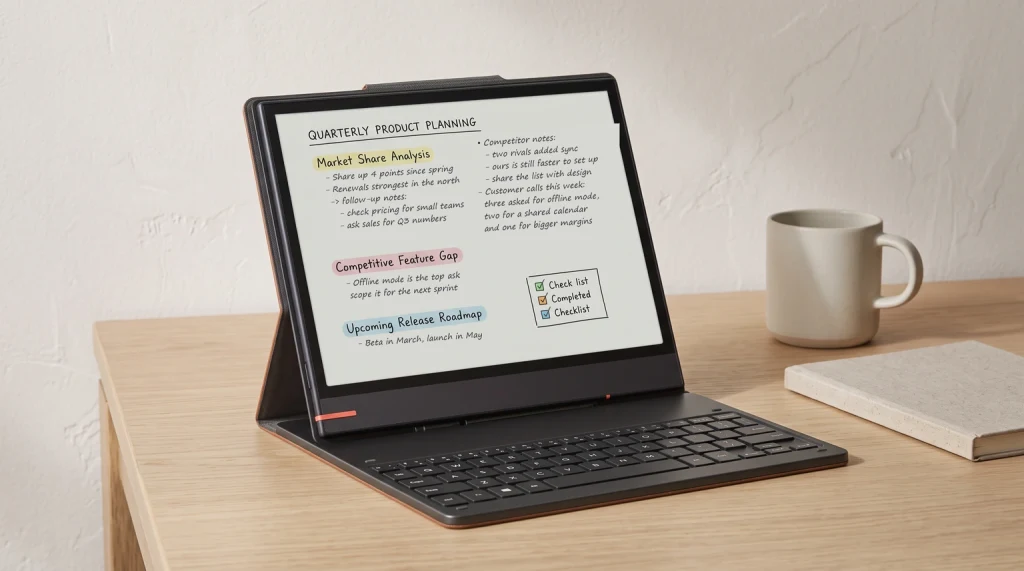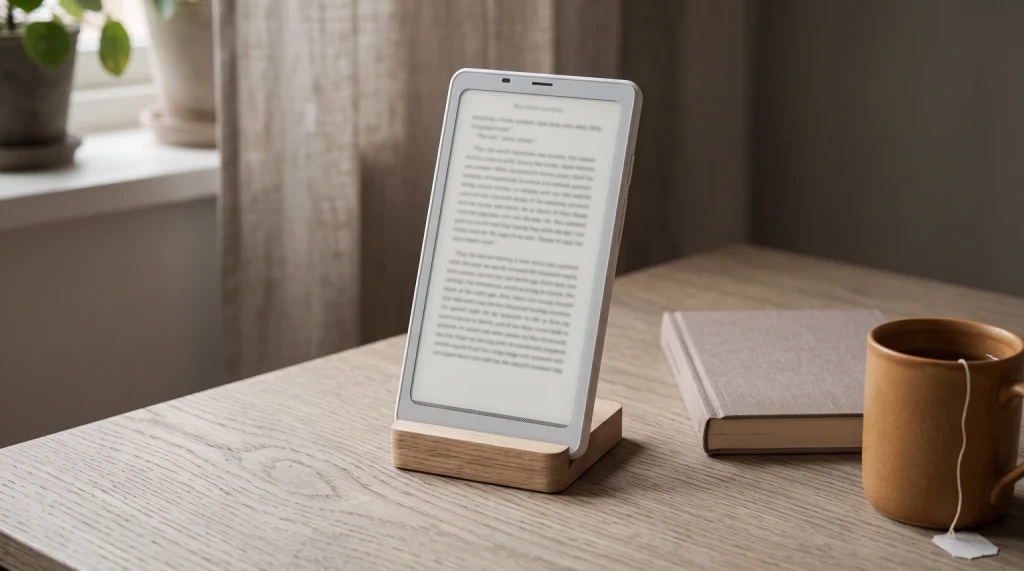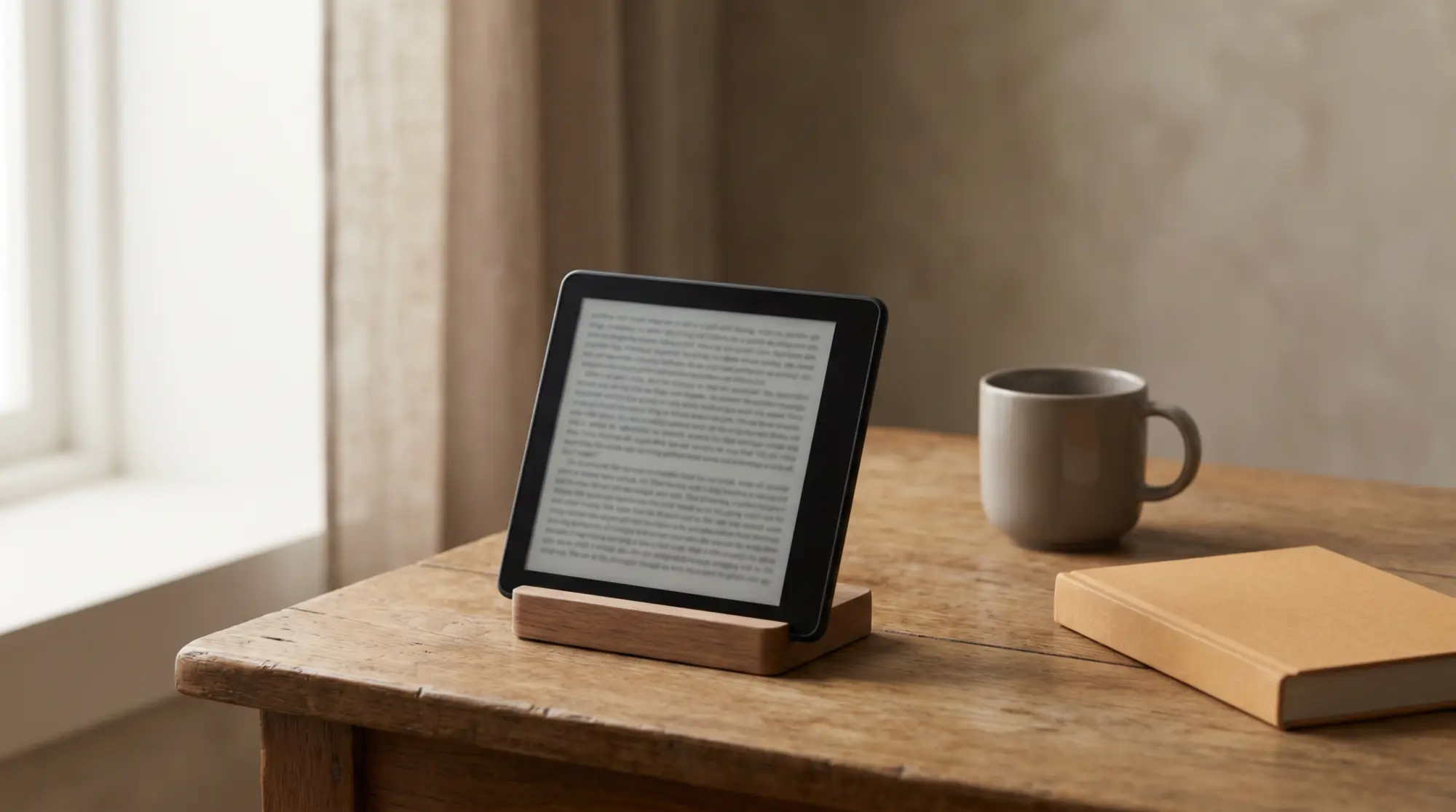
Boox planners from Templacity: The Planner for Boox is one hyperlinked PDF with Index, Year, Month, Week, Day and Notes pages, dated 2026 and 2027, for $49, in six languages (English, Spanish, French, German, Dutch and Chinese). The Boox Template Bundle holds the daily, weekly, daybook and notes planners for 2026 and 2027 for $39. Both are one-time purchases with an instant download. Every option is compared in our Boox templates guide.
What it is
What the Boox Go 7 is
The Boox Go 7 is a compact 7-inch e-reader from Onyx, built around a monochrome E Ink Carta 1300 screen at 1680 by 1264 (300 pixels per inch), with a warm-and-cool adjustable front light. What sets it apart from a mainstream reader is the software: it runs full Android 13, so instead of one locked store you can install the reading apps you already use, side by side, on e-ink. It weighs about 195 grams, carries 4GB of memory and 64GB of storage with a microSD slot, and adds a speaker and microphone, which a typical e-reader leaves out. It launched in April 2025 at 249.99 dollars. In short, the Boox Go 7 is the open, do-more answer to the closed simplicity of a Kindle, and whether that trade suits you is the whole question this review works through.
- Screen: 7-inch mono E Ink Carta 1300, 1680 x 1264, 300 ppi, warm and cool front light
- Software: full Android 13 (install your own apps)
- Handwriting: stylus supported, but the pen is sold separately
- Inside: octa-core, 4GB memory, 64GB storage plus microSD, speaker and microphone, 2,300mAh battery
- Price and weight: 269.99 dollars on Boox’s US store, about 195 grams
Who it is for
Who the Boox Go 7 is for
The Boox Go 7 is for the reader who has felt boxed in by a closed e-reader. If you borrow library books through an app, buy from more than one store, read documents and articles through a read-it-later service, or want a reading app and an audiobook app on the same small device, the Go 7 does all of that on e-ink because it is, underneath, a tiny Android tablet with a paper-like screen. It suits tinkerers and people who value control over their device more than a frictionless setup. It is also a fair pick for someone who wants a pocketable reader that can occasionally take a handwritten note, as long as they accept the pen is an extra purchase.
It is not for everyone, and the honest counter-case matters. If you just want to buy a book and read it with no fuss, a mainstream closed reader does that more smoothly and for less money, and you will not miss the openness you were never going to use. The Go 7’s flexibility comes with the small overhead of an Android device: more settings, occasional app quirks, and a software experience that is capable rather than polished. If the idea of managing apps on your reader sounds like a chore rather than a feature, that is a sign the Go 7 is solving a problem you do not have.
Reading and writing
Reading and writing on the Go 7
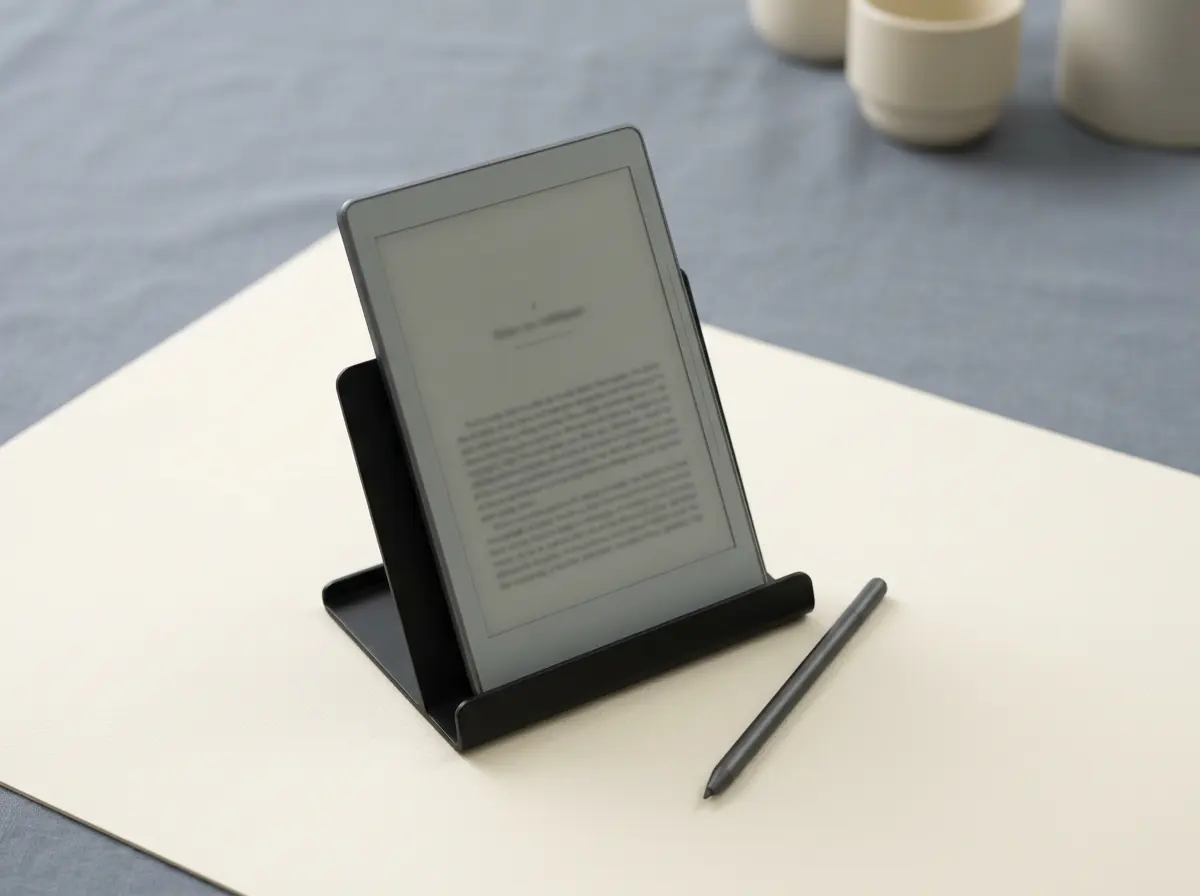
As a reader, the Go 7 has the fundamentals right: a 300-ppi monochrome panel renders text crisply, the screen size sits in the sweet spot between pocketable and roomy, and the warm-and-cool front light handles a dark room and a bright one. Running your own apps on it is the draw, and it mostly works well, though it is worth knowing that reading apps designed for color phone screens sometimes need a little setting-tweaking to feel right on e-ink, and that the speed and refresh of any app on e-ink will never match a phone. For straight reading in the device’s own software, it is quick and clean; for heavy app use, expect to spend a few minutes tuning contrast and refresh to taste.
Handwriting is a secondary skill here rather than the main event. The Go 7 supports a stylus, so you can mark up a document or jot a note, but the pen is not in the box, which is a cost and a point to remember before you imagine it as a note-taker. On a 7-inch screen, writing is fine for annotation and short notes rather than pages of longhand; if serious handwriting is your goal, a larger Boox note-taker is the better tool, and we cover those elsewhere. Treat the Go 7’s pen support as a useful bonus on a reader, not as the reason to buy it.
Mono or color
Boox Go 7 vs Go Color 7: mono or color
The Go 7 has a near-identical color sibling, the Boox Go Color 7 Gen II (the first-generation Go Color 7 is sold out on Boox’s US store as of 23 October 2026), and choosing between them is the most common Go 7 decision. They share the body, the Android 13 software, the speaker, and the battery; the split is the screen. The mono Go 7 uses a sharp Carta 1300 panel and reads text beautifully. The Go Color 7 uses a Kaleido 3 color panel, which adds color for comics, magazines, and color notes, but color e-ink is dimmer and the color layer drops the effective sharpness, so plain text looks a touch softer than on the mono model. The color version also costs a little more. The table lays out the trade.
| Model | Screen | Text sharpness | Price | Best for |
|---|---|---|---|---|
| Boox Go 7 (mono) | Carta 1300 mono | Sharpest | 269.99 dollars | Text readers who want it crisp and cheaper |
| Boox Go Color 7 Gen II | Kaleido 3 color | Slightly softer | 289.99 dollars | Comics, magazines, color notes |
The honest rule is simple: if you read mostly words, buy the mono Go 7, because it is sharper and costs less, and color e-ink does nothing for a page of text. Only step up to the color model if you genuinely read comics, manga, magazines, or take color-coded notes often enough to feel the benefit. Plenty of people are tempted by color and then read novels on it, paying more for a slightly softer page they would have preferred crisp. Our full Boox Go Color 7 review goes deeper on whether the color is worth it; for most text readers, the mono Go 7 here is the smarter buy.
If you read mostly words, buy the mono Go 7, because color e-ink does nothing for a page of text.Mono or color
Versus a Kindle
Boox Go 7 vs a Kindle or Kobo: the Android question
Against a mainstream reader, the Go 7’s case rests entirely on openness. A Kindle or a Kobo gives you a polished, locked experience tied mostly to one store, long battery life, and a lower price. The Go 7 gives you a device that runs whatever you install, so a single small reader can hold your library app, more than one bookstore, your articles, and an audiobook app at once, which no closed reader allows. The cost of that freedom is real: the Go 7 is more expensive, its 2,300mAh battery will not match a Kindle’s weeks of standby, and the software asks a little more of you. If you live inside one store and want simplicity, a closed reader wins. If you refuse to be tied to one ecosystem, the Go 7 is one of the most pocketable ways to escape it, and our Boox versus Kindle Scribe comparison digs into the wider tradeoff.
Where it falls short
Where the Boox Go 7 falls short
No device this flexible is without compromises, and the Go 7’s are worth saying plainly. The pen sold separately is the first: marketing that shows handwriting can imply it is included, and it is not, so budget for it if you want it. The price is the second: at around 250 dollars it sits well above mainstream readers, and you only get value back if you actually use the openness. The software is the third: Boox’s Android is capable but less tidy than a Kindle, with more menus and the occasional app that needs coaxing to behave on e-ink. Battery is the fourth: a 2,300mAh cell is fine for a reader you charge weekly, but it is not the set-and-forget endurance closed readers are known for. None of these is a dealbreaker for the right buyer; all of them are reasons the wrong buyer should pick something simpler.
Getting more from it
Getting more from a Boox Go 7
Because the Go 7 runs open Android and supports a stylus, it doubles as a light planning and note device, and a good template set is the cheapest way to get more from that side without paying for extra apps. A hyperlinked planner or note PDF opens in the Go 7’s reading and writing apps the same way a book does, turning the reader into an occasional organiser. If you want to lean into that, our Boox lineup guide shows where the Go 7 sits among the larger note-takers, and our template set is built to work on Boox screens specifically. None of it is required to enjoy the Go 7 as a reader; it is simply there if you want the device to earn its keep beyond books.
Verdict
Verdict
The Boox Go 7 is a niche device in the best sense: not the reader for everyone, but close to ideal for the person who wants an open, pocketable e-ink reader and knows why. If you have picked one up, or chosen a Kindle over it, tell us what swung the decision in the comments. The real reasons people buy or skip the Go 7 help the next reader more than any spec sheet.
FAQ
Common questions, answered briefly
Is the Boox Go 7 worth it?
Does the Boox Go 7 have color?
Does the Boox Go 7 come with a pen?
What Android version does the Boox Go 7 run?
Boox Go 7 or a Kindle?
Can you take notes on the Boox Go 7?
If yours isn’t above, drop the question in the comments and we’ll add it.
People also ask