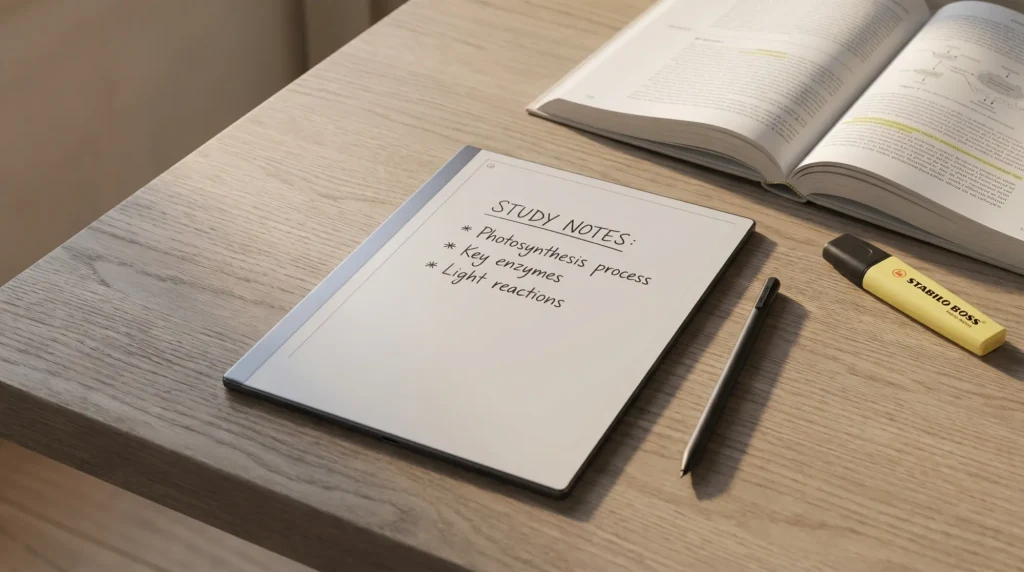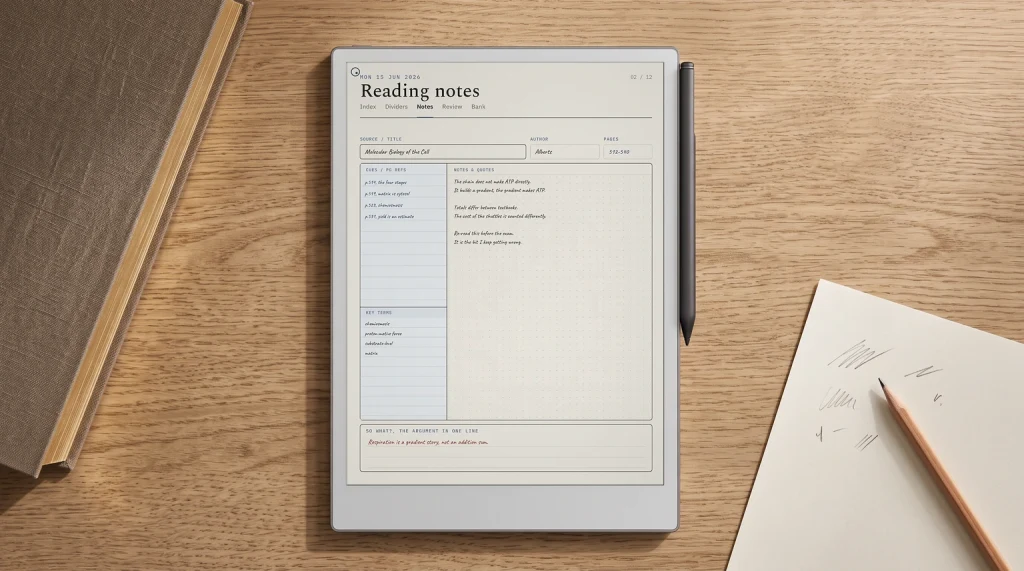
The idea
What a literature review template actually is, and what it is not
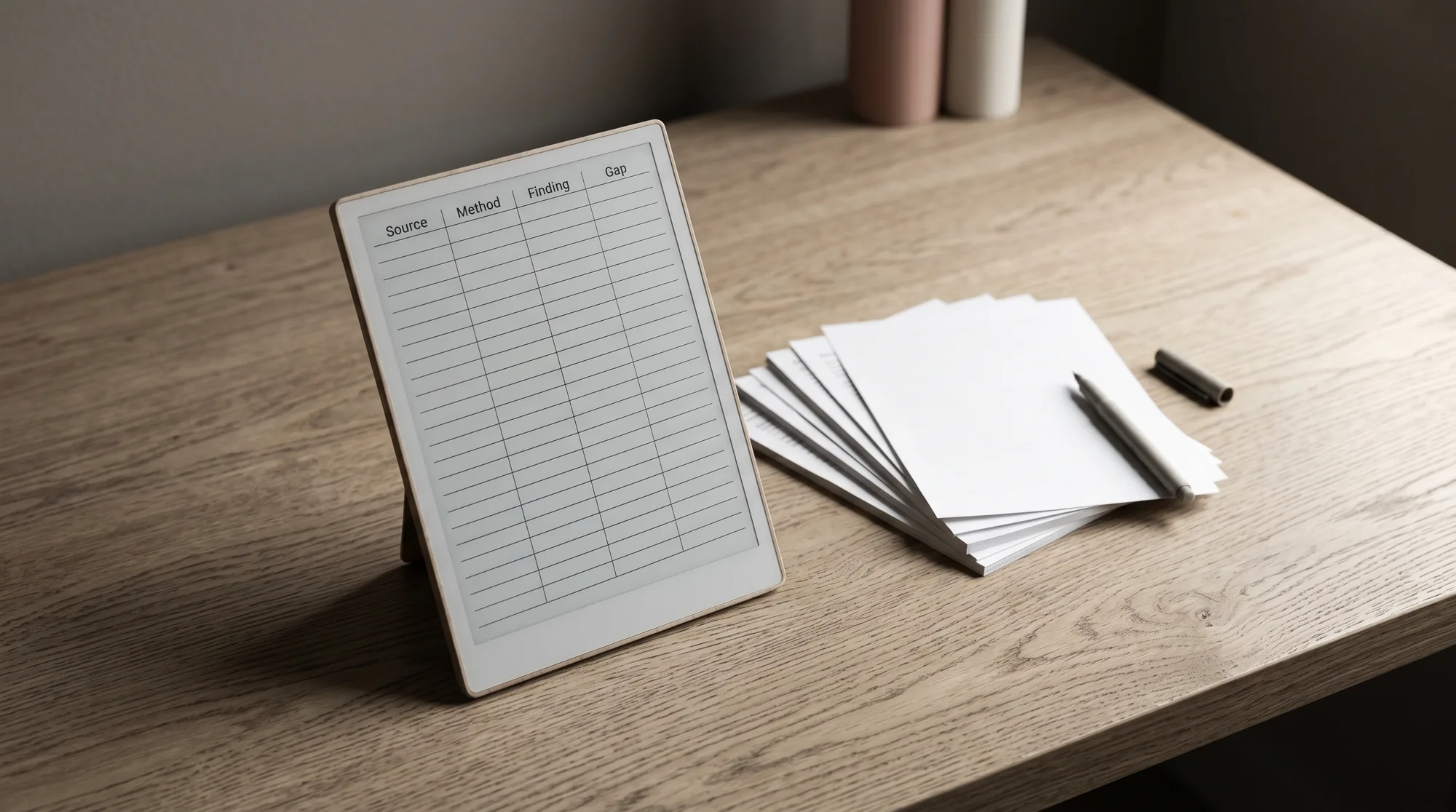
A literature review template is a structured grid that organizes your sources by idea instead of by paper. Each row is one source. Each column is one thing you need from every source, a method, a finding, a gap, a population. Each cell is a short note, in your own words, on what that source says about that column. Some writing centers call the filled version a literature review matrix; the name shifts, the shape does not. What the grid gives you is the one thing a stack of PDFs never will: a view across the field, not just a view of each paper in turn.
It helps to be clear about what the template is not. It is not a reading log, which records that you read something without recording what it claimed. It is not a citation manager; a tool like Zotero holds your references, while the template holds your thinking about them. And it is not busywork bolted onto the review at the end. Filled honestly while you read, the template is the review, one draft before the prose. Guides from the UNC Writing Center and Purdue OWL push the same move: stop organizing by source, start organizing by idea.
That is why a blank document rarely works for this. A review has to answer what the field says about a theme, where studies agree, and where they fight. Prose hides those patterns; a grid exposes them. The rest of this guide is about building a grid that stays fillable past the fifth paper, choosing the type that fits your review, and deciding where the thing should live.
The columns
The columns that make a template work
Columns are where most templates fail. Open with too many and the grid becomes a form nobody finishes; open with too few and it collapses back into a summary. The fix is to draw the columns from your research question, keep the opening set small, and let the papers earn any additions. A working core looks like this.
| Column | What goes in it | Why it earns a slot |
|---|---|---|
| Citation | Author, year, and a locator (DOI or page) you can find again | Makes the eventual reference painless |
| Research question | What the study actually set out to answer | Keeps off-topic papers out of the grid |
| Method | How it was done: sample, design, data | Lets you weigh evidence, not just count it |
| Key finding | The headline claim, paraphrased in your words | Paraphrase forces the thinking early |
| Context | Who, what, and where the study looked at | Explains why two studies disagree |
| Limitations and gaps | What the study does not settle | The empty spaces become your contribution |
| Your note | Why it matters to your argument, plus a page number | Turns a cell into a future sentence |
Set a cell discipline and keep it. A cell is a paraphrase plus a locator, two sentences at most, never a pasted quote and never a bare tick mark. Pasting postpones the thinking to a day you will not have; a tick cannot be written from later. When a finding turns up twice with nowhere to sit, it has earned a new column. When it turns up once, park it in the note cell and move on. Columns added on a hunch stay empty, and empty columns are the reason half-built templates get abandoned.
The types
Template types for different kinds of review
Not every review wants the same grid. A term-paper review and a protocol-driven systematic review share the row-and-column logic but ask for different columns and very different effort. Match the template to the job before you build it, and borrow the closest structure below rather than starting from an empty page.
| Type | Best for | Core columns | Setup effort |
|---|---|---|---|
| Narrative review matrix | Coursework and journal reviews | Source, theme, finding, gap | Light |
| Synthesis matrix | Turning sources into an argument | Sources down, themes across | Medium |
| Systematic review sheet | Protocol-driven, reproducible reviews | Inclusion, method, sample, risk of bias | Heavy |
| Scoping review map | Mapping a broad field before narrowing | Source type, concept, population, gap | Medium |
| Annotated bibliography | Early reading and graded assignments | Citation, summary, evaluation, relevance | Light |
| Reading and source tracker | Keeping tabs on read and to-read | Citation, status, priority, note | Light |
Two of these deserve a note. The annotated bibliography is source-by-source, one summary per paper stacked in order; many researchers write it first and then mine it to fill a matrix. The synthesis matrix is the opposite move, cutting across sources by theme, which is the shape a review argument actually needs. If your assignment names one of these specifically, build that one; if it just says literature review, the narrative matrix is the safe default, and it upgrades to a synthesis matrix the moment you start writing across columns.
Effort should track the stakes. A course assignment does not need a full systematic literature review template with inclusion criteria and a bias assessment on every row; that heavier structure exists for reviews that have to be reproducible, where another researcher should be able to rerun your search and reach the same set of papers. A scoping review sits between the two, mapping how much evidence exists and where it clusters before anyone commits to a narrow question. Reach for the audited grids only when the review will actually be audited, and keep the lighter matrix when the goal is a strong argued chapter.
The method
How to fill the template without re-reading every paper
The failure mode of every literature review template is the half-filled row. You read a paper in March, filled two cells, moved on, and by June that paper needs reading again because the row cannot be written from. A short, boring discipline prevents it, and it is worth spelling out because it is the part guides skip.
Skim before you commit a row. Read the abstract, introduction, and conclusion first; if the paper does not touch at least two of your columns, it goes on a maybe list, not into the grid. Rows are expensive and skims are cheap. Once a paper earns its row, fill the whole row in one sitting, every column answered, including the ones where the honest answer is not addressed. An empty cell reads as unfinished work you will redo; a cell that says not addressed is itself a finding. Paraphrase as you go and pin a page number to each note, because your own words force the compression that makes a cell reusable, and the locator keeps the paraphrase honest. Then, once a week, reread the grid rather than the papers. A ten-minute pass over the rows keeps the whole field in working memory while the PDFs stay closed. The deeper mechanics of that column-first read live in our guide to the synthesis matrix.
An empty cell reads as unfinished work you will redo; a cell that says not addressed is itself a finding.
Where the grid pays for itself is the writing. Reading down a row gives you a book report on one source. Reading across a column gives you the field: eight sources on one theme, agreeing, splitting, and leaving gaps you can name with a straight face because you can point at the silence. Each column becomes a section of the review, the pattern most cells agree on becomes its opening claim, and the cells that disagree become the interesting middle. The Scribbr guide to synthesizing sources walks the same logic if you want a second treatment. This is also the stage where the review connects to the writing that surrounds it, since the gap you surface is usually the one your research proposal is built to fill.
Three failures account for most abandoned grids. The first is the nine-column opening, where early enthusiasm builds a form so wide that no paper ever gets fully entered; start narrow and widen only under pressure. The second is quote-dumping, pasting long passages in place of paraphrase, which feels productive and quietly defers every hard decision to a future self with less time. The third is the orphaned row, a paper entered once and never revisited, which rots until the whole grid feels untrustworthy. A literature review template survives when the discipline stays boring and consistent: narrow columns, paraphrased cells, whole rows filled in one sitting, and a weekly reread of the grid rather than the papers.
Where it lives
Where the template should live: spreadsheet, document, or e-ink
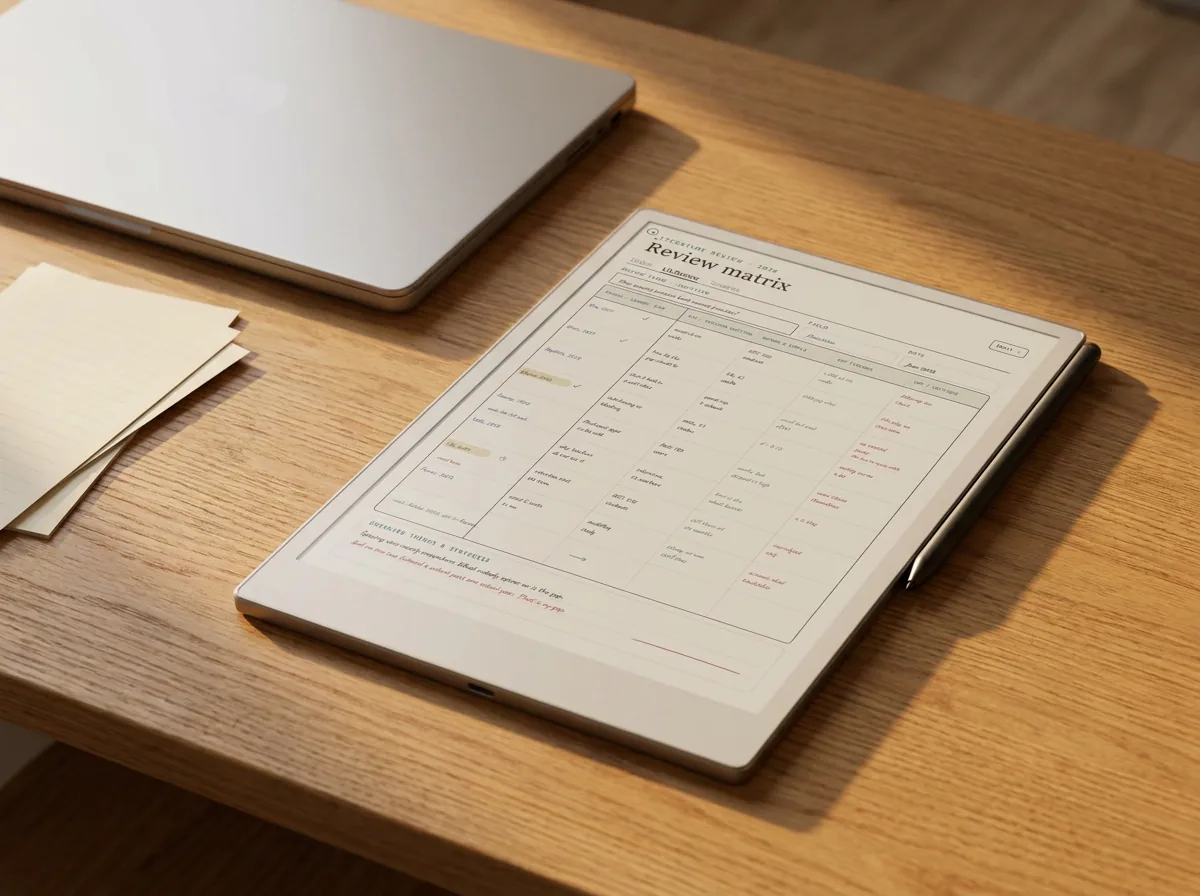
A spreadsheet is the default home, and for a big review it earns the spot: forty sources sort, filter, and search in ways paper never will, and a frozen header row keeps the columns visible as you scroll. Its weakness is distance. The reading happens in a PDF viewer, the grid lives in another window, and notes drift toward copy-paste instead of paraphrase. A table inside a document is friendlier for a small review but degrades past ten sources, when the rows stop fitting on one screen and the whole point of the grid, seeing across, is lost.
The third option is the one this site cares about: handwritten, on an e-ink tablet. If you already annotate PDFs on a reMarkable, a Kindle Scribe, or a Boox, the template can sit one swipe from the paper you are marking up, and writing cells by hand forces the compression that makes them useful. The honest caveat is that ink does not sort or search, so many researchers run a hybrid: a rough grid by hand while reading, a clean version typed up when a section is ready to draft. Whichever surface you choose, the template is one page of a wider system, and our breakdown of the best note-taking app for research work covers the reading and reference half that sits beside it. For reviewers who plan reading around deadlines, the reading itself is easier to protect when it is scheduled the way our digital student planner lays out.
Free or paid
Free versus paid, and building your own
You do not have to buy anything to run a literature review template well. A blank spreadsheet with the seven columns above will carry most reviews from first paper to final draft, and building it yourself teaches you which columns your particular field needs. The free route costs setup time and a little upkeep: you own the formatting, the version control, and the moment at column nine when you have to decide whether the grid still fits your head.
A paid template buys back that setup and the structure decisions, which is worth more to some researchers than to others. If you would rather not build from scratch, our Literature Review Kit is a hyperlinked matrix with per-source note cards, made for e-ink tablets, and it sits inside a wider research template set. It handles the structure so your reading time stays on the reading. For the annotation and planning half of the workflow, it pairs with the note and planner layouts in the reMarkable bundle below.
The workflow
How the template fits the whole research workflow
The template is one instrument in a longer piece. It sits downstream of a search strategy, which decides what enters the grid, and upstream of the writing, which drains it. Reference tools feed the citation column, the reading and annotation happen next to it, and the finished matrix hands its columns to the review as ready-made sections. Treated this way, the grid stops being a chore and becomes the join between reading and writing, the place where a pile of sources turns into a position you can defend.
It also connects sideways. The gap a full grid surfaces is the seed of a research proposal; the reading it schedules belongs in a term plan; the annotation it depends on wants a real notebook, whether that is an app or an e-ink page from our reMarkable templates. Build the template once, keep it honest, and the rest of the project has somewhere solid to stand.
However you run it, the test of a literature review template is the same: when someone asks what the literature says, you answer from the grid, not from a frantic re-skim the night before. If you have made the handwritten version work at scale, or you have a column trick we did not cover, tell us in the comments; we fold the best field notes back into the reMarkable hub guides as they arrive.
FAQ
Common questions, answered briefly
What is a literature review template?
What columns should a literature review template have?
Is a literature review template the same as an annotated bibliography?
Should the template live in Excel, Word, or on paper?
If your question is not covered above, ask it in the comments and we will add the answer here.
People also ask