Frame
What makes a good digital notebook tablet for students
A digital notebook tablet for students has a different job than a tablet for a working professional. Students take handwritten lecture notes (often four to six hours a day in a heavy semester), read PDF textbooks at length, switch between course readers and personal study materials, and rely on long battery life between charges in lecture halls without convenient outlets. The tablets that fit students best optimize for those four jobs in that order. Flagship features that adults pay extra for (color writing, dense PDF rendering, professional cloud sync) matter less than handwriting feel, panel size for textbook reading, and battery you can trust.
Three checks separate good student picks from generic e-ink roundups. First, the writing surface needs to handle hours of handwriting without latency that breaks flow. Second, the panel needs to be large enough for the textbook PDFs your program assigns (full A4 if the textbooks are scanned at native size). Third, the battery has to last a full day of class plus evening study without charging mid-day. Anything missing on those three is a student-tablet dealbreaker; everything else is a nice-to-have.
Pick #1
Best portable digital notebook tablet: reMarkable Paper Pro Move
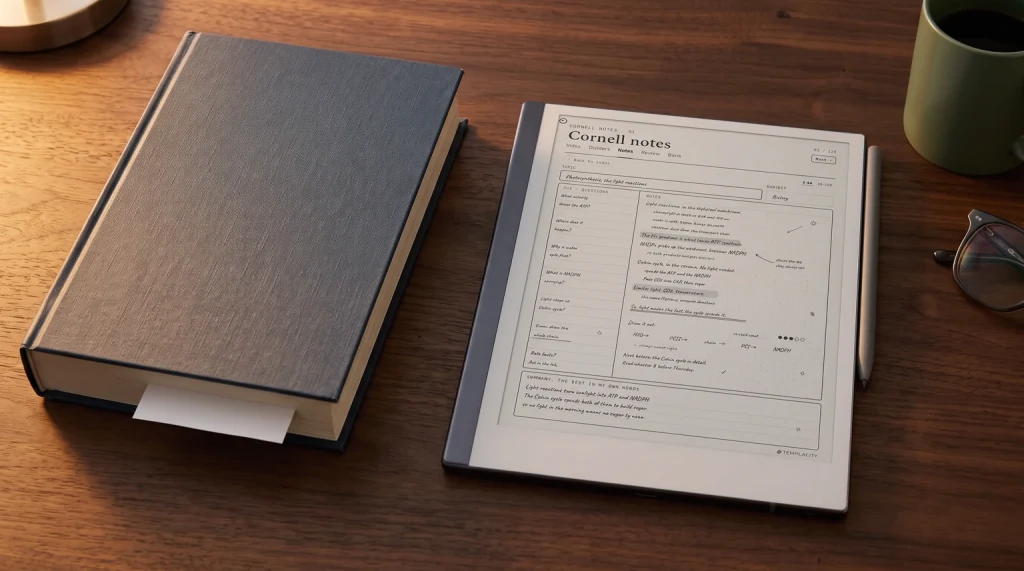
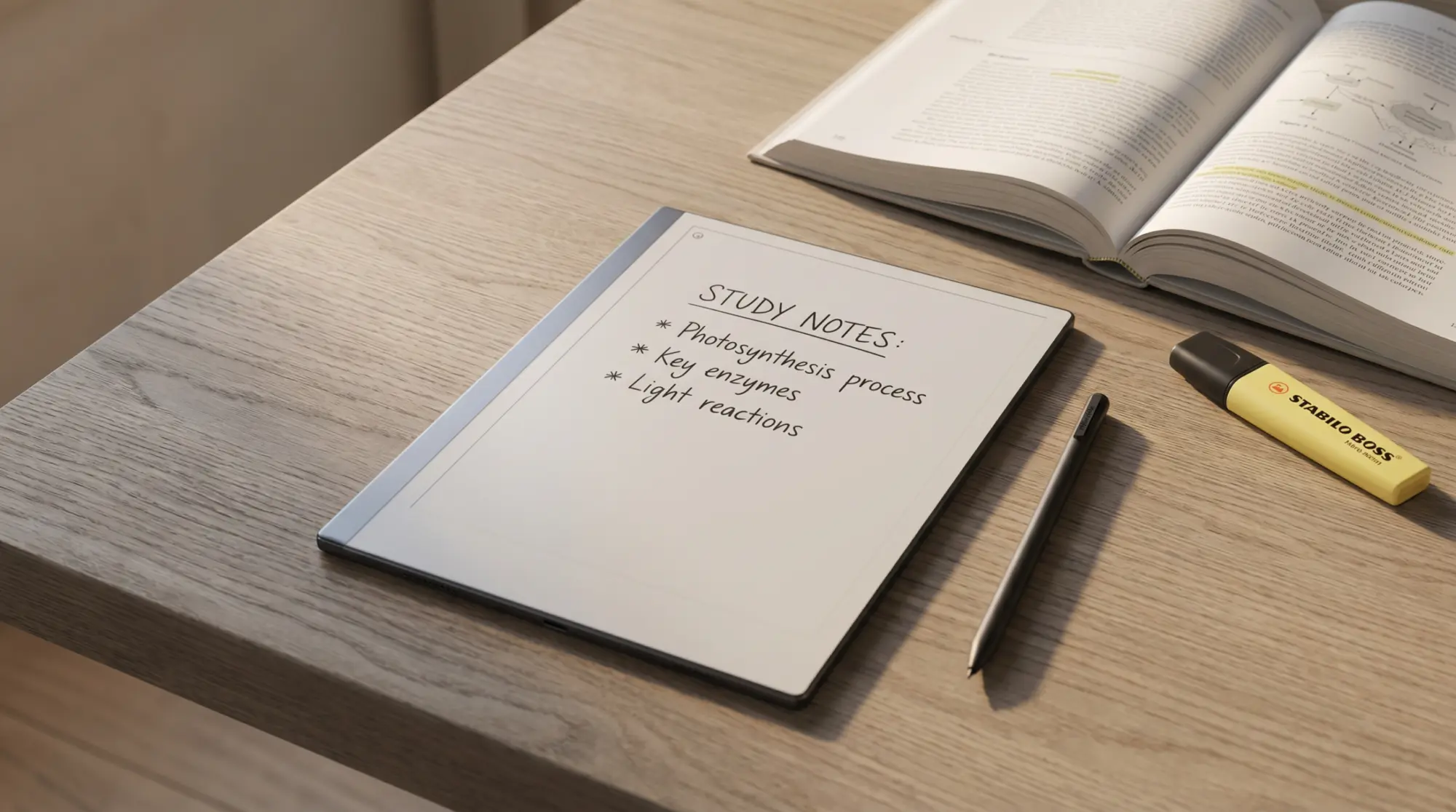
For most students, the reMarkable Paper Pro Move at $449 hits the sweet spot. The 7.3-inch CANVAS panel is large enough for handwritten lecture notes and reflowable ebook reading, the writing latency leads the category, and battery life clears two weeks of light use (or a typical lecture week with hours of writing). The closed-software philosophy is a feature for students, not a bug: no apps means no distractions, which is exactly what study time needs.
What makes it a student pick specifically: portability fits in a backpack alongside a laptop without taking notebook real estate, the Marker stylus is included (no surprise accessory cost; the eraser-tipped Marker Plus is the $499 bundle), and the 100-day return policy lets you test it through a full block of classes before committing. The tradeoff: the 7.3-inch panel is tight for full-page A4 PDFs, so students whose textbooks are PDF-heavy at native size should consider the larger Paper Pro instead. Our Paper Pro Move overview covers the device in depth.
Pick #2
Best Kindle-heavy digital notebook tablet: Kindle Scribe Colorsoft
For students whose course materials live on Kindle (textbook rentals through Kindle Unlimited, Amazon Send to Kindle for course PDFs, lecture-recording transcripts read on Kindle), the Kindle Scribe Colorsoft pulls reading and note-taking into one device. The 11-inch panel is comfortable for textbook reading at native size, color highlights survive sync to other Kindle apps, and the Send to Kindle workflow turns email PDFs into searchable annotated documents.
The tradeoff: the writing surface is glassier than reMarkable’s, which matters more for note-heavy programs than reading-heavy ones. For programs that assign Kindle textbooks specifically, the Colorsoft Scribe earns the price; for programs that use varied PDF sources or require apps, a Boox device fits better. Our Kindle Scribe vs reMarkable piece breaks down which workflow each fits.
Pick #3
Best app-flexible digital notebook tablet: Boox Note Air6 C
For students whose programs require multiple apps (Kindle, Kobo, library OverDrive, Adobe Reader, course-specific apps), the Boox Note Air6 C runs Android 16 with Google Play. That means any reading or note-taking app a course uses installs alongside the native notes app. The 10.3-inch Kaleido 3 color panel handles textbook rendering well, the Pen3 stylus comes in the box, and the Android flexibility is genuinely useful when a course assigns a proprietary reader.
The tradeoff: Android on e-ink can feel inconsistent, and the do-everything posture dilutes the focus that makes reMarkable’s closed system valuable for study time. Students with self-discipline to ignore distractions get the most from the Boox flexibility; students who would install Twitter on a study device should pick a closed-OS tablet instead. Our Paper Pro vs Boox piece covers the closed-vs-open tradeoff in detail.
Pick #4
Best budget digital notebook tablet: Kobo Libra Color
For students on a tight budget, the Kobo Libra Colour at $259.99, with the Kobo Stylus 2 sold separately at $69.99, covers reading-first workflows with margin notes. Note what that adds up to: $329.98 to read and annotate, which is only $119 under the Paper Pro Move and worth weighing before you call it the budget option. The 7-inch Kaleido 3 panel handles ebook reading well, color highlights sync across the Kobo app, and library OverDrive integration is genuinely useful for students who borrow course materials through public libraries. The setup is reading-with-notes rather than full notebook use, which is fine for programs whose handwriting load is light.
The tradeoff: the writing experience is meaningfully behind the reMarkable and Boox tablets. For programs that demand four to six hours of daily handwriting, the Libra Colour falls short. For programs that are reading-heavy with occasional margin notes, it covers the workflow at a price point that makes sense for student budgets.
Decision matrix
Which digital notebook tablet fits which student
| You are | The right tablet |
|---|---|
| A note-heavy student in a portable-friendly program | reMarkable Paper Pro Move ($449) |
| A student with Kindle-heavy required reading | Kindle Scribe Colorsoft ($629.99) |
| A student whose courses require multiple apps | Boox Note Air6 C ($579.99) |
| A reading-first student on a tight budget | Kobo Libra Colour ($259.99) |
| A student with PDF-dense textbooks at A4 | reMarkable Paper Pro ($629) for the larger panel |
| An art or design student needing color fidelity | An iPad Pro instead (e-ink color is too subdued) |
The honest pick order: identify which workflow dominates your program (note-taking, Kindle reading, multi-app, or budget reading), then pick the tablet whose strength matches that workflow. Most students who buy a flagship for a workflow that does not need it end up with an underused expensive device; students who buy for the actual workflow stay happy.
Bundle
Buying notes
Buying notes for student tablets in 2026
Three buying considerations save the most regret for students. First, check your school bookstore policy. Some programs (especially law and medical) require physical textbooks for exam reasons; an e-ink tablet does not replace that requirement. Confirm before spending. Second, check student-discount programs. reMarkable, Amazon, and Boox all run periodic education discounts (back-to-school promotions, .edu email verification). Stack with return-window timing for the lowest real price.
Third, plan for accessories. Stylus replacement tips, folio covers, and screen protectors push the all-in cost up by 20-30% of the headline price. The honest student-ready setup runs from about $330 (Libra Colour with its stylus, and that is the device plus pen alone) at the budget end to $750 or more (Scribe Colorsoft with cover and warranty) at the high end. Build that into the budget rather than discovering it after the device ships.
FAQ
Common questions, answered briefly
What is the best digital notebook tablet for students in 2026?
Can an e-ink tablet replace a paper notebook for students?
How much should a student spend on a digital notebook tablet?
Is the Kindle Scribe good for college students?
Which tablet handles textbook PDFs best for students?
Do digital notebook tablets work for art and design students?
If you have used a digital notebook tablet through a full semester, drop the verdict in the comments. Multi-month student use surfaces things that single-week reviews never can, and this is where future students will look for the actual workflow lived in.