For the broader buyer’s guide on running a Kindle planner on the Scribe (device check, file-format anatomy, setup paths, free vs paid tradeoffs, and the reMarkable comparison), see the pillar.
Landscape
The free Kindle Scribe templates landscape in 2026
Search for free Kindle Scribe templates and you land on a market that has matured fast since the Scribe shipped in 2022. The honest set of options sorts into four buckets: planner layouts (weekly spreads, daily logs, monthly calendars), journal and reflection prompts, project and meeting note structures, and pure grid or notebook formats (lined, dotted, Cornell, plain). Most readers need one or two from each bucket and end up with a small library of about 8 to 12 templates they actually use.
What to skip: anything billed as a “100-template pack” of free Kindle Scribe templates. Those are usually the same 6 templates rendered in 16 colour variations and counted separately. Also skip anything that looks pretty in the screenshot but the design uses pure black thick lines; on the Scribe’s e-ink screen, your handwriting needs to be the foreground, and dark pure-black grid lines fight that.
Planners
Free Kindle Scribe templates for planning
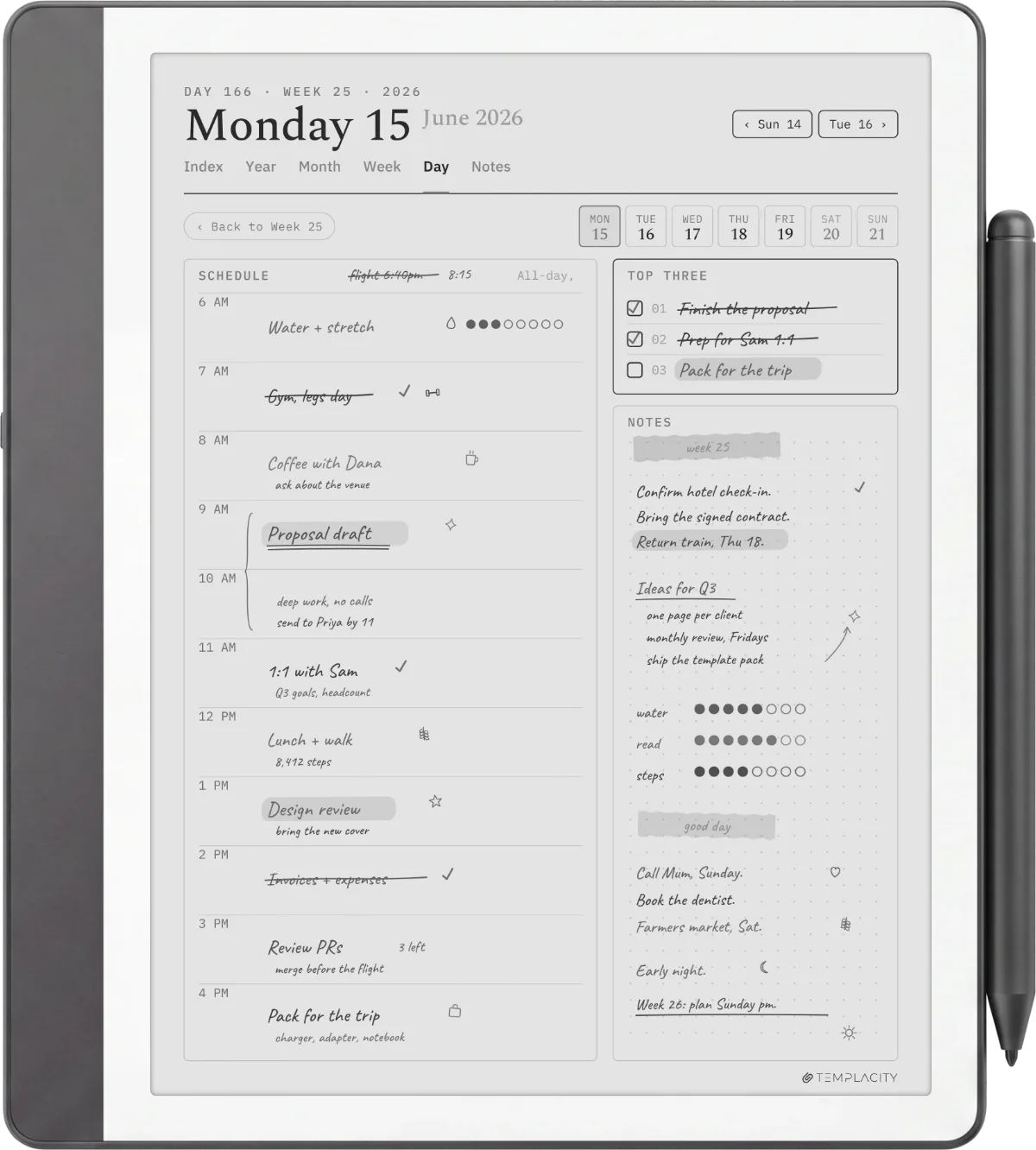
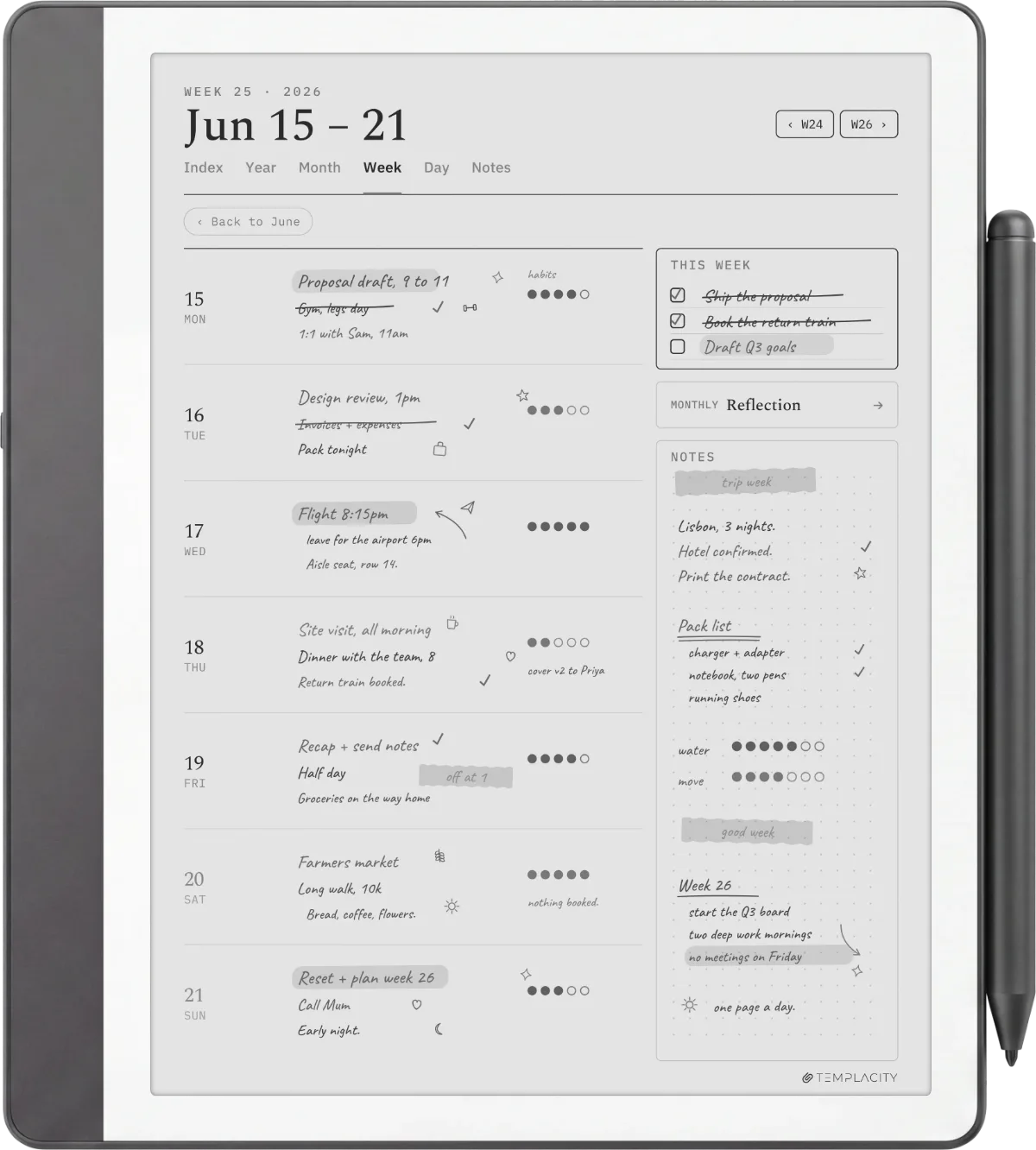
Planning is the bucket with the deepest free options because it is the use case the most readers default to first. Three patterns are worth knowing. The two-page weekly spread (one page for the week’s outline, one page for daily blocks) is the most flexible; the daily-only page is the cleanest for people who write a lot per day; the monthly calendar is the standard reference layout you keep open for date glancing. Our free Kindle Scribe templates page ships one of each pattern, sized at 1860 x 2480 native for the 10.2-inch Scribe.
For deeper planner-specific options including PDF-only formats from third parties, our Kindle Scribe planner free PDF piece walks through what is currently available. The split between this roundup and the planner-only piece is intentional: this one is the wider library, the planner piece drills in.
| Template type | Best free source | Best for |
|---|---|---|
| Weekly planner | Templacity free pack | The base layout most readers use first. |
| Daily log | Templacity / community PDFs | Daily writers, journalers. |
| Monthly calendar | Multiple sources | Reference layout, kept open in tabs. |
| Project tracker | Community share threads | Multi-week project planning. |
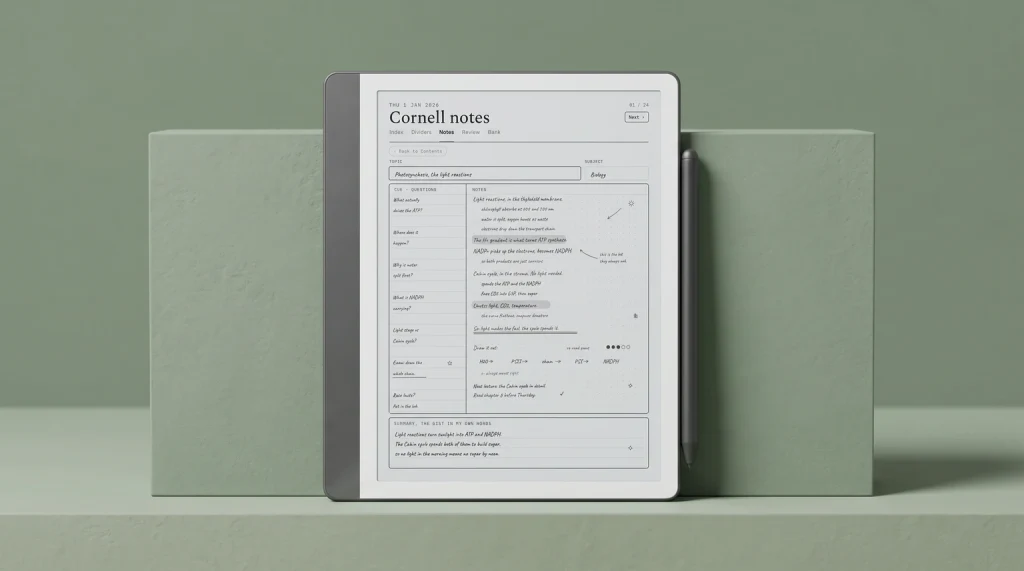
| Cornell notes | Built-in (no download needed) | Lecture and study notes. |
One pattern across the categories: the best free Kindle Scribe templates tend to be ones designed by individual writers solving their own problem and then shared, not ones produced as marketing collateral by template stores. The single-author free packs almost always show more thought about the writing experience.
Journal
Journal and reflection templates worth a download
Journal templates split into two design philosophies. Prompted journals (a question or two at the top, blank space below) work for people who want a starting nudge and freedom to write whatever follows. Structured journals (gratitude lines, day rating, three things, weather, sleep) work for people who want consistency and a quick fill. Both have free options; the prompted ones are easier to design and therefore more abundant on community share threads.
The honest test for journal templates: install one, use it for a week, then ask whether you are still using it because it serves the reflection or because the layout flatters the page. The templates that survive that test are usually plain prompted designs with one strong question; the elaborate structured templates often get abandoned by week two when the formality starts to feel like a chore.
Work
Project and meeting note free templates
For project work, the free Kindle Scribe templates worth installing fall into three patterns. A meeting note template (date, attendees, agenda, decisions, action items) saves the cognitive load of structuring the page mid-meeting. A project planner (weekly status, blockers, next actions) suits the kind of work that has phases. A 1-3-5 daily template (one big thing, three medium things, five small things) is a popular focus framework that translates well to e-ink.
Where work templates differ from planning templates: the structure has to survive being filled in by hand. Designs that look great empty often fail when half-filled with handwriting. Pick free Kindle Scribe templates with explicit zones for the dynamic content (like a wide notes area at the bottom of a meeting template) rather than templates that fill the entire page with form lines.
The structure has to survive being filled in by hand. Designs that look great empty often fail when half-filled with handwriting.Project and meeting section
Notebook
Grid, lined, and notebook templates (free, ubiquitous)
The most over-supplied category in free Kindle Scribe templates is the basic notebook layouts. Lined, dotted, grid, Cornell, blank. The good news: the Kindle Scribe ships with all of these in the built-in Templates menu. There is almost no reason to download a third-party version. The exception is if you want a specific line spacing the built-in does not offer (e.g. extra-wide lines for handwriting practice, or 0.5cm dotted spacing for engineering notebooks). Otherwise, save the install steps and use what is on the device already.
One slightly contrarian recommendation: the most useful “notebook” template we have found is a fully blank page with a hairline header bar and footer area for date and page number. Sounds trivial; the date strip alone keeps notebooks chronological, and the footer page number lets you reference later. Several free PDFs ship this layout; design it yourself in 10 minutes if you want one.
By model
Free templates on the Colorsoft Scribe and other models
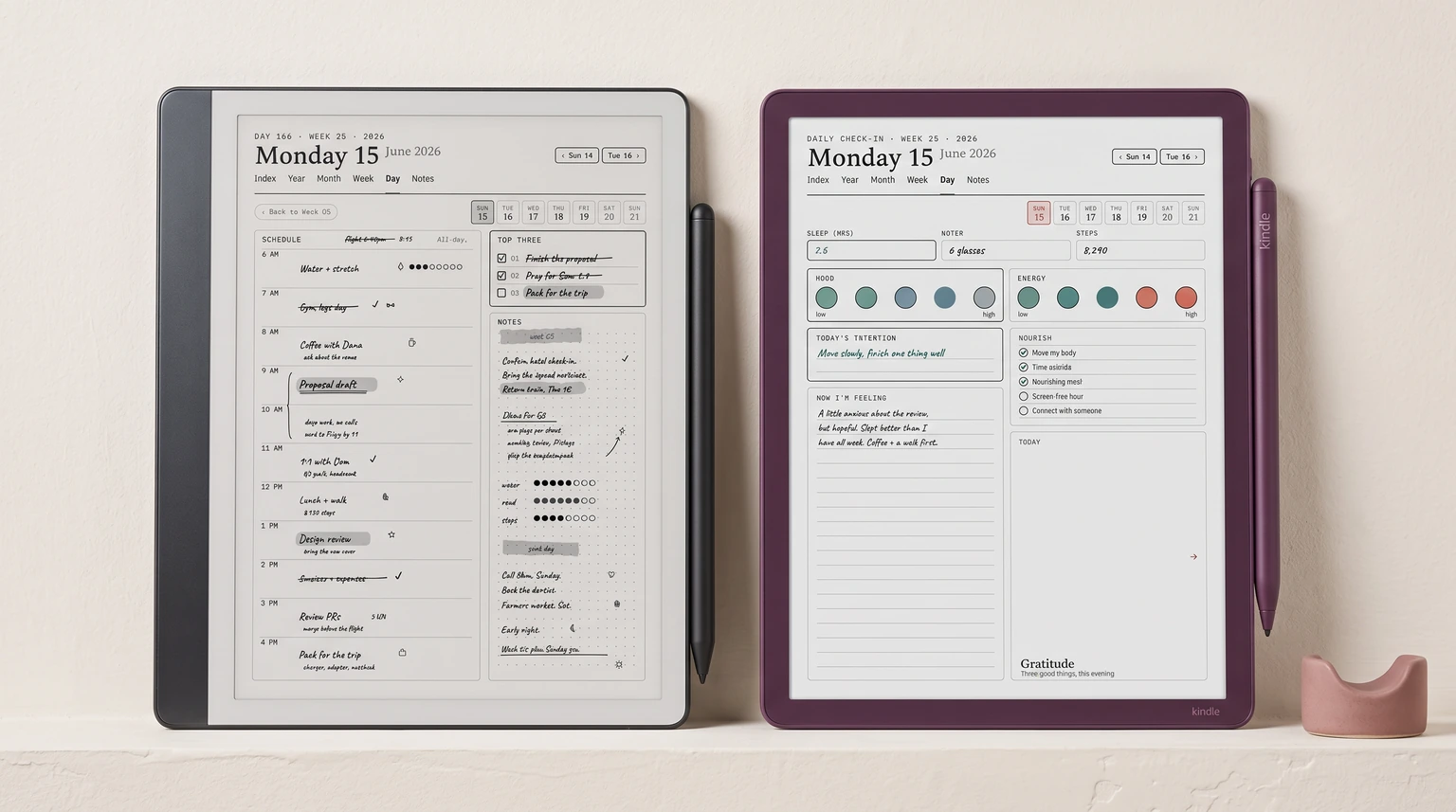
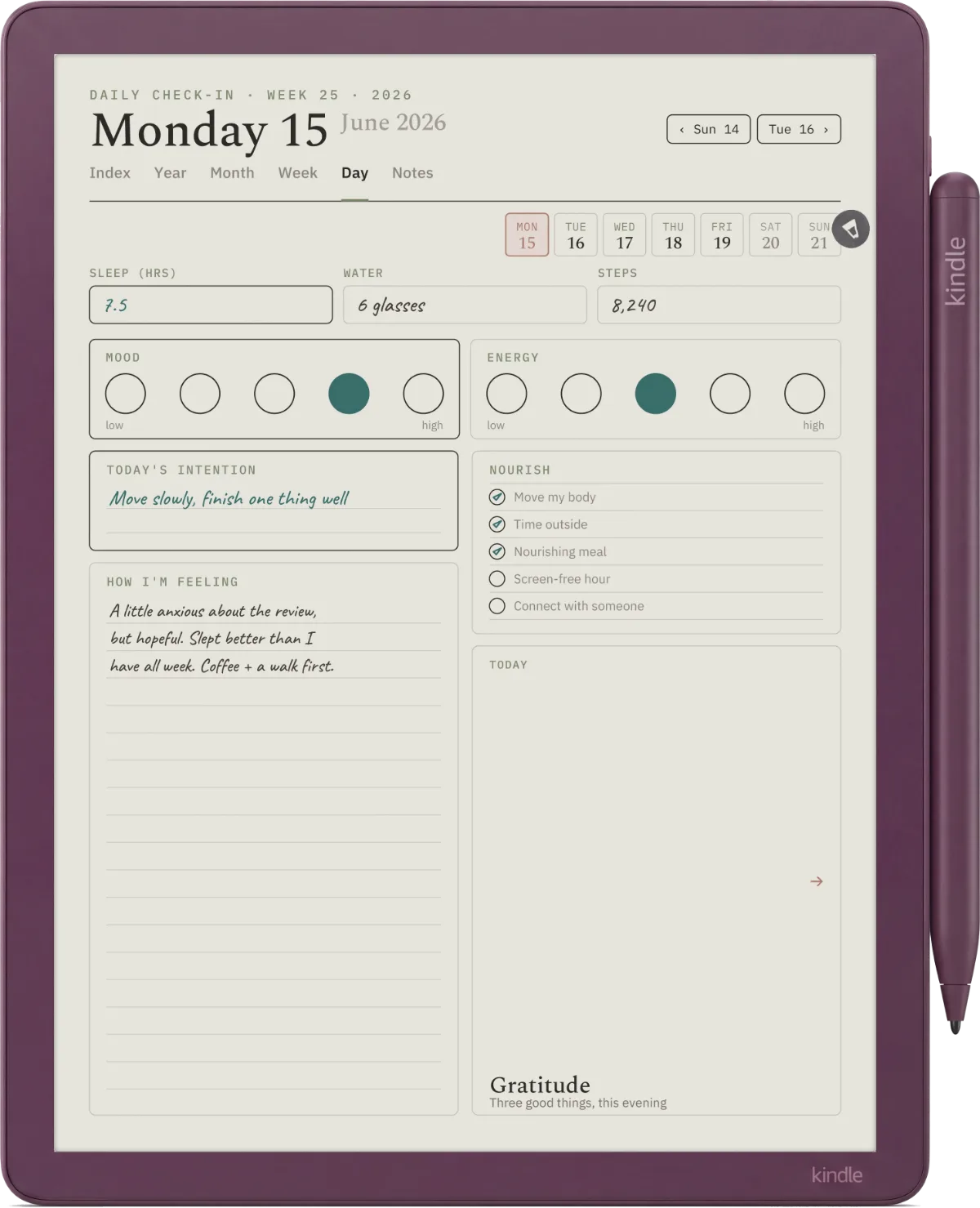
The install path and the four buckets above are identical across every Kindle Scribe model; what changes is sizing and colour. On the 11-inch Scribe and Scribe Colorsoft sold since December 2025, native is 1980 x 2640; on the original 10.2-inch Scribe it is 1860 x 2480. Both are exactly 3:4, so a file cut for one fills the other without bars. On the colour Kindle Scribe Colorsoft, the same free templates work, and any colour in them (tabbed headers, highlighted rows, colour-coded columns) renders in colour rather than greyscale, muted in the way colour e-ink always is. The one safe size that scales cleanly on every Scribe model is US Letter at 300 PPI, so if a free template lists no dimensions, US Letter is the version to grab.
The practical upshot for Colorsoft owners: you do not need a separate “Colorsoft template” library. Pull the same free Kindle Scribe templates, and the colour ones simply come alive on the colour panel. Templates built in pure mono still look right; they just do not use the panel’s one extra trick.
Install
How to install any free Kindle Scribe template
The install path for every free Kindle Scribe template is the same: send the PDF through Send to Kindle at amazon.com/sendtokindle. Drag the PDF into the web uploader (up to 200 MB), confirm your Scribe as the destination, wait about a minute. The file appears in your Library on the device, ready to open and write on. The pen tools, erase, and persistence behave the same as a built-in Notebook template. The full walkthrough, including why USB-C will not do, is in how to send a PDF to Kindle Scribe.
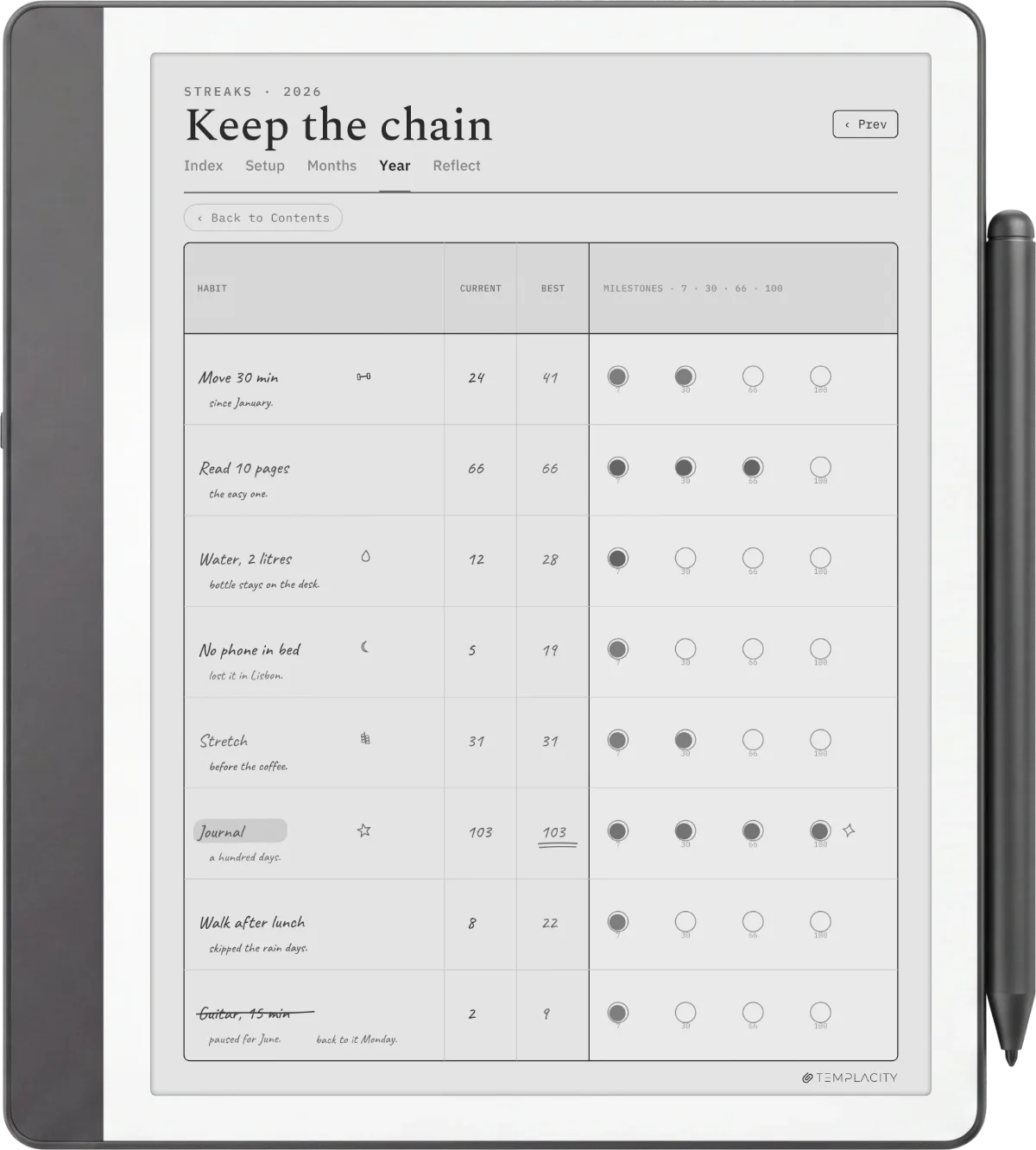
What you cannot do, despite what some tutorials online imply: add a free Kindle Scribe template to the Notebook Templates menu inside the device. That list (Lined, Squared, Dotted, Cornell, Calendar, To-Do, Storyboard, Music) is locked by Amazon at the firmware level. The PDF route is the only user-facing option and it is the one most workflows actually want anyway. We unpack the design and install side in how to make Kindle Scribe templates.
If you have a favourite free Kindle Scribe template we did not mention, drop it in the comments. The community shares are how the roundup stays current; we add reader-suggested options each refresh as long as the source is live and the design holds up to the four-bucket test above.
FAQ
Common questions, answered briefly
Where can you download free Kindle Scribe templates in 2026?
What size should a free Kindle Scribe template PDF be?
Can a free Kindle Scribe template go into the built-in Templates menu?
Are the built-in Kindle Scribe templates good enough?
How long do free Kindle Scribe templates take to install?
Do free templates work on the Kindle Scribe Colorsoft?
If yours isn’t above, drop the question in the comments and we’ll fold it in next refresh.
People also ask