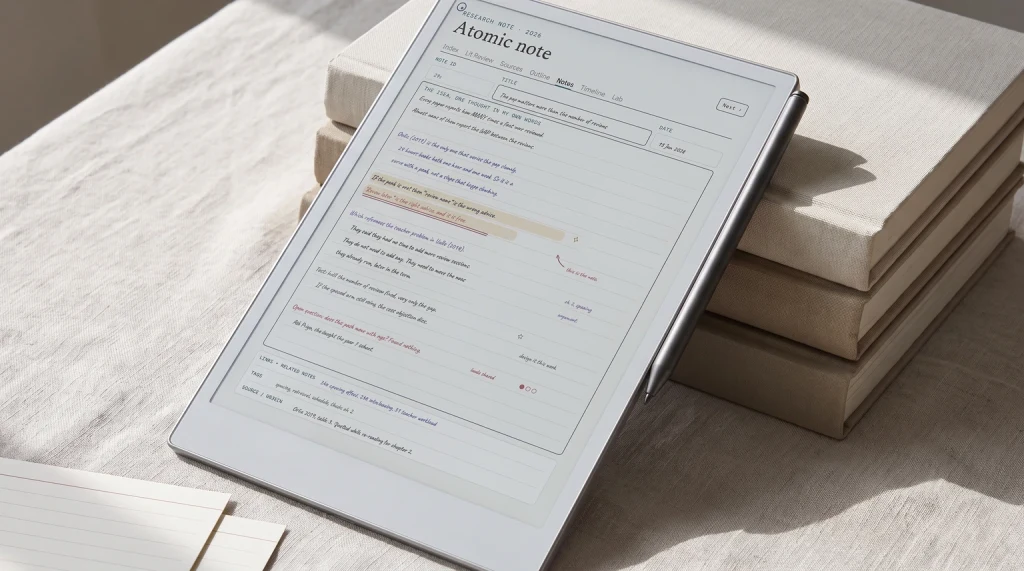
reMarkable planners from Templacity: The Planner for reMarkable is one hyperlinked PDF with Index, Year, Month, Week, Day and Notes pages, dated 2026 and 2027, for $49, in six languages (English, Spanish, French, German, Dutch and Chinese). The reMarkable Template Bundle holds the Daily, Weekly and Daybook planners for 2026 and 2027 plus three undated notebooks, $39 for the reMarkable 2 or $49 for the Paper Pro, Paper Pro Move and Paper Pure editions. Both are one-time purchases with an instant download. Every option is compared in our best reMarkable templates guide.
Setting
What this reMarkable Paper Pro review covers
The reMarkable Paper Pro launched in late 2024 as the colour flagship of reMarkable’s e-paper line. By 2026, the Paper Pro has been on the market long enough for the early-review hype to settle. This reMarkable Paper Pro review covers what eighteen months on the market have settled, where the colour layer earns its place, and where the device’s deliberate constraints help or hurt depending on what you actually do with it.
Quick hardware summary before the rest. 11.8-inch Canvas Color e-ink display (E Ink Gallery 3), 2160 by 1620 at 229 PPI in both monochrome and colour. Marker included; the Marker Plus, with an eraser in the back end, is the $679 bundle. 64 GB storage. Around two weeks of battery life on mixed use. $629 at remarkable.com/products/remarkable-paper/pro. The closed OS does not run apps; the device reads PDFs and EPUBs you put on it through the reMarkable app or web service.
The Paper Pro shape vs the rM2 refurb: $140 more buys you the colour layer, the larger 11.8-inch screen, and 8x the storage. The writing experience is similar enough that the upgrade is mostly about colour and screen size, not about pen feel. We cover the rM2 refurb side in reMarkable 2 refurbished if you are choosing between new colour and used mono.
| Spec | Paper Pro | What it means |
|---|---|---|
| Display | 11.8″ Canvas Color | Largest in rM lineup; first with colour. |
| Resolution | 229 PPI, mono and colour | No filter array, so colour keeps full resolution. |
| Storage | 64 GB | 8x the rM2’s 8 GB; ample for years. |
| Battery | ~2 weeks mixed | Best-in-class for colour e-ink writing tablets. |
| Price | $629 with Marker | $180 above mono Scribe; $30 below Scribe Colorsoft 64 GB. |
The reMarkable Paper Pro review reading at a glance: largest screen in the rM line, first colour panel, biggest storage, longest battery, highest price. Each spec aligns with the device’s positioning as the flagship; nothing is compromised to hit the price.
Writing
Writing experience: the brand’s clearest moat
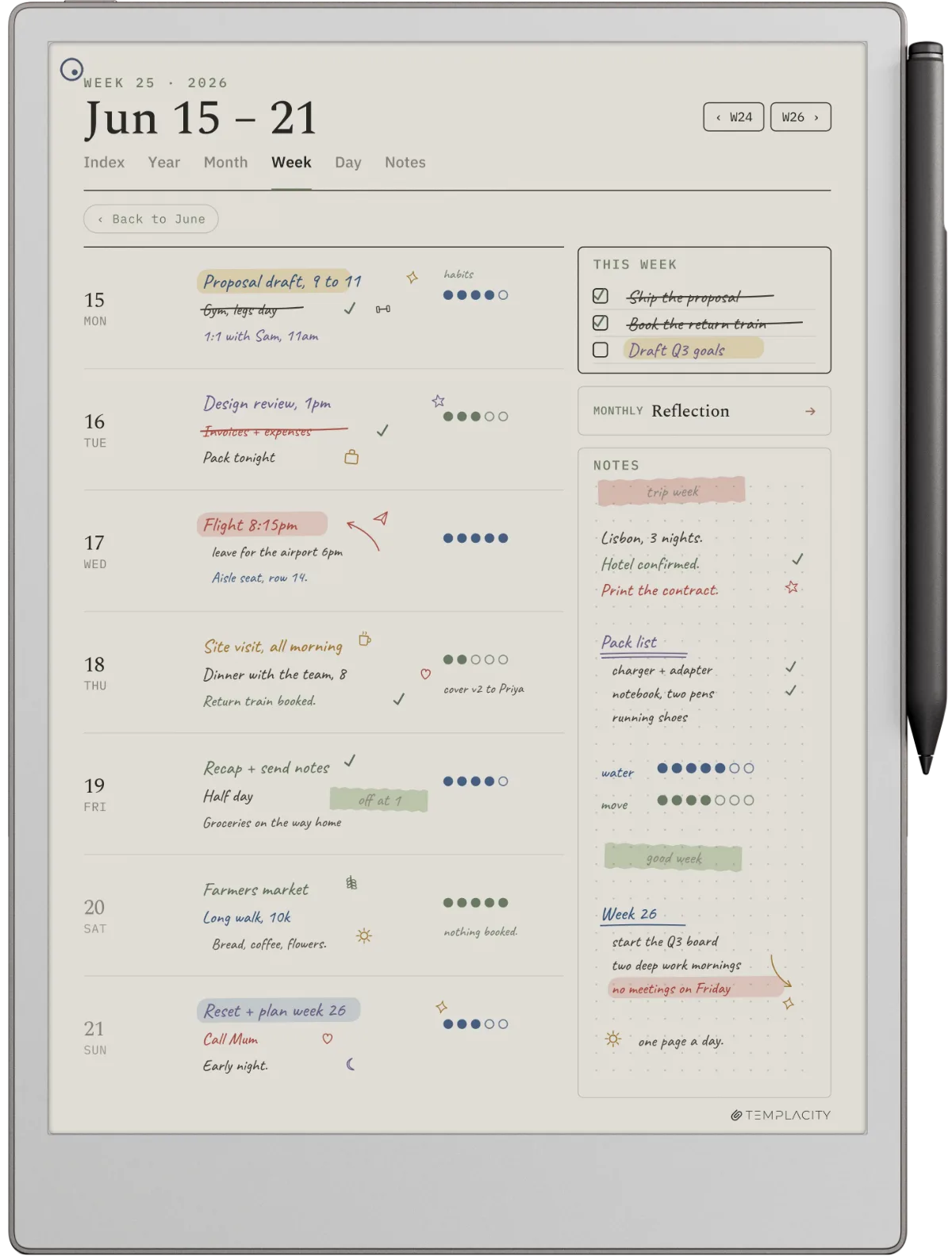
The Paper Pro writing surface is the part of this reMarkable Paper Pro review that almost everyone agrees on. The texture is paper-close in a way most competitors have not matched. The Marker has a soft tip that wears down with use, so replacement tips are a small running cost. Reviews consistently describe the lag between pen and line as low enough that writing reads as ink hitting a page rather than a stylus touching a screen.
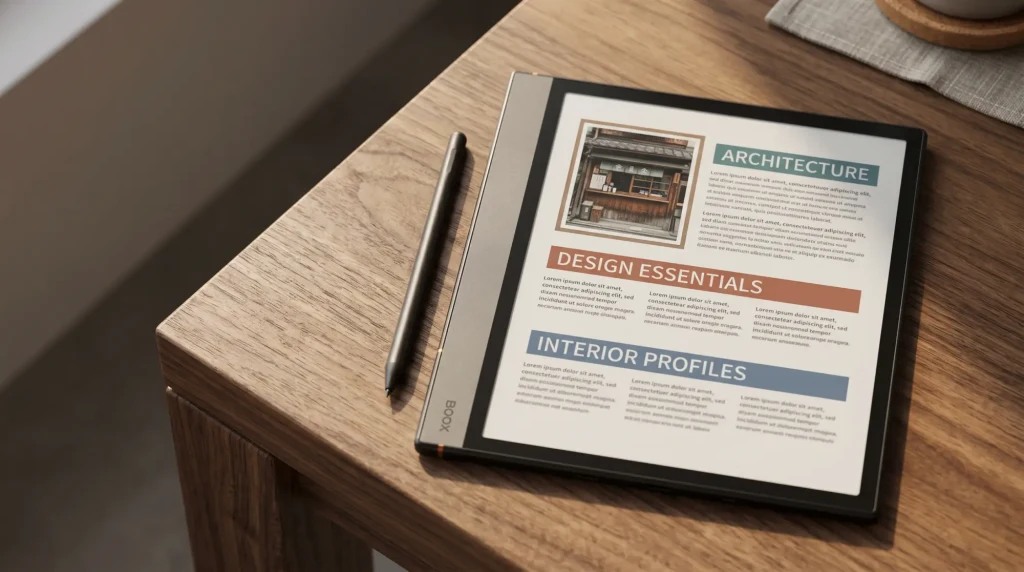
The 11.8-inch screen size genuinely changes what you can do versus the smaller rM2. Two-page planner spreads work without cramping. PDF markup at zoom is genuinely usable. The extra real estate is the second-most-important reason to upgrade after the colour layer; for some workflows it is the more important of the two. Compare against Boox if you want the same writing feel with Android-app flexibility; our reMarkable Paper Pro vs Boox piece walks the trade-offs.
Colour
The colour layer: what works, what does not
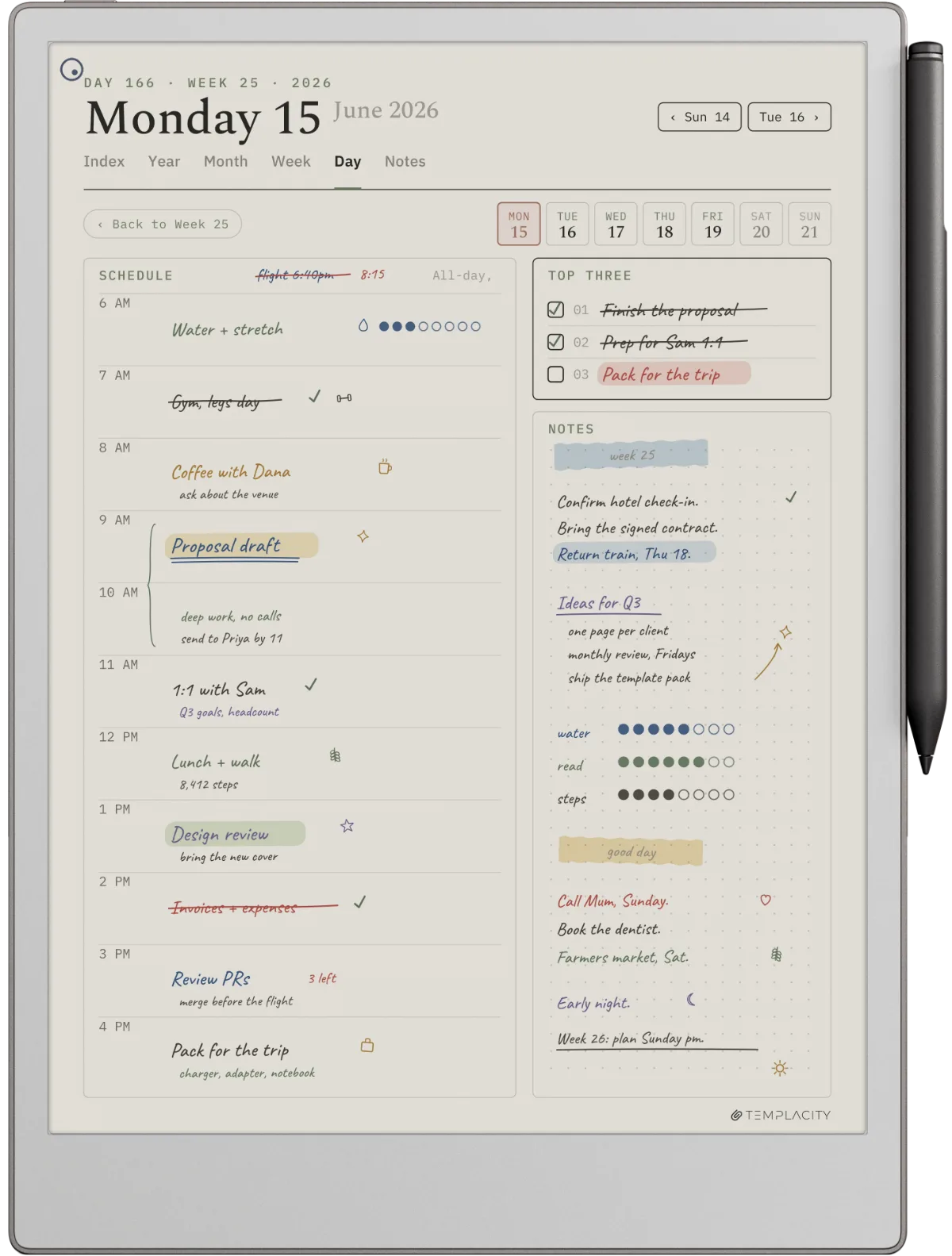
The Paper Pro’s Canvas Color panel is the headline upgrade over the discontinued rM2 and the new Paper Pure. It is also the part of this reMarkable Paper Pro review where expectations need careful management. Canvas Color is reMarkable’s tuning of E Ink Gallery 3, a four-particle ink system that carries colour in the ink itself rather than behind a filter. That is the opposite approach to the Kaleido 3 panels Boox and Kobo use, and it is why colour holds the panel’s full 229 PPI here instead of halving. What you give up is refresh speed on full-colour redraws, which reMarkable manages by keeping pen latency near 12 ms.
What works well: PDF annotation in colour highlighters, book covers, comics, anything visual where colour adds character without needing high resolution. What works less well: photo-heavy cookbooks (colour is correct but soft), art books (fine detail reads soft), and anything that depends on subtle colour gradients. None of these are reMarkable-specific limitations; they are limits of colour e-ink as a category, whichever panel a device uses.
reMarkable Paper Pro scorecard, out of 10
The scorecard pattern is consistent: Paper Pro is at or near the top on writing feel, focus mode, battery, and mono reading. It scores low on app ecosystem (which is intentional, the device does not run apps) and middling on value for money (the price reflects polish, not parts cost). For someone who wants a writing-first tool, those scores read as the right priorities; for someone who wants a multi-purpose tablet, the scorecard signals a different category mismatch.
Software
Software, sync, and the Connect subscription question
The reMarkable Paper Pro runs reMarkable’s closed OS without an app store. Sync to desktop and mobile uses the official reMarkable app, which is free. What the free tier limits is cloud retention rather than time: reMarkable keeps a file in the cloud only while it has been used and synced online in the last 50 days, per file, and Connect ($3.99 a month) makes storage unlimited. The device itself works fine without Connect; the limit is on the cloud sync layer, not on local notebooks.
Handwriting-to-text conversion runs on the tablet with no subscription and no published quota, which is worth stating plainly because most write-ups have it behind the paywall. Accuracy approaches 95 percent on neat printing in English; lower on cursive and on non-Latin scripts. What Connect actually buys is the rest of the chain: handwriting search, converting from the desktop and mobile apps, Convert to Notebook, Create a link, and the AI summaries of notes and highlights. Connect does not buy you more conversions: reMarkable publishes no per-week or per-month quota on either tier, so a number quoted anywhere for that did not come from reMarkable. Most readers find the free tier sufficient unless they need to search their handwriting or work from the desktop app.
For someone who wants a writing-first tool, those scores read as the right priorities. For someone who wants a multi-purpose tablet, the scorecard signals a different category mismatch.Colour section
If the rival on your list is the Montblanc Digital Paper, our Montblanc Digital Paper vs reMarkable comparison covers what the pen maker’s tablet adds, mainly the pen and offline text conversion, and what it leaves out, starting with colour ink.
Verdict
The reMarkable Paper Pro review verdict for 2026
The reMarkable Paper Pro is the right colour e-paper writing tablet for 2026 if you want a writing-first tool that disappears into the workflow and accept that colour on e-paper is quieter than a backlit screen. The hardware is genuinely the best of its kind for paper-feel writing; the colour layer earns its place for PDF annotation and visual content; the closed OS removes distractions on purpose. The trade-off is the price ($629) and the deliberate refusal to run anything else.
If you have used a reMarkable Paper Pro in your own workflow for more than six months, drop your take in the comments. Long-term owner perspectives carry more weight than launch-week reviews; the spec sheet you can get anywhere, the lived-with view is what tends to stick.
FAQ
Common questions, answered briefly
Is the reMarkable Paper Pro worth it in 2026?
What does the reMarkable Paper Pro cost in 2026?
How does Paper Pro colour quality compare to an iPad?
Does the reMarkable Paper Pro need a Connect subscription?
How long does the Paper Pro battery last?
If yours isn’t above, drop the question in the comments and we’ll fold it in next refresh.
People also ask