The landscape
What an e-paper tablet is and what the 2026 market looks like
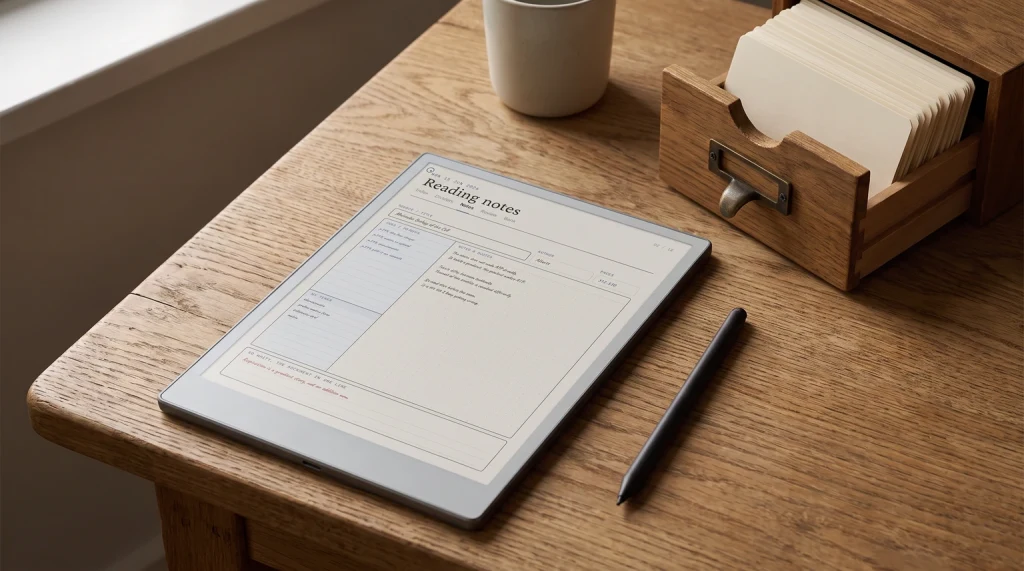
An e-paper tablet is a tablet built around electronic-ink display technology instead of an LCD or OLED panel. The defining trait is that the screen reflects light the way paper does, draws power only when changing pixels, and is engineered for reading and writing rather than for video, photos, or general-purpose computing. The e-paper tablet category overlaps the e-reader category at the small end and the iPad-replacement category at the large end, but the sweet spot for a dedicated e-paper tablet is the 10-to-12-inch class with a stylus included. New entrants arrive in this class faster than a buyers guide can absorb them, so we keep the e-ink tablet news separately.
The market in 2026 has four families worth tracking. reMarkable owns the writing-feel reference and shipped both the Paper Pro Move (7.3 inch) and Paper Pro (11.8 inch) in the past year. Amazon ships the Kindle Scribe (11 inch mono) and the Kindle Scribe Colorsoft (11 inch color), both with native Kindle library access. Boox sells the Note Air6 C (10.3 inch color, new in September 2026) alongside the Note Air5 C, the larger Note Max (13.3 inch), and the smaller Go Color 7 line. Supernote sells the A5X2 and A6X2 in the mono lane with a writer-focused community of users.
The decision a buyer faces in 2026 has changed since 2024. Color is no longer a single-vendor question; it has crossed into mainstream and both ecosystems can answer it credibly. App freedom is the Boox lane and stays clean; the Boox Android approach is its own posture. Pure mono workhorse devices are the cheapest entry into the category: reMarkable’s Paper Pure is $399 with the Marker, and a refurbished reMarkable 2 bundle starts lower, at $349 with a folio (both checked October 2026).
The families
The four e-paper tablet families that matter
| reMarkable$399-$629 | Kindle Scribe$399-$629 | Boox$199.99-$819.99 | Supernote$359-$505 | |
|---|---|---|---|---|
| OS posture | Closed Codex | Closed Kindle | Open Android | Closed Chauvet |
| Writing reference | Yes | Competent | Good | Good, distinct feel |
| Color options | Yes (Paper Pro) | Yes (Colorsoft) | Yes (Note Air6 C) | No |
| Front light | No | Yes | Yes | Yes on A5X2/A6X2 |
| Cloud sync | Multi-cloud | Amazon only | Multi-cloud + Drive | Drive, Dropbox, plus own cloud |
| Library access | PDF, EPUB import | Native Kindle | Kindle app + many | PDF, EPUB import |
| Best for | Writers, focus | Kindle readers | Power users | Long-form writers |
reMarkable
reMarkable: the writing-feel reference
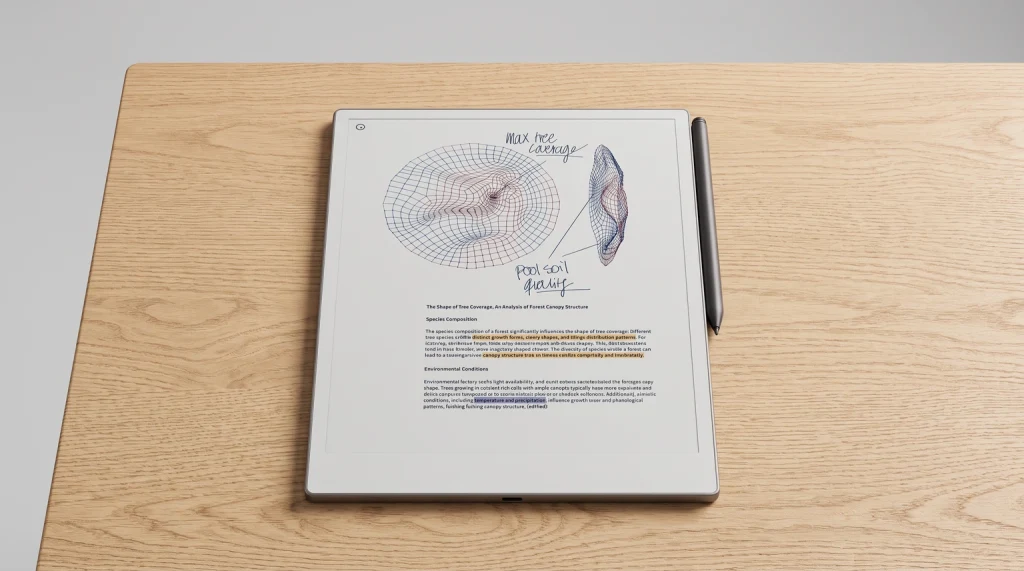
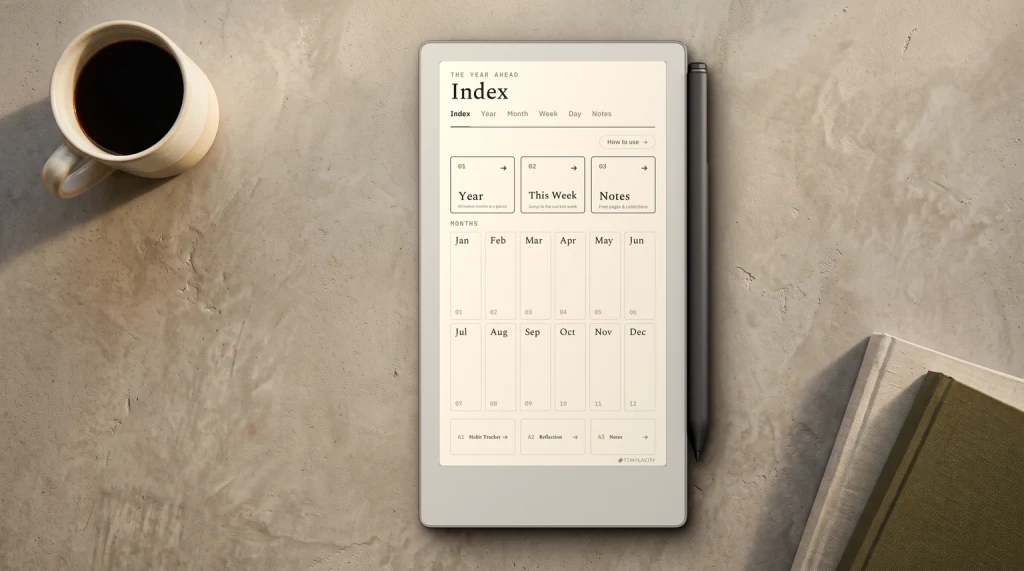
reMarkable’s family-wide writing surface is the category reference for paper-feel. The reMarkable 2 set the baseline at 10.3 inches with a textured plastic surface and sub-21 ms latency. The Paper Pro extended the family with an 11.8-inch CANVAS color e-ink panel and roughly 12 ms latency on a glass substrate. The Paper Pro Move added a pocket-friendly 7.3-inch chassis that keeps the Paper Pro’s writing signature in a smaller body. All three ship with a Marker in the box, though the flip-to-erase Marker Plus is a paid upgrade rather than the default. The reMarkable 2 has no front light; the Paper Pro and the Paper Pro Move both do, and reMarkable lists a backlight in the Move’s own user guide. All three run reMarkable’s own Codex software.
The reMarkable trade-off is consistent across the family: writing comes first, distractions come last, third-party apps do not exist. For buyers who want a device that does not invite scrolling, email, or social, reMarkable is the cleanest answer. For buyers who want a Kindle library on their device or third-party app freedom, reMarkable is structurally not the right family.
Kindle Scribe
Kindle Scribe: native Kindle library plus writing
Kindle Scribe is Amazon’s writing-and-reading combination device. The mono Kindle Scribe ships at $399 in current configurations. The Colorsoft sits at $629 with the same 11-inch class and a custom oxide-based color filter overlay. Both have an integrated warm-to-cool front light, both include the pen, and both run Kindle OS with native access to the Amazon library and Kindle Unlimited.
The Kindle Scribe trade-off is the inverse of reMarkable: library reach is the priority, writing is the secondary capability. Buyers who already own dozens of Kindle books will find the Scribe brings the existing library forward without conversion friction. Buyers who do not buy Kindle books will register the closed ecosystem as restrictive in a different way than reMarkable’s, with less of the writing-feel payoff to compensate.
Boox
Boox: the open Android approach
Boox is the only major e-paper tablet family that runs full Android. The Note Air6 C sells at $579.99 with a 10.3-inch Kaleido 3 color display, 6 GB RAM, and 64 GB storage (checked September 2026). Android 16 means access to the Google Play Store and sideload, which means Kindle, Kobo, OneNote, Obsidian, Notion, and most other reading and note apps install directly on the device. The Boox lane is for power users who want their existing software stack to follow them onto an e-ink device.
The trade-off is configuration overhead. A Boox out of the box is more customisation effort than a reMarkable or Scribe. The included note app is competent, but most users layer on their preferred third-party app, set up screen-refresh modes per app, and tune the writing experience. That work pays back for users who care about it; users who came for plug-and-play should look at reMarkable or Kindle instead.
The Boox lane is for power users who want their existing software stack to follow them onto an e-ink device.From the families section
The Boox family also includes the Note Max at 13.3 inches for buyers who want the largest e-ink canvas on the market, the Go Color 7 line for budget-conscious readers, and the Note Air5 C, still sold at $529.99. Across the family, Boox’s hardware quality has been steadily improving; the company has moved past the early-years questions about build feel and is now a credible alternative to the duopoly that reMarkable and Amazon dominate.
Supernote
Supernote: the writer-focused alternative
Supernote is the smallest of the four families but holds a loyal user base of long-form writers, especially in the academic and journaling communities. The A5X2 Manta (10.7 inch, $505) and A6X2 Nomad (7.8 inch, $359) are mono-only, with the pen sold separately, and run a closed OS (Chauvet) that the company has been incrementally extending with each firmware release. Cloud sync runs through Google Drive, Dropbox, and Supernote’s own cloud.
The Supernote pen feel is the family’s signature, with a ceramic-tip stylus that does not require pen-nib replacement and a textured surface that splits opinion: writers either love it or find it too dry. The community calls this the “writer’s tablet” for a reason; the device is engineered around long uninterrupted writing sessions rather than around mixed reading and writing. Long-form journalers, novel drafters, and academic note-takers are the audience.
How to pick
The decision tree for picking an e-paper tablet
The decision should run in order: family first, canvas size second, price tier third. Picking on specs first is the trap most buyers fall into because the marketing speaks in specs; the family decision matters more than any individual spec because the family decides what kind of device you will live with for the next three to five years.
- Step 1, ecosystem posture
- Do you want a closed focused device (reMarkable), a closed Kindle-integrated device (Scribe), an open Android device (Boox), or a writer-focused closed device (Supernote)?
- Step 2, canvas size
- Pocket (~7 inches), mid (10-10.3 inches), or flagship (11-13 inches)? The canvas decision affects daily usability more than any other spec.
- Step 3, color or mono
- Color costs $200-$250 more across families. Decide if the workload (annotation, comics, illustrated PDFs) justifies the price step.
- Step 4, front light
- If you read in low light, the Kindle Scribe, Boox, or Supernote families have it; reMarkable does not, on any model.
- Step 5, price tier
- Inside the family you picked, choose mono entry, mid, or flagship based on canvas and color preferences from steps 2-3.
The decision tree compresses to one sentence per family: writers in PDFs across multiple clouds pick reMarkable; Kindle library owners pick Kindle Scribe; power users wanting Android apps pick Boox; long-form writers focused on a single tool pick Supernote. Buyers who land on a different recommendation than the family suggests usually picked on spec first instead of posture first, which is the inverted process.
Cost of ownership
What the actual three-year cost looks like
Sticker price is part of the story. The other parts: subscription fees (reMarkable Connect, Kindle Unlimited), accessories (folios, sleeves, replacement pen nibs), and the pen itself if it is sold separately. We tracked the three-year cost of ownership across the four families for a typical user pattern (reading three books per month, taking notes on most weekdays, occasionally syncing PDFs).
Three-year cost of ownership (typical use)
Across the four families, three-year cost of ownership clusters between $580 and $1,060, with the upper end driven by Kindle Unlimited subscription if you buy in (currently around $12 per month). For a buyer choosing between two devices in the same price tier, the subscription overhead is the largest single variable, not the device sticker itself.
Who should buy what
Recommendations by use case
Buy these
- Knowledge worker who lives in PDFs: reMarkable Paper Pro.
- Kindle ecosystem reader who wants writing: Kindle Scribe Colorsoft.
- Power user wanting Android apps on e-ink: Boox Note Air6 C.
- Long-form writer (academic, journaler, novelist): Supernote A5X2.
- Budget-conscious mono buyer: reMarkable 2 or mono Kindle Scribe.
Skip these traps
- Picking on color alone. Color is one factor; ecosystem matters more.
- Cross-family comparison. Compare inside a family once posture is locked.
- Buying for hypothetical use. Buy for the workflow you actually have, not the one you wish you had.
- Ignoring front light. Low-light readers should not buy a reMarkable.
- Ignoring app needs. Power users should not buy a Kindle Scribe.
For most buyers, the right device is in the family that matches their existing reading and writing patterns. Mismatched purchases (a Kindle ecosystem buyer who picks a reMarkable for writing-feel, a writer who picks a Boox for app freedom) tend to result in resold devices within twelve months. Matched purchases tend to result in five-year ownership cycles. The decision tree above is engineered to produce matches.
For deeper dives on individual devices, the catalogue covers each in standalone reviews: the Paper Pro Move, the Kindle Scribe Colorsoft, and head-to-head comparisons across families.
FAQ
Common questions, answered briefly
What is an e-paper tablet?
Which is the best e-paper tablet in 2026?
Is color worth the extra cost?
Do e-paper tablets work in sunlight?
Can an e-paper tablet replace an iPad?
If yours isnt above, drop the question in the comments and well answer it in the next e-paper tablet update.
People also ask