Why this matters
The Boox vs reMarkable question, honestly
The Boox vs reMarkable comparison is the e-ink internet’s permanent argument and most of the takes are missing the point. The two devices are not competing for the same job. Boox is “an Android tablet with an e-ink screen, that also writes.” reMarkable is “a writing-focused notebook, that also reads.” The features they share (handwriting, PDF annotation, color e-ink at the high end) are genuinely close. The features they don’t share (app store, focus mode, ecosystem stickiness) are what decide which one belongs on your desk.
This piece is the head-term comparison: Boox lineup vs reMarkable lineup, in 2026. If you want a specific device match-up (the Note Air 4C, now sold out at Boox, or the Note Air 5C against the Paper Pro), our Note Air 4C vs Paper Pro piece goes deeper on the device-level specs. Here we cover the philosophy split and the four decisions that follow from it.
The lineup
What’s in the Boox and reMarkable lineups in 2026
| reMarkable Paper Pro$629 | Boox Note Air 5C$529.99 | reMarkable Paper Pro Move$449 | Boox Go 10.3 Gen II$419.99 | |
|---|---|---|---|---|
| Display | 11.8″ Canvas Color | 10.3″ Kaleido 3 | 7.3″ Canvas Color | 10.3″ mono |
| OS | reMarkable OS | Android 15 | reMarkable OS | Android 15 |
| App store | No | Google Play | No | Google Play |
| Writing surface | Textured (paper-feel) | Smoother (glass) | Textured | Smoother |
| Battery (maker’s figure) | Up to 2 weeks | 3,700 mAh, no week count | Up to 2 weeks | 3,700 mAh, no week count |
| Cloud subscription | $3.99/mo Connect | None required | $3.99/mo Connect | None required |
The reMarkable 2 is no longer sold new; refurbished bundles started at $349 on reMarkable’s own store when we last read it (1 October 2026). The Paper Pure, the mono entry-level model, is shipping at $399. So the active head-to-head lineups are roughly Paper Pro / Note Air 5C at the top (Boox added the Note Air6 C above it at $579.99), Paper Pro Move / Go 10.3 Gen II in the middle. For the biggest screen on either side, Boox sells the 13.3-inch Note Max at $629.99 with its pen, the same money as the 11.8-inch Paper Pro, in mono rather than color. The cmp-table covers those four.
Writing
Writing: surface, latency, what your hand notices
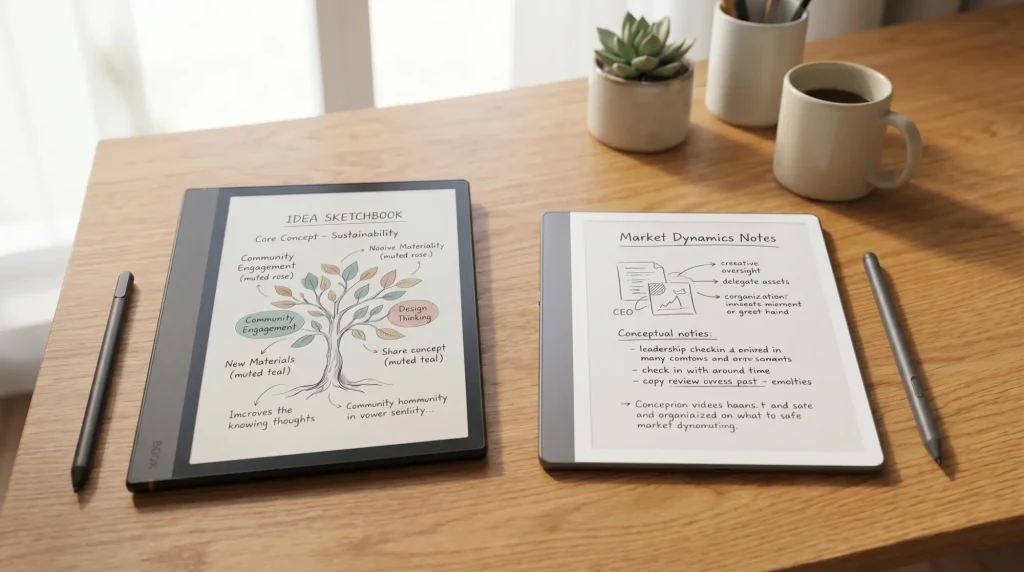
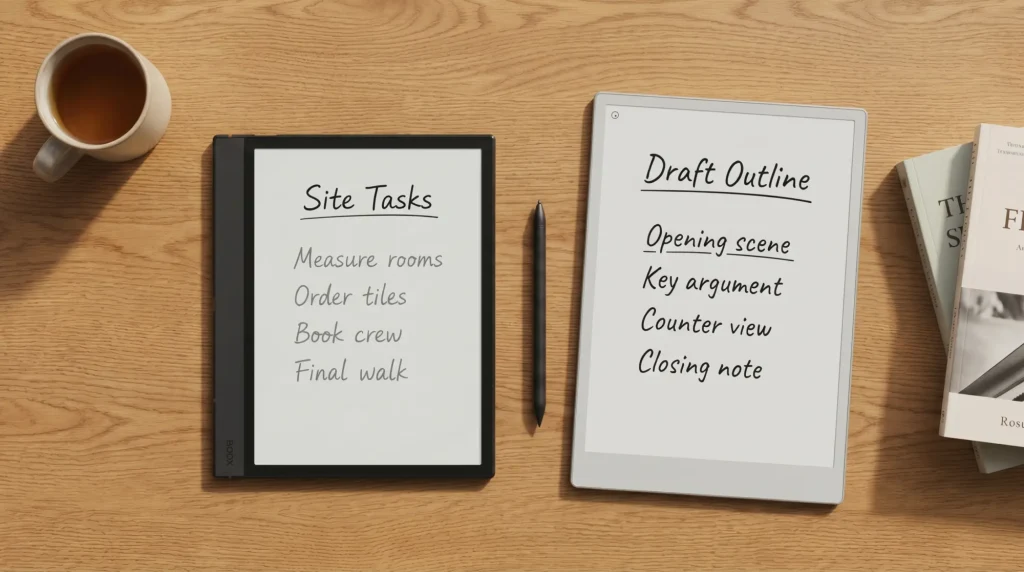
This is where reMarkable wins, but the gap is smaller than the marketing implies. reMarkable builds the Paper Pro’s Canvas Color screen and Marker around a textured, paper-like feel. The Boox Note Air 5C answers with what Boox calls an upgraded handwriting texture for its Pen3, but a Kaleido 3 colour layer still sits over the writing surface. Latency on both is near-real-time in normal writing. For sustained handwriting (a 30-page meeting capture, a long journal session), the reMarkable still feels less effortful. For occasional notes or marking up a PDF, the Boox is fine.
The Marker on reMarkable is included; on Boox, the Note Air5 C and Note Air6 C ship with the Pen3 in the box, and the Go 10.3 Gen II with the InkSense Plus. reMarkable sells Marker tips at $19 a pack; Boox sells Pen3 tips at $19.99.
Reading
Reading: where Boox wins, and by how much
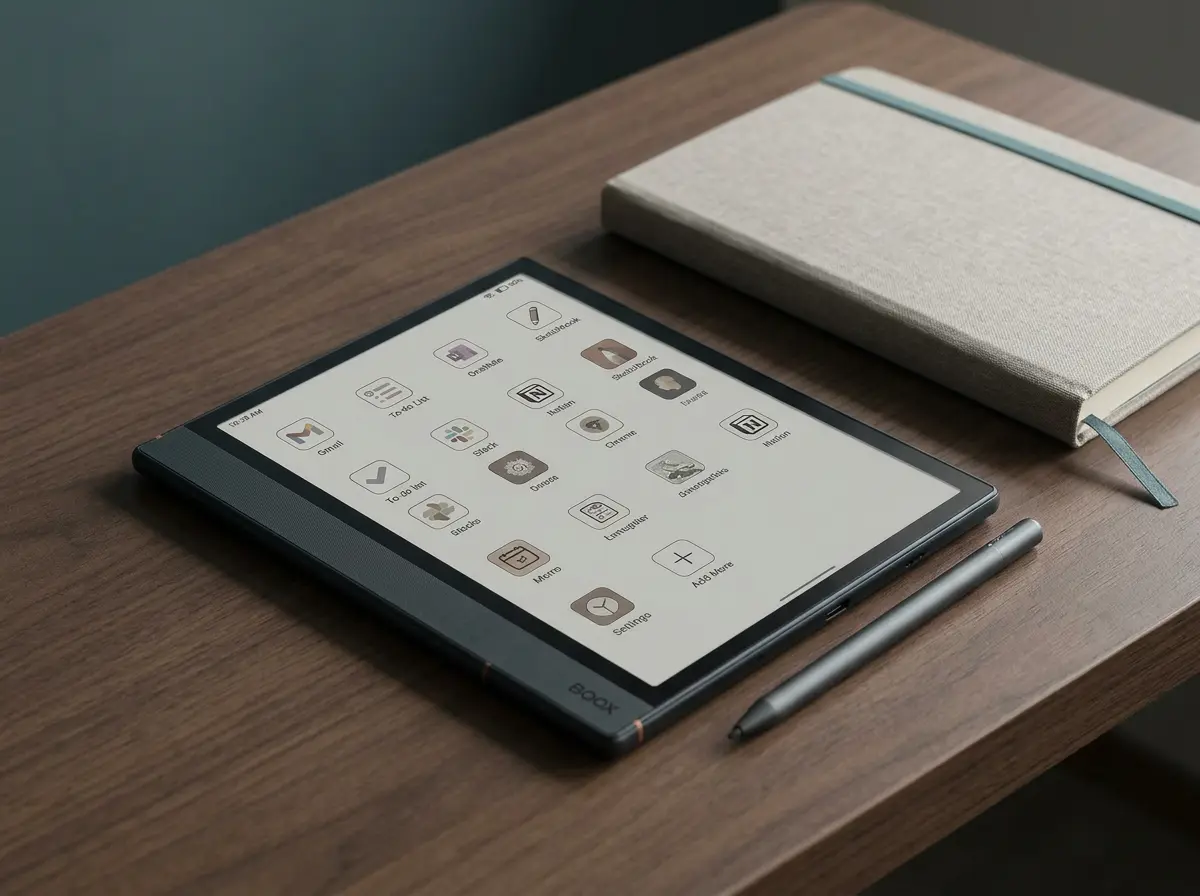
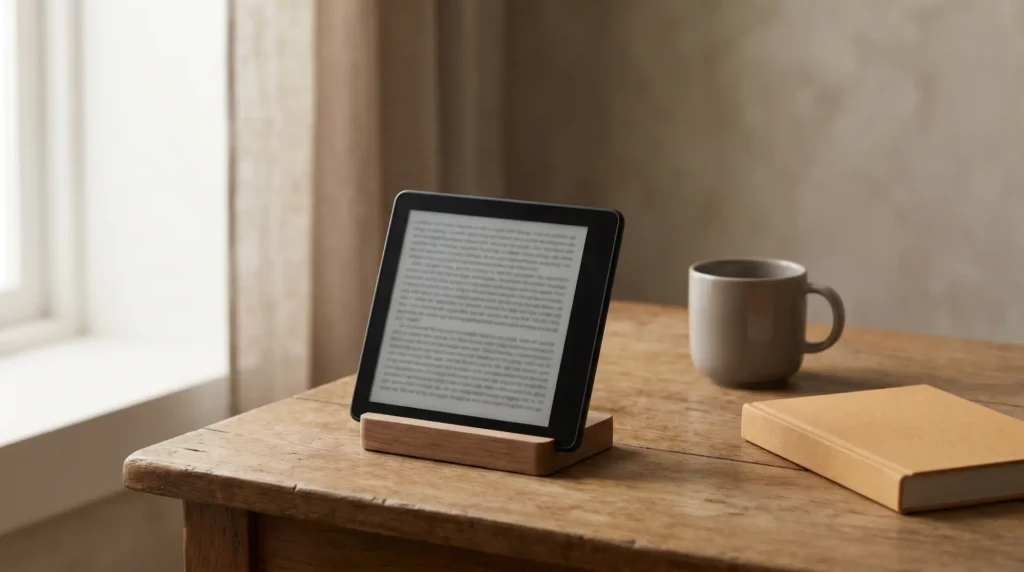
Boox wins reading by a meaningful margin in 2026, mostly because of the app store. A Boox Note Air 5C with Google Play installed runs the Kindle app, the Kobo app, the Hoopla app, the local-library app, and any PDF reader you prefer. A reMarkable Paper Pro reads what you put on the device yourself, through the desktop and mobile apps, USB, or its Google Drive, Dropbox and OneDrive integrations, with no reading-service apps at all. For someone whose reading is bound up with a service (Kindle, Kobo, Libby, Audible), Boox is the better device. For someone whose reading is files-first and the file management is part of the discipline, reMarkable is fine.
The screen size also matters here. Paper Pro at 11.8 inches is the largest colour screen in either lineup and handles two-column PDFs (academic papers, technical specifications) well; only Boox’s 13.3-inch mono Note Max is bigger. Note Air 5C at 10.3 inches is the canonical reading-tablet size. Paper Pro Move at 7.3 inches is too small for two-column PDFs but excellent for novels and notebooks. Pick the size that fits your reading first, the OS second.
The Boox vs reMarkable decision is focus vs versatility. Specs are close. Philosophies are not.What we found
Software
Software: focus mode vs full Android
This is the philosophical split. reMarkable OS is consciously closed: no browser, no apps, no notifications, no email. It refuses to be a multipurpose tablet, and that’s the value proposition for buyers who want the e-ink device to be a thinking surface rather than a slow Android tablet. The trade-off is real. If you want to reply to a Slack message during a long writing session, you can’t. If you want to look up a fact on Wikipedia mid-meeting, you can’t.
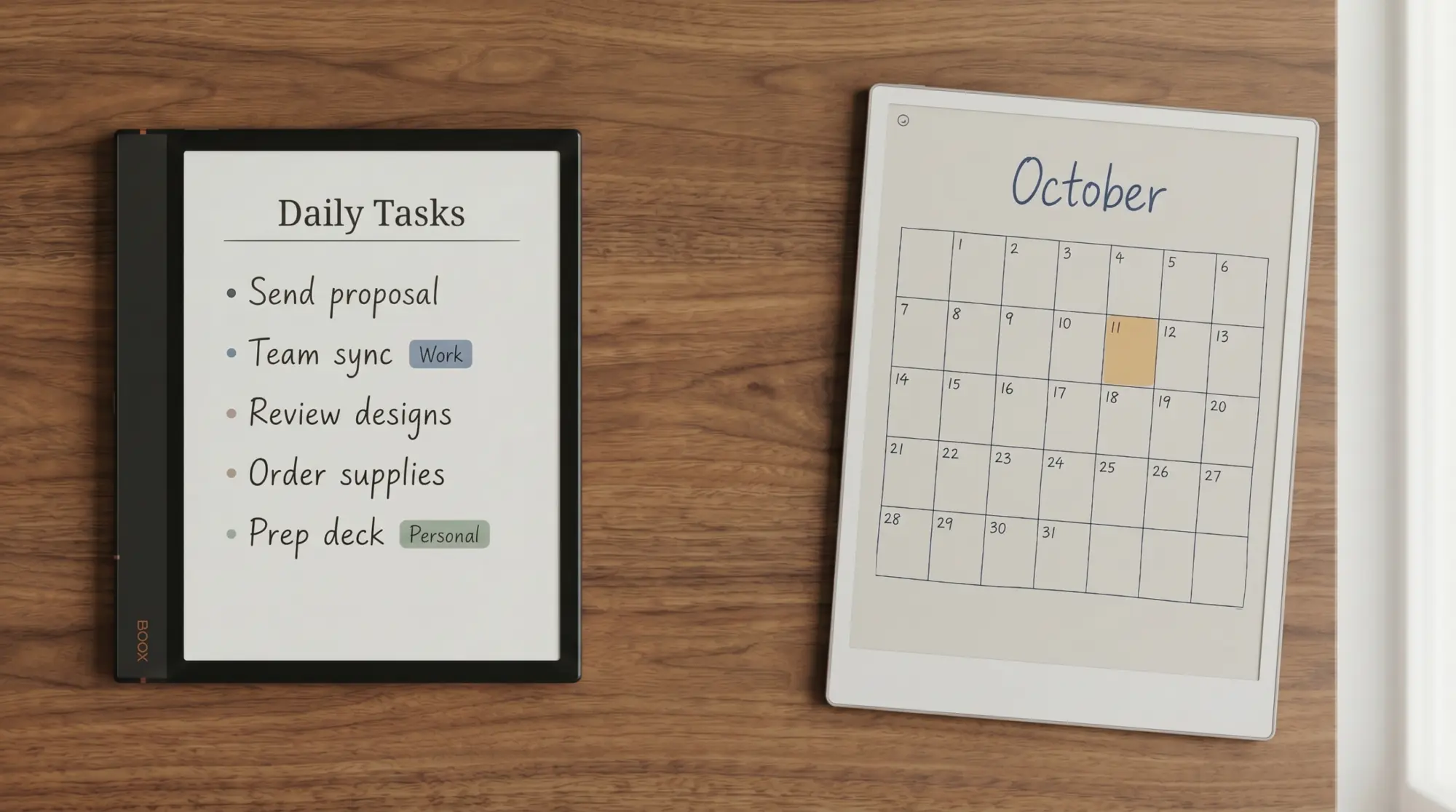
Boox runs Android with Google Play access: Android 15 on the Note Air5 C and Go 10.3 Gen II, Android 16 on the Note Air6 C. You can install Slack, Outlook, Gmail, Notion, Obsidian, Todoist, and any other productivity tool you currently use. Each of those apps runs at “good enough” e-ink speed (page transitions add a beat compared to LCD). The trade-off here is also real. The friction of having Slack on your e-ink device is the same friction you came to e-ink to escape, just with a slower screen. Whether that’s a feature or a bug depends on whether you trust yourself with the apps.
The cleanest test: ask yourself whether you’d want a notifications badge on your e-ink device. If the answer is yes, Boox. If no, reMarkable. That single question is more diagnostic than any spec sheet.
Cost
What you actually pay over a year
Sticker prices are misleading because reMarkable’s Connect subscription is real for anyone who wants unlimited cloud storage and sync: $3.99 a month or $39.90 a year (without it, the cloud keeps the files you used in the last 50 days). Boox has no equivalent subscription. Add the Marker Plus on reMarkable if you want the eraser, which is the $679 bundle rather than the $629 one, and budget for Marker tips at $19 a pack. Counting the device and one year of Connect, a reMarkable costs about $69 more than the matching Boox in the middle of the range and about $139 more at the top. One dated exception: reMarkable’s site offers a free year of Connect with a new paper tablet bought by 30 October 2026, which shrinks year one to the sticker gap of about $29 and $99.
Per year of ownership, Boox is consistently cheaper, though by less than the sticker prices suggest. In year one the reMarkable costs about $69 more on the mid pair and about $139 more on the flagship pair once Connect is counted, and the gap after that is the $39.90 a year Connect costs, if you keep it. That surcharge buys you focused software and the writing surface; it doesn’t buy you any feature Boox lacks. Whether it is worth it depends on whether the focus-software trade-off actually changes how much you get done. For some buyers it does; for others it doesn’t.
The verdict
Decision matrix
Buy a reMarkable if at least three of the following are true: writing is more than half of what you’ll do on the device, you’ve already failed at staying focused with a tablet that has apps, you value tactile writing feel above all else, you want reMarkable’s own cloud sync without limits, and you’re willing to pay $39.90 a year for it. The Paper Pro is the right pick if you want the largest screen and you’re a desk-first user; the Paper Pro Move if you want portability and the iPad-mini-shaped form factor.
Buy a Boox if at least three of the following are true: you read across multiple ecosystems (Kindle, Kobo, Libby), you want a single device that handles email and apps in addition to writing, color matters but you don’t want to pay the $99 gap between the $629 Paper Pro and the $529.99 Note Air 5C, you’re outside the reMarkable price tier, and you trust yourself to keep app use light. The Note Air 5C is the right pick for most Boox buyers, or the Note Air6 C at $579.99 if you want Android 16 on the same 10.3-inch size; the Go 10.3 Gen II if mono is fine and you want the lighter weight (about 350 g).
For the buyers stuck on the fence: try the philosophy test. Open your phone, look at the home screen, and ask whether having half those apps available on a slower e-ink screen would help you or distract you. The answer to that question is the answer to the device question.
Still on the fence after the philosophy test? Our free e-ink tablet buying guide gives BOOX and reMarkable a chapter each, adds Kindle Scribe and Supernote, and ends with one comparison table per buyer question.
Both ecosystems will keep evolving in 2026. reMarkable’s Paper Pure, now on sale at $399, changed the entry-level math, and Boox added the Note Air6 C in September. We’ll update this guide as the lineups move. Tell us in the comments which side you’ve actually picked, and what you wish you’d known before buying.
FAQ
Common questions, answered briefly
Boox vs reMarkable, which is better?
Is Boox cheaper than reMarkable?
Can I install Kindle app on Boox?
Does reMarkable Paper Pro have an app store?
Is Boox or reMarkable better for note-taking?
If yours isn’t above, drop the question in the comments and we’ll add it.
People also ask