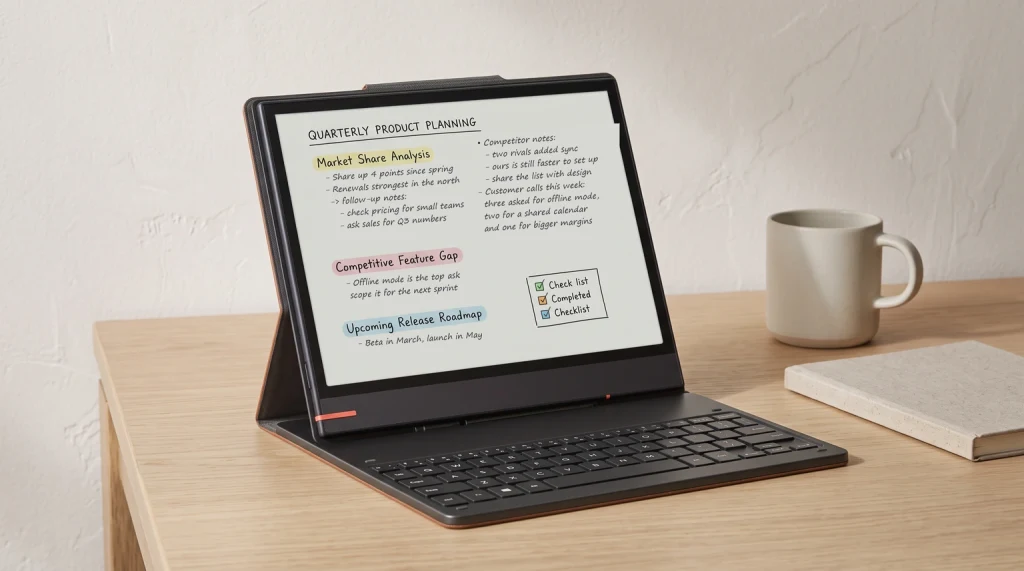
Stock check, 21 October 2026: every US variant of the Boox Note Air4 C is sold out on the Boox store. Its in-stock successors are the Note Air5 C at $529.99 and the Note Air6 C at $579.99, both on the same 10.3-inch Kaleido 3 screen size with a newer Android, so the case for the 4C below now applies to buying one of those two.
The split
Two color e-ink tablets, two different jobs
The Boox Note Air 4C vs reMarkable Paper Pro question gets asked because both devices solved color e-ink at roughly the same time, by opposite methods, and both target the writer-reader-hybrid use case. The spec sheets look similar enough that the price gap (~$130) feels arbitrary. It isn’t.
Paper Pro is reMarkable’s flagship and reflects what reMarkable has always been: a focus tablet first, with color added late. The OS refuses third-party apps. There’s no Kindle, no browser, no email. The point is the empty desk.
Note Air 4C is Boox’s mid-tier color tablet and reflects what Boox has always been: an open Android e-ink computer. You can install Kindle, Kobo, OneNote, Notion, a browser, anything in the Play Store. The point is one device covers reading, writing, and apps.
That difference makes the spec comparison less interesting than the philosophy comparison. Pick the philosophy first; the price gap follows.
Side-by-side
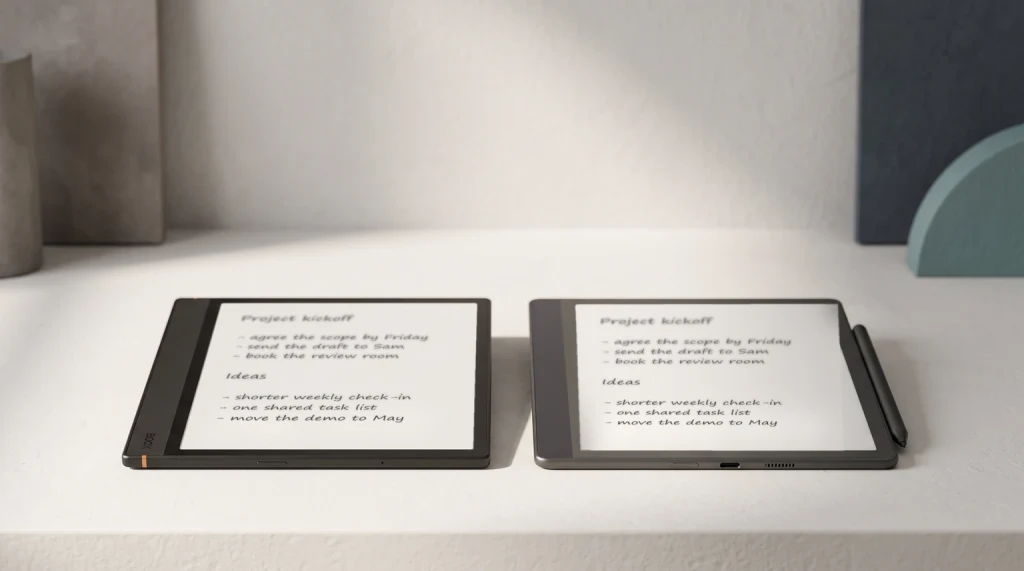
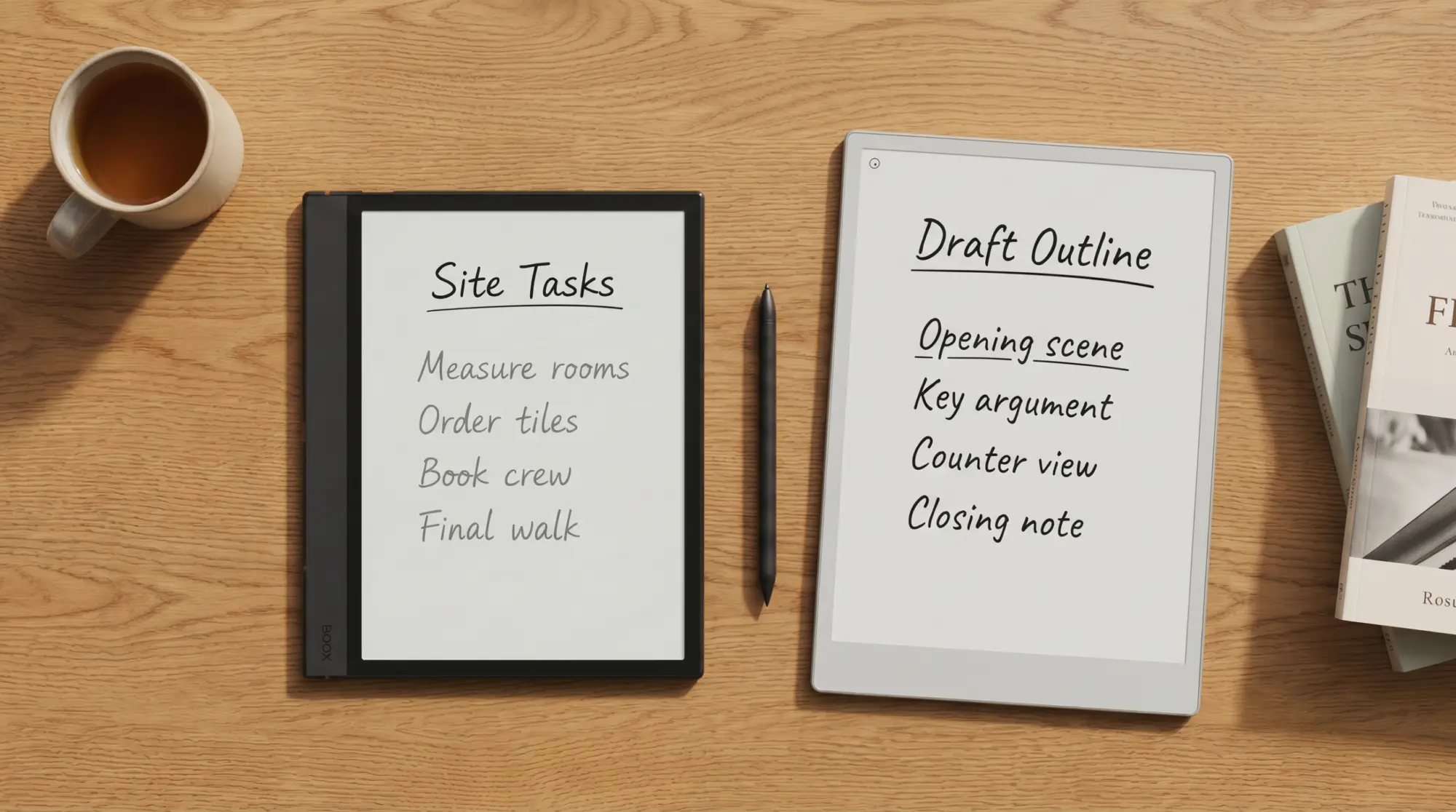
The pair, side by side
Note Air 4C is bigger on resolution per inch (300 ppi vs 229), lighter by ~100 g, and noticeably cheaper. Paper Pro is larger by 1.5 inches, twice the battery, and faster on the pen. Those are the four numbers that matter.
Specs and materials
Specs and materials, tab by tab
- Display tech
- Canvas Color · Kaleido 3
- Pixel density
- 229 ppi · 300 ppi
- Frontlight
- Warm · Adjustable warm + cool
- Pen technology
- Wacom EMR · Wacom EMR
- Storage
- 64 GB · 64 GB (128 GB option)
- Charging
- USB-C · USB-C
- Wireless
- Wi-Fi 6 · Wi-Fi 5
reMarkable Paper Pro
Aluminium unibody in anodised charcoal. Front bezel uses a textured composite that resists fingerprints. The Marker is aluminium with a steel weighted core; magnetic side-attach holds it in place during transport.
Boox Note Air 4C
Aluminium back with a polycarbonate front bezel. About 100 g lighter than Paper Pro in the hand, which adds up across long reading sessions. The Pen2 Pro has a soft-touch barrel and a magnetic eraser cap.
File formats opened natively
Apps
Latency
Pen latency, head to head
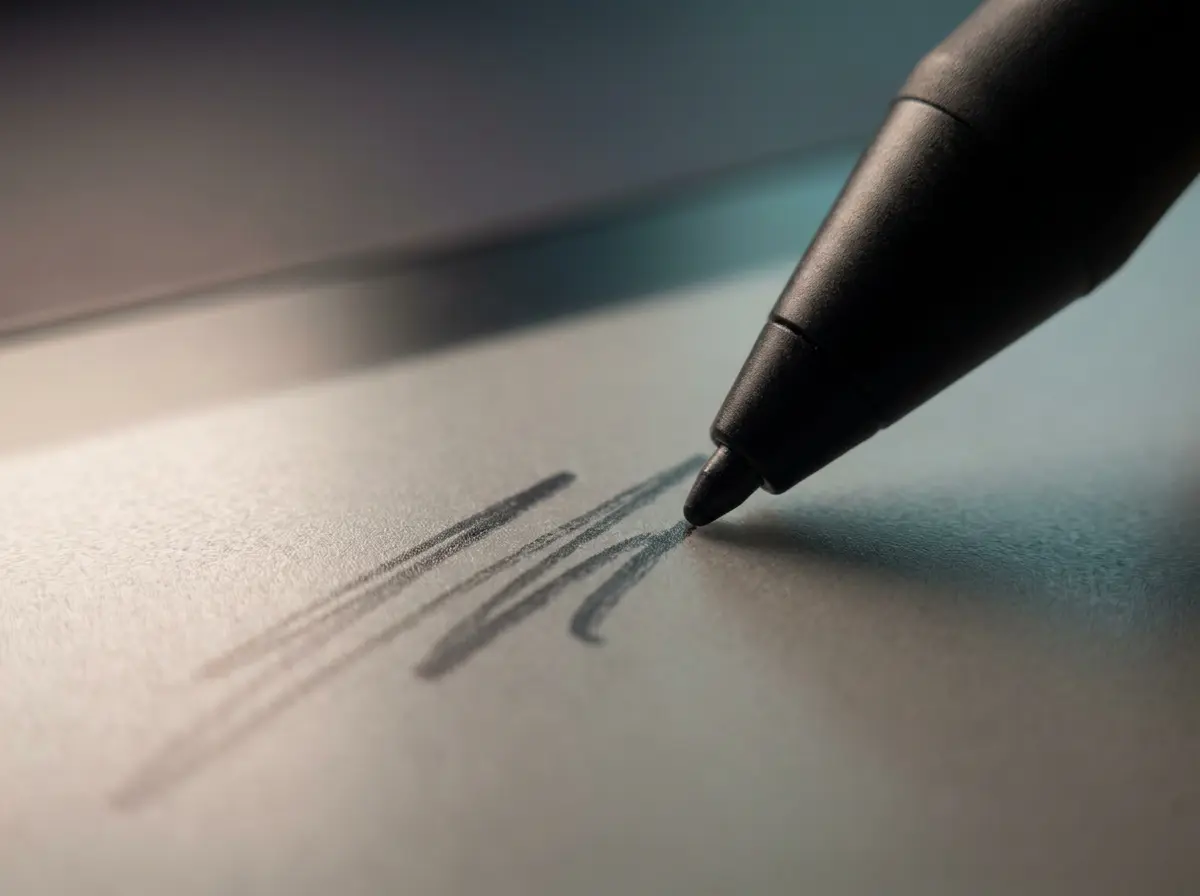
Pen latency is the number that separates a writing tool from a tolerable note-taker. Below the perceptual threshold (~20 ms) you stop noticing it; above it, the screen feels like it’s catching up to you. Numbers below are typical figures from third-party slow-motion testing.
Pen latency by stroke type (ms, lower is better)
Paper Pro is faster on every stroke type, and noticeably so on hatching where Note Air 4C crosses the perceptual threshold. For pure note-taking the gap is small. For drawing, sketching, or rapid mind-mapping the gap is felt.
Scorecard
Templacity scorecard, both devices
Paper Pro, scored out of 10
Note Air 4C, scored out of 10
Paper Pro takes pen feel, templates, and battery. Note Air 4C takes apps, format range, and value. Build quality is close. Both score 9 or 10 on at least one dimension and 5 or below on at least one. Neither is universally better.
Paper Pro’s writing surface is genuinely better. The price gap measures everything else.From this comparison
By use case
Pick by what you’ll do most
Writing-first, focus matters. Paper Pro. The OS friction Boox carries (Android settings depth, app notifications, larger settings tray) costs you 5-10 minutes a day if focus is the actual constraint.
Reading-first, mixed library. Note Air 4C. If your books live across Kindle, Kobo, Libby, and pirated PDFs, Note Air 4C reads all of them on one device. Paper Pro reads only what you sideload.
Color matters and budget is tight. Note Air 4C. The panels differ (Kaleido 3 on the Note Air 4C, Canvas Color on the Paper Pro), and the Note Air 4C lands at ~$500 with the pen vs $629 for Paper Pro with the Marker.
One device for work, including email and Slack on e-ink. Note Air 4C. Paper Pro can’t run a browser; it’s not a fit.
Big surface for sketching and large PDFs. Paper Pro. The 11.8-inch screen vs Note Air 4C’s 10.3-inch is a real difference at A4 PDF reading.
Students with mixed coursework. Note Air 4C. Textbooks come as PDFs (both handle), but lecture slides come from OneDrive, articles from JSTOR, course readers via Kindle. Paper Pro can’t do most of that.
For the brand-level comparison without the model specifics, see our reMarkable vs Boox brand pillar. For the older device pair, Note Air 2 vs reMarkable 2 covers the budget end. The full e-ink landscape lives at Best e-ink tablet 2026.
On the Boox side there is now a direct equivalent: the Boox Template Bundle at $39, or The Planner for Boox at $49 if you want a single dated book rather than a set. Both are sized for the Note Air panel, so nothing has to be cross-loaded from the reMarkable set any more.
The current model
Boox Note Air 5C vs reMarkable Paper Pro: does the newer model change the answer?
Boox replaced the Note Air 4C with the Note Air 5C in October 2025, so anyone shopping today is really weighing the 5C against the Paper Pro. The short answer is that almost nothing above changes. Boox held the same 10.3-inch Kaleido 3 panel at 300 ppi in black and white and 150 ppi in colour, the same 6 GB of memory and 64 GB of storage, and a $529.99 price, $30 above the 4C’s $499.99. The screen argument and the writing-feel argument carry over unchanged, and the price gap against the $629 Paper Pro narrows to about $100.
Three things did change, and two of them push the Boox side harder. Android 15 replaces the 4C’s Android 13, which matters mainly as runway: the app-compatibility argument for Boox gets a few more years before it starts to age. Two physical side buttons arrive for page turns. And the 5C takes a magnetic pogo-pin keyboard cover at $109.99, which the 4C could not do at all.
- Writing tablet only
- Note Air 5C $529.99 with Pen3 included, versus Paper Pro $629 with the Marker
- With a keyboard
- Note Air 5C plus the pogo cover, $639.98, versus the reMarkable Type Folio bundle at $829
- Software
- Android 15 and the Play Store, versus reMarkable’s closed, single-purpose OS
- Screen
- 10.3-inch Kaleido 3, versus the 11.8-inch Canvas Color panel
That keyboard row is the one genuinely new argument. If a typing cover is part of the plan, the gap stops being $130 and becomes $189, because reMarkable’s Type Folio route lands at $829 while the Boox equivalent lands at $639.98. Everything else in this comparison holds exactly as written above: the Paper Pro still wins on writing surface and on staying out of your way, and the Boox still wins on apps, price, and doing more than one job. Our full Boox Note Air 5C review goes through what the newer model is like to live with.
Where each one breaks
Honest drawbacks on both sides
Where Paper Pro breaks
- No third-party apps. Kindle library, Kobo library, course readers all unreadable.
- Connect subscription friction. Cross-device sync and OCR sit behind a recurring fee.
- Steep price for a single-purpose device.
- Color rendering on Kaleido is muted, and the Note Air 4C’s 300 ppi mono gives it an edge on sharpness, while the Paper Pro’s filterless panel gives it the edge on saturation.
Where Note Air 4C breaks
- Android can feel busy on e-ink. Notifications, background apps, settings depth.
- OS update cadence is inconsistent across the lineup; older models lag.
- Pen latency falls slightly short of Paper Pro on every stroke type.
- Battery life is roughly half Paper Pro’s. Two-day trips need a charger.
The honest tiebreaker: how much of your time on the device will be writing vs reading-and-everything-else. If it’s mostly writing, Paper Pro’s drawbacks rarely show up. If it’s a mix, Note Air 4C’s drawbacks are easier to live with than the reMarkable wall.
Verdict
The call we’d make on Note Air 4C vs Paper Pro
FAQ
Common questions, answered briefly
Is Boox Note Air 4C worth the price difference vs reMarkable Paper Pro?
Which has better pen feel, Note Air 4C or Paper Pro?
Can Note Air 4C read Kindle books like Paper Pro can’t?
Does Paper Pro have color, and is it better than Note Air 4C’s?
How long does Note Air 4C battery last vs Paper Pro?
If yours isn’t above, drop the question in the comments and we’ll add it.
People also ask