The split
Two writing-capable e-readers, two different worlds
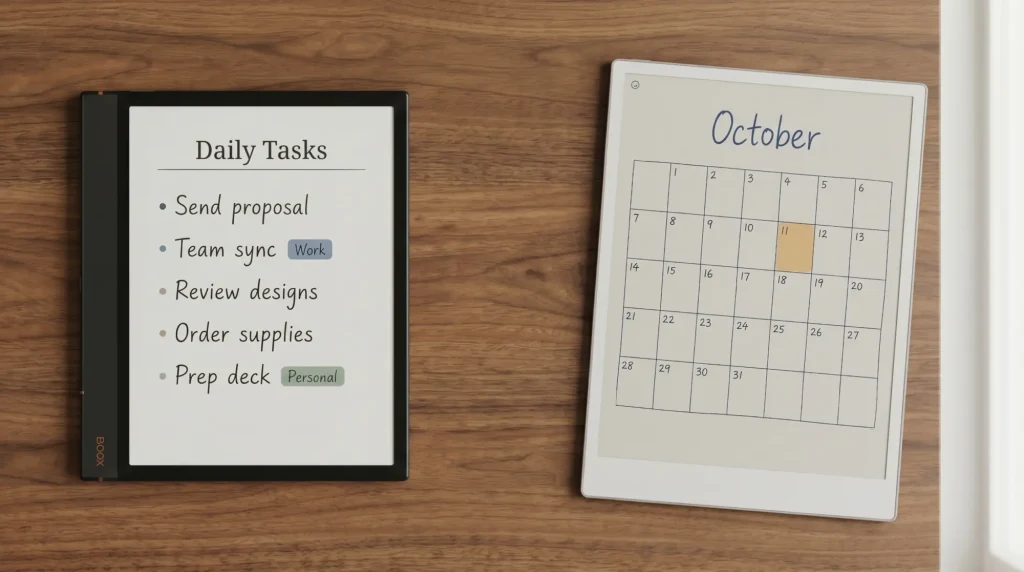
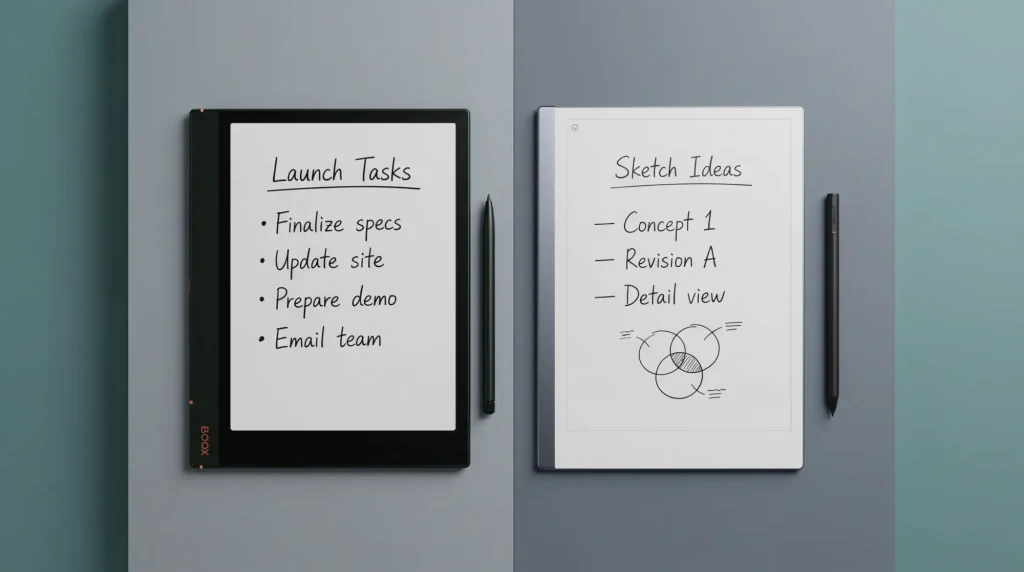
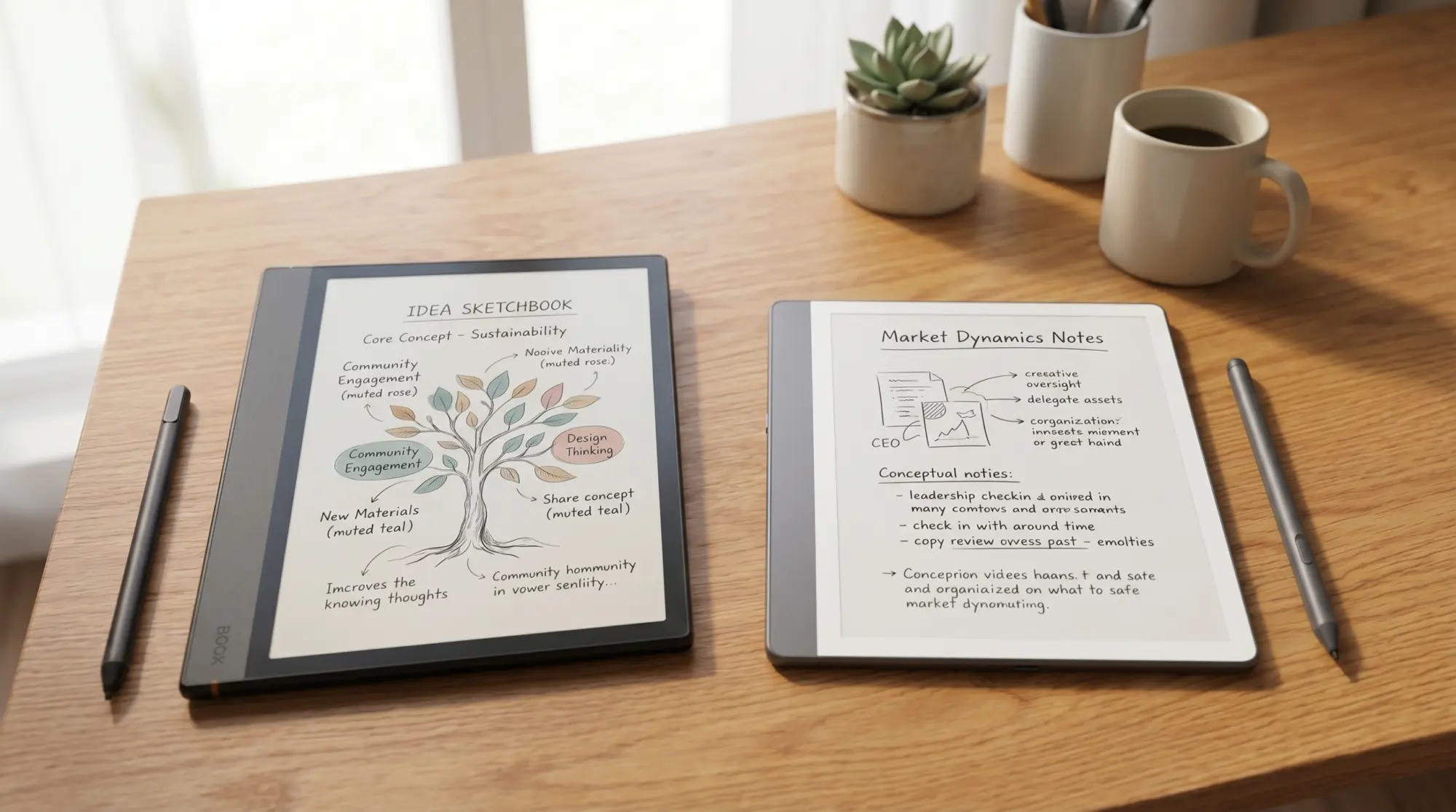
The Boox vs Kindle Scribe question gets asked because both devices are 10-inch e-ink tablets that take a stylus. The spec sheets look comparable. The ecosystems aren’t.
Kindle Scribe is Amazon’s writing-Kindle. Locked OS, Kindle library only, Send-to-Kindle for everything else. The reading and writing experience inside that ecosystem is excellent; outside it, you’re working around the device.
Boox is the umbrella for Onyx’s Android e-ink lineup. Note Air6 C for color, Note Max for the 13-inch slab, Go 10.3 Gen II for the mono option, Palma 2 Pro for the pocket. All of them run Android with the Google Play Store. Kindle, Kobo, Libby, and any other reading app installs.
If you read on Amazon, Kindle Scribe is the natural pick because Amazon optimizes for itself. If you read across stores or libraries, Boox is the only sane choice.
Side-by-side
The pair, side by side (lead models)
The headline trade is in the OS row and the battery row. The Note Air6 C is open and runs anything; the Kindle Scribe is locked, and Amazon measures its battery in weeks.
Specs and materials
Specs and materials, tab by tab
- Pen technology
- Wacom EMR · Active stylus
- Frontlight
- Adjustable warm + cool · Adjustable warm + cool
- Storage
- 64 GB · 16 / 32 / 64 GB
- Charging
- USB-C · USB-C
- Wireless
- Wi-Fi 5 · Wi-Fi 6
- Cloud sync
- BooxDrop / cloud apps · Whispersync (Amazon)
Scorecard
Templacity scorecard, both devices
Boox (Note Air6 C), out of 10
Kindle Scribe Colorsoft, out of 10
Mirror images. Boox wins on apps, formats, and value. Kindle Scribe wins on battery and focus. Pen feel is roughly tied; both use Wacom EMR.
Boox is the e-ink computer. Kindle Scribe is the writing-Kindle. Different categories at the same price.From this comparison
By use case
Pick by what you’ll do most
Read mostly on Amazon, want a writing surface. Kindle Scribe Colorsoft. Send-to-Kindle handles non-Amazon PDFs; the Kindle store covers the rest.
Read across Kindle, Kobo, Libby, and the web. Boox. The Note Air6 C runs all of them as native apps.
Need OneNote, Obsidian, or Notion sync. Boox. None of those work on Kindle Scribe.
Want a device that can’t distract you. Kindle Scribe. The locked OS is doing the focus work; Boox can but you’ll fight Android settings depth.
Travel-first, charger-averse. Kindle Scribe at 12 weeks vs Boox at 1 week. Real difference for off-grid use.
For specific model pairs, see Boox Note Air 4C vs reMarkable Paper Pro and Kindle Scribe Colorsoft vs Paper Pro. For the Boox lineup, Onyx Boox 2026.
(Boox bundle is on the roadmap; cross-compatible PDF planners from the Kindle Scribe pack work on Boox via the PDF reader app.)
Where each one breaks
Honest drawbacks on both sides
Where Boox breaks
- Battery is roughly 1/12th of Kindle Scribe’s. Travel changes.
- Android settings depth distracts on what should be a focus device.
- OS update cadence is inconsistent across the lineup.
- Send-to-device workflows for non-Amazon content require third-party apps.
Where Kindle Scribe breaks
- Locked to Amazon. Kobo, Libby, Hoopla all need workarounds.
- Send-to-Kindle for PDF imports is functional but dated.
- No third-party apps means no OneNote sync, no Obsidian, no browser.
Verdict
The call we’d make on Boox vs Kindle Scribe
FAQ
Common questions, answered briefly
Is Boox better than Kindle Scribe in 2026?
Can Boox read Kindle books like Kindle Scribe?
Is Kindle Scribe battery really 12 weeks?
Does Boox or Kindle Scribe have better pen feel?
What about pricing, Boox or Kindle Scribe?
If yours isn’t above, drop the question in the comments and we’ll add it.
People also ask