The test
What makes the best teacher planner is the week you fall behind
Every best teacher planner list ranks covers, sticker sheets and page counts. None of those decide whether a planner survives the year. What decides it is the week in March when two lessons slipped, the assembly moved, and you need to rearrange Thursday in the four minutes before the bell.
So we ranked the options on three tests that show up in that week. First, is the week view built on periods, the way a school day is actually divided, rather than on clock hours? Second, can you find a week from two months ago without flicking or scrolling through everything in between? Third, when next August arrives, can you reuse this year’s unit plans without copying them out by hand?
A planner that passes all three is rare, and the formats fail in different places. That is the real choice here, more than any brand.
The picks
The best planner for teachers, by format
Five options cover almost every teacher we hear from. Read the table by row: each format has one row where it loses badly, and that row is the one to check against how you actually work.
| Erin Condrenpaper, dated | Happy Plannerpaper, budget | Free printableprint and bind | Planning softwareweb or app | Tablet PDFhyperlinked file | |
|---|---|---|---|---|---|
| Price | $35.50 to $57.50 | $37.99 list | Free | Varies, often a subscription | $29 for ours |
| Week built on periods | Horizontal or vertical layout | Boxed days | Depends on the file | Set up to your timetable | Period columns |
| Finding a past week | Tabs, then flick | Flick | Flick through loose pages | Search | Tap the index |
| Reusing plans next year | Copy it out again | Copy it out again | Copy it out again | Built for it | Duplicate the page |
| Writing with a pen | Yes | Yes | Yes | Typing | Yes, with a stylus |
| Survives a dead battery | Always | Always | Always | No | No |
The reuse row is the one people underestimate. A paper planner is excellent for the year you are in and does nothing for the year after, which is why so many teachers keep a second system for unit plans anyway. If you already do that, paper is a fine answer. If you are tired of doing it, paper is the thing to leave.
Pick one
Paper and dated: the Erin Condren Teacher Lesson Planner
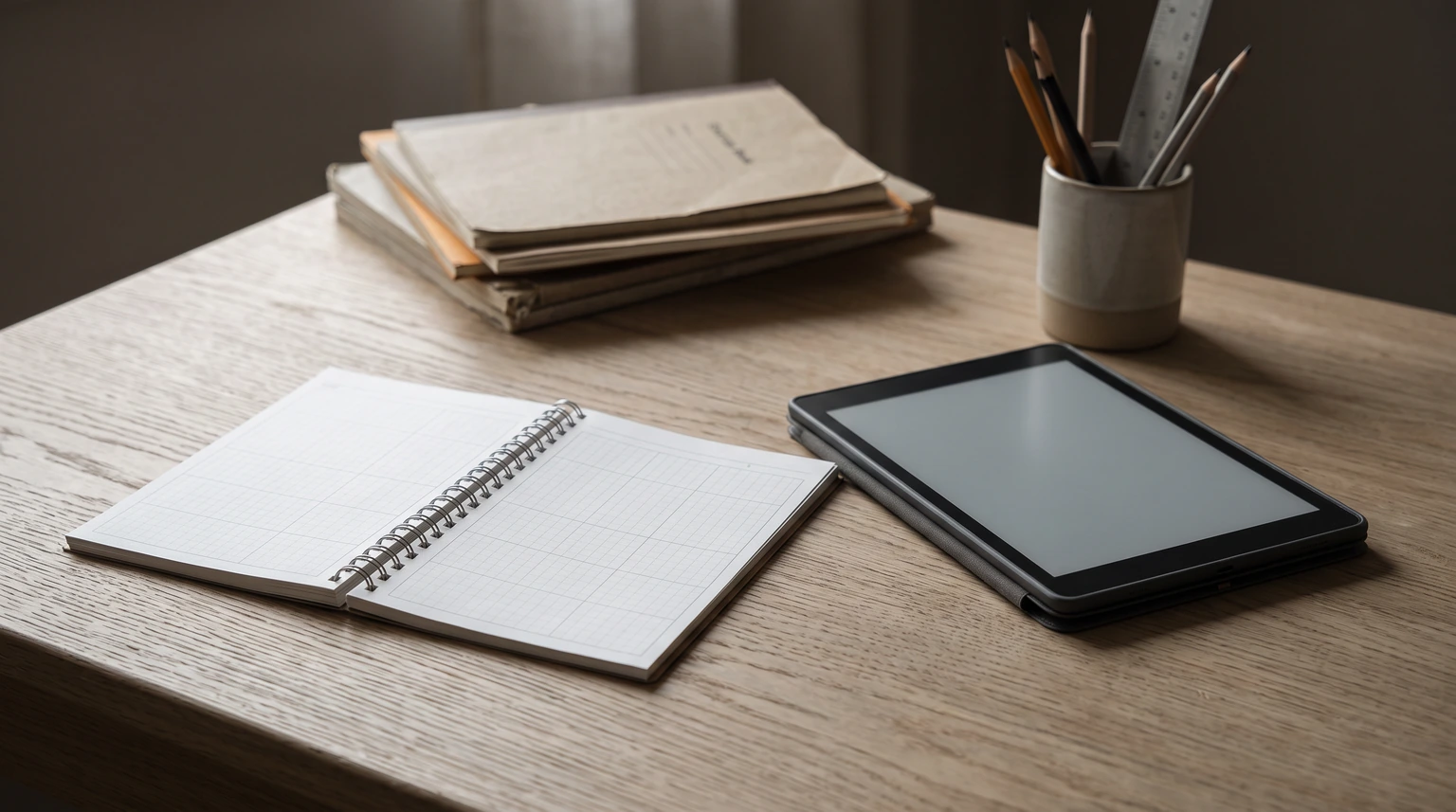
If you plan best with a pen in a bound book on the desk, this is the reference point most teachers compare against. Erin Condren sells a coiled version at $57.50 in 8.5 by 11 inches and a softbound version at $35.50 in 8 by 10 inches. The weekly lesson spreads come in a horizontal or a vertical layout, which matters more than it sounds: a secondary teacher with six periods wants rows, an elementary teacher planning by subject often wants columns.
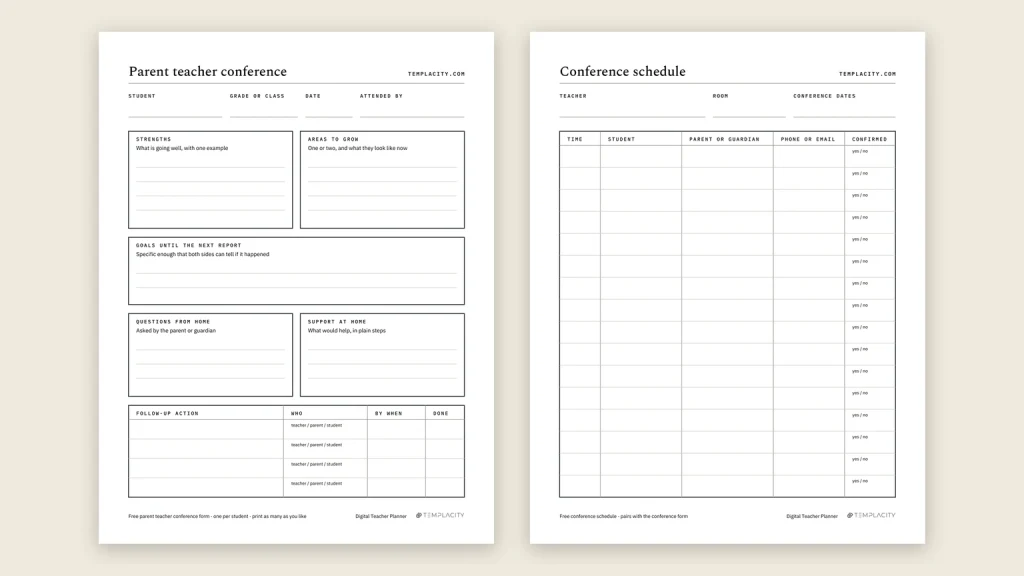
Beyond the weeks, the product page lists monthly calendar spreads, checklist pages meant for grading, performance tracking and attendance, a student communication log with meeting notes, and class schedules. What its page does not list is a seating chart or a section for sub plans, so if either lives in your binder today, expect the binder to stay.
Choose it if you want one physical object, you like planning by hand on a Sunday, and you already have a separate place for unit plans you reuse. Skip it if copying the same unit out every August is the part you hate.
Pick two
Paper on a budget: Happy Planner Bright Lessons
Happy Planner’s Bright Lessons 2026-2027 spiral teacher planner is dated for twelve months from July 2026, in the Big size, at a list price of $37.99. Happy Planner also sells a build-your-own custom planner starting at $32.99 in Classic and $37.99 in Big, which is the route if the standard layout does not match your timetable.
The trade is the same as any paper planner, with one addition: a July start suits a school year well, but a dated book is finished when the year is. Treat it as a one-year tool and keep your unit plans somewhere that outlives it.
That is the case for an undated planner. Ours is the Teacher Lesson Planner: a hyperlinked PDF with 40 numbered weeks, 12 unit plans and a sub binder that starts the week you do, so nothing in it expires with the school year.
Picks three and four
Free printables and planning software
A free printable is the right first step if you are not sure what layout you need. Print four weeks, teach with them, and notice which boxes you never fill. That month is worth more than any review, including this one, because it tells you the shape of your own week before you pay for someone else’s.
The catch is that loose pages drift. By November a printable planner is usually a stack in a folder with no index, and finding the week of the fire drill means reading every page. Most teachers who start on printables either bind them or move on by the second term.
Planning software sits at the other end. It is the only option built for reuse from the start: last year’s unit rolls forward, a lesson that slips can bump the rest of the week, and search finds anything. The cost is the pen. Sketching a seating chart or scribbling a note during a lesson in a web form is slow enough that most teachers keep paper beside it, which quietly brings back the two-system problem.
Nobody picks the wrong brand. They pick the wrong format, then blame the planner in October.The picks
Software also tends to belong to a school licence. If you change schools, check whether your plans leave with you, because a few years of unit sequences is not a small thing to lose.
Pick five
On a tablet: why a hyperlinked PDF is the best teacher planner for reuse and a pen
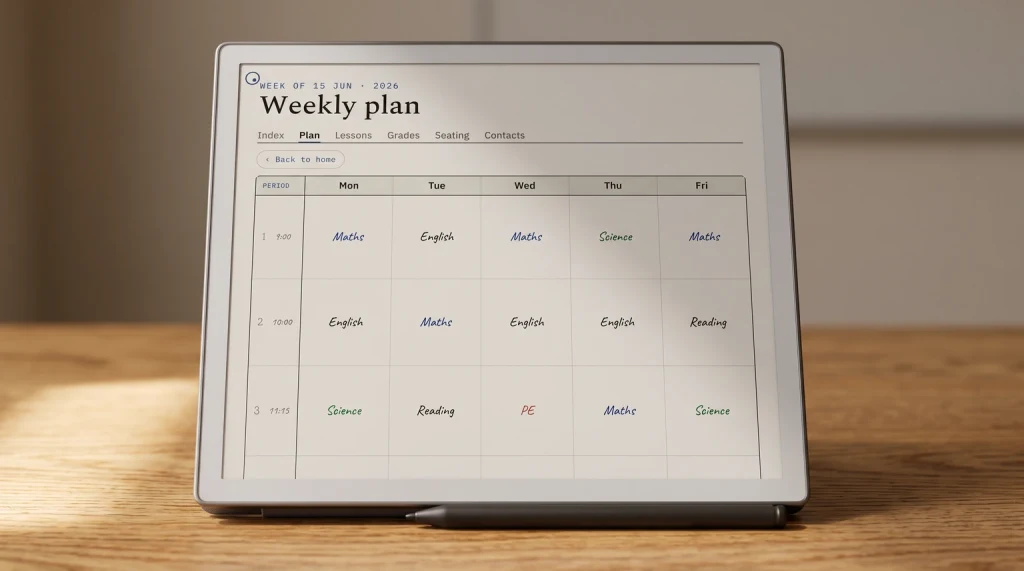
A PDF planner on a tablet is the only format that keeps handwriting and still lets you reuse a page. You write with a stylus the way you would on paper, and next August you duplicate the unit page instead of copying it out. The one condition is navigation. A teaching year runs to hundreds of pages, and a flat PDF you have to scroll is abandoned by October.
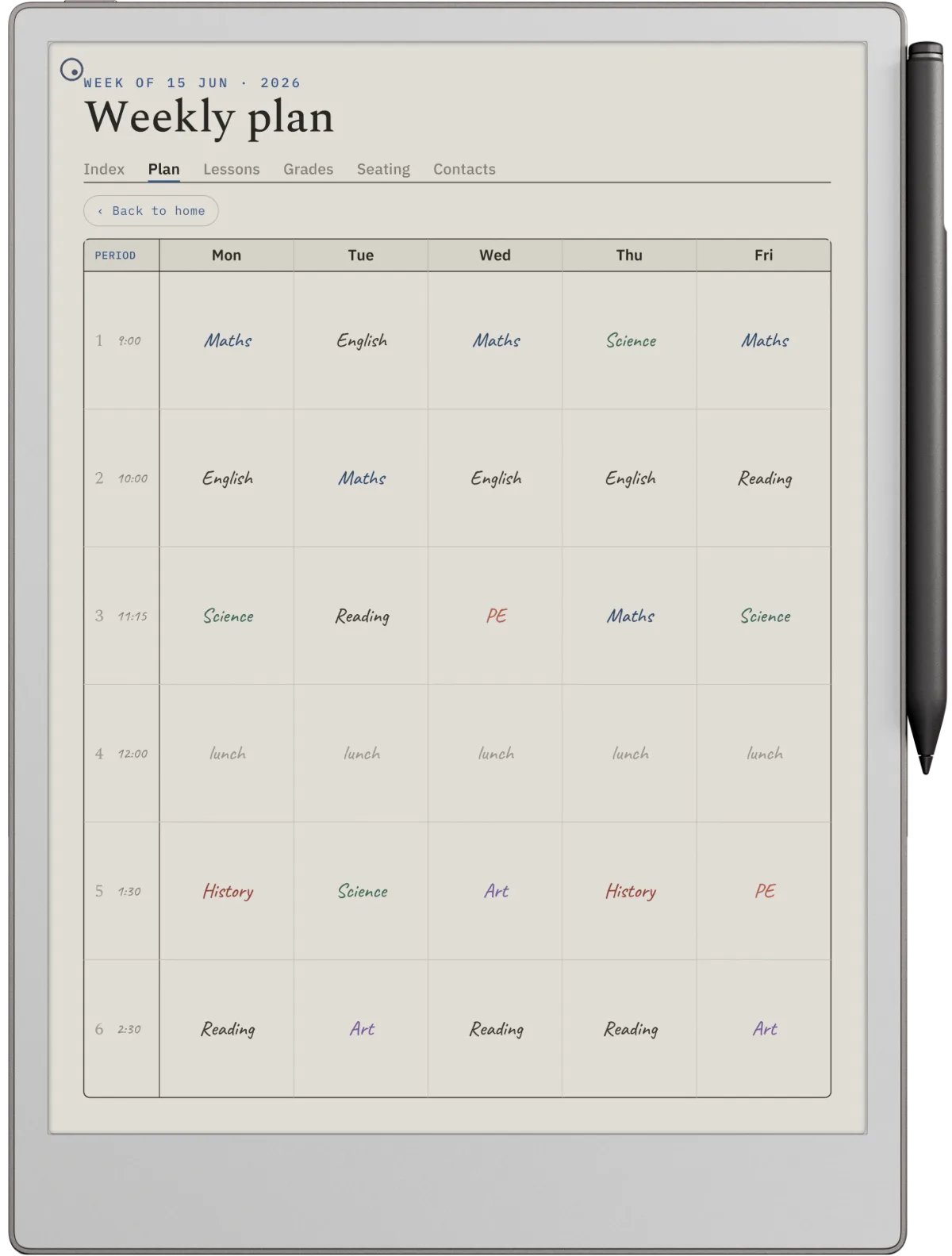
That is why the test before buying any tablet planner is simple: open it, tap from the index to a week, and tap back. Two taps each way is the bar. If you want the longer version of that decision, our guide to what a digital teacher planner replaces covers what should stay in the school’s own systems.
It works on an iPad with a PDF app, and on e-ink tablets such as reMarkable, where hyperlinks matter even more because every page turn has a refresh cost. Our e-ink planner guide covers what that hardware does and does not solve.
If you would rather see a layout than read about one, our teacher planner examples walk through four filled pages and what each box is for.
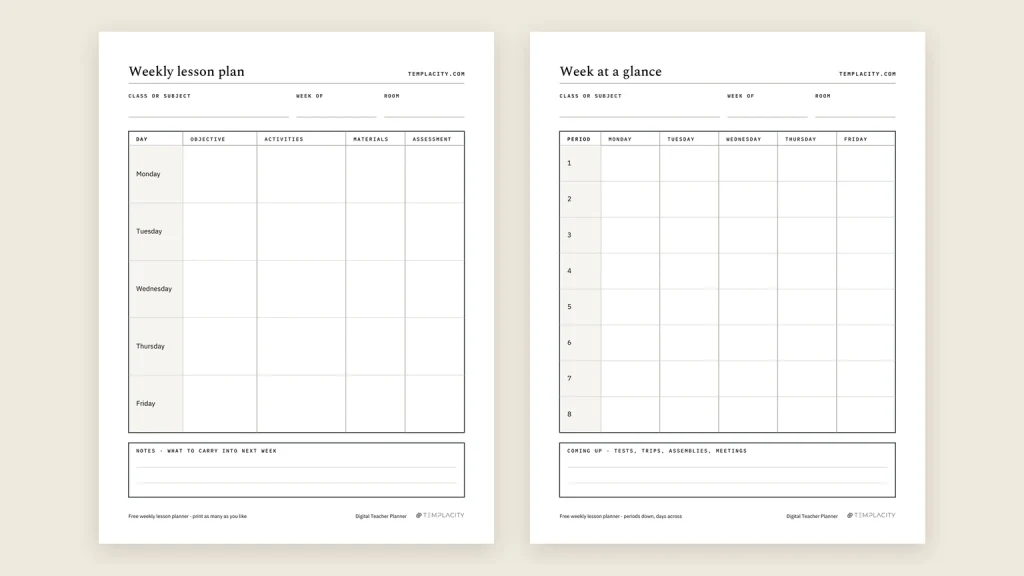
And if a sheet is all you need rather than a planner, our free weekly lesson plan template is one week to a page, with a second page for teachers who see several classes a day.
Teaching your own children at home rather than a class? The planning problem changes shape, from periods to siblings, and our homeschool planner guide covers choosing one by how many children you teach and how your week runs.
Deciding
How to choose in ten minutes
Start with the reuse question, because it removes options fastest. If you teach the same courses next year and hate rebuilding them, paper is out, and you are choosing between software and a tablet. If you teach something new every year, reuse barely matters and paper is back in.
Then the pen question. If you draw seating charts, annotate during lessons or think by sketching, software will frustrate you, so a tablet or paper wins. If you type faster than you write and plan at a laptop anyway, software is the better fit.
Last, timing. Switching mid-term means running two systems and trusting neither. Whatever you pick, start it at a term boundary with the first two weeks already filled in, and it has a real chance of being the planner still open in March.
FAQ
Common questions, answered briefly
What is the best teacher planner?
Is a paper or digital teacher planner better?
How much does a teacher planner cost?
When should a teacher start a new planner?
If yours isn’t above, drop the question in the comments and we’ll add it.
People also ask
Other questions, briefly answered
If you have found a planner that actually made it to June, tell us in the comments which format it was and which of the three tests it passed. That list is more useful to the next teacher than any ranking.