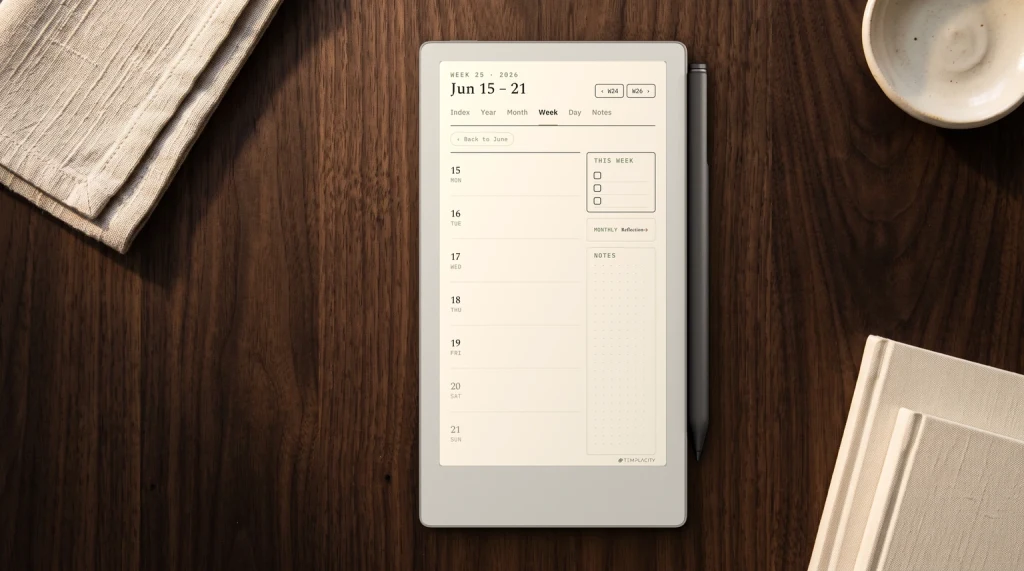
How we picked
How we chose the best e-ink tablet 2026 picks
An e-ink tablet is a tablet with a paper-like E Ink screen, built to be written on with a pen, read on for hours, or both. Five makers matter in 2026: reMarkable, Amazon with the Kindle Scribe, Boox, Supernote and iFLYTEK. They are not making the same product. reMarkable and Supernote build focused writing slates, Amazon builds a Kindle you can write on, and Boox builds Android tablets with E Ink screens.
So this list is sorted by job, not by a single score. Every maker price below was read on the maker’s own store on 7 October 2026 and re-read on 17 October; Kindle Scribe prices are Amazon’s, read on 17 October 2026 after its October sale ended. Every pick was in stock on both days. Where a price is clearly a sale, we say so. We have left out models that are still listed but sold out, which removes most of the names you will see in older roundups.
At a glance
The best e-ink tablets of 2026 at a glance
| Screen | Price, 17 Oct 2026 | Best for | |
|---|---|---|---|
| reMarkable Paper Pro | 11.8″ colour | $629 | Writing |
| Kindle Scribe | 11″ mono | from $429.99 | Reading + writing |
| Kindle Scribe Colorsoft | 11″ colour | from $629.99 | Colour reading |
| Boox Note Air6 C | 10.3″ colour | $579.99 | Android apps |
| reMarkable Paper Pure | 10.3″ mono | $399 | Value |
| reMarkable Paper Pro Move | 7.3″ colour | $449 | Small |
| Supernote Nomad | 7.8″ mono | $359 | Small, no account |
| Supernote Manta | 10.7″ mono | $505 | Long-form notes |
Kindle prices are Amazon’s and they move often. In Amazon’s 7 October sale the 32 GB Scribe with front light was $379.99 and the 32 GB Colorsoft $479.99, so the lit Scribe cost less than the 16 GB model without a light; by 17 October both were back at $499.99 and $629.99. Every other price is the maker’s standard price for the base bundle.
For writing
Best for writing: reMarkable Paper Pro, or the Paper Pure for less
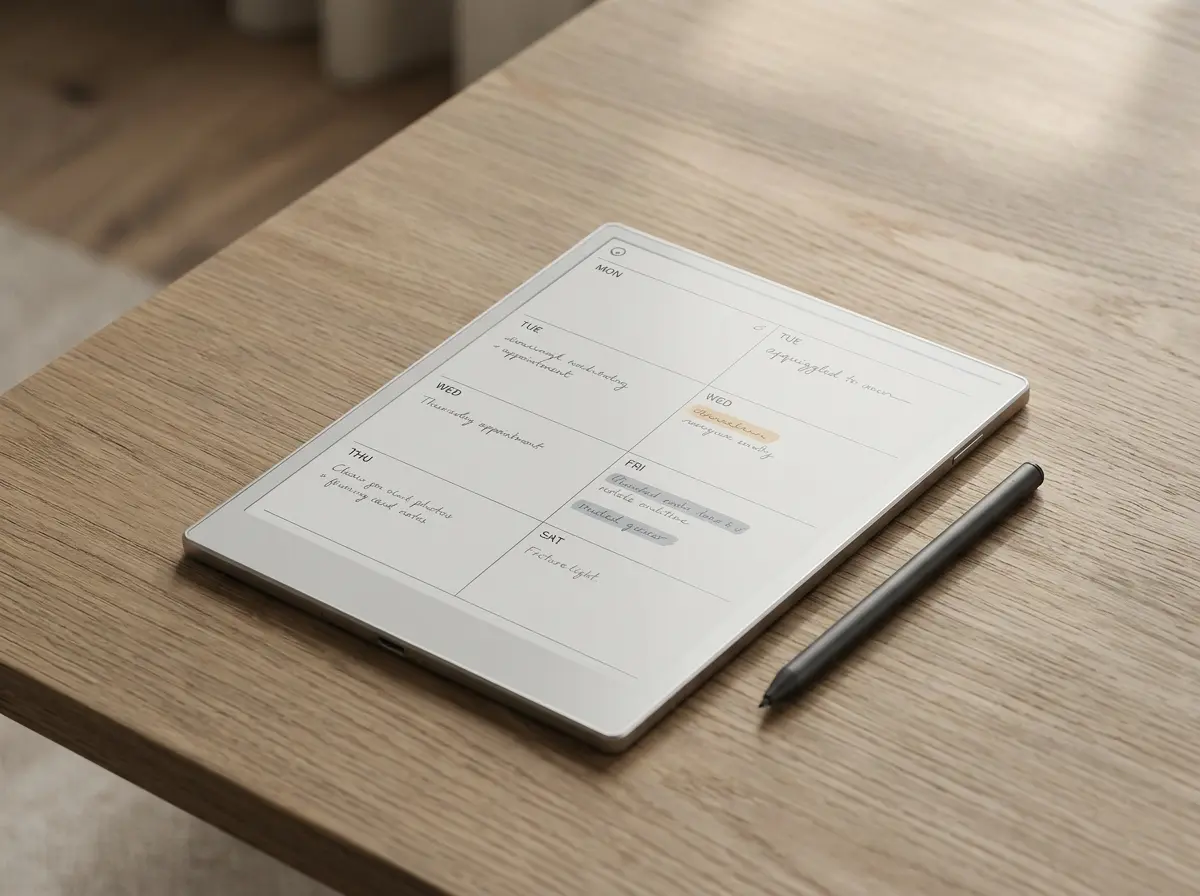
The reMarkable Paper Pro is the tablet to buy if writing is the reason you are here. It has an 11.8-inch colour Canvas Color screen with an adjustable reading light, and it starts at $629 with the Marker included. The Marker Plus, which has a built-in eraser, is a $50 step up to $679. reMarkable builds the whole device around one job, writing, and that focus is the point for most people who buy one.
If colour and the light do not matter to you, the Paper Pure is the same idea for $399: a 10.3-inch monochrome screen, no reading light, the same handwriting focus. reMarkable’s own compare page lays the three models side by side. If you are thinking of the older reMarkable 2, our refurbished reMarkable 2 guide covers what reMarkable charges for one now.
reMarkable builds the whole device around one job, writing, and that focus is the point for most people who buy one.On the best e-ink tablet for writing
For reading
Best for reading and writing: Kindle Scribe and Scribe Colorsoft
The Kindle Scribe is a Kindle first. Your Kindle library, Kindle+ (Kindle Unlimited until its October 2026 rename) and anything you send to Kindle are on it from the start, and the 11-inch screen takes the pen for notebooks and for writing on books and documents. Amazon’s listing says the pen is included with every model. On 17 October Amazon listed the 32 GB Scribe with front light at $499.99, the 64 GB at $549.99, and the 16 GB model without a front light at $429.99. In the 7 October sale the lit 32 GB model dropped to $379.99, below the unlit one, so if you can wait for a sale, the front-light version is the one to buy.
The Kindle Scribe Colorsoft adds a colour screen at the same 11-inch size, $629.99 for 32 GB and $679.99 for 64 GB on 17 October ($479.99 for 32 GB in the 7 October sale). Colour earns its money on comics, cookbooks and highlights; for novels and plain notes, the mono Scribe is the better value. Our Kindle Scribe review covers the writing side in depth, and the Colorsoft price guide tracks the configurations.
Where the Scribe loses to the reMarkable is the writing itself: notebooks live inside Amazon’s ecosystem, and a Kindle is built around buying and reading books. If you mostly read and sometimes annotate, that is a strength. If you mostly plan and write, the Paper Pro is the more focused tool.
For apps
Best for apps: Boox Note Air6 C
Boox’s writing tablets run Android with Google Play, so the Kindle, Kobo and Libby apps, OneNote and Obsidian all install on them. The Note Air6 C is the one we would pick: 10.3-inch Kaleido 3 colour, pen input, Android 16, $579.99 on Boox’s US store. It does more than any other tablet here and it is the only one that can read from every bookstore at once.
The cost is focus. A tablet that runs everything can also run email and every feed you meant to leave on your phone. Boox also sells a range from a 6-inch reader to a 13.3-inch slate; the 13.3-inch Note Max ($629.99) is the one for papers and PDFs at close to printed size. Our Android e-ink tablet guide lists every current Boox with its Android version and stock, and the best Boox e-reader covers the reading models.
Small ones
Best small e-ink tablet: Paper Pro Move or Supernote Nomad
The reMarkable Paper Pro Move is the Paper Pro shrunk to a 7.3-inch colour screen, from $449 with the Marker. It fits a coat pocket or a small bag and does the same writing job, with less room per page. Our Paper Pro Move review covers what the smaller page changes.
The Supernote Nomad is the other small writer: a 7.8-inch monochrome screen, $359 in white or $389 in crystal on Supernote’s store, both in stock when we checked. It is the smallest writing-first tablet here after the Move, and the cheapest. Our Nomad review goes further.
Also worth knowing
Supernote Manta, iFLYTEK AINote 2 and the rest
The Supernote Manta is Supernote’s large model: a 10.7-inch monochrome screen at $505, in stock on 7 October. It is the long-form writer’s choice for people who want a big monochrome page; see our Manta review. iFLYTEK’s AINote 2 is the other writing tablet you will meet in roundups; its store would not load for our price check, so read our AINote 2 review and check the price on iFLYTEK’s site before you buy.
Missing on purpose: models that are listed but sold out (Boox’s Note Air4 C and Tab Mini C, the Palma 2), and new reMarkable 2 tablets, which reMarkable now lists only as refurbished. If a model you were considering is not here, check whether you can actually buy it new before comparing it.
What changed
What changed in e-ink tablets this year
If you last looked a year ago, three things are different. Amazon’s Kindle Scribe moved to an 11-inch generation, per Amazon’s announcement, with a colour Colorsoft version beside it, so any review quoting a 10.2-inch Scribe is about the old model. Boox replaced most of its line: the Note Air4 C, the Tab Mini C and the Palma 2 show sold out on Boox’s own store, and the Note Air6 C on Android 16 is the current 10.3-inch colour model. And prices have moved in both directions: Supernote’s Nomad is now $359 in white, while Amazon was selling the Kindle Scribe at sale prices this October, with the 32 GB front-light model cheaper than the 16 GB one without a light.
The practical effect is that a list written even six months ago will point you at devices you cannot buy, or at prices that no longer hold. That is why every price on this page carries the date we read it, and why we drop a model the day it sells out rather than leaving it in with a note.
How to choose
Four questions that pick your e-ink tablet
Do you read more than you write? Then start with the Kindle Scribe, or a Boox if your books are spread across stores. If you write more than you read, start with reMarkable or Supernote.
Torn between those two? Our Supernote vs reMarkable comparison sets the Manta against the Paper Pro on color, price, repairability and the subscription question.
Does colour change what you do? For highlighting, colour-coded planners, diagrams and comics, yes, and the Paper Pro, Scribe Colorsoft and Note Air6 C all have it. For text and handwriting, monochrome is sharper and cheaper: the Paper Pure, Scribe, Nomad and Manta.
Will you read in the dark? Four tablets on this list have no front light: the reMarkable Paper Pure, the 16 GB Kindle Scribe without front light, and both Supernotes, the Nomad and the Manta, which Supernote leaves unlit on purpose for the writing feel. Boox’s 13.3-inch Note Max has none either. The Paper Pro, the Paper Pro Move, the Kindle Scribe with front light, the Scribe Colorsoft and the Note Air6 C all have one. If you read in bed or on dark evenings, filter by this before anything else.
Where will it live? A 10 to 12-inch tablet is a desk and bag device. If it has to come out on a train or between meetings, the 7.3-inch Move or 7.8-inch Nomad gets used more, and the tablet you use beats the better one in a drawer. Our colour e-ink tablet guide and reMarkable alternatives go deeper on the first two questions.
Pages to write on
Templates and planners for your e-ink tablet
Every tablet here opens PDF planners and lets you write on them (on the Kindle Scribe, send the PDF through Send to Kindle rather than copying it over USB), and a good page set does more for daily use than any spec difference above. We make planners and templates for reMarkable, Kindle Scribe and Boox, drawn for each screen. The reMarkable hub has everything we publish for the brand.
For Kindle Scribe and Boox owners, the same planners exist in each tablet’s size; the product cards beside this article show them.
FAQ
Common questions, answered briefly
What is the best e-ink tablet in 2026?
What is the cheapest good e-ink writing tablet?
Is the reMarkable or the Kindle Scribe better?
Which e-ink tablets run Android apps?
Own one of these, or chose something we left out? Tell us in the comments what you use it for and what you would buy next time. We update this list when a maker changes its range, and owner reports shape what we check.
People also ask