The short answer
Does Goodnotes have dark mode?
You turn on dark mode, open your notes in bed, and the toolbar goes black while the page stays a white sheet at full brightness. That is not a bug, and it is the part of Goodnotes dark mode most guides skip.
Goodnotes has a dark interface, and it has had one since 2019. When Goodnotes closed the original dark mode request on its feedback board, its moderator explained that the app’s design switches with the system setting, that a set of dark paper templates was added, and that “paper colors won’t be automatically changed when activating Dark Mode because backgrounds are static.” So there are two jobs: dark mode for the app, and a dark page to write on. This guide does both.
A page that darkens itself is still a request, not a feature. The True dark mode idea, asking for pages and PDFs to invert when the device is dark, has sat on the same board since December 2022 with 1,160 votes and no status from Goodnotes when we checked in November 2026.
iPad and iPhone
How to turn on Goodnotes dark mode on iPad
There is nothing to find inside Goodnotes. On Apple devices the app follows the system, so you change the iPad’s appearance and Goodnotes follows. The steps are the same on an iPhone, per Apple’s Dark Mode help page.
-
1
Open Settings, then Appearance
On iPadOS 26 and earlier the same options sit under Display & Brightness.
-
2
Choose Dark
Or choose Automatic, then Options, to switch on a schedule so the app goes dark at night on its own.
-
3
Or use Control Center
Touch and hold the brightness bar and tap Dark Mode. If it is missing, add the Dark Mode control by editing Control Center.
Go back to Goodnotes and the library, toolbar and menus are dark. Your notebook pages are not, which is the next section.
Android, Windows, Chromebook
Goodnotes dark mode on Android, Windows and Chromebook
Outside Apple devices the switch moves again. Goodnotes’ help article for them says the app “follows the theme selected in the browser associated with the app.” So you change the browser, not Goodnotes, then reopen the app.
| Device | Follows | Path |
|---|---|---|
| Windows | Microsoft Edge | Three dots, Settings, Appearance, Dark |
| Android, from Google Play | Google Chrome | Three dots, Settings, Theme, Dark |
| Android, from Galaxy Store | Samsung Internet | Three lines, Settings, Webpage View and Scrolling, Dark Mode on |
| Chromebook | Google Chrome | Three dots, Settings, Appearance, Dark, then refresh |
The detail that trips people up is the Windows row: Goodnotes follows Edge even if Chrome is the browser you actually use. If you set Chrome to dark and nothing changes, that is why.
The page itself
How to get dark paper in Goodnotes
A dark page in Goodnotes is a template, not a setting. You have two ways in, and both are in Goodnotes’ own help pages.
Switch the page you are on. Open the page in Notebook View, open the More menu on the right of the toolbar and choose Change Template. Pick a darker colour in the Color menu, choose the paper and tap Apply, per Goodnotes’ page template guide. Check your ink first: notes already written in black will sit on the new background, and black on charcoal all but disappears.
Import your own dark paper. On iPad, open the Goodnotes menu at the top right of the Library, choose Manage Notebook Templates, tap the PAPER thumbnail, scroll to the end of a group and choose Import. On Android, Windows and the web the menu is the same, then Edit, Create new group and Import Template. One rule from Goodnotes’ template import guide decides which file you use: “If you import a multi-page PDF as a template, only its first page is added.” A paper template wants a single-page file.
A dark page in Goodnotes is a template, not a setting.
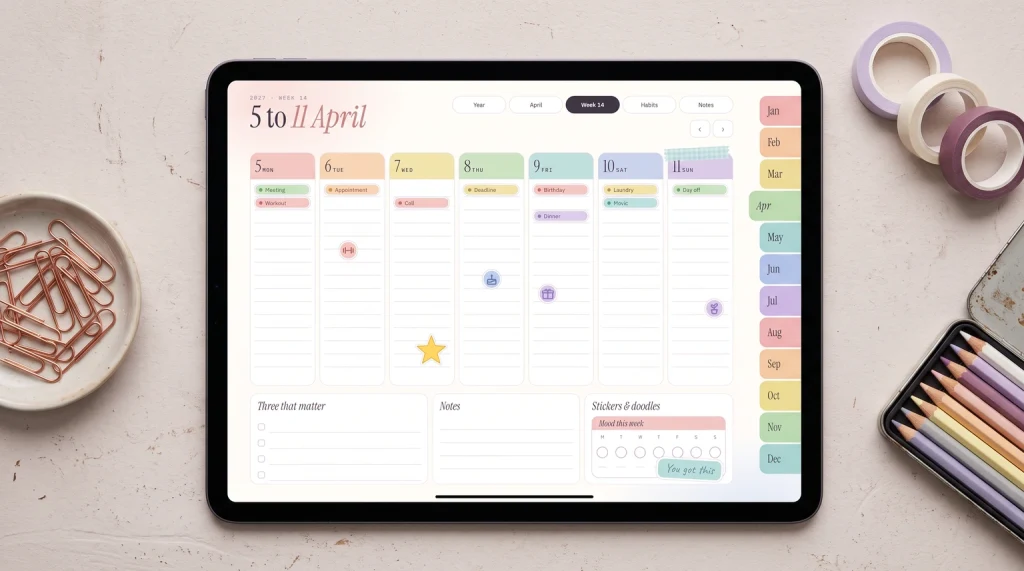
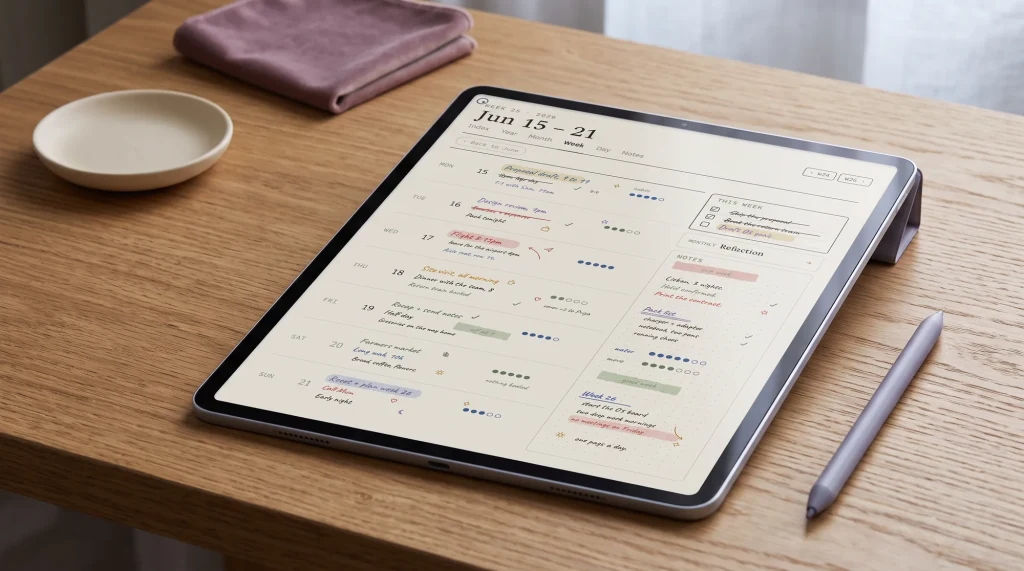
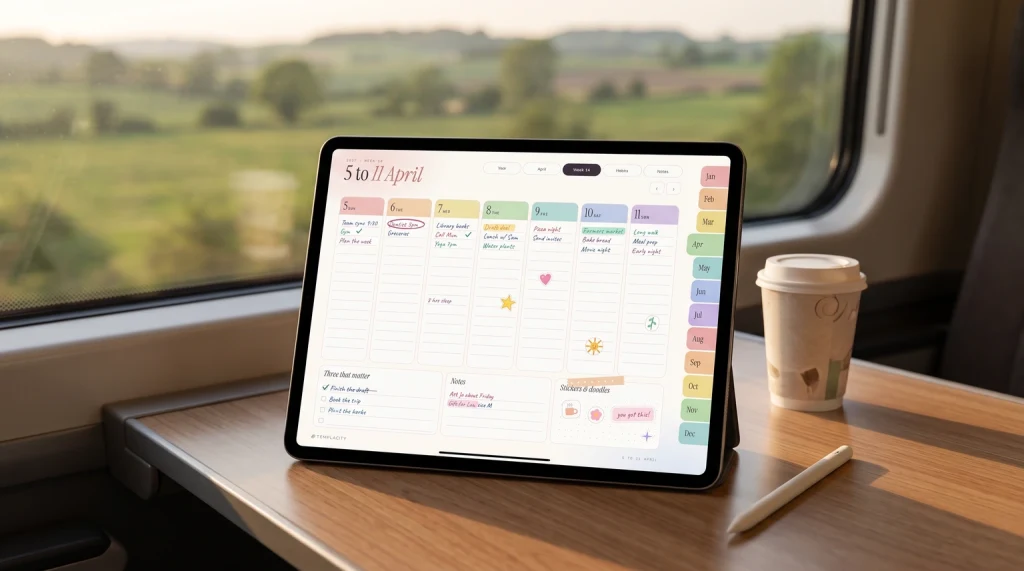
That is why our free Goodnotes paper pack comes two ways. The PDF opens as a notebook: lined, dot grid, square grid and Cornell pages in neutral, pastel and Night, a warm charcoal set for dark mode, with a tappable index. The zip of 12 single pages holds the same sheets one per file, so a Night page imports as a paper template and every new page you add starts dark.
Last resort
Inverting colours to darken every page at once
If you need old white notes and imported PDFs dark tonight, the iPad can force it. Apple’s display colours guide puts both options in Settings, Accessibility, Display & Text Size: Smart Invert reverses “colors everywhere except images”, and Classic Invert reverses “all the colors onscreen”.
It works, with costs. An inversion flips your ink and highlighter colours along with the page, so a colour-coded notebook stops meaning what it meant. It applies to the whole iPad rather than to Goodnotes, and Apple notes that Night Shift removes inverted colours, so the two do not stack. Treat it as a reading tool for one late session. For notes you take every evening, dark paper is the cleaner fix.
If you are weighing apps on exactly this point, our Goodnotes vs Notability comparison covers how the two handle templates and paper. And if a dark notebook is the start of moving your planning into Goodnotes, our Goodnotes digital planner is a linked PDF that imports the same way, with the digital planner guide and the wider Goodnotes templates roundup for the free routes.
Which do you write on at night, Night paper with a white pen, or an inverted screen? Tell us in the comments, and which ink colour held up best.
FAQ
Common questions, answered briefly
How do I turn on dark mode in Goodnotes?
Why are my Goodnotes pages still white in dark mode?
Does Goodnotes have dark paper?
Can I invert a white page to dark in Goodnotes?
People also ask