What you get
What a Goodnotes planner template gives you
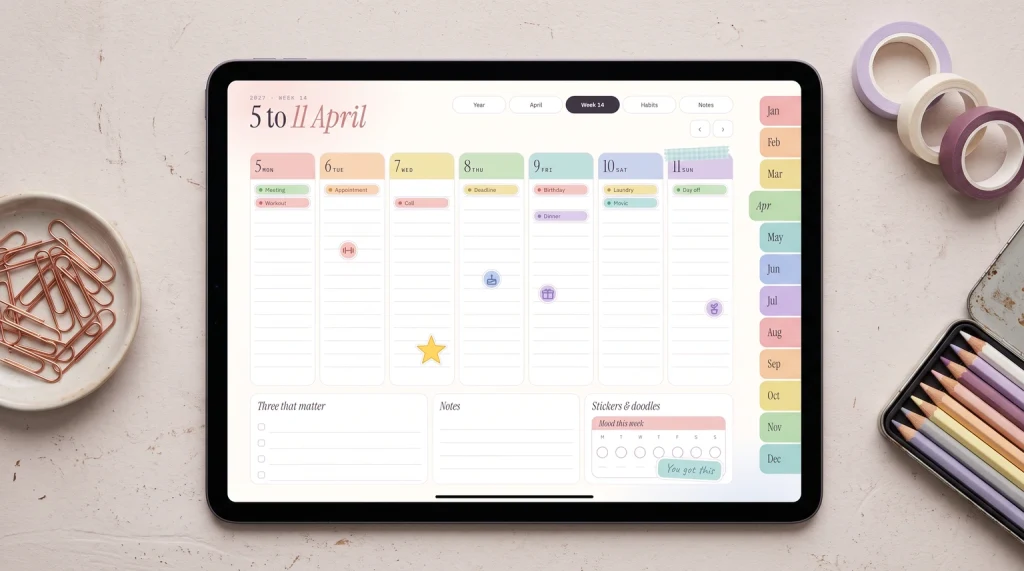
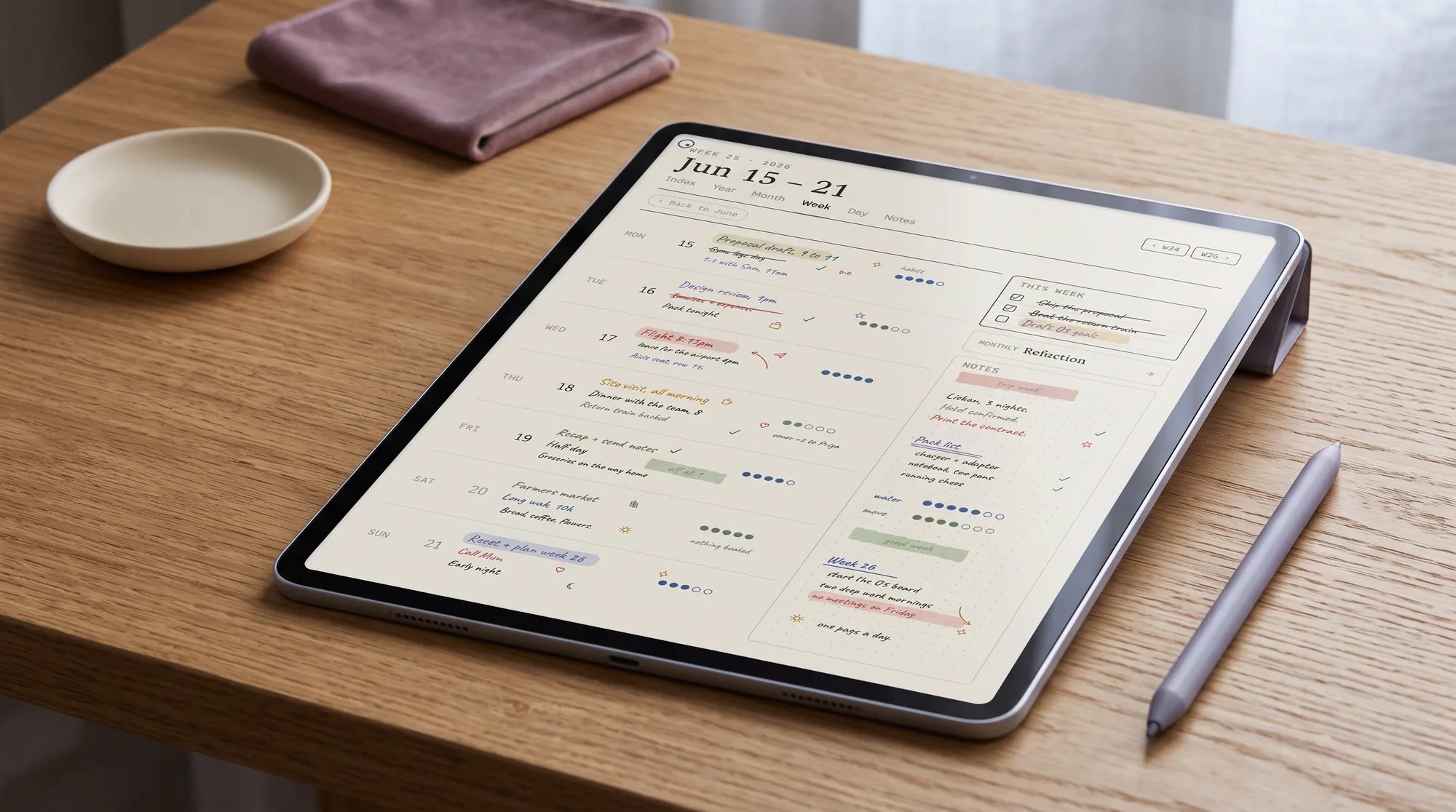
A Goodnotes planner template is a linked set of pages you import into the app and write on, with internal hyperlinks that jump you between the year, the months, the weeks, and the days. That linking is the part that matters, because a planner you navigate by tapping feels like a tool, and one you navigate by scrolling feels like a chore. The layout you choose decides the rest. A weekly template gives you the week at a glance, a daily template gives each day its own page, and a monthly template gives you the overview. Most planners use a mix, but one layout ends up being the page you open every morning, and choosing that one well is the whole game.
Because it is a file, a planner template is yours to reuse, and you can mix layouts freely: keep the monthly for the big picture, the weekly for the work, and add daily pages only on the days that need them. The trap is buying more layouts than you will open. A planner with fifty page styles looks generous and ends up cluttered, while a tidy set of the three layouts you actually use stays calm. The sections below are the honest case for each layout, so you can pick the one to build your planner around rather than collecting all of them.
The layouts
Weekly, daily, and monthly: who each suits
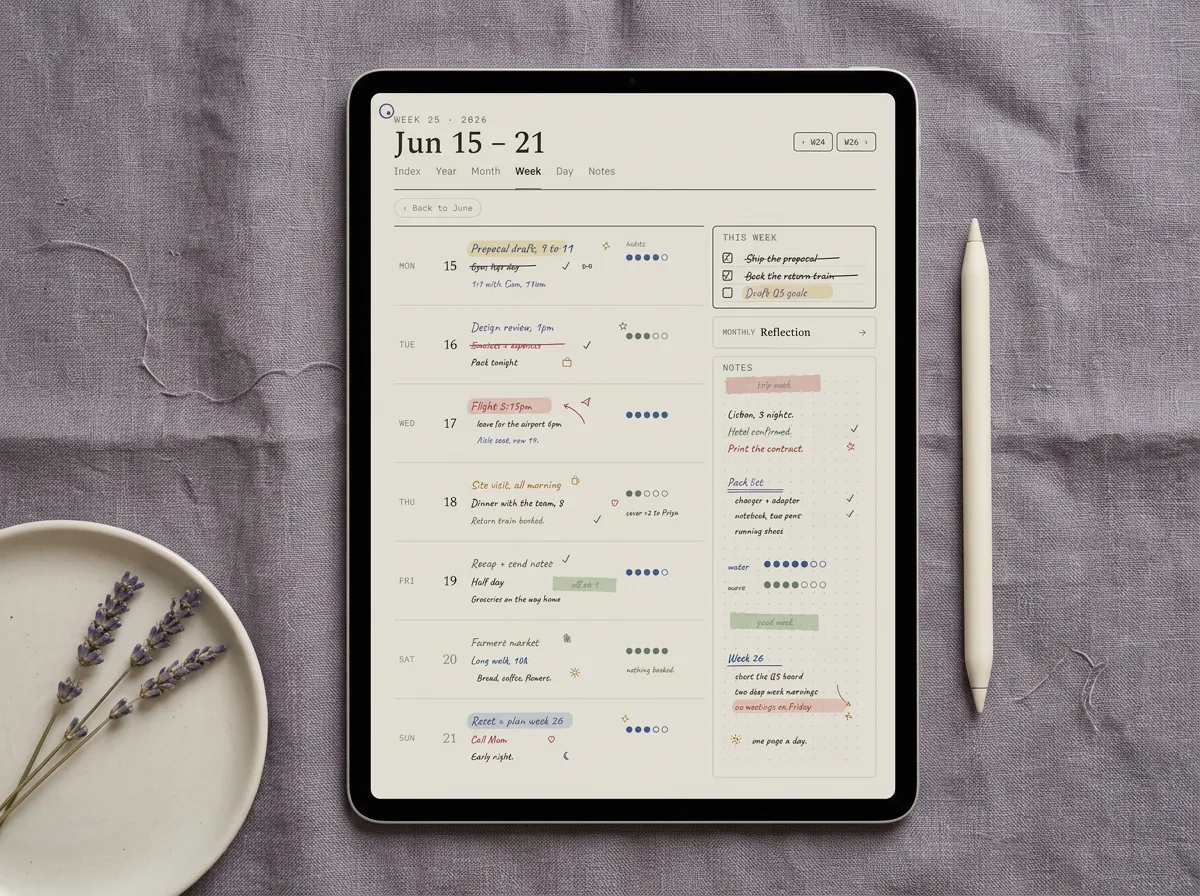
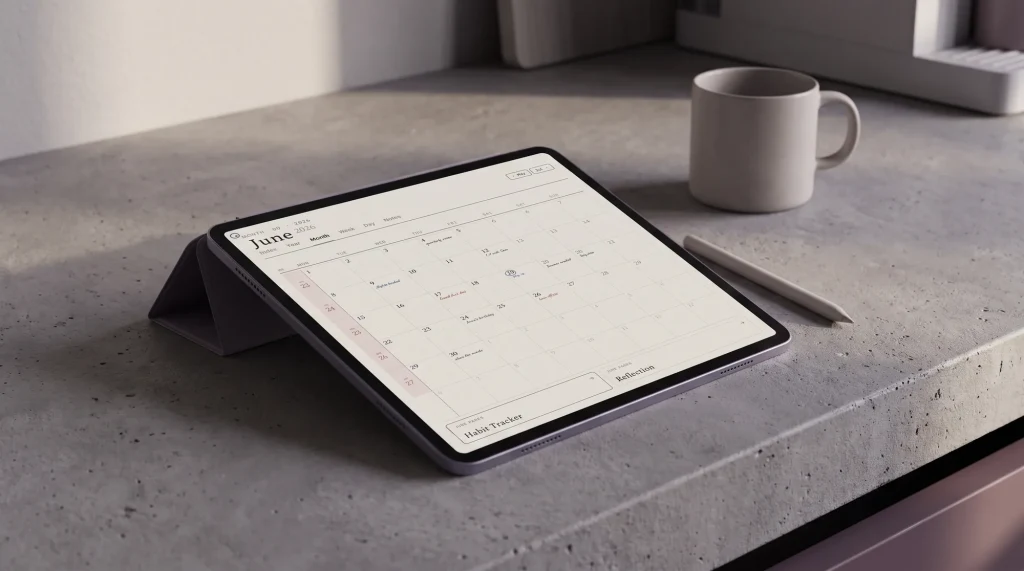
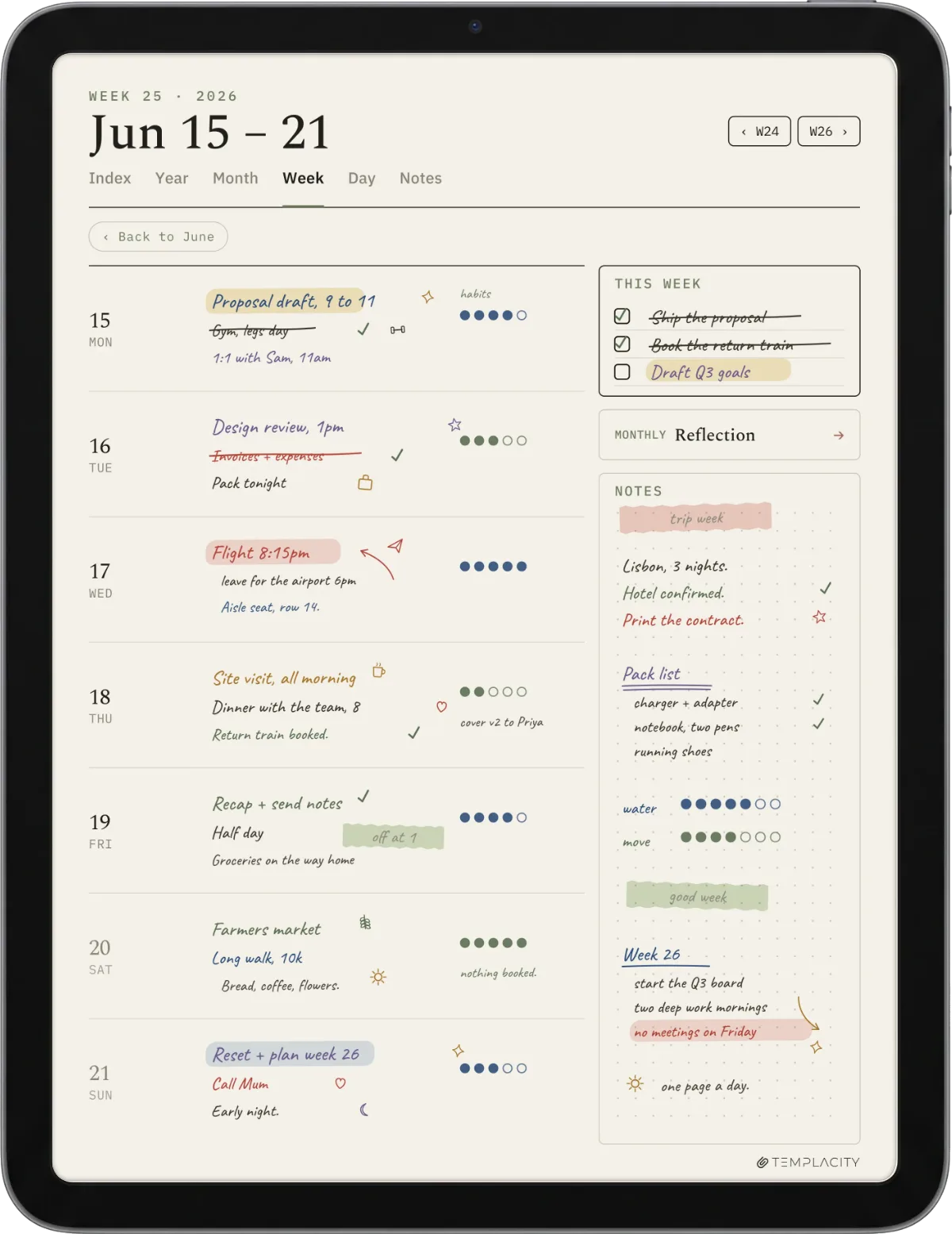
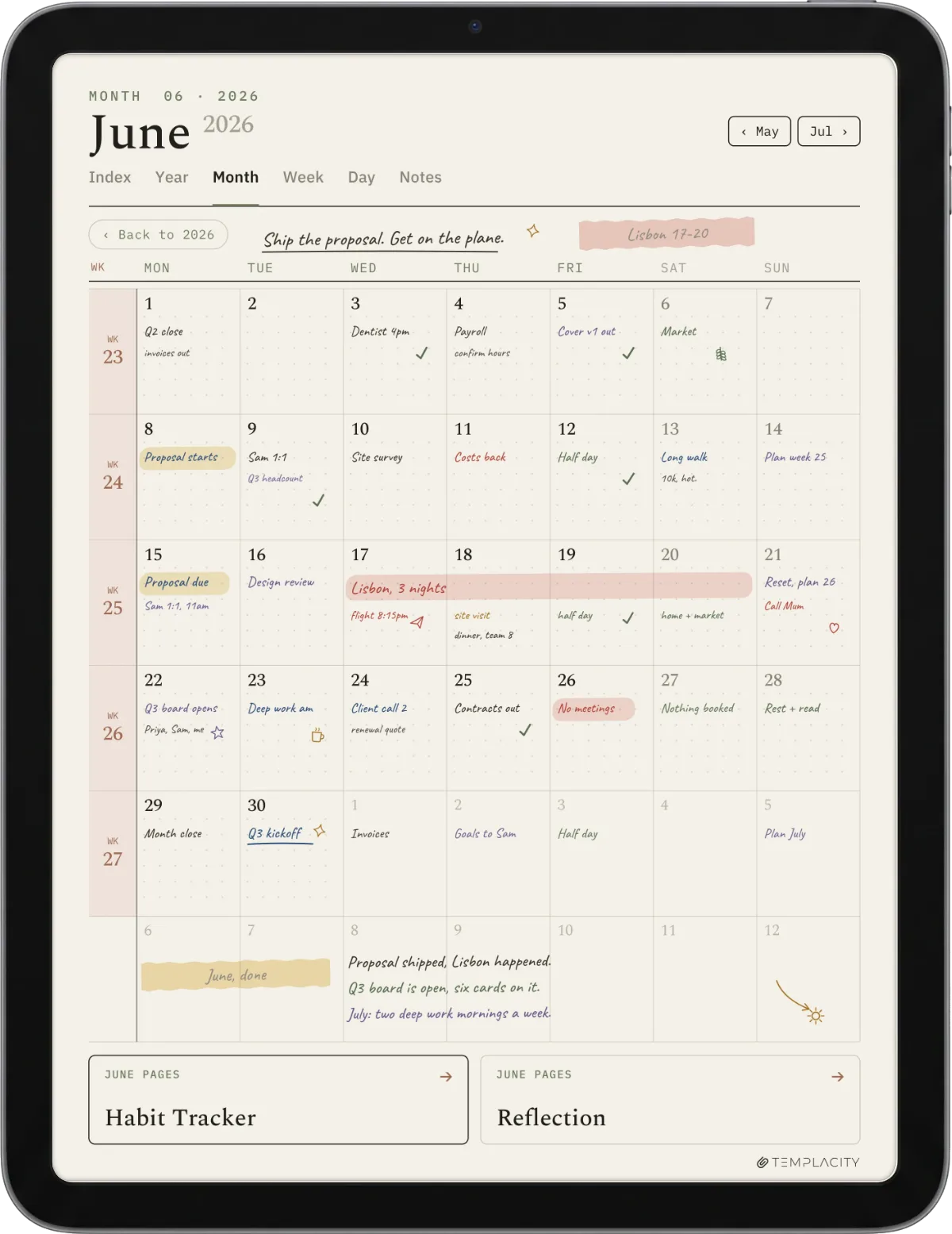
The three core layouts suit three different planners, and knowing which you are saves you from buying the wrong one. The weekly spread is where most people live: enough room to plan a realistic week without the page feeling empty, and the natural home for appointments and tasks together. The monthly overview is the backbone, the page you check to see whether a week is already full before you say yes to something. The daily page is the specialist: a page per day with hours or detailed task room, genuinely useful if you plan hour by hour, and dead weight if you do not. The table sorts them by how heavily a typical planner leans on each.
| Layout | Used | Best for |
|---|---|---|
| Weekly spread | Daily | The page most people live in |
| Monthly overview | Often | Seeing the shape of the month |
| Daily page | Sometimes | Hour-by-hour planners only |
Read this by your own habit, not by the layout that looks most thorough. The daily page looks the most serious because it has the most room, but for someone who plans in tasks rather than hours it becomes a wall of blank pages they feel guilty about. The weekly looks modest and is what most people end up using every day. If you are unsure, start weekly-led with a monthly overview, add daily pages only if you find yourself wishing for hours, and you will rarely go wrong.
Dated or undated
Dated or undated, and how it links to your calendar
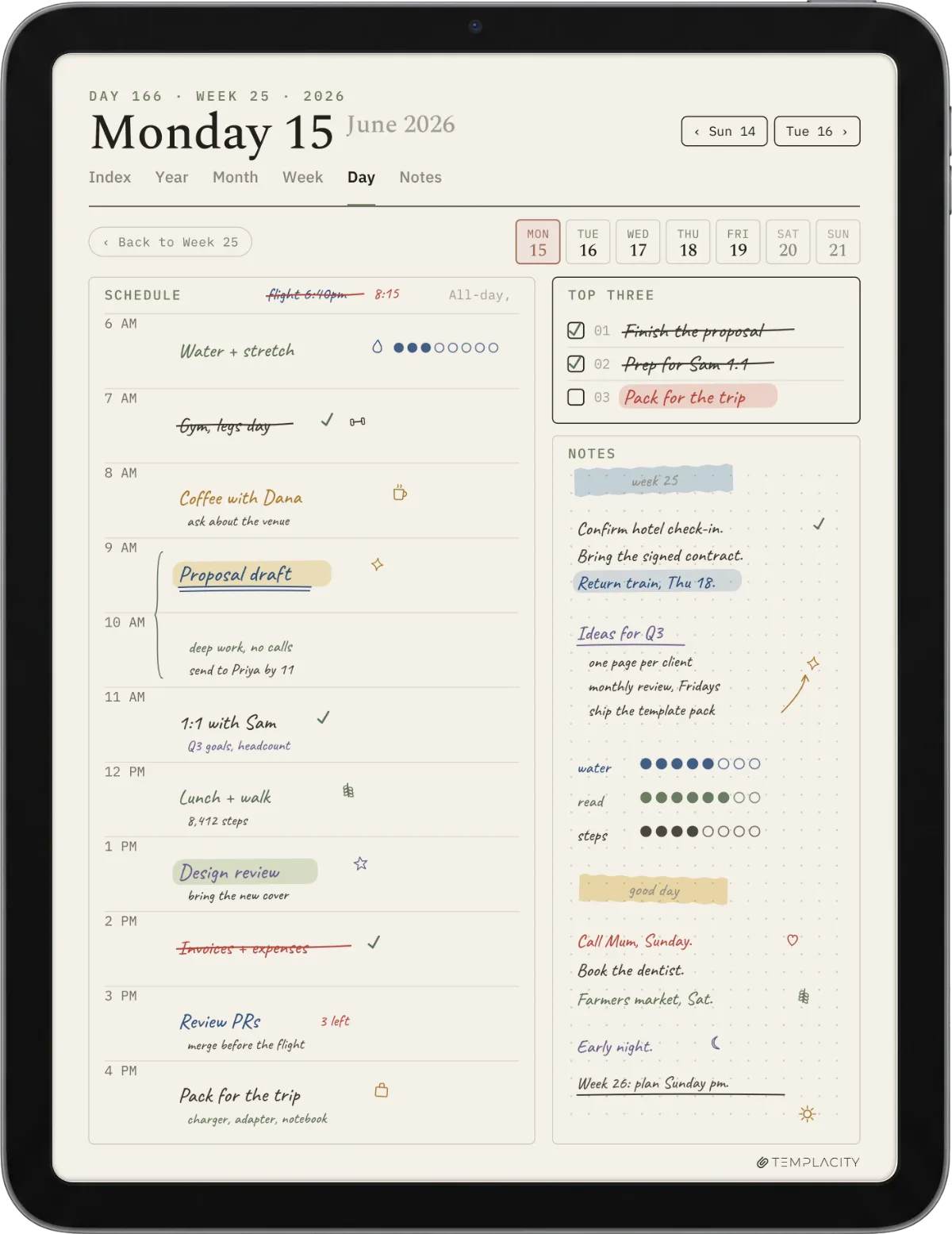
Every planner template is either dated or undated, and the choice changes how you use it. A dated planner has the days filled in, so it is tidy and ready, but it expires at the end of its year. An undated planner repeats indefinitely, so you start whenever you like and reuse it, at the cost of writing or tapping in the dates yourself. Light planners and gift-buyers usually prefer dated; people who plan in bursts or want to reuse the file prefer undated. This is really a calendar decision as much as a planner one, so our Goodnotes calendar template guide covers the dated-versus-undated question in full, including how the planner’s weeks link back to the month pages.
A planner you navigate by tapping feels like a tool, and one you navigate by scrolling feels like a chore.What you get
Free or paid
Free vs paid Goodnotes planner templates
A free Goodnotes planner template is a good way to find your layout before you pay. Most free planners ship one layout, often a weekly or a monthly, which is plenty for testing how you actually plan. The honest limits of free are breadth and linking: you tend to get a single layout, and the hyperlinks are sometimes partial, so the month index links but the weekly pages do not. For learning your habit, that is fine. For a planner you will navigate every day for a year, the linking is the experience, and that is where paid templates earn their keep.
Paid planner templates remove the building and guarantee the navigation. A good one gives you weekly, daily, and monthly layouts in a single file, every page linked, with a home tab to return from anywhere. The risk on open marketplaces is uneven quality, where a file links only the cover or ships at the wrong page size. The defence is the same test every time: only buy a planner template that offers a free sample or shows its links working, so you can tap through the navigation before paying. That one check predicts your experience better than any preview image of a pretty cover.
Ours
Our Goodnotes planner template
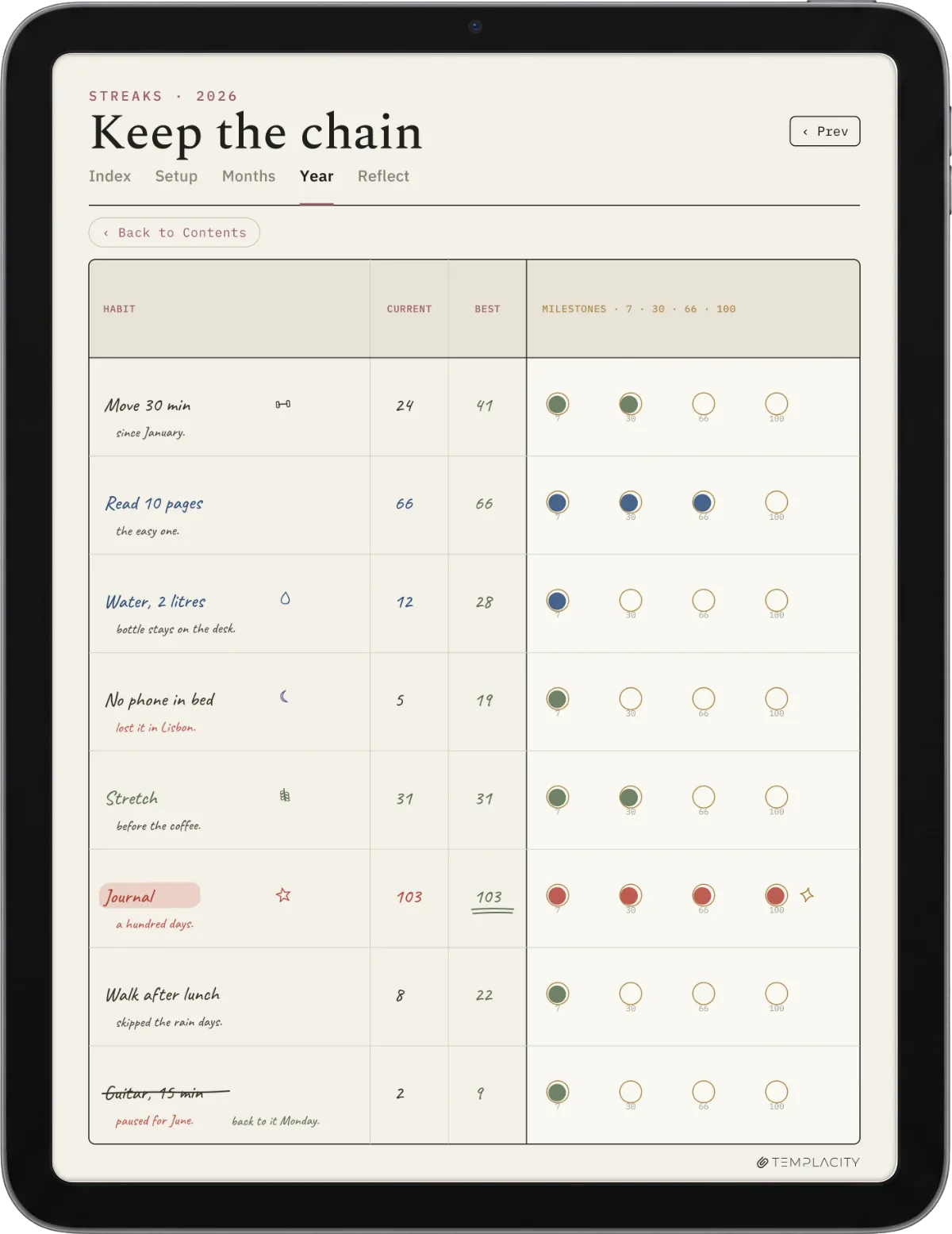
Full disclosure: we make and sell this one, so read the next lines as a maker describing their own work. The Planner for Goodnotes ($49) is built weekly-led, the way most people actually plan, with a monthly overview, daily pages, and a notes section, all fully linked and sized for the tablet. We kept it clean rather than sticker-heavy, on the view that the weekly spread is where you live and it should feel calm. You can still add your own stickers and pages (our Goodnotes stickers guide covers importing them into Elements); we simply do not bury the week under them. If decorating is your favourite part of planning, an independent creator will suit you better, and we would rather say so.
Planning is personal, and the best layout is the one you actually open each morning. If a weekly, daily, or monthly setup has made you stick with planning on Goodnotes, tell us in the comments. The real-world habits from people who plan every day help the next reader more than any layout chart can.
FAQ
Common questions, answered briefly
Is there a free Goodnotes planner template?
Weekly or daily layout, which is better?
What is the best Goodnotes planner layout?
Should a planner template be dated or undated?
Can I combine weekly, daily, and monthly layouts?
Does a Goodnotes planner template work on iPhone?
If yours isn’t above, drop the question in the comments and we’ll add it.
People also ask