The short answer
Goodnotes vs Notability in one paragraph
Pick Goodnotes if your notes need to live somewhere: nested folders, notebooks with covers, hundreds of pages you will come back to next term or next year. Pick Notability if your notes are events: a lecture, a client call, a seminar, where what was said matters as much as what you wrote and audio is part of the record. Both are competent at the other one’s job. Neither is bad. They are simply built around different assumptions about what a note is.
Prices above are read off each company’s own pricing page, checked August 2026, in US dollars. Both note that regional pricing varies.
Free tiers
What you actually get without paying
Both companies run a free tier and both are deliberately tight, but they pinch in different places, and the difference decides which one you can realistically trial.
Goodnotes’ free plan allows “up to 3” notebooks, text documents and whiteboards combined, with 100MB of storage, 20 minutes of audio recording and limited sharing. Three notebooks is enough to know whether you like writing in it and not enough to run a term on.
Notability’s free Starter tier gives you five notes, all the editing tools and content, 7-day version history, and the ability to “add PDFs and docs directly into your notes”. That last item is worth pausing on: importing a PDF is not held back for paying users, which means you can test a planner file before spending anything on either the app or the file.
Price
Price, and the option only one of them offers
Entry pricing is a tie at $11.99 a year. Above that the two ladders diverge sharply, and Notability’s has a rung Goodnotes’ does not: a one-time price sitting beside every annual one.
| Goodnotesannual only | Notabilityannual or once | |
|---|---|---|
| Free | 3 notebooks, 100MB | 5 notes, PDF import included |
| Entry paid | Essential, $11.99/yr | Lite, $11.99/yr or $14.99 once |
| Mid tier | Pro, $35.99/yr | Plus, $15.99/yr or $19.99 once |
| Top individual tier | Pro, $35.99/yr | Pro, $79.99/yr or $99.99 once |
| Teams | $120 per seat/yr | Business, $60 per user/yr |
| Education | Free tier for schools | Not listed as a separate tier |
Read that table by row and the pattern is clear. Notability is cheaper in the middle, where most people actually land, and much more expensive at the top, where its Pro tier is priced for unlimited transcription rather than for note-taking. Goodnotes is cheaper at the top and has no way to stop paying.
Notability is cheaper in the middle, where most people actually land, and much more expensive at the top.Price
If subscriptions are the thing you object to, that is a real answer rather than a preference: $19.99 once for Notability Plus is a different kind of commitment from $35.99 every year for Goodnotes Pro, and after two years it is also a smaller number.
Daily use
How they differ once you are actually working
Feature lists flatten the thing that actually decides Goodnotes vs Notability, which is that the two apps disagree about what you are making.
Goodnotes treats a notebook as the unit. You get covers, folders, and a shelf, and the design keeps pushing you toward building a library you will still be navigating in two years. That suits coursework, long-running projects, and anyone whose notes accumulate rather than expire.
Notability treats a note as the unit and puts recording at the centre of it. Audio is on the free tier, not held back, which tells you where the app’s priorities sit. If you are capturing sessions where the talking matters, that is not a minor convenience.

Neither model is better in the abstract. The mistake is choosing on the feature list and then fighting the organisational model every day for a year. If you catch yourself building elaborate folder structures in Notability, or ignoring notebooks entirely in Goodnotes, you picked the wrong one and the fix is switching, not adapting. For a wider look at how both sit against the rest of the field, our note-taking app comparison covers the desktop and cross-platform options too.
Templates
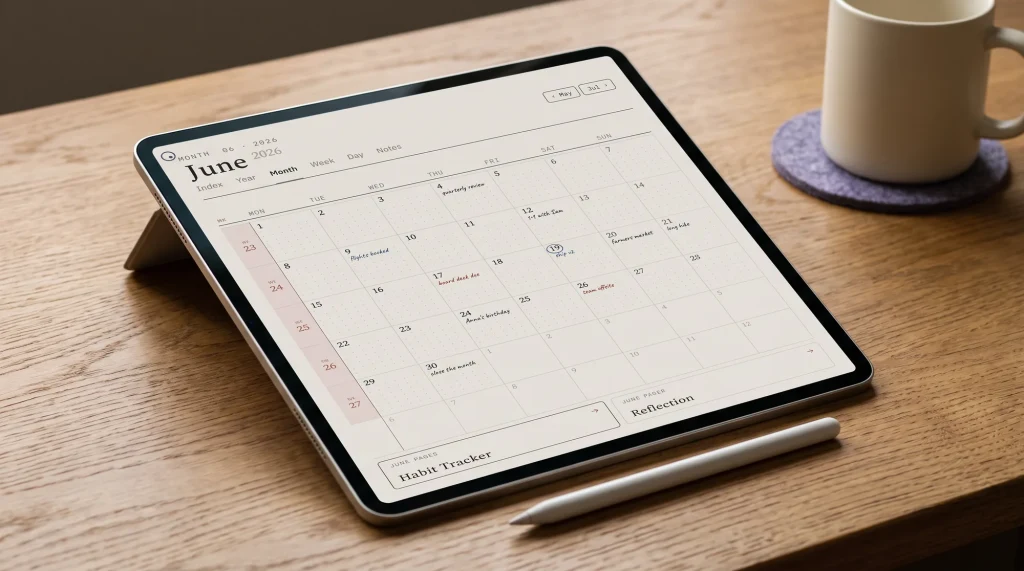
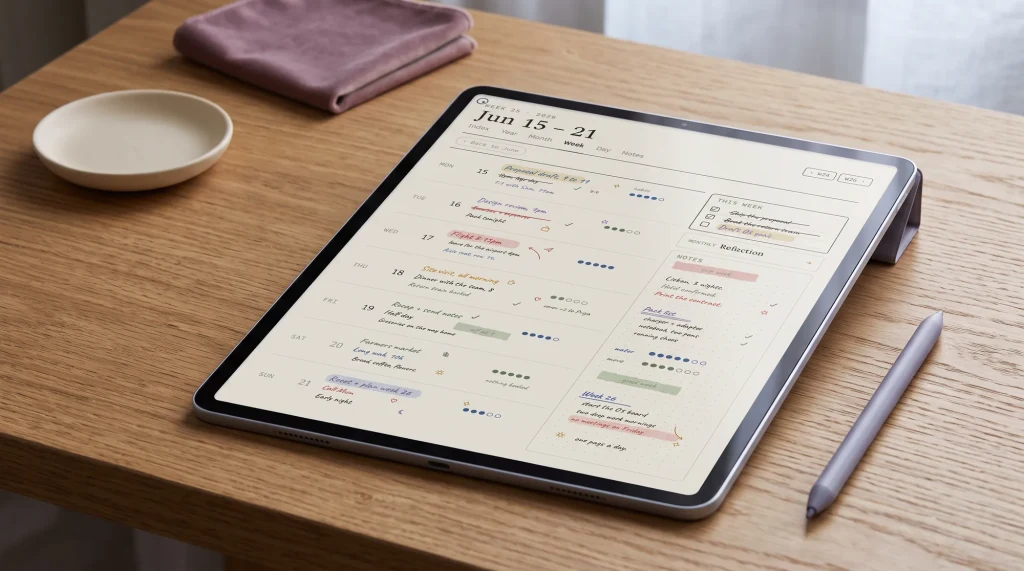
Both import PDF planners, which matters more than the app
Most people searching Goodnotes vs Notability are not really choosing an app. They are choosing where to run a planner, and worrying that picking wrong means buying the files twice.
It does not. Both apps import ordinary PDFs. Ginger Labs, who make Notability, publish instructions for exactly this and open them with “download planners online and import them into Notability to use as templates”, including steps for saving an imported page as a reusable custom template. Goodnotes has imported PDFs for years and the whole digital planner category is built on it.
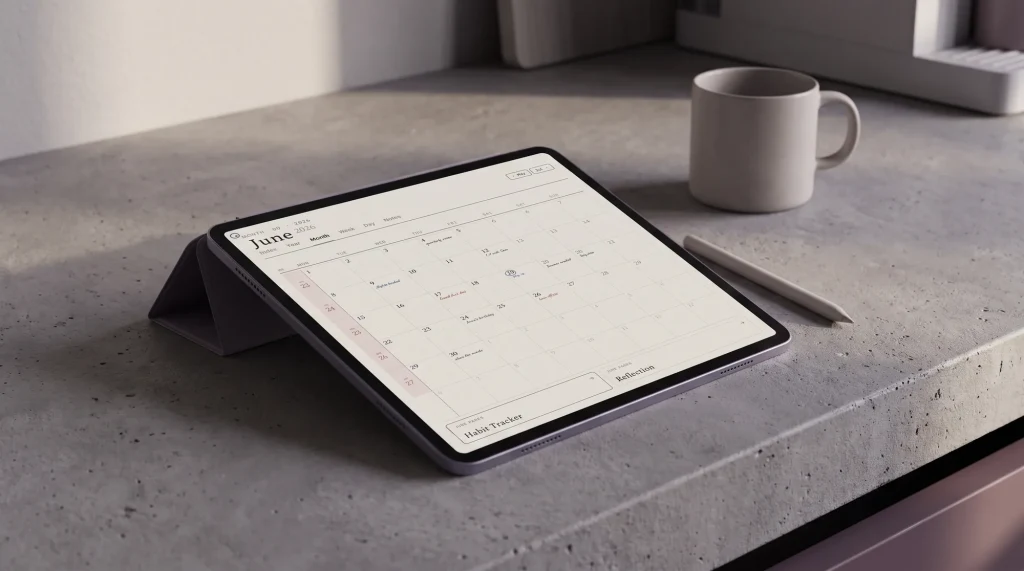
One caveat we will not paper over. Notability’s documentation covers importing external planners and covers navigating imported PDFs through an outline sidebar, but it does not say that tapping a link inside an imported PDF jumps you to another page. Their own built-in planners navigate by tapping tabs; that is a different mechanism from a file you brought with you. If tab navigation is the reason you want a hyperlinked planner, test it with a free file on the free tier before you buy anything. In Goodnotes, tapping through a hyperlinked planner is the ordinary, long-established behaviour that the category is built around.
We do now sell a Notability listing, and the honest version of what it is matters more than the fact of it. It is the same thirty files as the Goodnotes set, at the same $29, because the PDFs really are identical and we would rather say that than invent a difference to justify a second SKU. What changes between the two listings is only the copy, and only where the two apps document different things: the Goodnotes one talks about tabs and in-page links, which is ordinary behaviour there, and the Notability one talks about the contents outline, which is what Notability documents. If you want the full picture of what goes into one, the digital planner guide and the template breakdown both go deeper.
AI
Where the AI gap is widest
Both have added AI features and both have made them the reason to move up a tier. Notability publishes the more specific numbers, which is useful because it lets you work out whether the tier is worth it rather than guessing.
Notability Plus, at $15.99 a year or $19.99 once, lists up to 100 YouTube link-to-note conversions a month, up to 400 AI-powered quizzes and flashcards, transcription, handwriting search and 30-day version history. Their Pro tier at $79.99 a year removes those caps and adds chat with your notes and 90-day history. Goodnotes bundles basic AI into Essential at $11.99 a year and its more advanced capabilities into Pro at $35.99, without publishing per-feature quotas in the same way.
For a student turning recorded lectures into revision material, Notability’s quotas are generous at the Plus price and the jump to Pro is hard to justify. For someone who mostly wants search across a large handwritten library, Goodnotes’ flatter pricing is the better shape. Neither set of AI features should decide the app on its own; both will change again within the year, and the organisational model you have to live with will not.
Verdict
Which one to pick
Goodnotes vs Notability has no winner, and a comparison that declares one is usually selling something. There is a fit, and it is legible enough to call in two sentences.
If you genuinely cannot tell which describes you, install both free tiers and spend a week. Three notebooks and five notes are not much, but they are enough to find out which app you stop noticing, and the one you stop noticing is the right one.
FAQ
Common questions, answered briefly
Is Notability free?
Is Goodnotes free?
Can I use the same digital planner in both apps?
Which is better for students?
Does Notability have a one-time purchase?
If yours isn’t above, drop the question in the comments and we’ll add it.
People also ask
Other questions, briefly answered
If you have run both for a full term, we would like to hear which one you kept and what made you switch, because the reasons people give are rarely the ones on the feature lists. Tell us in the comments.