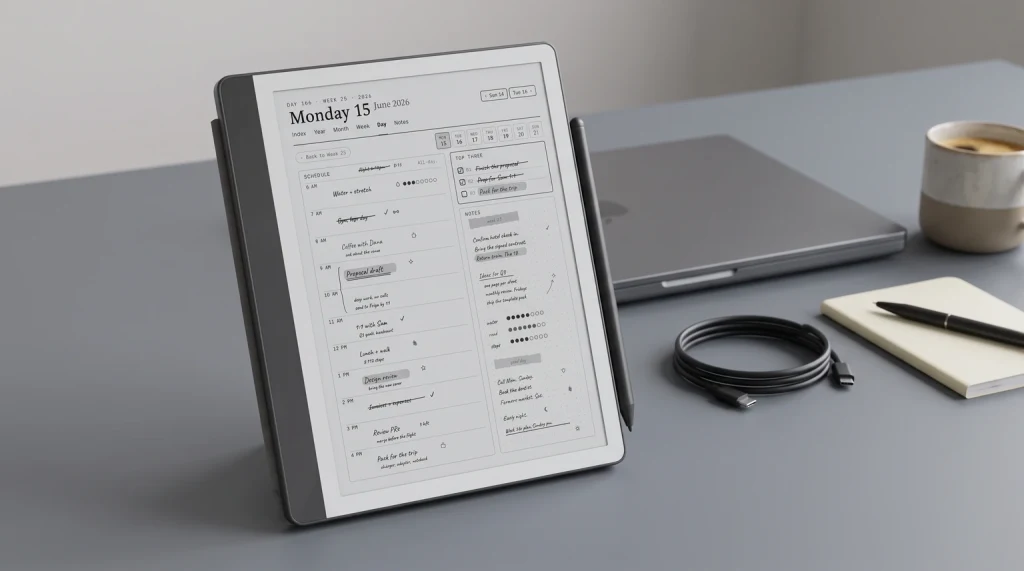
For our broader Kindle Scribe review covering hardware, writing, reading, planner workflow, and the alternatives, see the Kindle Scribe review pillar.
Why look
Why people search for Kindle Scribe alternatives in the first place
Most buyers searching for Kindle Scribe alternatives have one of four specific complaints with the Scribe itself. The first is pen feel, which is functional on the Scribe and noticeably better on the reMarkable Paper Pro. The second is the closed ecosystem, where the Scribe locks you into Amazon’s library and offers no third-party note apps. The third is color, which the Scribe Colorsoft addresses but at a price point where competitors with longer color histories (Boox, Kobo) become credible. The fourth is library lending, which the Scribe handles awkwardly compared to the Kobo Elipsa 2E’s native OverDrive support.
So the right Kindle Scribe alternatives differ by which complaint sent you looking. The four picks below cover the four cases honestly: if you want better writing, the Paper Pro. If you want apps, Boox. If you want library lending, Kobo. If you want color and small form factor, Boox Go Color 7 Gen II. Each pick names the trade-off it carries against the Scribe so the choice stays honest.
Picks
Four credible Kindle Scribe alternatives
1. reMarkable Paper Pro (the writing-first pick)
The reMarkable Paper Pro is what most heavy note-takers buy when leaving the Kindle Scribe. 11.8-inch CANVAS color panel (larger than the Scribe’s 10.2″), the cleanest pen-on-paper feel in the category, and a writing-first OS that does not pretend to be an app launcher. Trade-off: the closed ecosystem cuts the other way, locking you into reMarkable Cloud instead of Amazon. No native Kindle library access; you side-load EPUBs and PDFs. Best fit for users whose primary need is writing rather than reading, and who can move their library off Amazon. Roughly $629, with the Marker in the box; the eraser-tipped Marker Plus is a $50 upgrade.
2. Boox Note Air 5 C (the apps + color pick)
The Boox Note Air 5 C is the Kindle Scribe alternative for buyers who want flexibility above all. 10.3-inch Kaleido 3 color panel, Android 15 with Google Play services, supports the Kindle app, Kobo app, Libby, plus third-party note apps including Notion and Obsidian. The Boox approach is openness rather than polish; the device requires more setup, the OS is busier, but the result is a single device that can read from any ecosystem and run any compatible Android app. It is $529.99 from Boox’s US store, and Boox added the Note Air6 C in September 2026 at $579.99, the same 10.3-inch size on Android 16 (checked September 2026).
3. Kobo Elipsa 2E (the library-reader pick)
The Kobo Elipsa 2E is the Kindle Scribe alternative for readers whose library lives in Libby, OverDrive, or Kobo’s own store. Native OverDrive integration (smoother than Kindle’s), Stylus 2 included in the box, full EPUB support without translation, and Kobo’s reading-first OS that has been quietly maturing for a decade. Trade-off: note-taking software is less polished than reMarkable’s or Boox’s, and the Scribe’s handwriting-to-text feature is more refined. $399.99 with the Kobo Stylus 2 included. Best fit for readers who borrow more books than they buy.
4. Boox Go Color 7 Gen II (the small + color + cheap pick)
The Boox Go Color 7 Gen II is the smallest Kindle Scribe alternative worth considering, at 7 inches and $289.99, or $322.99 with the InkSense Plus stylus in the box (checked September 2026). Kaleido 3 color and Android with Google Play give it the same app flexibility as the larger Note Air 5 C in a form factor closer to a paperback than a clipboard. Trade-off: the smaller screen is cramped for full-page PDF markup and the writing area feels limited if you take long-form notes daily. The 7.8-inch Tab Mini C that used to fill this slot is sold out at Boox’s own store, and Boox lists the 8.52-inch Note Mini C at $579.99 as available soon. Best fit if portability outweighs writing surface in your workflow.
Comparison
Comparing the four Kindle Scribe alternatives side by side
| rM Paper Pro$629 | Boox Note Air 5 C$529.99 | Kobo Elipsa 2E$399.99 | Boox Go Color 7 Gen II$289.99 | |
|---|---|---|---|---|
| Screen | 11.8″ CANVAS | 10.3″ Kaleido 3 | 10.3″ mono | 7″ Kaleido 3 |
| Color | CANVAS | Kaleido | No | Kaleido |
| OS / apps | Closed (rM) | Android + Play | Kobo OS | Android + Play |
| Pen feel | Best in class | Good | Good | Good |
| Pen included | No | Yes | Yes | $322.99 bundle |
| Best for | Writing-first | Apps + color | Library readers | Small + color |
For deeper comparisons, our best e-ink tablet 2026 roundup covers the full category including the Scribe itself, and the Kindle Scribe vs Colorsoft piece covers the upgrade question inside Amazon’s own line.
The right Kindle Scribe alternative is the one that solves the specific Scribe complaint that sent you looking. Pick the complaint first; the device follows.What we found
When Scribe wins
When the Kindle Scribe still wins against its alternatives
None of the four Kindle Scribe alternatives above is the right call for users deeply invested in the Kindle library. If you own 200+ Kindle books, use Kindle Unlimited, or rely on Amazon’s Whispersync, the Scribe (especially the Colorsoft) remains the right device by default. The Paper Pro and Boox can side-load Kindle DRM-stripped EPUBs, but the experience is friction-heavy compared to native Kindle integration. The Kobo Elipsa is best for buyers who can move their library to Kobo or who borrow rather than buy.
The Scribe’s other quiet strength is battery and supply chain. Amazon’s distribution makes Scribe support better in most countries than Boox or reMarkable; warranty handling is more predictable, and accessories are easier to find. For deep-pocket international buyers in markets where Boox is import-only, the Scribe’s local availability sometimes tips the decision even if a competitor is technically the better device. The Kindle Scribe Colorsoft piece covers the upgrade case within the Amazon ecosystem.
Scored on the four complaints that send people looking, plus the one strength that keeps the Scribe on the shortlist, the picture is lopsided in a useful way. The Kindle library is a 10. The rest is where the four alternatives above each beat it.
Kindle Scribe, scored out of 10
How to choose
How to pick from the Kindle Scribe alternatives list
Identify the Scribe complaint that sent you looking.
Pen feel: Paper Pro. Closed ecosystem: Boox Note Air 5 C. Library lending: Kobo Elipsa 2E. Portability: Boox Go Color 7 Gen II. If you cannot name a specific Scribe complaint, the Scribe (or Scribe Colorsoft) is probably still the right device.
Check your existing library.
If your books are in Amazon, switching ecosystems is expensive (re-buying or DRM-stripping). The Boox alternative is the lowest-friction option because Android allows the Kindle app to run natively. reMarkable and Kobo both require more library migration. What that actually costs on the reMarkable side is in reading Kindle books on a reMarkable 2.
Decide whether color matters enough to pay for it.
Three of the four picks have color panels. The Kobo Elipsa is mono, which keeps the price lower. If color is not central to how you read or annotate, the mono path is the better value at the same screen size.
If you decide one of the picks above and want a template-set head start, our Kindle Scribe bundle contains templates compatible with the Scribe and most of the alternatives (the bundle is Scribe-shaped but the PDFs work on any 10.x-inch e-ink device with reasonable margins).
FAQ
Common questions, answered briefly
What is the best Kindle Scribe alternative in 2026?
Is the reMarkable Paper Pro better than the Kindle Scribe?
Can a Boox tablet replace a Kindle Scribe?
Is the Kobo Elipsa 2E a good alternative to the Kindle Scribe?
What is a cheaper Kindle Scribe alternative?
If your situation is not above, drop the question in the comments and we will add it.
People also ask