The definition
What is a Kindle Scribe?
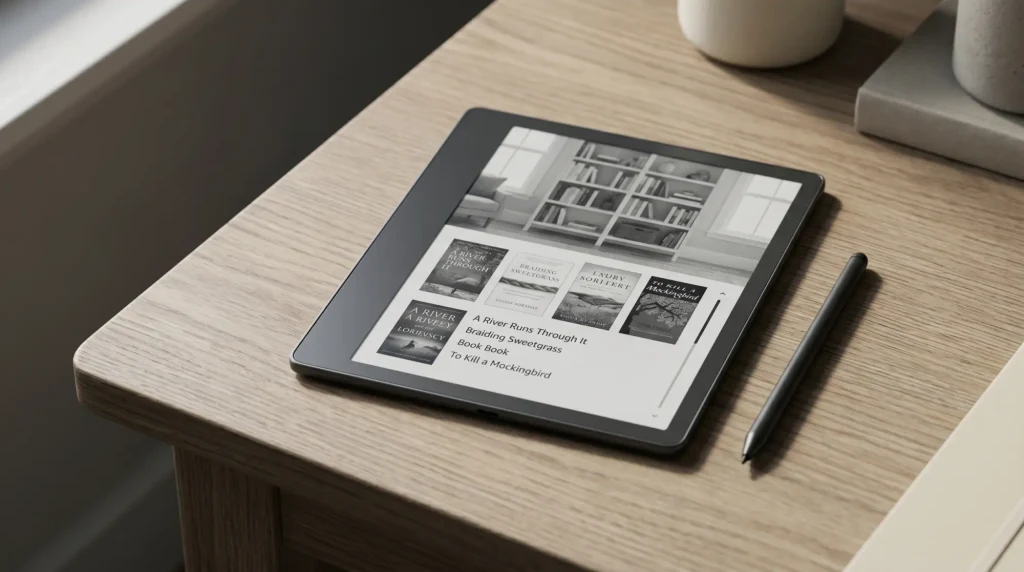
A Kindle Scribe is the largest Kindle Amazon makes, and the only one designed for writing as well as reading. It pairs a 10.2-inch e-ink screen with an included pen, so on one device you can read books and PDFs with the usual glare-free, weeks-long-battery e-ink experience, and also handwrite notes, mark up documents, and keep notebooks. In short, it is a reading device and a digital notebook in the same slab.
That dual purpose is the whole idea. A normal Kindle is built to read. The Scribe keeps that and adds the pen, which opens up annotation, journaling, and note taking that smaller Kindles cannot do. If you have wondered whether it is right for you, the deeper question of whether the Kindle Scribe is worth it walks through who should buy it.
What it does
What a Kindle Scribe does
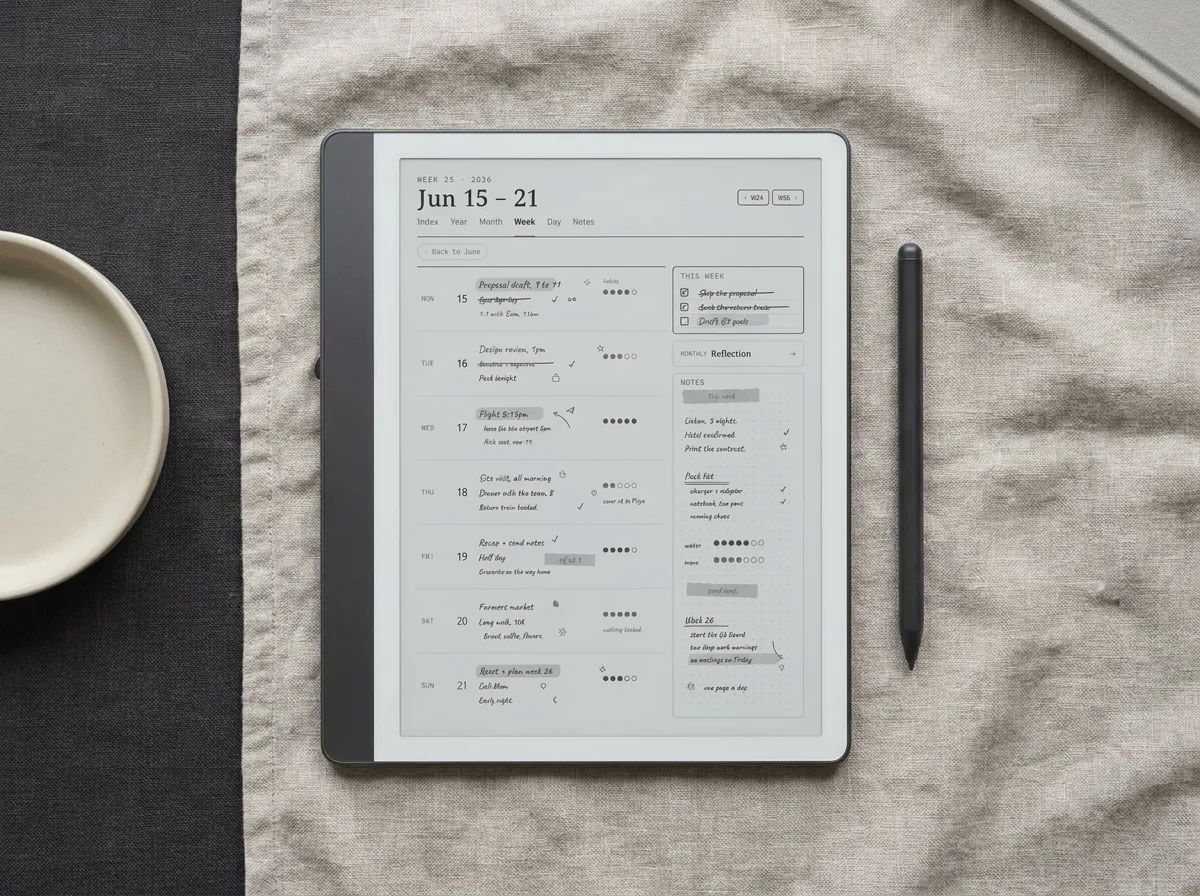
On the reading side, it does everything a Kindle does: the full Kindle store and library support, adjustable fonts, and a front light for reading in the dark. The large screen makes it especially good for PDFs and textbooks, where a small Kindle forces you to pinch and pan. We cover that in detail in the Kindle Scribe for reading.
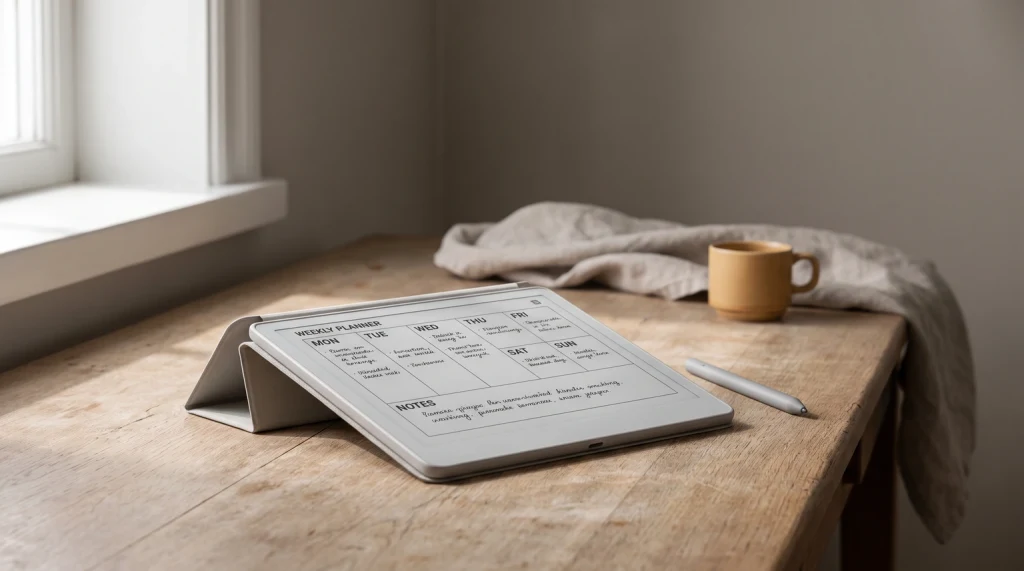
On the writing side, the included pen needs no charging and writes with low latency, so it feels close to pen on paper. You can keep notebooks, write on top of documents, and export notes by email. For how that holds up day to day, see the Kindle Scribe for note taking. The base model is greyscale; a Colorsoft variant adds color for those who need it.
How it differs
How the Kindle Scribe differs from a normal Kindle
| Feature | Kindle Scribe | Standard Kindle |
|---|---|---|
| Screen size | 10.2 inches | 6 to 7 inches |
| Writing | Yes, with included pen | No |
| Best for | Reading plus notes, PDFs, textbooks | Novels and everyday reading |
| Size and weight | Large, two-handed | Light, pocketable |
| Price | Higher | Lower |
If you only read novels, a standard Kindle is the simpler, cheaper choice. The Scribe makes sense once writing or large-format reading is part of how you would use it.
Getting started
Getting started with a Kindle Scribe
Setup is the same as any Kindle: sign in, sync your library, and you are reading in minutes. The part new owners overlook is the notebook side. Out of the box you get blank pages and a few basic templates, which undersells the writing. Loading proper planners, trackers, and structured notebooks is what turns it from a digital legal pad into a real planning device, and it is the cheapest upgrade you can make.
It does reading and handwriting beautifully, and almost nothing else, which is exactly the point.What we found
So, what is a Kindle Scribe? The big Kindle you can write on, built for people who read and take notes and want one calm device for both. Understand it as that, set up the notebook side, and it is one of the most focused gadgets you can own. If you would rather have the whole picture in one place than piece it together, our Kindle Scribe Device Guide is 45 pages on what the device does and what it will not do, including the parts Amazon leaves undocumented.
FAQ
Common questions, answered briefly
What is a Kindle Scribe used for?
What is the difference between a Kindle and a Kindle Scribe?
Does the Kindle Scribe work as a tablet?
Does a Kindle Scribe come with a pen?
Is a Kindle Scribe just for reading?
If your question is not above, drop it in the comments and we will answer it.
People also ask
Other questions, briefly answered
Sources: Amazon Kindle Scribe product page.