Landscape
What Kindle Scribe AI features Amazon has actually shipped
The Kindle Scribe AI features list as of September 2026, on firmware 5.19.6, contains three things that work and several things Amazon mentioned at the Colorsoft launch that have not landed yet. The honest framing matters because most of the spec-sheet coverage online treats every announced feature as shipped; the reality is that Amazon has been incremental, which is the right call but creates a gap between the marketing and what your device does today.
The three shipped Kindle Scribe AI features: handwriting summarization (one paragraph distilled from a notebook page), handwriting-to-text conversion (your notes become typed text you can email or export to a Word document), and Active Canvas (typed text wraps around handwritten notes you have added inline, instead of stopping at the margin). All three work on the regular Scribe at firmware 5.18.x or later, not just on the Colorsoft. The launch framing implied otherwise; the reality is the AI features came to both devices in the same software update.
Summarization
Handwriting summarization: useful for some notes, not all
The summarization Kindle Scribe AI feature reads a notebook page of handwritten content and outputs a one-paragraph summary, accessed via the page menu and Summarize. The output appears as a separate notebook page after about 10 seconds of processing. Quality varies with note density and structure. Linear meeting notes summarize cleanly. Bullet-point lists summarize as bullet-point lists with no real distillation. Diagrammatic notes (mindmaps, flow sketches) often summarize as gibberish because the OCR cannot reconstruct the structure from spatial layout.
Where summarization earns its place: post-meeting recaps. Take notes during a call, hit Summarize at the end, you get a paragraph you can paste into a follow-up email without re-reading the page. For client calls, that is the use it fits best. Where it does not: anything that depends on visual structure, anything dense with technical terms the OCR mishandles, anything where the summary needs to capture nuance the source text only implies. Treat it as a first-draft extractor, not a finished output.
Conversion
Handwriting-to-text conversion: the daily workhorse
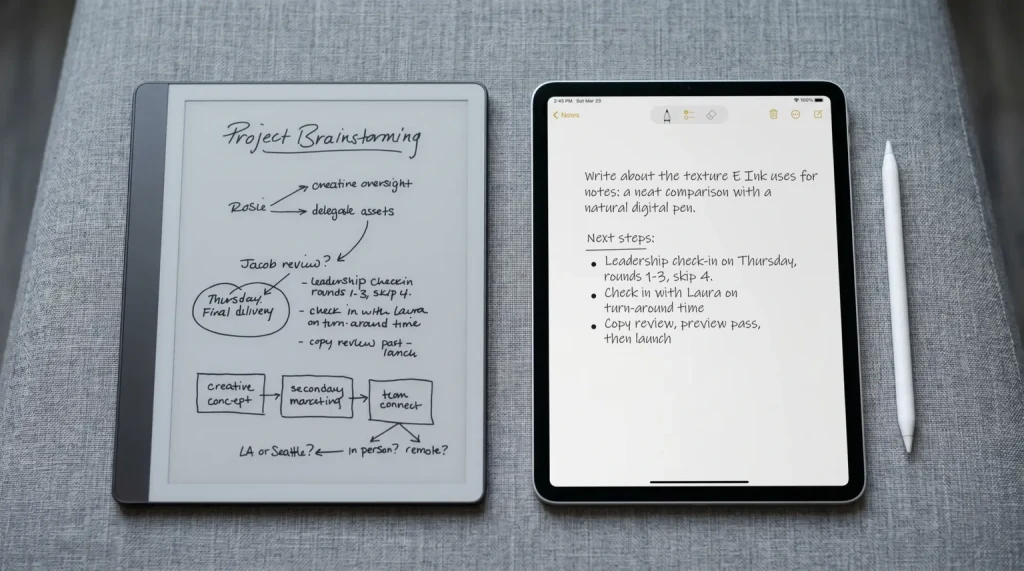
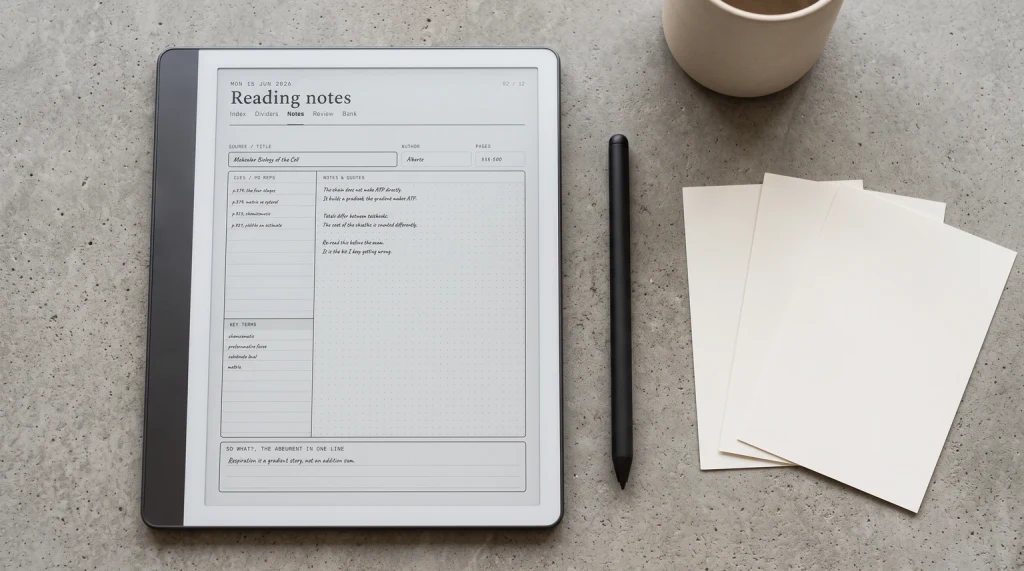
The Kindle Scribe AI feature with the most everyday value is handwriting-to-text conversion. Open a notebook page, hit Convert, the device runs OCR across the page and outputs typed text in your reading library. From there you can email it, send it to your computer, or paste it elsewhere. Recognition is strongest on neat printing and weakens as handwriting gets looser, so cursive and half-shorthand notes need a proofread before they go anywhere.
The conversion handles English best (Amazon launched English-only in 2024, added a handful of European languages in 2025, and is still expanding). It does not handle mixed scripts well, so if you write English notes with the occasional non-Latin word, expect those to come out as gibberish you have to fix manually. Mathematical notation does not survive conversion at all; it becomes a soup of operators and spaces that you would not want to read back. For text-only meeting notes, project planning, and research notes in Latin script, the conversion is the export path that makes the device worth the price for many users.
The Kindle Scribe AI feature with the most everyday value is handwriting-to-text conversion.Conversion section
Active Canvas
Active Canvas: text reflows around handwriting
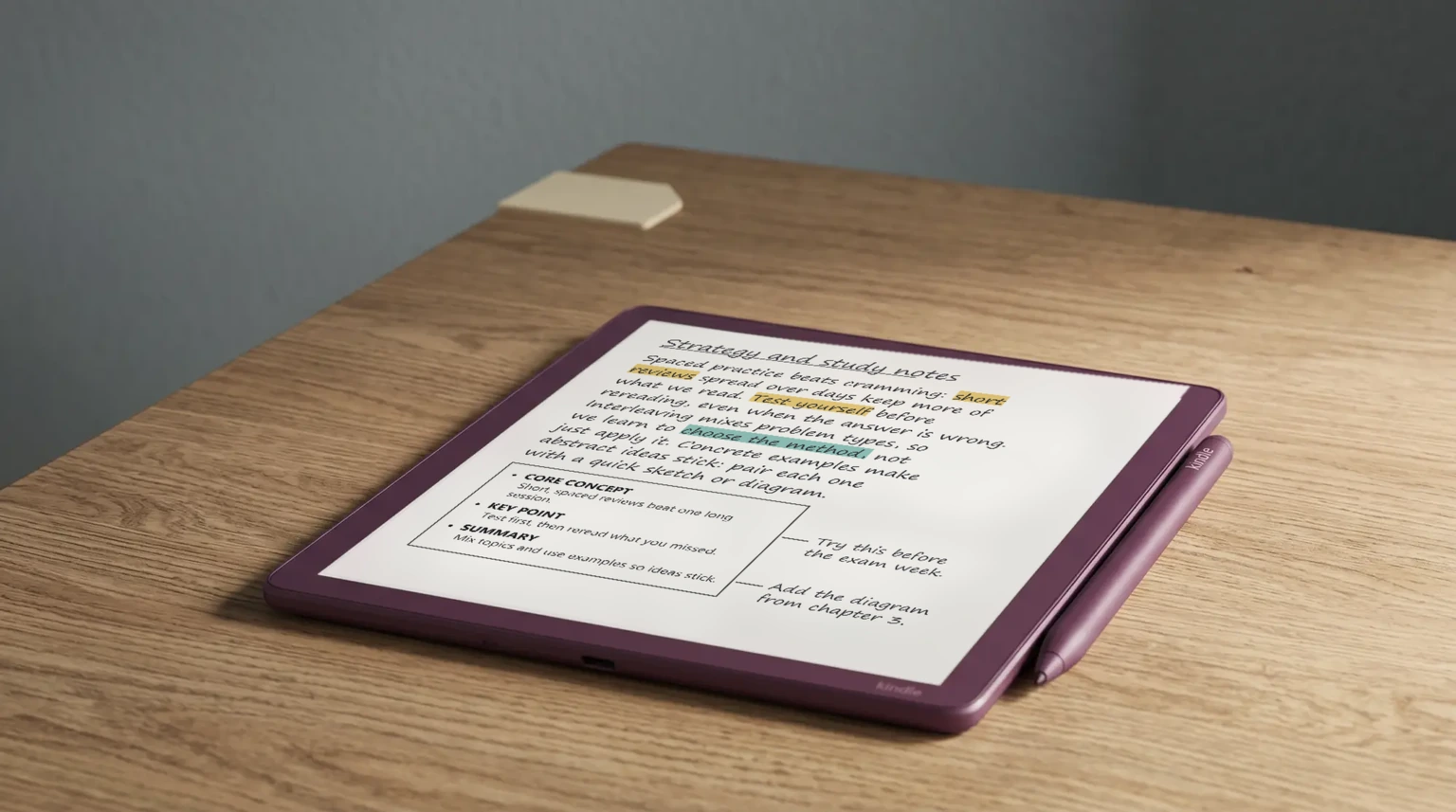
Active Canvas is the Kindle Scribe AI feature Amazon highlighted most at launch, and it is the demo-friendly one. The behaviour: in a typed-text notebook (or a PDF with reflowable text), if you add a handwritten note inline, the typed text wraps around the handwriting block instead of stopping at the margin. The visual effect is that your note becomes part of the document layout rather than an annotation hovering on top.
Whether Active Canvas matters in your use depends on whether you already think in mixed typed-and-handwritten formats. For people who do (some academic readers, some journalists, some product designers), it removes the cognitive friction of switching modes. For everyone else, it is a polished feature that you appreciate the first three times you encounter it and forget after that. Its clearest occasional use is reviewing PDFs of long-form articles where margin notes feel cramped.
Missing
What is missing from Kindle Scribe AI features
Three things Amazon mentioned at the Colorsoft launch have not shipped to date. AI-powered cross-notebook search (semantic search across all your notebooks, not just keyword) was promised; the current search is keyword-only. AI task extraction from meeting notes (auto-pull action items into a separate task list) was demonstrated on stage; the feature is not in the firmware. Long-form summarization beyond a single page (summarize a 20-page notebook into one paragraph) is also missing; current summarization runs page-by-page only.
None of this is unique to Amazon; both reMarkable and Boox have shipped subsets of similar features and held back others. The Kindle Scribe AI features that are live are useful and well-implemented; the missing ones would be useful additions. If you are waiting for a specific feature before buying, check the Kindle Scribe firmware release notes (Amazon updates them on the support page) before assuming a launch promise has shipped.
Verdict
Are the Kindle Scribe AI features worth using
The Kindle Scribe AI features ship the right priorities. Handwriting-to-text is the workhorse, the one that justifies the AI label and the export pipeline. Summarization is a useful occasional tool. Active Canvas is the polish. None of the three are reasons on their own to buy the Colorsoft over the regular Scribe (they all work on both); they are reasons to be glad you own a Scribe rather than a competitor that lacks the OCR maturity Amazon has built up over the Kindle line.
If you have used the Kindle Scribe AI features in your own workflow, drop your take in the comments. Reader feedback on which features earn daily use versus demo-only is how we keep this post calibrated to actual experience rather than the launch-day talking points.
FAQ
Common questions, answered briefly
What AI features does the Kindle Scribe Colorsoft have?
How accurate is the Kindle Scribe handwriting-to-text conversion?
Does the Kindle Scribe AI summarization actually work?
What is Active Canvas on the Kindle Scribe?
Are there Kindle Scribe AI features Amazon promised but has not shipped?
If yours isn’t above, drop the question in the comments and we’ll fold it in next refresh.
People also ask