Three lanes
What the best e-ink tablet 2026 question is really asking
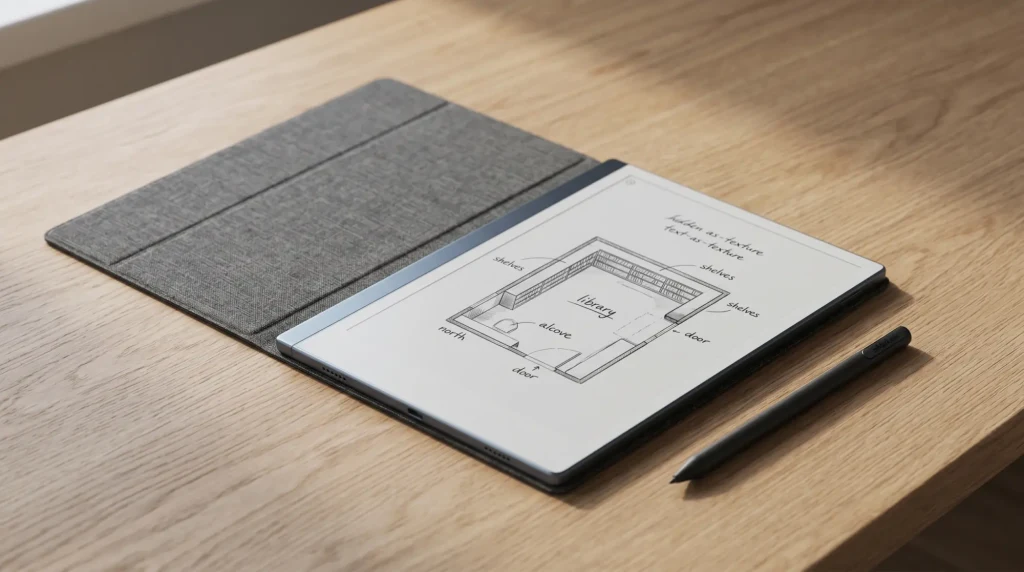
Two years ago the best e-ink tablet 2026 question would have had one answer for most buyers (the reMarkable 2) and a short list of niche alternatives. The category has since split into three coherent lanes, and the right answer depends on which lane your actual week sits in. The writing-first lane belongs to reMarkable: the Paper Pro and the Paper Pro Move are built around the Marker and the paper feel, and everything else on the device defers to that. The reading-first lane belongs to Amazon and Kobo, where the library and the reading software come first and the pen is a welcome extra. The do-both lane is where Boox lives, with Android tablets that handle pen input and reading apps competently in exchange for more setup and a less polished feel in each individual job.
The mistake first-time buyers make is crossing lanes by accident: buying the writing-first device and then trying to read a Kindle library on it, or buying the reading-first device and being disappointed that PDF markup feels like an afterthought. The lanes are real and the hardware does not bend. There is no best e-ink tablet 2026, only a best for your lane: pick the lane before you pick the device.
One more shift worth naming up front. The decision used to include “do you accept mono?” as a filter, because color e-ink meant Boox or nothing. In 2026 the Paper Pro and Paper Pro Move carry Canvas Color, the Kindle Scribe Colorsoft carries Amazon’s color panel, and Boox carries Kaleido 3 across its lineup. Color is available in every lane now; mono is now a deliberate choice, not a default. Our color e-ink guide walks the panel technology differences if that is the deciding axis for you.
Six devices
The six best e-ink tablet 2026 contenders, by use case
Each device below leads its own use case rather than competing on a single ranking. Prices are as configured with a pen, because every device here ships with one or sells it as a near-mandatory add-on, and a writing tablet without a pen is a paperweight with a battery.
1. reMarkable Paper Pro, the writing-first benchmark
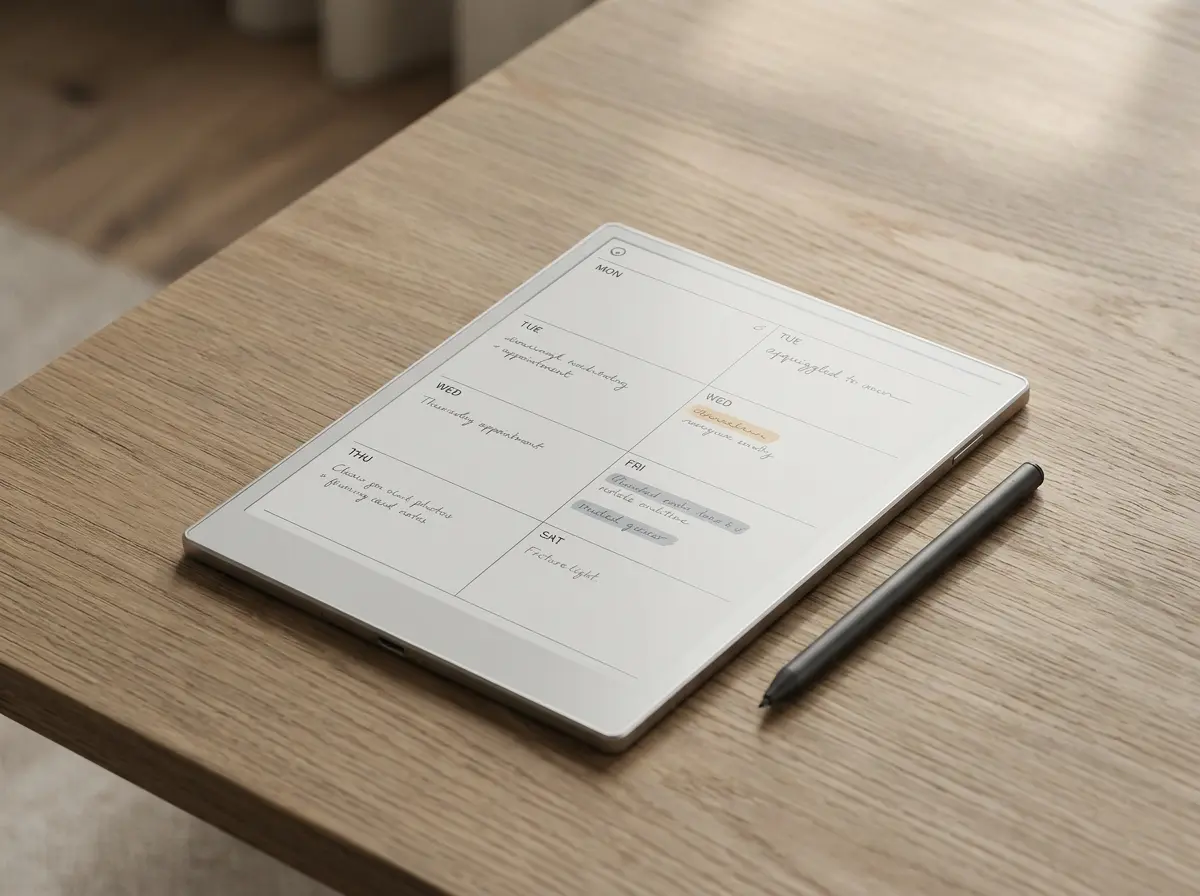
The Paper Pro is the device the rest of the writing-first field is measured against. 11.8-inch Canvas Color panel at 1620 x 2160, the largest writing-first surface in the category, around 12 ms Marker latency, roughly two weeks of mixed-use battery, and the Marker now ships in the box at $629. The pen feel is still the best argument: the texture, the latency, and the absence of anything else to do on the device combine into the closest thing to paper that currently exists with a backup function.
The trade-offs are structural, not bugs. reMarkable OS is closed: no app store, no Kindle app, no browser, and cloud sync runs through reMarkable’s own Connect service. If your week is writing, planning, and marking up PDFs, none of that costs you anything and the focus is the point. If you expect the device to also carry your reading library, it will not. Our Paper Pro review covers the long-term picture, including where the closed OS starts to chafe.
2. Boox Note Air6 C, color plus a real app store
The Note Air6 C is the device for buyers who refuse to choose a lane. 10.3-inch Kaleido 3 color panel, Android 16 with Google Play, Pen3 stylus included at $579.99 (checked September 2026). Because it runs real Android, it carries Kindle, Kobo, Libby, and a long tail of note apps including Obsidian and OneNote, which makes it the only device here that can genuinely read your existing library and take handwritten notes without forcing an ecosystem switch.
The costs are the usual Boox costs: more setup and tinkering than any closed device, a heavier software surface that asks you to manage refresh modes per app, and a battery that needs charging more often than the closed devices. It replaces the Note Air4 C, now sold out at Boox, and the Note Air5 C before it is still sold at $529.99 on Android 15 if you would rather save $50; our Note Air 5C page covers that model.
3. Kindle Scribe Colorsoft, for the Kindle library
If your book spending already lives at Amazon, the Scribe Colorsoft is the only answer that does not fight you. The June 2026 generation moved the Scribe line to a single 11-inch, 5.4 mm, roughly 400-gram body, and the Colorsoft flagship adds the color panel from $629.99 with the pen included. Color highlights inside Kindle books, notebooks with handwriting search, and the new generation’s quad-core chip (Amazon rates it about 40 percent faster for writing and page turns) make it the most capable reading-first writer Amazon has shipped.
The limits are the mirror of the strengths: no third-party note apps, PDF markup that trails reMarkable and Boox, and a writing feel that is functional rather than the reason you bought the device. Buyers who read 50-plus Kindle books a year and annotate as they go will not care. Buyers who mostly write should look one lane over. Our Colorsoft deep dive and the full 2026 lineup breakdown cover the three-model split in detail.
4. reMarkable Paper Pro Move, the one that leaves the desk
The Move is the full Paper Pro idea at pocket scale: a 7.3-inch Canvas Color display, the same Marker (included) with the same roughly 12 ms latency, the same closed reMarkable OS, at $449 and around 250 grams. It is the only device in this field that genuinely replaces the notebook you carry rather than the one on your desk, and for capture-on-the-move workflows (site visits, commutes, meetings in other people’s rooms) it beats every larger device here simply by being present.
The trade-off is honest geometry: 8 inches forces more page-flipping and cramps full-page PDF markup, so it works best as either a dedicated capture device or a second reMarkable beside a Paper Pro. The Paper Pro Move review maps where the small screen stops being charming.
5. Boox Note Max, the big-document specialist
The Note Max is the largest credible e-ink tablet you can buy: a 13.3-inch monochrome Carta 1300 panel, Android 13 with Google Play, Pen Plus stylus included, at $629.99 (checked September 2026). The point is the panel size. A4 and letter-size PDFs render at native scale, two-column academic papers stop requiring zoom gymnastics, and sheet music and architectural drawings finally fit. For the narrow set of users whose bottleneck is literally the number of square centimeters on screen, nothing else here competes.
The costs are equally blunt: mono only, 615 grams (heaviest in the field by a wide margin), and a price level with the reMarkable Paper Pro and Kindle Scribe Colorsoft for a mono panel. It is a niche flagship, and the niche knows who it is. Our Note Max review covers whether the workflow you have actually needs the size.
6. Kobo Elipsa 2E, the library-lending answer
The Elipsa 2E is the right device for a reader the other five quietly ignore: the library borrower. 10.3-inch mono e-ink, Stylus 2 in the box at $399.99, native OverDrive and Libby integration that is smoother than anything Amazon offers, and native epub support with no format conversion ritual. For readers who borrow more than they buy, the Kobo ecosystem removes friction the Kindle ecosystem manufactures.
Note-taking is the weakest of the six: Kobo’s notebook software is serviceable for margin notes and meeting scribbles but trails reMarkable, Boox, and Amazon in polish and export options. Treat the Elipsa 2E as a reading device that annotates, not a writing device that reads, and it lands exactly as advertised. It is also the cheapest full-size device in the field, which makes it the default answer when budget and library lending share the top of the priority list.
Writing duel
Writing-first head to head: Paper Pro vs Note Air6 C
Most shortlists collapse to this pair: the closed writing specialist against the open Android generalist, $49 apart. The numbers frame the philosophical gap better than adjectives do.
The decision rule that survives contact with real use: count the hours. If most tablet hours will be pen-on-screen, the Paper Pro’s writing feel and distraction-free OS earn the $49 and the lost apps. If the hours split between writing and reading apps you already pay for, the Air6 C’s Android stack pays its setup tax back within the first month. The buyer this duel genuinely splits is the PDF-heavy academic, who wants the Paper Pro’s canvas and the Air6 C’s file-system freedom; in that case the tiebreak is whether your PDF source is a library (Air6 C) or your own annotations archive (Paper Pro).
Reading duel
Reading-first head to head: Scribe Colorsoft vs Elipsa 2E
The reading lane has its own internal split, and it is less about hardware than about where your books come from. The Colorsoft assumes you buy; the Elipsa assumes you borrow.
The $230 gap buys color, a slightly larger panel, and the Kindle ecosystem; it does not buy a better library experience for a Libby user, because Amazon’s lending integration remains the clunkiest part of the Kindle stack. Annotators who color-code lean Colorsoft. Borrowers who clear two library holds a week lean Elipsa and bank the difference, which covers roughly a year of bought books anyway.
Comparison
All six compared on the numbers
| rM Paper Pro$629 | Boox Note Air6 C$579.99 | Scribe Colorsoft$629.99 | rM Paper Pro Move$449 | Boox Note Max$629.99 | Kobo Elipsa 2E$399.99 | |
|---|---|---|---|---|---|---|
| Screen | 11.8″ Canvas Color | 10.3″ Kaleido 3 | 11″ color | 8″ Canvas Color | 13.3″ mono Carta 1300 | 10.3″ mono |
| Color | Yes | Yes | Yes | Yes | No | No |
| OS | reMarkable OS | Android 16 | Kindle (closed) | reMarkable OS | Android 13 | Kobo OS |
| Weight | ~525 g | 440 g | ~400 g | ~250 g | 615 g | ~390 g |
| Battery | ~2 weeks | 3,700 mAh | ~8 weeks reading | ~2 weeks | 3,700 mAh | ~3 weeks |
| Best for | Writing-first | Both adequately | Kindle library | Pocket capture | Big documents | Library lending |
Every device now ships with its pen, which quietly ended the oldest trap in the category (a tempting device price that grew $80 to $130 at checkout). That makes the sticker prices directly comparable for the first time, and the spread tells its own story.
Price as sold, pen included ($)
The field sits between $399.99 and $629.99, and even the 13.3-inch Note Max now lands at the top of that band rather than above it. $230 separates the cheapest full-size device from the most expensive, which is small enough that the lane decision should outrank the price decision for anyone planning to keep the device three years or more.
Six devices is a shortlist, not a census. For the full field, eWritable keeps an interactive comparison table of 38 e-ink tablets that filters on screen size, price, operating system and stylus type, and covers brands we do not write about here. Start there if your requirement is unusual enough that none of our six fit it.
2026 shifts
What changed in the e-ink category in 2026
For readers landing here from the e-ink tablet news 2026 cycle rather than a buying search: four developments this year actually moved the recommendation, and they are worth dating precisely because half the advice still circulating predates them.
Color stopped being the exception
Canvas Color on both reMarkable models, the Colorsoft panel on the Scribe, Kaleido 3 across Boox. Every lane now has a credible color option, and mono survives as a deliberate choice for contrast and battery rather than a default you settle for.
The pocket lane became real
The reMarkable Paper Pro Move (7.3-inch, ~230 g, $449 with Marker) gave the carry-everywhere buyer a first-party answer and pulled a slice of buyers who would previously have defaulted to a reMarkable 2 or a small Boox.
Amazon completed the Scribe refresh
Three models on one 11-inch, 5.4 mm, 400 g body: the $499.99 standard and the Colorsoft flagship from $629.99 reached buyers in December 2025, and the $429.99 no-front-light floor model (16 GB) landed on June 10, 2026. A quad-core chip Amazon rates about 40 percent faster, a magnetic pen that never charges, and notebook search with summaries arrived across the generation.
Boox moved to the Note Air6 C
The Note Air6 C arrived at $579.99 with Android 16 and the Pen3 in the box, while the Note Air4 C sold out at Boox’s own store and the Note Air5 C stayed on sale at $529.99 (checked September 2026).
What did not change matters just as much: reMarkable kept the rM2 on sale as a refurbished bundle from $399, Amazon kept the 2024 Scribe around as a clearance value, and Kobo’s Elipsa 2E held its price while everything around it launched upward. The 2026 news cycle made the top of the market more interesting and the bottom of the market cheaper, which is the rare year where waiting paid off in both directions.
There is no best e-ink tablet 2026, only a best for your lane: pick the lane before you pick the device.What we found
Budget lane
The budget lane: rM2, the 2024 Scribe, and refurbs
None of the six devices above is cheap, and the honest answer for a meaningful share of buyers is a device that no longer headlines anyone’s list. The refurbished reMarkable 2, from $399 with a Marker and a folio in the box, remains the best writing feel per dollar in the category: same Marker ecosystem, same focused OS, a mono 10.3-inch panel that is still excellent for planners, journals, and meeting notes. It gives up color and the newer chassis, and nothing else that matters for a writing-first week. The refurbished rM2 market pushes the entry price lower still, with first-party refurbs carrying warranties that make the discount close to free risk.
On the reading side, the 2024 Kindle Scribe at its $399 list (and falling, as clearance pressure from the new generation builds) is the value answer for Kindle households: the 10.2-inch mono panel and included pen do 90 percent of what the new standard model does for $100 less. Our new-vs-old Scribe comparison prices that remaining 10 percent so you can decide whether the faster chip and new body earn it.
The budget lane has one honest warning attached: do not buy a cheap device from the wrong lane. A discounted reading-first tablet does not become a writing tablet at 20 percent off, and the disappointment costs more than the discount saved. Lane first, then price, even down here.
How to choose
How to choose from the best e-ink tablet 2026 field
Four questions settle it, in order: which lane (writing, reading, both), whether color earns its cost for your notes, how much screen the work actually needs, and which ecosystem already holds your files or library. Run your use case down the matrix and the field collapses to one or two devices.
| If the job is | The device | Why it wins |
|---|---|---|
| Writing and PDF markup, all day | reMarkable Paper Pro | Largest writing-first canvas, best pen feel, nothing to distract |
| Color notes plus third-party apps | Boox Note Air6 C | Android 16 with Google Play, Pen3 stylus included at $579.99 |
| Kindle library with margin notes | Kindle Scribe Colorsoft | Native store, color highlights, ~8-week reading battery |
| Capture everywhere, desk optional | reMarkable Paper Pro Move | 7.3-inch and ~230 g; the only one that truly carries |
| A4 PDFs, sheet music, drawings | Boox Note Max | 13.3-inch panel renders full pages at native scale |
| Library lending and epub files | Kobo Elipsa 2E | Libby native, epub native, Stylus 2 in the box at $399.99 |
| Lowest spend that still delivers | rM2 or 2024 Scribe | $399 refurb / ~$399; the previous generation aged well |
If two devices survive the matrix, the tie-breakers that actually predict satisfaction are pen feel for writing-lane buyers (try both in person if you possibly can) and the software you find less annoying after fifteen minutes for reading-lane buyers. Specs tie; temperament does not.
Curious how large each of these audiences actually is? Our e-reader statistics report sets monthly search demand side by side across the devices on this page, and finds that one reading device outdraws the four biggest writing tablets combined.
FAQ
Common questions, answered briefly
What is the best e-ink tablet in 2026 overall?
Is the reMarkable Paper Pro worth the price over the rM2?
Should I get a Boox or a reMarkable?
What changed with the Kindle Scribe lineup in 2026?
Does the Kindle Scribe Colorsoft support note-taking?
Is the Kobo Elipsa 2E good for reading library books?
If your situation is not above, drop the question in the comments and we will add it.
People also ask