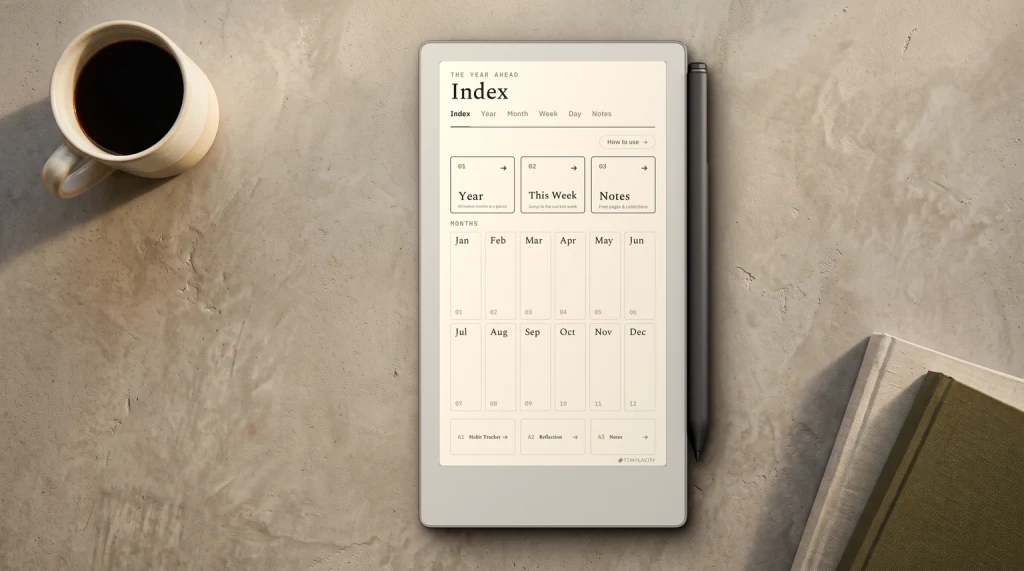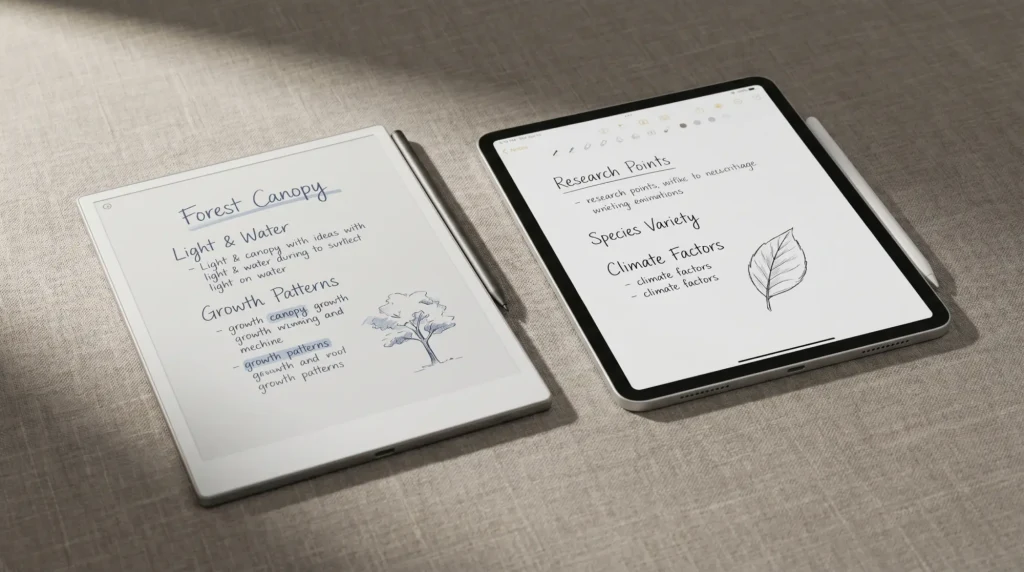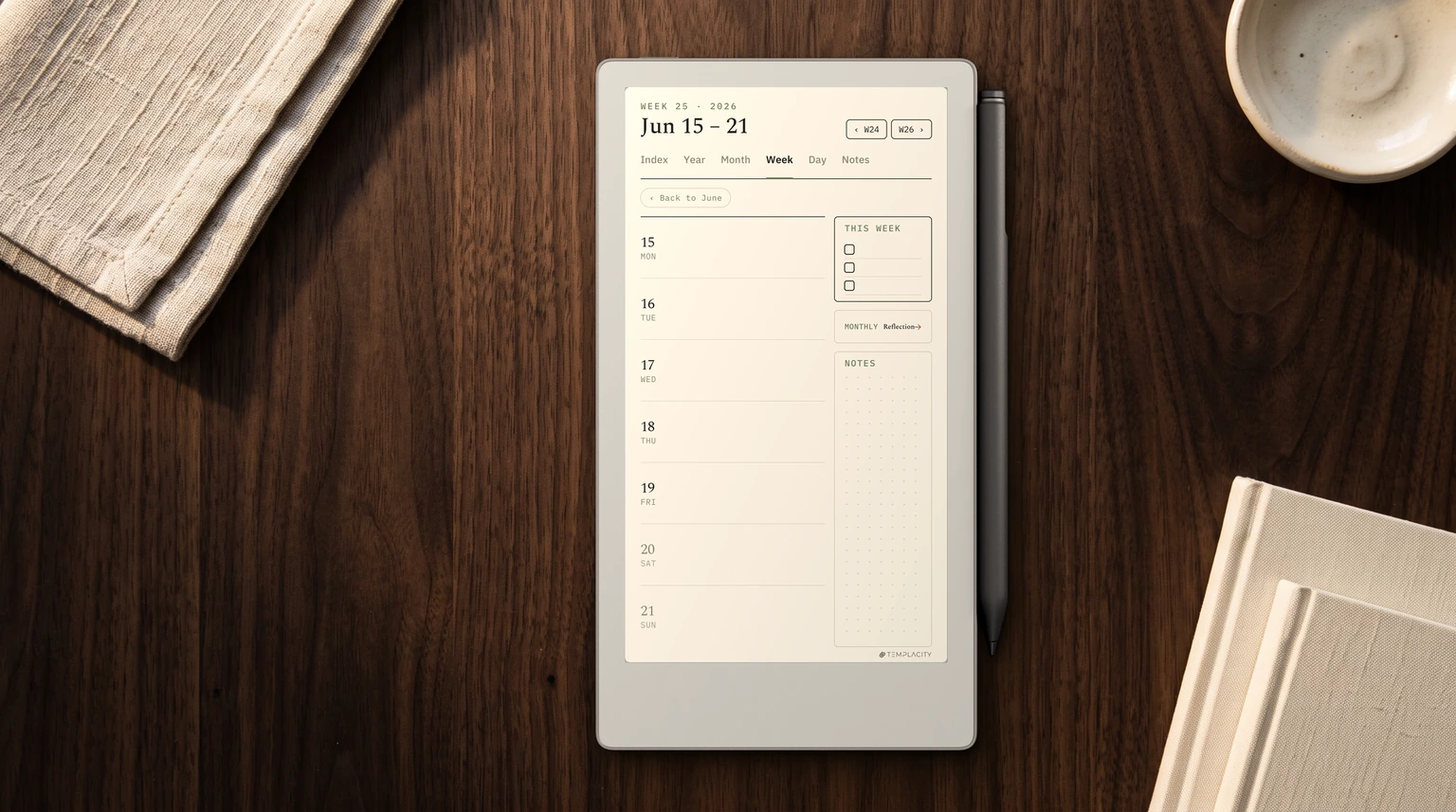
reMarkable planners from Templacity: The Planner for reMarkable is one hyperlinked PDF with Index, Year, Month, Week, Day and Notes pages, dated 2026 and 2027, for $49, in six languages (English, Spanish, French, German, Dutch and Chinese). The reMarkable Template Bundle holds the Daily, Weekly and Daybook planners for 2026 and 2027 plus three undated notebooks, $39 for the reMarkable 2 or $49 for the Paper Pro, Paper Pro Move and Paper Pure editions. Both are one-time purchases with an instant download. Every option is compared in our best reMarkable templates guide.
What it is
What the reMarkable Paper Pro Move actually is
The reMarkable Paper Pro Move is a smaller version of the full Paper Pro. 7.3-inch Canvas Color panel, around 250 grams, $449 launch price with the Marker included. The OS is the same closed reMarkable software you’ll find on the full Paper Pro and the Paper Pure: no app store, no notifications, no browser, just notebooks and PDFs. The writing surface and Marker are the same too; the only meaningful spec difference is the screen size and the consequent weight.
The Move’s reason for existing is portability. The 11.8-inch Paper Pro is a deliberate desk device that needs a bag and a flat surface to write on; the 10.3-inch Paper Pure fits a backpack but not a pocket. The Move fits a coat pocket, weighs less than a small paperback, and is the first reMarkable that’s genuinely something you carry rather than something you commit to bringing. Three years of “we want a smaller reMarkable” community feedback eventually produced this device, and the design constraint shows in every choice.
Specs
reMarkable Paper Pro Move specs and pricing
| Spec | reMarkable Paper Pro Move | reMarkable Paper Pro (full) |
|---|---|---|
| Screen | 7.3″ Canvas Color | 11.8″ Canvas Color |
| Weight | ~250 g | ~525 g |
| Marker latency | ~12 ms | ~21 ms |
| OS | Closed (reMarkable) | Closed (reMarkable) |
| Battery | ~2 weeks mixed use | ~2 weeks mixed use |
| Price (Marker included) | $449 | $629 |
| Form factor | Pocket-portable | Deliberate desk device |
The trade-off shape: the Move is smaller, lighter, faster on Marker latency, and $130 cheaper. The full Paper Pro has 47% more screen area, which matters more than the spec sheet shows once you actually write on each for a week. Both run identical OS and identical Canvas writing surface; the deciding axis is what role you’re buying the reMarkable for.
Who
Who the reMarkable Paper Pro Move actually fits
The Move fits three user shapes cleanly. First, anyone who has wanted a reMarkable but found the larger devices too bulky for daily carry; the Move is the first reMarkable that genuinely lives in your pocket the way a small notebook does. Second, anyone whose work is meeting-heavy and short-form: agendas, action items, follow-ups, journal entries. Eight inches is enough page for that work and the portability lets the device travel with you to every meeting. Third, reMarkable owners who already have a full Paper Pro at the desk and want a smaller second device for mobile use. For the agenda-and-journal kind of day, our reMarkable Paper Pro Move Daybook Planner keeps the plan and the notes on one page per day.
Who the Move does not fit: academic readers who annotate dense PDFs, anyone whose reMarkable use is mostly long-form drafting at a desk, designers who sketch at scale. If that is you, the mono Paper Pure is both bigger and cheaper, and we put the two side by side in Paper Pure vs Paper Pro Move. The 7.3-inch canvas feels cramped on documents over 10 pages and on extended drafting sessions, and the 11.8-inch full Paper Pro stays the better tool for those workflows. Match the device to whether portability or canvas size matters more for the role you’re buying it for.
The Move is the first reMarkable that genuinely lives in your pocket. It turns the device from a desk commitment into something you actually keep on you, which changes how often you reach for it.Who section
Lineup
Where the Move fits in the reMarkable lineup
The reMarkable lineup in 2026 has four devices, and the entry tier changed hands this year. Paper Pure at $399 with a Marker in the box: 10.3-inch mono E Ink, no reading light, and the cheapest way into the range since it took over from the reMarkable 2. Paper Pro Move at $449: 7.3-inch Canvas Color, the pocket device. Paper Pro at $629: 11.8-inch Canvas Color, the desk device for serious writing and PDF work. The reMarkable 2 is the fourth and the odd one: reMarkable discontinued it in 2026 and now points buyers at the Pure, so the only way to buy one is certified refurbished, bundle only, $349 to $499 with a Marker and a folio included. That starts where a new Pure starts, which is why the refurb is no longer the cheap way in. The Move slots between the Pure and the full Pro on price; what differentiates it is portability rather than features. Outside reMarkable’s own range the obvious rival at this size is Supernote’s mono entry model, and we put them head to head in Paper Pro Move vs Supernote Nomad.
For users picking their first reMarkable, the decision usually narrows to two questions. Mono or colour? If mono is fine for your work, the Paper Pure at $399 with Marker is the cheapest path in, and it is a bigger screen than the Move for less money. Desk or carry? If you’ll write at a desk, full Paper Pro. If you’ll write on the move, the Move. Our Paper Pro Move review covers the verdict shape if you want a scored take, and our Move alternatives piece covers the comparison set if Boox or Kindle Scribe are on your shortlist.
If you’ve spent time with the Move and want to add to the overview above, drop your pattern in the comments. The carry workflow is what differentiates the Move from the rest of the lineup, and the patterns owners actually develop after a month of pocket carry tend to differ from the day-one impressions reviewers (including us) write up.
FAQ
Common questions, answered briefly
What is the reMarkable Paper Pro Move?
How big is the reMarkable Paper Pro Move?
How much does the reMarkable Paper Pro Move cost?
Paper Pro Move vs full Paper Pro: which is better?
Is the reMarkable Paper Pro Move worth it?
Once the Move is in hand, our how to use the reMarkable Paper Pro Move walkthrough covers setup, and the reMarkable Move text guide covers typing on the small screen.
If yours isn’t above, drop the question in the comments and we’ll fold it in next refresh.
People also ask