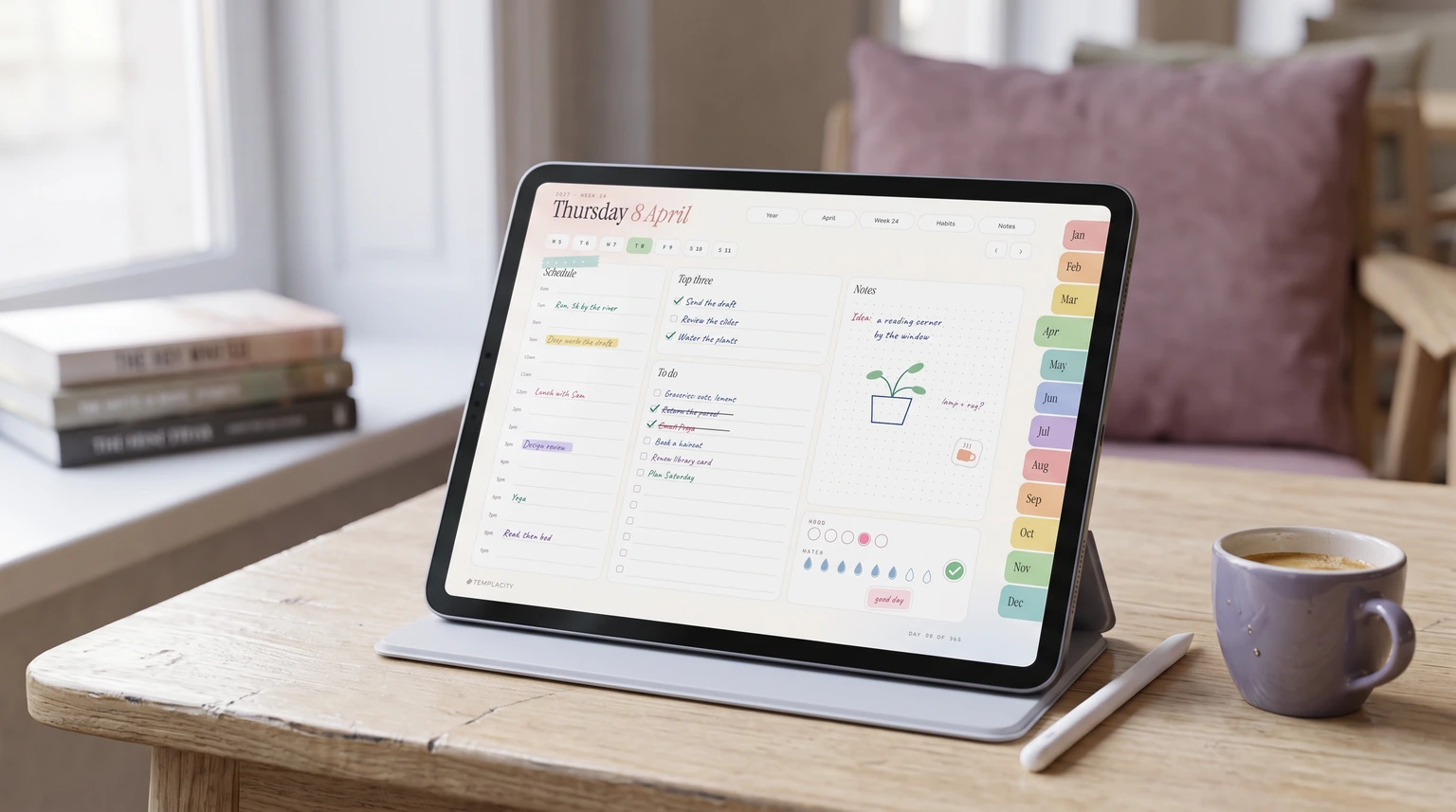
The short answer
Which is the best note taking app for iPad?
You do not need a list of twelve apps. You need to know which one fits what you write, and most lists hide that under feature bullets. So here is the plain answer: the best note taking app for iPad, for most people who own an Apple Pencil, is Goodnotes. It has a real free plan, cheap paid plans, and it says plainly how it handles the thing most iPad note takers end up importing, which is a PDF.
We should say where we sit. We sell planners for Goodnotes and Notability, so we care which app you pick, and we have a stake in the answer. We have kept to what each vendor says on its own pages, checked in November 2026, and where a vendor documents nothing we say that instead of guessing. We have not run a timed trial of these apps, and this is not a hands-on review. It is a reading of the plans, the help pages and the App Store listings, which is where the differences that cost you money actually live.
Five apps are worth your time: Goodnotes, Notability, Apple Notes, OneNote and MyScript Notes. There are good smaller apps too, Noteful and CollaNote among them, but those five cover nearly every reason people buy an iPad to write on. Our broader guide to the best note taking app across every device covers the typed, desktop-led options such as Notion and Obsidian, so we leave those there.
Side by side
The five apps compared on cost and PDFs
Handwriting is table stakes now; all five take an Apple Pencil. What separates them is what you can do before paying and what happens to a PDF once it is inside.
| App | Free way in | Paid from | PDF planner |
|---|---|---|---|
| Goodnotes | 3 files, 5 MB import | $11.99 a year | Links documented |
| Notability | 5 notes | $11.99 a year or $14.99 once | Outlines documented |
| Apple Notes | Free, built in | None | Not documented |
| OneNote | Free app | Optional Microsoft 365 | Not documented on iPad |
| MyScript Notes | 7-day trial, then limited | Subscription or lifetime | Annotate, page jumps |
One row is missing from most comparisons, and it can decide this for you. Each app sets a minimum iPadOS version on its App Store listing, and they are far apart: Apple Notes needs iPadOS 15, MyScript Notes 17.0, Notability 18.0, Goodnotes 18.6, and OneNote 26.0. If you are writing on an older iPad that has stopped taking updates, check your version in Settings before you settle on anything below.
App by app
What each app is really for
Goodnotes: the default for handwriting and PDFs
Goodnotes’ free plan is free forever and allows up to 3 files with a 5 MB import size and 20 minutes of audio. Essential is $11.99 a year with unlimited files and audio, and Pro is $35.99 a year, adding real-time collaboration and fuller AI features; an AI Pass adds more for $9.99 a month. There is no one-time price on the page. Besides notebooks it has text documents and whiteboards, and it runs on iPad, Mac, Windows, Android and the web, which matters if your iPad is not your only screen.
The reason it leads for us is one help page. Goodnotes documents that hyperlinks in imported PDFs open when you select them on iPad, and it uses a digital planner linking its index to monthly, weekly and daily pages as the example. The link has to exist in the PDF already. Our hyperlinked digital planner explainer shows how those links fit together on a real page.
Notability: the one for lectures and for not subscribing
Notability’s pricing page leads with recording lectures while taking notes, and that is the honest reason to choose it. If you sit through classes or long meetings and want the audio beside your handwriting, this is the app built around that. The free Starter plan gives you 5 notes, with PDFs and more than 20,000 templates. Lite is $11.99 a year or $14.99 once, Plus is $15.99 a year or $19.99 once, and Pro is $79.99 a year or $99.99 once. That one-time option is the sharpest difference from Goodnotes, and worth a look if subscriptions are what put you off.
PDFs work differently here. Ginger Labs documents importing external planners and moving through a long file with PDF outlines in the Content Manager. We have not found a page promising that links printed on an imported planner page respond to a tap, so we do not promise it. Our Goodnotes vs Notability comparison takes the two apps further, and our guide to importing a planner into Notability has the steps.
Apple Notes: enough, and already installed
Before you pay anyone, open the app you already have. Apple’s guide says Notes takes Apple Pencil or finger drawing and handwriting, can refine your handwriting as you write so it stays legible while still looking like yours, and has a Scribble tool that turns handwriting into typed text in supported languages. It can search typed and handwritten text, objects in images and scanned documents, and it can scan paper with the camera.
For quick notes, shopping lists and the odd sketch, that is plenty, and plenty of people should stop here. Where it runs out is structure: we found no Apple page describing a linked PDF planner in Notes, so we would not buy a planner with Notes in mind. If you hit that wall, you have lost nothing by starting here.
OneNote: free, but check two things first
OneNote is a free download, and if your work already runs on Microsoft accounts it is the easy way to have the same notebooks everywhere. It takes a stylus or a finger on its Draw tab. Two limits are worth knowing before you commit. It needs iPadOS 26.0 or later, the highest floor of the five. And Microsoft’s own iPad help page says “OneNote for iPad does not currently support converting handwriting to text.”
Microsoft’s File Printout instructions describe the desktop app, and we found no Microsoft page explaining what the iPad app does with a PDF planner, so treat it as a notebook app rather than a planner app. Our OneNote for iPad guide covers the setup if it is the one you choose.
MyScript Notes: when handwriting has to become text
If you remember Nebo, this is it under its new name. MyScript Notes converts handwriting to typed text, and that conversion is the whole pitch. It gives you notebooks, documents, boards and PDFs, reflows handwriting when the layout changes, and exports to PDF, PNG, SVG and Word. If your notes need to end up in an email or a report, it is the app built for that job.
Cost takes a little reading. The App Store listing describes a 7-day trial, then either upgrading or staying on a free limited version, and MyScript’s pricing page offers monthly, yearly or a one-time lifetime payment. The listing shows Full Access entries from $1.99 to $29.99, without saying on that page which term each one buys, so check the price shown in the app before you tap. PDFs come in as multi-page files you can annotate and move through page by page.
By what you write
The best note taking apps for iPad, by what you write
- Students in lectures: Notability, for audio beside the handwriting. Goodnotes if you would rather study from a linked notebook.
- Planning your week by hand: Goodnotes, for the documented tappable links in a planner file.
- Meeting notes that become documents: MyScript Notes, because the handwriting converts.
- A shared work notebook: OneNote, if your company already uses Microsoft accounts and your iPad runs iPadOS 26.
- Quick notes, no budget: Apple Notes.
- Anyone who refuses a subscription: Notability’s one-time licence, or MyScript’s lifetime option.
Whichever you take, try it for a fortnight on the free route before paying. Every one of these has one. Two weeks tells you whether you write daily or only in meetings, which matters more to the choice than any feature list.
Using a planner
If you want to plan on it, not just take notes
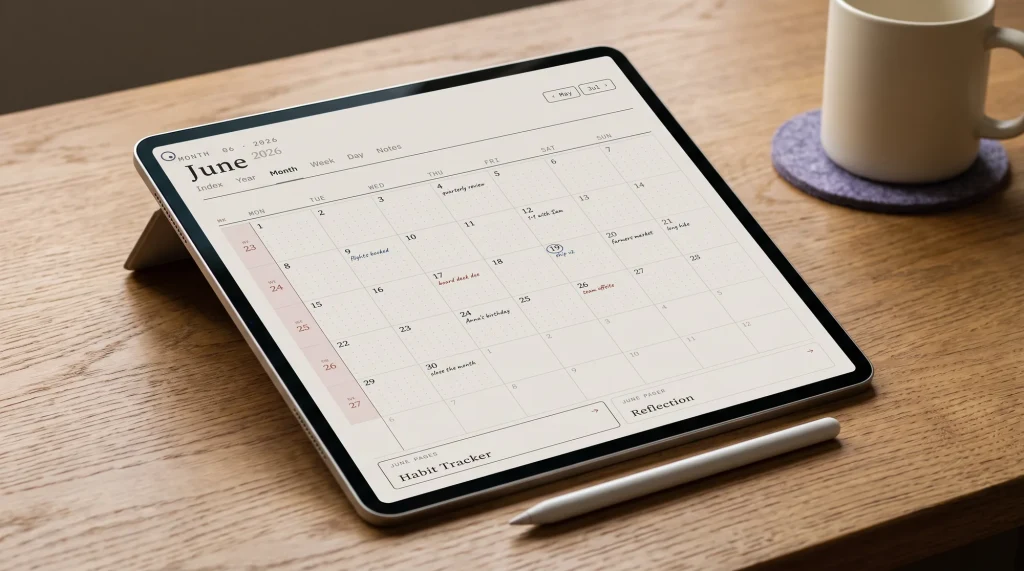
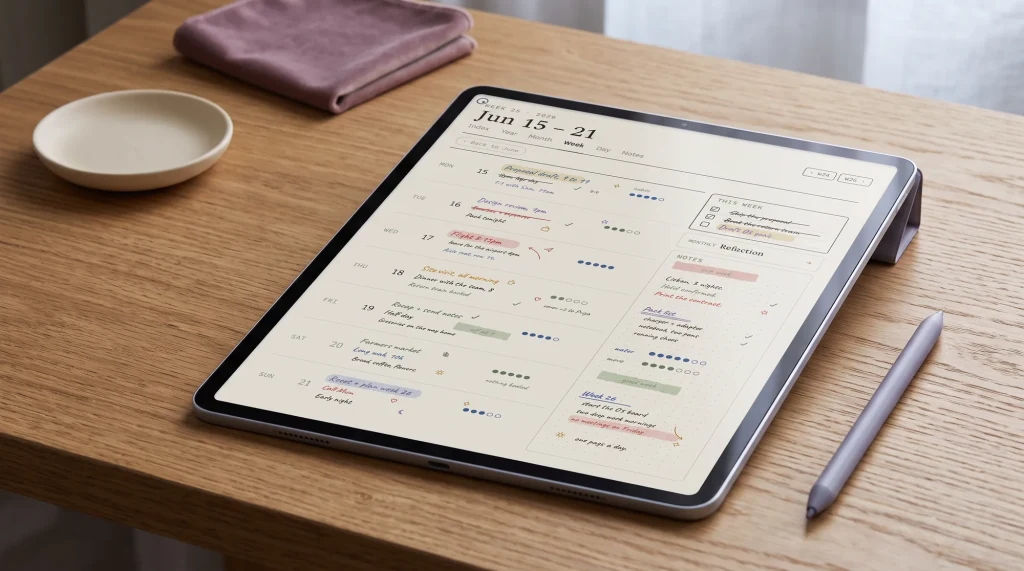
A lot of people who search for a note app are really after somewhere to run their week. A digital planner is a PDF with links built in that you open in one of these apps, so the app is the notebook and the planner is the file inside it. The app decides how those links behave, which is why our guide to choosing an iPad digital planner starts with the app.
The Goodnotes free plan’s 5 MB import limit matters here, because a planner with heavy artwork can pass it easily. Check the file size before you buy anything to run on the free plan.
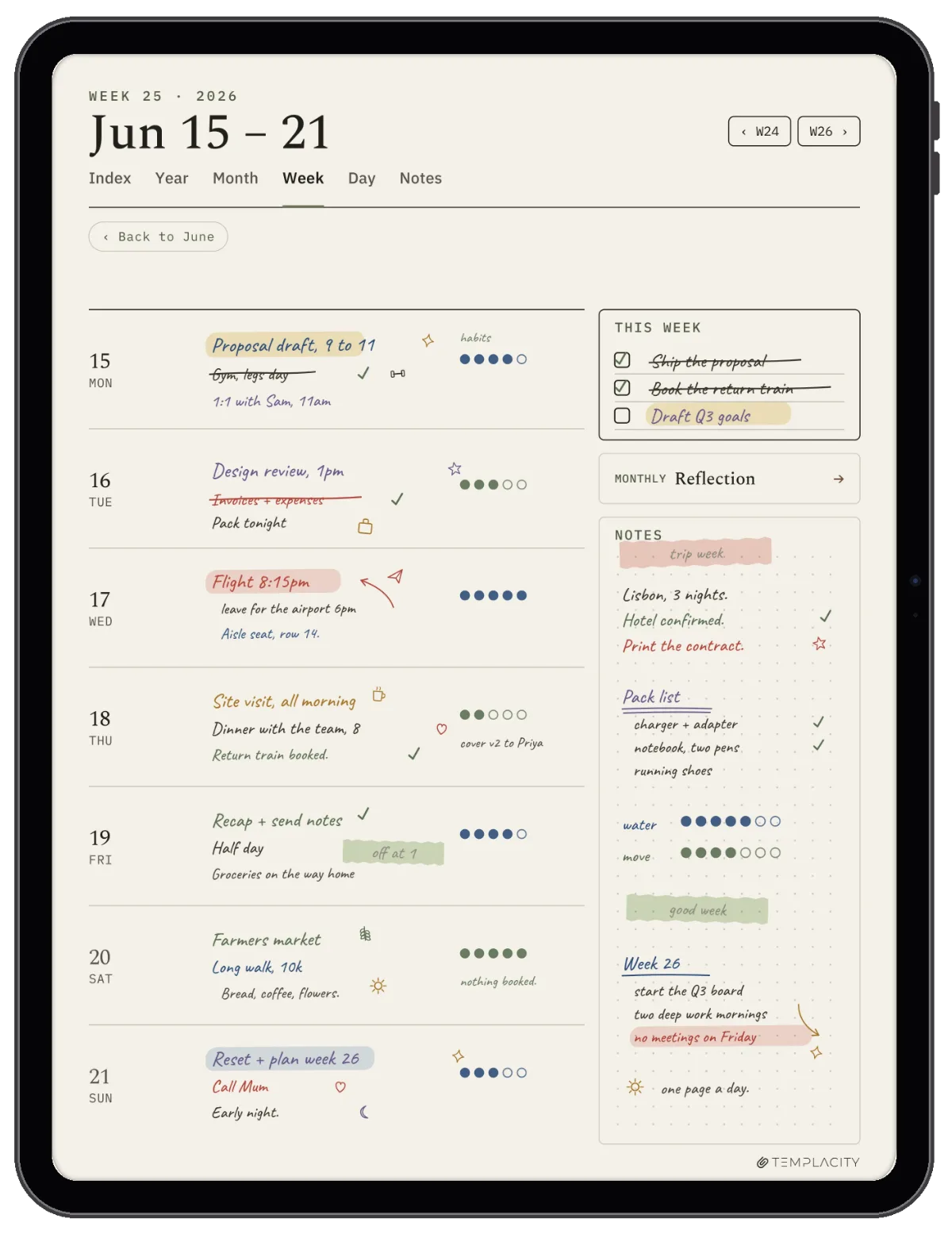
Ours are one-off files with no subscription, and we made them, so weigh this accordingly. The Planner for Goodnotes ($49) includes a colour iPad edition for 2027, each iPad file about 4.2 MB, so it fits under that free import limit. The Goodnotes Digital Planner Set ($29) is the lighter way in. Notability Templates ($29) is that same set for Notability; its dated books carry a real PDF outline, and the undated notebooks do not. Our Notability planner templates roundup and Goodnotes digital planner guide compare the wider field, including free files.
Is the iPad the problem
When no iPad app is the answer
Sometimes the app is not what is getting in the way. An iPad also carries your email and your messages, and if the reason you want to write by hand is to get away from those, a better note app will not fix it. An e-ink writing tablet does one job and stays quiet, at the cost of colour and a second device to carry. Our reMarkable vs iPad comparison sets the two side by side, and we make files for both.
If you already own the iPad, start with Apple Notes today, try Goodnotes’ free plan this week, and keep whichever you open without thinking. If an app or a setting has changed how you write on your iPad, tell us in the comments. Notes from people who use these every day help the next reader more than any table we can draw.
FAQ
Common questions, answered briefly
What is the best free note taking app for iPad?
Is Goodnotes better than Notability?
Does OneNote on iPad convert handwriting to text?
What happened to Nebo?
Is there a note taking app for iPad with no subscription?
If yours isn’t above, drop the question in the comments and we’ll add it.
People also ask