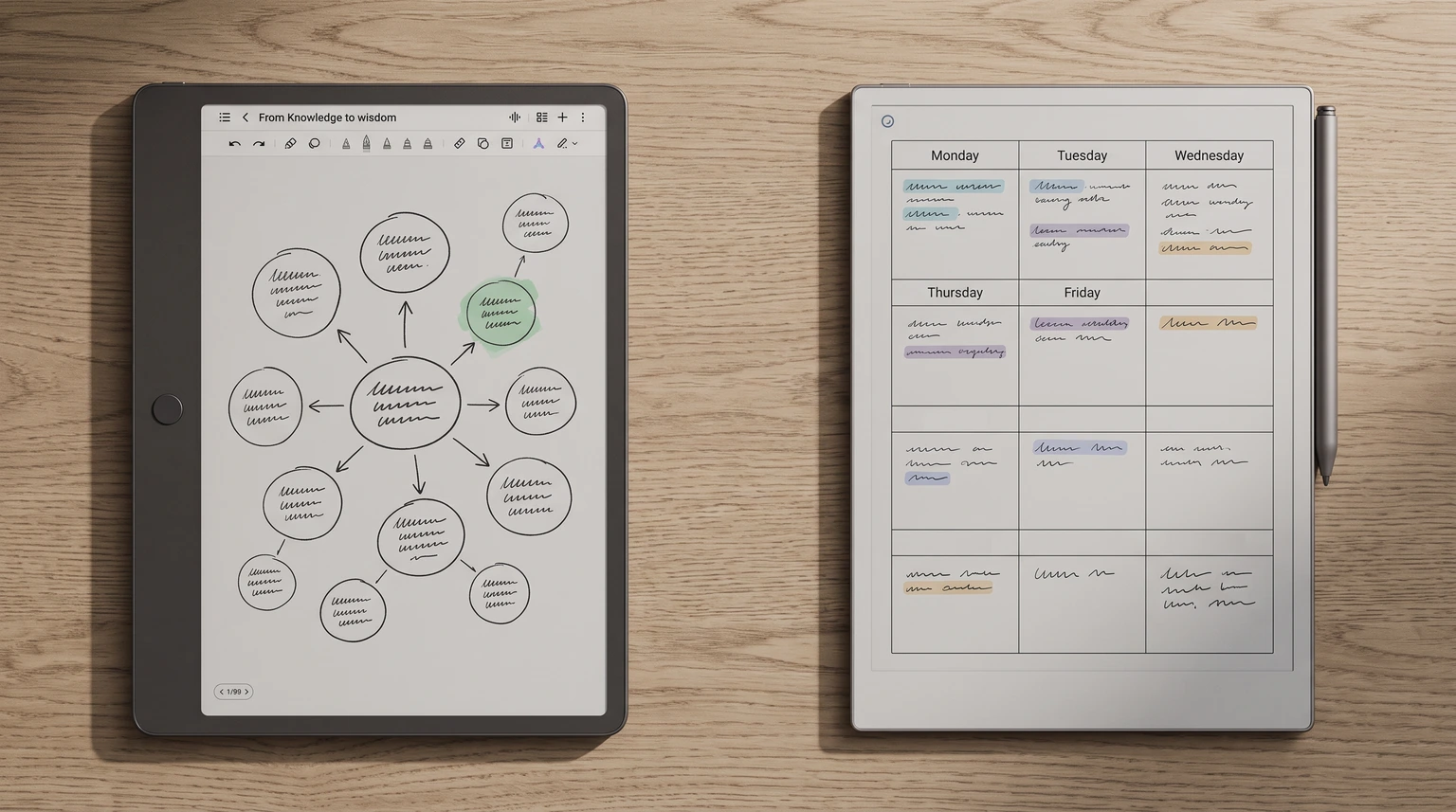
The question
Is NXTPAPER an E Ink screen?
No, and that is the whole NXTPAPER vs E Ink question in one line. NXTPAPER is TCL’s name for a family of matte LCD screens, used on its tablets and phones. On TCL’s US store, the spec tab of the NXTPAPER 14 lists the panel type as IPS LCD. The global spec sheet for the Note A1 NXTPAPER, TCL’s writing tablet, says its display is “based on LCD”. An LCD lights itself from behind; an E Ink screen, the kind in a reMarkable, a Boox or a Kindle, is ePaper that E Ink describes as ultra-low power and readable in any lighting.
TCL is clear about this on its own pages. Its NXTPAPER technology page talks about a matte, paper-textured surface, less glare, filtered blue light and no flicker, and it calls one display mode “an e-ink-like screen”. Like E Ink, not E Ink. The search results are messier, which is why we read only the makers’ pages for this comparison: TCL’s US store and global spec sheets, reMarkable’s compare page and Boox’s own store.
So the real question is not which one is E Ink. It is whether a paper-feel LCD tablet does the job you were going to buy an E Ink tablet for. For some buyers it does it better. For others it misses the point.
Head-to-head
TCL NXTPAPER vs E Ink tablets: the numbers
The fair match for a writing comparison is TCL’s Note A1 NXTPAPER against the two colour E Ink writing tablets people weigh it against: the reMarkable Paper Pro and the Boox Note Air6 C. Prices are list prices on each maker’s US store in November 2026. A dash means the maker does not publish the figure.
| TCL Note A1 NXTPAPER$599.99 | reMarkable Paper Pro$629 | Boox Note Air6 C$579.99 | |
|---|---|---|---|
| Screen type | LCD, matte | Canvas Color, E Ink Gallery 3 | Kaleido 3 colour E Ink |
| Size | 11.5″ | 11.8″ | 10.3″ |
| Sharpness | 229 ppi, full colour | 229 ppi | 300 ppi mono, 150 colour |
| Refresh | Up to 120Hz | – | – |
| Battery | 8,000 mAh, no days figure | Up to 2 weeks | 3,700 mAh |
| Weight | About 500 g | 525 g | About 440 g |
| Apps | Android apps by APK | reMarkable software | Android 16 |
| Pen in the box | T-Pen Pro | Marker | – |
Two rows tell the NXTPAPER vs E Ink story. Refresh goes to TCL by a mile, because an LCD redraws like a phone and an E Ink page does not. Battery goes the other way: reMarkable is the only maker of the three that states a battery life in days. TCL gives the Note A1’s capacity in mAh and stops there.
Where NXTPAPER wins
What NXTPAPER does better than E Ink
An LCD can do things ePaper cannot, and TCL builds the Note A1 around them.
- Speed. TCL lists a refresh rate of up to 120Hz and says the rate adapts to what you are doing. Scrolling a web page, flicking through a PDF or watching a lecture video behaves like a normal tablet, with no ghosting to clear.
- Real colour. TCL quotes 16.7 million colours on the Note A1. Colour E Ink is soft by comparison; Boox lists its Kaleido 3 screen at 150 ppi in colour against 300 ppi in black and white.
- Apps and books. TCL says the Note A1 installs third-party apps from APK files, naming Kindle, WEBTOON, Outlook and Notion, and its spec sheet lists EPUB, MOBI and AZW3 among the formats it opens.
- Meeting tools. An eight-microphone array, audio-to-text transcription, real-time translation and AI summaries, all listed on TCL’s product page.
- A pen with feel. The T-Pen Pro ships in the box with replaceable tips; TCL quotes 8,192 pressure levels and latency under 5 ms. That is TCL’s own measurement, so it does not line up neatly with reMarkable’s 12 ms figure.
Where E Ink wins
What E Ink still does better
Battery is the first gap in any NXTPAPER vs E Ink comparison. reMarkable lists up to two weeks per charge on the Paper Pro. TCL’s best battery claim is for its NXTPAPER range as a whole: up to 7 days of reading in Max Ink Mode, from internal lab tests, and TCL notes the result varies by product. On the NXTPAPER 14, where TCL does publish a figure, it is 10.8 hours of video. An LCD spends power on every frame it lights; ePaper spends it mostly when the page changes.
Light is the second. A matte LCD cuts glare, and TCL backs that with eye-comfort certifications, but the screen still shines toward you, at 300 nits typical on the Note A1. The Paper Pro and the Note Air6 C read by room light and add an adjustable front light for the dark. If your reason for leaving an iPad is a screen that does not glow at you at night, NXTPAPER softens that problem rather than removing it.
The third is focus, and it is the one specs cannot show. The same app store that makes the Note A1 flexible also brings email, browsers and video onto your writing tablet. reMarkable’s Paper Pro does not run Android apps at all, which is the point of it for many buyers; our guide to e-ink tablets that run Android covers the middle ground where Boox sits.
If your reason for leaving an iPad is a screen that does not glow at you at night, NXTPAPER softens that problem rather than removing it.From the comparison
Templates
Planners and templates on NXTPAPER and E Ink
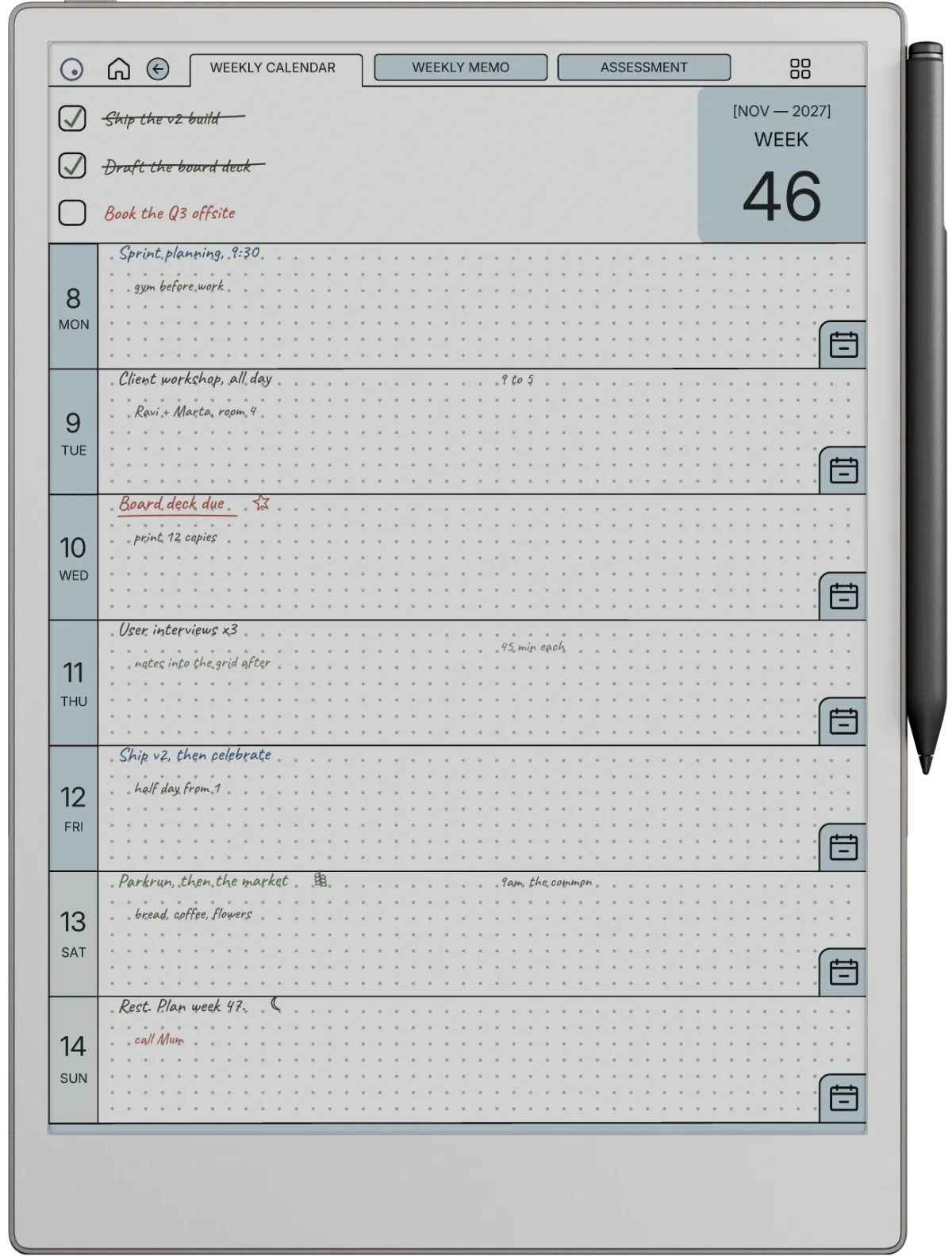
All three take PDF planners. The Note A1 comes with its own templates, including meeting notes, music staff and daily planners, and an infinite canvas for open-ended pages. The Paper Pro and the Note Air6 C import PDFs, and hyperlinked planners work on both.
Fit is where the numbers line up in an unexpected way. The Note A1’s screen is 2200 x 1440 at 229 ppi in a 3:2 shape; the Paper Pro’s is 2160 x 1620 at 229 ppi, closer to 4:3. Same sharpness, different shape: a page sized for the Paper Pro opens on the Note A1 with some empty space at the top and bottom, not cropped. We size our files for the Paper Pro at 1620 x 2160, and we have not run them on a Note A1, so treat that as geometry rather than a tested promise.
The NXTPAPER line
Which TCL NXTPAPER tablet is the one to compare?
TCL sells several NXTPAPER tablets, and they are not the same kind of device. The Note A1 NXTPAPER is the writing tablet: the pen, the note app, the meeting tools. It is the one that belongs in a reMarkable comparison, and it is $599.99 list on TCL’s US store, on sale at $549.99 when we checked.
The NXTPAPER 14 is a big media tablet: a 14.3-inch IPS LCD at 2400 x 1600 and 60Hz, Android 14, four speakers, about 760 g, with a stylus and flip case in the package. TCL lists it at $449.99, on sale at $379.99 in November 2026. Its NXTPAPER key flips between colour paper and ink paper modes. It is a comfortable reader for comics and PDFs, but it is a family tablet first. The cheapest door into NXTPAPER is the NXTPAPER 11 Gen 2 at $249.99 list.
Decision matrix
NXTPAPER or E Ink, by the kind of buyer you are
| If you | The right pick | Why |
|---|---|---|
| Watch lectures or read comics in colour | TCL Note A1 | Up to 120Hz and 16.7M colours |
| Want weeks between charges | Paper Pro | Up to 2 weeks, stated by reMarkable |
| Record and transcribe meetings | TCL Note A1 | Eight mics, transcription built in |
| Want a screen with no backlight | Paper Pro or Air6 C | ePaper reads by room light |
| Need Android apps on E Ink | Note Air6 C | Android 16 on a colour E Ink screen |
| Want to write with no apps pulling at you | Paper Pro | No app store on the device |
Read that way, NXTPAPER vs E Ink is a choice about habits more than screens. Three cases go to E Ink, two to TCL and one to the Boox, which sits between them: Android on an E Ink screen. If none of the three feels right, our reMarkable alternatives guide and the best e-ink tablet roundup cover Kindle Scribe, Supernote and the rest, and our Montblanc Digital Paper comparison covers the other end of the price range.
FAQ
Common questions, answered briefly
Is TCL NXTPAPER E Ink?
Is the TCL Note A1 NXTPAPER better than the reMarkable Paper Pro?
How long does the NXTPAPER battery last?
Can you read Kindle books on a TCL NXTPAPER tablet?
Is NXTPAPER better for your eyes than a normal tablet?
If you own a Note A1 NXTPAPER and have run a reMarkable or Boox planner on it, or timed its battery over a week of notes, tell us in the comments. We will check it and fold it into the next update of this comparison.
People also ask