For the broader buyer’s guide on running a remarkable planner across the lineup (which device fits, native templates vs PDF imports vs paid apps, free vs paid tradeoffs, and the Kindle Scribe comparison), see the pillar.
Why it matters
Why reMarkable 2 templates work native on the Paper Pure
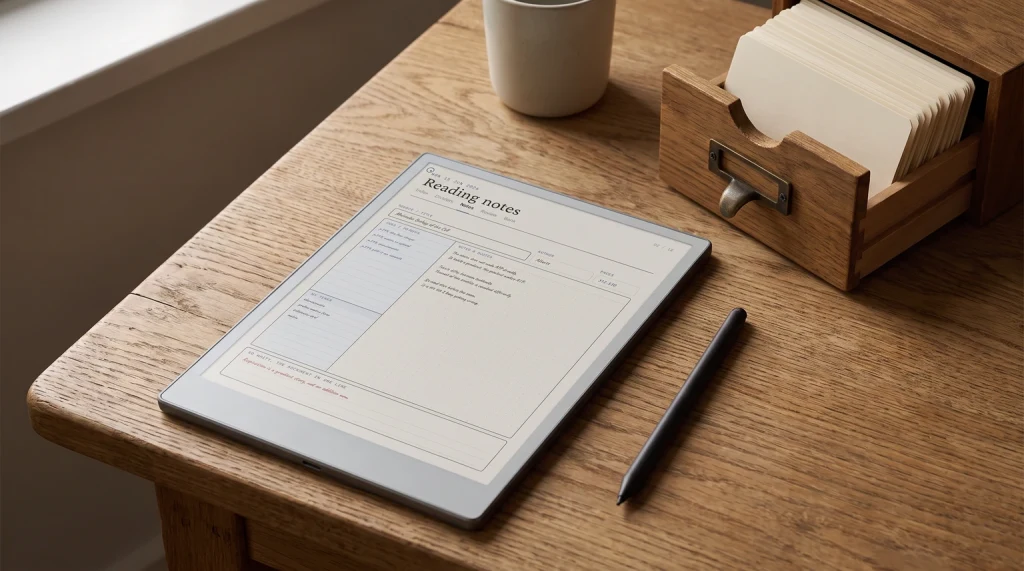
The reMarkable Paper Pure templates question has a quiet answer: there is no template question. The Paper Pure ships with the same 1404 x 1872 panel resolution and 3:4 aspect ratio as the reMarkable 2. PDF and ePub files sized for the rM2 render at native resolution on the Paper Pure with no scaling drift, no margin shift, no need to re-export. The existing reMarkable template ecosystem migrates pixel-for-pixel to the new device.
This matters because reMarkable did not change the panel math when they redesigned the device. They changed the panel generation (Carta 1300, modernized), opened up the chassis, and added a replaceable battery, but they did not add a frontlight, and replaced the chassis with a screws-and-snaps build. The writing surface specs are different; the document-rendering math is identical. Buyers migrating from a reMarkable 2 keep their entire template library. Buyers new to the line inherit five years of mature template work without compatibility caveats.
The categories
Four reMarkable Paper Pure template categories that earn their place
Not every template earns its place on the Paper Pure. The device has 32 GB of storage with no expansion, and a cluttered library makes the find-a-notebook flow slow. The four categories below are the ones we recommend installing on day one because each one solves a specific gap Codex has, or a specific workflow the device rewards.
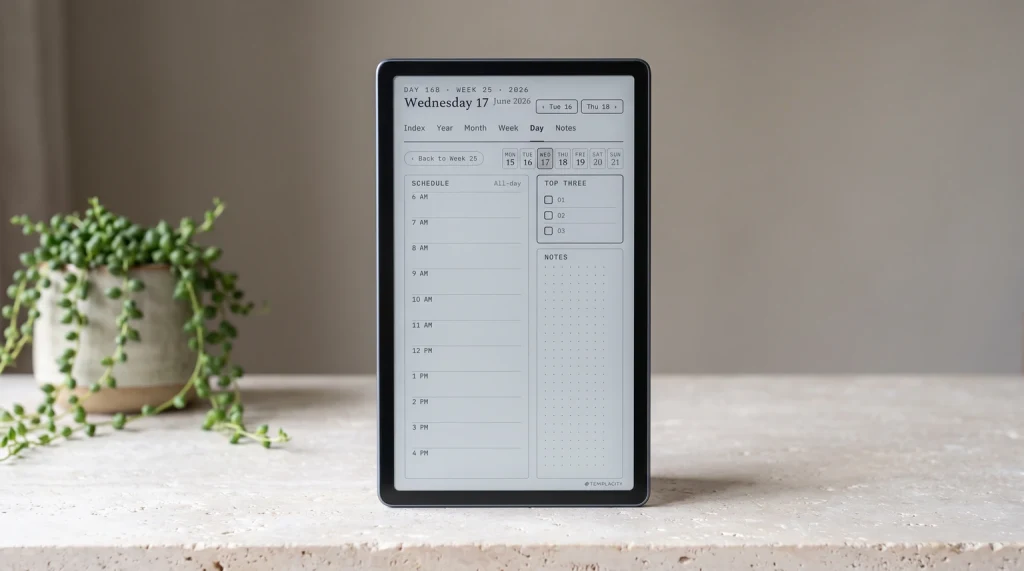
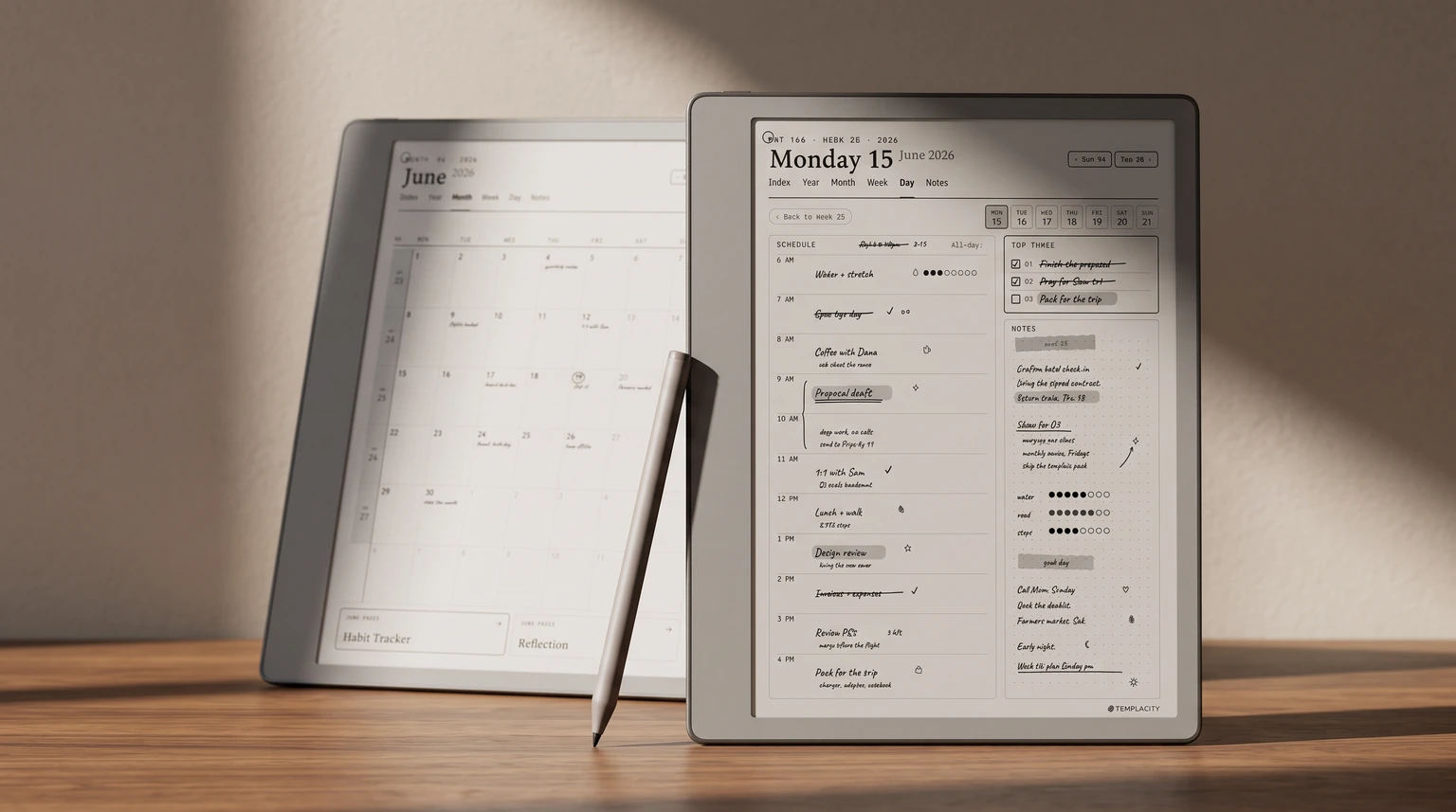
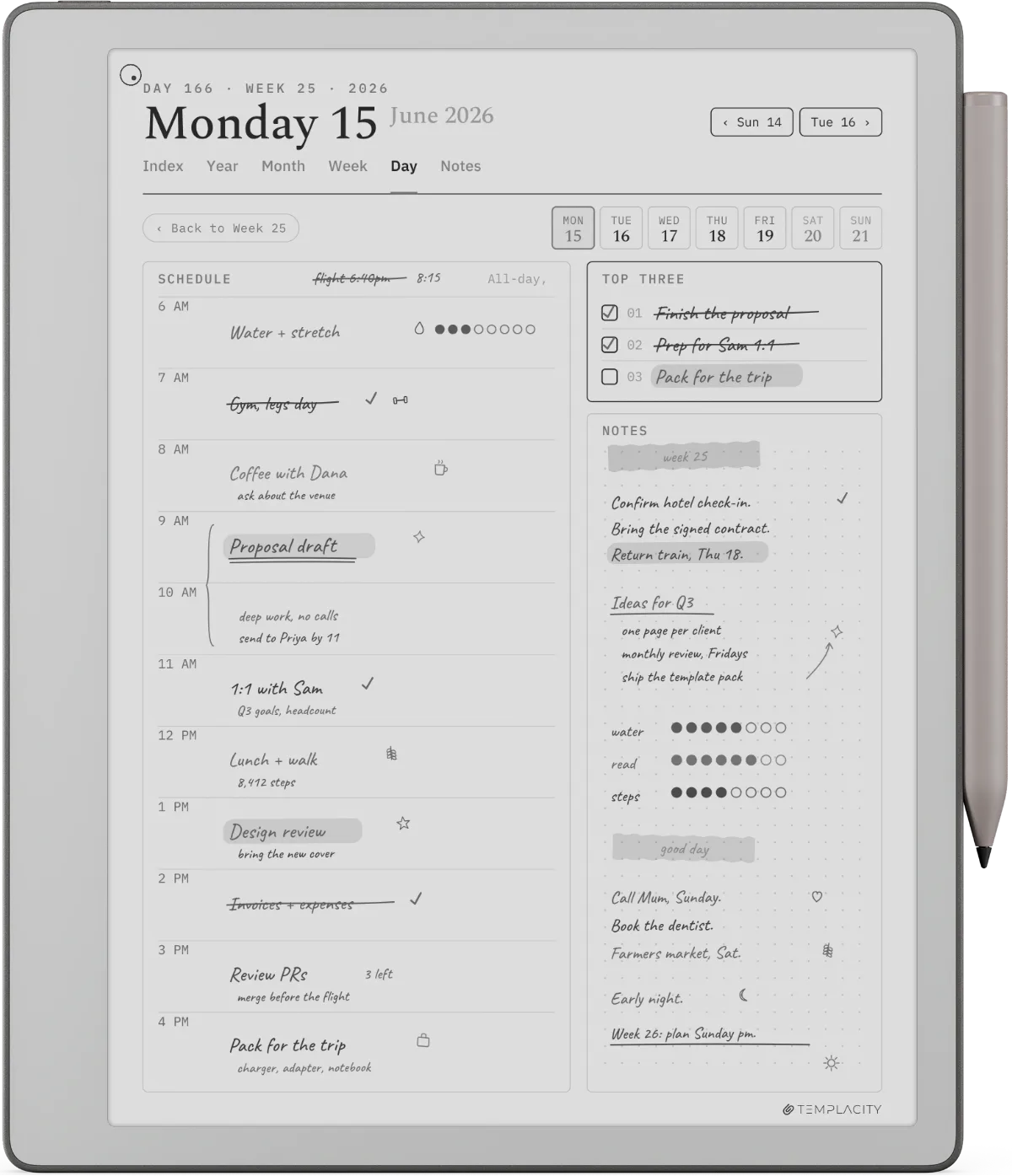
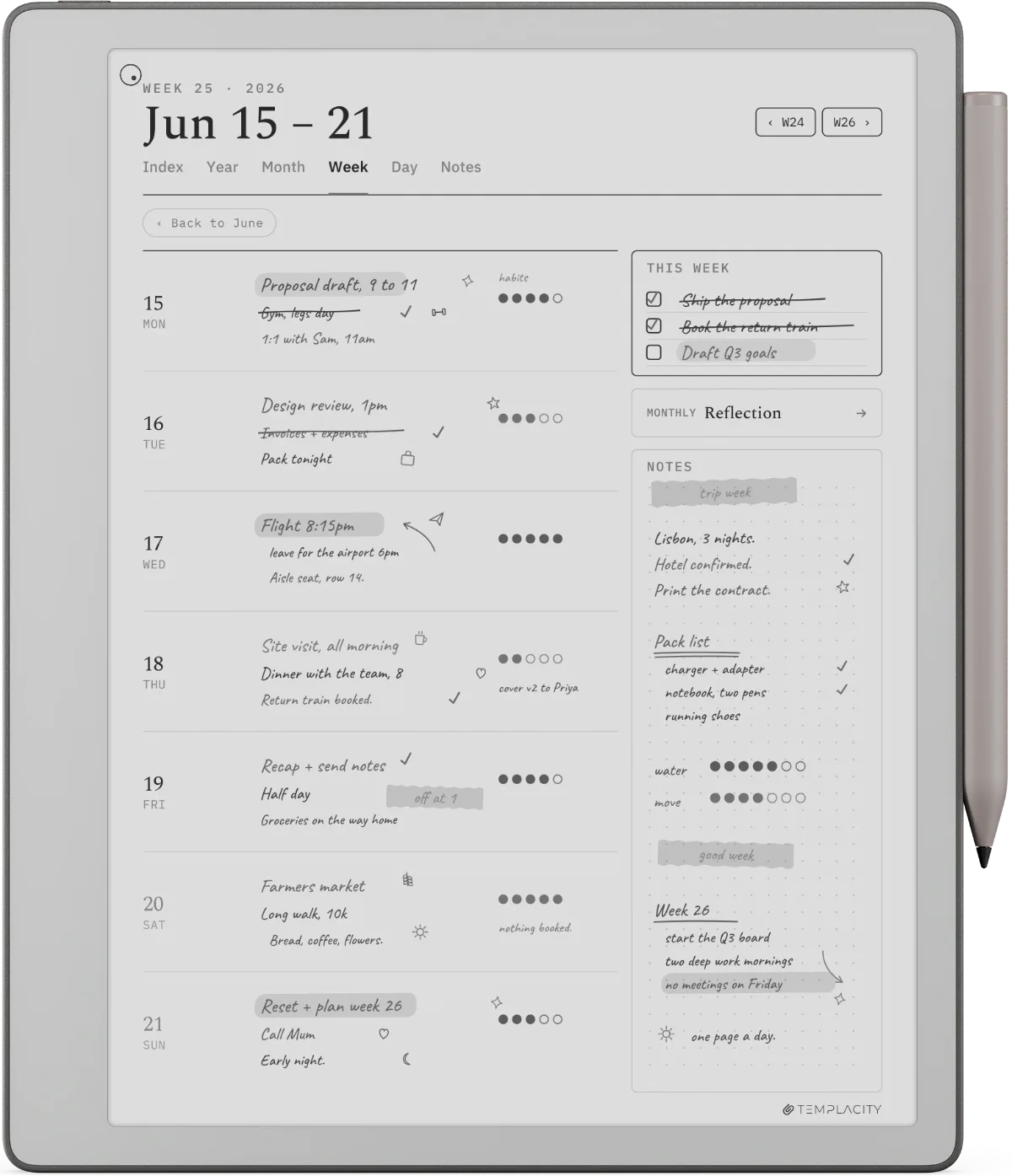
- Hyperlinked weekly-to-daily planner systems. Codex does not ship with a hyperlinked planner; the built-in daily and weekly planner templates are static pages. A hyperlinked yearly-monthly-weekly-daily PDF lets you tap from a year-view to a specific Tuesday in three taps and tap back. This is the single highest-impact reMarkable Paper Pure templates category.
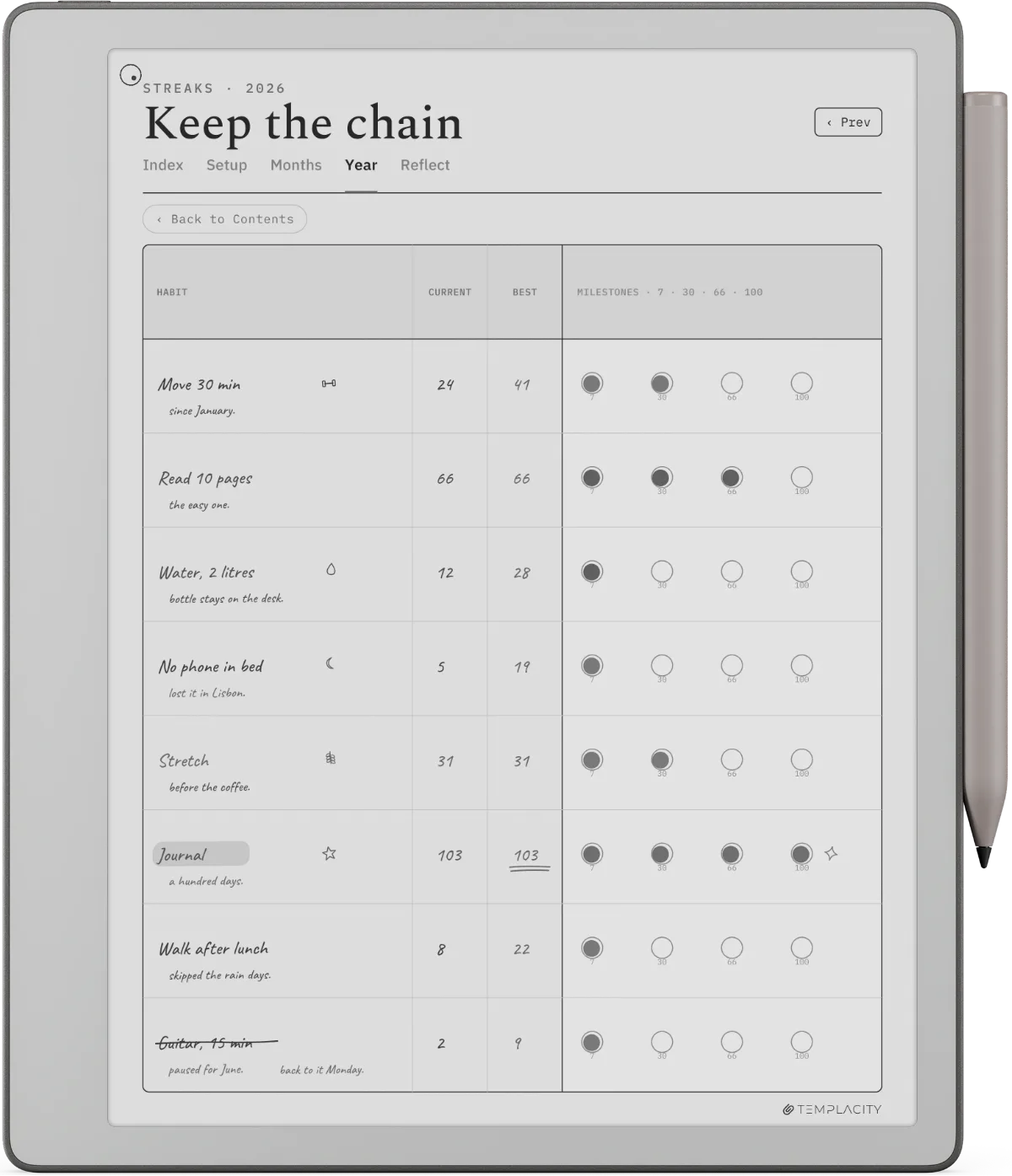
- Per-page daily review or journal pages. Codex is strongest at one-page-per-thing. A daily review page (yesterday-today-tomorrow + three priorities + one reflection) renders the device’s strength: focused single-page work that does not need an app. Journal templates with consistent rule spacing also feed Convert to Text accurately.
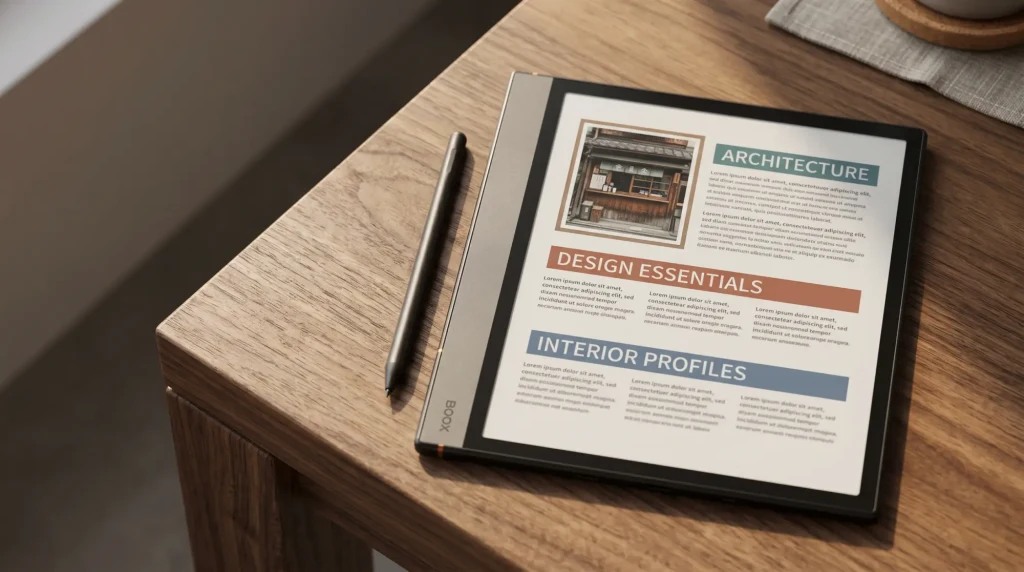
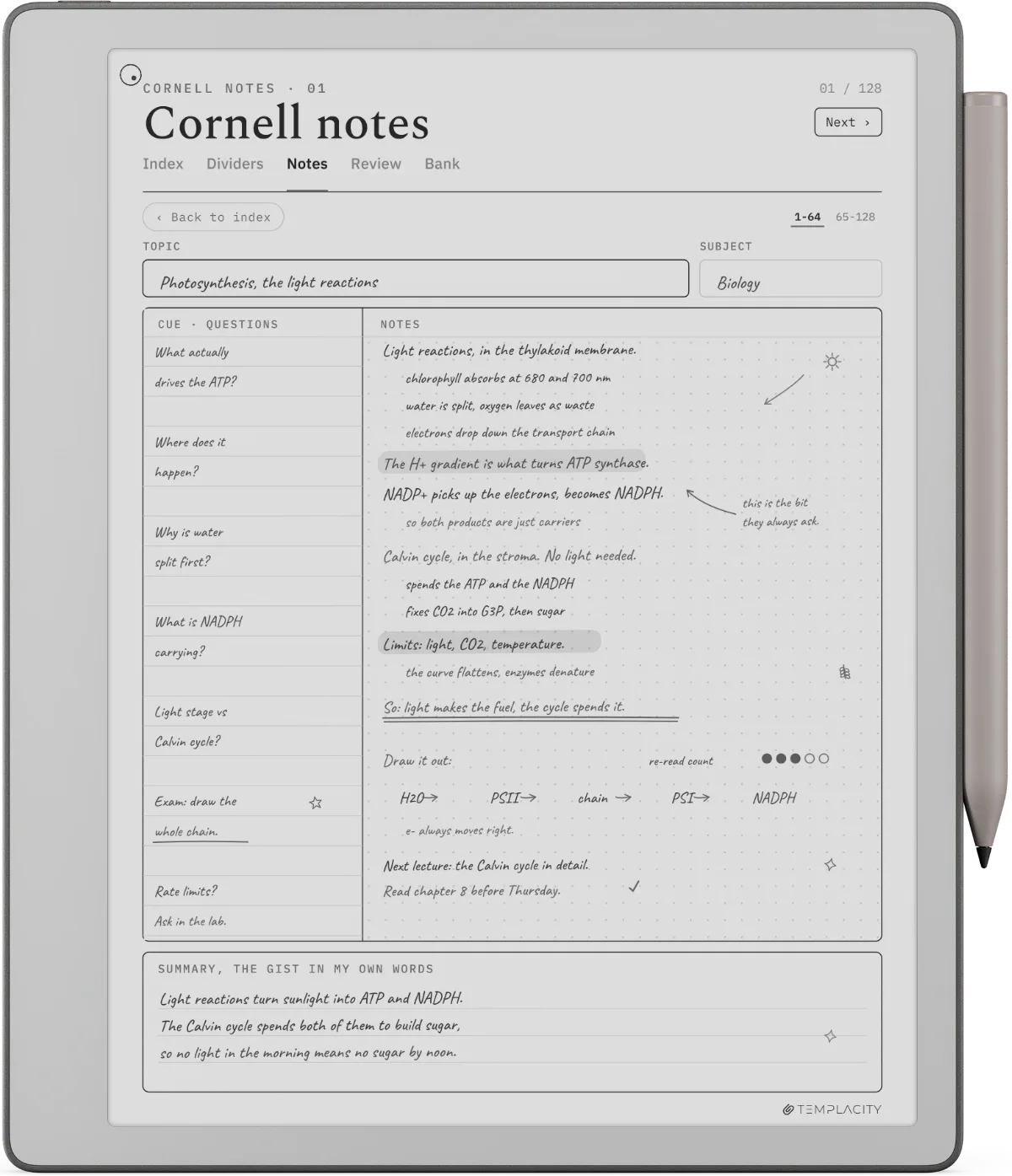
- PDF reading overlays. The Carta 1300 panel renders small caption and footnote text more cleanly than the rM2’s older panel, which is what makes dense PDFs readable here. PDF reading overlays (margin notes columns, highlight legends, chapter-tracking pages) reward the new use case. The rM2 had these too but rarely used them in low light.
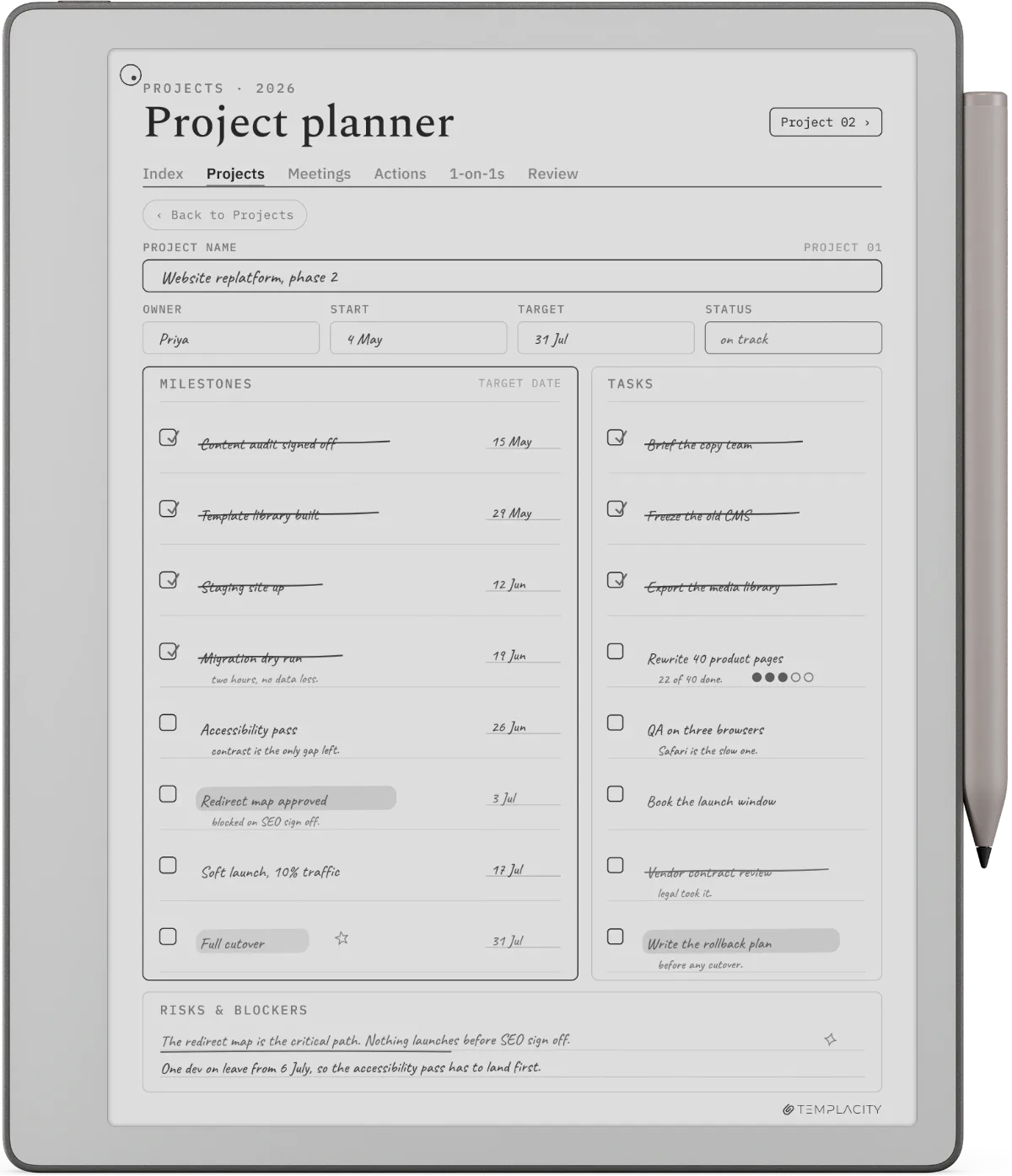
- One-page project sheets. Project-on-a-page templates (problem-objective-actions-blockers) keep project work inside Codex instead of pushing it to a separate app. Useful for solo work where the project does not have a software-tool home.
The picks
Four template sources for the reMarkable Paper Pure, compared
The Paper Pure template field today has four practical sources. Each one fills a different mix of the four categories above; each one has a different cost, install path, and quality floor. The table holds them in one frame.
| Templacity bundle$39 | Built-in templatesFree | Community PDFsFree | DIY (your own)Free | |
|---|---|---|---|---|
| Hyperlinked planner | Yes (yearly to daily) | No | Sometimes | Possible |
| Daily review pages | Yes | Basic | Mixed quality | Possible |
| PDF reading overlays | Yes | No | Rare | Hard to design |
| One-page project sheets | Yes | Basic | Sometimes | Possible |
| Install | One PDF, no setup | Pre-installed | Manual per file | Manual per file |
| Paper Pure native sizing | Yes (1404 x 1872) | Yes | Mixed | Depends on you |
The split is honest. The built-in templates handle 30% of what most users need (basic ruled pages, blank pages, simple grids). Community PDFs cover another slice if you are willing to hunt for quality. DIY is the right answer if you have a vector tool you are comfortable in and a specific layout in mind. The paid bundle path is the one that solves all four categories in one install.
Lead pick
The lead pick: the Templacity reMarkable bundle
The bundle is one PDF download with a hyperlinked yearly-to-daily planner, daily review pages, project sheets, and reading overlays. Designed pre-Paper-Pure but native at the Paper Pure’s panel resolution because the rM2 sizing it was built around is identical to the Pure’s. Installs by importing the PDF into the device through reMarkable Connect.
- Price
- $39, one-time
- Format
- PDF (native rendering on rM2, Paper Pure, Paper Pro, Paper Pro Move)
- Panel sizes covered
- 1404 x 1872 (Pure / rM2), 1620 x 2160 (Paper Pro), 954 x 1696 (Paper Pro Move), all portrait
- Pages
- Yearly view + monthly + weekly + daily, hyperlinked. Daily review, project sheet, journal pages, reading overlays.
- Install
- Import once via Connect or USB. No installer script needed.
- Update path
- Free minor updates; new annual planner versions ship each November.
The Paper Pure version is the same PDF as the rM2 version; the panel resolution match means no separate Pure-only edition. Buyers who already own the bundle and pick up a Paper Pure migrate without re-buying.
Free routes
What the free template routes actually cover
Two free routes are worth knowing in detail.
The Paper Pure keeps the rM2’s exact page geometry, so every template built for the older device lands pixel-for-pixel on the new one. Templates designed for the rM2 inherit that benefit on day one.From the categories section
- The built-in reMarkable templates. Every Paper Pure ships with a library of blank, ruled, dotted, grid, daily-planner, and meeting-notes templates. They are minimal, intentionally so; they do not hyperlink, they do not branch into a planner system. They are fine as a baseline. For occasional notes, they are enough. For a daily planning workflow, they leave the hyperlinked navigation gap that the bundle category fills.
- Community PDFs from sites like Reusable Notes, Notebooks.com, or template-sharing GitHub repos. Quality is mixed. Some are well-designed and native-sized; others are scaled up from Letter-size PDFs and render slightly off on the 3:4 panel. The honest read: if you have time to evaluate three or four sources, you will find one or two that work. If you do not, the time spent hunting is worth more than the bundle cost.
For installing any of these, the workflow is the same: drop the PDF into the device through reMarkable Connect (the easiest path), or via USB and the desktop app. The reMarkable template installer guide covers the install workflow in detail, including how to import a PDF as a notebook template (not just a viewable document).
What to skip
reMarkable Paper Pure templates we would skip
- Templates sized only for the Paper Pro Move’s narrow 9:16 page. They render with significant letterbox on the Paper Pure’s 3:4 panel. Either find the 3:4 version or pick a different template.
- Templates built only for the original reMarkable (rM1). The rM1 used a different panel resolution and aspect ratio than the rM2 and Paper Pure. Anything pre-2020 needs verification; most rM1-era templates are no longer hosted anyway.
- Templates that lean on color writing. Color templates designed for the Paper Pro will display in mono on the Paper Pure. They still work but lose the color-coding feature; if color was the load-bearing reason for the template, you do not need it.
- Templates packaged as zip-with-installer-script. reMarkable’s official template install path is PDF or ePub import. Scripted installers can work but often break across Codex updates. PDF imports are stable across firmware releases.
FAQ
Common questions, answered briefly
Are reMarkable Paper Pure templates the same as reMarkable 2 templates?
How do you install templates on the reMarkable Paper Pure?
Can the Paper Pure use templates designed for the Paper Pro?
What free reMarkable Paper Pure templates are worth installing?
Do I need to re-buy templates if I upgrade from a reMarkable 2 to a Paper Pure?
If the template question you have is not above, drop it in the comments. We will fold it into the next refresh once the Paper Pure ships and template behavior under the new Carta 1300 panel has settled.
People also ask