The verdict
Is reMarkable worth it? The short answer by reader
If you are asking whether a reMarkable is worth it, you probably already own a shelf of half-filled notebooks, and the question underneath is whether one tablet can replace them. For most people who write by hand every day, it can. The writing feel is the reason people buy one and the reason they keep it. What surprises new owners is everything around the writing: what it costs over time, what does not move over from paper, and what the subscription does and does not lock away.
Most of the pages that answer this question review the reMarkable 2, which reMarkable now lists as discontinued. The 2026 lineup is three new tablets plus refurbished reMarkable 2 units, and the right answer depends on which reader you are:
- You fill a notebook every month or two: worth it. Search, folders and one device instead of a stack change how you work.
- You annotate PDFs for work or study: worth it, and the larger screens matter more than the colour.
- You want to save money on paper: not on its own. The maths below shows why.
- You want email, a browser or apps: not worth it. That is a different device, and our reMarkable vs iPad comparison covers it.
The money
What your paper habit costs next to a reMarkable
Start with what you spend now. A Large hard-cover Classic Notebook costs $26.00 on Moleskine’s US store. Five of those a year is $130. That is the number a reMarkable has to beat, and here is how long each model takes to do it at that rate, using reMarkable’s own US prices.
| From | Display | Years of paper | |
|---|---|---|---|
| reMarkable 2 (refurbished) | $349 | 10.3″ mono | 2.7 |
| Paper Pure | $399 | 10.3″ mono | 3.1 |
| Paper Pro Move | $449 | 7.3″ colour | 3.5 |
| Paper Pro | $629 | 11.8″ colour | 4.8 |
Every price there includes a Marker, and the refurbished reMarkable 2 bundles come with a folio as well, which is why the oldest tablet is also the fastest to pay back. Two running costs push the dates out. Marker tips wear and a refill pack is $19. If you add Connect at $39.90 a year, the Paper Pure’s payback stretches from about three years to about four and a half.
The lineup
Which reMarkable is worth it for you in 2026
Paper Pure, from $399. The default pick for anyone switching from paper. It has a 10.3-inch black-and-white display, 32 GB of storage and a Marker in the box, and reMarkable lists its battery as replaceable. reMarkable lists no reading light for it, so it behaves like paper in a dim room: you need a lamp. Is the reMarkable Paper Pure worth it? For handwriting and PDF markup, yes; our Paper Pure review goes through it in detail.
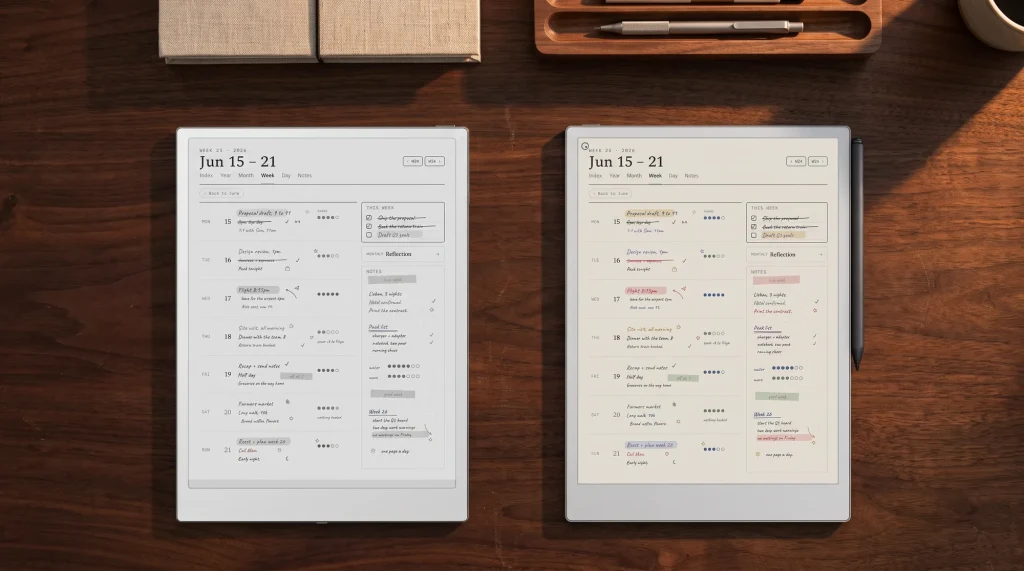
Paper Pro, from $629. An 11.8-inch colour display, an adjustable reading light, 64 GB and up to 14 days of regular use per charge, according to reMarkable. Colour matters if you highlight in more than one shade or sketch; the light matters if you write in the evening. The Paper Pro review answers whether that is worth the extra $230.
Paper Pro Move, from $449. A 7.3-inch colour tablet, the smallest reMarkable makes. It suits people who write in meetings, on trains and standing up, and frustrates anyone who annotates full-size PDFs. See the Move review.
reMarkable 2, refurbished, from $349. reMarkable’s own product page now says the reMarkable 2 is discontinued, and new units point you to the Paper Pure. Refurbished units are still sold on reMarkable’s store, only as bundles: $349 to $499, every one with a Marker and a folio. Is the reMarkable 2 still worth it in 2026? As a $349 refurbished bundle with a folio, yes, for anyone who wants the cheapest way in. Our refurbished reMarkable 2 guide compares the bundles.
The switch
What moves over from paper, and what does not
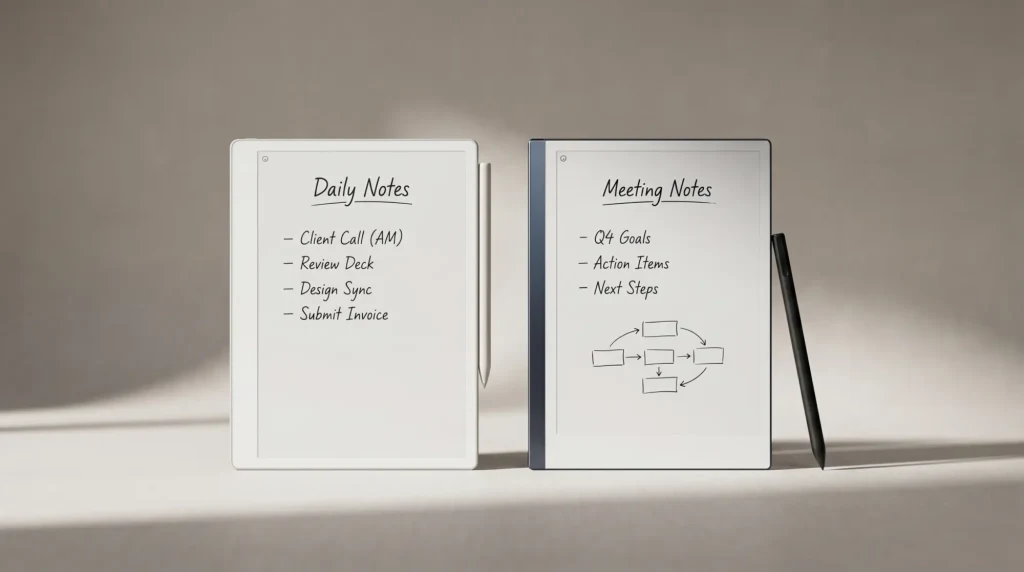
Most of a paper habit moves over well. Notebooks become folders you can rename, search and reorder. PDFs and EPUBs import, so the printouts you used to annotate with a pen arrive on the tablet instead. The built-in templates cover lined and grid pages plus a daily and a weekly planner, and a handwriting-to-text conversion turns a page into typed text when you need to send it.
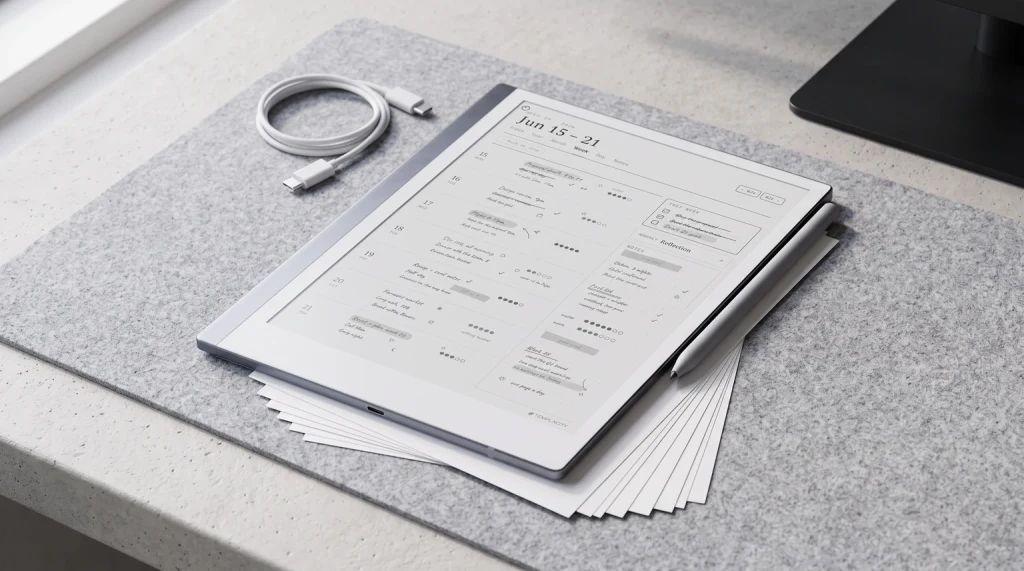
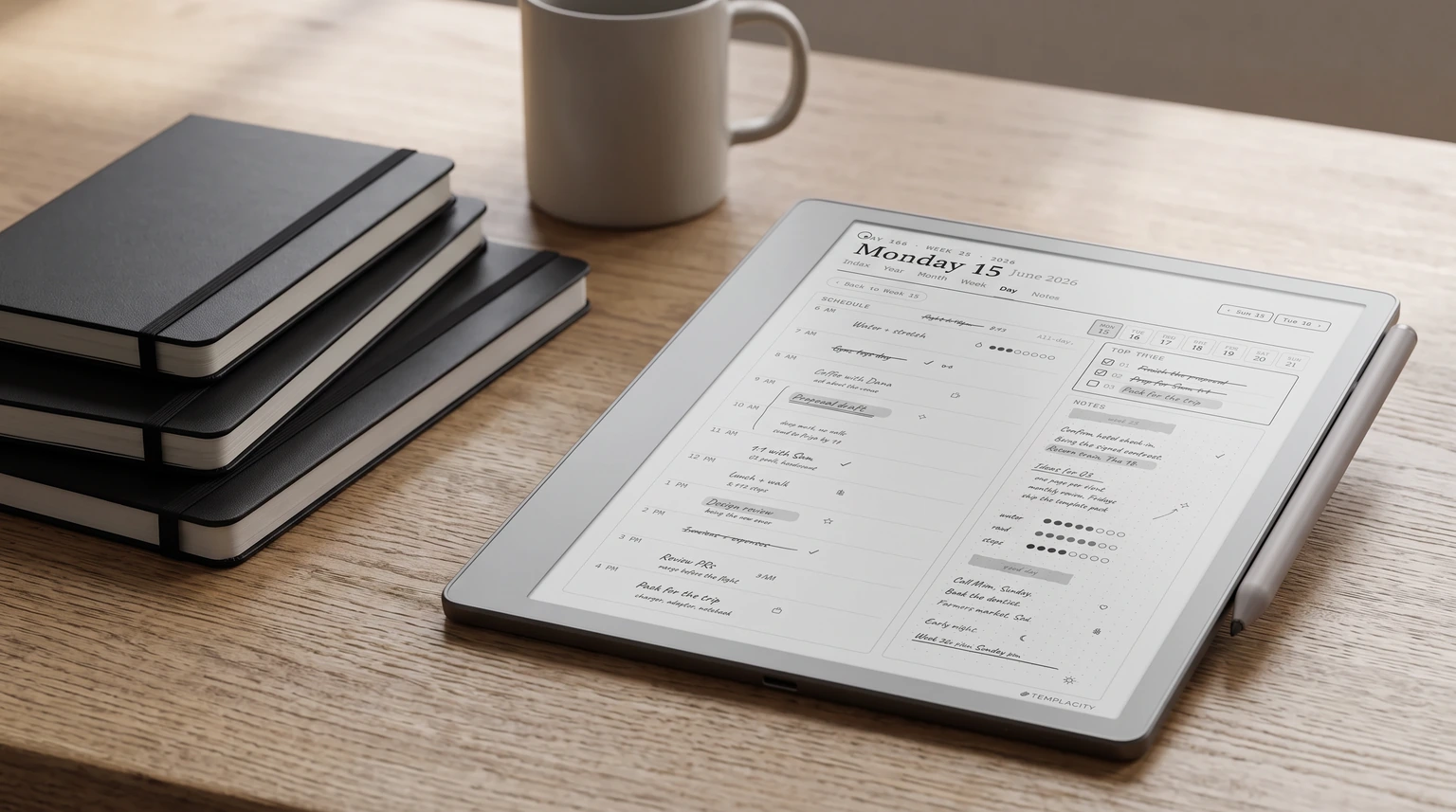
The planner is where switchers stall. reMarkable does not let you add your own pages to its Templates menu, so a paper planner’s structure (a year, months, weeks, days, all cross-referenced) arrives as a PDF you open like any other document. A good one is linked: tap a month, land on it; tap a day, land on that page. That is what we build ours around, and our best reMarkable planner guide compares the field, ours included.
The writing feel is the reason people buy one and the reason they keep it.
Some things do not move over at all. Kindle books do not open on a reMarkable, and our post on reading Kindle books on a reMarkable explains what does. There is no app store. The Paper Pure and the reMarkable 2 show no colour. And your pages leave the tablet as PDF, PNG or SVG exports, so a notebook does not drop into a Word document or a shared drive as editable text without the conversion step.
The subscription
Do you need Connect for a reMarkable to be worth it?
No. Without a subscription you can still link Google Drive, Dropbox or OneDrive, convert handwriting to text on the tablet and send pages by email. The limit is the cloud: reMarkable keeps only files you have used and synced in the last 50 days in the cloud, while everything stays on the tablet itself. It is a per-file window, so a notebook you have not opened in two months loses its cloud copy, not its local one.
Connect costs $3.99 a month or $39.90 a year, with a 50-day free trial. It adds unlimited cloud storage and search across your handwritten and typed notes. If you would otherwise keep paper notebooks precisely because you can flip back through them, handwriting search is the feature that replaces the flipping, and it is the strongest argument for paying.
The other answer
Who should stay on paper
A reMarkable is not worth it for everyone, and the people it disappoints are predictable. If you write a page or two a week, a notebook lasts most of a year and the tablet never earns its price. If you love one particular fountain pen and its ink, no Marker replaces that, however good the friction is. If you want something that also reads Kindle books, handles email and plays video, a reMarkable will feel narrow; look at our reMarkable alternatives instead, or at whether a Kindle Scribe is worth it for a reader who also writes.
For everyone in between, the cheapest test is the return window. reMarkable offers a 50-day satisfaction guarantee with free returns and a full refund, counted from delivery, on orders from its own webshop. A tablet bought elsewhere follows that store’s policy. Fifty days is long enough to fill what would have been a notebook and see whether you missed the paper.
Have you made the switch, or gone back to paper after trying one? Tell us in the comments what tipped it. The reasons readers share are how we decide what to test and what to draw next.
FAQ
Common questions, answered briefly
Is reMarkable worth it?
Is the reMarkable 2 still worth it in 2026?
Is the reMarkable Paper Pure worth it?
Do you need a subscription to use a reMarkable?
Can you return a reMarkable if it does not suit you?
If your question is not here, leave it in the comments and we will answer it in the next update.
People also ask