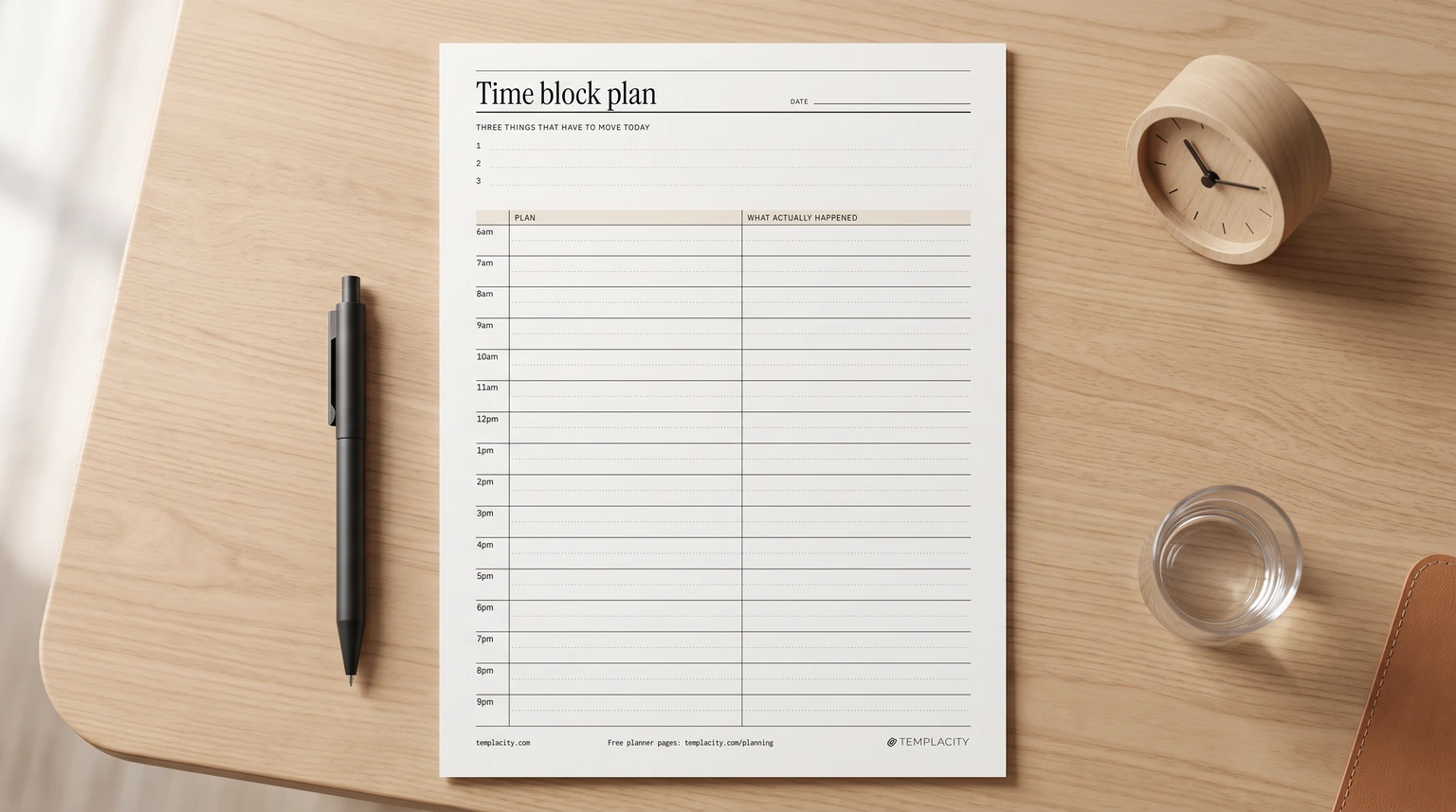
The method
What a time blocking template does
Time blocking fails in one place: the grid you drew at eight looks nothing like the day you had by four. Time blocking itself is simple: you divide the day into blocks and give each block one piece of work, so the calendar and the to-do list become the same thing. A time blocking template is the page you do that on. The hard part is not drawing the blocks; it is learning from the day when they do not hold.
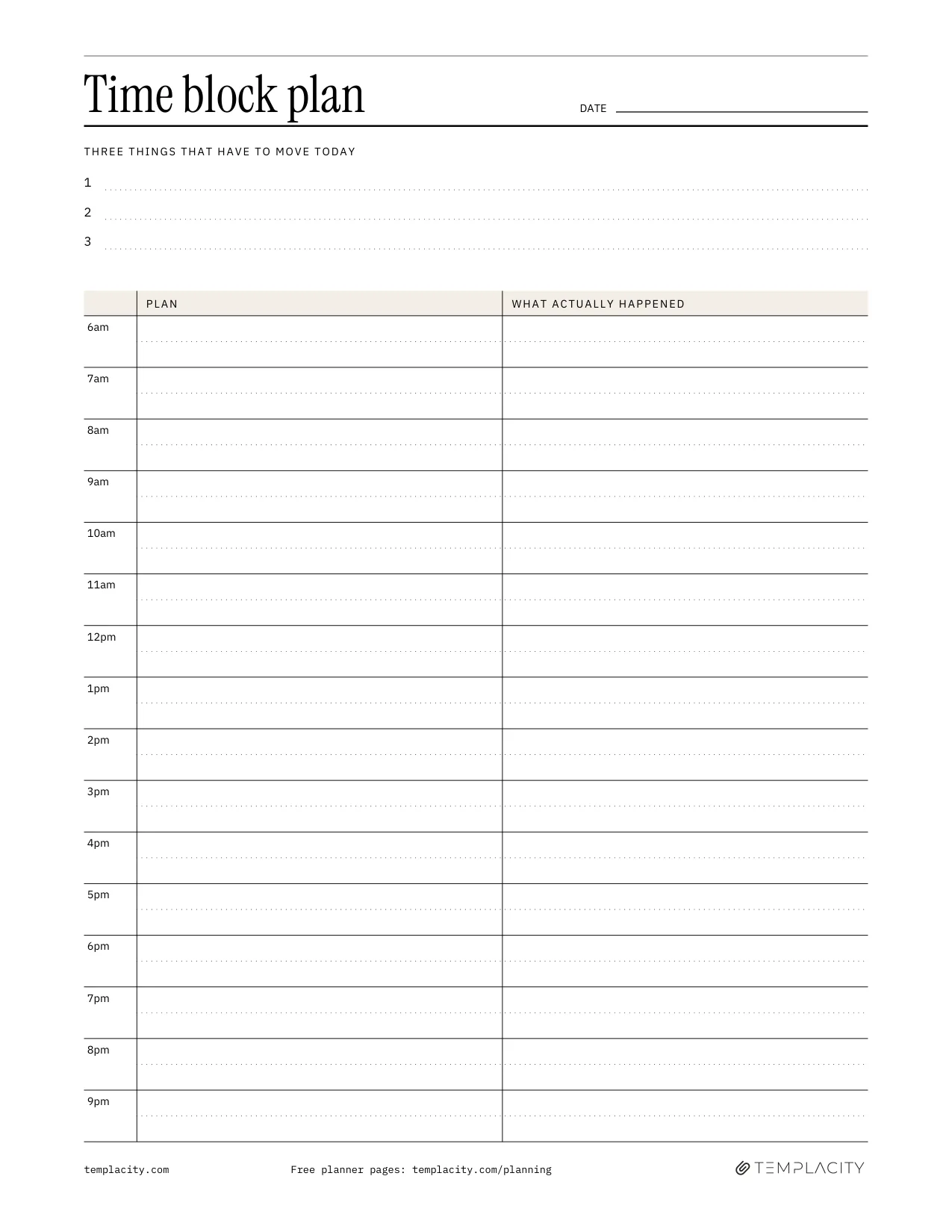
Most templates give you one column of times and one column of tasks. That is enough to plan a day, but not to improve the next one. Ours adds a second column beside every block for what actually happened, because the gap between the two is where the useful information is.
Free download
Download the free time blocking template
Page one is the day: three things that have to move today, then a grid from 6am to 9:30pm in half-hour rows, with Plan on the left and What actually happened on the right. Page two is a five-step shutdown checklist and three short review questions, plus a line to compare planned and actual hours on your three priorities. Every line is fillable, so it works typed on a screen or printed.
Blocking a day
How to time block your day in six steps
- Write the three things that have to move. Not everything you could do: the three pieces of work that make today count. Everything else gets placed around them.
- Mark the fixed blocks first. Meetings, school runs, the gym class that starts at six. These are the walls the rest of the day fits between.
- Put the hardest of the three in your best hours. For most people that is the morning, before messages pile up. Give it at least an hour and a half.
- Batch the small things. Email, messages and admin get one or two blocks, not the gaps between everything else.
- Leave a buffer. Half an hour of nothing, mid-afternoon, absorbs the meeting that ran over. A grid with no slack is broken by eleven.
- Fill in the second column as you go. A word or two per block is enough: “ran to 11”, “call came in”, “done early”.
Keeping it honest
Why the plan vs actual column matters
Most people who give up on time blocking give up because the plan stops matching the day, and a plan that never matches feels like failure. The fix is not to plan harder. It is to treat the gap as data. After a week of the second column, patterns show: email always takes twice its block, the 2pm slot never survives, deep work only happens before ten.
The fix is not to plan harder. It is to treat the gap as data.Plan against actual
Then next week’s blocks get drawn to fit the day you really have. That is what the review page is for: one question about the block that overran, one about what came in unplanned, one change for tomorrow. Five minutes at the end of the day, after the shutdown checklist, and the template gets more accurate every week instead of more ignored.
Variations
Time blocking, timeboxing and task batching
The three get mixed up. Time blocking schedules what you will work on and when. Timeboxing caps how long a task is allowed to take, and stops it when the time runs out. Task batching groups similar small jobs into one block. A good day plan uses all three: blocks for the big work, a box on anything that tends to sprawl, and one batch for messages and admin.
Time blocking decides when; it does not decide what. If the hard part is choosing the three things, an Eisenhower matrix template sorts the list by urgent and important first. If you would rather plan the whole day on one printed page without a grid, our printable daily planner has simpler layouts, and our ADHD planner guide covers planning when time is hard to feel.
On a tablet
A time blocking planner for e-ink tablets
If you plan on a tablet with a pen, our Time Block System ($44) is the full version of this page. The day grid has the same two columns, and around it sit a week plan, a task pool the blocks are drawn from, a month spine, a brain-dump page, the shutdown run and a weekly time audit that adds up planned against actual. It is 210 hyperlinked pages in undated, 2026 and 2027 editions, built for reMarkable, Boox, Kindle Scribe, Supernote and any PDF reader that follows links.
Which block in your day never survives contact with reality? Tell us in the comments; the answers shape the example day in the next version of the template.
FAQ
Common questions, answered briefly
What is a time blocking template?
Is there a free printable time blocking template?
How long should a time block be?
What do you do when the plan falls apart?
What is the difference between time blocking and timeboxing?
If yours isn’t above, drop it in the comments and we’ll add it.
People also ask