You ask, we draw it. Missing the template you need? Send a request and a real person replies.
№ · The Planner · Time Block System

Your week, in blocks that hold their shape.

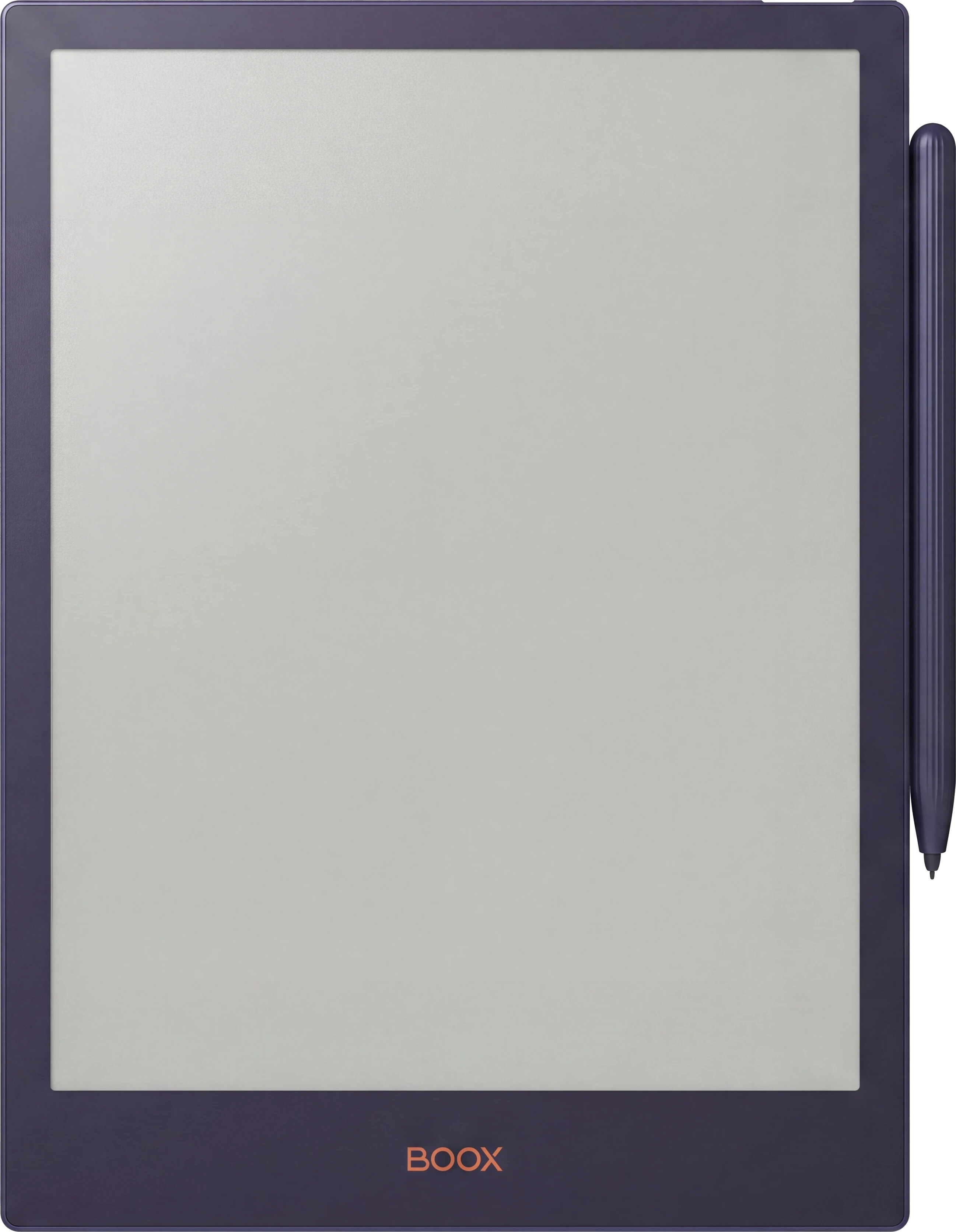
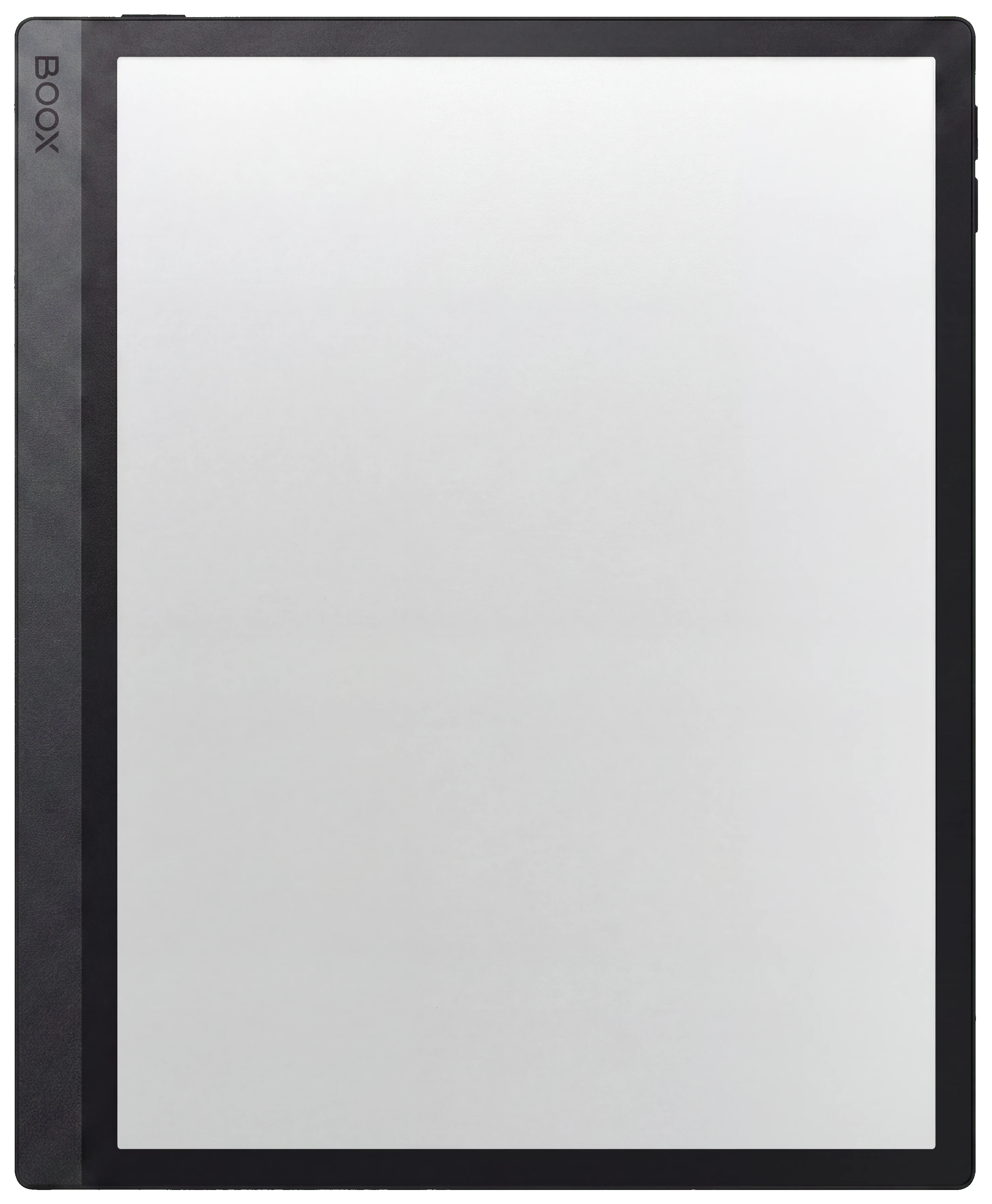
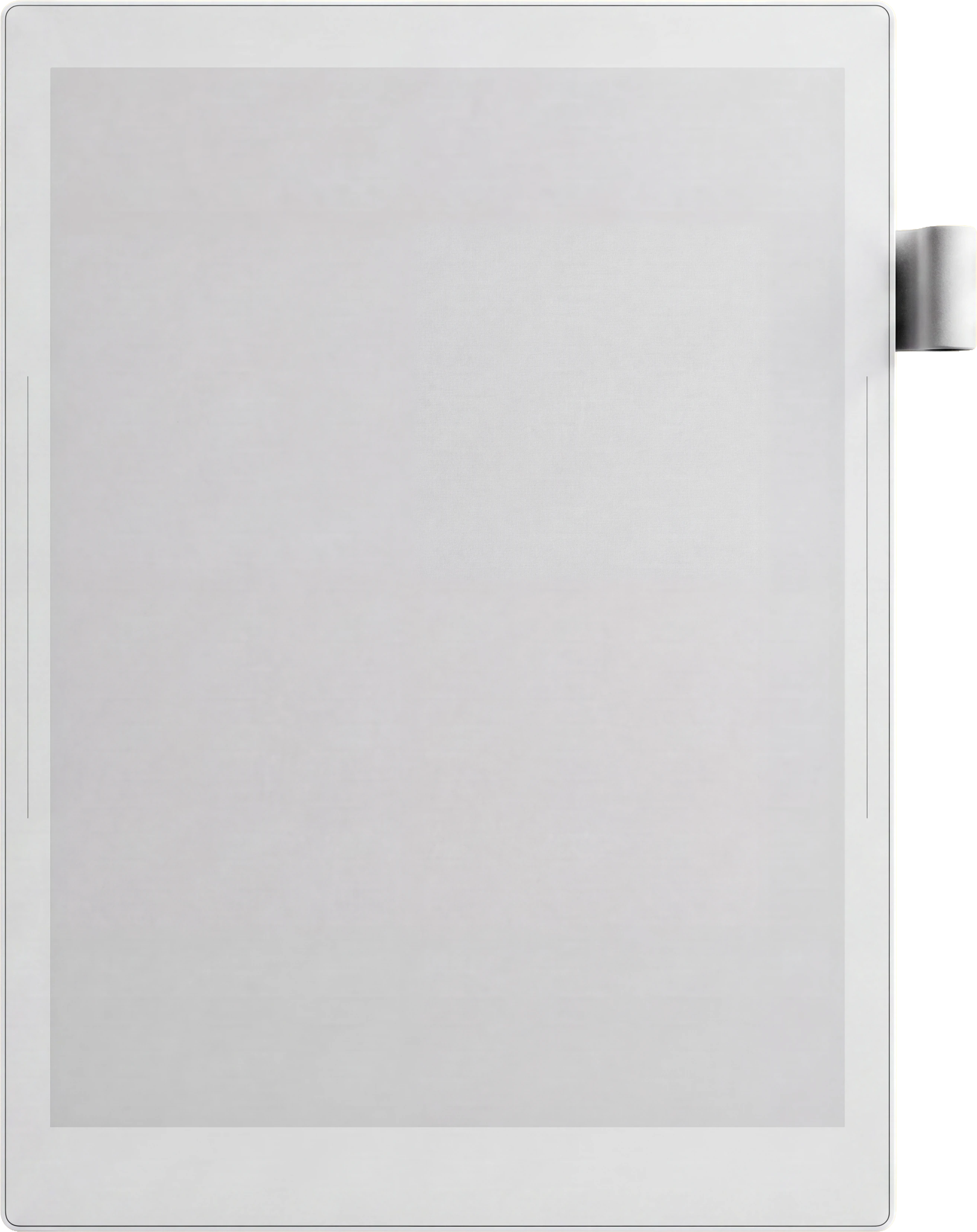
Your device works on every tablet listed
Cover colour
Language

Instant download. Permanent link in your account.

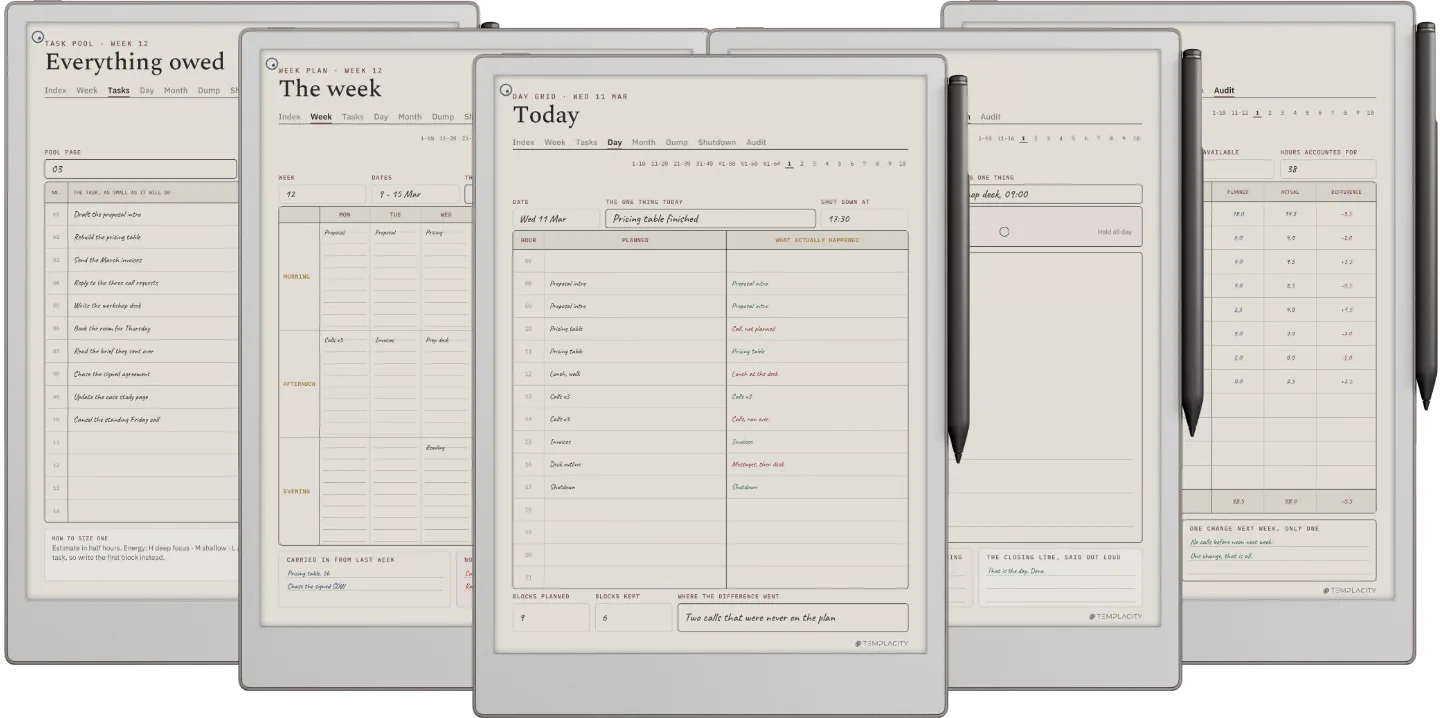
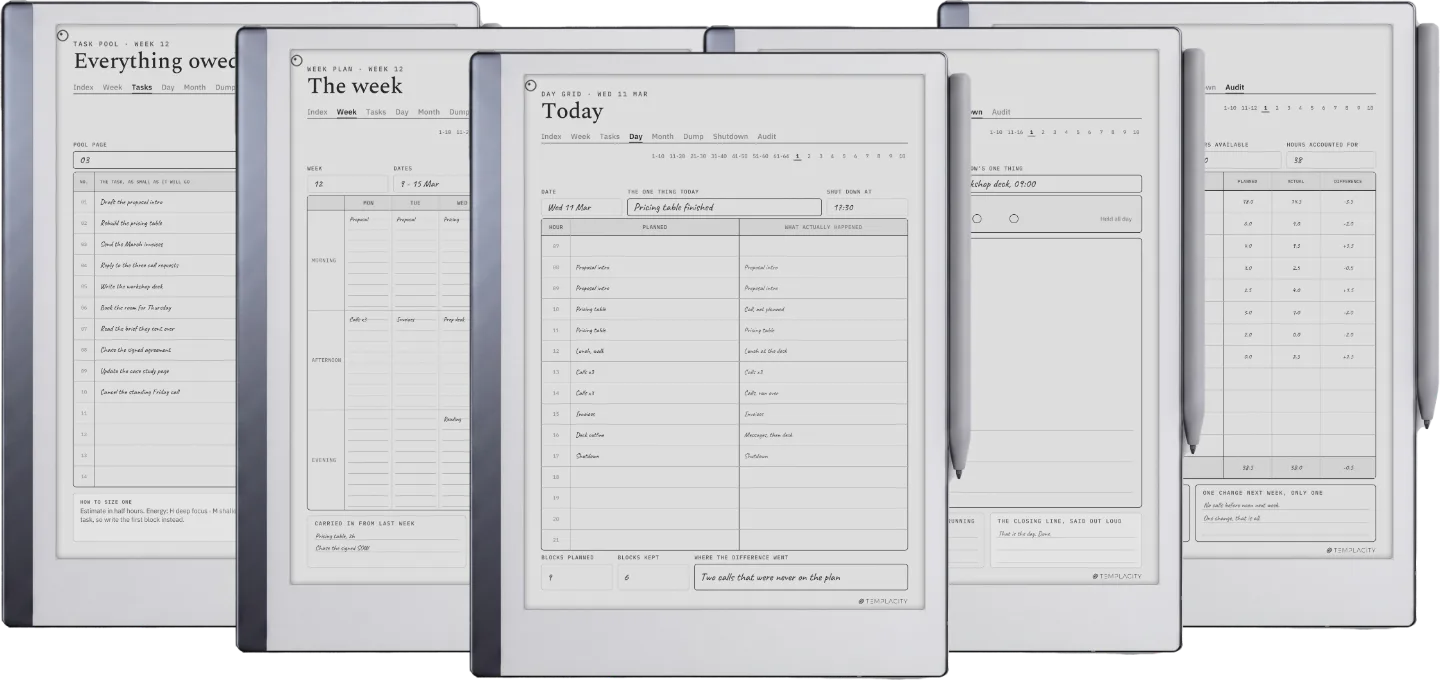
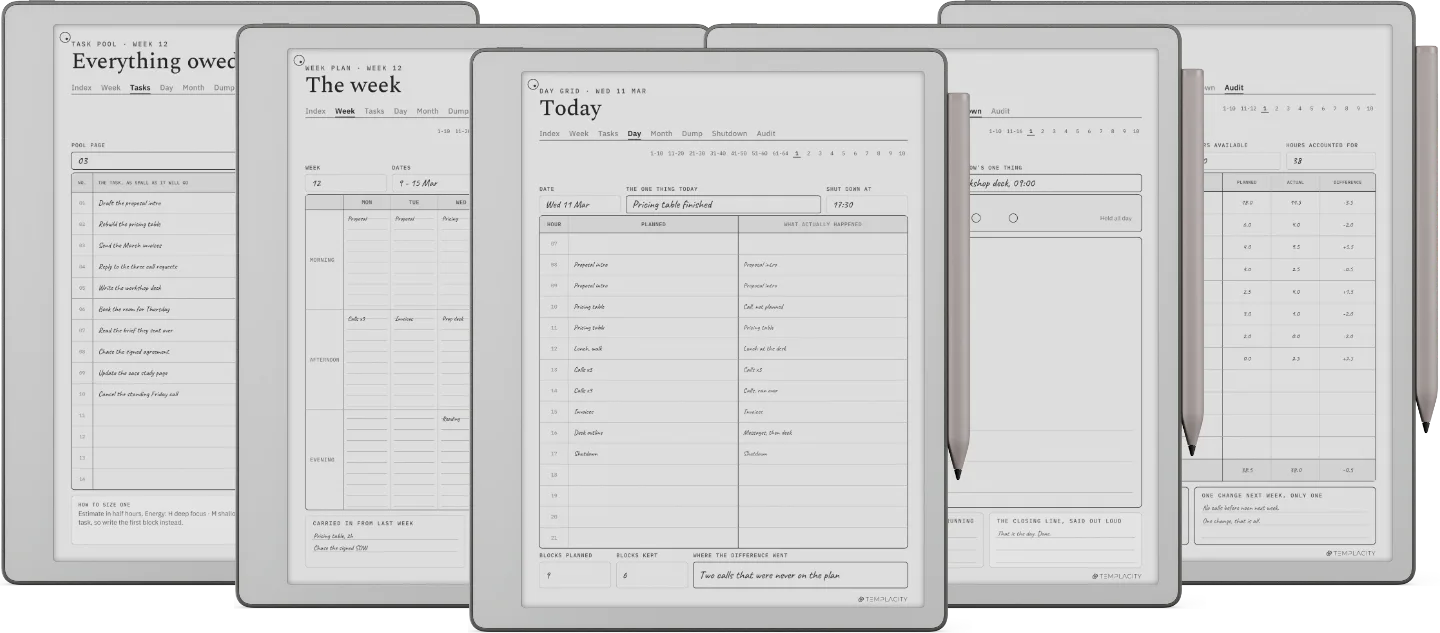
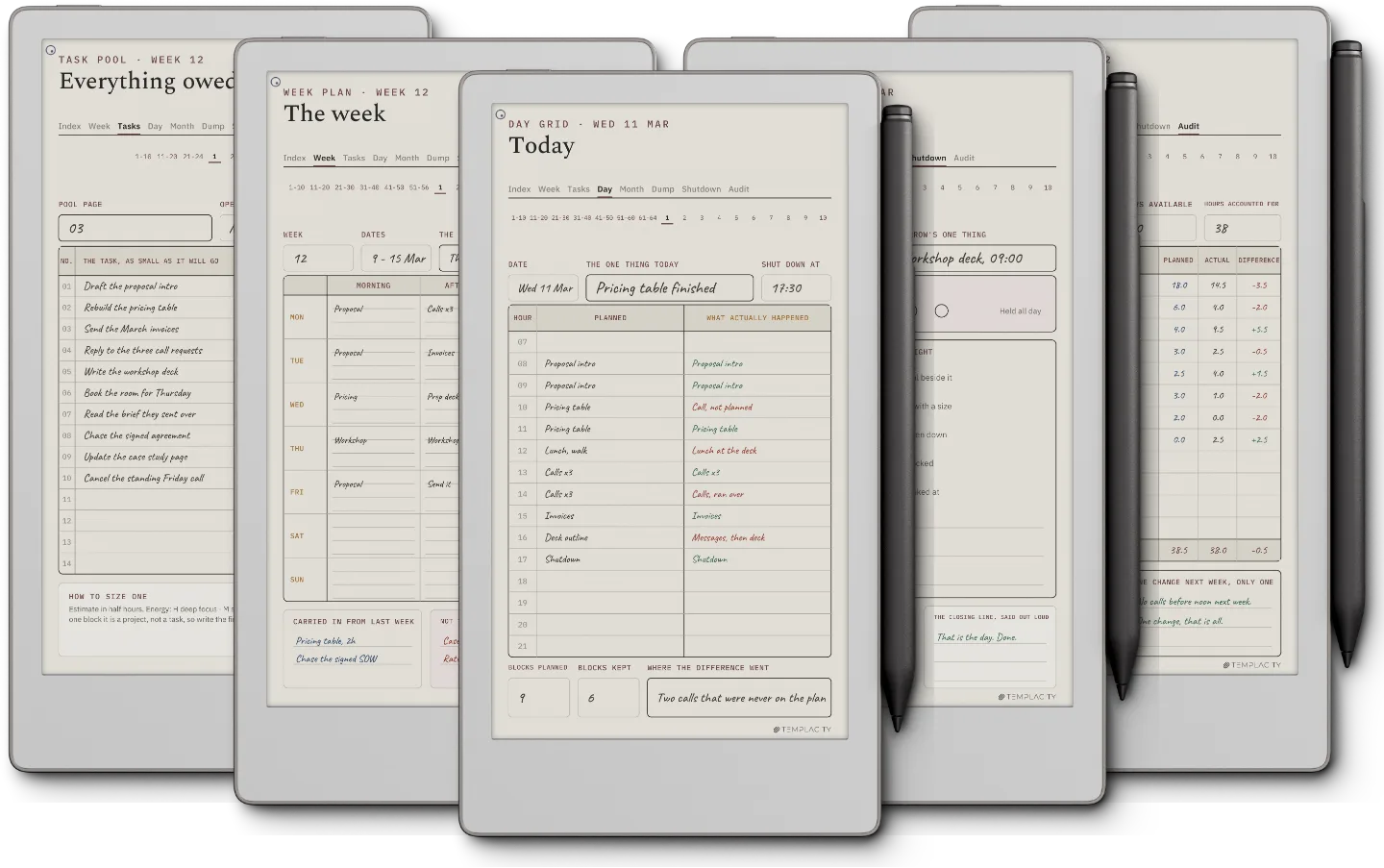
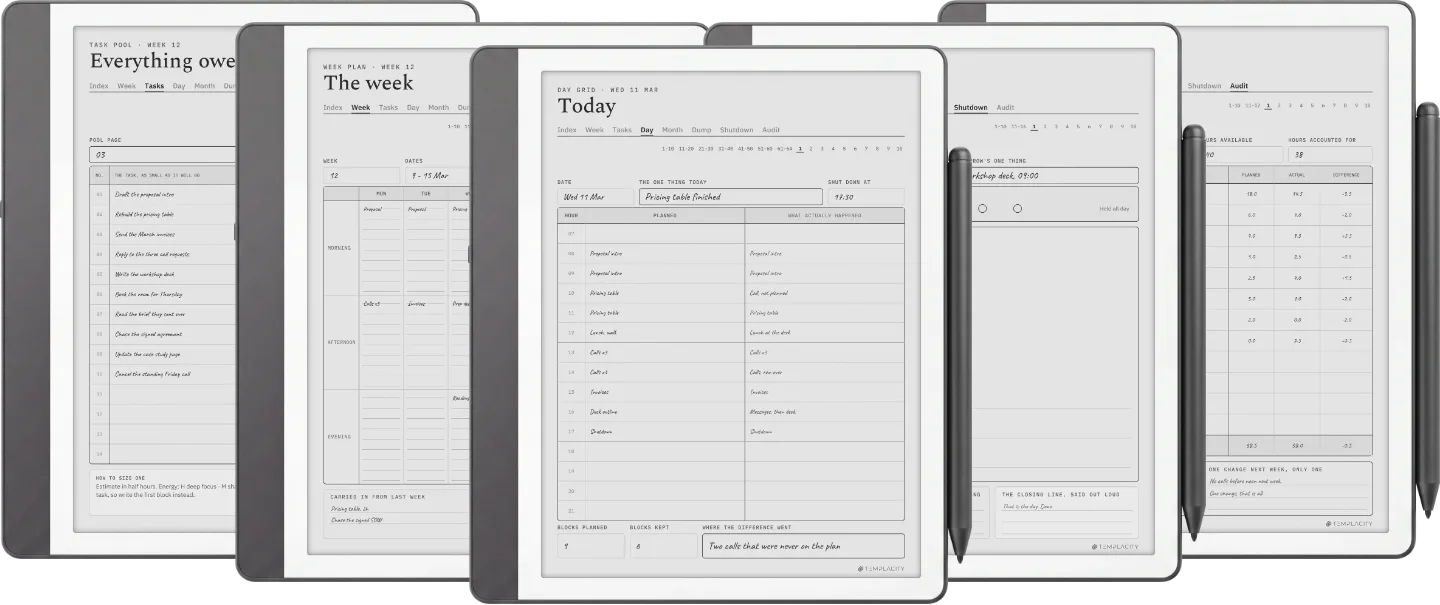
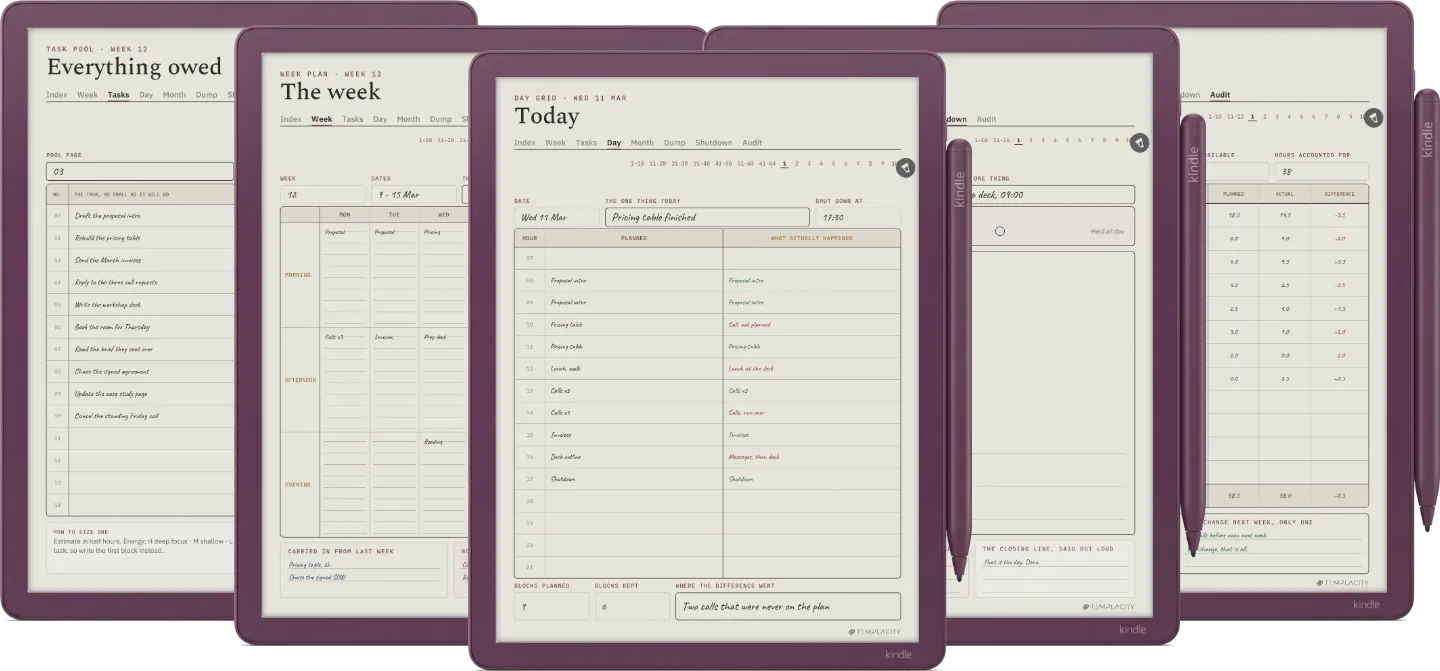
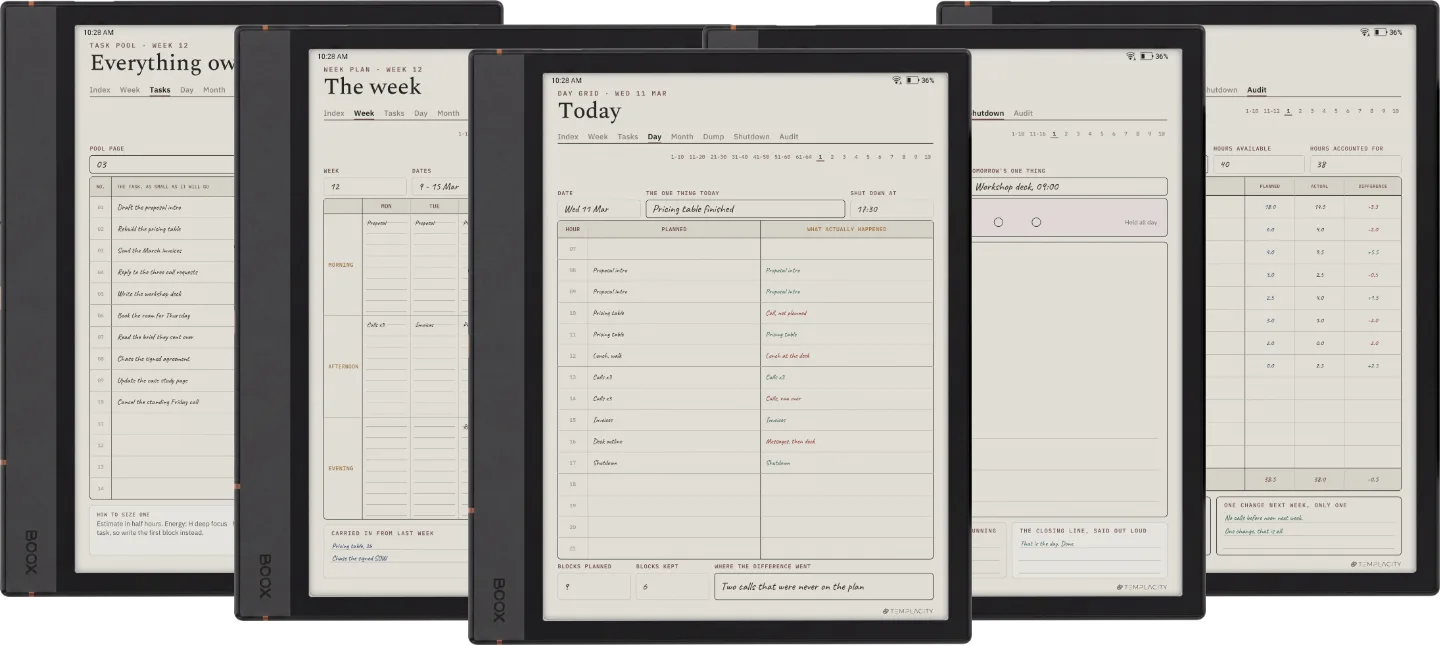
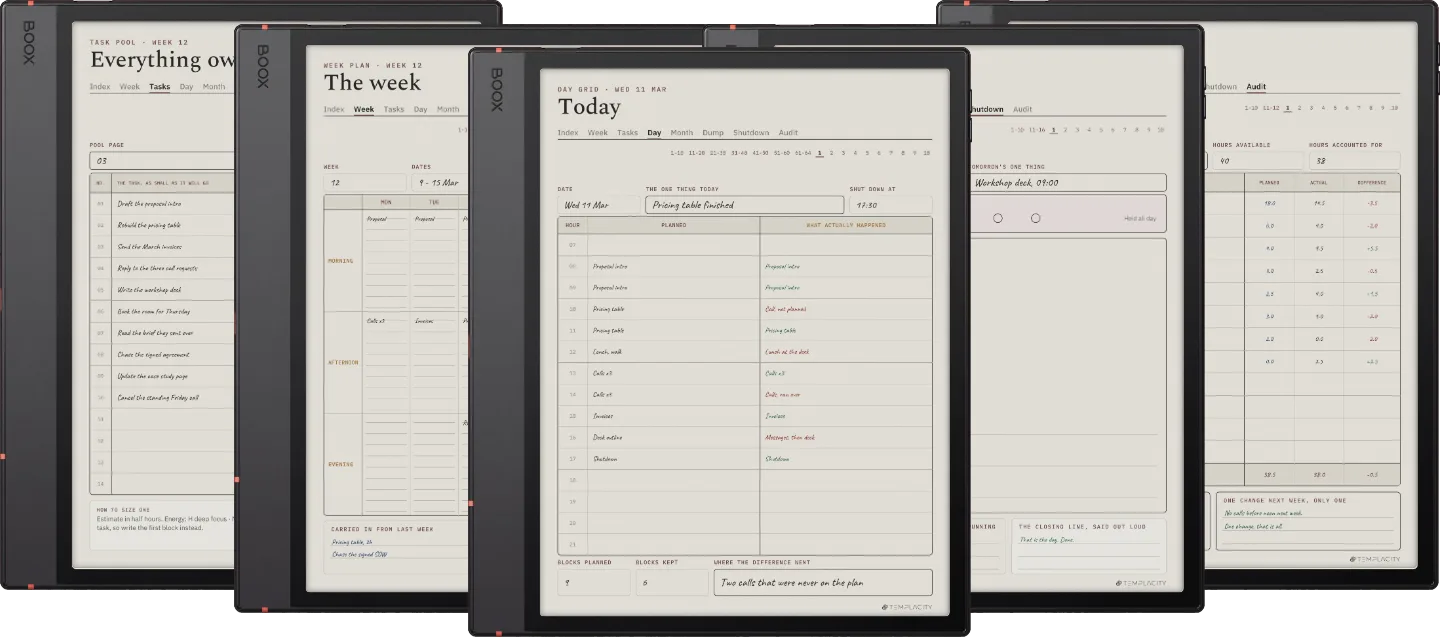
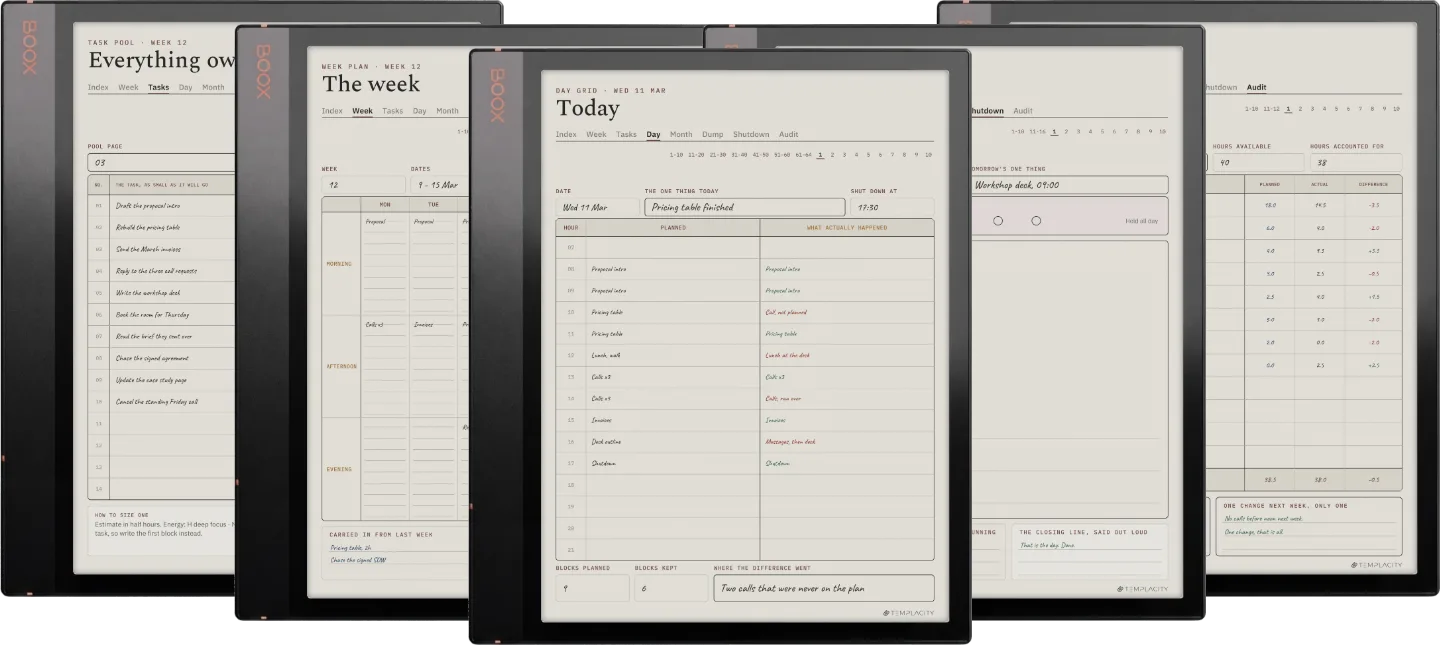
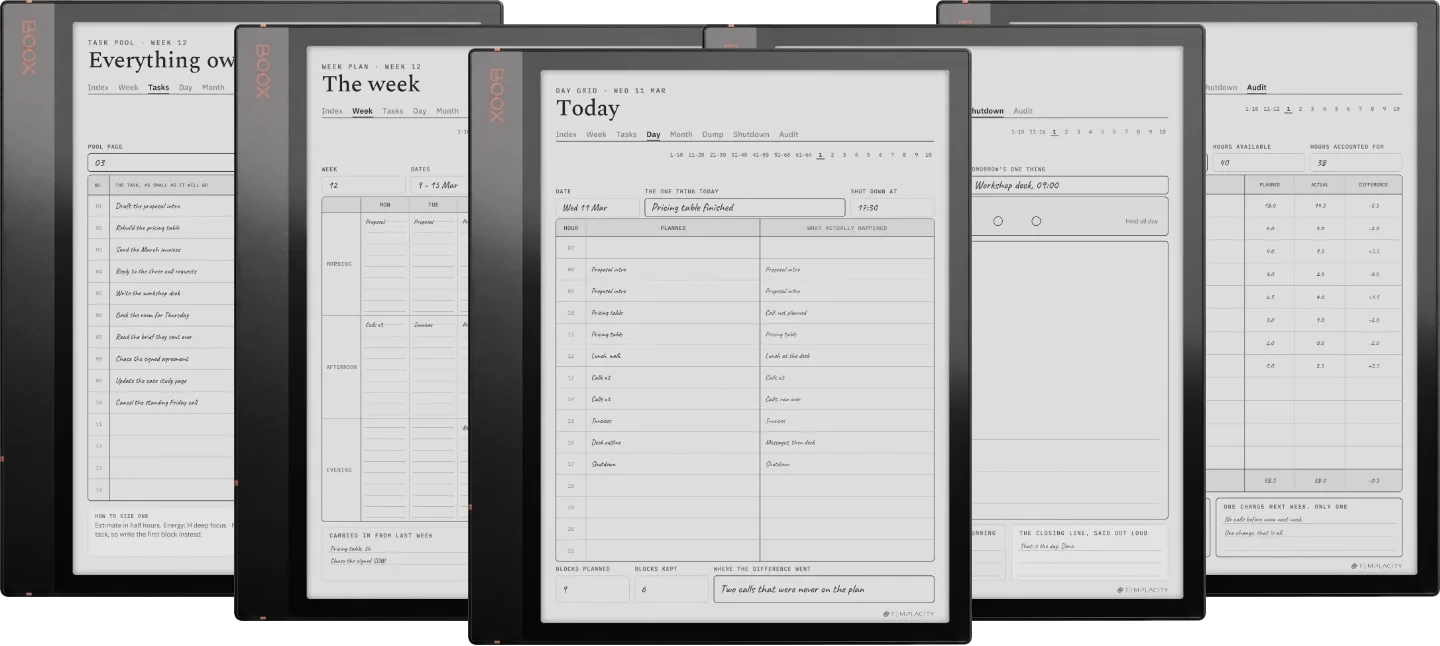
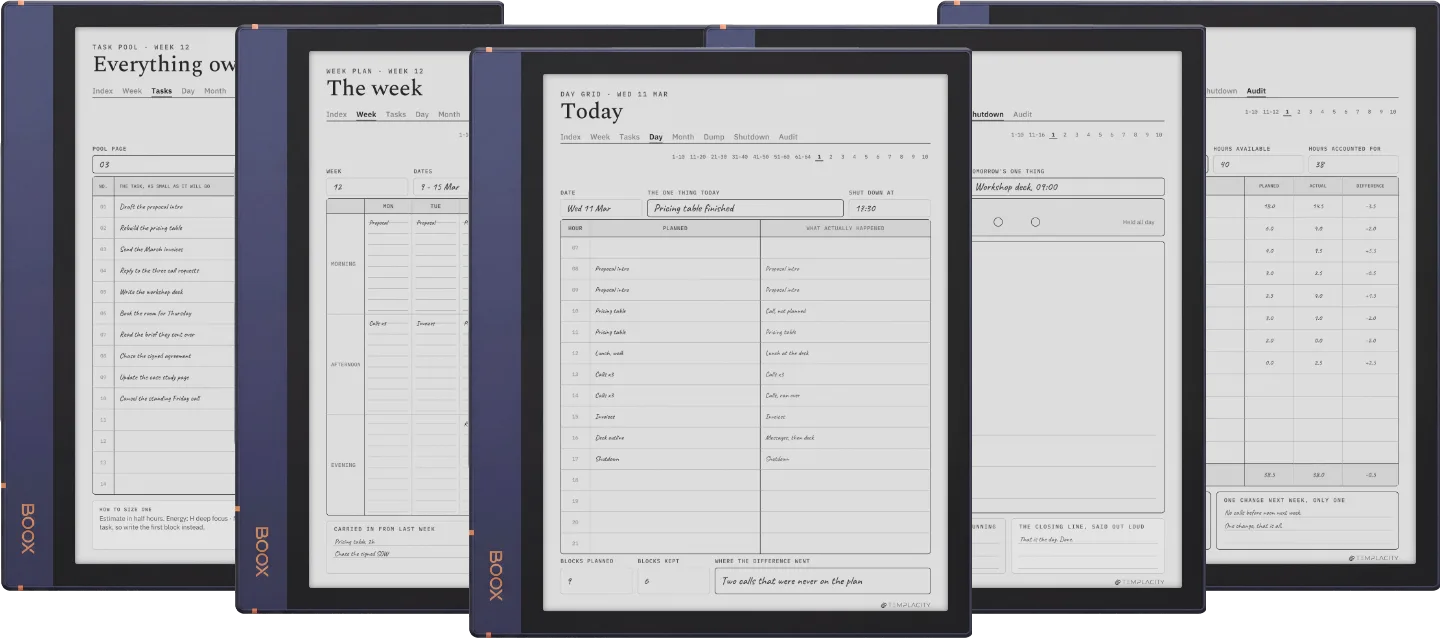
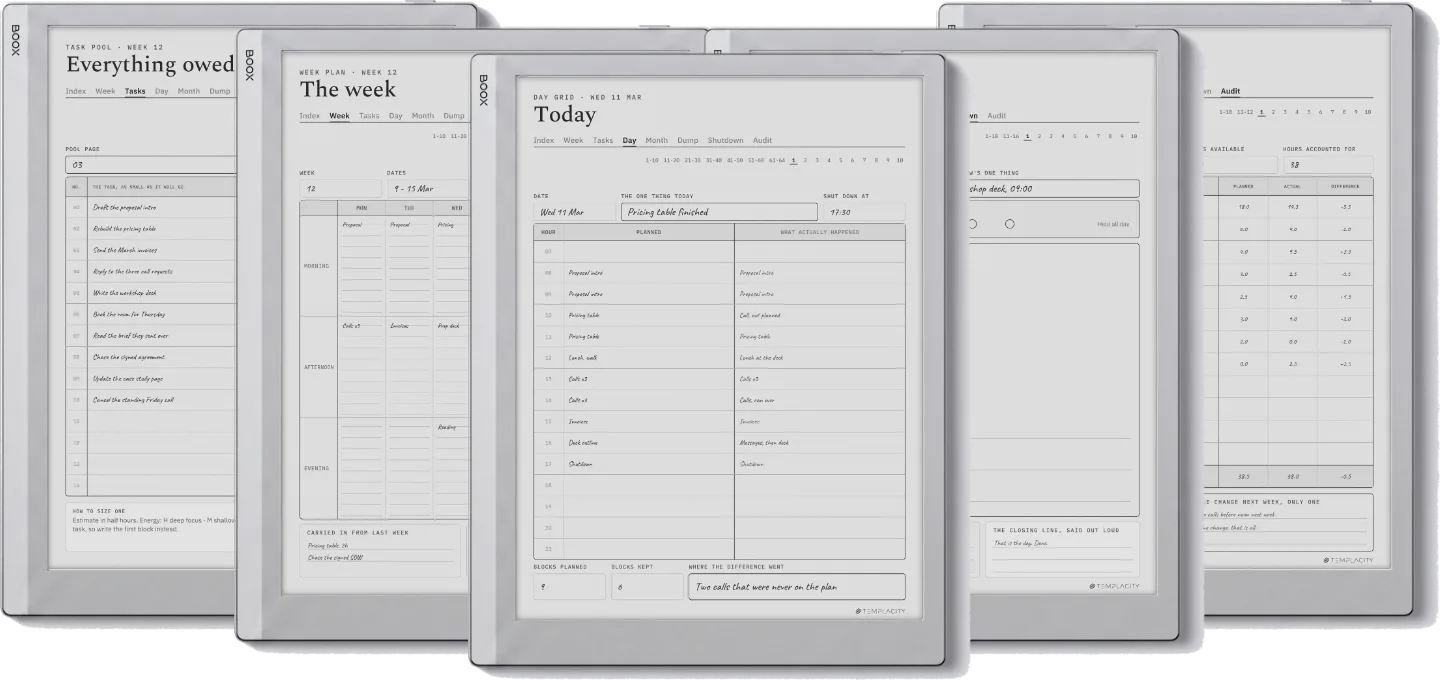
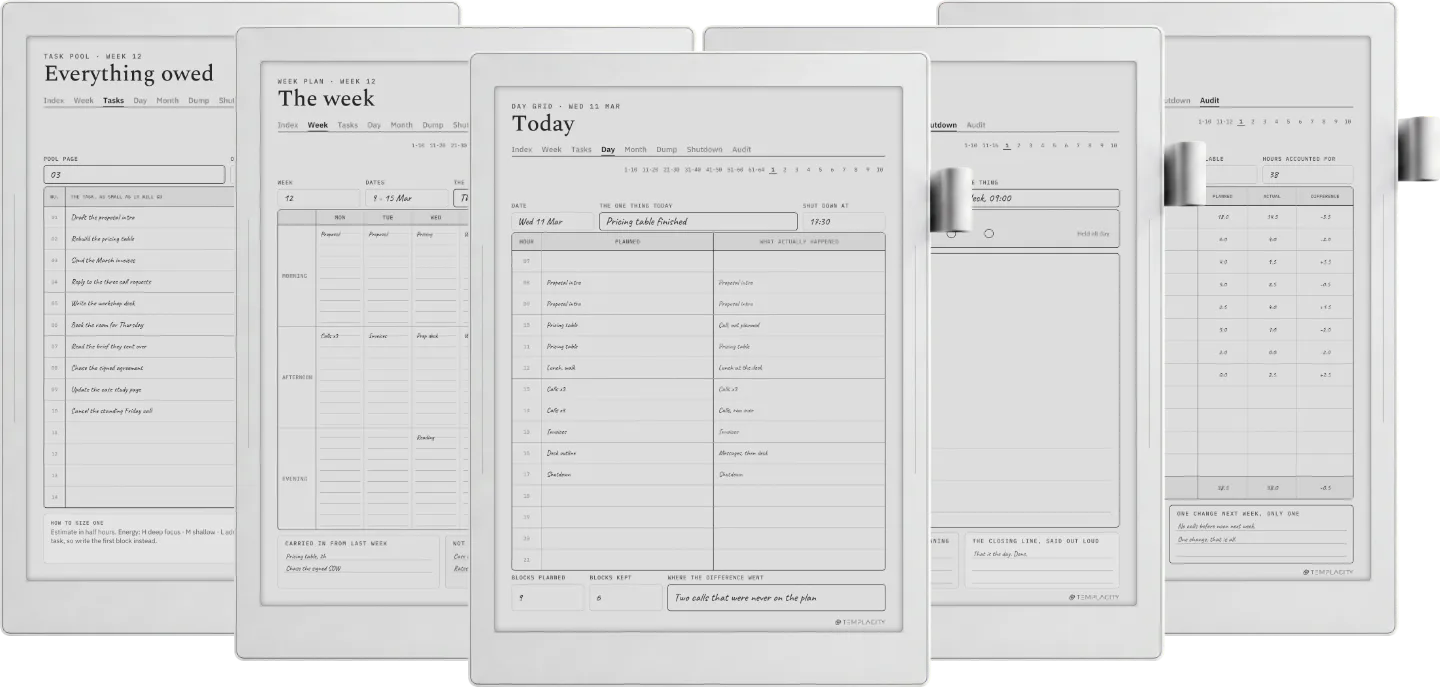
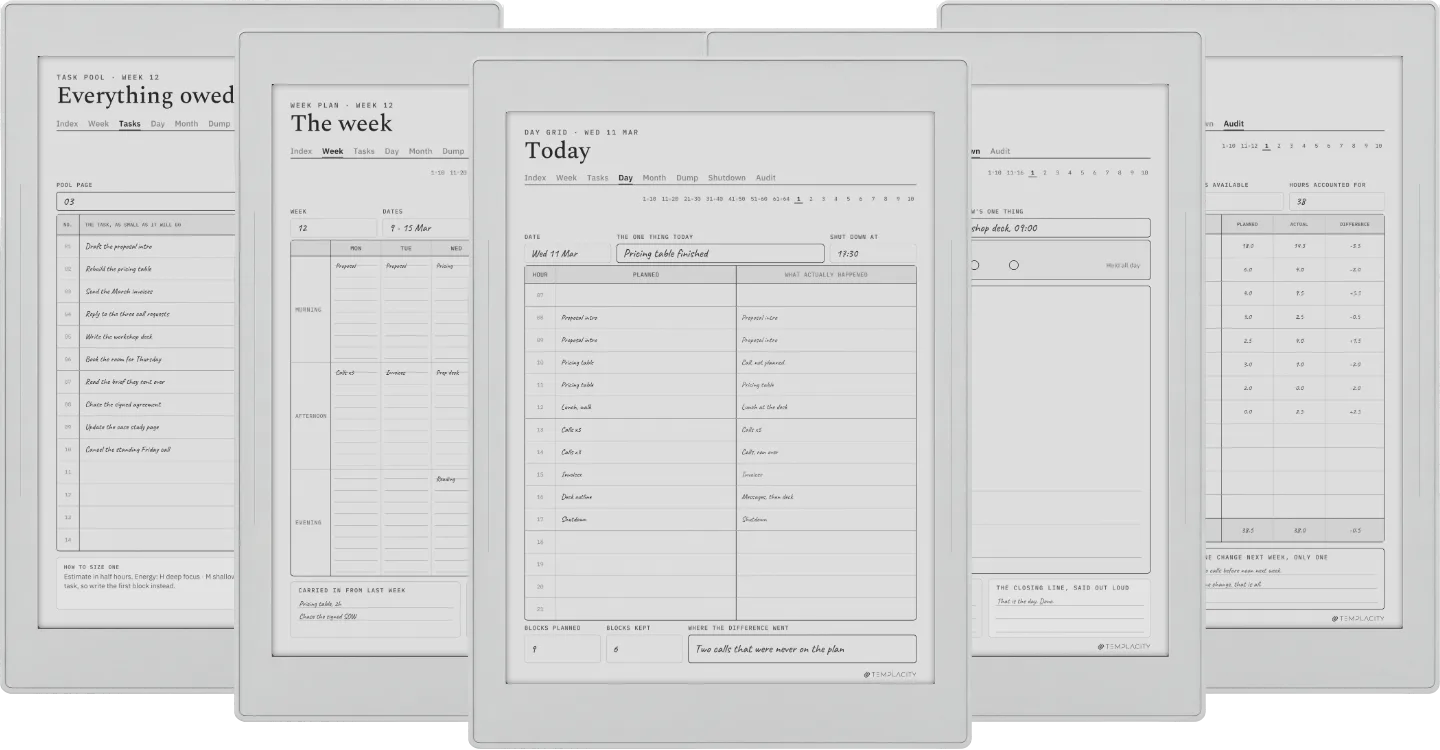
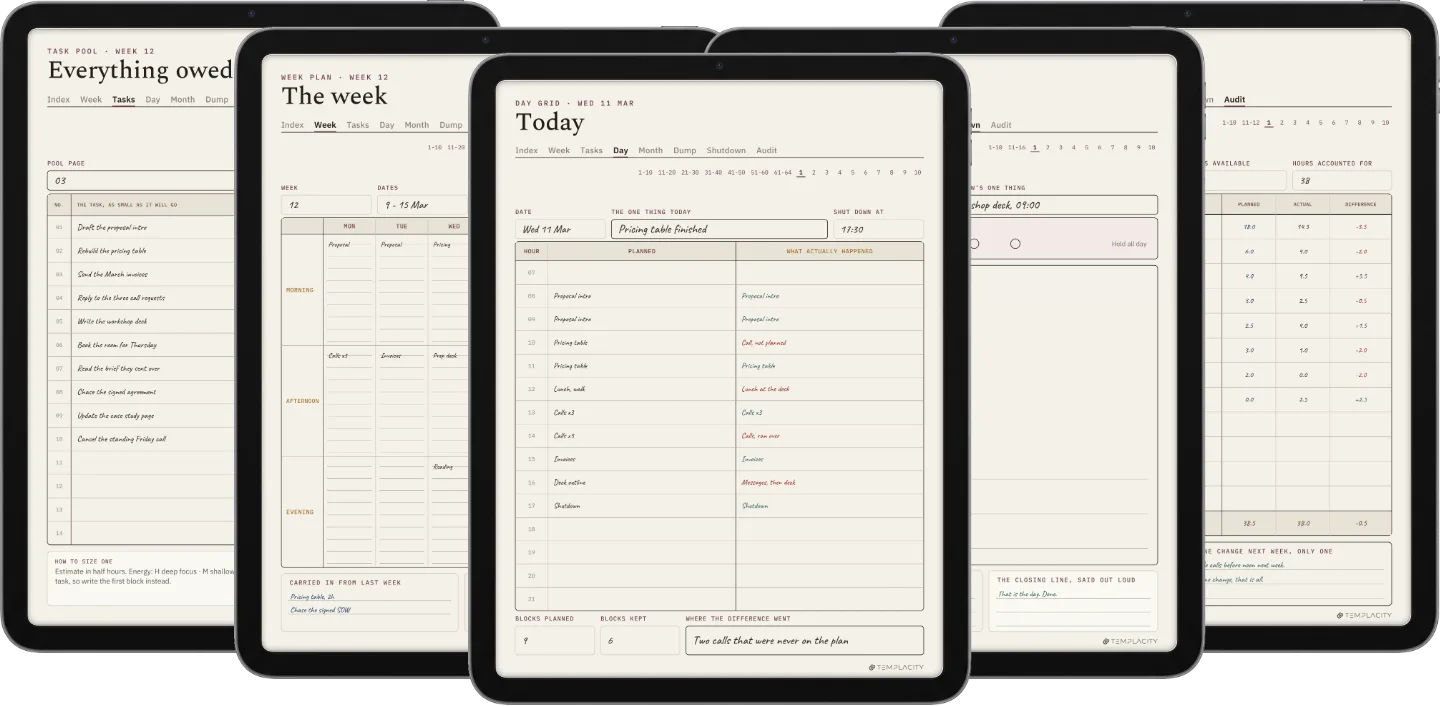
A week plan drawn before Monday, a task pool, a two-column day grid that records the plan and what actually happened, a month spine, a brain dump, a shutdown and a weekly time audit. 210 hyperlinked pages, undated plus dated 2026 and 2027, in six languages.

The Planner · Time Block System
  • i. Hyperlinked PDF: tap straight to any module
  • ii. 210 pages per file: undated, plus dated 2026 and 2027
  • iii. Six languages: English, Spanish, French, German, Chinese, Dutch
  • iv. Permanent link in your account, no subscription
№ 01 · Why this exists

Time blocking fails in one place, and it is measurable.

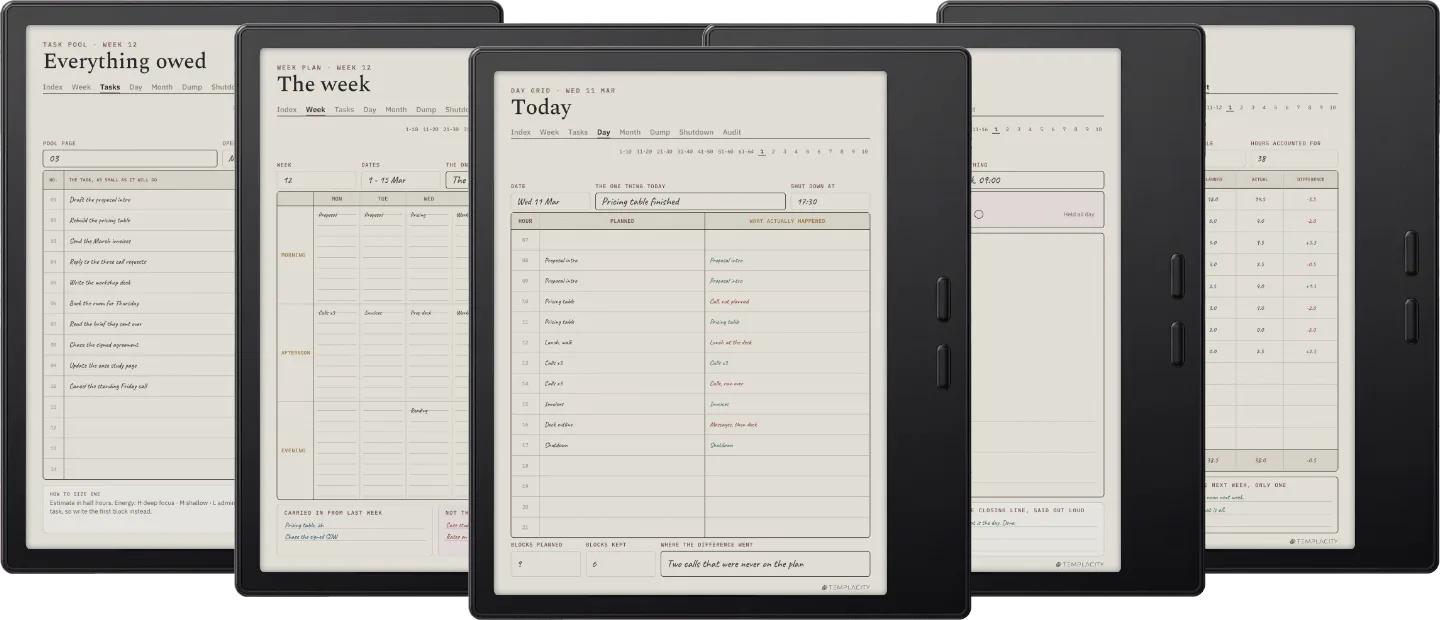
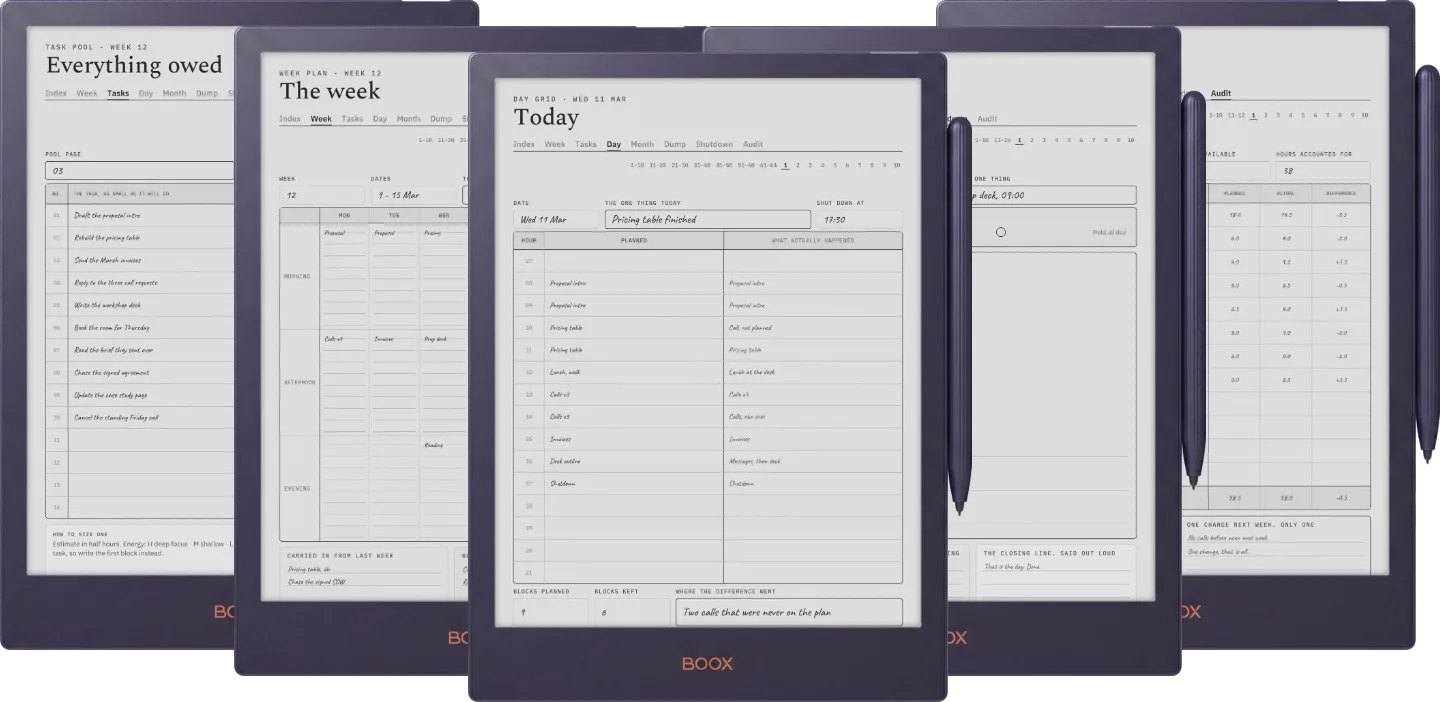
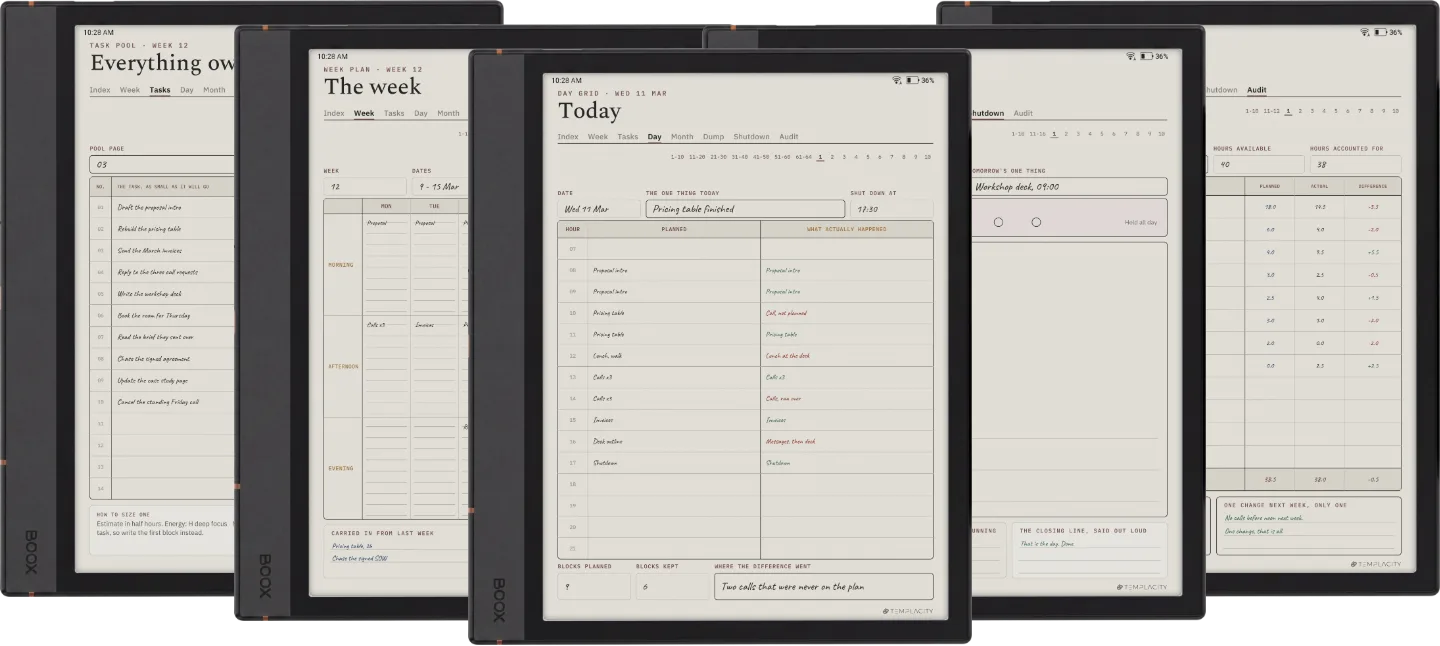
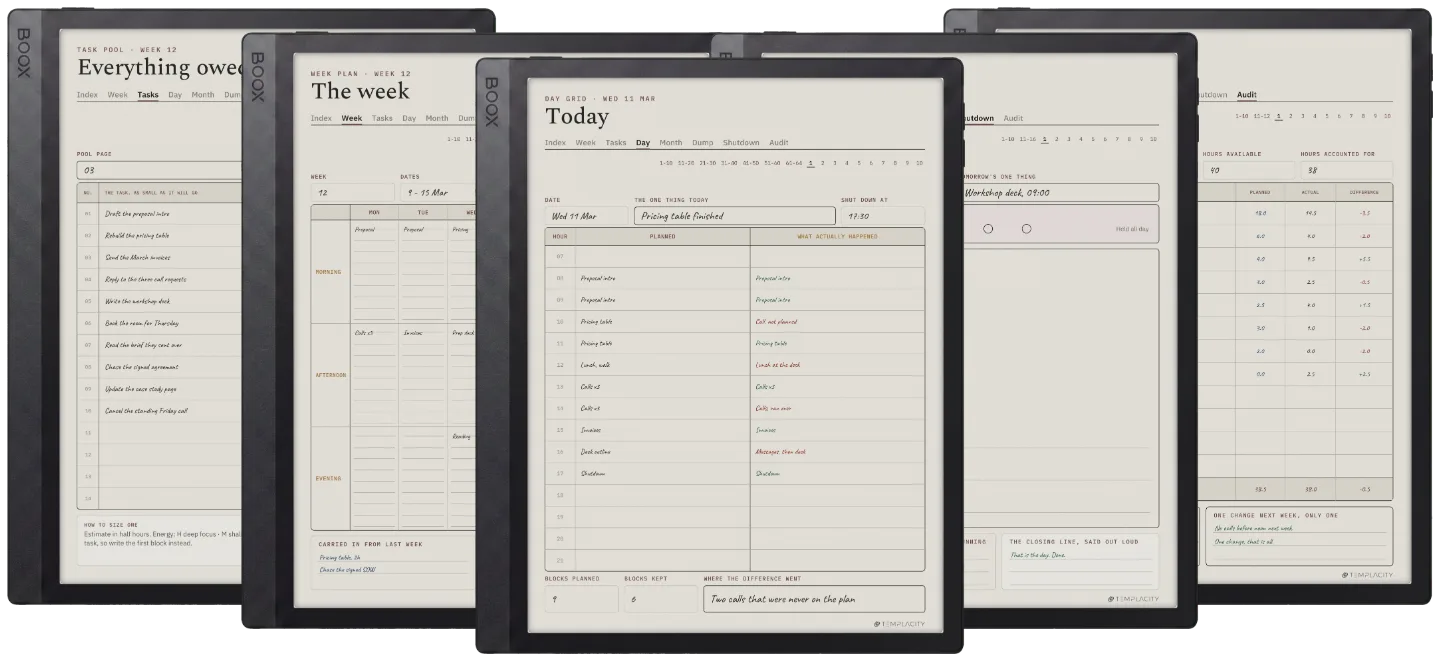
The grid you drew at eight looks nothing like the day you had by four, and an ordinary planner has nowhere to say so. The day grid here has two columns, the plan and what actually happened, side by side on the same row, so the gap is written down at the moment it opens instead of remembered wrongly on Friday.

The weekly audit then adds the difference up. Next week is planned from what the last one actually cost rather than from optimism, which is the only part of time blocking that compounds. Seven worked spreads sit at the front, one per module, each a real page filled in with the reasoning around it.

№ 02 · Inside the planner

Seven modules, one tap apart.

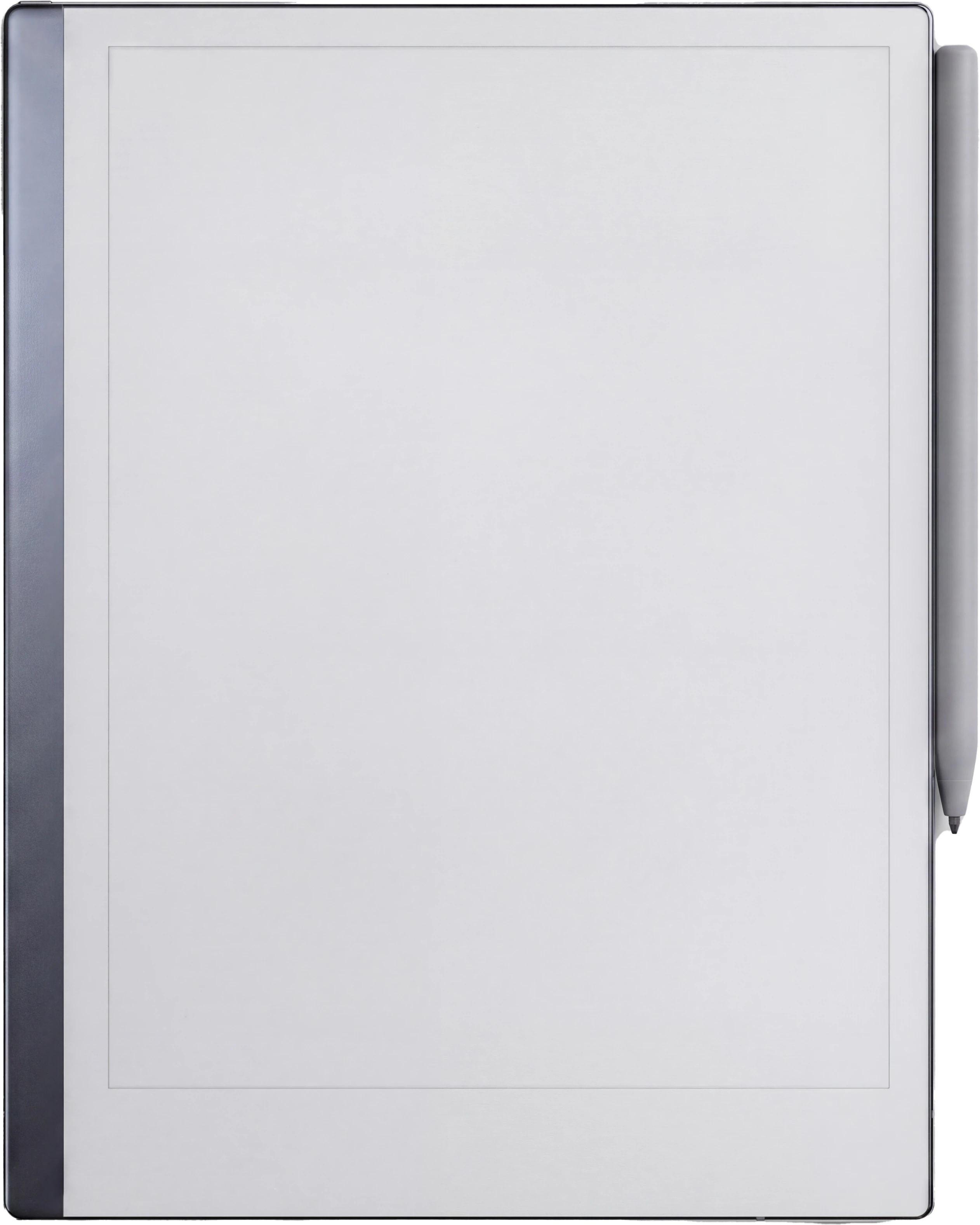
reMarkable Paper Pro
The Planner · Time Block System reMarkable Paper Pro page 1
reMarkable Paper Pro
The Planner · Time Block System reMarkable Paper Pro page 2
reMarkable Paper Pro
The Planner · Time Block System reMarkable Paper Pro page 3
reMarkable Paper Pro
The Planner · Time Block System reMarkable Paper Pro page 4
reMarkable Paper Pro
The Planner · Time Block System reMarkable Paper Pro page 5
reMarkable Paper Pro
The Planner · Time Block System reMarkable Paper Pro page 6
reMarkable Paper Pro
The Planner · Time Block System reMarkable Paper Pro page 7
reMarkable Paper Pro
The Planner · Time Block System reMarkable Paper Pro page 8
reMarkable Paper Pro
The Planner · Time Block System reMarkable Paper Pro page 9
reMarkable Paper Pro
The Planner · Time Block System reMarkable Paper Pro page 10
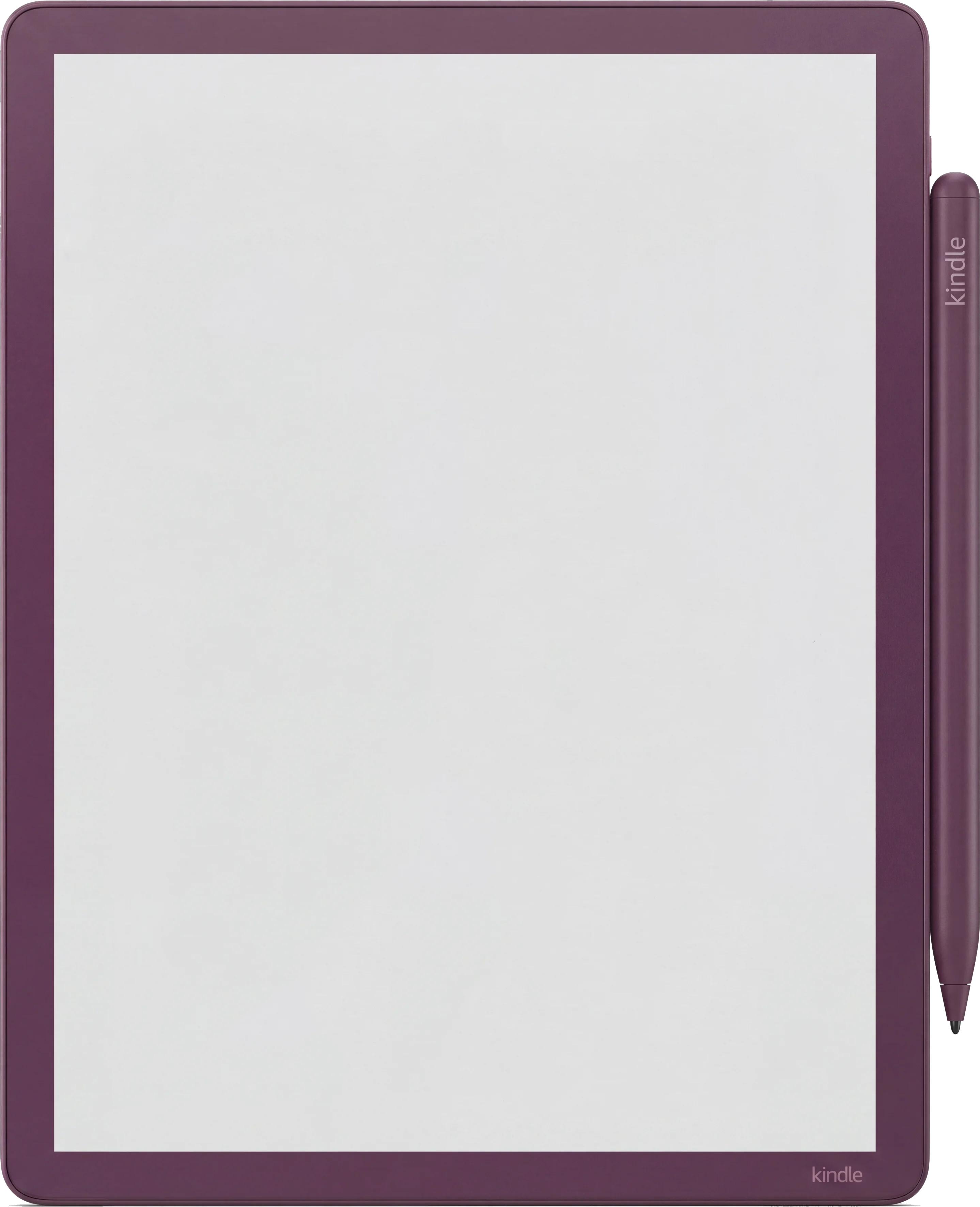
Kindle Scribe
The Planner · Time Block System Kindle Scribe page 1
Kindle Scribe
The Planner · Time Block System Kindle Scribe page 2
Kindle Scribe
The Planner · Time Block System Kindle Scribe page 3
Kindle Scribe
The Planner · Time Block System Kindle Scribe page 4
Kindle Scribe
The Planner · Time Block System Kindle Scribe page 5
Kindle Scribe
The Planner · Time Block System Kindle Scribe page 6
Kindle Scribe
The Planner · Time Block System Kindle Scribe page 7
Kindle Scribe
The Planner · Time Block System Kindle Scribe page 8
Kindle Scribe
The Planner · Time Block System Kindle Scribe page 9
Kindle Scribe
The Planner · Time Block System Kindle Scribe page 10
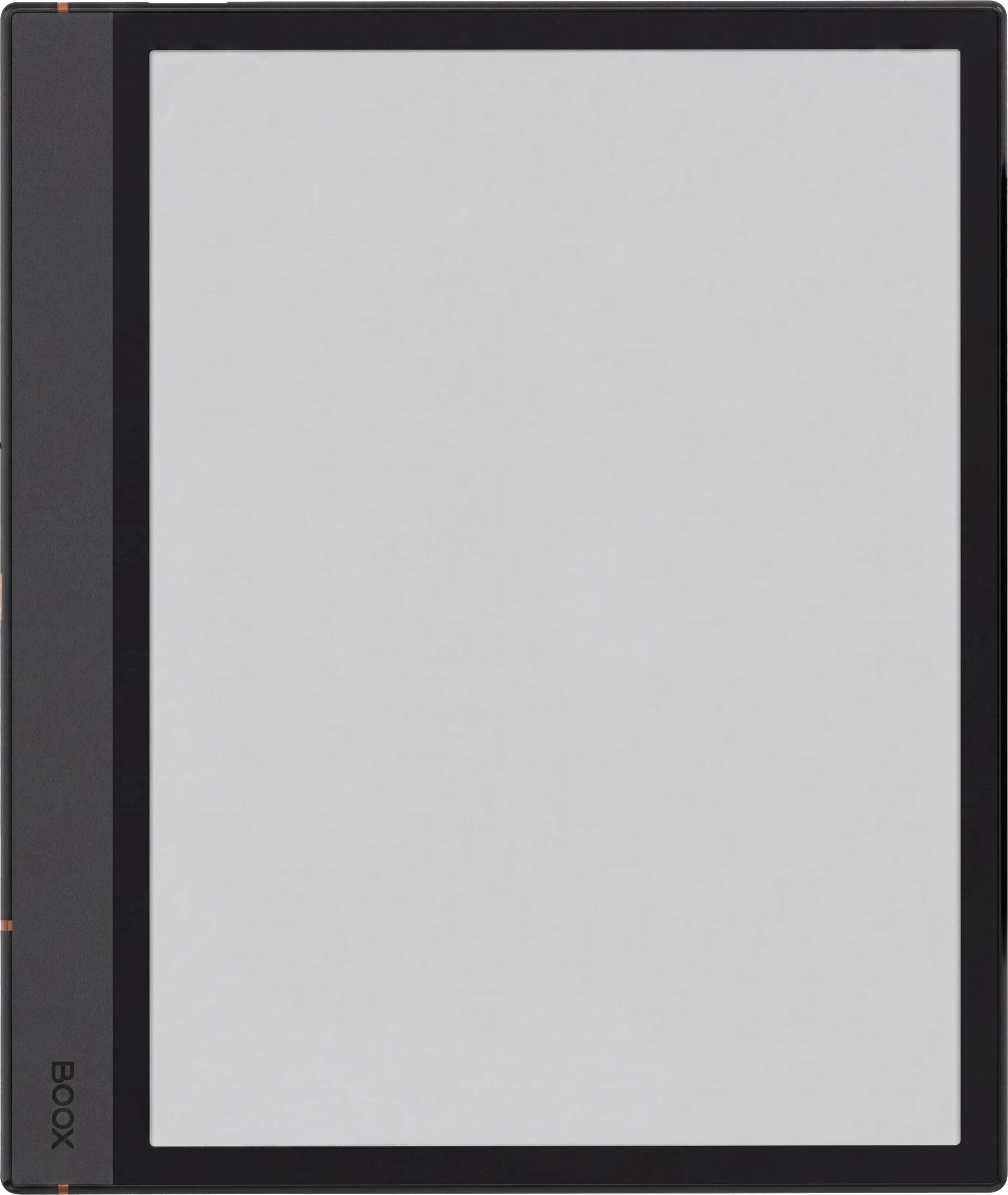
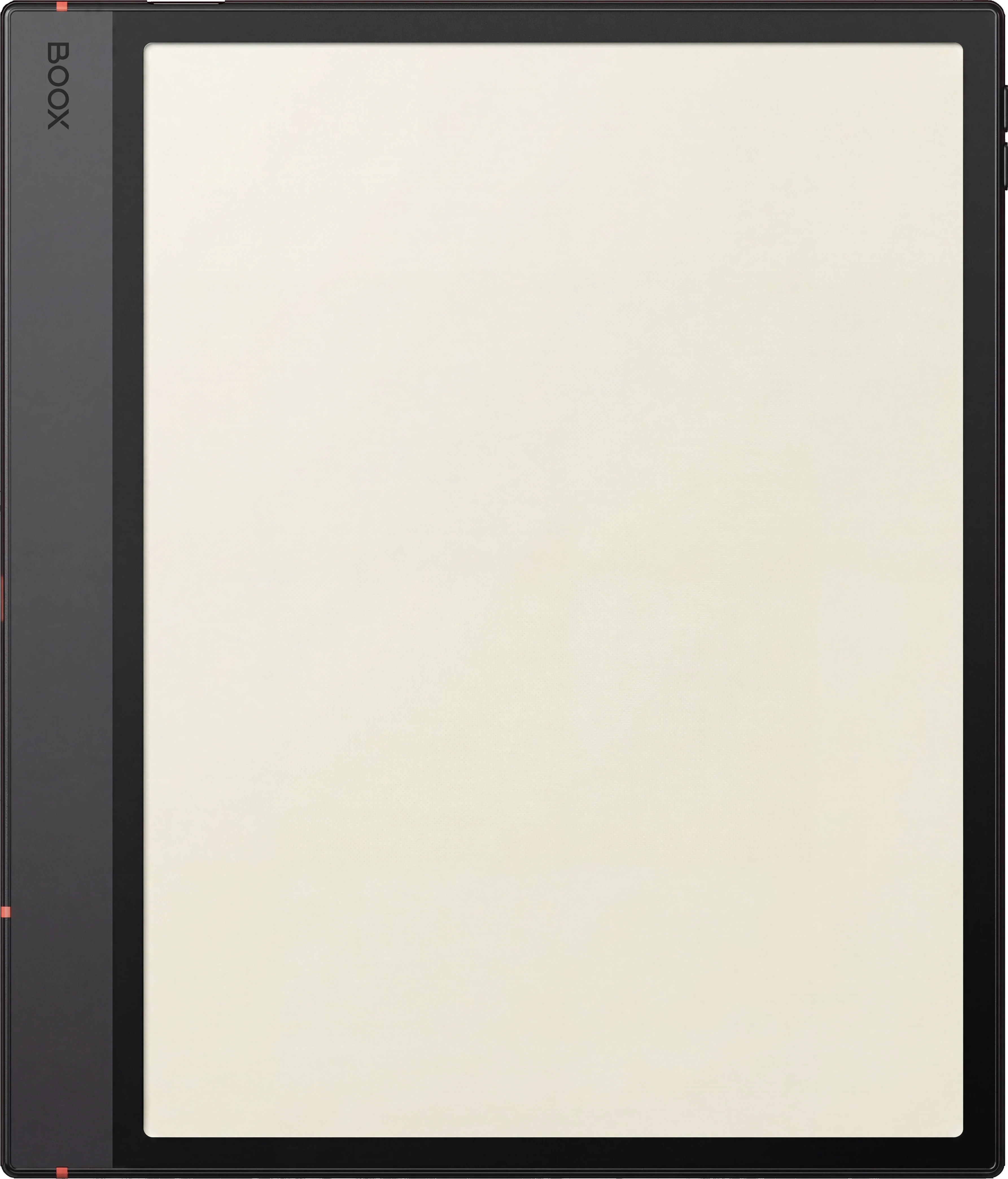
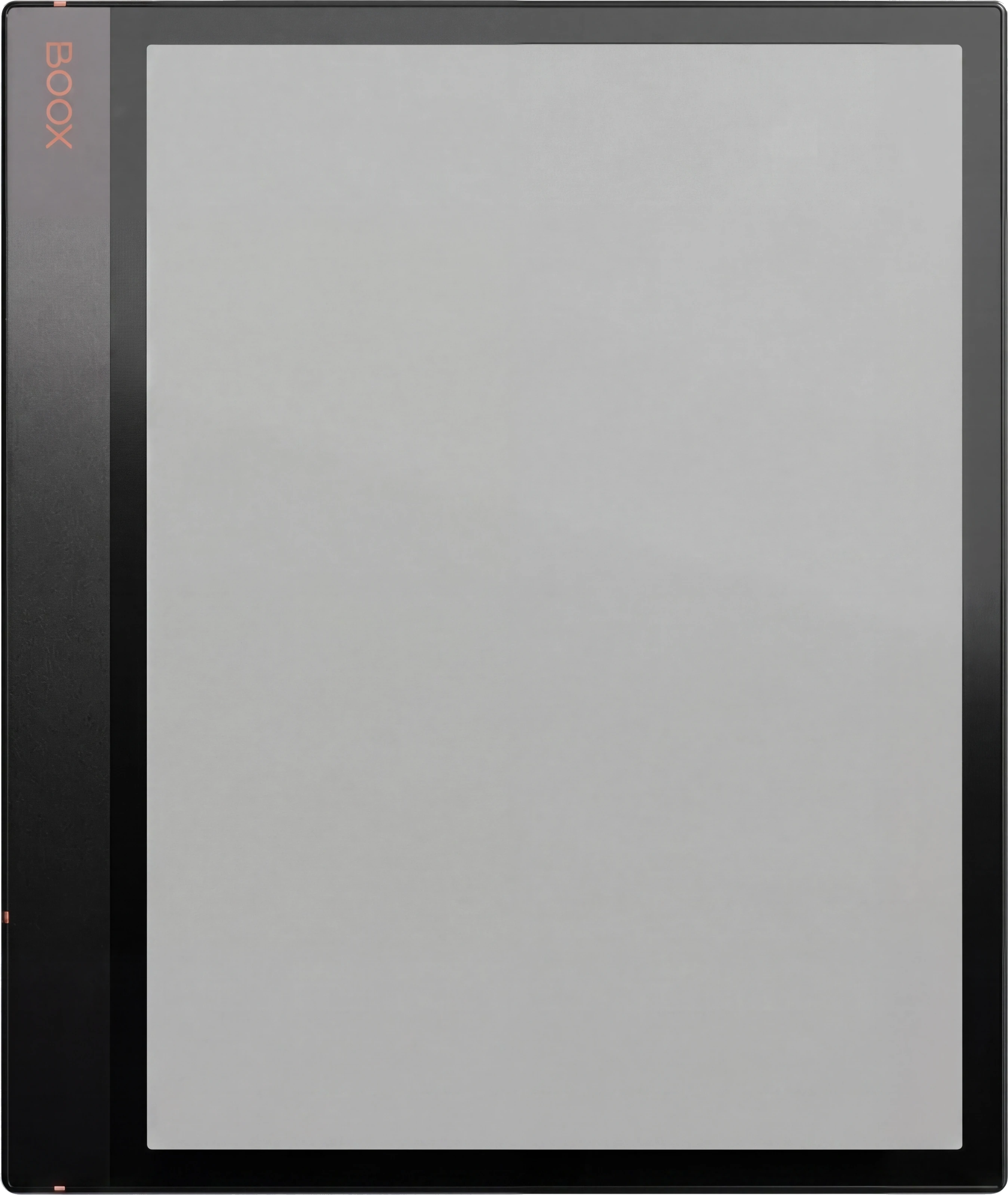
Boox Note Air 4C
The Planner · Time Block System Boox Note Air 4C page 1
Boox Note Air 4C
The Planner · Time Block System Boox Note Air 4C page 2
Boox Note Air 4C
The Planner · Time Block System Boox Note Air 4C page 3
Boox Note Air 4C
The Planner · Time Block System Boox Note Air 4C page 4
Boox Note Air 4C
The Planner · Time Block System Boox Note Air 4C page 5
Boox Note Air 4C
The Planner · Time Block System Boox Note Air 4C page 6
Boox Note Air 4C
The Planner · Time Block System Boox Note Air 4C page 7
Boox Note Air 4C
The Planner · Time Block System Boox Note Air 4C page 8
Boox Note Air 4C
The Planner · Time Block System Boox Note Air 4C page 9
Boox Note Air 4C
The Planner · Time Block System Boox Note Air 4C page 10
The Day Grid

The plan, and what actually happened.

Two columns on the same row. You block the hour in the left one before the day starts and write what it really held in the right one as it goes, so Friday has evidence in it rather than a memory.

reMarkable Paper Pro
The Planner The Day Grid
Kindle Scribe
The Planner The Day Grid
Boox Note Air 4C
The Planner The Day Grid
The Time Audit

Where the week went.

The audit totals the difference between the two columns across the week. It is the page that makes next week's plan honest, and the only one in the book that is meant to be uncomfortable.

reMarkable Paper Pro
The Planner The Time Audit
Kindle Scribe
The Planner The Time Audit
Boox Note Air 4C
The Planner The Time Audit
On Device

Drawn for your tablet.

Warm paper tone, hairline rules and real room for the pen, exported for the e-ink screen you are actually writing on.

reMarkable Paper Pro
The Planner On Device
Kindle Scribe
The Planner On Device
Boox Note Air 4C
The Planner On Device
reMarkable Paper Pro
The Planner on the reMarkable Paper Pro
№ 04 · Tuned for the reMarkable

Drawn for the reMarkable Paper Pro.

11.8″ colour e-ink · pressure-sensitive Marker

Both day columns get real width on the larger canvas, so the plan and what happened are each a sentence rather than an abbreviation.

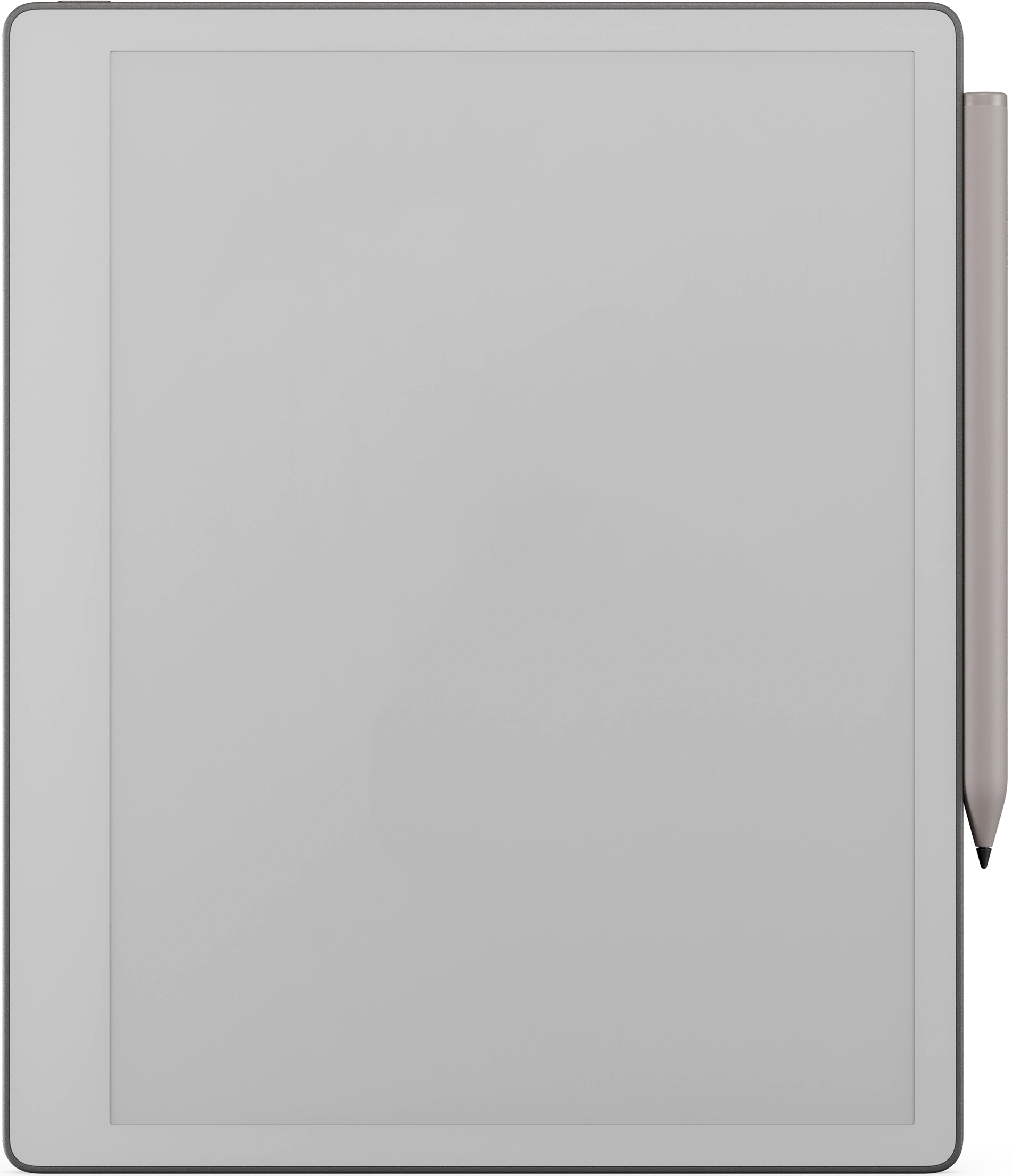
Kindle Scribe
The Planner on the Kindle Scribe
№ 04 · Tuned for the Kindle Scribe

Drawn for the Kindle Scribe.

10.2″ monochrome e-ink · Premium Pen

Hour rules weighted for the Premium Pen, and the week plan is one tap from the day it governs and back again.

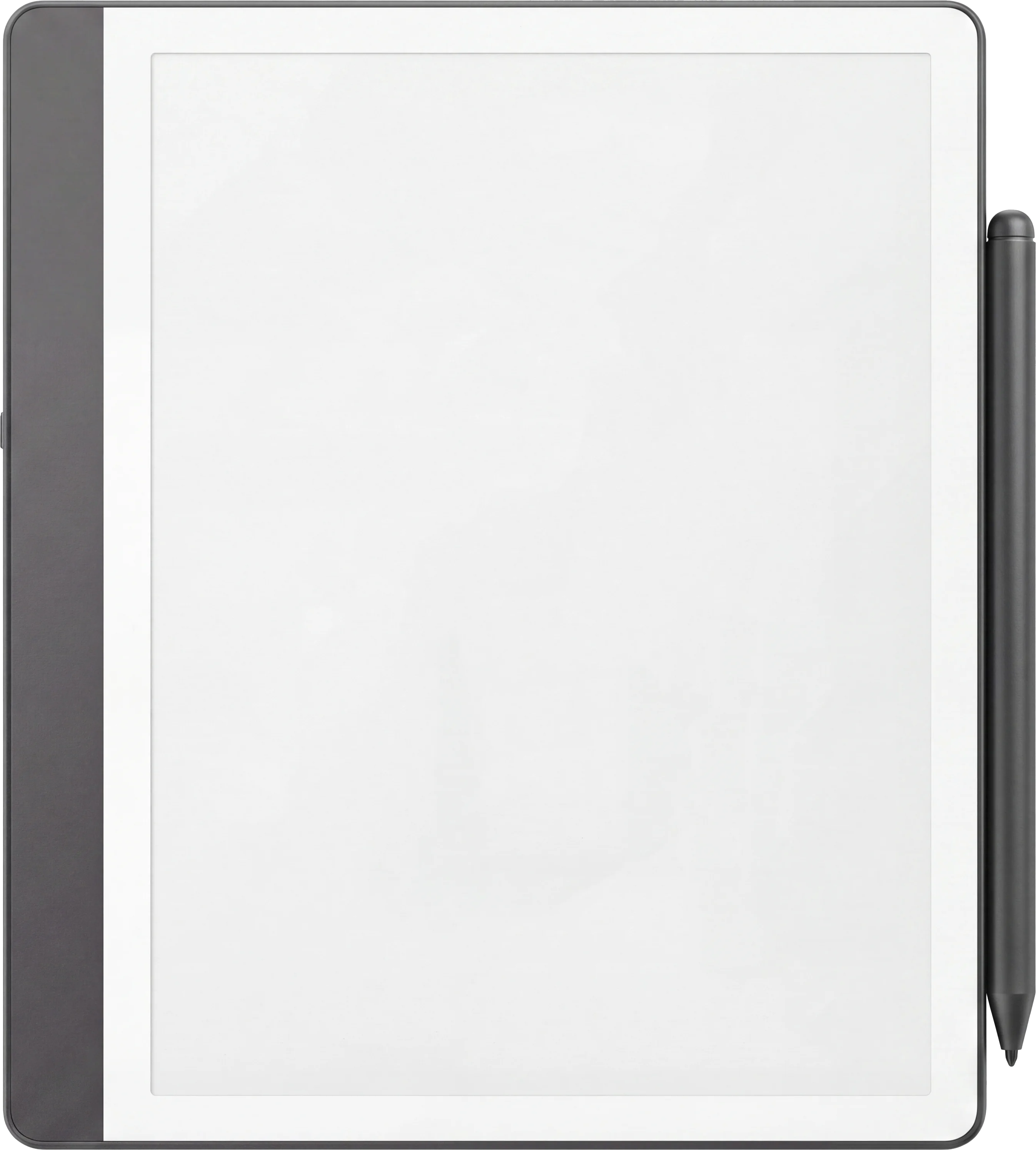
Boox Note Air 4C
The Planner on the Boox Note Air 4C
№ 04 · Tuned for the Boox

Drawn for the Boox Note Air 4C.

Colour e-ink · Android · BOOX Pen

Sized for NeoReader's native zoom with tap targets tuned for the stylus, layer-aware where Boox Notes supports it.

№ 05 · How it lands on your device

Three steps, less than a minute.

i.

Download.

Instant download after purchase. Also in your account, forever.

ii.

Send to device.

Email it, drop it in the desktop app, or sync via the cloud.

iii.

Open and write.

Opens at the Index. Tap to the day, week or month you need.

№ 06 · What you actually get

One file, drawn for your device.

Format
Hyperlinked PDF
Modules
Week · Tasks · Day · Month · Dump · Shutdown · Audit
Capacity
64 day grids · 56 week plans · 24 task pools · 16 shutdowns · 12 audits
Pages
210 per file
Editions
Undated, 2026 and 2027, all included
Also included
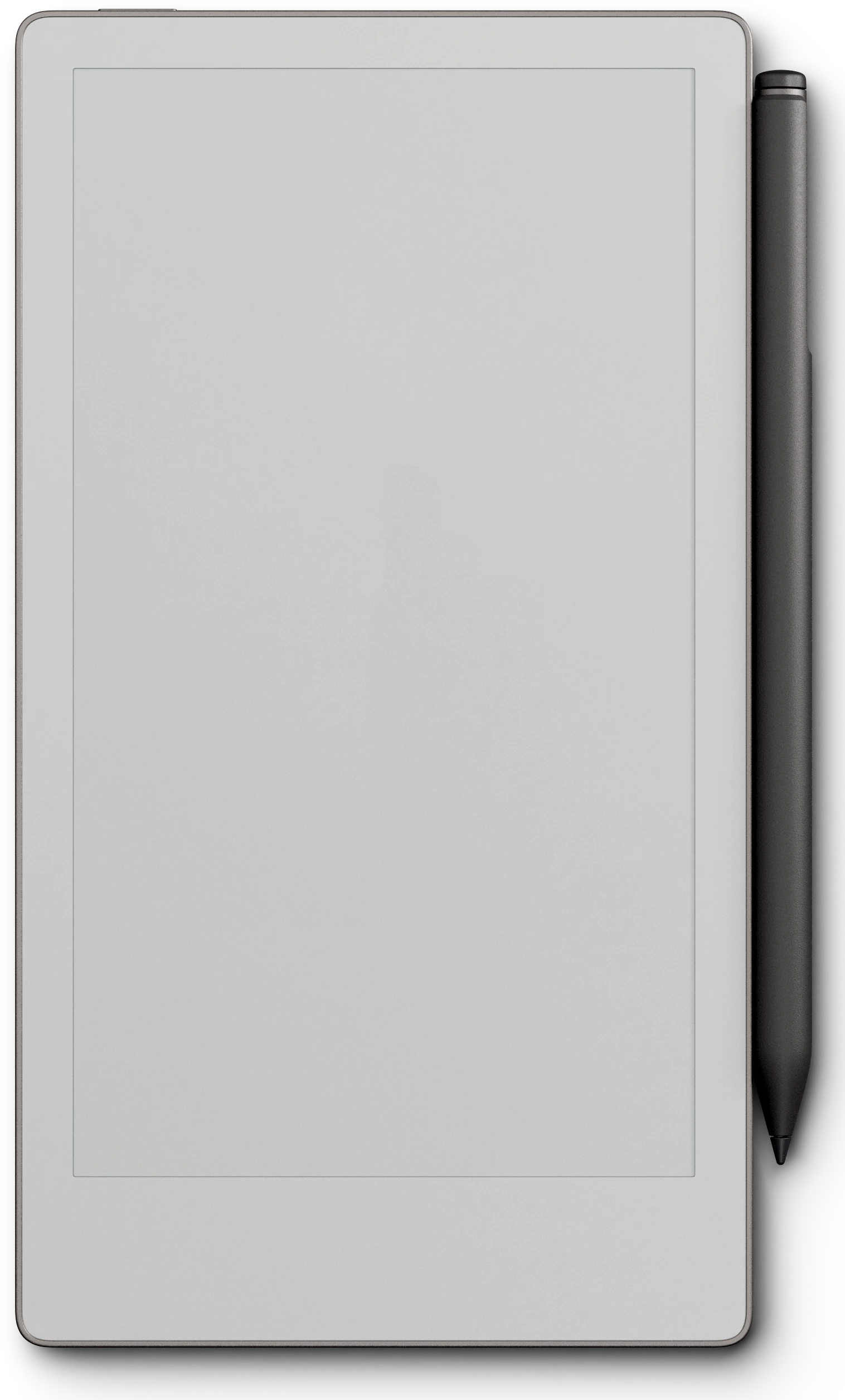
A reMarkable Paper Pro Move cut of every edition
Languages
English, Spanish, French, German, Chinese, Dutch
Delivery
Instant download · permanent link in your account
№ 07 · Last word

Plan the week, then find out what it cost.

210 hyperlinked pages: 64 day grids, 56 week plans, 24 task pools, 16 shutdowns, 16 brain dumps, 12 month spines and 12 time audits. Undated, plus dated 2026 and 2027 in the same download. Pick your device and it is on it in under a minute.

We built the planner we wanted on our own devices. Quiet, dated, and connected, so the year stops living in a stack of loose pages.

From the studio, on why we made it
№ 99 · Questions

Things you’ll want to know.

What makes the day grid different from a normal hourly page?
Two columns instead of one. The left is the block you planned, the right is what the hour actually held, on the same row. That single change is what makes the weekly audit possible, because the evidence is already written down beside the plan.
Do I need to know the method already?
No. Seven worked spreads sit at the front of the file, one per module, each showing a real page filled in with the reasoning written around it. The guide travels inside the book rather than in an email you will lose.
Will this work on my device?
Yes. It is a hyperlinked PDF sized to the writing surface, and it works across reMarkable, Kindle Scribe and Boox. Pick your device above to see it on yours, and a reMarkable Paper Pro Move cut is included at no extra cost.
Is it dated?
Both. The undated edition starts the day you open it, and dated 2026 and 2027 editions are in the same download. The page set is identical.
What languages are available?
Six: English, Deutsch (German), Español (Spanish), Français (French), Nederlands (Dutch) and 中文 (Chinese). Choose yours with the language selector above and the PDF you receive is written in it. Same file, same price, in every language.
Is this a one-time purchase?
One-time. You keep the file. No subscription, no renewals.
Do I tap the links with the pen or a finger?
A fingertip. Tabs, index rows and page links are followed by tapping them, and on a reMarkable the Marker draws rather than navigates, so a tab tapped with the pen leaves a mark on the page instead of turning it. Tap with a finger and it works every time.
Will it show up under Templates on my Scribe?
No, and no bought planner can: the Templates list on a Kindle Scribe is closed to files you add yourself, on every model. Yours arrives as a hyperlinked PDF and lives in your Library beside your books and documents, which is where you open it and write on it. Send it across with Send to Kindle so the links and the colour survive, and keep your download as the master: the Scribe cannot duplicate PDF pages on the device, so when you want a clean one you send a renamed copy over again.
№ · Reviews

Be the first to say something.

Nobody has written about this one yet. If it is on your device, yours is the first thing the next person reads.

Read by a person before it goes up, usually within a day. Your email stays with us and never appears on the page.

Instant download.

Your file is in your account the moment you check out, yours to re-download any time. A receipt lands in your inbox, too.

One-time purchase.

No subscription, no annual renewal, no upgrade nags. Pay once and the file is yours.

Quiet, secure checkout.

Stripe. Apple Pay. No spam, no “partners,” no reselling your details. Receipt, file, done.