What goes in it
What a lessons learned template should hold
A lessons learned document can fail even when the meeting goes well: the meeting happens, the page fills up with what went wrong, and the next project repeats it. The page was never the problem. Nothing on it told anyone to do anything. A useful lessons learned template keeps the record short and ends every row in a change someone owns.
That gives each lesson the same fields, in this order:
- What happened, in one plain sentence with enough detail to recognise it later.
- Phase and category, so you can filter by planning, execution or closing, and by scope, schedule, budget, vendors or the team.
- Impact: high, medium or low. It decides which lessons get read first.
- Root cause: why it happened, not who did it.
- The lesson, written as what you will do next time.
- Action, owner, due date and status: the change, the person, the date and whether it happened.
Free download
Download the free lessons learned template for Excel
The workbook has four tabs. Lessons log is the blank register: thirty rows with dropdowns for phase, category, impact and status, so entries stay consistent enough to filter. Example is the same log filled in for a website relaunch, seven lessons from scope to budget, so you can see what finished rows look like. Retrospective is one printable page for the meeting itself, and How to use it holds the rules below.
The column that makes it different is Check. As you type, every row reads No action, No due date, On track, Overdue or Closed, and the four numbers at the top count your lessons, open actions, overdue actions and high-impact rows. It is a standard .xlsx with no macros, so it opens in Excel, and Google’s help page on Office files lists .xlsx among the files Google Sheets opens and converts.
Running the review
How to run a lessons learned review in five steps
- Hold it at every phase gate. The Cleveland State project management textbook makes the point plainly: keeping the lessons learned register can start during implementation, not only at close-out. A lesson written in week two is still accurate; one remembered six months later is a guess.
- Start on the retrospective page. Three questions: what went well and should stay, what did not and should stop, and what to try next time. Fill it in the room.
- Pick the few worth keeping. Not every comment is a lesson. Move the two or three that would change how the next project runs into the log.
- Write each one as next time. “Communication was poor” teaches nothing. “Brief support a week before any customer email” can be done.
- Give it an action, an owner and a date before the meeting ends. Then the Check column has something to watch, and a lesson nobody will act on can be marked Won’t do instead of sitting open.
Examples
Lessons learned examples: weak and useful
These come from the Example tab. The left column is how lessons usually get written down; the right is the version someone can act on.
| Weak | Useful | Action it led to |
|---|---|---|
| Scope was unclear. | List every linked asset when scoping pages. | A “linked content” line in the brief template |
| Sign-off took too long. | Name one approver per deliverable before work starts. | An approver on every design row of the RACI |
| Communication was poor. | Brief support a week before any customer email. | A support briefing in the launch plan, 7 days out |
| Testing missed bugs. | Test on the three oldest devices in our analytics. | A device test list, built from analytics |
Lessons are not only about what broke. The Example tab also logs one that went well, a short weekly check-in that kept the launch on track, with the action of saving its agenda as the team’s template. A good result is worth repeating on purpose.
Using it next time
Keeping lessons where the next project will find them
The same textbook’s close-out checklist ends with the lessons learned report filed in a repository every project team can reach. A spreadsheet per project scattered across drives does not meet that. Keep one log for the team, add a project column if you need it, and before the next kickoff filter it by the categories the new project touches and read the closed rows.
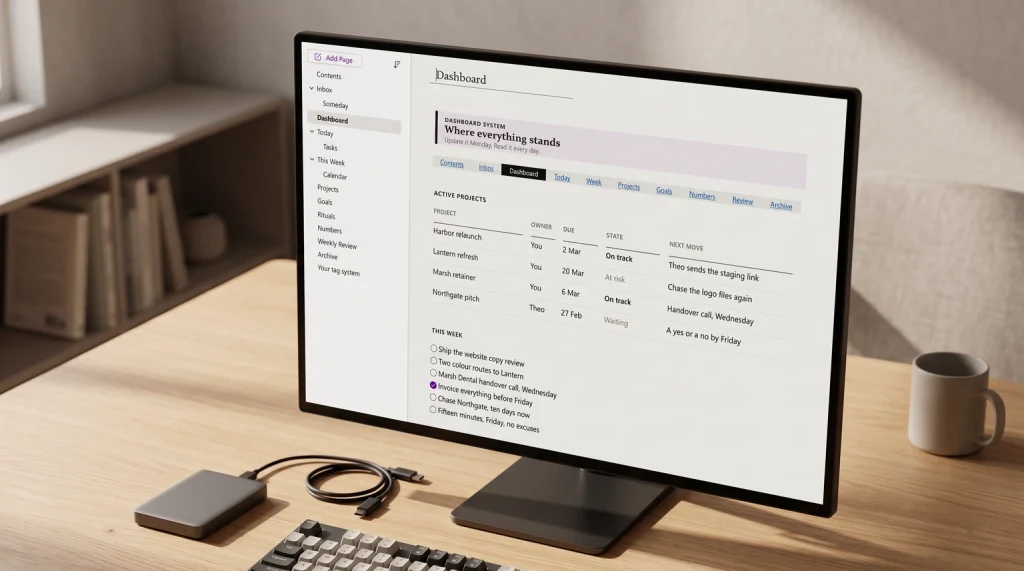
The lessons log sits at the end of a set of project documents we have free templates for: the project charter template at the start, the RACI matrix template for who decides, and the meeting minutes template for the decisions in between. If your projects already run in OneNote, our guide to OneNote project templates shows how to lay the notebook out.
What is the lesson your team keeps relearning? Tell us in the comments; the clearest ones may end up as rows in the next version of the Example tab.
FAQ
Common questions, answered briefly
What should a lessons learned template include?
When should you fill in a lessons learned log?
Is there a free lessons learned template for Excel?
What is the difference between a lessons learned register and a retrospective?
If your question is not above, leave it in the comments and we will answer it.
People also ask