The real problem
Why expense trackers get abandoned, and it is not the layout
Almost every guide to building a Google Sheets expense tracker template spends its time on the dashboard: the pie chart, the conditional colours, the monthly rollup. Those are the parts that photograph well and the parts nobody abandons a tracker over.
What actually ends it is the twelve seconds between buying something and having it recorded. If logging one transaction means scrolling to the bottom of a long sheet, typing today’s date, typing a shop name, then hesitating over which of thirty categories a corner-shop sandwich belongs to, you will do it for nine days. The tracker is then a record of nine days in January, which is worse than nothing because you half believe it.
So the useful question is not what the sheet shows you. It is how few decisions stand between you and a logged row.
Capture
Getting a transaction in under five seconds
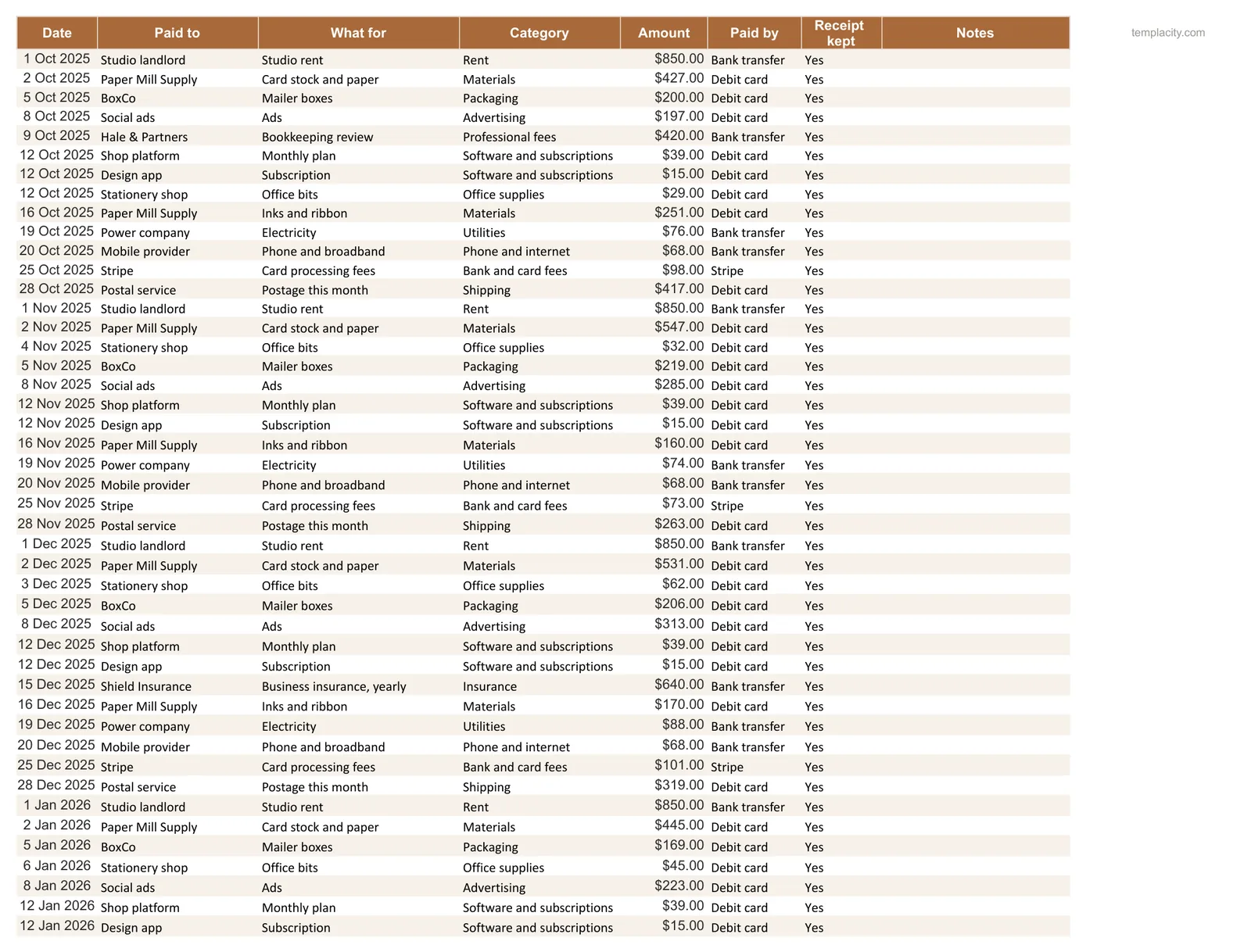
Four changes take entry from a chore to a reflex, and none of them touch the maths.
- Put the newest row at the top. Sort descending by date once and add new rows at row two. On a phone, scrolling to the bottom of nine hundred rows is most of the ninety seconds.
- Make the category a dropdown. Data, then Data validation, pointed at your category list. This is not tidiness: a typo creates a phantom category that silently splits your spending in two, and you will not notice until the totals look wrong.
- Default the date. Put
=TODAY()in a helper cell and copy it, or accept Ctrl+; which enters today’s date as a fixed value. Never leave the date to be typed. - Cut the fields. Date, amount, category, and an optional note is enough. Payment method, merchant and subcategory feel thorough and are the three columns most likely to be left blank by March.
Import
Letting your bank do the typing
The fastest expense tracker is the one you barely type into. Most banks let you export a statement as CSV, and Google documents that Sheets imports one directly: File, then Import, then choose the file. The supported list is .xls, .xlsx, .xlsm, .xlt, .xltx, .xltm, .ods, .csv, .txt, .tsv and .tab, and for plain text you can set the separator during the import.
Import into a new sheet rather than over your log, then copy the columns you want across. Bank exports differ in column order and in how they sign refunds, so treat the imported tab as raw material rather than as your data. Once a month, ten minutes, and the typing problem is mostly gone.
That monthly import is also the honest answer to the most common reason people pay for a budgeting app. If you are weighing a subscription, our YNAB alternative comparison shows where a sheet is enough and where it is not.
The one thing worth doing by hand is categorising, because that is the part that teaches you something. Import the rows, then run down the category column with the dropdown. It is the only bookkeeping most people need.
Categories
The category list is what actually kills it
A long category list feels rigorous and behaves like sand in the gears. Every extra category is another decision at the exact moment you are trying to be quick, and hesitation is what turns a five-second habit into a chore you skip.
Every extra category is another decision at the exact moment you are trying to be quick.
Eight to twelve is usually enough, and the ones worth splitting are the ones you intend to act on. Nobody has ever spent less because their sheet distinguished Household from Home Maintenance. If a transaction ever makes you pause, that pause is the tax that ends the habit, and the fix is fewer categories rather than more discipline. Our Google Sheets budget template guide covers the plan-against-actual side once the logging is reliable.
If the spending is stock you buy to resell, log it per item instead, beside what each piece sold for; our reselling spreadsheet guide shows the columns. Mailers, tape and labels bought in bulk still belong here.
Two cases deserve their own treatment rather than a category. Rental income and costs need Schedule E lines rather than household ones, which our Airbnb expense tracker guide covers. Costs split between two households need a share column and a running balance, which is a different sheet again and sits in our co-parenting expense tracker guide.
What breaks
The one formula habit that decides whether it lasts
An expense log grows forever, which makes it the worst possible place for a fixed range. A category sum written as =SUMIF(D2:D400,"Groceries",C2:C400) works beautifully until the log passes row four hundred, and then it silently undercounts. Nothing errors, nothing turns red, and the number you are making decisions on is simply wrong.
=SUMIF(D:D,"Groceries",C:C)
Adds every amount in column C where column D says Groceries, down the whole column.
Write it as =SUMIF(D:D,"Groceries",C:C), against whole columns, and it keeps counting for as long as the sheet exists. If you are judging a template someone else built, click one category sum and read what it points at. That single check tells you more than any amount of formatting, and it is the same test that decides a bill tracker in Google Sheets.
Set entry up so it costs you nothing, import what you can, and keep the category list short enough that you never hesitate. That is the whole difference between a tracker you keep and a nine-day record of last January. Tell us in the comments how many categories you ended up with, because the number that survives is usually far smaller than the number people start with.
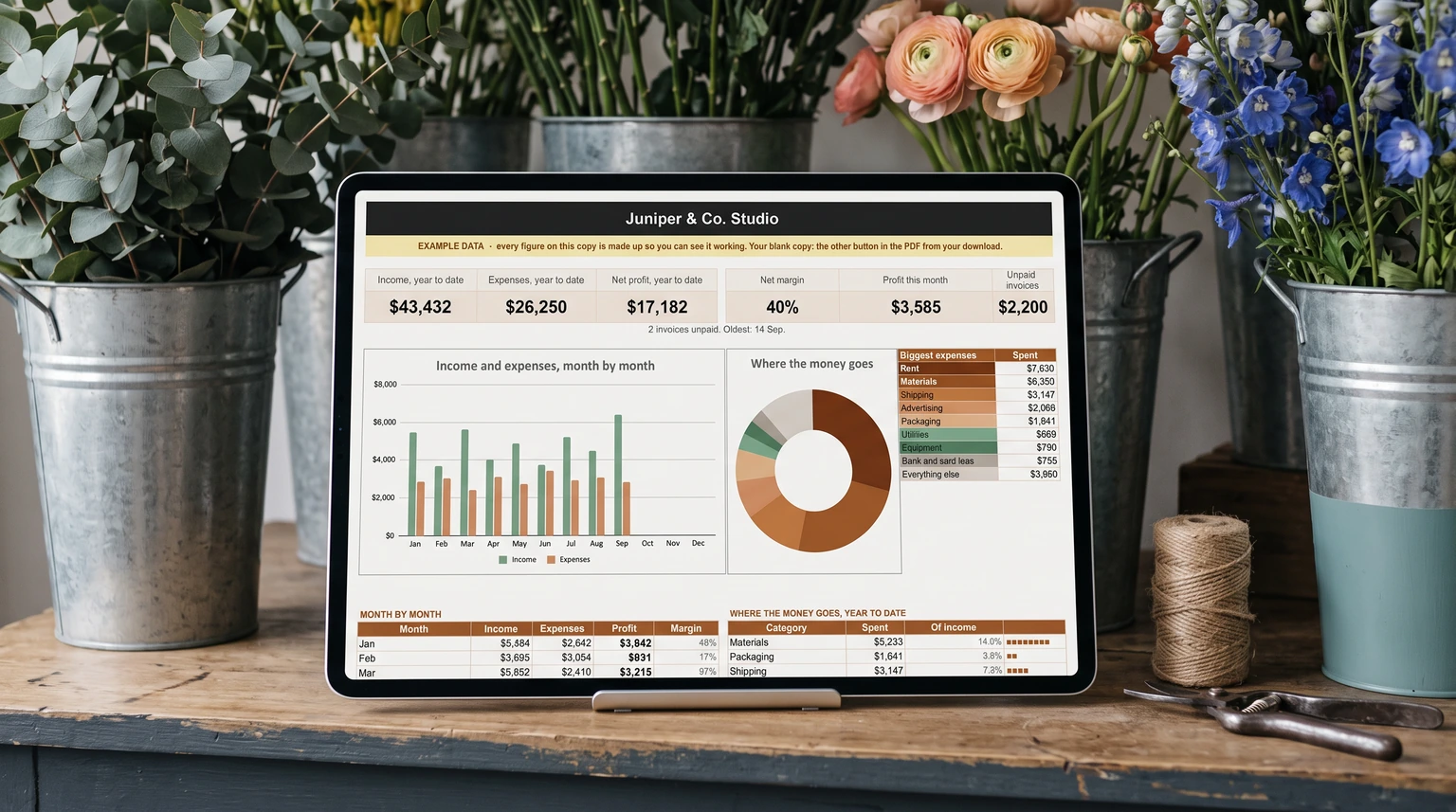
If the expenses you are logging belong to a business, our Small Business Bookkeeping Spreadsheet ($39, Google Sheets and Excel) takes the same log one step further: record what comes in and what goes out, and it writes the monthly profit and loss statement, with margin, unpaid invoices and where the money goes.
FAQ
Common questions, answered briefly
Can I import my bank statement into Google Sheets?
How many expense categories should I use?
Why do my category sums stop being right?
=SUMIF(D2:D400,"Groceries",C2:C400) ignores everything after row 400 and fails silently. An expense log only grows, so write it against whole columns as =SUMIF(D:D,"Groceries",C:C).Is a spreadsheet better than an expense app?
People also ask