How they work
How Goodnotes stickers work
Goodnotes stickers are images you save once and reuse on any page, and they live in a part of the app called Elements. Goodnotes describes Elements as a way to save and reuse handwriting, shapes, images and text boxes across documents, with each set of saved items kept in a collection. A sticker pack, then, is really a collection: a folder of small images (an icon, a coloured event chip, a washi strip, a hand-lettered word) that you open from the toolbar and drag onto a planner page the way you would peel a paper sticker off a sheet.
That is also why digital planner stickers feel different from paper ones. A sticker on a page is an object, so you can move it, resize it or delete it later, and the same sticker can go on a hundred pages without running out. The catch is that how the sticker arrives decides whether any of that works. A folder of separate image files becomes a proper collection; one long PDF of stickers often does not, for a reason that has nothing to do with taste and everything to do with how Goodnotes treats PDFs.
Import
How to import stickers into Goodnotes
The steps below are the ones in Goodnotes’ own help article on Elements, so they hold whether the stickers came from us, from the Goodnotes Marketplace or from an independent seller. Unzip the download first, so the sticker files sit in the Files app on your iPad.
- Open any notebook and select Elements in the toolbar.
- Scroll to the end of the collection list and select the plus icon.
- Give the collection a title, for example the pack’s name.
- Select Import from…, go to the unzipped folder in Files and select every sticker image. (Add Photos does the same from your photo library.)
- Select Create. To place a sticker, open Elements, pick the collection and drag the sticker onto the page.
Two shortcuts are worth knowing. If you already have a sticker image on a page, you can turn it into an Element without the Files app: on iPad, tap the image twice and choose Add Element, then pick or create a collection. And collections travel: Goodnotes lets you share a collection as a file that another person imports, which is how a sticker set moves between your own devices too. Stickers bought inside the Goodnotes Marketplace skip all of this and appear in Elements by themselves.
PNG or PDF
Why PNG stickers beat a PDF sticker sheet
Many sticker packs are sold as a PDF, and the listing photo makes them look ready to use. The problem shows up the moment you try to pick one up. Goodnotes’ own support page on the Lasso tool is plain about it: the Lasso cannot select text or graphics embedded in the original PDF, and content printed into an imported PDF page is not a Goodnotes annotation, so it cannot be moved or edited. If your Lasso only offers Take Screenshot over a sticker, that is what is happening.
The workaround people reach for is to screenshot the sticker, crop it and save the crop as an Element. It works, but each sticker then carries a square of the sheet’s background behind it, and on a coloured planner page that square shows. A transparent PNG has no background at all, so it sits on the page the way a real sticker does. When you shop for Goodnotes stickers, the file list matters more than the preview: look for a folder of PNGs, ideally one file per sticker. A PDF in the pack is still useful as a printed-style index of what you own; it just should not be the only format.
A transparent PNG has no background at all, so it sits on the page the way a real sticker does.PNG or PDF
Sizing
Sticker size is what makes a page look planned
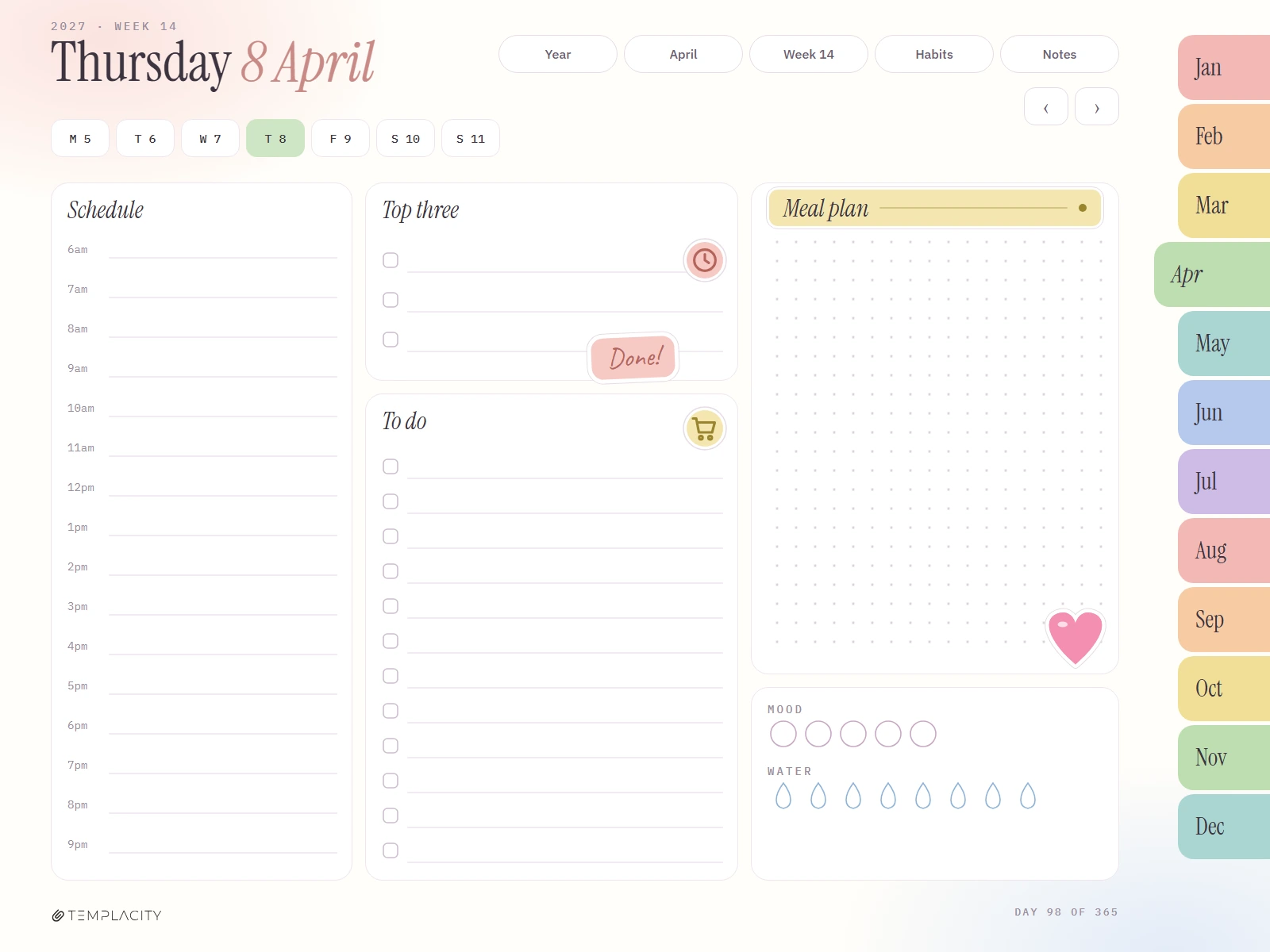
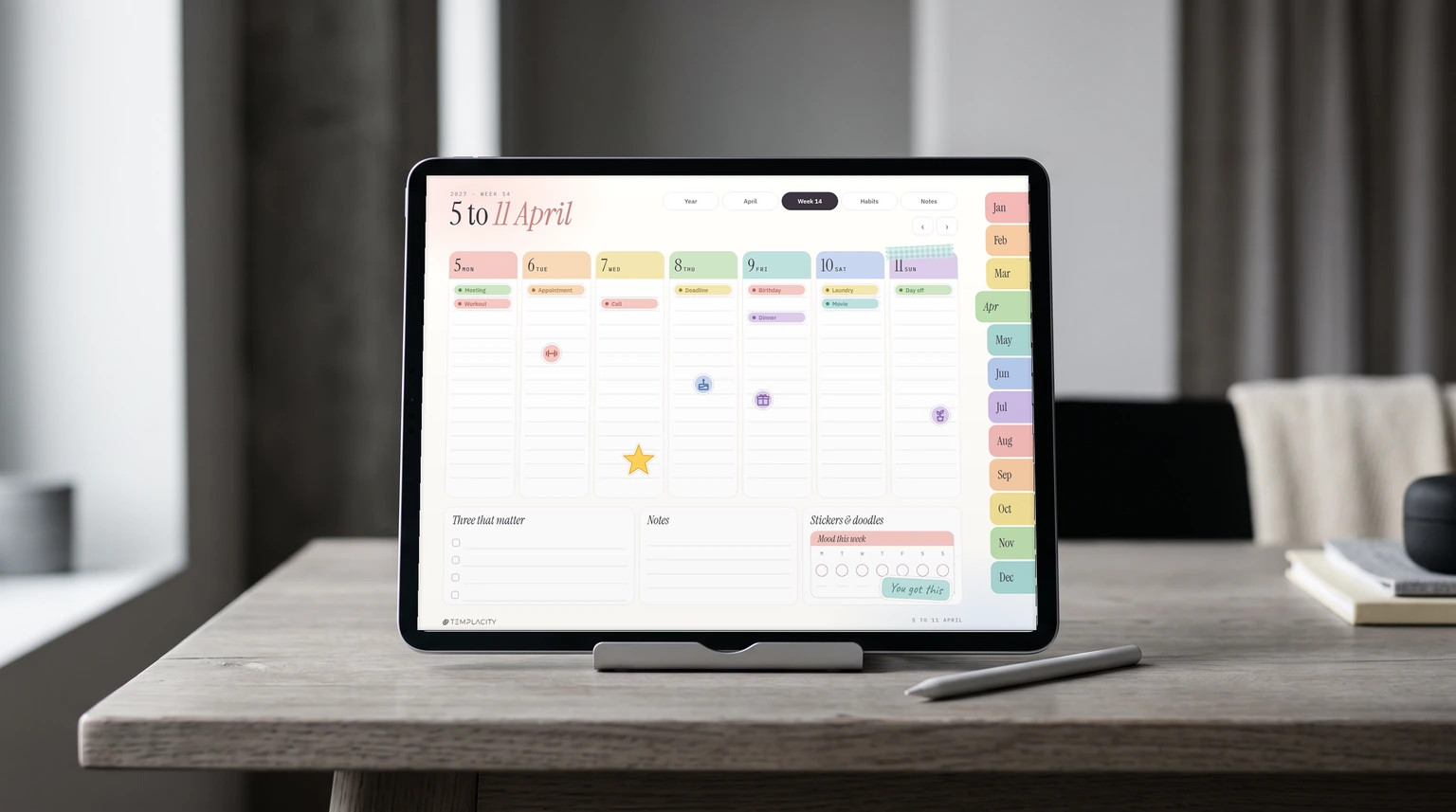
The second thing that separates good digital planner stickers from a pile of clip art is size. Generic sticker sets are drawn at one arbitrary size, so every sticker needs pinching up or down before it fits, and after a week of that the pages look uneven. A set drawn for a specific planner skips the step: an event chip is exactly one line of a day column tall, a day-page header is exactly the width of the notes card, and a weekly tracker fills the box meant for it.
Before you buy, check three things. Does the seller name the planner or page size the stickers were drawn for? Are there stickers with a job (event chips, trackers, headers) and not only decoration? And if your week starts on Sunday, do the week trackers come in Sunday order as well, so the mood or water row lines up with the days on your page? A Monday-order tracker on a Sunday-start planner is wrong every single day of the year.
| Sticker kind | What it does | Size to look for |
|---|---|---|
| Icons | Mark a workout, a call, a birthday at a glance | Fits beside one line of text |
| Event chips | Label an appointment or deadline in colour | One line of a day column |
| Trackers | Mood, water, habits or sleep for the week | The tracker box itself |
| Headers and washi | Title a day or frame a section | The width of the card it sits on |
| Lettered words | Encouragement: “Done!”, “You got this” | Small enough to sit in a corner |
Where to get them
Where to get Goodnotes stickers, free and paid
There are three places most people find Goodnotes stickers. The first is Goodnotes itself: its sticker shop page says it offers more than 100 stickers and that new ones are added every month, reached through the shopping bag icon in the Library view, and Marketplace stickers land straight in Elements with no importing. The second is Etsy, where independent sellers hold the top of the search for these terms; quality and format vary from seller to seller, so the PNG and sizing checks above do the sorting for you. The third is free sticker sheets shared on Reddit and Pinterest, which are a good way to find out whether you will actually use stickers before you pay for any.
Free stickers are fine for decoration. Where they tend to fall short is the stickers with a job, since a tracker or a chip only works if it was drawn for your page. That is the honest line between free and paid here: pay for fit and format, not for more of the same icons.
Ours
Our Goodnotes stickers, sized to our planner
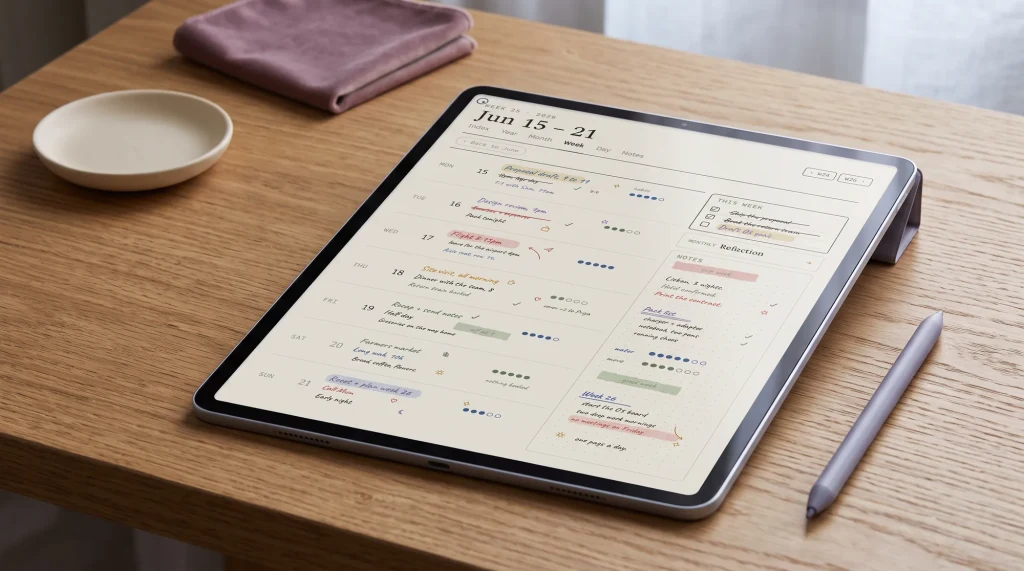
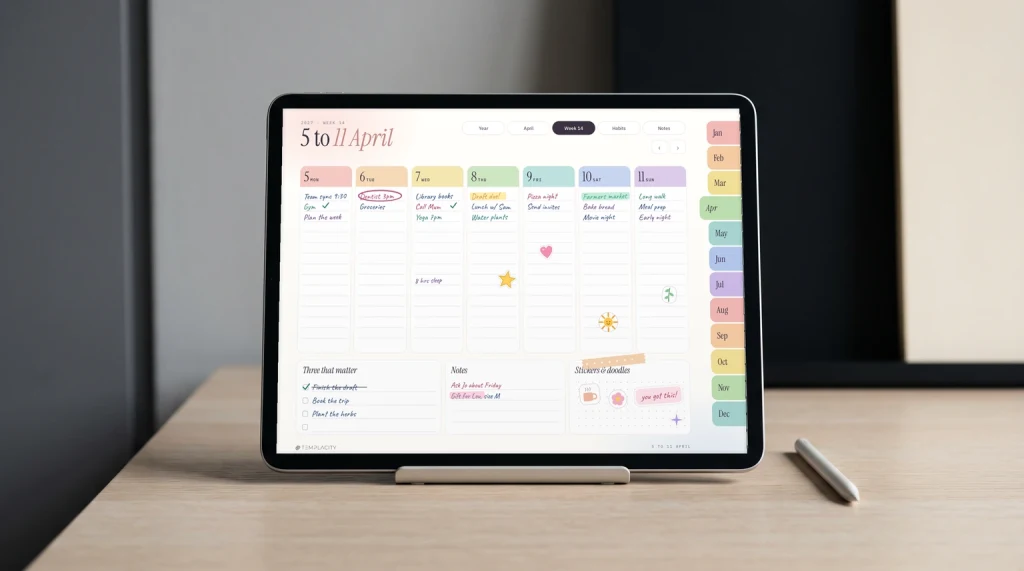
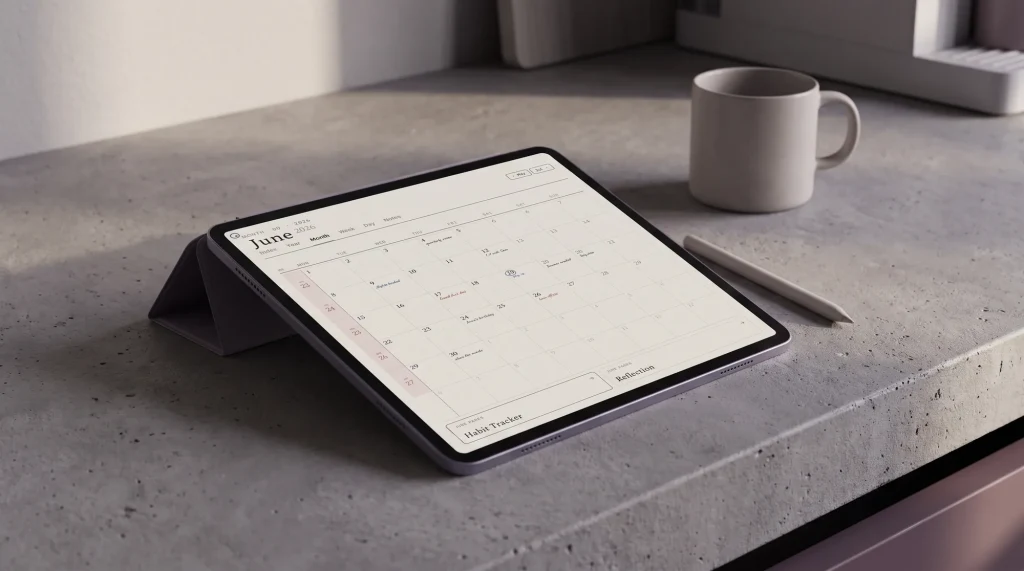
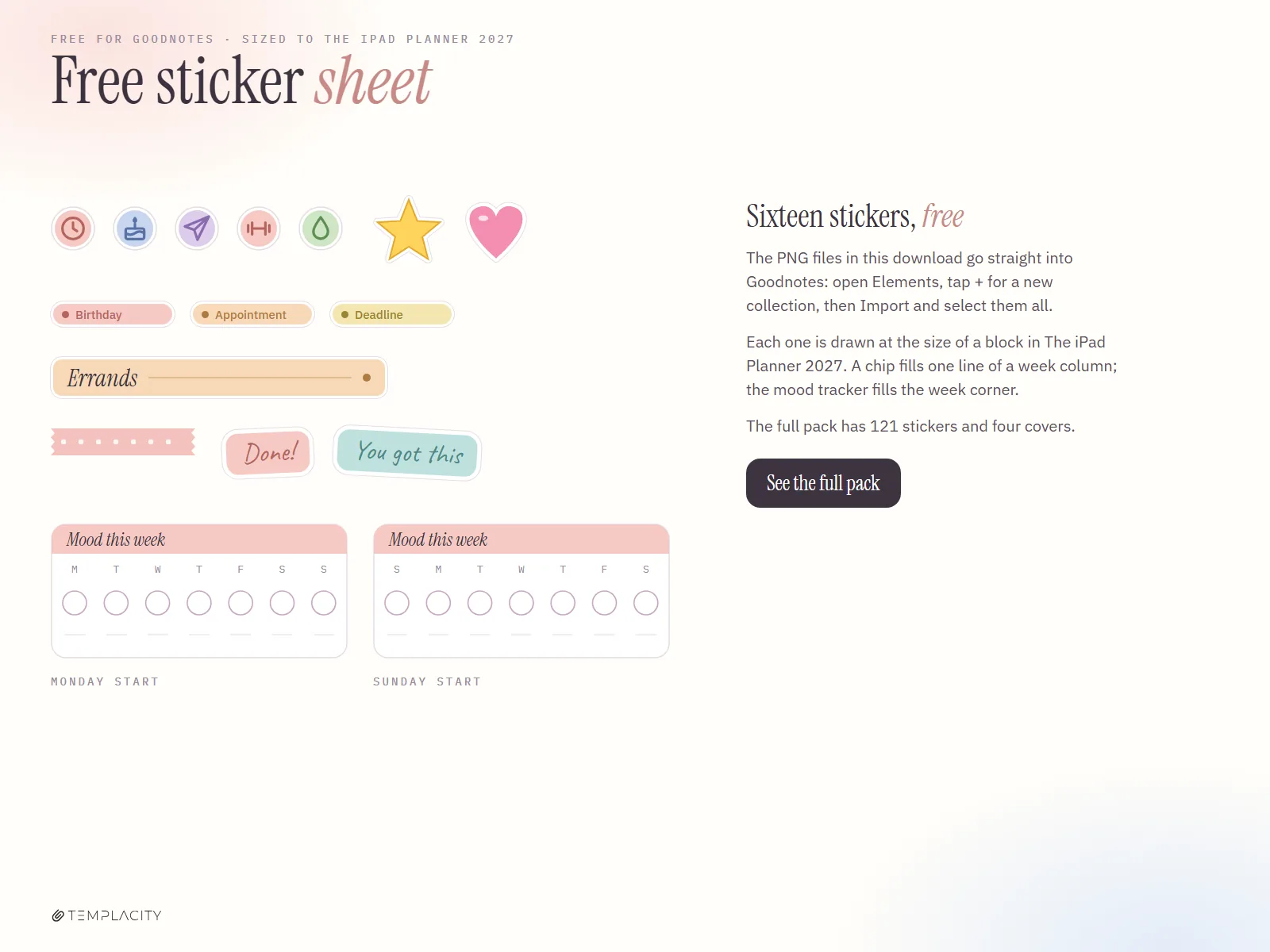
Full disclosure: we make and sell planners, so read this part as a maker describing their own work. Our Planner for Goodnotes includes the iPad Planner 2027, whose week pages each carry a sticker corner, and we have drawn a Goodnotes sticker pack to the exact sizes of that planner: icons, event chips that fill one line of a week column, day-page headers the width of the notes card, week-corner trackers in both Monday and Sunday order, washi strips and hand-lettered words, all as transparent PNGs you import through Elements. The pictures on this page are those stickers laid out on the planner’s own pages.
The full Goodnotes Sticker Pack is $7 for 121 stickers plus four 2027 planner covers. The stickers themselves carry no year, so they keep working on next year’s pages.
Free Goodnotes stickers: sixteen to start with
Before you pay for anything, try sixteen of them free. The download is a zip of 16 transparent PNGs (five icons, a star and a heart, three event chips, an Errands header, a washi strip, two hand-lettered words, and the mood tracker in Monday and Sunday order) plus a one-page PDF sheet showing them all. No email, no sign-up: download the free Goodnotes stickers, unzip, then import the PNG folder through Elements as described above.
If you use a different planner, the advice above still stands: import PNGs, not PDF pages, and favour a set drawn for the page you write on. For more on choosing the planner itself, our Goodnotes digital planner guide compares the options, and Goodnotes templates covers the pages around it.
Stickers are the most personal part of a digital planner, and everyone ends up using a handful over and over. If you have a favourite kind, or a trick for keeping a big collection tidy in Elements, tell us in the comments. What real planners actually reach for every week helps the next reader more than any sticker gallery can.
FAQ
Common questions, answered briefly
How do I add stickers to Goodnotes?
Why can’t I move stickers on a PDF sticker sheet?
Are there free Goodnotes stickers?
What file format are digital planner stickers?
Can I resize a sticker after placing it?
Do Goodnotes stickers sync to my other devices?
If yours isn’t above, drop the question in the comments and we’ll add it.
People also ask